Introduction
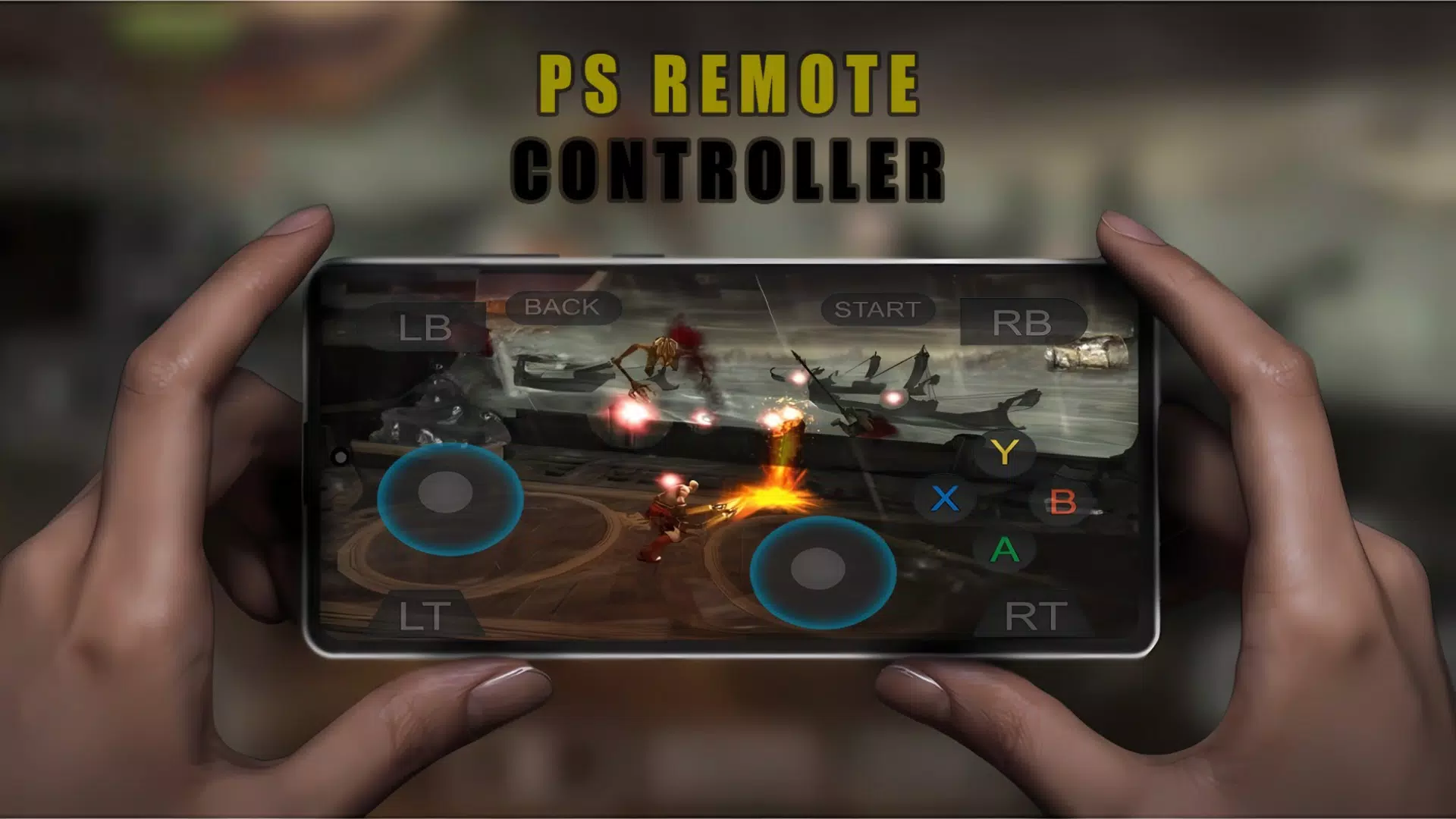
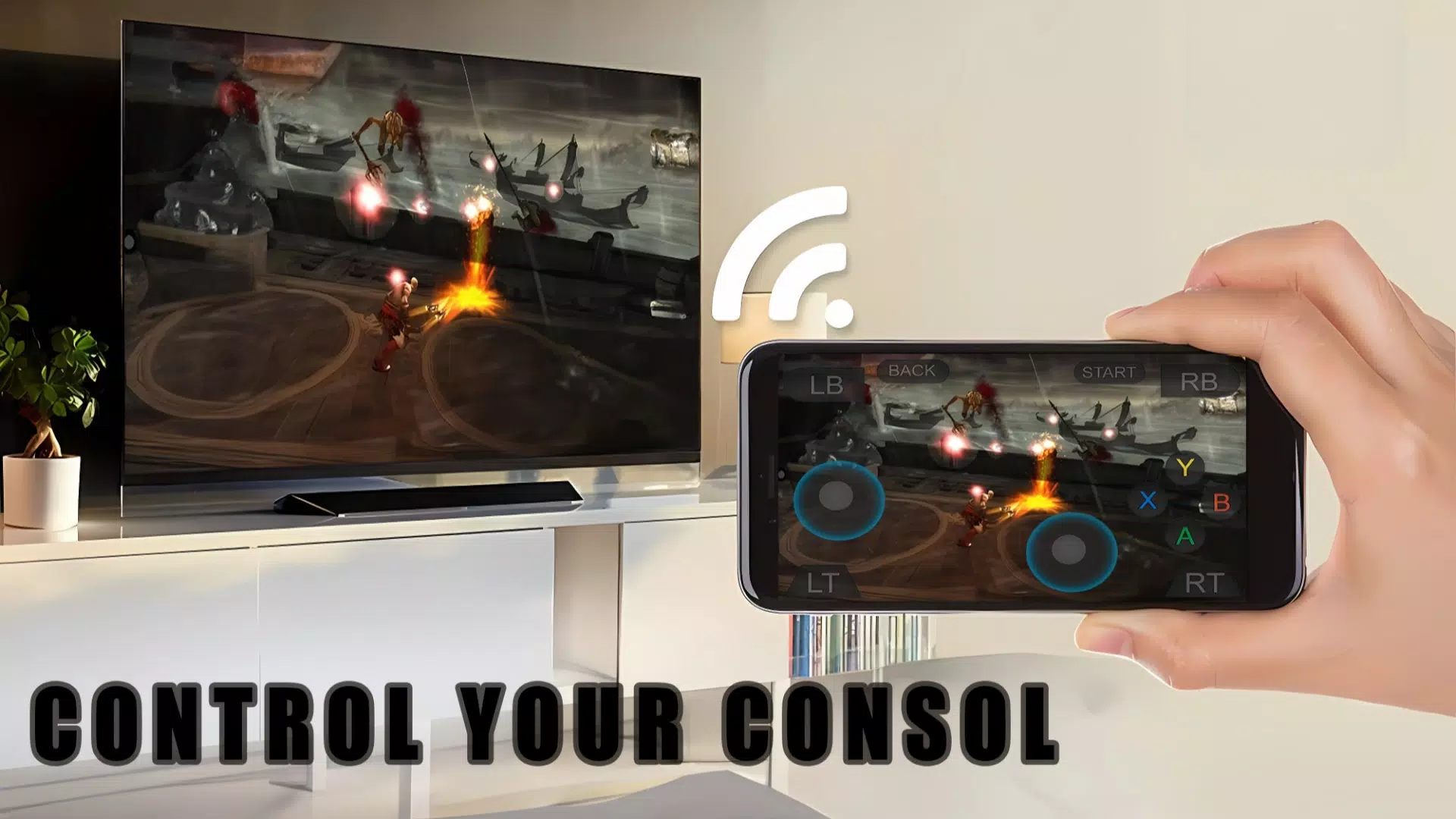
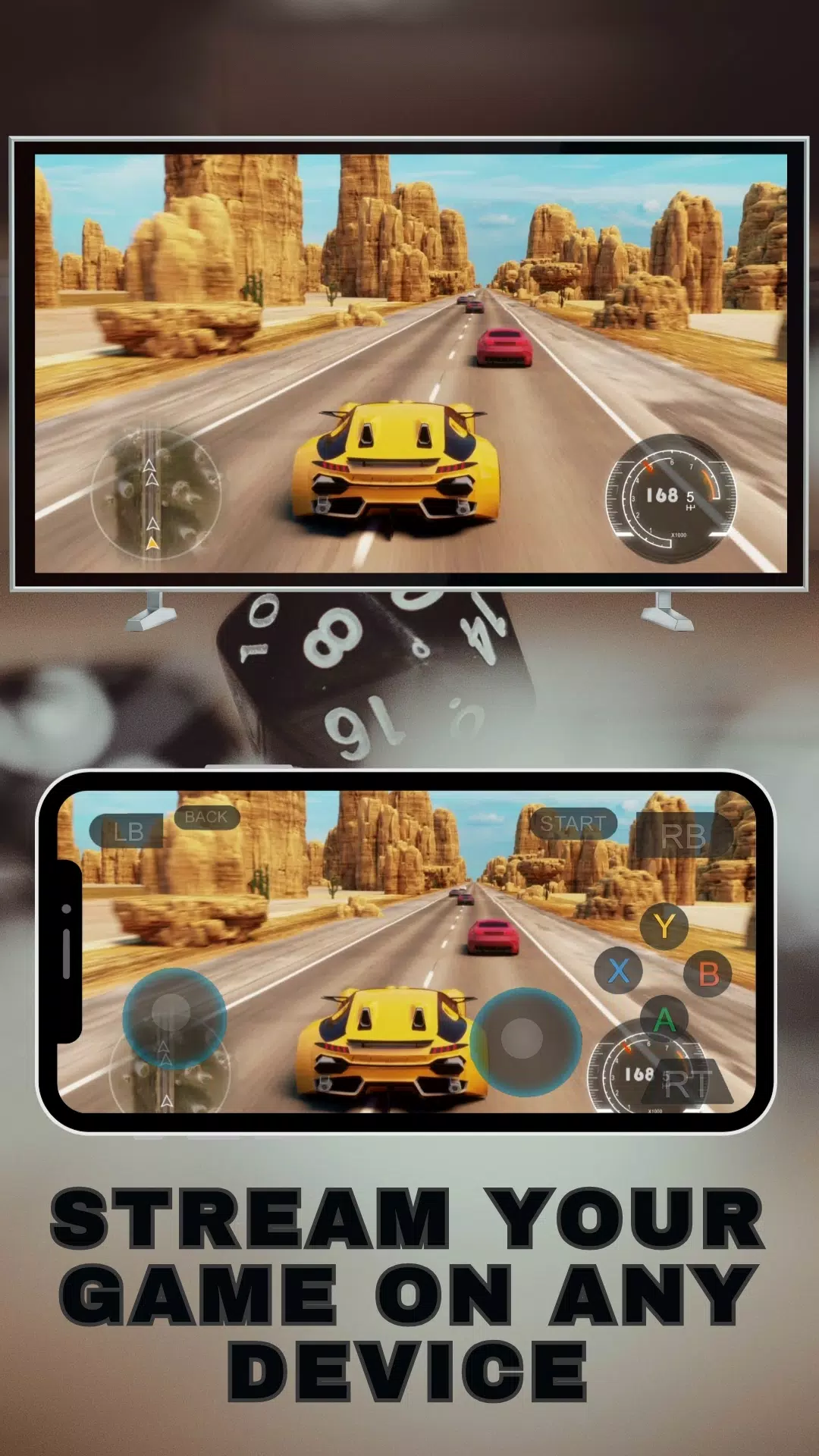
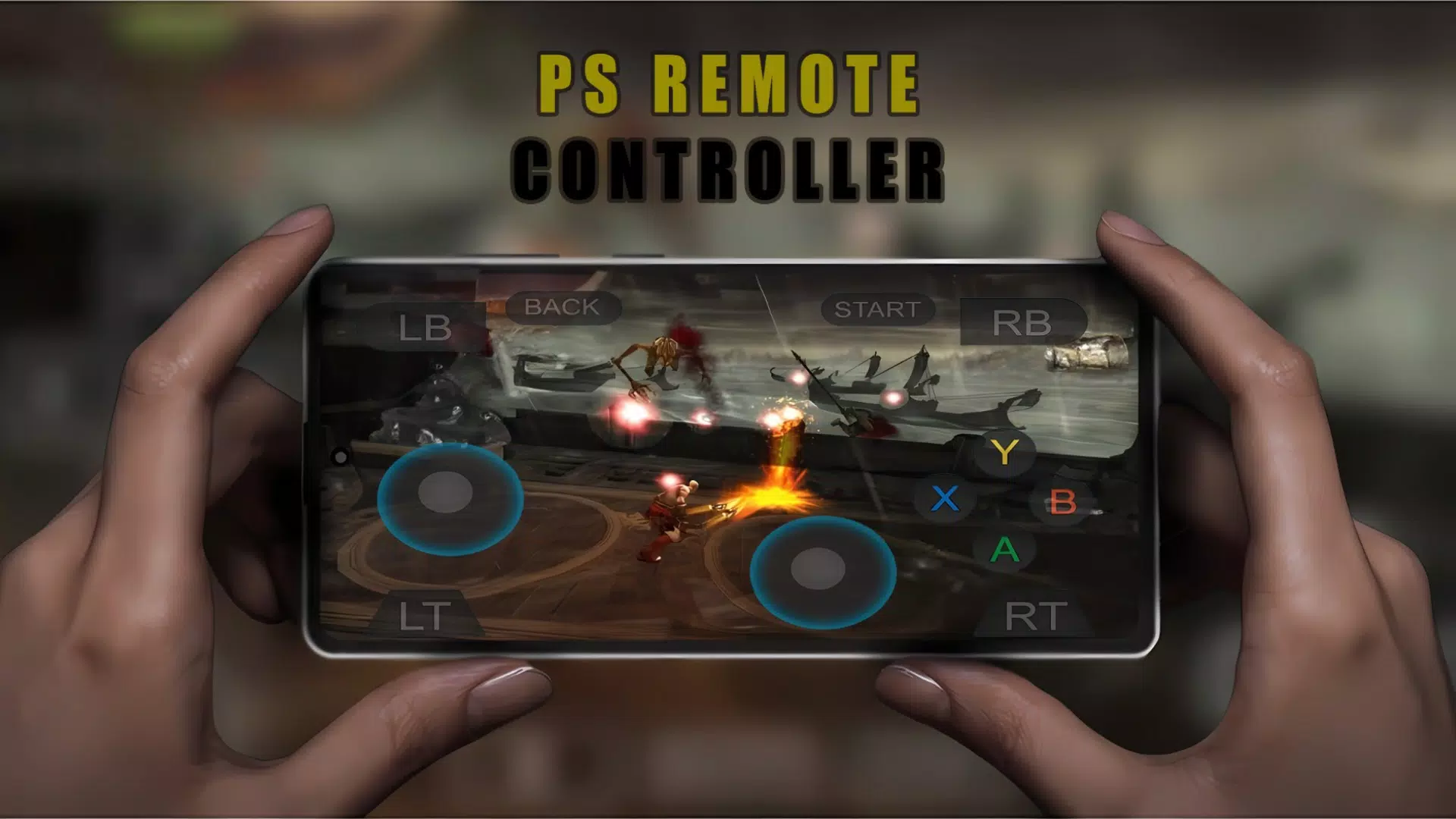
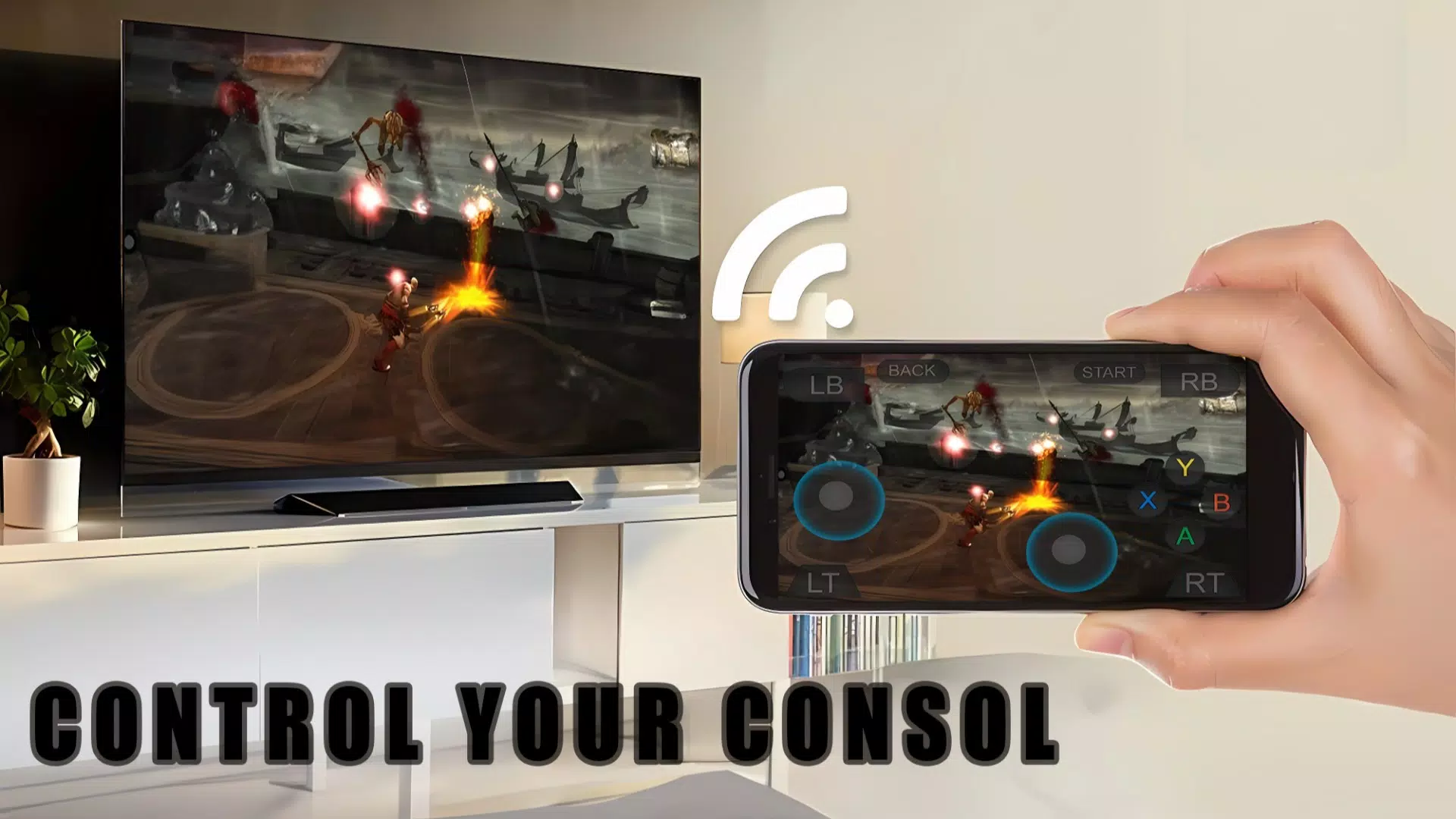
Ps Remote GamePad Controller turns your smartphone into a wireless DualShock-style controller and a portable screen for PS4 and PS5 consoles. The app streams gameplay to your device and lets you control your console remotely, so you can play away from the TV or use your phone as a secondary display for maps or inventories. Designed for convenience, it supports virtual on-screen controls and many third-party controllers, delivering low-latency streaming when network conditions allow. If you need flexible access to your console without extra hardware, Ps Remote GamePad Controller offers a practical, easy-to-use solution.
Key Features
⭐ Stream gameplay from PS4 and PS5 directly to your smartphone for remote play and secondary display use.
⭐ Virtual DualShock-style on-screen controls that mimic console buttons and sticks for familiar input.
⭐ Supports third-party controllers such as DualSense and DualShock for wider compatibility.
⭐ Low-latency streaming capability that aims to reduce input lag when network conditions are good.
⭐ Use your phone as a second screen to show maps, inventories, or other secondary UI elements during play.
Advantages
✅ Lets you play away from the TV, giving more flexibility for shared living spaces or different rooms.
✅ Ps Remote GamePad Controller removes the need for extra hardware by turning your phone into a controller.
✅ Broad compatibility with PS4/PS5 and many third-party controllers increases convenience for multiplayer sessions.
✅ Low-latency streaming and dual-screen options add practical ways to manage maps, inventories, or secondary UI.
Disadvantages
❎ Remote Play depends heavily on your network; slow or congested connections can cause lag and dropped sessions.
❎ Mobile data usage can be substantial, so Ps Remote GamePad Controller may incur high data charges if used frequently over cellular networks.
- No virus
- No advertising
- User protection
Information
- File size: 20.00 M
- Language: English
- Latest Version: 1.1
- Requirements: Android
- Votes: 473
- Package ID: com.ps.remotecontroller
- Developer: Mestroo
Screenshots

















Explore More
Explore the world with confidence using our intuitive map software. Navigate unfamiliar cities, find hidden gems, and plan adventures with ease. Our powerful apps feature robust offline functionality, real-time traffic updates, and crowd-sourced points of interest. Customize maps to match your needs - save favorite locations, download areas for offline access, and share recommendations.

Triumphant

Inaudible Drum

1 Up Retro

Jesus Film Project

Lolo

ESA 2016 Annual Meeting

jurassic craft dinosaurs mods

CERT Surveyor