


Introduction
Intune Company Portal lets employees access corporate applications, data and resources from most networks while keeping devices under IT control. The Intune Company Portal is the companion app for organizations that use Microsoft Intune; your IT administrator must set up your account and your company needs an Intune subscription. Once enrolled with a work account, the app provides a single place to install workplace apps, manage device settings, change work passwords and contact IT support, so users who rely on secure, managed access to company services will benefit from installing it.
Key Features
⭐ Enroll devices to gain secure access to corporate resources and applications.
⭐ Browse, download and install company-approved applications directly from your organization’s app catalog.
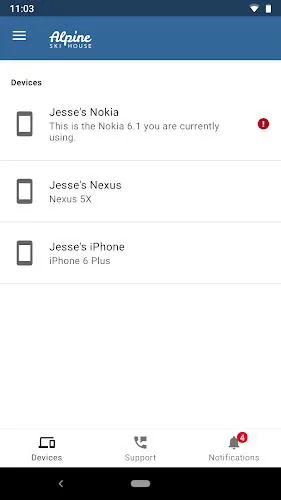
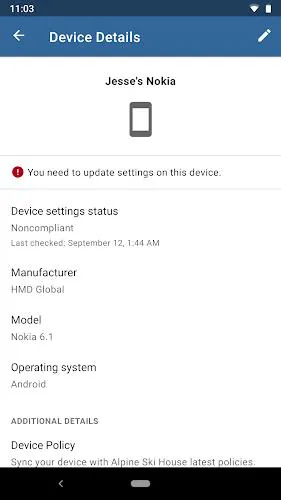
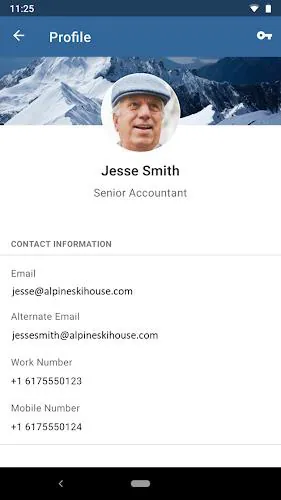
⭐ View and manage devices that are enrolled under your work account, including compliance status.
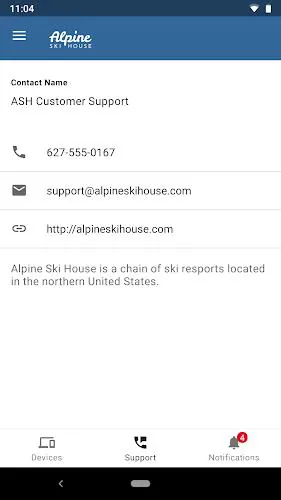
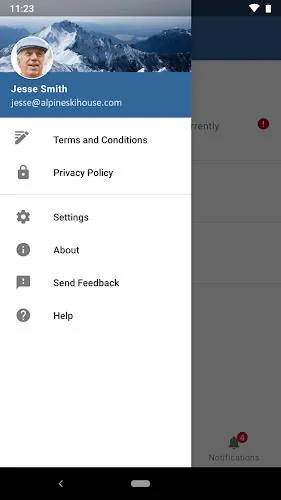
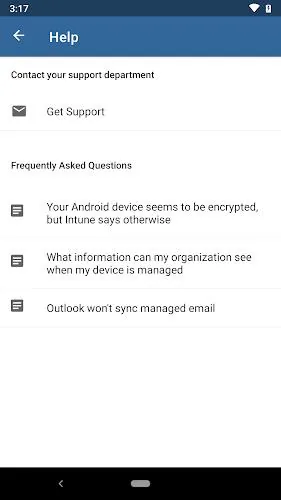
⭐ Access IT department contact information and support details provided by your organization.
⭐ Change your work account password and manage basic account settings from the app.
⭐ Unenroll a device or trigger a remote wipe when required by company policy.
Advantages
✅ Intune Company Portal centralizes company apps and resources for straightforward, managed access on mobile devices.
✅ Built-in device management features help ensure compliance with corporate policies and simplify onboarding.
✅ Users can reach IT contacts and receive configuration guidance without separate tools or complex setups.
✅ Password and enrollment controls reduce friction for common workplace tasks like password resets and app installs.
Disadvantages
❎ You must enroll with a work account and your organization must have an Intune subscription before the app can be used.
❎ Some features may be restricted or unavailable in certain countries depending on local rules and administrator configuration.
❎ App support and questions are handled by your IT administrator rather than by the app platform, carrier or device maker.
Development Team
The Intune Company Portal is developed and maintained as part of Microsoft’s enterprise mobility and device management services. Deployment and configuration are managed by an organization’s IT team, which controls enrollment, app distribution and device policies.
Version Information
Week of July 15, 2024: Microsoft Intune introduced a new Device Control profile setting called Allow Storage Card in the System category of the Attack surface reduction policy. This setting, also available through the Intune settings catalog, controls whether users can use a storage card for device storage and can prevent programmatic access to the card. The change applies to Windows 10 and Windows 11 platforms and related server editions.
- No virus
- No advertising
- User protection
Information
- File size: 70.06 M
- Language: English
- Latest Version: 5.0.6198.0
- Requirements: Android
- Votes: 115
- Package ID: com.microsoft.windowsintune.companyportal
- Developer: Microsoft Corporation
Screenshots
















Explore More
Equip yourself with our all-in-one toolbox app for everyday tasks and projects. Instantly convert between units, calculate tips, scan documents, manage files, and more with handy productivity tools. Includes a level, compass, QR code reader, ruler, speedometer, decibel meter, and flashlight. Save frequently used tools to your customizable dashboard for one-tap access. Track billable hours, wages, budgets, and invoices. Annotate screenshots, magnify labels, and sign PDFs on the go.

Board Game Stats

MEXC Global: BTC, ETH, Gamefi

Text Art - Write Text On Photo

MERA PROXY PRO

Domino's Pizza Sri Lanka

Halloween Photo Editor -Makeup

Connecting - Friends Near Me

Cartola













