

Introduction
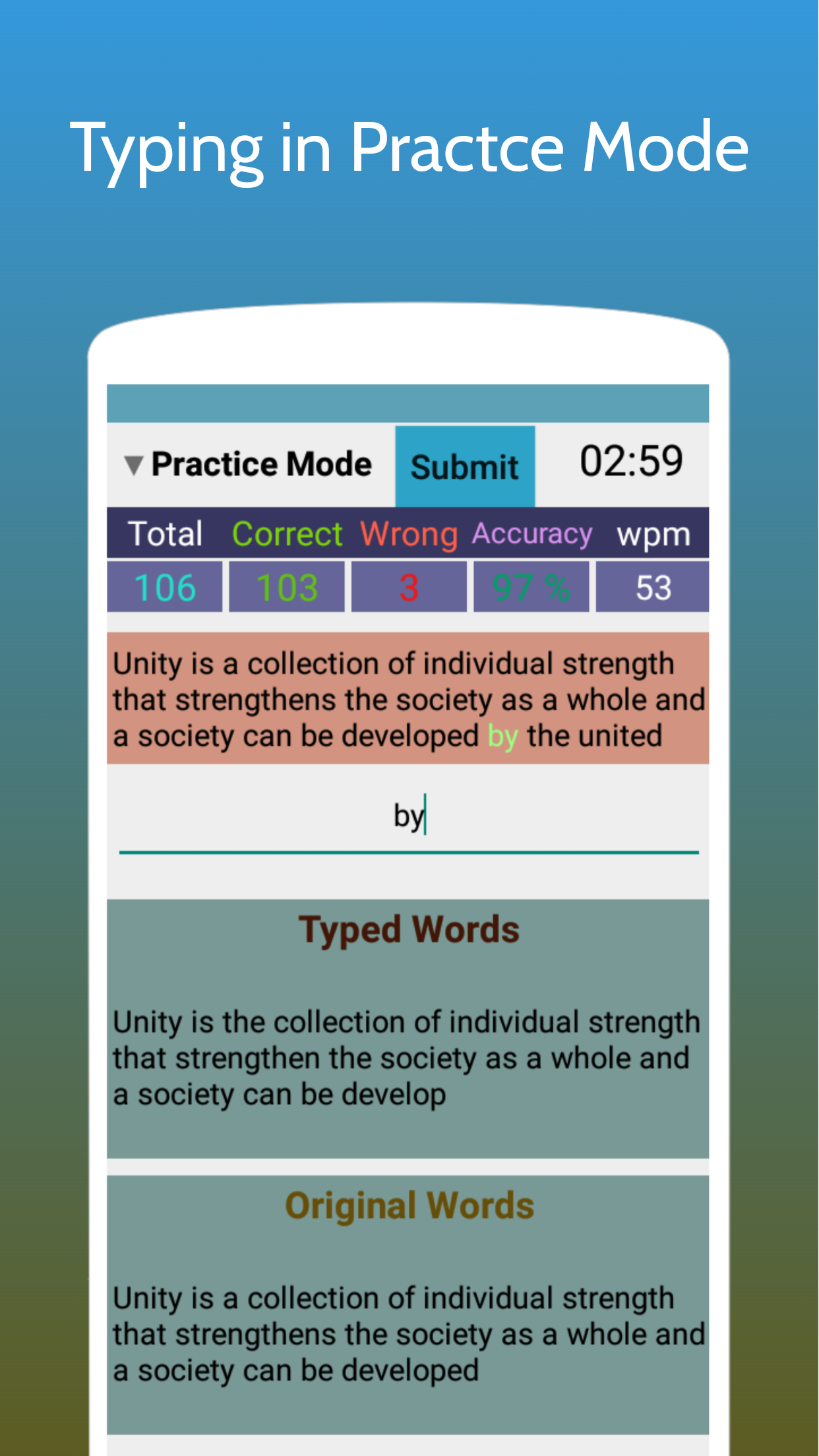
Enhance your typing skills on the go with this innovative Android app! Perfect for those preparing for exams like SSC, Railway, Banking, and more, Typing Test App for Exams allows you to practice and improve your typing speed and accuracy. Simply connect an external keyboard to your mobile device using an OTG cable and dive into Learning Mode for beginners, Practice Mode for honing your skills, and Exam Mode for a realistic test experience. Track your progress with instant metrics, access a variety of practice passages, and customize your settings for optimal practice sessions. Explore premium features with a subscription plan and make the most of your typing practice wherever you are!
Features of Typing Test App for Exams:
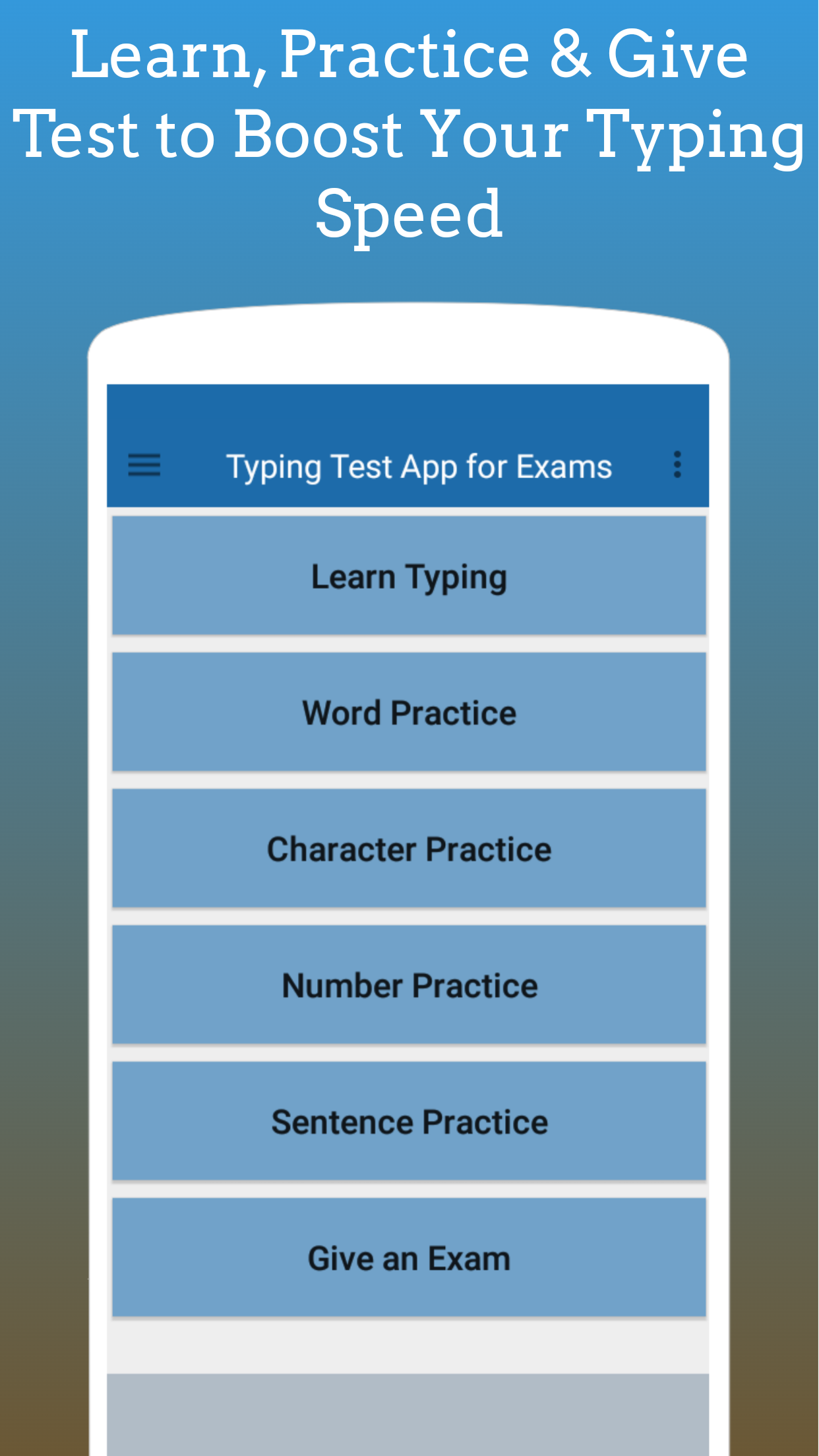
Diverse Practice Options: The app offers various practice types including character, word, number, and sentence drills, catering to different user preferences and needs.
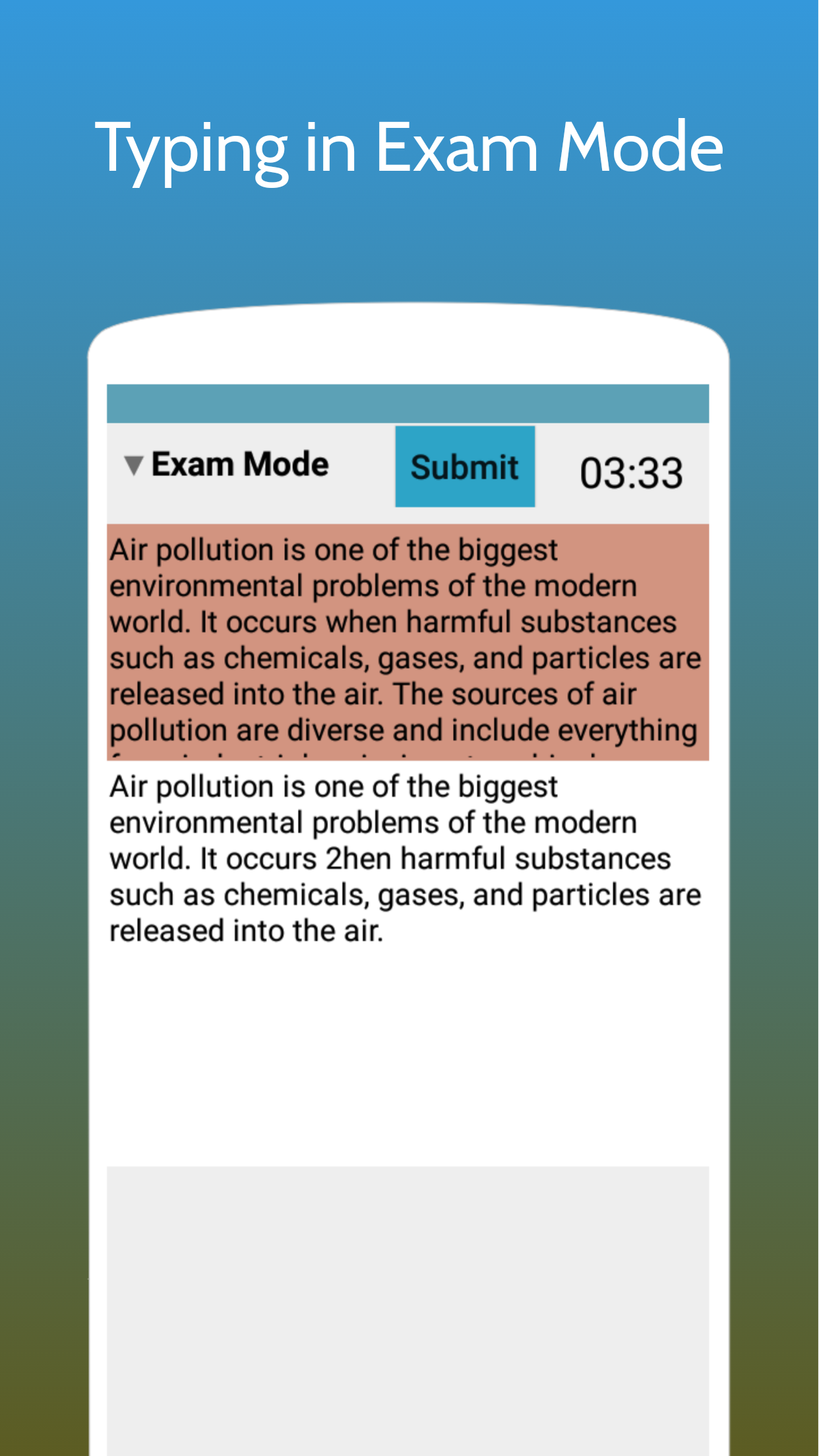
Real Exam Mode: Users can experience a simulated exam environment with relevant tools, preparing them effectively for actual exams and enhancing their confidence.
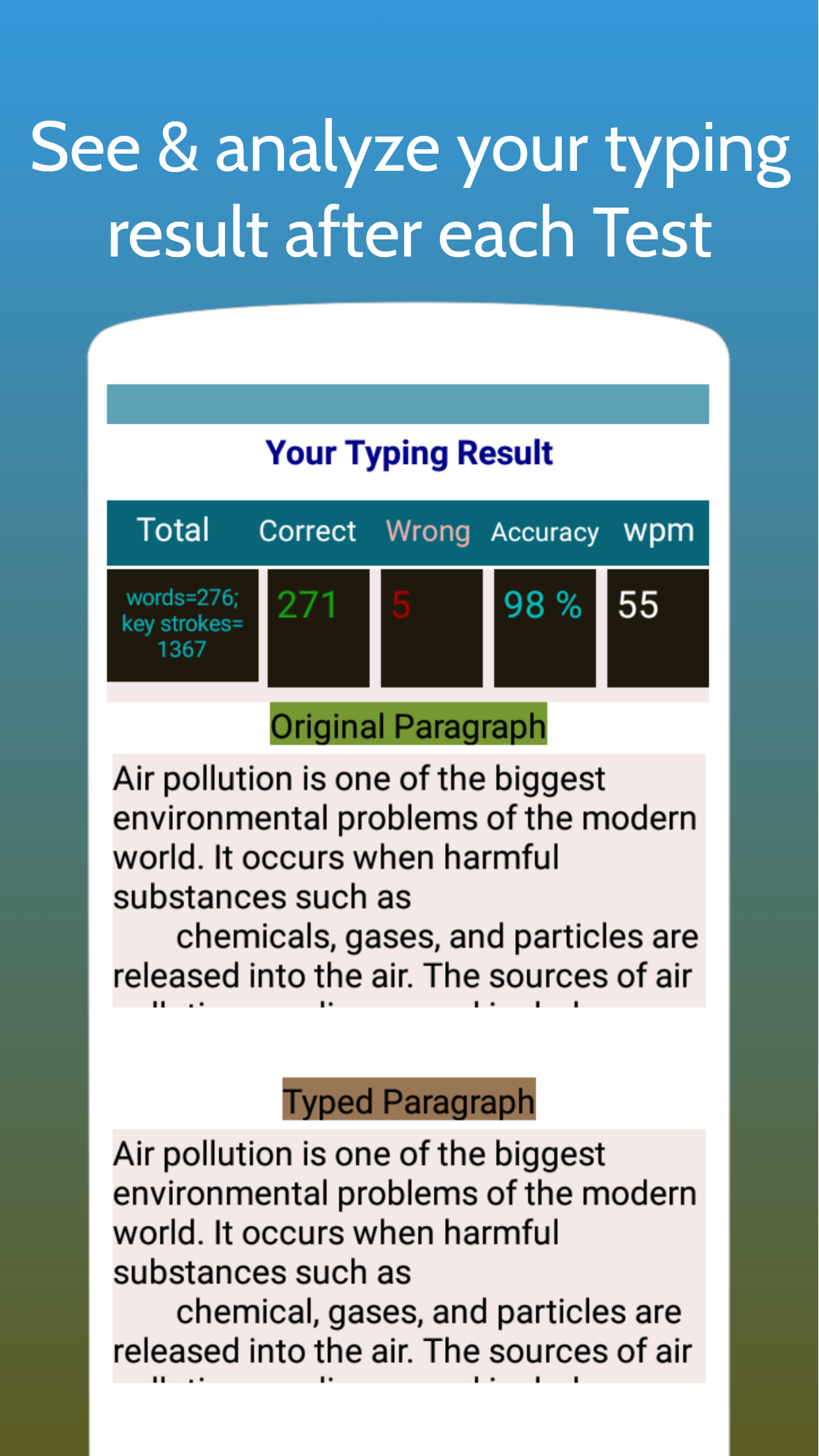
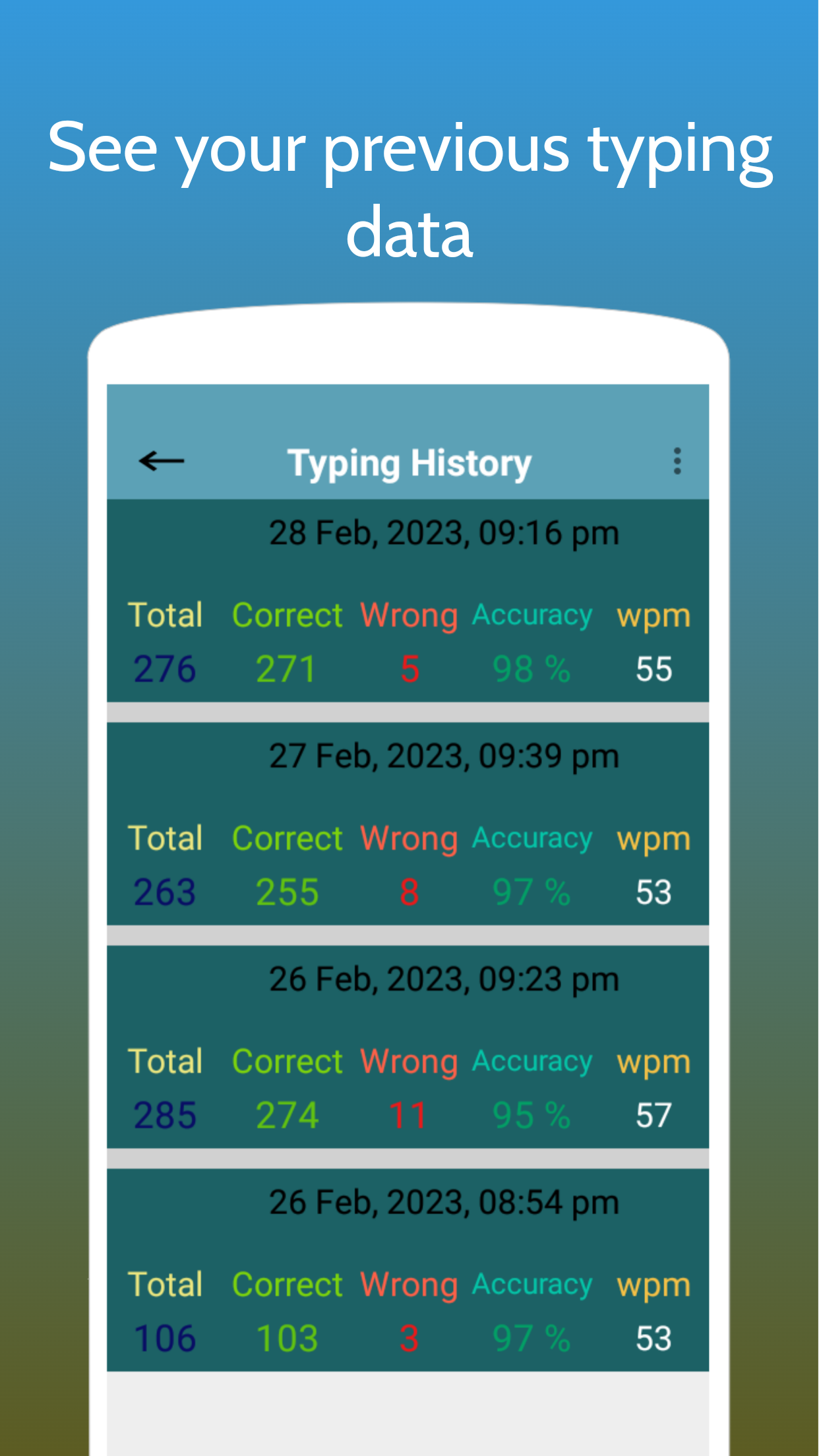
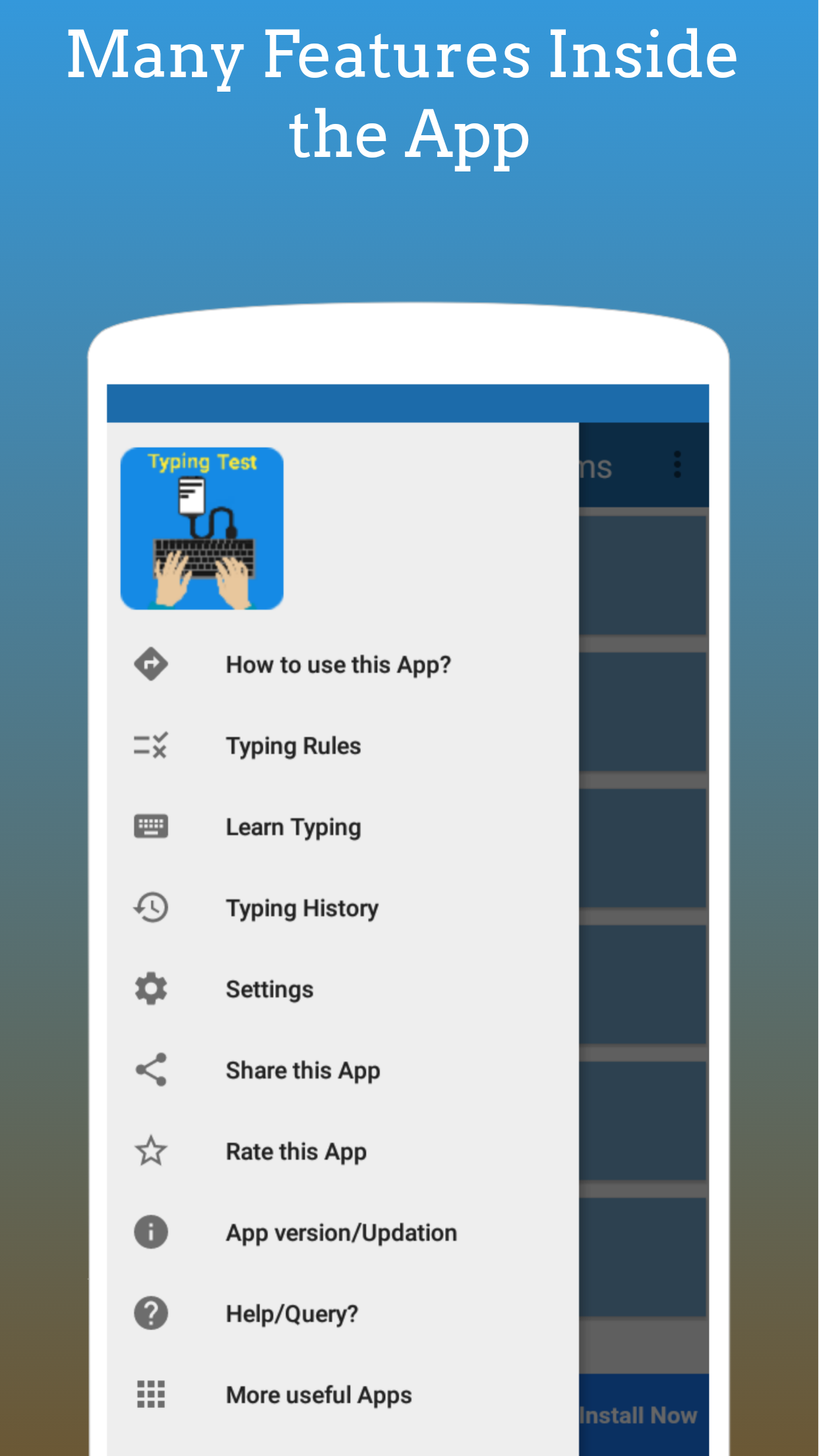
Typing History Analysis: The feature allows users to review their past performance, identify areas for improvement, and track their progress over time, motivating them to strive for better results.
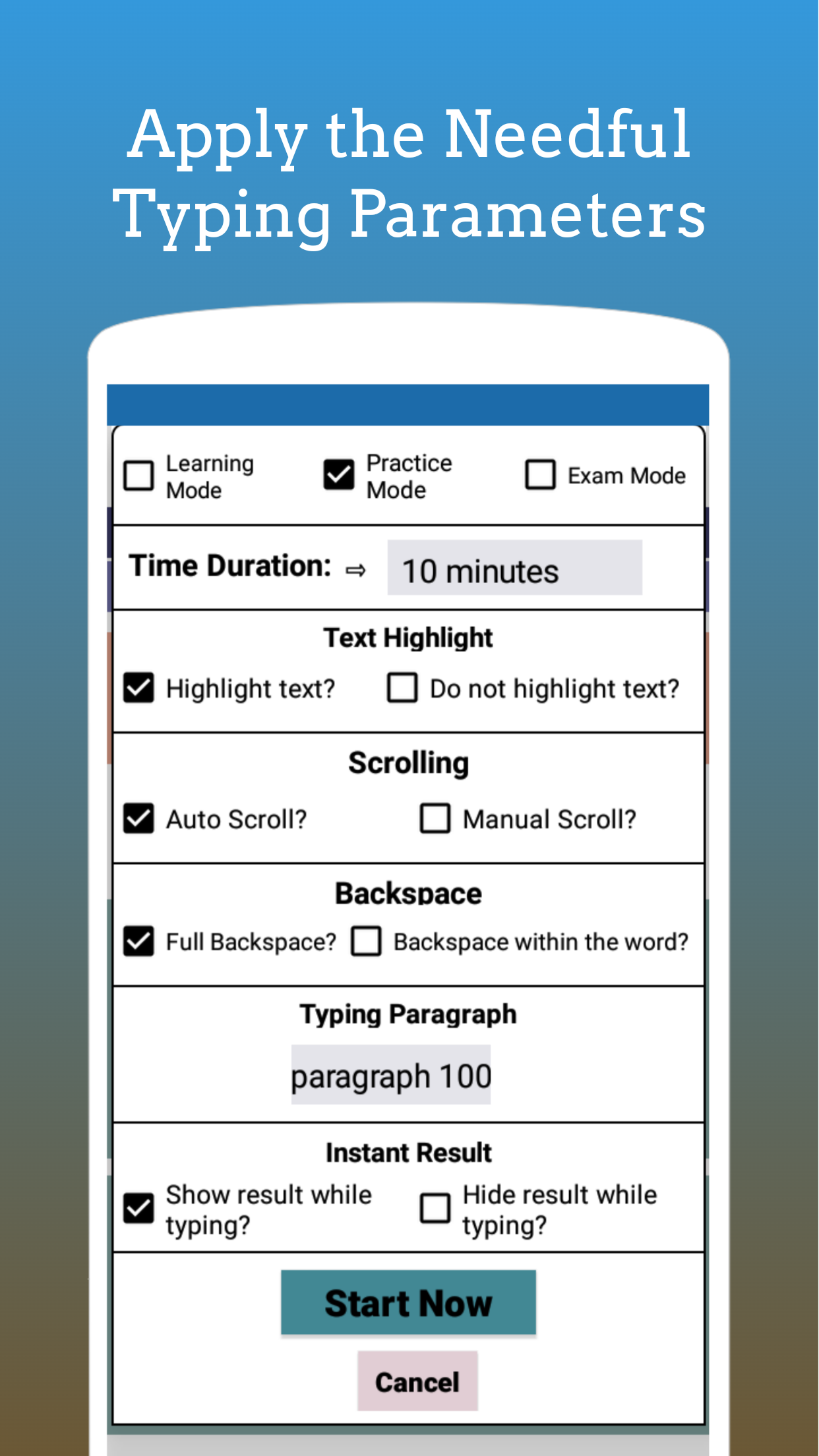
Customizable Experience: With options to adjust text sizes and choose from multiple difficulty levels, users can personalize their practice sessions to suit their skill level and goals.
FAQs of Typing Test App for Exams:
How can I cancel my subscription and manage auto-renewal?
Users can manage their subscriptions, including canceling, upgrading, or downgrading, through the subscription section of their Play Store account. Auto-renewal can be disabled at least 24 hours before the end of the subscription period.
Is there a trial period available for exploring premium features?
Certain subscription plans may include a trial period, allowing users to test the premium features without any charges initially. If the trial is not canceled, it typically transitions into a paid subscription.
Can I track my progress and performance over time?
Yes, the app provides a typing history feature that enables users to review their past performance, analyze their speed and accuracy, and monitor improvements over time.
Conclusion:
Enhance your typing skills and prepare effectively for exams with the "Typing Test App for Exams." Practice diverse typing exercises, experience a real exam environment, track your progress, and enjoy a customizable learning experience. Manage your subscriptions, explore trial periods, and make the most of the app's premium features to boost your typing speed and accuracy. Download the app now and take your typing skills to the next level!
- No virus
- No advertising
- User protection
Information
- File size: 13.24 M
- Language: English
- Latest Version: 9.4.2
- Requirements: Android
- Votes: 212
- Package ID: com.fairsofttech.typingspeedtestapp
- Developer: FairSoftTech
Screenshots
















Explore More
Equip yourself with our all-in-one toolbox app for everyday tasks and projects. Instantly convert between units, calculate tips, scan documents, manage files, and more with handy productivity tools. Includes a level, compass, QR code reader, ruler, speedometer, decibel meter, and flashlight. Save frequently used tools to your customizable dashboard for one-tap access. Track billable hours, wages, budgets, and invoices. Annotate screenshots, magnify labels, and sign PDFs on the go.

MEXC Global: BTC, ETH, Gamefi

Text Art - Write Text On Photo

MERA PROXY PRO

Domino's Pizza Sri Lanka

Halloween Photo Editor -Makeup

Connecting - Friends Near Me

Cartola

HFonts - font & emoji manager





















