


Introduction
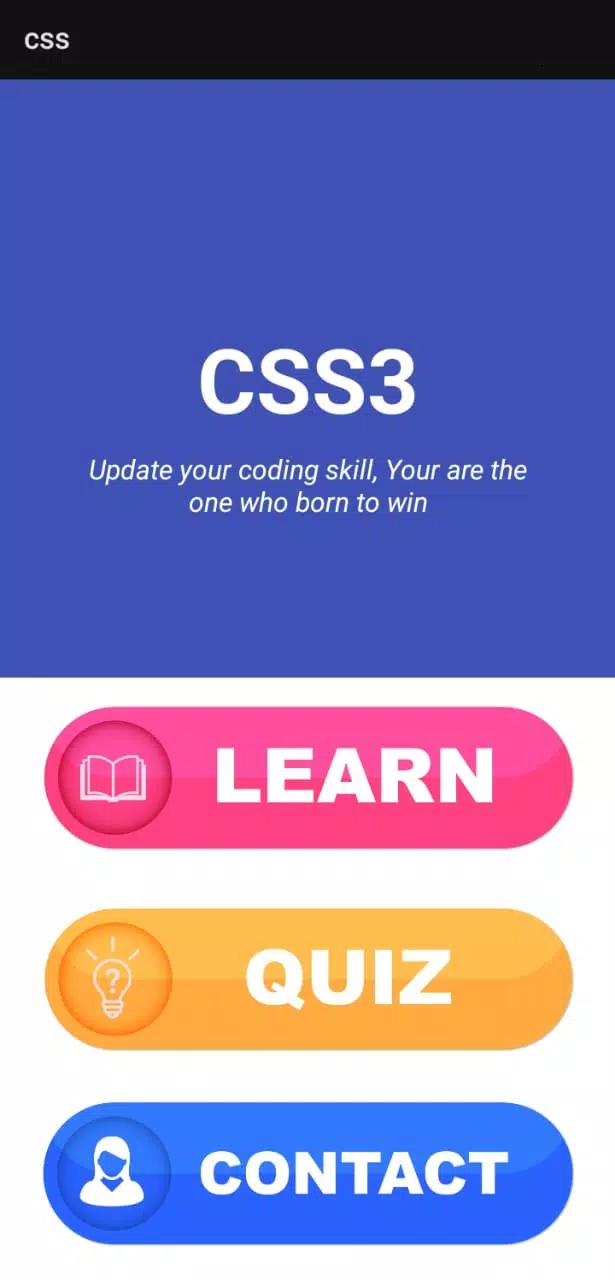
CSS3 is a compact reference and editing tool that helps developers design, test, and preview modern web styles directly on Android devices. It combines a searchable property guide, live preview canvas, and ready-made snippets so you can prototype responsive layouts, animations, and advanced selectors without leaving your phone or tablet.
What the app offers
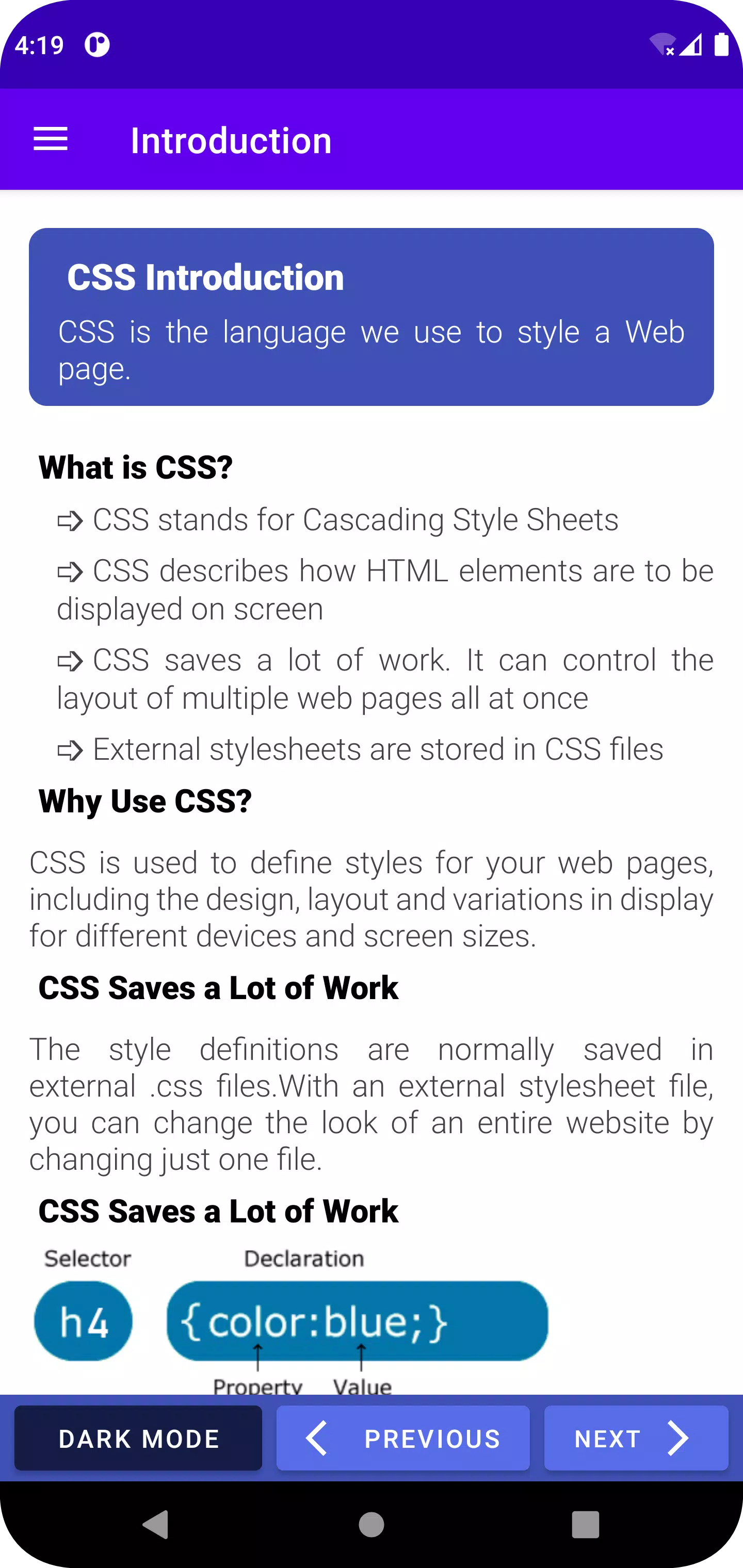
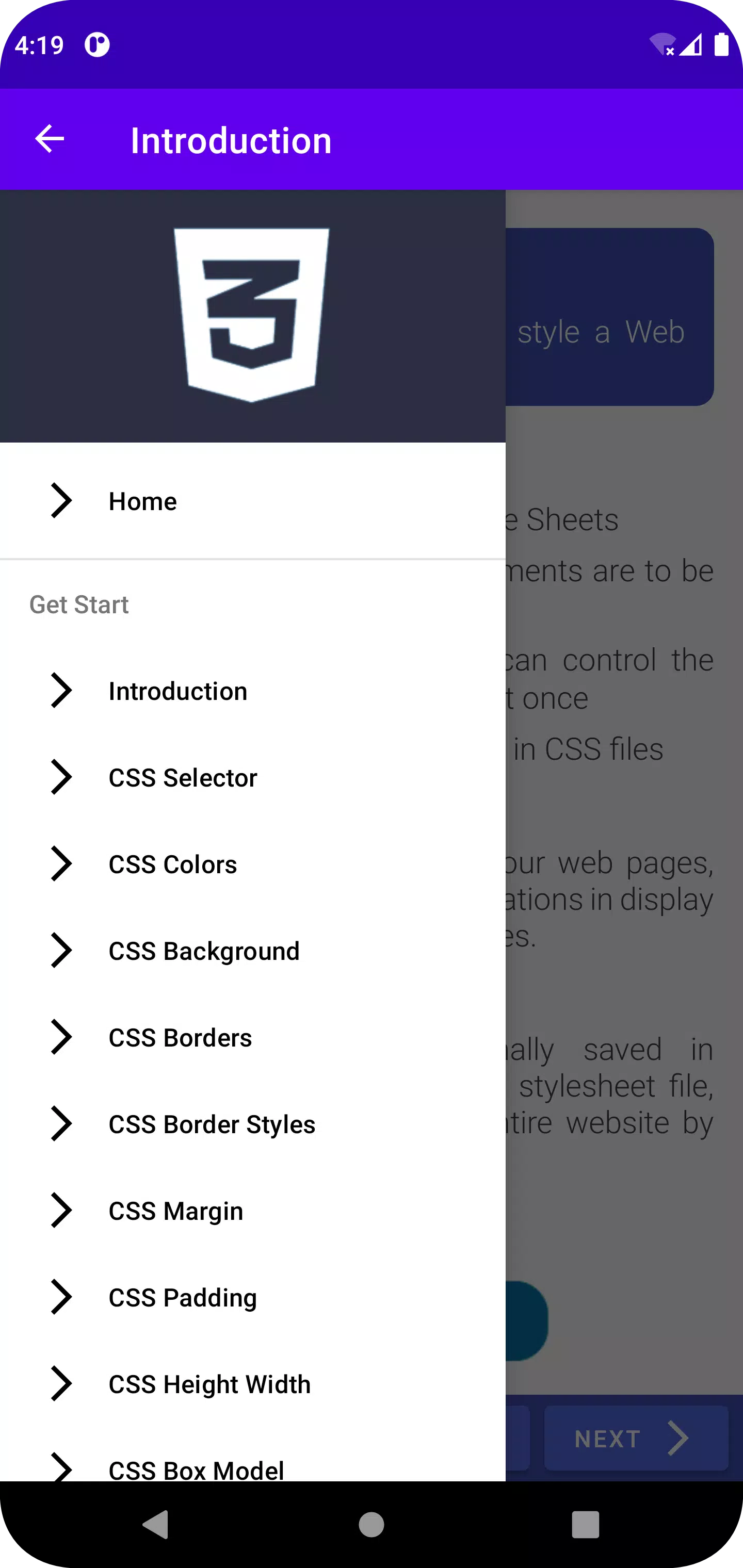
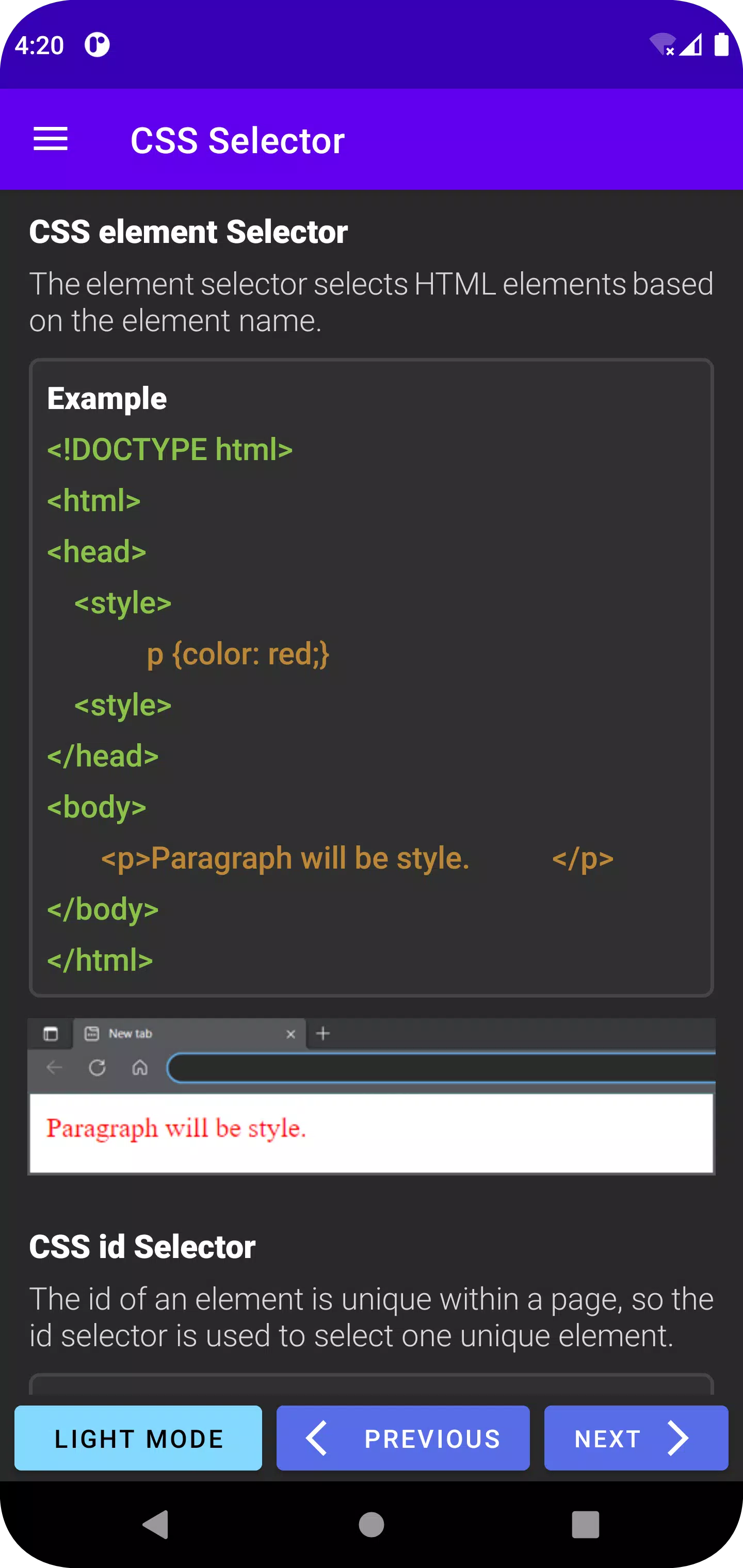
At its core, CSS3 focuses on practical productivity for front-end work on the go. The app provides a categorized list of CSS properties, examples for each rule, and visual demonstrations of layout techniques such as Flexbox and Grid. A lightweight editor supports syntax highlighting and simple autocompletion to reduce repetitive typing.
Live editing and visual feedback
One of the standout conveniences is the instant rendering panel. Edit styles in the built-in editor and see changes applied to a sample document in real time. This live feedback loop accelerates experimentation with transitions, transforms, filters, and media queries so designers can judge effects and responsiveness quickly.
Workflow and project handling
CSS3 organizes work into small projects that store HTML and CSS together. Projects can be duplicated as starting points, exported as a zip file, or synced with cloud storage for transfer to desktop environments. Projects support multiple files and simple asset management for images and fonts, making it possible to prototype complete pages from a mobile device.
Speedy reference and learning aids
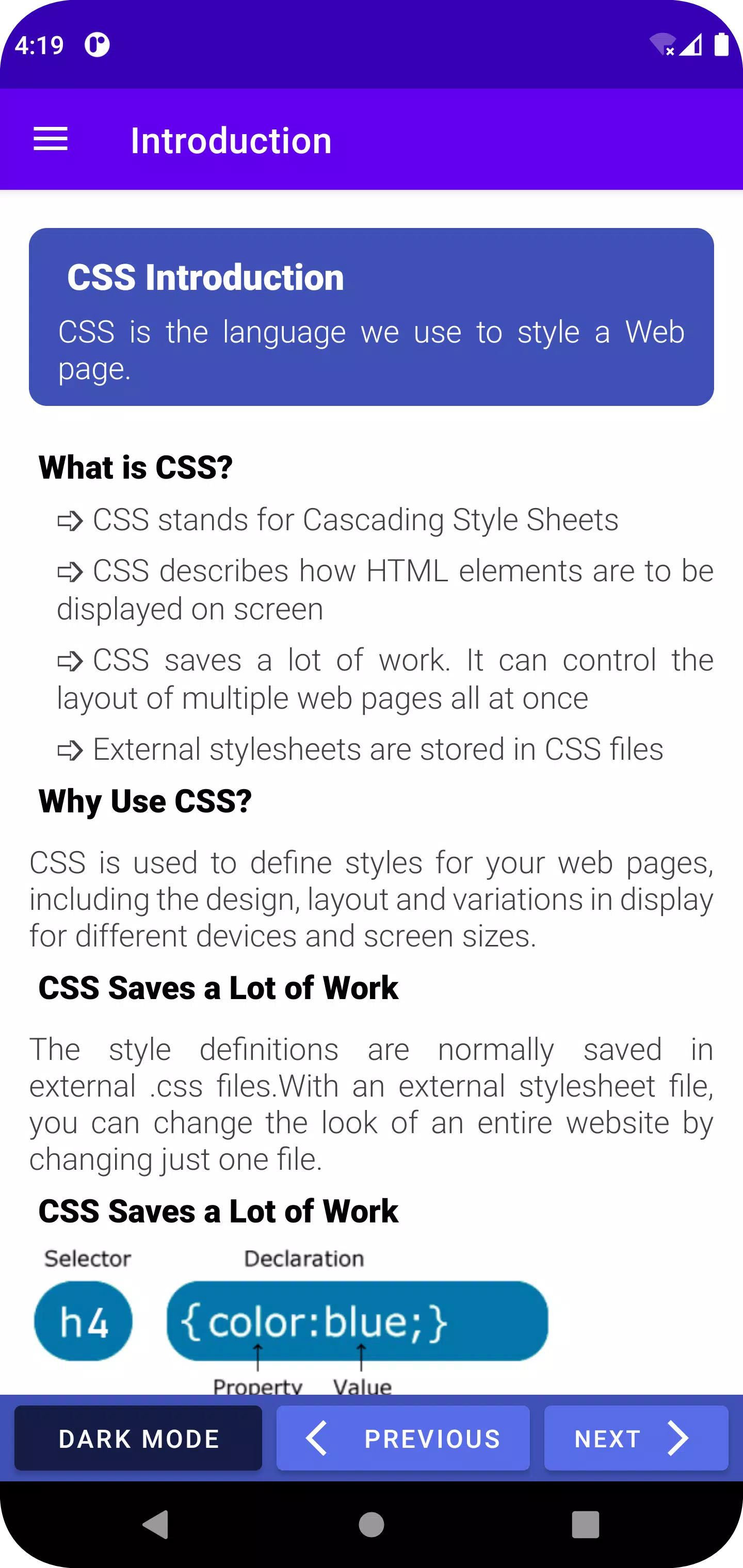
The reference section is searchable and includes compatibility notes, sample code, and short explanations aimed at practical application rather than theory. Snippets cover common patterns—responsive containers, button components, card layouts, and accessible typography rules—so you can paste tested solutions into your projects instantly.
Customization and snippets library
Users can create, tag, and share custom snippets. A built-in snippet manager lets you group rules into modules, preview them, and insert them into any project. The app supports color themes for the editor and lets you adjust font size and line spacing to match your working preferences.
Testing across viewports
CSS3 includes a device preview tool with configurable viewport sizes and orientation toggles. Simulate popular screen widths, enable or disable media queries, and inspect which rules are active at different breakpoints. This capability is particularly useful when refining responsive layouts without access to multiple physical devices.
Performance and compatibility
The application is engineered to remain responsive on mid-range Android devices. Background tasks such as file export and cloud sync run asynchronously to avoid interrupting editing. Compatibility notes clarify browser support for newer features like CSS variables, container queries, and subgrid, helping you choose fallbacks when necessary.
Developer-friendly integrations
For users who want to move code between environments, CSS3 supports basic FTP/SFTP, integration with common cloud providers, and copy-to-clipboard for quick transfers. The app can also open local HTML files and inject CSS for rapid inspection of existing pages saved to your device.
Accessibility and best practices
Beyond syntax, the app highlights best-practice reminders: use of semantic class names, avoiding overly-specific selectors, and tips for maintaining performant styles. Accessibility checks point out contrast concerns and potential focus order issues in simple layouts, helping designers produce more inclusive interfaces.
Getting started
Begin by creating a new project or browsing the snippets library for a starter template. Use the reference tab to look up unfamiliar properties, then test changes in the live preview. Regular exports and cloud backups protect work in progress and make it straightforward to continue development on a desktop editor later.
Who benefits most
CSS3 is well suited to front-end developers who need a compact, hands-on tool for prototyping styles away from a workstation. It is also useful for students and designers seeking a practical learning environment with immediate visual outcomes. The balanced mix of reference material and editor features keeps routine styling tasks efficient and focused.
- No virus
- No advertising
- User protection
Information
- File size: 9.50 M
- Language: English
- Latest Version: 1.4
- Requirements: Android
- Votes: 496
- Package ID: com.miniappstudio.css
- Developer: Mini App Studio
Screenshots
















Explore More
Empower learning and research with our innovative reference apps. Access dictionaries, thesauruses, encyclopedias, and more with our comprehensive databases. Get homework help, study tips, and writing guides from our academic resources. Learn new skills by browsing how-to videos and manuals. Stay up-to-date with latest news, data, and facts curated by our editors.

Metro Micro

TVSMILES

ClassPass: Fitness, Spa, Salon

OnDjoss

Domino's Pizza Sri Lanka

Bollinger 1829

TANTRI : QR Menu & POS

Vi2Go





























