Introduction
Electronics Tools: ElectroCalc. Whether you are a student striving to grasp the intricacies of electronic circuit calculations, a DIY enthusiast looking to experiment with different components, or a seasoned professional in need of quick reference guides, this app has got you covered. With its user-friendly design and extensive range of features, Electronics Tools: ElectroCalc is undoubtedly an indispensable toolkit for individuals passionate about all things electronics.
Features of Electronics Tools: ElectroCalc:
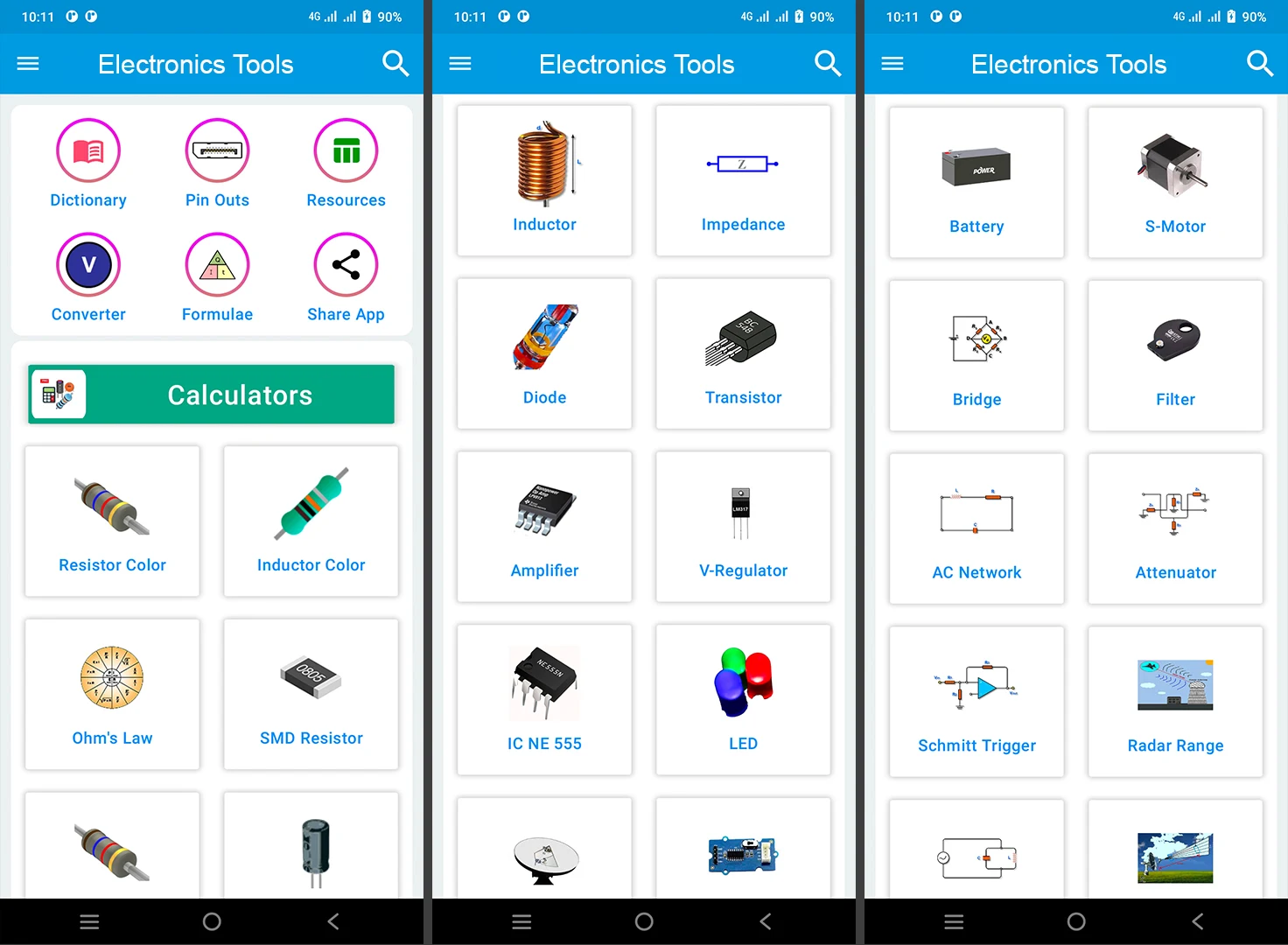
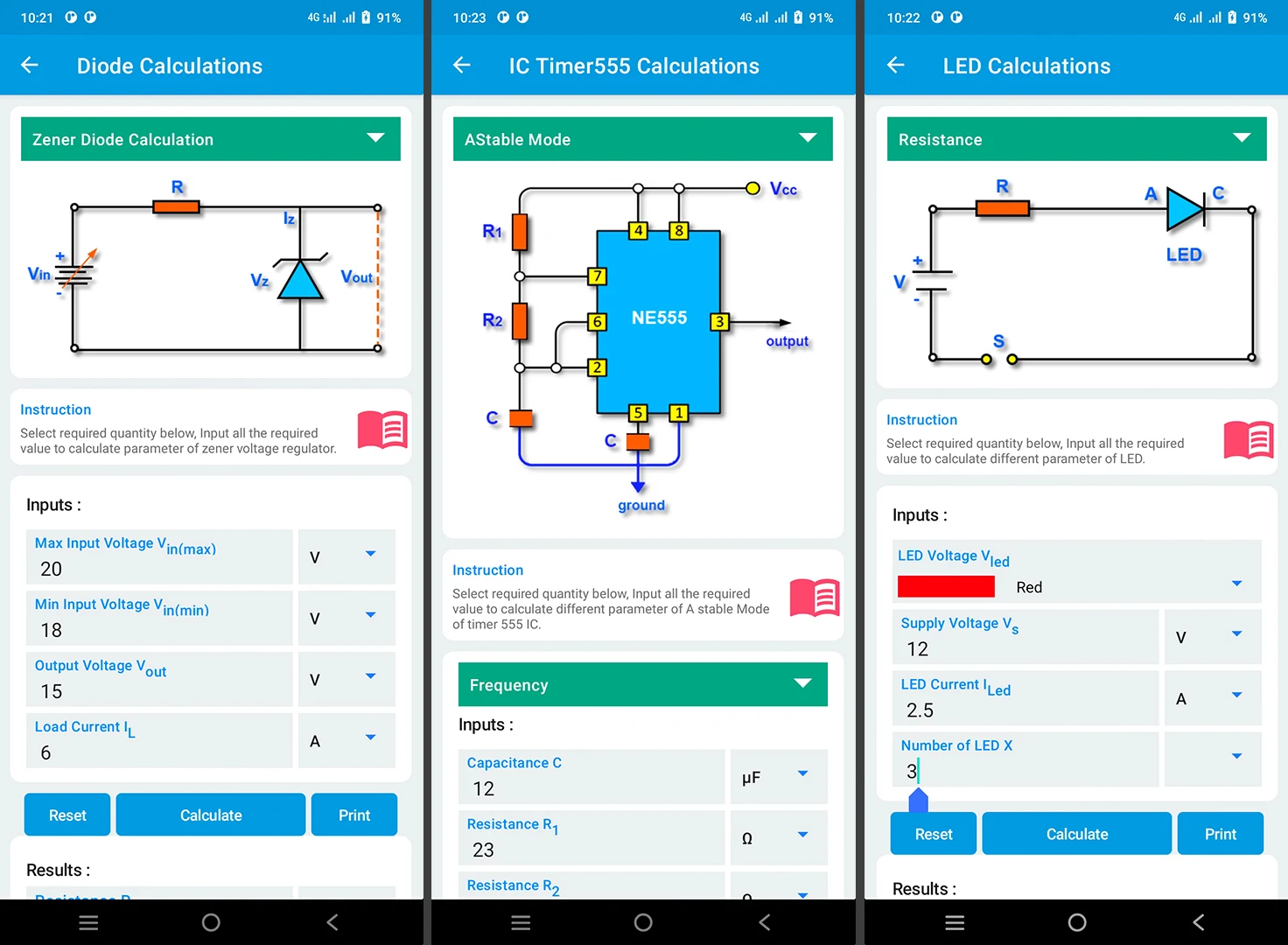
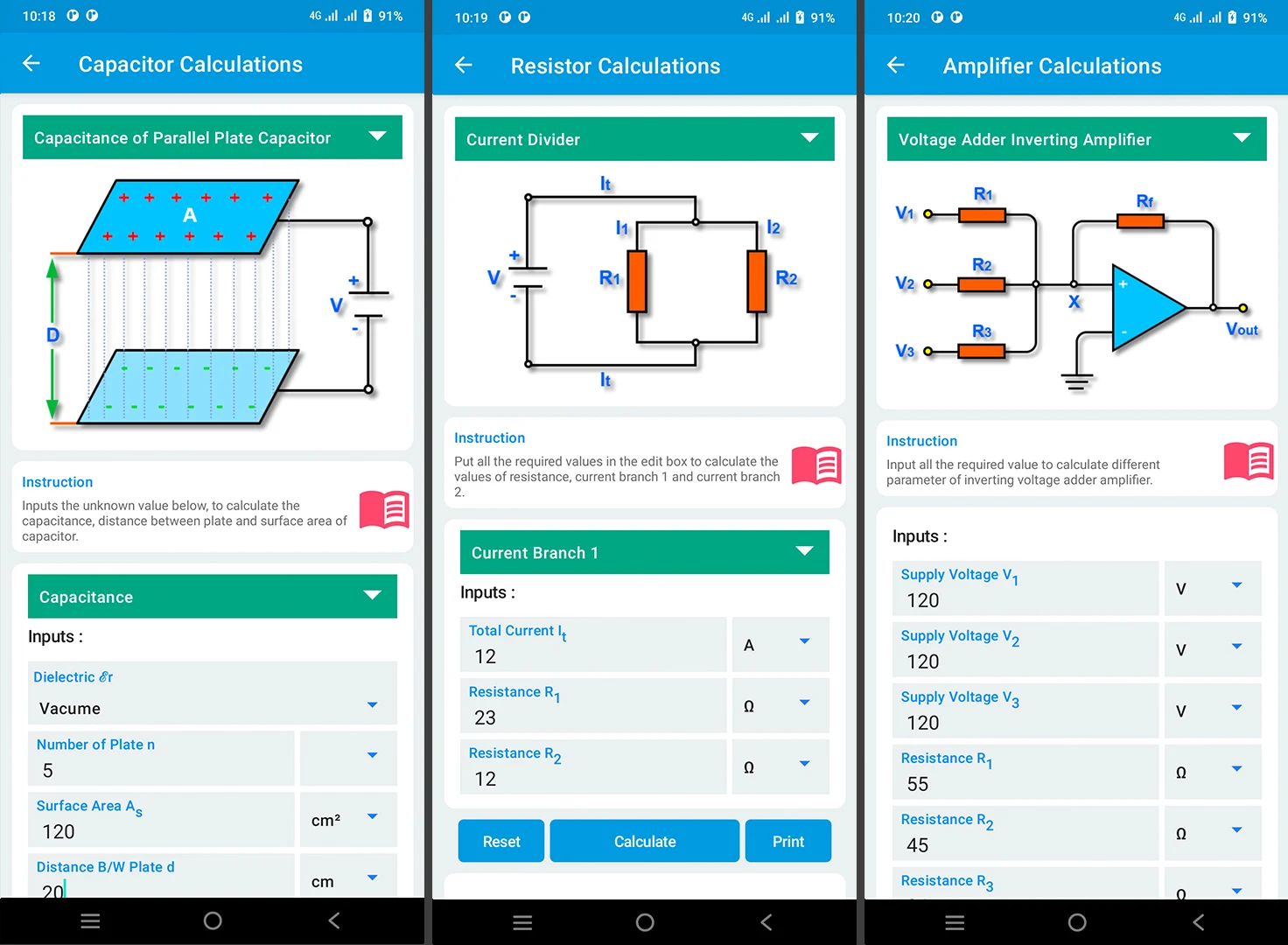
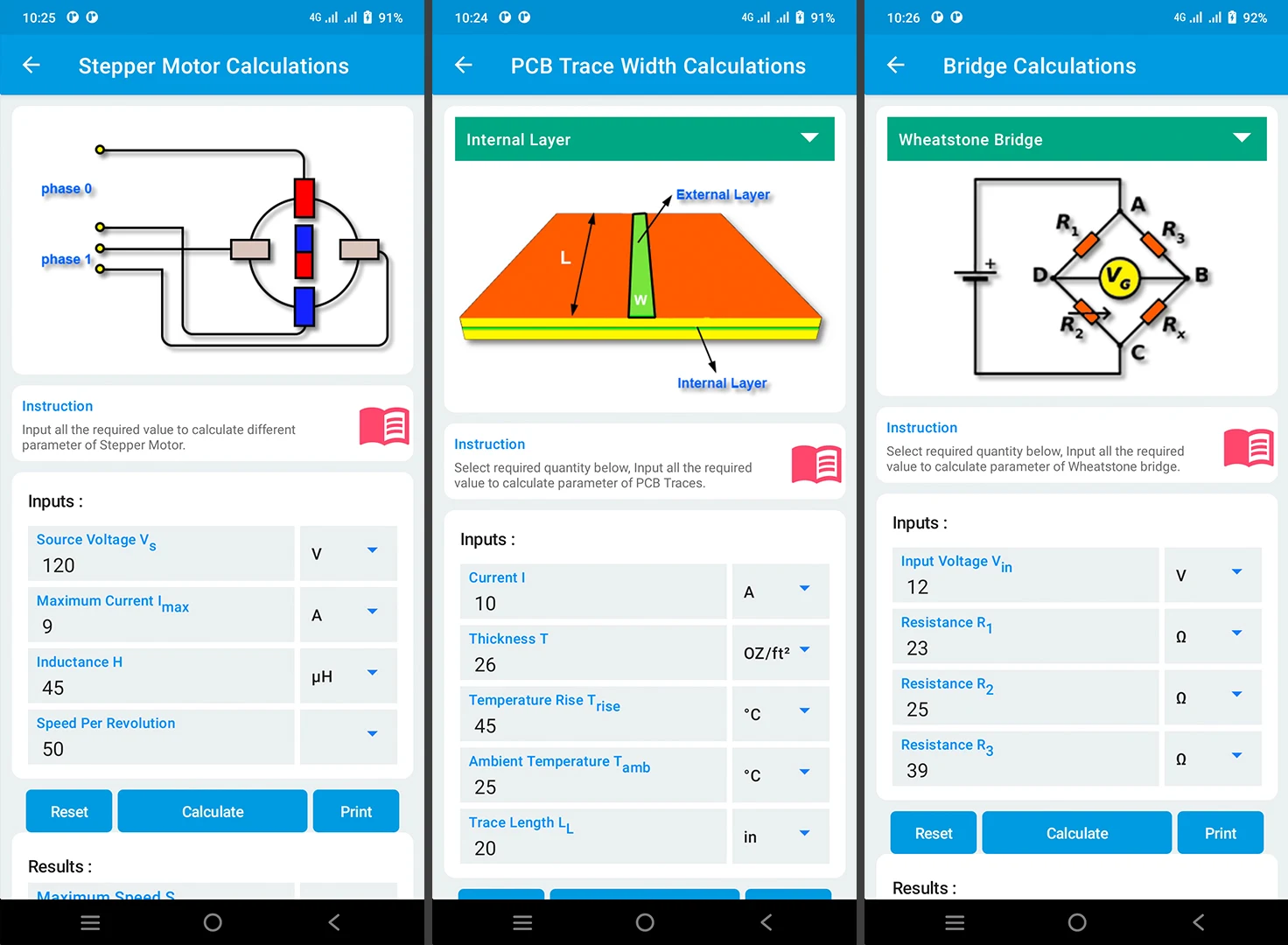
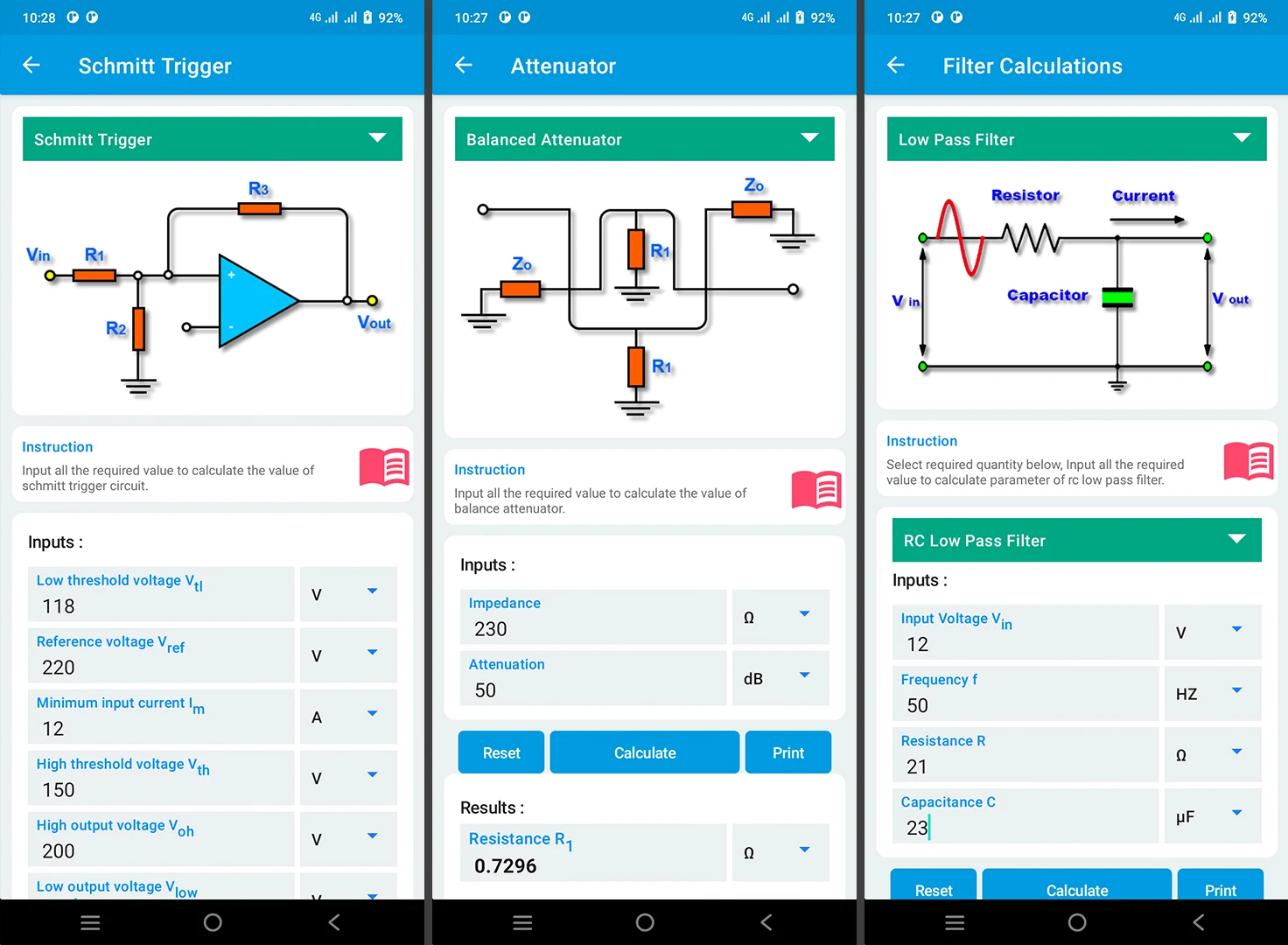
- Wide range of calculators for various electronic components and calculations
- Simple and detailed circuit images for better understanding
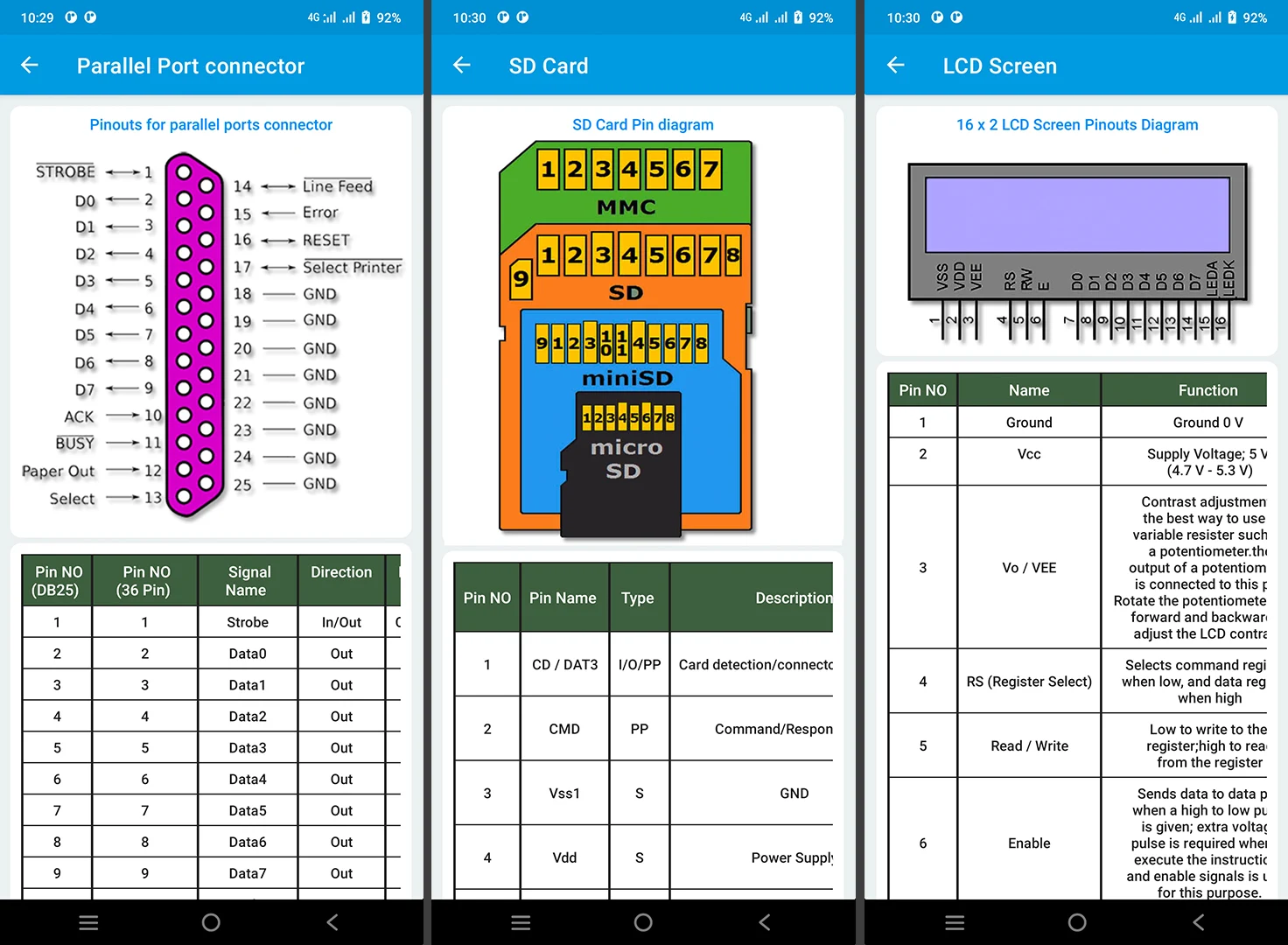
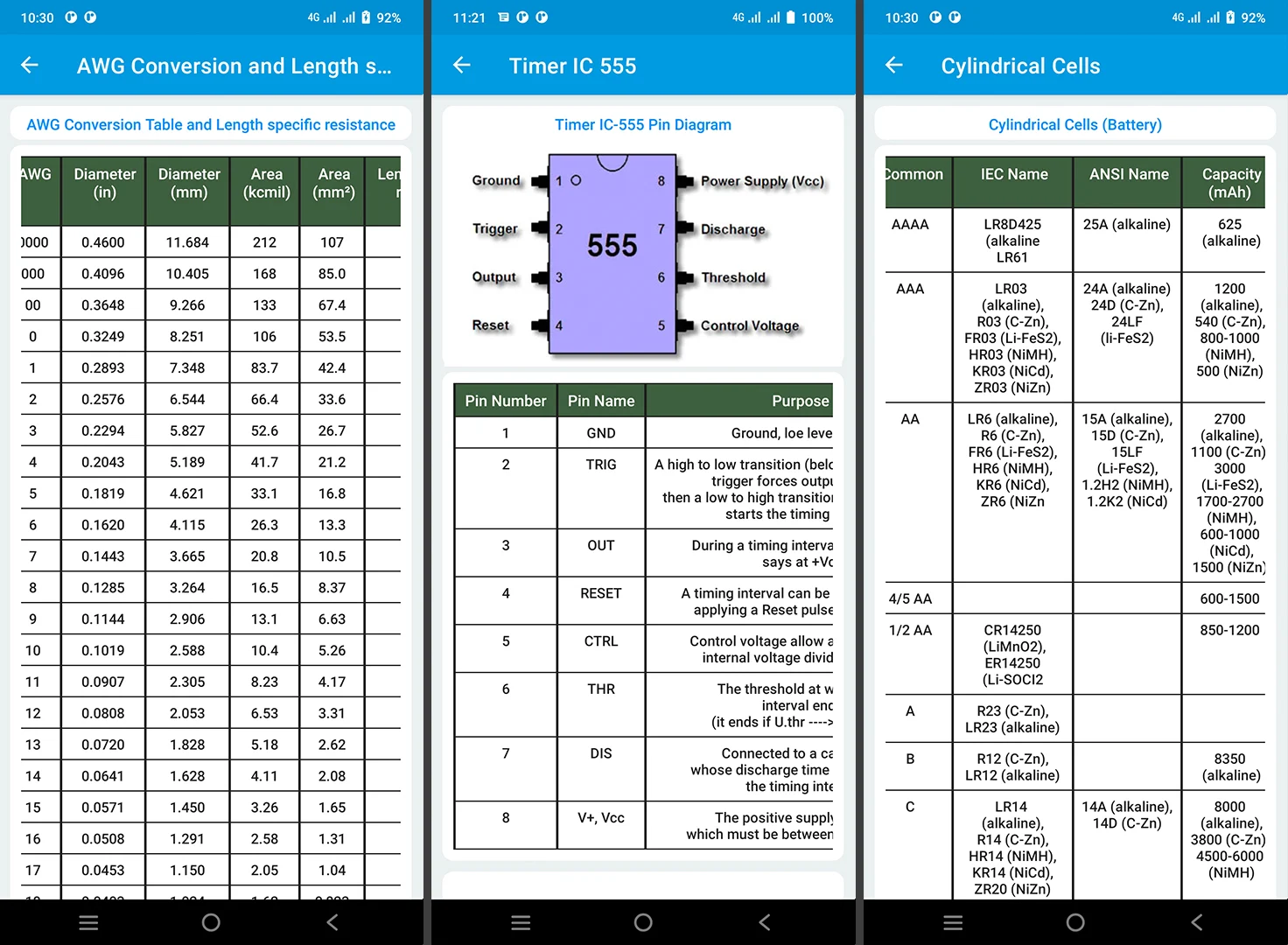
- Extensive collection of electronic pinouts for various connectors and ICs
- Resources section with conversion tables, reference materials, and data
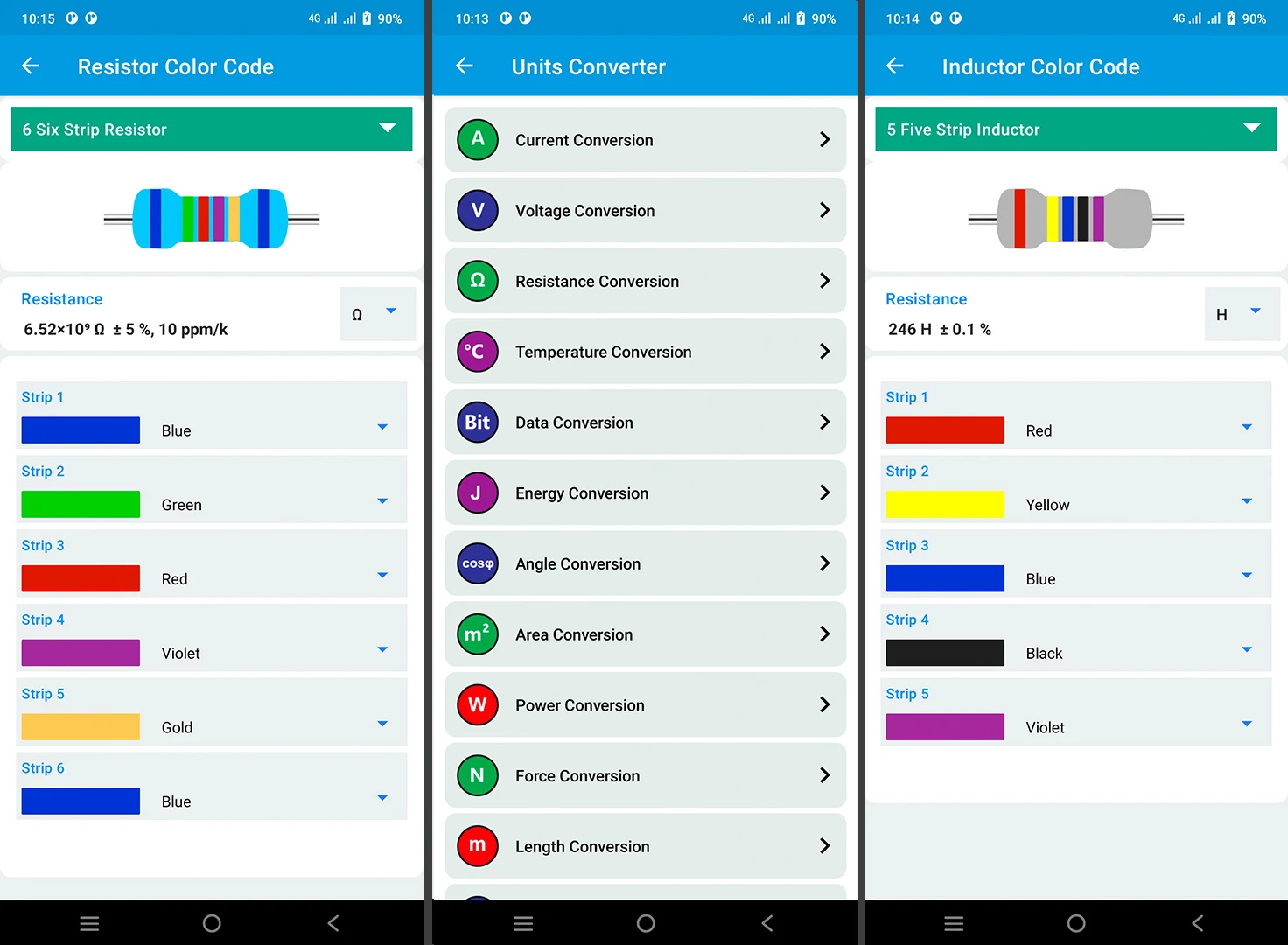
- Convenient unit converters for easy measurement translations
- Extensive electronics dictionary for clarification of technical terms
FAQs Electronics Tools: ElectroCalc:
- Is the app suitable for beginners in electronics?
- Can the app be used offline?
- Are there any in-app purchases?
- How frequently are updates released?
- Can the app be used on multiple devices with one purchase?
Conclusion:
With a comprehensive range of calculators, circuit images, pinouts, resources, converters, and a dictionary, the Electronics Tools app is a must-have for anyone involved in electronics. Whether you are a student, hobbyist, or professional, this app provides all the necessary tools and information to enhance your understanding and efficiency in electronic circuit calculations. Download the app today and take your electronics projects to the next level!
- No virus
- No advertising
- User protection
Information
- File size: 11.30 M
- Language: English
- Latest Version: 28
- Requirements: Android
- Votes: 309
- Package ID: calculation.world.electronics_calculator
- Developer: Calculation World
Screenshots
















Explore More
Equip yourself with our all-in-one toolbox app for everyday tasks and projects. Instantly convert between units, calculate tips, scan documents, manage files, and more with handy productivity tools. Includes a level, compass, QR code reader, ruler, speedometer, decibel meter, and flashlight. Save frequently used tools to your customizable dashboard for one-tap access. Track billable hours, wages, budgets, and invoices. Annotate screenshots, magnify labels, and sign PDFs on the go.

Nghe Nhạc Vàng - Nhạc Trữ Tình

Beat Jam - Music Maker Pad

وهشام سماتي- عشقنا راه في خطر

Mazetools Soniface Pro

Oldies But Goldies Radio App

Enrique Iglesias - El Perdón

Stream on Screen for Price Tag

荐片播放器