
Introduction
EX Kernel Manager is a powerful utility app designed for advanced users who want deeper control over their device’s performance and battery behavior. It provides detailed system information and tuning options that help users understand how hardware and software interact on their Android device.
By combining monitoring tools with performance controls, EX Kernel Manager allows users to fine-tune their phone according to their usage needs.
Battery and System Monitoring
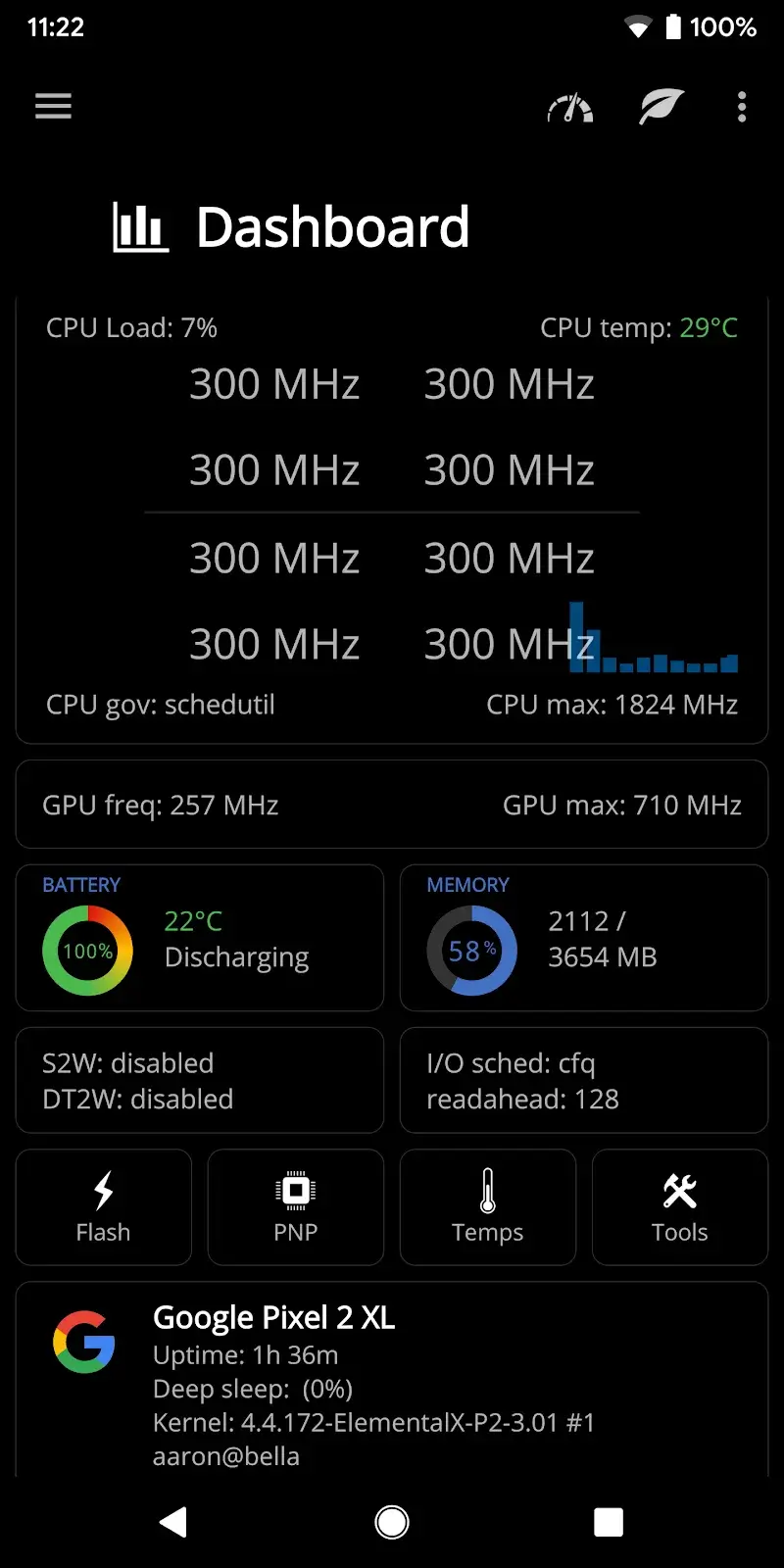
EX Kernel Manager offers detailed insights into battery behavior and system activity. Users can view real-time statistics and historical data to better understand how different processes affect battery usage.
This information helps identify patterns and potential causes of excessive power consumption.
CPU and Performance Control
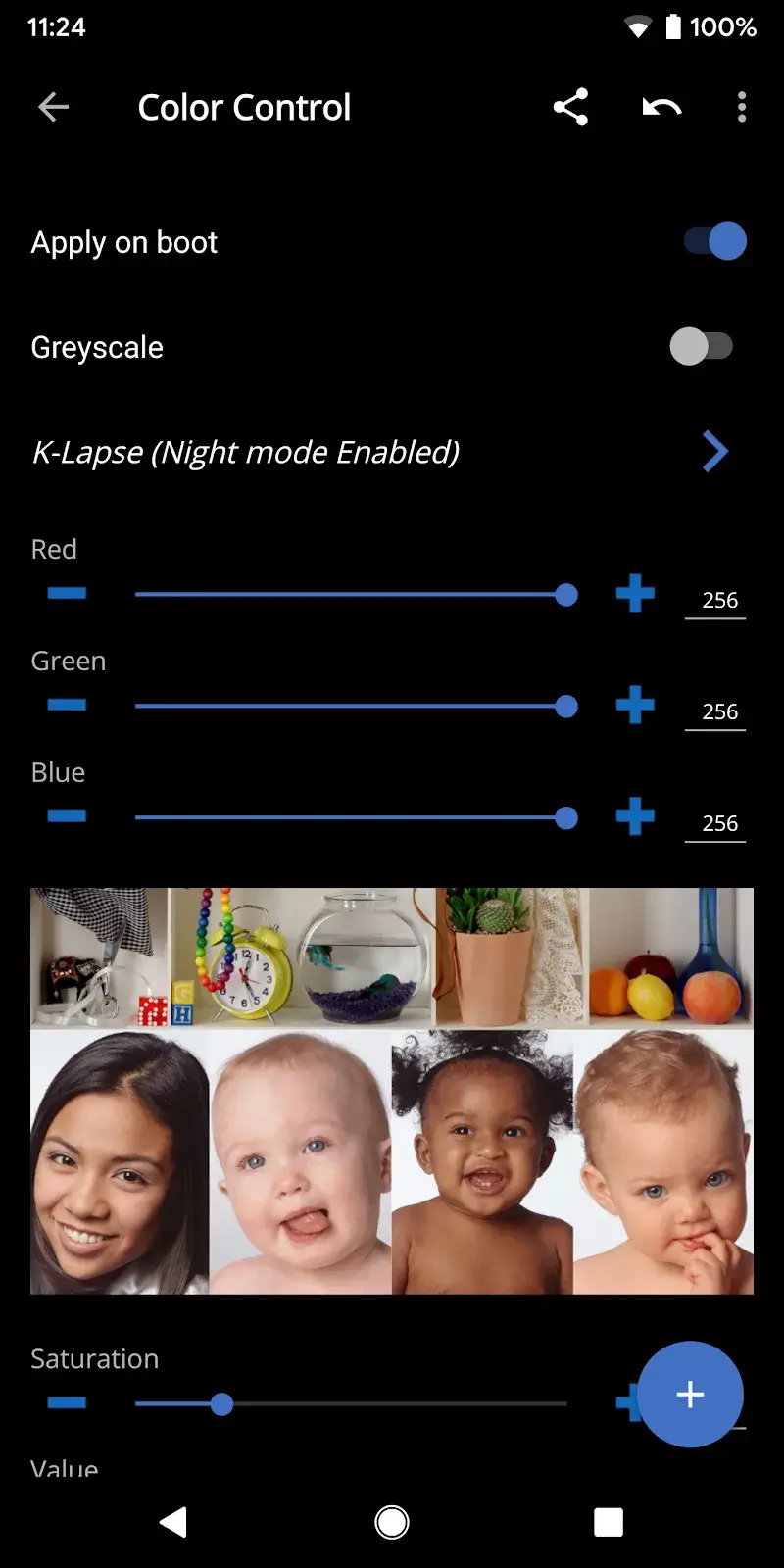
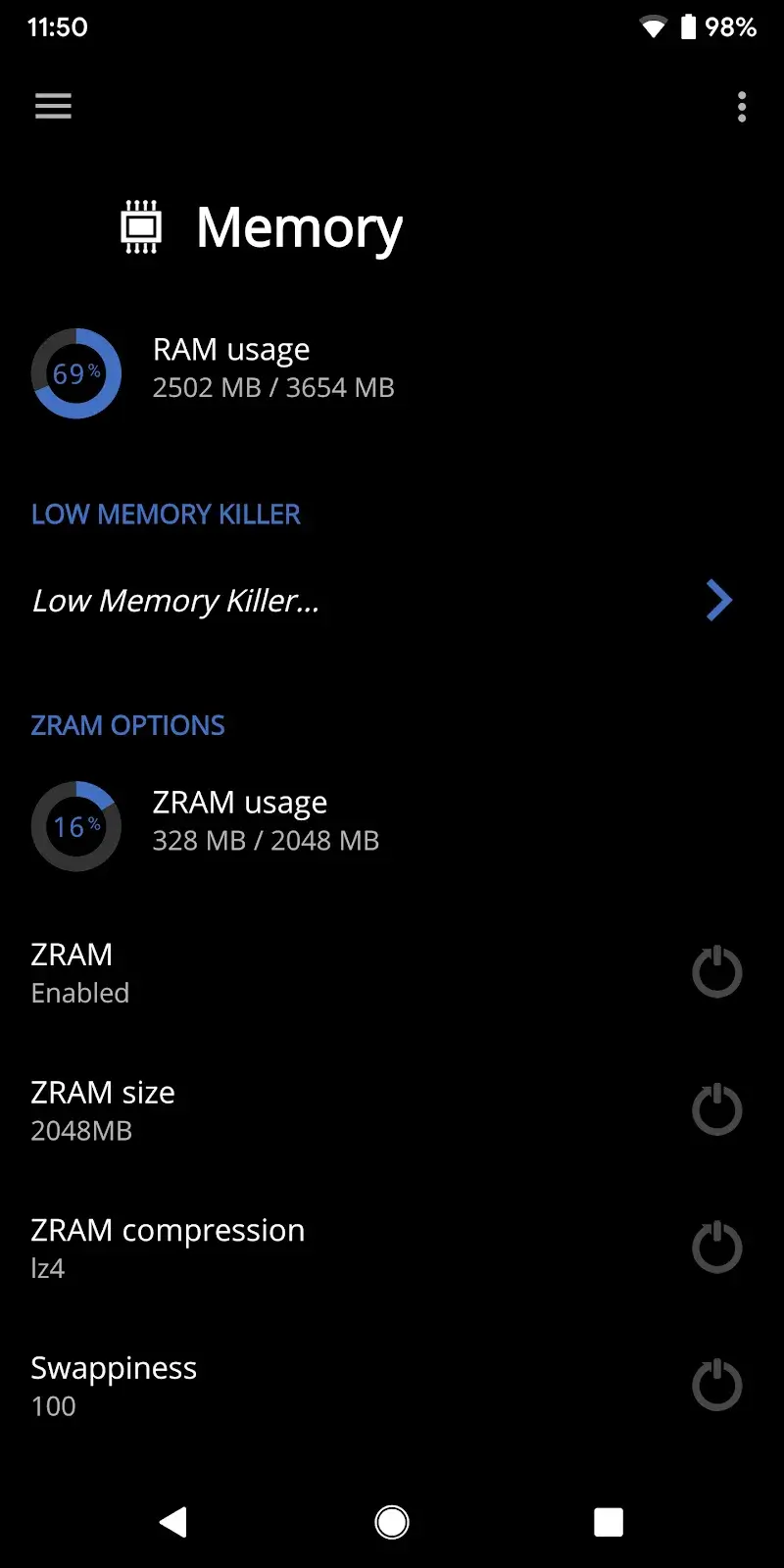
The app provides access to CPU-related settings that allow users to manage performance behavior. By adjusting these settings, users can balance performance and efficiency based on their preferences.
Careful configuration can help reduce unnecessary load and improve overall system stability.
Profile Management
EX Kernel Manager includes a profile system that lets users save, apply, and share different configuration setups. Profiles make it easy to switch between performance-focused and battery-focused settings.
This feature is especially useful for adapting the device to different usage scenarios.
Main Features
Detailed battery and system statistics.
Real-time monitoring of device performance.
CPU and performance tuning options.
Profile creation and management.
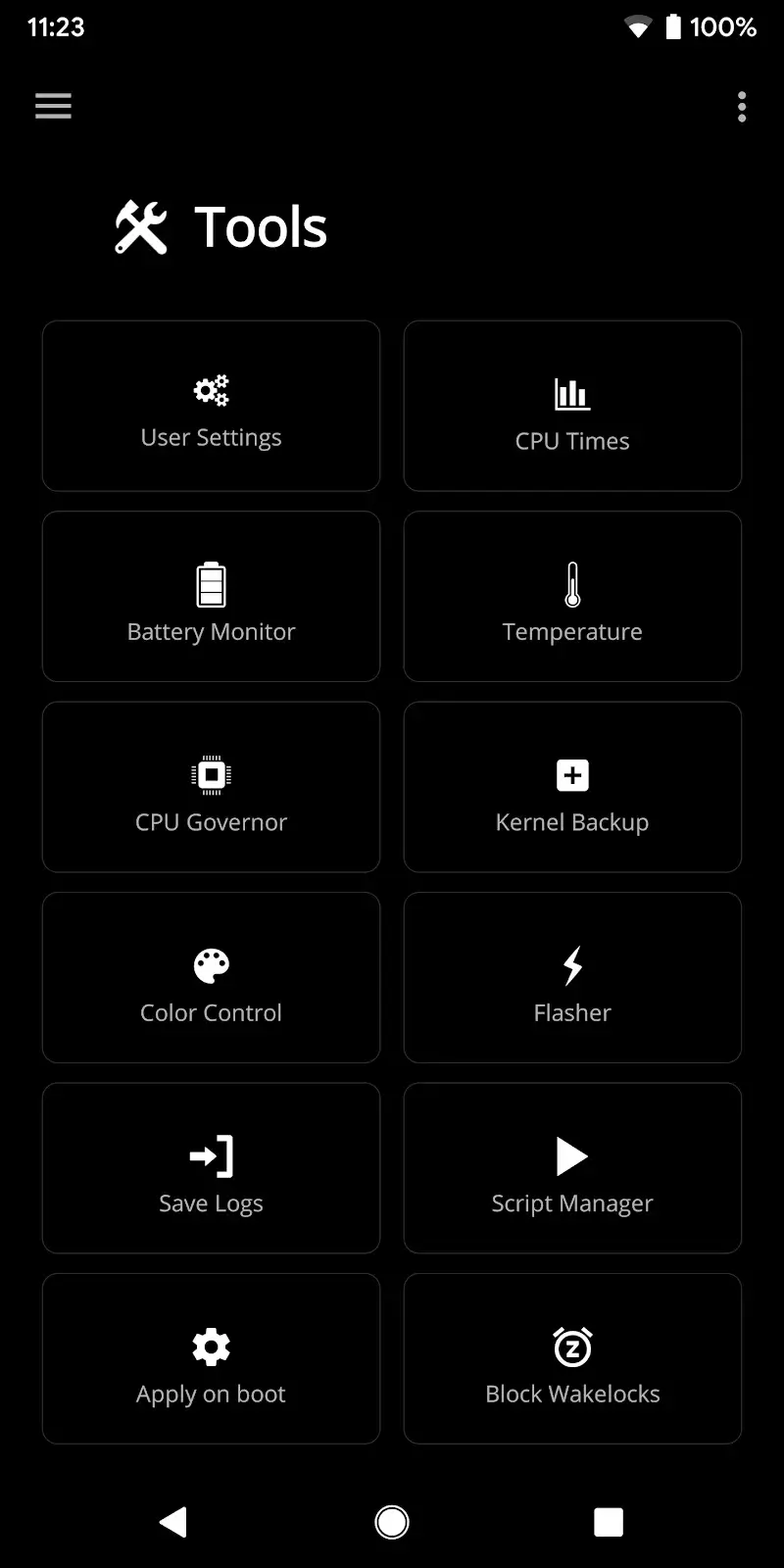
Tools designed for advanced Android users.
Usage Tips
Review system statistics regularly to understand device behavior.
Adjust CPU settings carefully to avoid instability.
Create separate profiles for daily use and high-performance tasks.
Apply changes gradually and monitor results.
Final Thoughts
EX Kernel Manager is a feature-rich tool for users who want more control over their Android device beyond standard system settings. Its monitoring and tuning capabilities provide flexibility for optimizing performance and managing power usage.
If you are comfortable with advanced system tools and want greater insight into your device, EX Kernel Manager offers a comprehensive and customizable solution.
- No virus
- No advertising
- User protection
Information
- File size: 19.15 M
- Language: English
- Latest Version: v6.03
- Requirements: Android
- Votes: 421
- Package ID: flar2.exkernelmanager
- Developer: Flar2
Screenshots
















Explore More
Equip yourself with our all-in-one toolbox app for everyday tasks and projects. Instantly convert between units, calculate tips, scan documents, manage files, and more with handy productivity tools. Includes a level, compass, QR code reader, ruler, speedometer, decibel meter, and flashlight. Save frequently used tools to your customizable dashboard for one-tap access. Track billable hours, wages, budgets, and invoices. Annotate screenshots, magnify labels, and sign PDFs on the go.

Nghe Nhạc Vàng - Nhạc Trữ Tình

Beat Jam - Music Maker Pad

وهشام سماتي- عشقنا راه في خطر

Mazetools Soniface Pro

Oldies But Goldies Radio App

Enrique Iglesias - El Perdón

Stream on Screen for Price Tag

荐片播放器