Introduction
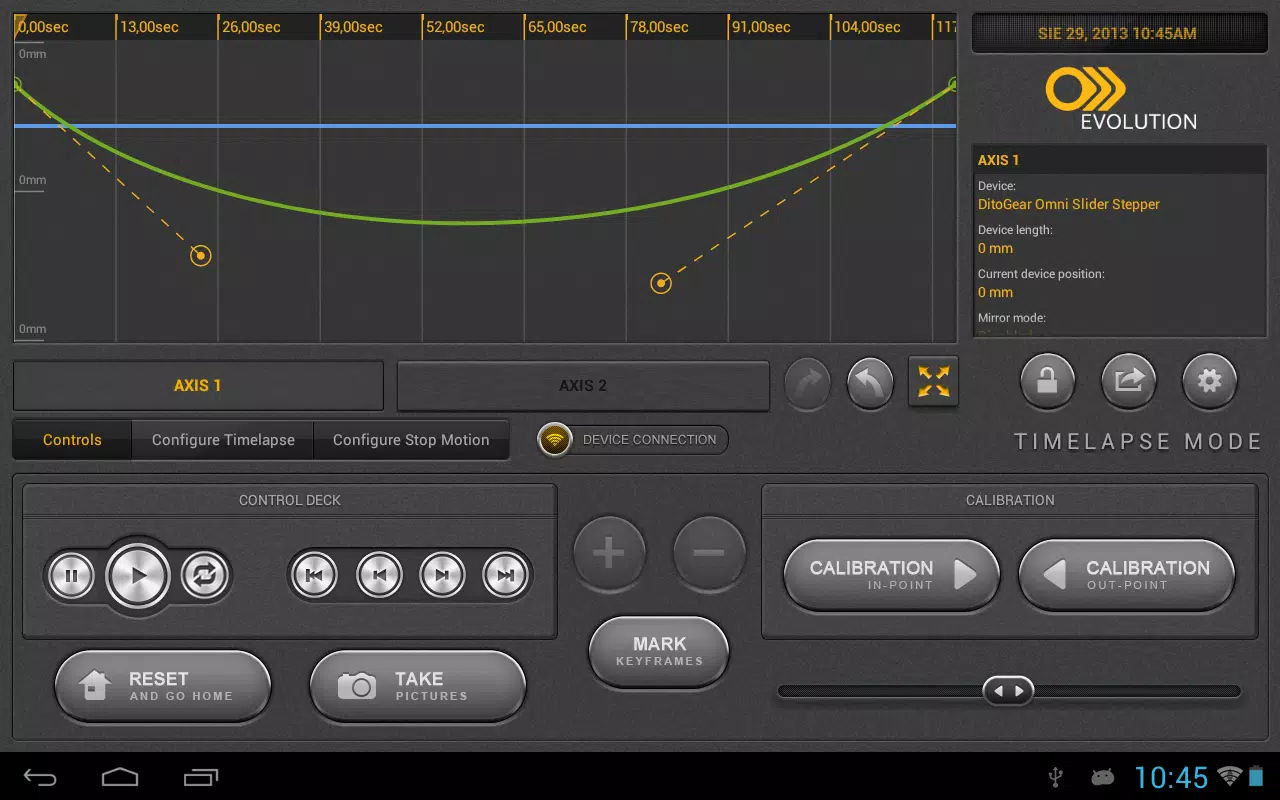
DitoGear Evolution is a motion control application that manages DitoGear hardware to give photographers, videographers, and content creators precise, repeatable camera movement. The software ties into DitoGear motion control devices—such as sliders, heads, and lens drives—and requires a DitoGear Evolution Interface for full operation. Users choose this app to automate complex live shoots, build advanced time-lapses with DSLR shutter triggering and bulb ramping, or produce detailed stop-motion sequences with frame-by-frame control. Its combination of device-specific support and flexible shooting modes makes DitoGear Evolution a practical tool for anyone looking to raise production quality and streamline motion-controlled workflows.
Key Features
⭐ Supports multiple DitoGear motion control devices including sliders, heads and lens drives for synchronized movement.
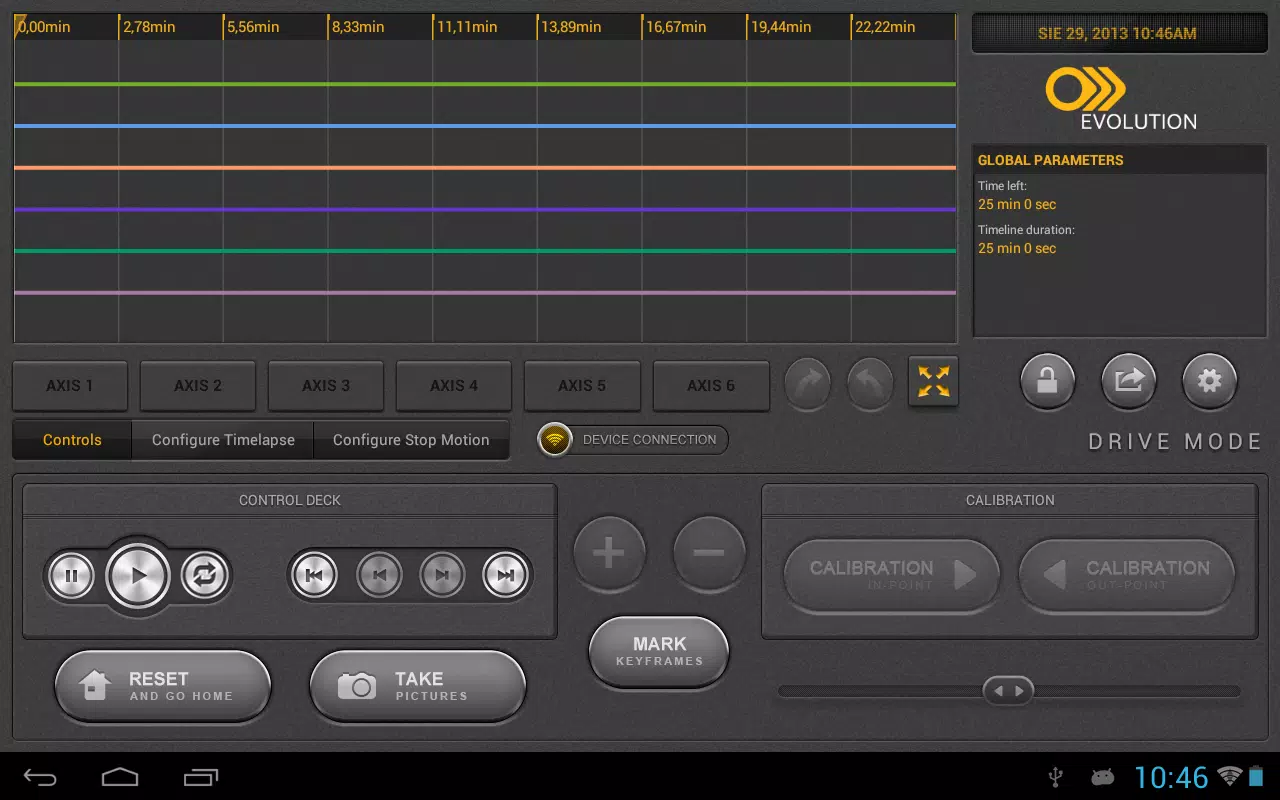
⭐ Live action mode for dynamic real-time shooting with precise motion profiles and repeatable passes.
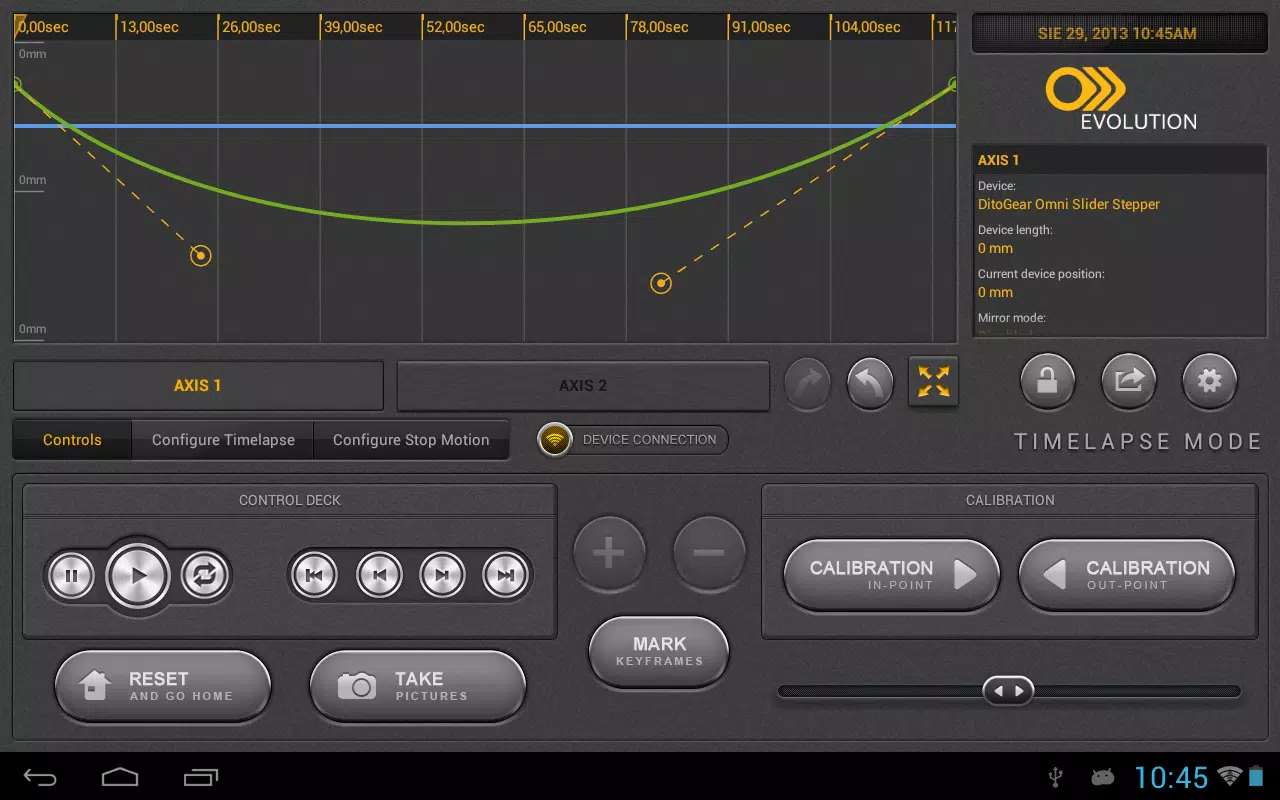
⭐ Time-lapse tools with DSLR shutter triggering, bulb ramping, drive-shoot-drive and continuous modes for creative control.
⭐ Stop-motion mode that lets you step, preview and record frame-by-frame with accurate motor control.
⭐ Configurable device profiles and intuitive controls to adapt the system to different rigs and workflows.
Advantages
✅ Delivers high-precision motion control that helps achieve smooth, repeatable camera moves in professional projects.
✅ Integrates directly with DitoGear hardware so users can manage multi-axis setups from one interface.
✅ Flexible shooting modes cover live action, time-lapse and stop-motion, reducing the need for separate tools.
✅ Regular firmware and software support help keep devices compatible and improve performance over time with DitoGear Evolution updates.
Disadvantages
❎ Requires one or more compatible DitoGear motion control devices and the dedicated Evolution Interface to function.
❎ Advanced features and multi-axis setups have a learning curve that may be challenging for beginners.
Version Information
Firmware updates and platform-specific upgrades are provided to improve compatibility and add features; users are encouraged to install the latest firmware and the available Windows updater to ensure optimal performance with DitoGear Evolution.
- No virus
- No advertising
- User protection
Information
- File size: 2.20 M
- Language: English
- Latest Version: 1.0.25
- Requirements: Android
- Votes: 420
- Package ID: com.ultimatecreatives.ditogear
- Developer: DitoGear
Screenshots
















Explore More
Equip yourself with our all-in-one toolbox app for everyday tasks and projects. Instantly convert between units, calculate tips, scan documents, manage files, and more with handy productivity tools. Includes a level, compass, QR code reader, ruler, speedometer, decibel meter, and flashlight. Save frequently used tools to your customizable dashboard for one-tap access. Track billable hours, wages, budgets, and invoices. Annotate screenshots, magnify labels, and sign PDFs on the go.

MEXC Global: BTC, ETH, Gamefi

Text Art - Write Text On Photo

MERA PROXY PRO

Domino's Pizza Sri Lanka

Hatekhori Shongkha

Halloween Photo Editor -Makeup

Connecting - Friends Near Me

Cartola