
Introduction
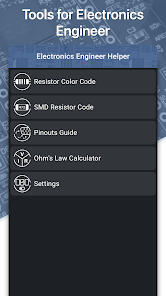
Electronics Engineer Helper is a practical toolkit for electronics design and troubleshooting, providing calculators, reference tables, and tools to support schematic checks and basic measurements.
What it offers
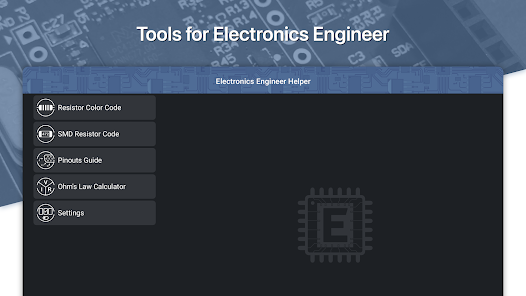
Electronics Engineer Helper combines calculation tools and component references to help with circuit sizing, unit conversions, and quick verifications.
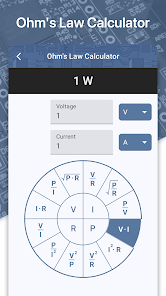
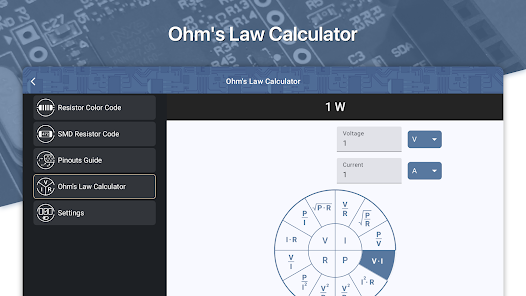
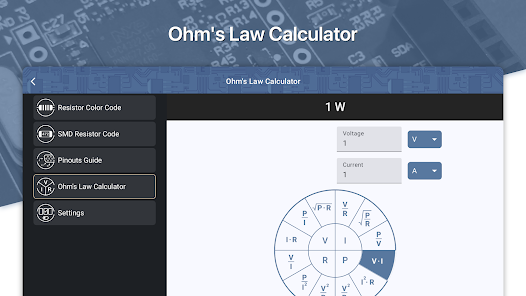
- Calculators for Ohm's law, voltage dividers, RC time constants, impedance and power
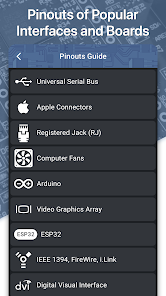
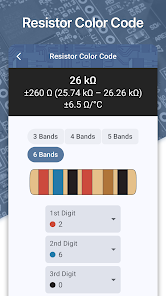
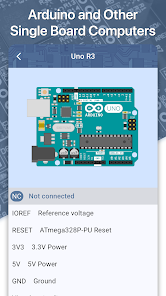
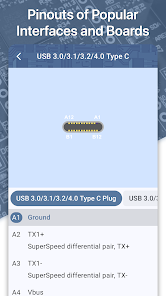
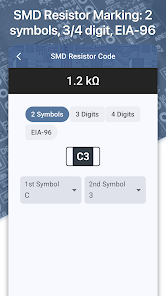
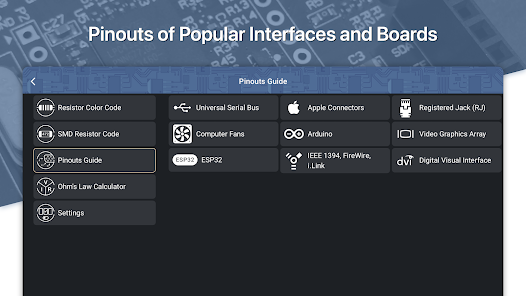
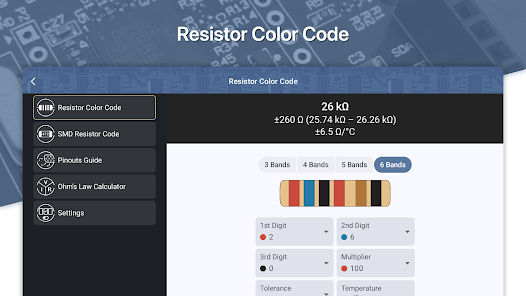
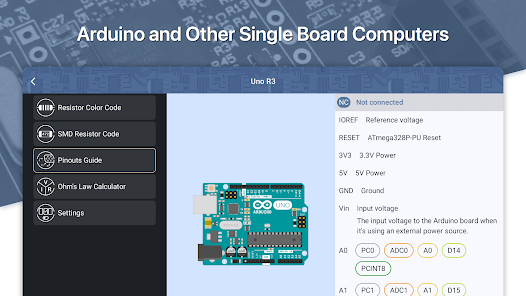
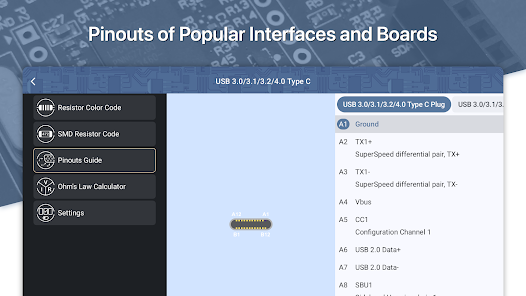
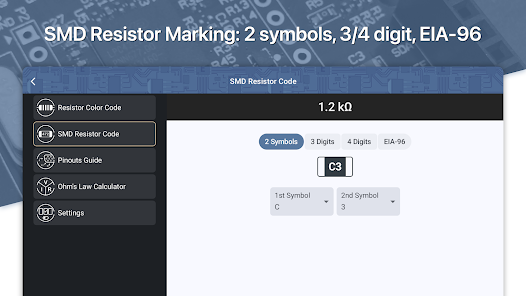
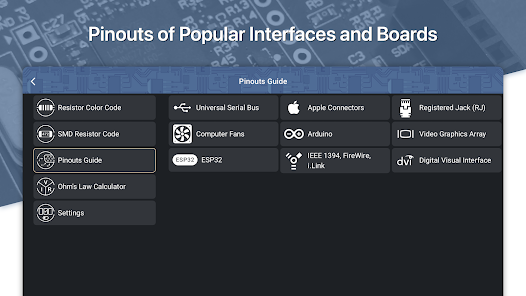
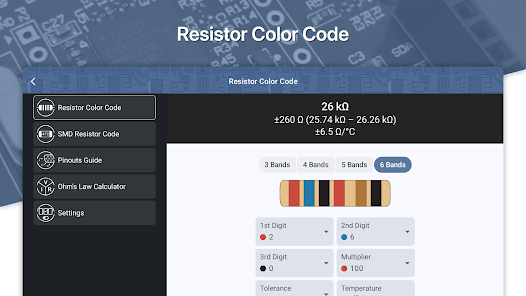
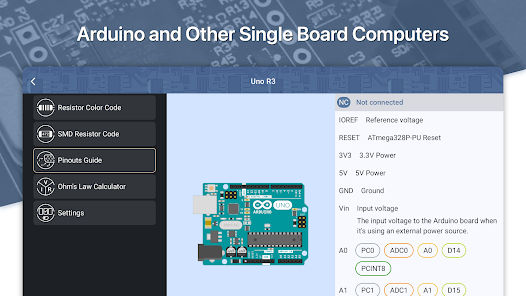
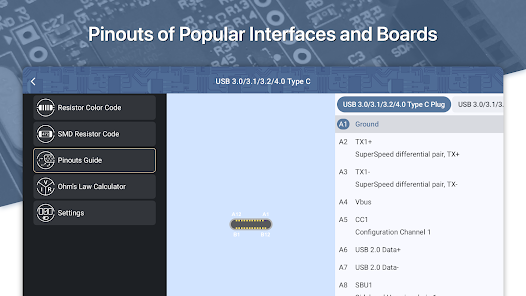
- Reference tables for resistor color codes, capacitor values and common semiconductor pinouts
- Simple schematic viewer and basic circuit simulation for quick sanity checks
- Unit converters and tolerance helpers for measurement planning
Who should use it
Students, hobbyists and professional engineers can use Electronics Engineer Helper to validate calculations, prepare test setups, and review designs before prototyping.
Usage tips
- Cross-check calculator inputs with component datasheets
- Use the simulation feature for conceptual verification, not as a replacement for lab testing
- No virus
- No advertising
- User protection
Information
- File size: 0.00 M
- Language: English
- Latest Version: 1.0.6
- Requirements: Android
- Votes: 386
- Package ID: com.rd.eehelper
- Developer: Rostyslav Dovhaliuk
Screenshots
















Explore More
Equip yourself with our all-in-one toolbox app for everyday tasks and projects. Instantly convert between units, calculate tips, scan documents, manage files, and more with handy productivity tools. Includes a level, compass, QR code reader, ruler, speedometer, decibel meter, and flashlight. Save frequently used tools to your customizable dashboard for one-tap access. Track billable hours, wages, budgets, and invoices. Annotate screenshots, magnify labels, and sign PDFs on the go.

Nghe Nhạc Vàng - Nhạc Trữ Tình

Beat Jam - Music Maker Pad

وهشام سماتي- عشقنا راه في خطر

Mazetools Soniface Pro

Oldies But Goldies Radio App

Enrique Iglesias - El Perdón

Stream on Screen for Price Tag

荐片播放器