

Introduction
Qlens - Advance Utility Tool is a versatile all-in-one Android utility that handles QR codes, barcodes, document scanning, file conversion and more, all from a single app. It combines a fast multi-format scanner with on-device AI OCR, PDF tools, NFC and Wi‑Fi utilities so you can scan, create, convert and manage content without switching apps. Power users will value automatic content detection, a persistent scan history, customization options for code generation, and offline text extraction for privacy-conscious workflows. Qlens - Advance Utility Tool is useful for anyone who wants a reliable, privacy-first toolkit for everyday scanning and document tasks.
Key Features
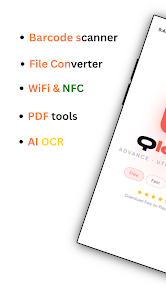
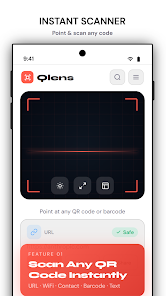
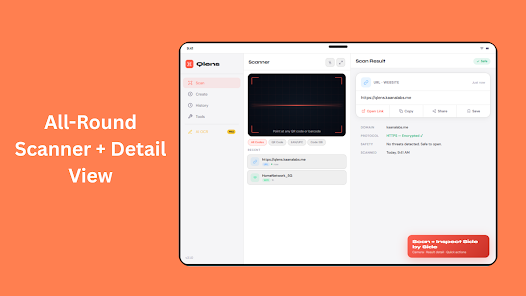
⭐ Qlens - Advance Utility Tool includes a universal scanner that reads QR codes, barcodes, URLs, Wi‑Fi credentials, contacts, emails, calendar events and more, with automatic content detection and one-tap actions.
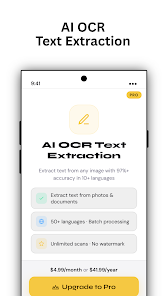
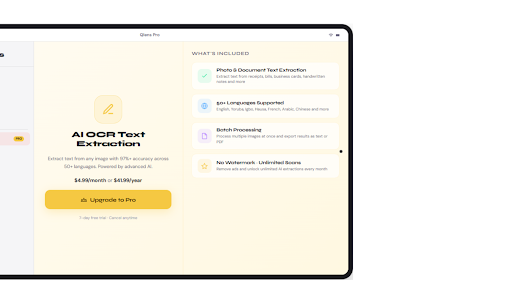
⭐ On-device AI OCR extracts text from printed pages, labels, receipts and handwriting; copy, share or translate results without sending data to servers.
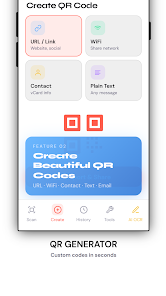
⭐ Create customizable QR codes and barcodes from URLs, text, Wi‑Fi and contacts; adjust colors, add logos and export high-resolution images.
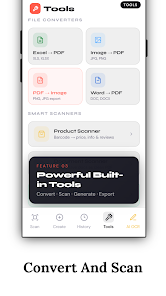
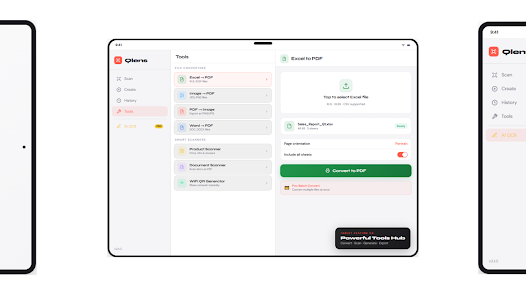
⭐ Built-in PDF tools let you merge, reorder and compress documents while converters handle Image→PDF, PDF→Image, Word→PDF and Excel→PDF workflows.
⭐ Product scanning and authenticity checks pull product details and verification status from public databases and help compare offers without leaving the app.
⭐ NFC and Wi‑Fi utilities let you read/write tags, generate shareable network QR codes, and view or share network details quickly.
Advantages
✅ Centralizes many utilities—scanning, code creation, OCR, PDF editing and file conversion—so you can complete tasks in one app.
✅ Strong privacy controls: no account required, on-device OCR and biometric lock to protect scan history and personal data.
✅ Supports many barcode formats and output options, plus high-resolution exports suitable for print or sharing.
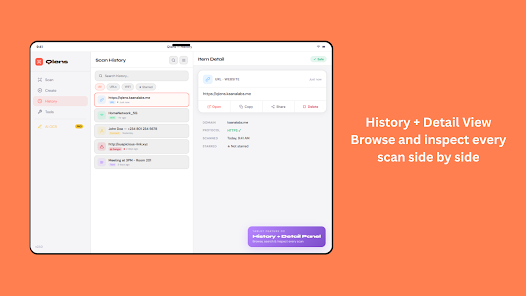
✅ Batch scanning, saved history and a simple export workflow make it efficient for repeat or professional use.
Disadvantages
❎ Some advanced features—unlimited conversions, pro PDF tools and certain verification or alert functions—require a Premium upgrade.
❎ NFC functions depend on device hardware and may not be available on all phones.
❎ The Scan to PC feature requires a local connection to a browser receiver and may need the phone and computer to be on the same network for real-time transfers.
- No virus
- No advertising
- User protection
Information
- File size: 23.00 M
- Language: English
- Latest Version: 1.0.2
- Requirements: Android
- Votes: 249
- Package ID: com.qlens.app
- Developer: Kaana Labs
Screenshots
















Explore More
Equip yourself with our all-in-one toolbox app for everyday tasks and projects. Instantly convert between units, calculate tips, scan documents, manage files, and more with handy productivity tools. Includes a level, compass, QR code reader, ruler, speedometer, decibel meter, and flashlight. Save frequently used tools to your customizable dashboard for one-tap access. Track billable hours, wages, budgets, and invoices. Annotate screenshots, magnify labels, and sign PDFs on the go.

MEXC Global: BTC, ETH, Gamefi

Text Art - Write Text On Photo

Domino's Pizza Sri Lanka

Hatekhori Shongkha

Halloween Photo Editor -Makeup

Connecting - Friends Near Me

Cartola

HFonts - font & emoji manager





















