

Introduction
Dutch for AnySoftKeyboard is a compact language pack that adds full Dutch typing support to the AnySoftKeyboard app on Android. Dutch for AnySoftKeyboard installs as an add-on and brings optimized layouts, an extensive Dutch dictionary and easy access to accented characters so you can type naturally in Dutch without switching devices or losing privacy. This language pack is ideal for native speakers, learners and bilingual users who need reliable autocorrect, predictable suggestions and a keyboard that respects local data storage and user control.
Key features and what they do for you
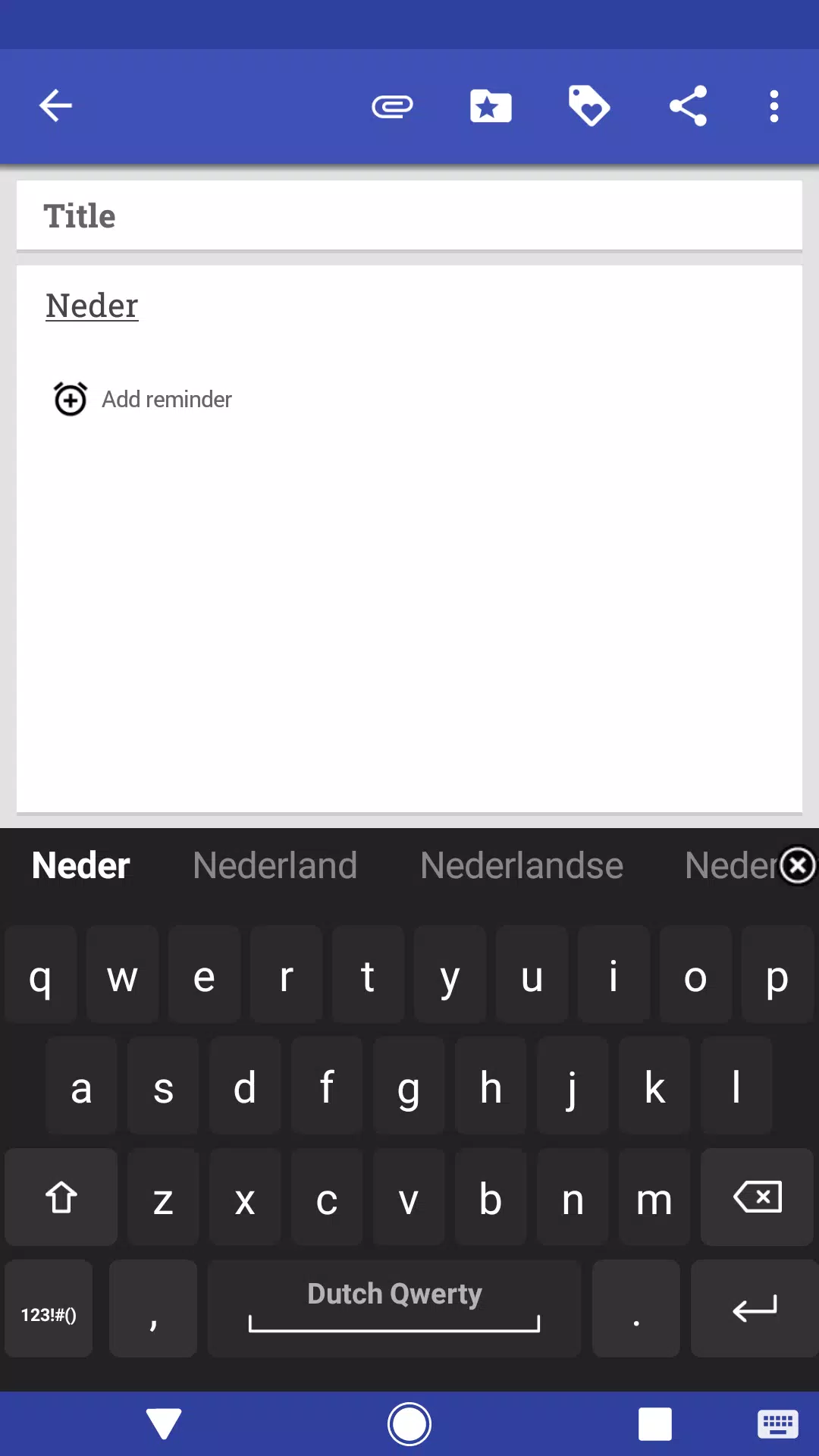
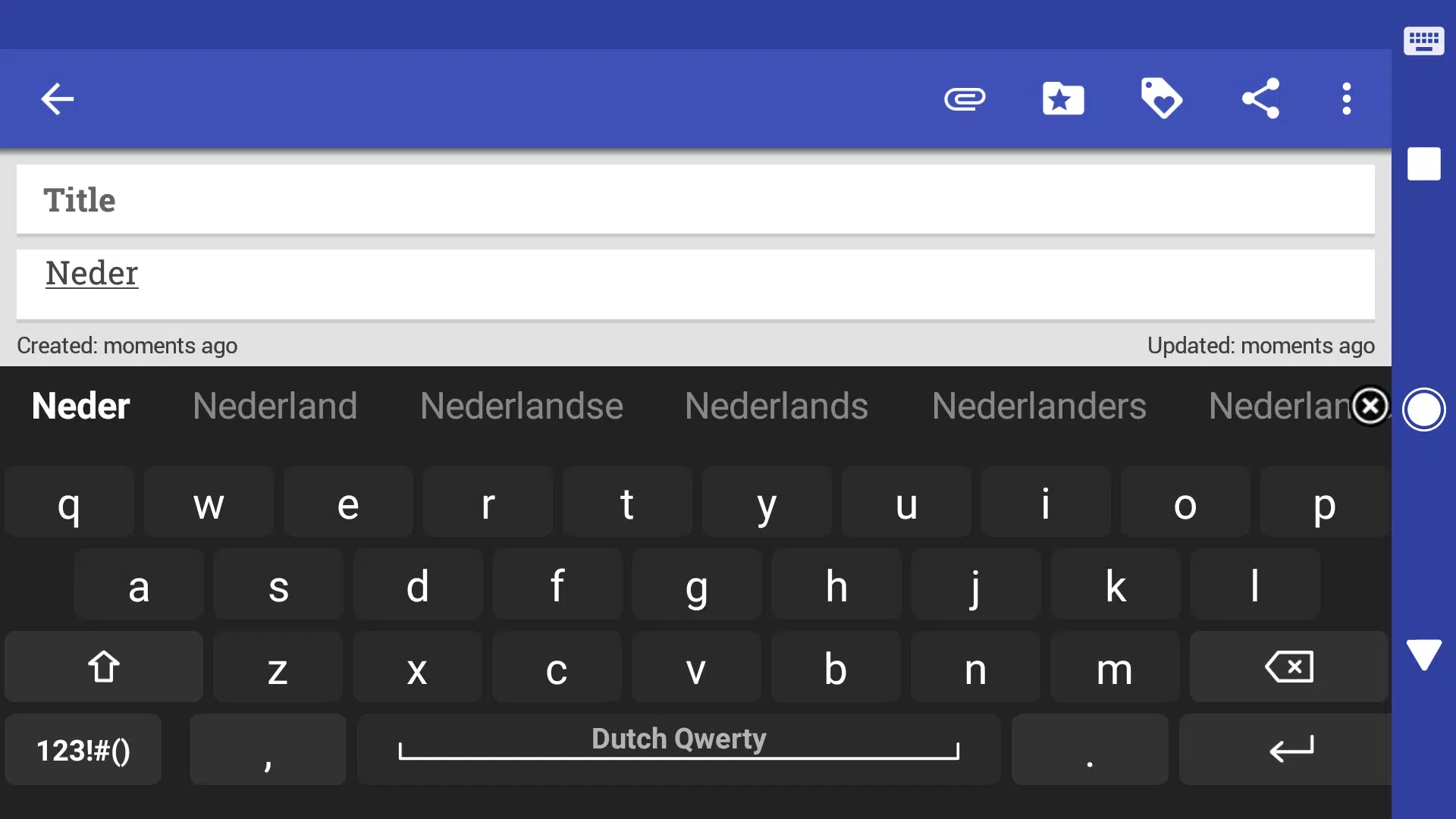
The Dutch for AnySoftKeyboard package includes keyboard layouts tailored for Dutch orthography and punctuation, with direct access to characters such as accented vowels, the diaeresis and common currency and typographic signs used in everyday writing. The included Dutch dictionary runs locally to improve autocorrect and predictive suggestions, helping reduce repeated corrections and speeding up message composition. Integration with AnySoftKeyboard is seamless: after installing the pack, enable it from Settings > Keyboards and switch between languages on the fly. The pack is built to be privacy-friendly and follows the open-source philosophy of the host keyboard, so your typing data stays on your device unless you choose otherwise.
Typing mechanics and controls
This language pack supports the core input methods provided by AnySoftKeyboard, such as tap-to-type, swipe-typing and long-press for alternate characters and accents. Long-press behavior exposes accented variants and punctuation without adding extra keys, while swipe gestures allow faster word entry across long sentences. Cursor control and selection gestures provided by the host keyboard remain compatible, so editing text in Dutch feels consistent with your usual workflow. If your version of AnySoftKeyboard supports gesture shortcuts or configurable key long-press, the Dutch layouts will use those same behaviors for a unified typing experience.
Progression, adaptation and predictive text
The Dutch dictionary included with this pack enhances predictive text and autocorrect for Dutch vocabulary and morphology, which makes it easier to maintain correct spelling as you type. Predictive suggestions prioritize commonly used Dutch words and phrases, and the local dictionary adapts to frequently used terms so common personal words and names appear sooner in suggestions. Because the dictionary operates on-device, you get improved accuracy without sending entries to external servers, preserving privacy while benefiting from more relevant predictions over time.
Customization, visual style and layout options
Rather than adding a fixed appearance, Dutch for AnySoftKeyboard is designed to work with AnySoftKeyboard’s customization options. Themes, key size, row height and color schemes you choose in the host app are applied to the Dutch layouts so you can maintain a consistent visual style across languages. Layout variants are arranged to expose Dutch-specific punctuation and diacritics efficiently, and common customizations like one-handed mode, key popups and alternative keyboard rows remain available when typing Dutch.
Accessibility, offline use and user experience
Because the pack stores its dictionary and layout files locally, Dutch for AnySoftKeyboard supports offline typing in Dutch and is suitable when you don’t have network access. Accessibility is considered through compatibility with larger key sizes and high-contrast themes supplied by AnySoftKeyboard, and the language pack does not interfere with screen readers or system-level accessibility features. The result is a calm, consistent user experience: predictable autocorrect, accessible key targets and a layout that reduces the friction of switching languages.
Who benefits and typical use cases
This add-on is useful for a wide range of people: Dutch learners who want helpful spelling guidance, bilingual users who frequently switch between Dutch and another language, expatriates living in Dutch-speaking regions, professionals drafting emails in Dutch, and anyone who prefers a privacy-conscious, open-source typing environment. Dutch for AnySoftKeyboard makes it straightforward to compose messages, fill forms and enter addresses correctly without toggling between multiple keyboards.
Requirements and limitations
Note that Dutch for AnySoftKeyboard is a language pack and requires the AnySoftKeyboard host app to function; it is not a standalone keyboard. The pack provides Dutch input only, so additional language packs are needed for other languages. Some advanced behaviors depend on features available in the version of AnySoftKeyboard that you use, so results and options may vary slightly between releases. If you rely on cloud-based language services, remember this pack emphasizes local dictionaries and privacy-friendly operation.
- No virus
- No advertising
- User protection
Information
- File size: 6.80 M
- Language: English
- Latest Version: 5.0.28
- Requirements: Android
- Votes: 91
- Package ID: com.anysoftkeyboard.languagepack.dutch_oss
- Developer: AnySoftKeyboard
Screenshots
















Explore More
Hit the open road with confidence using our automotive apps. Access comprehensive makes/models reference guides for expert vehicle knowledge. Get step-by-step repair and maintenance tutorials so you can DIY with ease. Scan diagnostic codes and get repair estimates from local shops. Stay on top of your vehicle's health with digital logs and alerts. Plan road trips leveraging real-time maps, traffic data, and trip computer integration.

Photo Editor Background Change

Text Art - Write Text On Photo

IZI: play, listen, watch, call

ScanPro

Starbucks Turkey

Bollinger 1829

TANTRI : QR Menu & POS

Halloween Photo Editor -Makeup













