

Introduction
RichEditText is an Android demo app that showcases a versatile rich-text editing widget, letting developers and power users experiment with formatting tools for notes, documents, or in-app content. The app demonstrates how the RichEditText widget handles common formatting tasks — from bold and italic to indents and color highlights — so you can preview behavior and integrate similar editing features into your own projects. If you need a compact way to test or demonstrate text-formatting capabilities, RichEditText provides a clear, hands-on example of what a rich editing component can offer.
Key Features
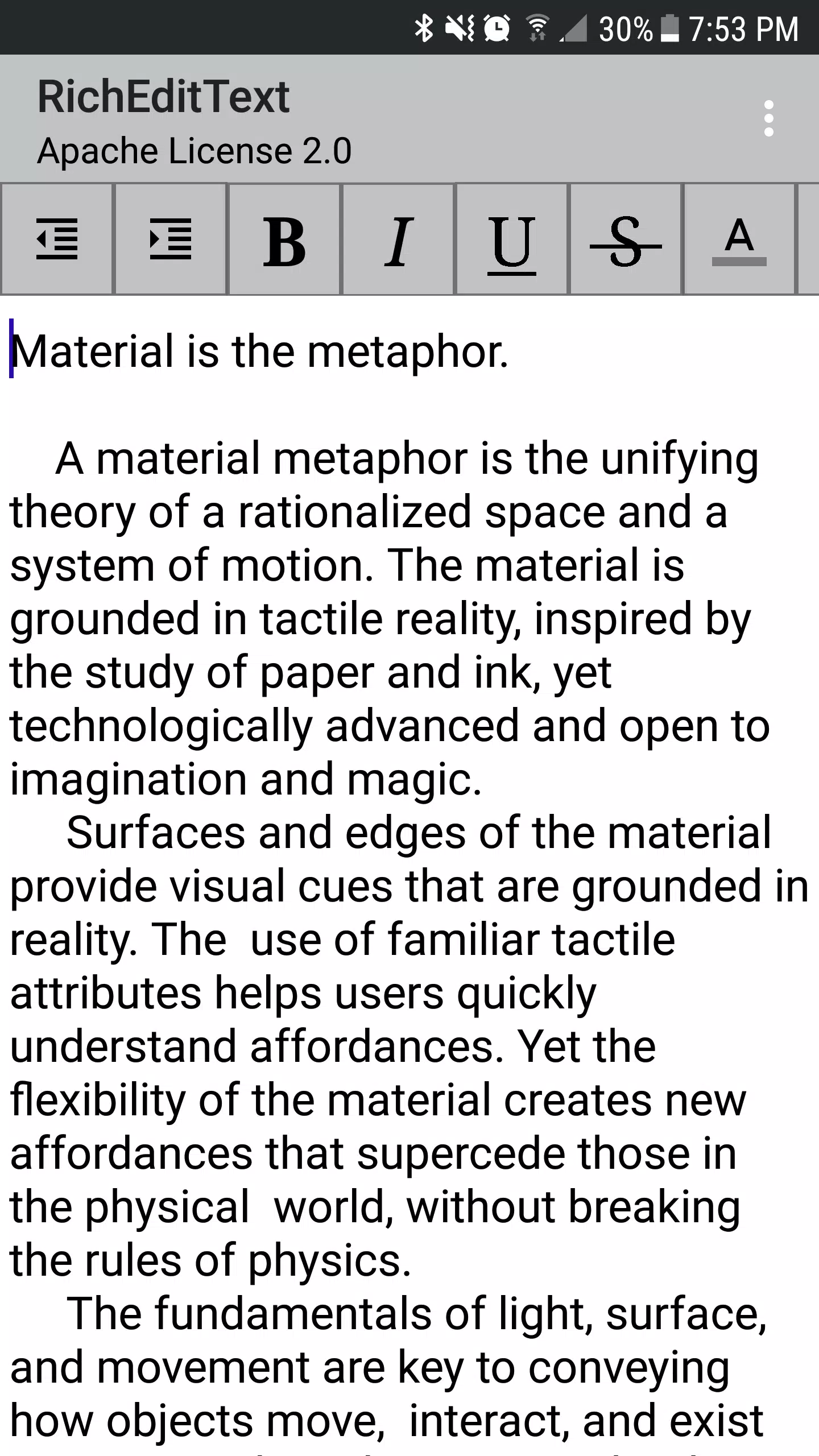
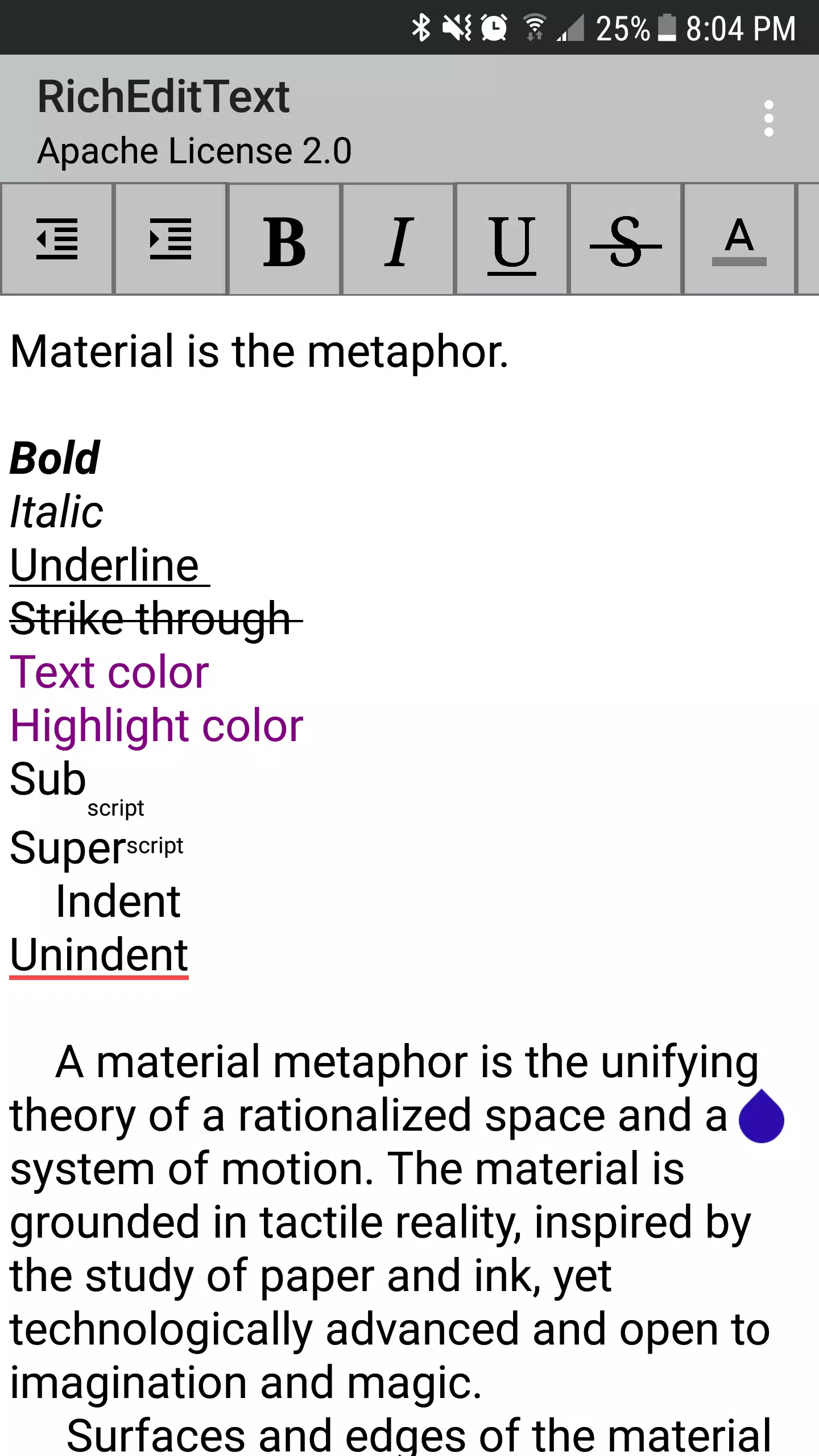
⭐ Indent: increase the indentation level of selected text to structure paragraphs and lists.
⭐ UnIndent: decrease indentation to move content back to the left and adjust layout.
⭐ Bold: apply bold styling to emphasize words or headings.
⭐ Italic: set selected text to italic for emphasis or citations.
⭐ Underline: add underlines to text for emphasis or formatting needs.
⭐ Text Color Change: change text color to match style or highlight important sections.
Advantages
✅ RichEditText serves as a practical reference for developers who want to add rich-text controls to their apps without building everything from scratch.
✅ A concentrated set of formatting tools makes it easy to try out features like bold, italic, underlines, and color changes in a single place.
✅ Useful for creating formatted notes, sample documents, or prototyping content-editing interfaces quickly.
✅ The app focuses on hands-on demonstrations, helping you see exactly how text formatting behaves before integrating it into your project.
Disadvantages
❎ Primarily designed as a demonstration tool, so it may not include the broader workflow features of a full word processor.
❎ Focus is on formatting capabilities rather than document management or collaborative editing features.
- No virus
- No advertising
- User protection
Information
- File size: 1.30 M
- Language: English
- Latest Version: 1.0
- Requirements: Android
- Votes: 489
- Package ID: info.datahelix.richedittextexample
- Developer: Adam Torres
Screenshots
















Explore More
Equip yourself with our all-in-one toolbox app for everyday tasks and projects. Instantly convert between units, calculate tips, scan documents, manage files, and more with handy productivity tools. Includes a level, compass, QR code reader, ruler, speedometer, decibel meter, and flashlight. Save frequently used tools to your customizable dashboard for one-tap access. Track billable hours, wages, budgets, and invoices. Annotate screenshots, magnify labels, and sign PDFs on the go.

Board Game Stats

MEXC Global: BTC, ETH, Gamefi

Text Art - Write Text On Photo

MERA PROXY PRO

Domino's Pizza Sri Lanka

Halloween Photo Editor -Makeup

Connecting - Friends Near Me

Cartola





















