


Introduction
Anime Browser is an unofficial mobile client for a popular anime and manga tracking service, created to make it easier for fans to follow series, update progress, and discover new titles without opening a web browser. The app focuses on fast access to seasonal lineups, trending lists, and personal collections with an interface that favors clarity over clutter. Anime Browser does not stream video or provide in-app manga reading; instead it acts as a focused companion for organizing your library, keeping track of what you watch or read, and sharing activity with friends or community feeds.
Key features and how they help
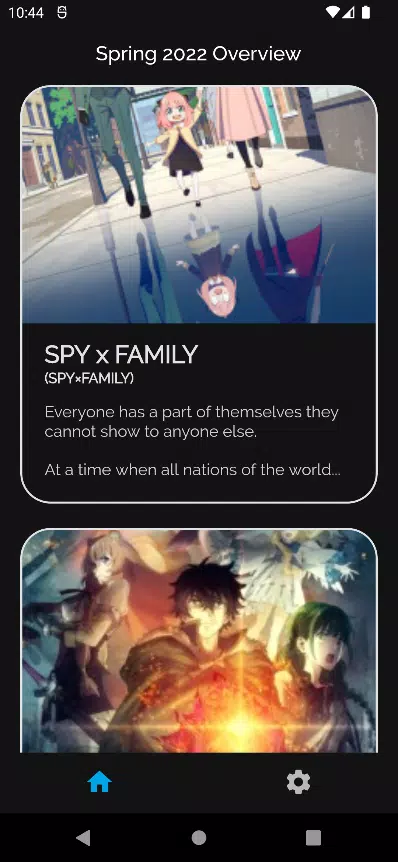
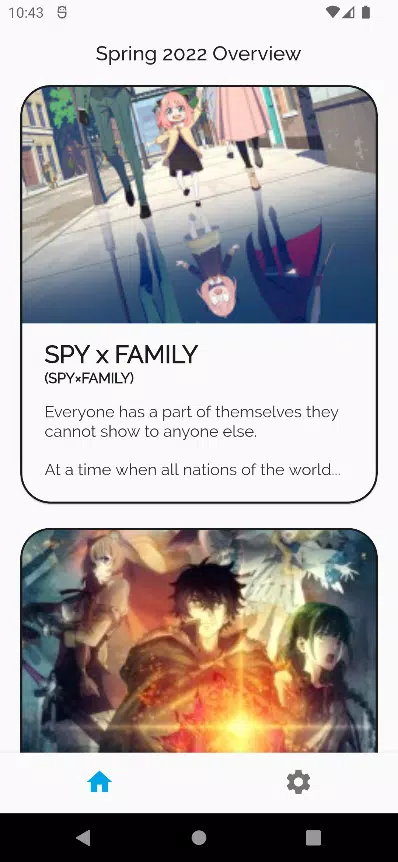
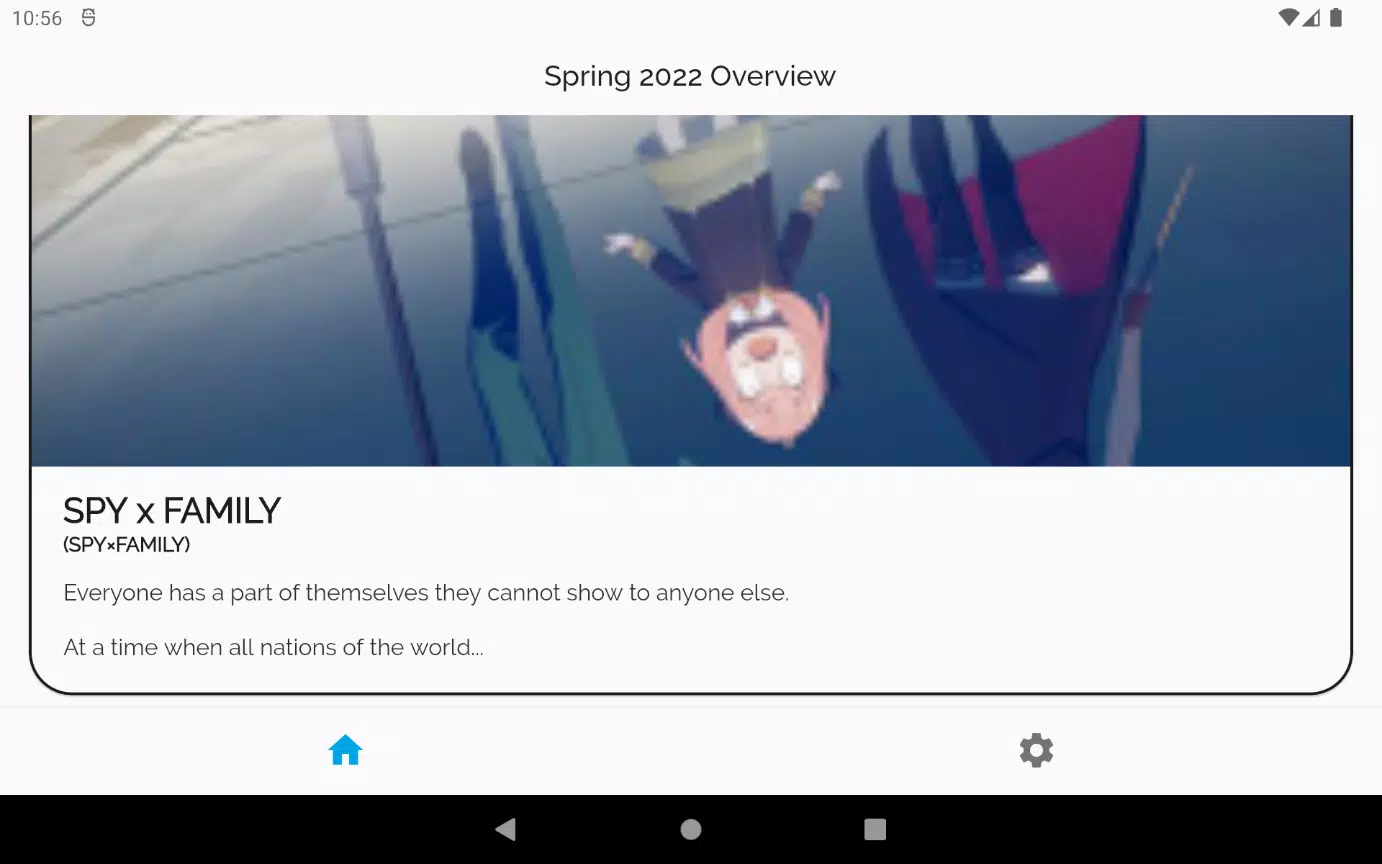
The core functionality centers on list management: you can add or remove entries, set statuses such as watching, completed, or plan to watch, and update episode or chapter counts with a few taps. Browse this season’s lineup and filter by genre, format, or airing status to narrow down picks; the app surfaces trending titles and recent updates so you can spot new releases quickly. Search and discovery use adaptive filtering and simple sorting, making it straightforward to switch between seasonal highlights, personalized recommendations, and broad catalog searches. Tags, synopsis snippets, and basic metadata are shown inline so you can evaluate titles without leaving the app's clean layout.
Controls and navigation
Navigation in Anime Browser is touch-first and designed for short, repeatable interactions: swipe gestures move between detail screens, and single-tap actions toggle common options like favoriting or changing an entry’s status. The top-level navigation groups discovery, your lists, and account activity into clear sections with consistent back-navigation behavior. In-detail pages provide quick-access buttons for updating progress and for jumping to external links when you need the original service page. The design reduces nested menus; common controls are surfaced where you expect them so list edits and searches feel quick and predictable.
Progression, tracking and personalization
Progression is represented through status states and numeric progress trackers so you can monitor episodes or chapters consumed over time. The app records recent activity so you can return to where you left off and see a concise history of list changes. Personalization features let you tailor how lists are displayed—sort by title, date added, release date, or custom tags—and save those preferences for consistent behavior. While Anime Browser does not provide game-like leveling or multiplayer leaderboards, it supports personal goals through clear progress indicators and the ability to mark priorities for series you follow.
Visual style and customization
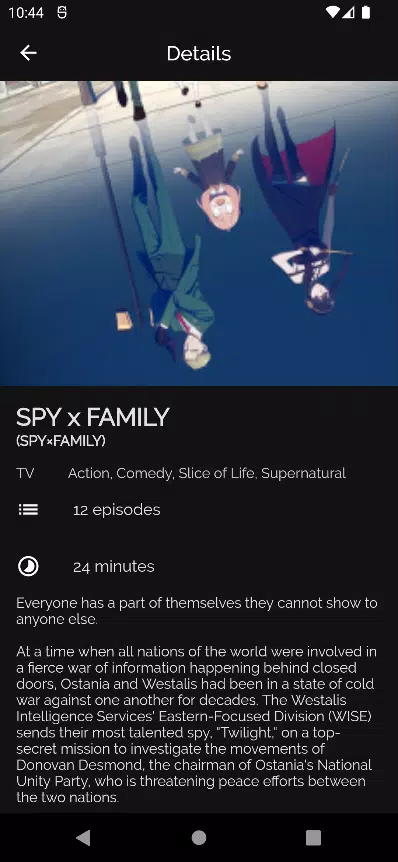
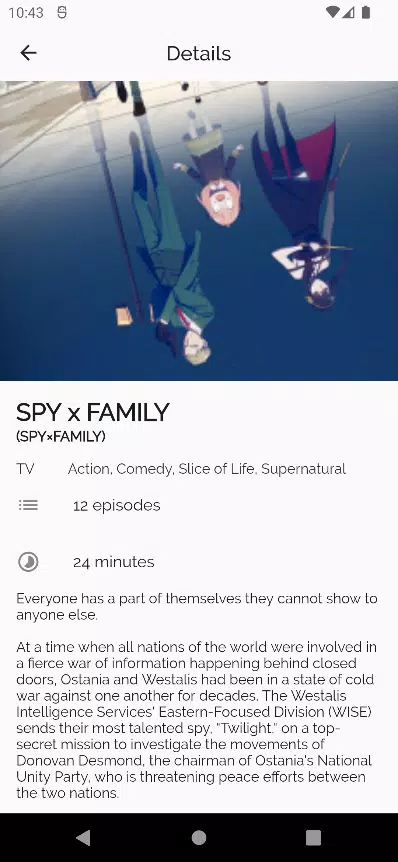
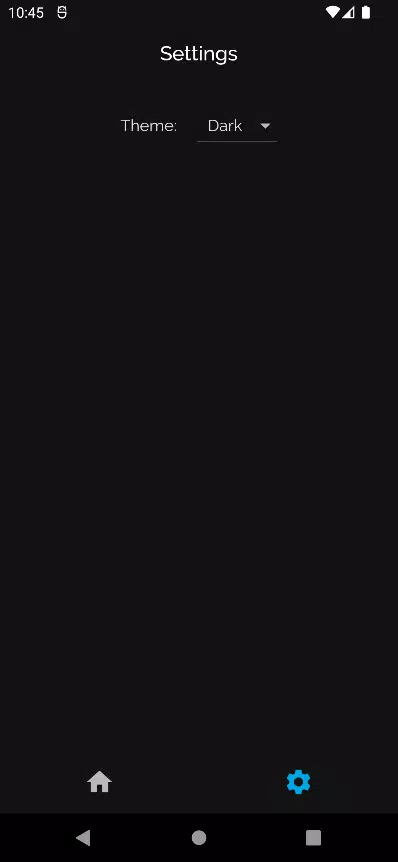
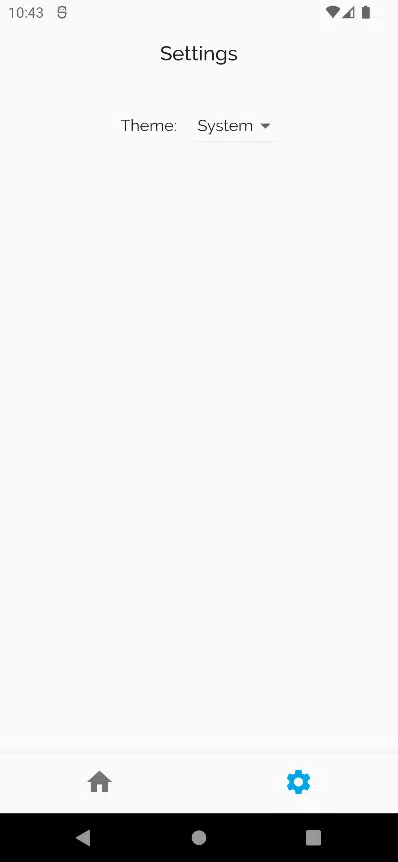
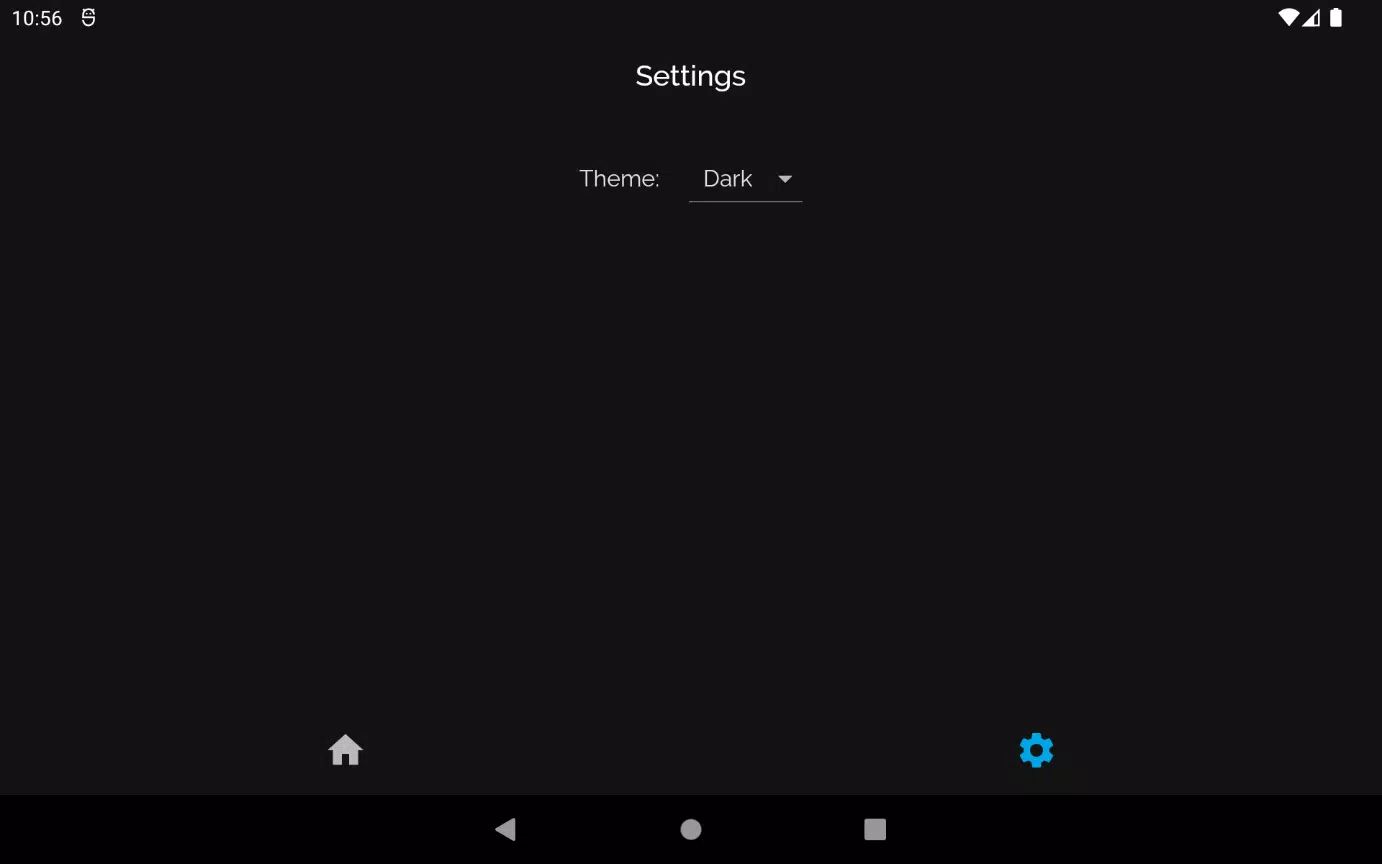
Visual design emphasizes readability: a neutral base layout, adjustable font sizing, and both light and dark themes reduce eye strain in different lighting conditions. Thumbnails and cover art are sized to balance scanability with information density, and color accents are used sparingly to highlight status and interaction points. Customization extends to display density and sorting options rather than deep UI theming, which keeps the interface consistent and lightweight on a wide range of devices.
Structure, replay value and routine use
The app’s structure encourages frequent revisits by making updates painless: seasonal pages and trending lists change as new episodes are announced, which gives casual and dedicated users a reason to check in regularly. Replay value comes from continued catalog growth and the act of curating a personal collection—marking episodes, discovering spin-off titles, or following a new season. Because the tool is centered on management rather than consumption, it fits naturally into daily or weekly routines for tracking progress and planning what to watch next.
User experience and accessibility
Anime Browser aims for accessibility through clear contrast options, straightforward navigation, and scalable text sizes to accommodate different visual needs. Interactive elements are sized for comfortable touch interaction and the flow avoids deep menu trees that can be difficult to navigate with assistive tools. Descriptive labels are present on primary controls so screen readers and other accessibility utilities can interpret actions more predictably. Feedback on common actions—such as confirmations for status changes—helps prevent accidental edits and improves confidence when managing a large collection.
Limitations and compatibility notes
Anime Browser is an unofficial, read-focused client and deliberately does not include streaming or integrated manga readers; any media consumption must be done through licensed providers or the original service. As an independent client, it may not expose every feature found on the source platform and occasional API changes can affect available functionality until updates are released. The app is intended as a lightweight alternative to full web navigation: it prioritizes list management, discovery, and a streamlined mobile experience rather than reproducing the entire feature set of the original website.
Who should consider it
Fans who want a compact, efficient tool for tracking series and organizing a personal anime and manga collection will find Anime Browser valuable. It is especially useful for users who prefer to manage their lists on the go, keep up with seasonal premieres, and curate what they follow without the overhead of a full browser session. The emphasis on clarity, predictable controls, and quick status updates makes it suitable for casual viewers and dedicated collectors alike.
- No virus
- No advertising
- User protection
Information
- File size: 18.00 M
- Language: English
- Latest Version: 1.2.0
- Requirements: Android
- Votes: 303
- Package ID: com.philripd.animebrowser
- Developer: Cal Poly Pomona
Screenshots
















Explore More
Discover meaningful connections with our personalized dating apps. Built with modern singles in mind, our software simplifies making authentic romantic matches. Get recommended profiles based on your preferences for streamlined browsing. Showcase your personality through engaging prompts and questions. Safely video chat to pre-screen potential partners. Meet up at curated events with other relationship-minded locals.

DATING SITES

Adoife - Free Teen dating site

Livestream TV - M3U Stream Player IPTV

Mein dm

Fake Live Location | GPS

Kaçamak Sevgili Bul, Flört Et

Bangla Newspaper

MX Player Codec (ARMv7 NEON)





























