Introduction
Las Aventuras de Prudencia is an educational mobile app that teaches road safety through short, scenario-driven lessons set in the Municipality of Heredia, and it is designed for parents, teachers and independent learners who want practical, regionally-informed practice rather than formal licensing instruction. The first module immediately introduces the guide character Prudencia and situational decision points so new users can begin simple exercises within minutes. Las Aventuras de Prudencia emphasizes safe choices, pattern recognition for local signage and gradual skill building rather than arcade-style challenges.
Key features
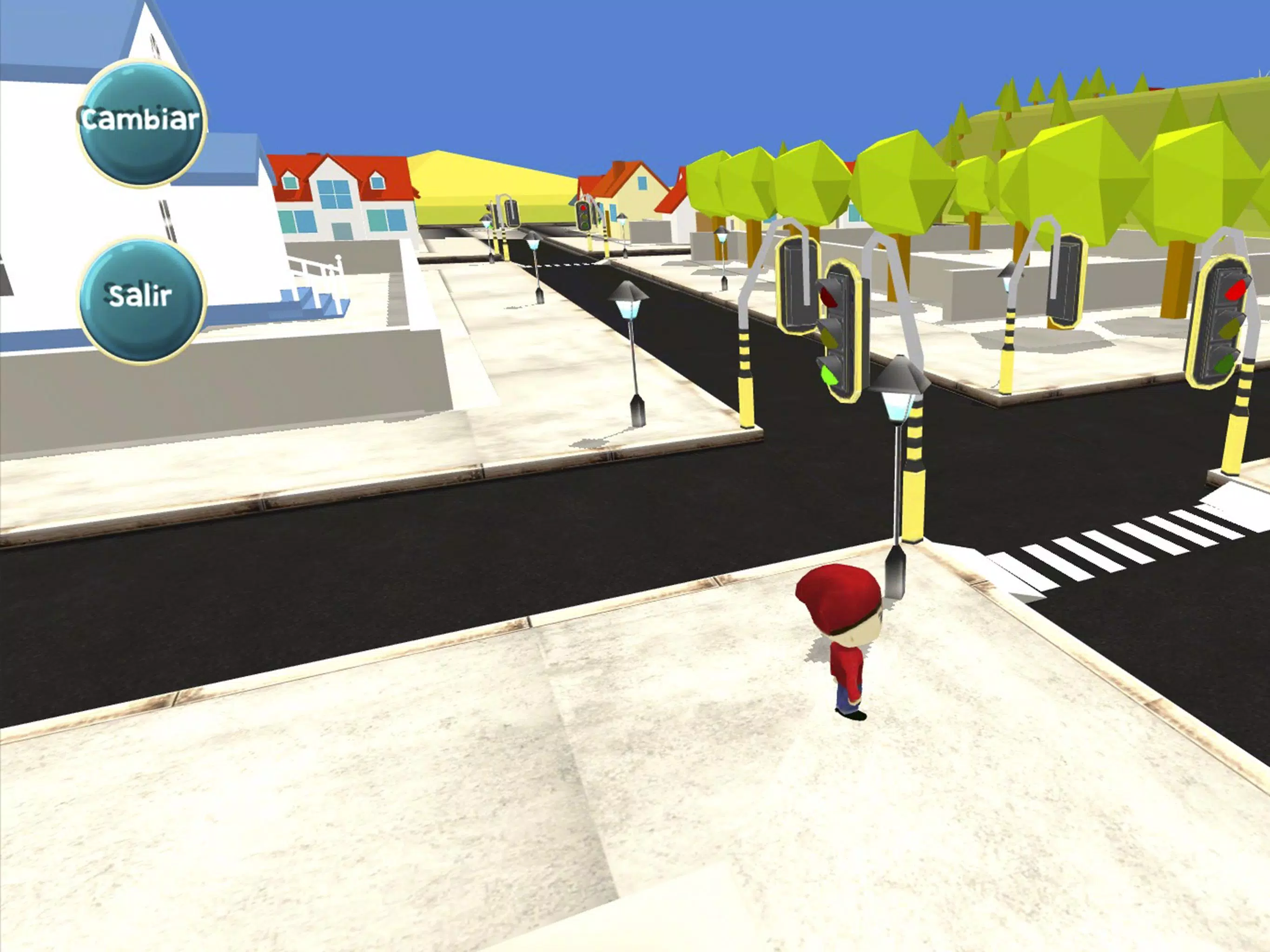
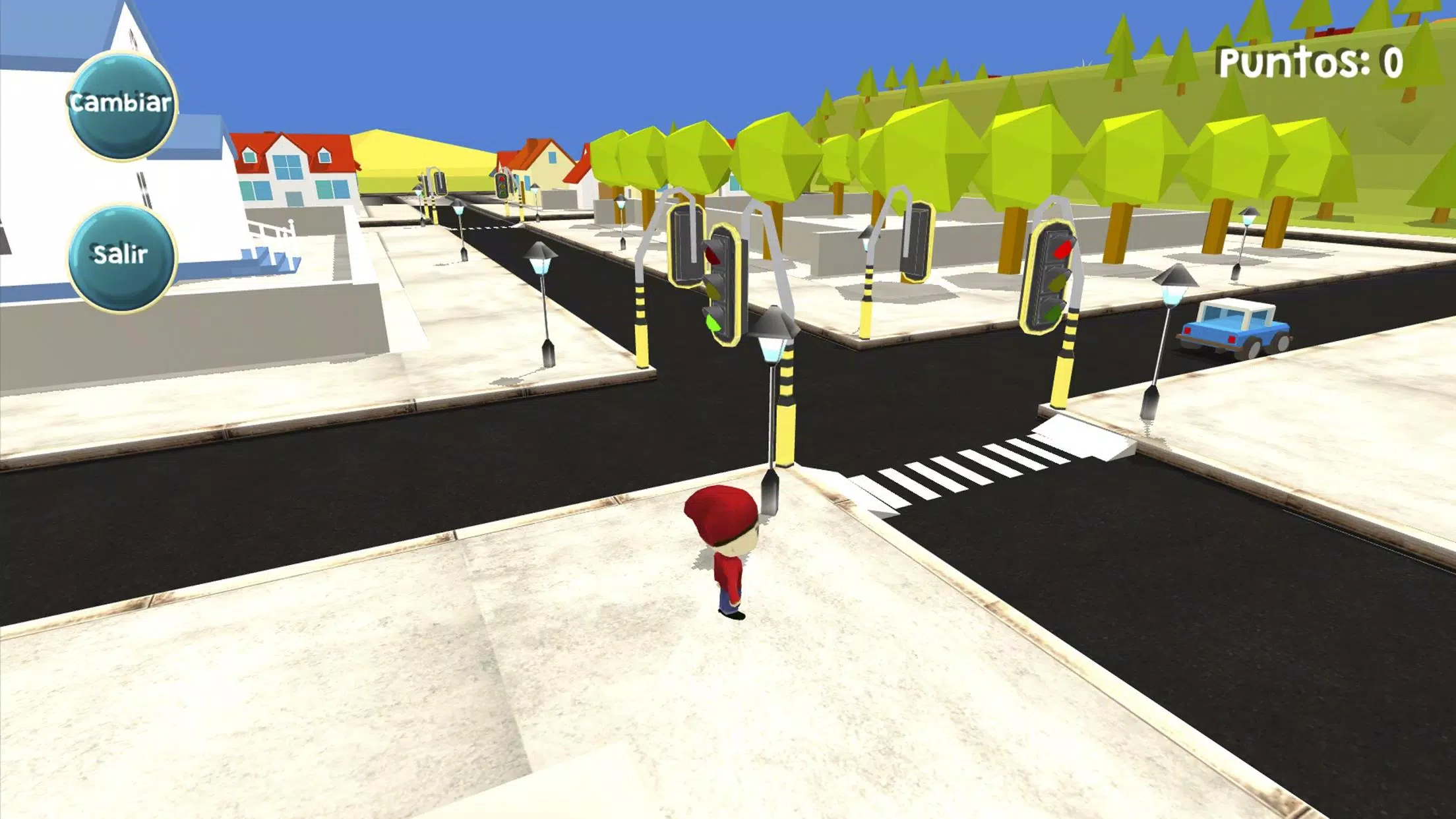
The app combines scenario-based simulations, quick quizzes and mini-activities that reinforce learning with immediate feedback. Each scenario recreates common street situations from Heredia—pedestrian crossings, bus stop behavior, roundabouts and typical intersections—and rewards correct choices with incremental points and badges. Mistakes produce contextual explanations, not penalties, so learners understand cause-and-effect and can repeat scenarios to improve. Progress is logged locally so parents and teachers can review performance and plan follow-up sessions without requiring an internet connection.
Gameplay and controls
Gameplay focuses on decision-making steps and observation skills. Users navigate scenarios by tapping to choose actions, dragging to indicate intended walking or vehicle paths, and swiping to inspect surrounding streets and traffic flows. Quizzes are integrated into scenarios as multiple-choice prompts and brief interactive tasks, all optimized for single-touch operation on phones and tablets. Hints appear when a user pauses, and short explanatory pop-ups clarify why an option was safer or riskier, helping learners internalize safer responses rather than simply memorizing answers.
Progression and challenge systems
Progression uses a points-and-badges model that unlocks more complex scenarios as the learner demonstrates competence. Early modules focus on pedestrian awareness and safe crossing procedures, while later lessons add mixed-traffic situations, timed decision points and compounded events such as an unexpected pedestrian crossing combined with obscured signage. Challenge metrics track accuracy, reaction time and error reduction so users can see measurable improvement across attempts. Randomized events keep practice varied to support transferable skills instead of rote repetition.
Level structure and customization
Content is organized into short, thematic modules to fit classroom periods or brief practice sessions. Each module contains a small set of scenarios grouped around topics like intersections, school zones and public-transport interactions. Teachers and parents can set difficulty levels, enable or disable timed tasks and select which modules to present in sequence. Optional practice drills allow users from outside Heredia to adopt a more generalized rule set while retaining the same interactive mechanics. Local settings allow educators to preload specific modules for focused lessons.
Visual style and user experience
The app presents clear, colorful graphics and friendly animated characters to make information approachable for younger audiences without losing contextual detail. Maps and street views are stylized to emphasize readable signage and common urban elements from Heredia while remaining legible on small screens. Audio narration supports different reading levels, and short animations illustrate cause-and-effect after each decision to reinforce learning objectives. Interface elements are large and well-labeled to reduce mis-taps and to make the navigation intuitive for new users.
Accessibility and settings
Accessibility options include adjustable text sizes, narration and a high-contrast mode for visual sensitivity. Colorblind-friendly palettes and clear iconography are used for core cues, and controls are optimized for single-touch use so learners with limited dexterity can participate. Volume, speech rate and hint frequency are configurable to match classroom needs or individual preferences. Built-in guidance for educators outlines recommended module order and pacing for mixed-ability groups.
Offline play and classroom integration
Las Aventuras de Prudencia supports offline use for core lessons and quizzes, which makes it practical in classrooms or locations with limited connectivity. Teachers can preload modules onto devices and alternate between guided discussion and individual practice. Exportable summary reports of progress and badge achievement are saved locally so educators can track development and plan subsequent lessons without relying on a persistent connection.
Limitations and appropriate use
The app is a training and awareness tool and not a substitute for hands-on driving instruction or official licensing courses. Content reflects local signage and common scenarios in the Municipality of Heredia; users outside the region should treat some specifics as illustrative and choose general modules where available. Las Aventuras de Prudencia is intended to build observation, hazard recognition and decision-making skills that support safer behavior on real streets when combined with supervised, practical instruction.
- No virus
- No advertising
- User protection
Information
- File size: 44.60 M
- Language: English
- Latest Version: 1.6
- Requirements: Android
- Votes: 322
- Package ID: com.CaNuArts.muni
- Developer: CaNu Arts
Screenshots



















Explore More
Discover and share the hottest events around with our intuitive apps. Find local concerts, festivals, shows, and more based on your unique interests. Create customizable calendars of upcoming events to coordinate schedules with friends. Purchase tickets seamlessly from our integrated platforms. Check real-time transit schedules to plan your trip. Access maps, directions, and parking information for any venue.

Board Game Stats

Metro Micro

TVSMILES

Tax Calculator India 2024-2025

OnDjoss

Park4Me

Scary sound effects

TryController