Introduction
kaiian driver is a practical Android application that helps professional drivers manage trips, earnings and vehicle details from a single interface. The kaiian driver description below outlines how the app organizes daily work, reduces administrative overhead and keeps essential information accessible while you are on the road.
Core functionality and purpose
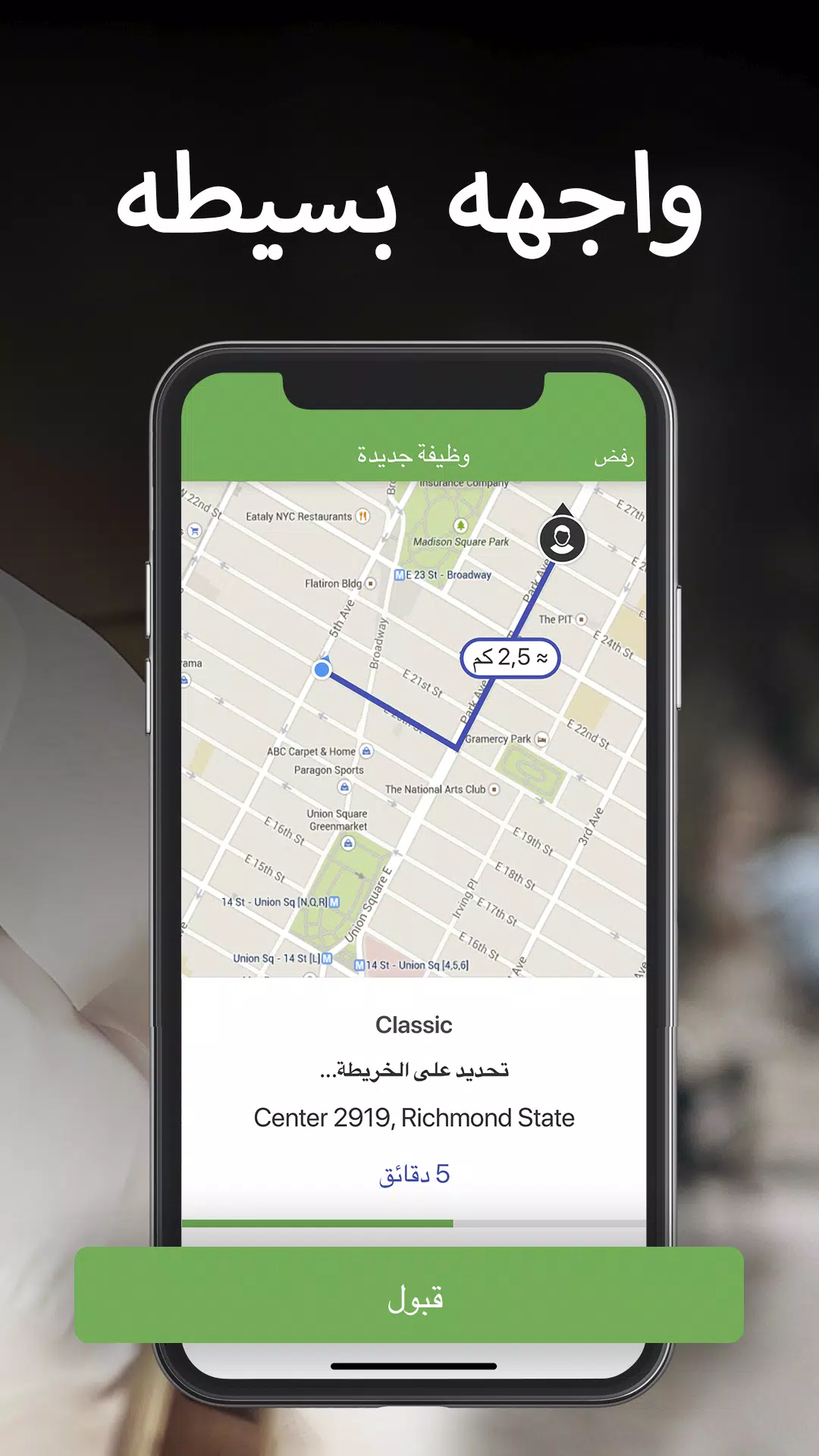
The app focuses on the operational needs drivers face every shift: clear trip acceptance, consistent route guidance, and transparent financial records. Core functionality centers on presenting the next tasks in a low-distraction view, combining map guidance with concise job details so drivers can make timely decisions without navigating deep menus. The purpose is to consolidate navigation, scheduling and records into one reliable tool that works across a variety of vehicle types and operating contexts.
Key features
Navigation and routing deliver optimized directions that account for typical traffic patterns and estimated arrival times. The routing engine recalculates efficiently when detours occur and highlights alternative routes to save time. Trip management shows pickup and drop-off locations, estimated fares and any customer notes in a simple accept or decline flow, keeping interactions quick. Earnings tracking offers daily, weekly and monthly summaries with line-item visibility for fares, bonuses and fees; export to common spreadsheet formats is available for bookkeeping or tax reporting. Vehicle and profile settings store registration details, insurance reminders and preferred payment methods so documentation is readily accessible when needed.
User interface and controls
The interface emphasizes large touch targets, clear contrast and a single-task focus so drivers are not overwhelmed by competing information. Primary controls are arranged to minimize accidental taps: the main screen switches context between navigation, ride acceptance and earnings review with a single gesture or button press. Labels use plain language and icons are descriptive to reduce the learning curve. Accessible control patterns are supported with options to increase font size or simplify on-screen elements for easier use while driving.
Task flow mechanics and progression systems
Rather than a gamified progression, kaiian driver uses practical progression systems that reflect real work patterns: cumulative earnings views, trip counts, and milestone summaries that help drivers track performance over time. Task flow mechanics prioritize the most immediate actions—accepting a job, starting navigation, or recording an expense—and archive completed tasks so drivers can review shift history. These progression tools assist in planning longer shifts and identifying trends in earnings or routes.
Visual style and level structure
The visual style favors legibility and minimalism with high-contrast maps, clear typography and uncluttered panels. Level structure in this context refers to the way trips and shifts are grouped: immediate jobs appear on the active level, queued or scheduled assignments are shown in a secondary view, and historical records are stored in a dedicated journal. This layered approach reduces cognitive load and keeps the most relevant information at the forefront.
Customization, personalization and replay value
Drivers can tailor the app to match their workflow by selecting map styles, setting preferred vehicle types, and defining accepted fare thresholds. Notification preferences allow fine-grained control over which updates trigger sound, vibration or silent banners. These customization options enhance replay value by letting drivers adapt the tool to different routes, times of day or local regulations, making the app useful across many shifts instead of a one-off utility.
Offline play and performance
kaiian driver is designed to remain functional when connectivity is intermittent. Key route data and recent job details are cached so basic navigation and review features continue to work offline. Network handling queues updates and retries automatically when signal returns. The app minimizes background resource use to preserve battery life and manages memory to prevent slowdowns during extended operating hours.
Challenge systems and user experience
Challenge systems in the app translate to real-world workload management: rerouting around congestion, balancing consecutive jobs to reduce deadheading, and monitoring income versus time to evaluate shift efficiency. The user experience centers on calm, predictable interactions: notifications are calibrated to be noticeable without being intrusive, auto-reply options reduce interruptions during critical driving periods, and the main workflow is built to avoid unnecessary taps while providing quick access to details when required.
Accessibility, integration and support
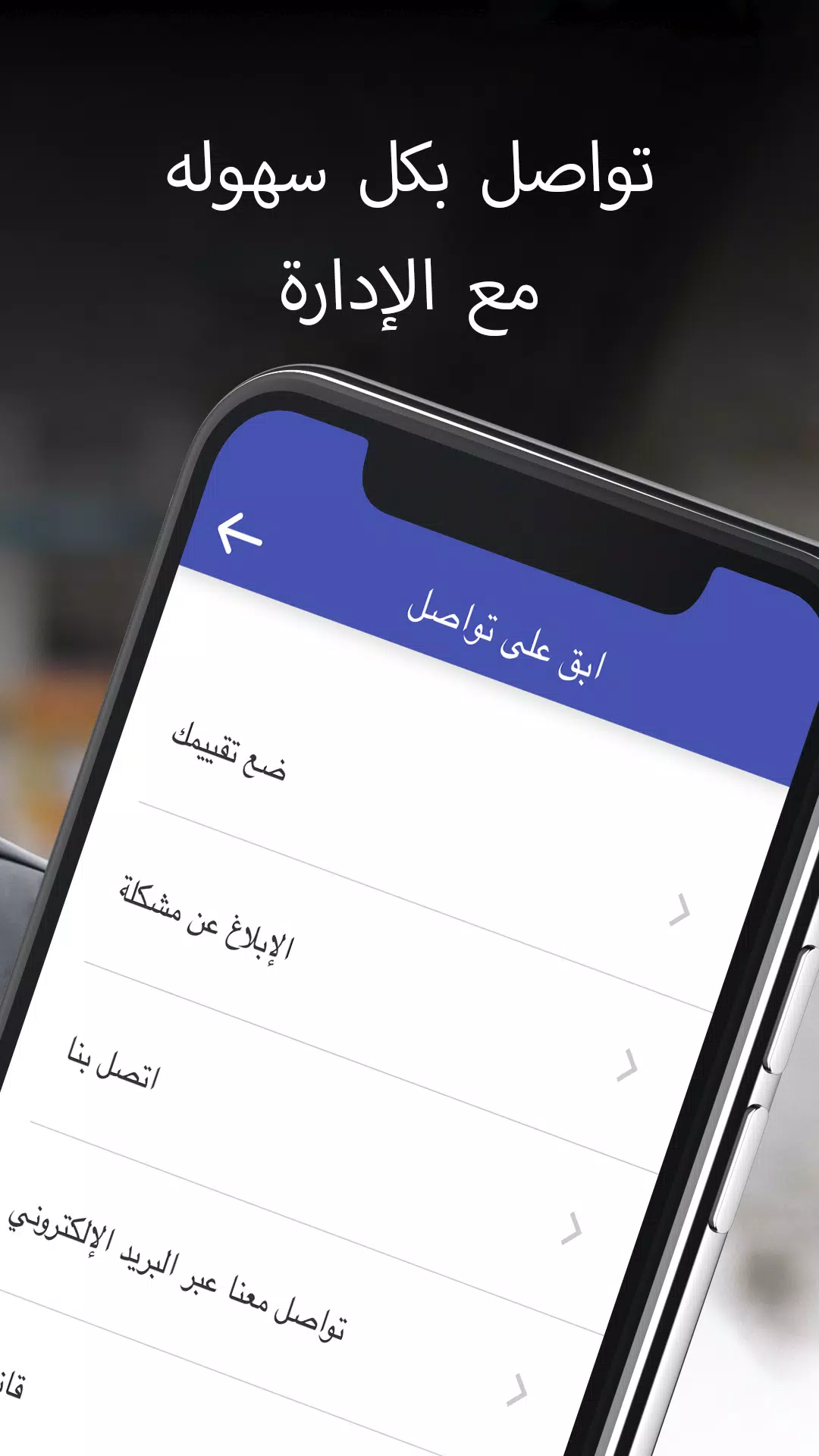
Accessibility features include adjustable font sizes, high-contrast themes and simplified layouts. Integration with mapping APIs, common payment gateways and optional cloud backup helps preserve settings and trip history. Onboarding guides new users through necessary permissions and documentation checks with straightforward prompts and tooltips. Support resources include an in-app help center, FAQs and direct contact options for technical issues, and regular updates focus on performance, compatibility and small feature enhancements driven by user feedback.
- No virus
- No advertising
- User protection
Information
- File size: 17.50 M
- Language: English
- Latest Version: 0.46.04
- Requirements: Android
- Votes: 183
- Package ID: com.multibrains.taxi.driver.kayantaxi
- Developer: Kaiian co.
Screenshots



















Explore More
Discover your next great read with our innovative book apps. Access millions of ebooks, audiobooks, and comics on any device. Get personalized recommendations from our advanced algorithms so you always have your next great story lined up. Track your reading habits and browse curated lists for inspiration. Join online book clubs to connect with fellow bibliophiles. Listen to samples and download seamlessly with our integrated stores.

MEXC Global: BTC, ETH, Gamefi

Bloomberg Connects

Metro Micro

IZI: play, listen, watch, call

ClassPass: Fitness, Spa, Salon

Kyrgyz Russian Translation

Park4Me

Juice Recipes