


Introduction
Fluento : Practice Annoymous! provides a privacy-first environment for learners who want to build real spoken fluency without sharing personal profiles. The app blends anonymous partner matching, AI-guided role-play, and targeted listening drills so you can rehearse conversations, get immediate pronunciation feedback, and track measurable progress while remaining discreet. Designed for learners who prefer candid practice over social visibility, Fluento : Practice Annoymous! focuses on real-time speaking, clear feedback, and a simple workflow that minimizes setup time.
Core practice experience and mechanics
The core session structure in Fluento : Practice Annoymous! breaks practice into three phases: warm-up, main dialogue, and reflective review. Warm-ups use short, guided prompts and pronunciation drills to prime your speaking muscles. Main dialogues are timed exchanges that can connect you with an anonymous peer or an AI role-player; each exchange centers on a themed prompt to simulate real situations like ordering food, job interviews, or travel conversations. The reflective review summarizes key vocabulary, highlights recurring pronunciation errors, and offers suggested follow-up drills so every session ends with clear next steps.
Controls and interaction flow
Controls are intentionally simple to keep the focus on speaking. Large, clearly labeled buttons let you choose a prompt, set session length, start recording, and switch between AI-only or partner modes. Voice input uses a one-tap record system and on-screen waveforms that indicate when the app is listening. Gesture controls minimize accidental taps: long-press to record a replay clip, swipe to reveal detailed pronunciation tips, and tap the progress bar to skip to a review point. These straightforward controls reduce friction for new learners and support rapid practice cycles.
Progression and challenge systems
Progression is based on skill checkpoints rather than competitive rankings. Each session awards a small amount of experience toward language milestones such as Pronunciation, Fluency, and Vocabulary. Skill meters fill as you complete targeted drills, and gentle challenge prompts increase complexity as accuracy improves. Streaks and session goals encourage regular practice: consistent short sessions unlock new prompt packs and more advanced drills. All progression is presented privately so learners can track their journey without public exposure.
Visual style and interface
The visual design emphasizes clarity and a low-distraction layout. Pronunciation dashboards use color-coded accuracy bands, intuitive waveforms, and readable text so learners can interpret feedback quickly. Prompt cards are presented with concise context and example lines to avoid overwhelming learners during live exchanges. The interface supports both light and dark modes to ensure comfortable practice in different lighting conditions and reduces cognitive load by keeping configuration controls out of the main speaking screen.
Level structure and customization
Practice levels are organized into beginner, intermediate, and advanced tracks; each track contains micro-lessons, role-play scenarios, and conversational prompts appropriate to the level. Users can customize session length, difficulty, and the balance between AI prompts and partner-driven dialogue. Custom practice plans let you focus on specific skills—such as verb tenses, travel vocabulary, or workplace expressions—and save those preferences so sessions match your learning goals over time.
Replay value and user experience
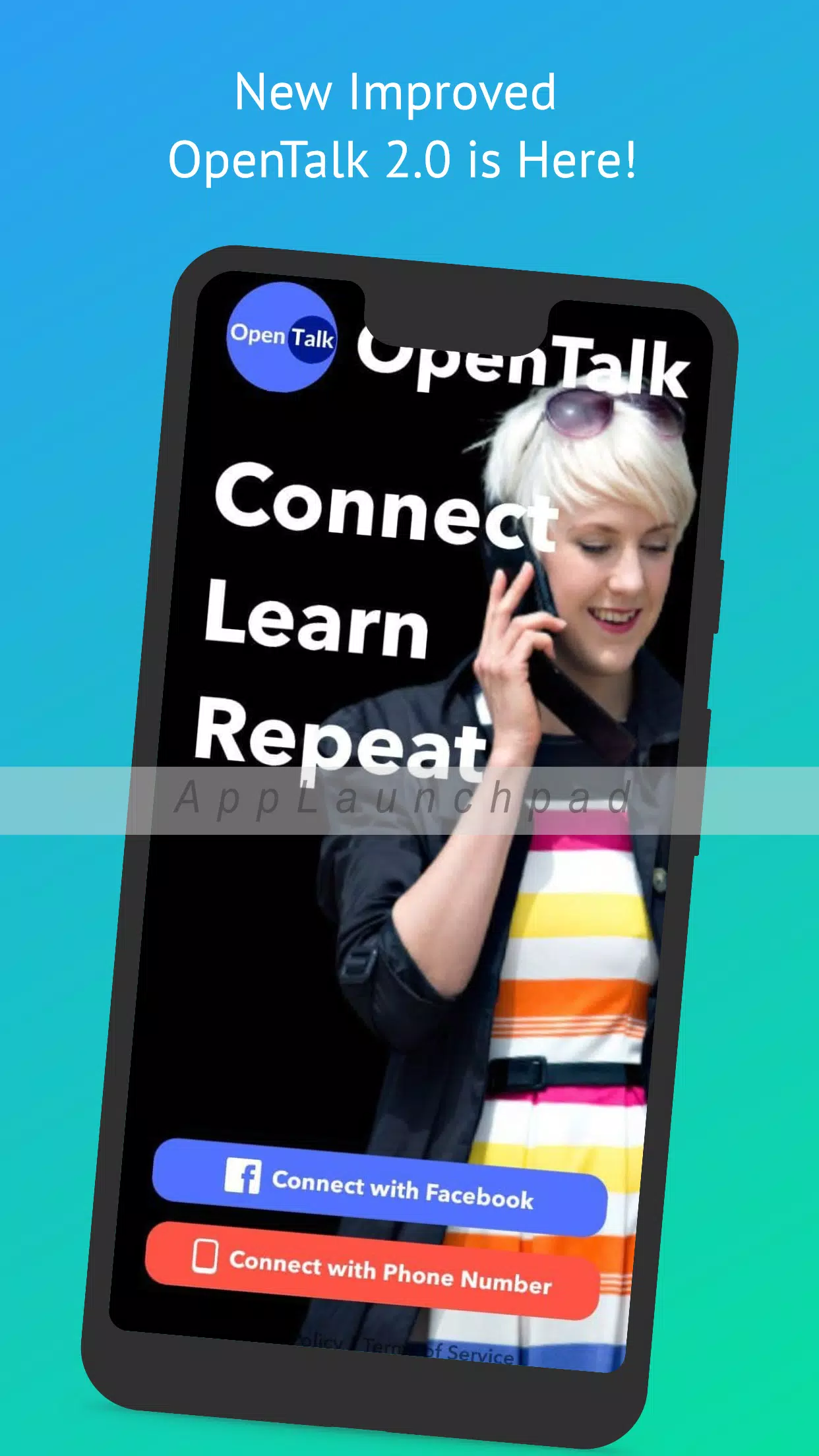
Replay value comes from a large library of themed prompts, progressively challenging exercises, and the option to switch between AI and human partners for varied interaction styles. Session recordings can be saved locally for repeated listening and self-assessment, and short, focused drills mean learners can fit practice into busy days. The onboarding flow demonstrates the primary tools so new users can start meaningful practice within minutes, and subtle in-app tips help users interpret feedback effectively as they progress.
Accessibility, offline use and privacy
Accessibility features include adjustable playback speed, readable fonts, and captioned review summaries to help learners with hearing or processing needs. Fluento : Practice Annoymous! supports limited offline use: you can review saved clips, practice pronunciation drills that run locally, and browse previously downloaded prompt packs without an active connection. Privacy controls are front and center—interactions are anonymized, recordings are optional, and reporting tools are available in every chat. Minimal profile metadata and clear consent settings make it straightforward to control what is stored and shared.
Performance and compatibility
The app is optimized for low-latency audio and adapts audio quality to network conditions to keep sessions stable on modest devices. Background processing handles voice analysis efficiently to minimize battery impact while still providing near-real-time feedback. Fluento : Practice Annoymous! supports a wide range of devices, and regular updates refine the matching algorithm, prompt library, and speech models to keep practice relevant and effective over time.
Getting started
Getting started takes just a few steps: sign up with minimal information, select your target language and level, and try a short onboarding session that explains recording tools and the review screen. Use AI-only sessions to build confidence before trying anonymous partner exchanges, and set modest daily goals—five to ten focused minutes per day delivers better progress than occasional long sessions. With built-in privacy, clear feedback, and adaptable practice modes, Fluento : Practice Annoymous! aims to make speaking practice manageable, measurable, and secure for language learners at every stage.
- No virus
- No advertising
- User protection
Information
- File size: 17.40 M
- Language: English
- Latest Version: 4.2
- Requirements: Android
- Votes: 308
- Package ID: com.techniyapa.opentalk
- Developer: Kickmug Digitals
Screenshots

















Explore More
Discover the joy of cooking with our revolutionary food apps. Find and save recipes for every taste and diet with our intuitive recipe managers. Meal plan for the week ahead using our meal calendar planners. Streamline grocery shopping with synced shopping lists. Develop skills in the kitchen through step-by-step video tutorials. Enhance flavor with our database of spices and aromatics. Learn fun food facts and wine pairings.

TANTRI : QR Menu & POS

カウシェ

DWP Fitness - Diet & Workout

데일리샷 - 위스키·와인·맥주 주류 스마트오더 앱

Calorie

Starbucks México

Grab - Taxi & Food Delivery

Uber Eats





























