
Introduction
Santa Cruz Play is a compact local discovery app that lets users find events, venues, and live listings around Santa Cruz County. It blends curated schedules, ticketing links, and map-based browsing into a single interface so you can quickly pick activities, RSVP, and navigate to shows or family outings.
What Santa Cruz Play Does
Santa Cruz Play aggregates community events, outdoor activities, classes, and performances into a searchable feed. The app focuses on delivering timely information for residents and visitors: upcoming concerts, farmers markets, family-friendly workshops, and seasonal festivals. Entries include concise descriptions, dates, organizer contact, and directions to reduce friction between discovery and attendance.
Core Features at a Glance
- Personalized feed — Filter by interest, date, and neighborhood to surface relevant listings.
- Interactive map — Visualize events geographically to plan outings by area.
- One-touch tickets and links — Follow external pages for reservations or purchase without losing context.
- Save and notify — Bookmark events and enable reminders for start times or registration windows.
- Contributor portal — Local businesses and organizers can submit and update events directly.
User Interface and Performance
The app emphasizes a clean, minimal interface that prioritizes legibility and rapid navigation. Lists are compact with expandable details, while the map view uses clustering to prevent clutter when many listings are nearby. Load times are optimized for mobile connections; images are compressed and asynchronous so the core content appears first and visuals follow without delay.
How It Works: From Discovery to Attendance
Begin by selecting filters or exploring the map. When you open an event card you’ll see a summary, a link to the organizer, and directions. If the event requires a ticket, a direct link or embedded checkout option appears. Users can add events to their calendar or share listings with friends through standard system share sheets.
Customization and Settings
Santa Cruz Play allows users to tailor notifications and visibility. Choose favorite venues or categories to elevate their events in your feed. Quiet hours and notification thresholds help prevent overload; only events with new updates or imminent start times trigger alerts. Accessibility options include larger fonts and high-contrast display modes for easier reading outdoors.
Tips for First-Time Users
Start by following a few categories like live music, family, or outdoors to populate your feed. Use the map to identify clusters of events on a single day and plan efficient itineraries. Enable calendar sync to avoid double-booking, and tap the contributor badge to contact organizers for late additions or volunteer opportunities. Regularly check the saved tab to monitor ticket sales.
Why Locals Recommend It
People value the way the app condenses multiple information sources into one experience. Small businesses appreciate the straightforward submission process, which increases discoverability without heavy promotional costs. For visitors, the map-first approach makes it simple to find nearby experiences that match a specific time window.
Installation and Setup
Download from the official app store and grant basic permissions for location and notifications to get the full experience. After initial setup, Santa Cruz Play guides you through selecting interests and neighborhoods. The onboarding sequence is brief and designed to make the main feed useful within minutes.
Practical Considerations
Event accuracy depends on organizer updates, so double-check important details like start times and entry rules. The app includes reporting tools to flag incorrect or outdated listings. Data usage is minimized, but frequent map browsing will increase data consumption; consider using Wi-Fi for heavy planning sessions.
Overall, Santa Cruz Play is a practical tool for anyone looking to engage with local culture and activities. It combines straightforward discovery tools, reliable event details, and simple customization to help users make the most of their time in the area.
- No virus
- No advertising
- User protection
Information
- File size: 6.50 M
- Language: English
- Latest Version: 1.16
- Requirements: Android
- Votes: 499
- Package ID: br.com.radiosantacruzfm.santacruzplay
- Developer: SennaHost - Streaming e Hospedagem de Sites
Screenshots
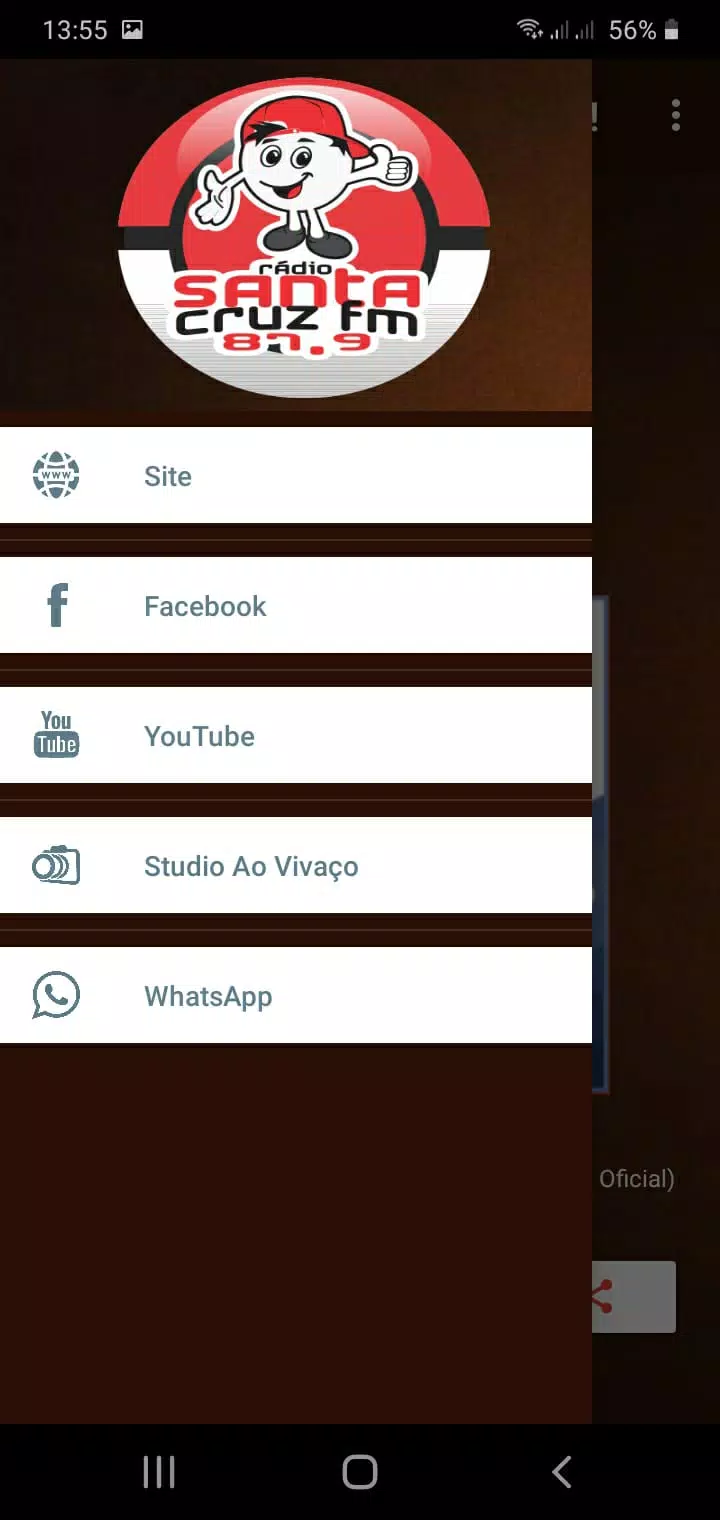
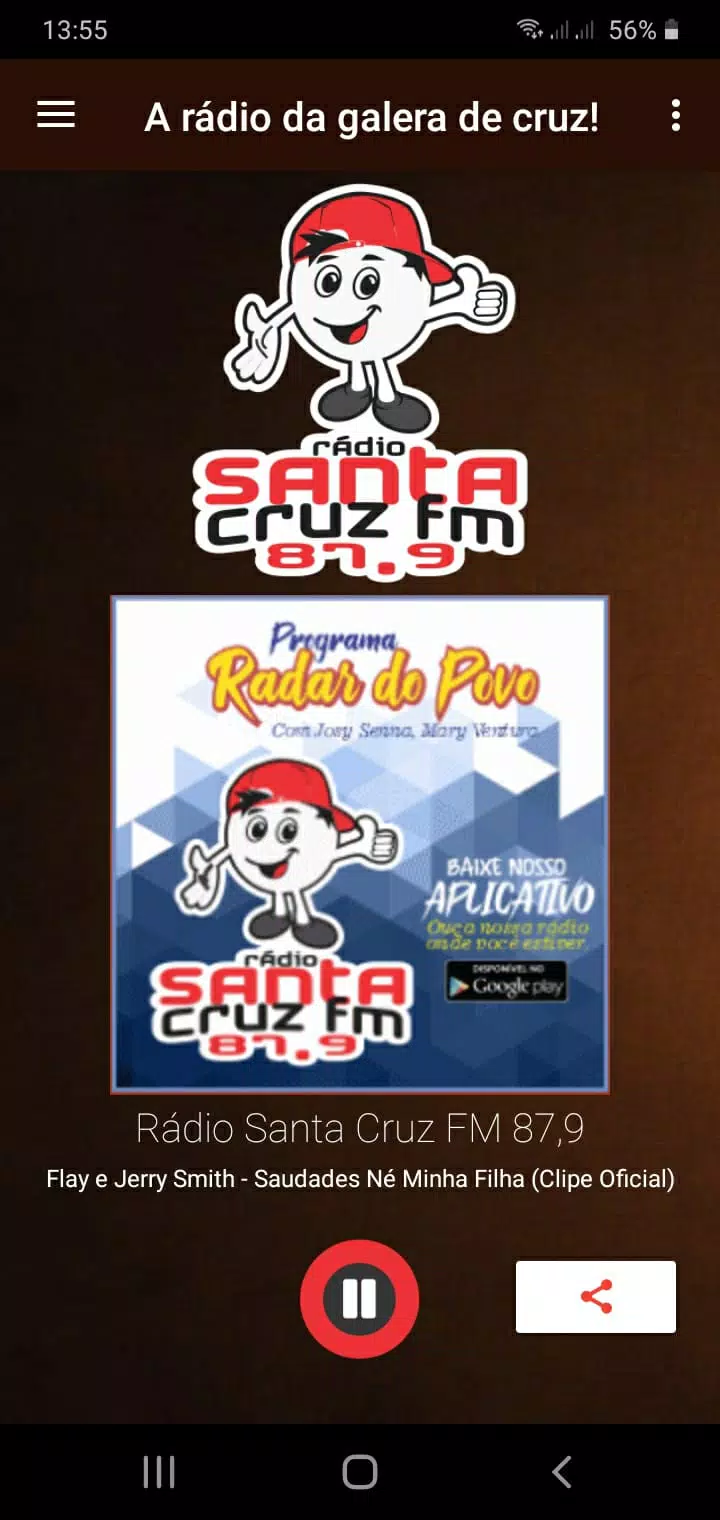
















Explore More
Discover and share the hottest events around with our intuitive apps. Find local concerts, festivals, shows, and more based on your unique interests. Create customizable calendars of upcoming events to coordinate schedules with friends. Purchase tickets seamlessly from our integrated platforms. Check real-time transit schedules to plan your trip. Access maps, directions, and parking information for any venue.

Board Game Stats

Bloomberg Connects

Metro Micro

TVSMILES

Tax Calculator India 2024-2025

Park4Me

Scary sound effects

TryController