Introduction
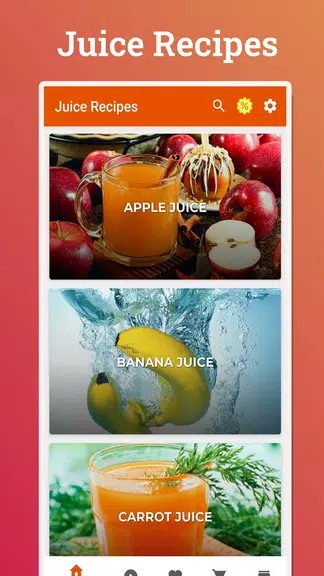
Juice Recipes is a compact recipe organizer and blender companion that helps you create refreshing drinks, plan smoothies, and keep track of ingredients with reliable measurements and step timers. Designed for everyday use, Juice Recipes keeps the controls you need up front so you can open a recipe, scale servings, and start a timer with minimal navigation. Whether you are assembling a quick morning boost or preparing several days worth of beverages, this app guides you through each recipe with clear instructions, helpful images, and practical notes on storage and freshness.
Core functionality and interaction flow
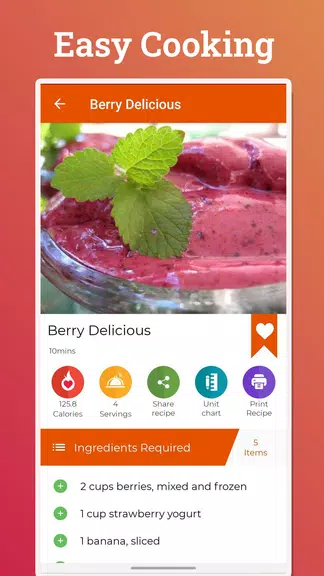
The app behaves like a focused toolkit for homemade beverages rather than a static cookbook. Search and filters let you find recipes by ingredient, flavor profile, dietary needs or difficulty level, and results include prep time, serving size and estimated nutrition. Tap to change serving count and ingredient quantities recalculate instantly; press the built-in timer to begin blending stages and follow the on-screen checklist that advances as you complete each step. These interactive elements create a predictable progression through a recipe so you always know when to pulse, blend, strain or rest.
Controls, measurements and conversions
Controls are optimized for quick kitchen use: large touch targets, swipe gestures to reveal substitution tips, and a single control to toggle between metric and imperial units. Smart scaling adapts ingredient amounts based on serving size and container capacity, and unit conversion preserves precision for recipes that require exact measures. Ingredient notes give you room to mark ripeness, preferred substitutes, and allergy flags so recipes reflect your custom choices every time you prepare them.
Progression, personalization and replay value
Progression in Juice Recipes is practical and user-driven. As you refine recipes—adjusting acidity, sweetness or texture—you can save personalized versions and create templates for base blends like a green detox or citrus boost. The app encourages experimentation by letting you store variations, compare notes across attempts, and reuse successful combinations. Seasonal collections and freshness reminders help you try relevant recipes when produce is in peak condition, which increases replay value without adding complexity.
Batch mode, workflow and challenge options
Batch-mode simplifies preparing larger quantities: scale once, follow the checklist, and the app provides storage recommendations to preserve texture and flavor across portions. For users who enjoy structured practice, the app supports informal challenges such as a weekly experiment prompt or a consistency check where you test a recipe several times to dial in timing and proportions. These challenge-style features are personal, optional, and stored locally so you can track improvements without any public leaderboards or rankings.
Visual style and accessibility
The visual design focuses on readability with large ingredient lists, high resolution photos that show texture and color, and clear progress markers for each step. Dark mode and adjustable text size make it easier to follow recipes in low light or with wet hands, and touch targets are sized for confident tapping. Accessibility improvements reduce nested menus so common actions are one tap away, and alt text for images plus simple contrast options help users with visual sensitivities.
Offline use, privacy and synchronization
Saved recipes remain fully usable offline, including timers and checklists, so the app works in kitchens without reliable connectivity. Account creation is optional: sign in when you want to sync recipes across devices and keep lightweight encrypted backups, or keep everything local for maximum privacy. The app minimizes permissions, requesting only what is necessary for optional syncing and image uploads, and personal notes remain private unless you choose to share them.
Customization, templates and getting started
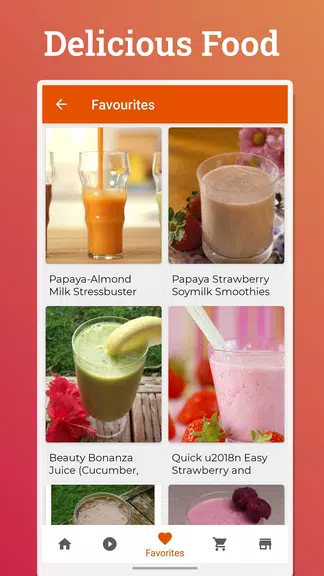
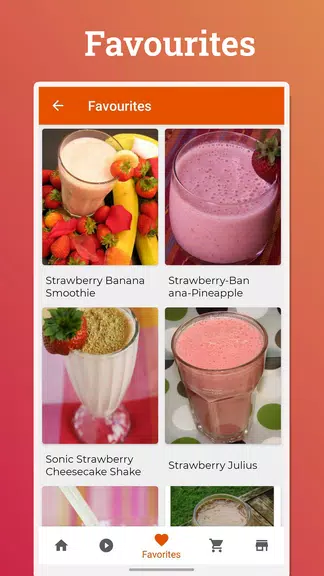
Templates let you build base juices that you can adapt quickly by layering flavor adjustments like ginger, mint or protein powder without rebuilding steps from scratch. Save personalized versions with notes about substitutions and preferred serving sizes so your favorites are ready from the dashboard. To get started, install Juice Recipes, create an optional profile to sync across devices, and browse curated collections like morning energizers and post-workout blends. Begin with one-step recipes to learn timing and scaling, then create templates and favorites to speed up daily prep.
- No virus
- No advertising
- User protection
Information
- File size: 8.90 M
- Language: English
- Latest Version: 35.6.0
- Requirements: Android
- Votes: 232
- Package ID: com.endless.juicerecipes
- Developer: Endless
Screenshots
















Explore More
Make your house a home with our suite of helpful home apps. Discover clever tools to organize closets, streamline chores, and simplify cooking. Take the stress out of cleaning and maintenance with handy checklists and schedules. Enhance security and control appliances and lighting with our smart home integrations. Design, visualize, and renovate like a pro using our 3D planning software.

All Recovery - Photos & Videos

Tax Calculator India 2024-2025

OnDjoss

Park4Me

Scary sound effects

Home Workouts - Lose Weight

HFonts - font & emoji manager

TownSq Community