


Introduction
Speedy Eats is a modern food delivery and takeout app built to move restaurant-quality meals from kitchen to customer with minimal wait. Speedy Eats helps busy users browse trusted local restaurants, schedule pre-orders, and choose delivery or quick curbside pickup from automated and staffed locations. The app emphasizes predictable timing through patented cook-and-hold pizza stations and unattended retail systems that keep items warm and ready, while a clear interface reduces steps at checkout so orders complete quickly and reliably.
Key features
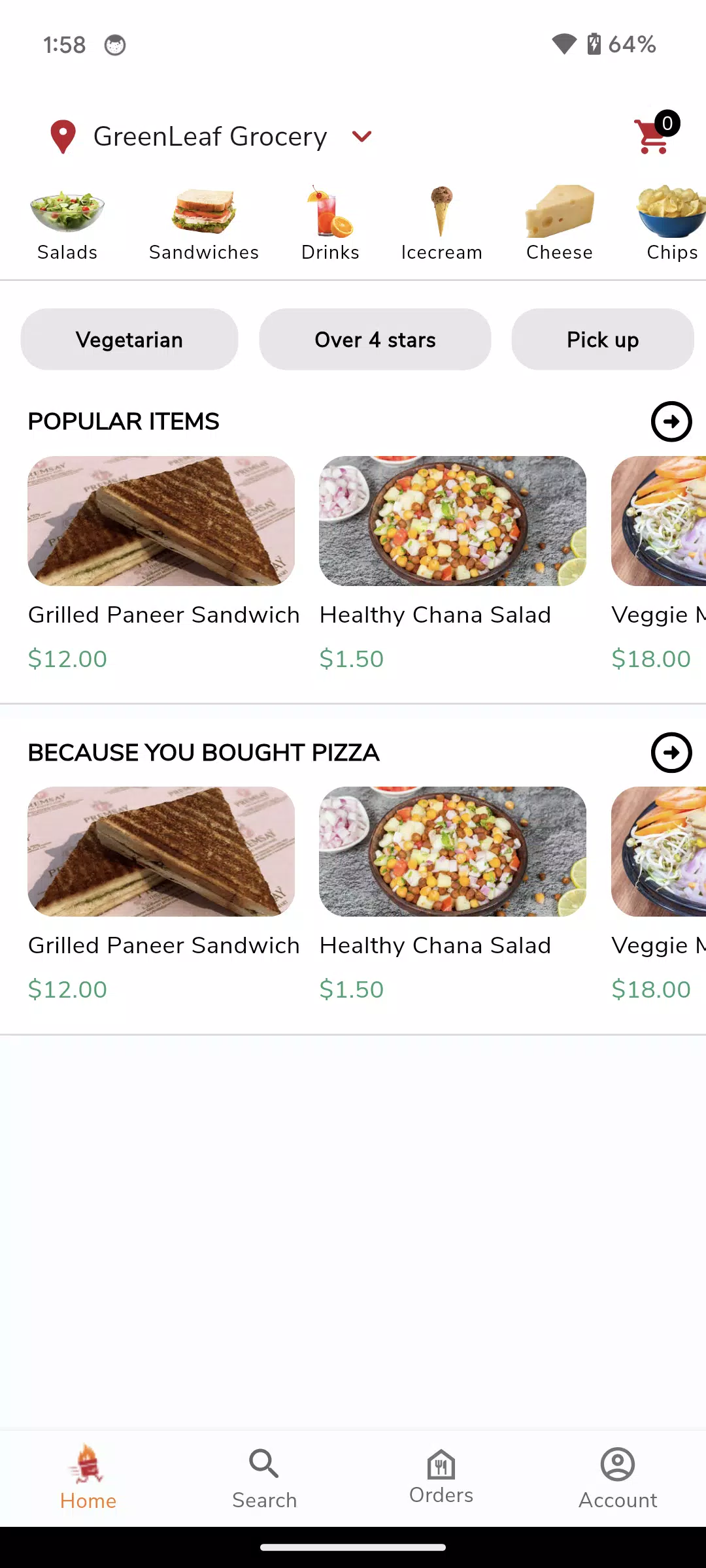
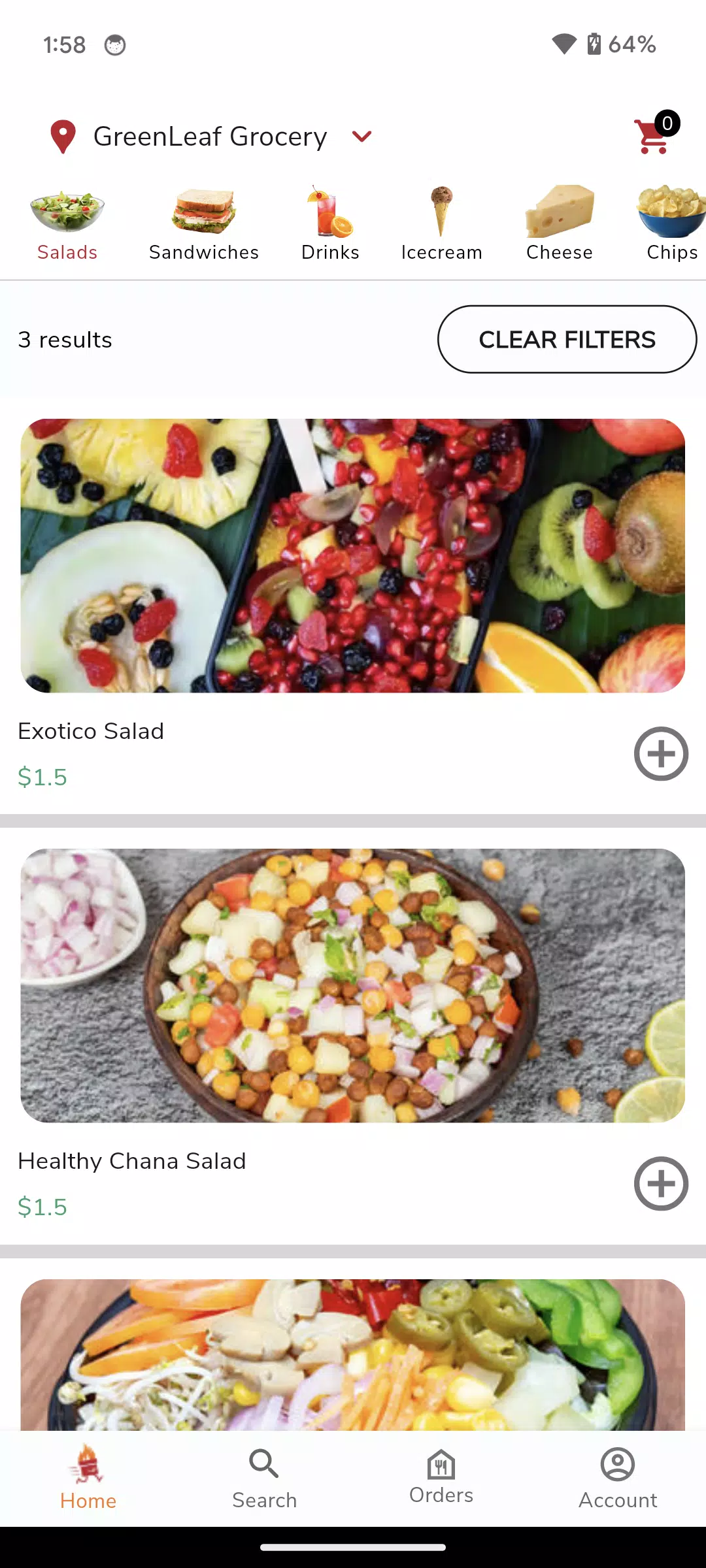
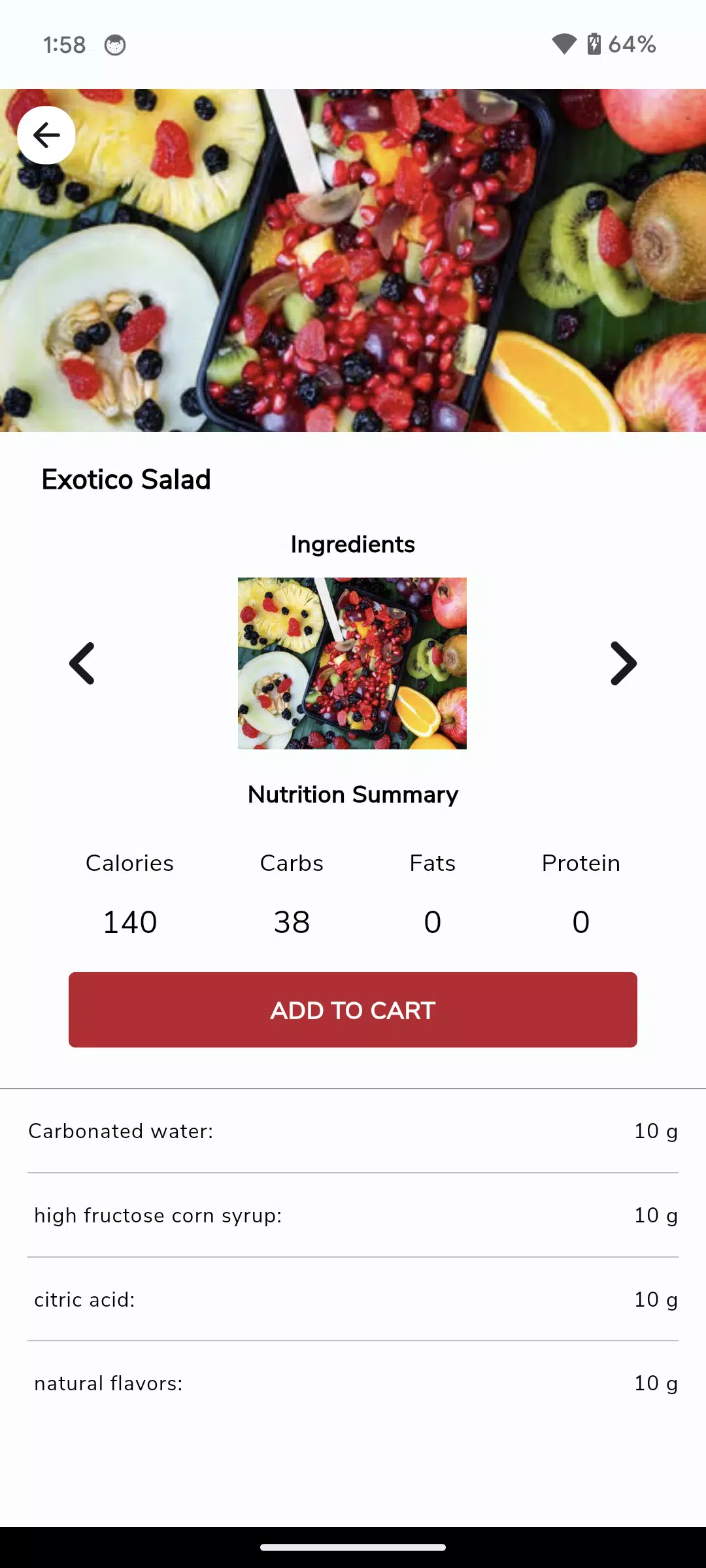
Speedy Eats combines familiar ordering tools with a few specialized systems: a searchable restaurant catalog with category and dietary filters, fast pre-ordering and scheduled pickup for exact-meal timing, and support for automated retail kiosks and outdoor cook-and-hold stations that maintain temperature and quality until handoff. The app supports multiple fulfillment methods—delivery, curbside pickup, or unattended retrieval where available—and displays estimated ready times, menu details and simple modification options for most items. Built-in notifications keep you informed about order acceptance, preparation milestones and pickup windows.
How it works
After selecting a restaurant or automated station, place your items into a shopping basket and choose a fulfillment option and time. Pre-orders lock in a preparation slot so food is cooked close to the scheduled pickup, while automated retail systems hold prepared items at safe temperatures until you arrive. Orders routed for delivery are batched by the partner network and handed off according to the vendor’s workflow; for pickup, the app highlights the designated collection point and any retrieval code required. The system is designed to reduce idle time between preparation and handoff, which helps preserve quality for both hot and cold dishes.
User experience and controls
The interface focuses on straightforward controls: tap to browse categories, use search and filters to narrow results, and swipe between photos and menu sections to review options quickly. Checkout supports common payment methods and remembers preferred choices to speed repeat orders. Clear prompts indicate customization fields such as add-ons or cooking preferences, and simple timers and progress bars show when an order moves from acceptance to ready-for-pickup. The navigation is intentionally uncluttered so new users can complete an order in a few quick steps without hunting through complex menus.
Customization, progression and repeat use
Speedy Eats stores order history and favorites so you can reorder regular meals with a single tap. Saved addresses, dietary preferences and common modifiers reduce friction for repeat purchases and make it easy to maintain consistent results from locations that support automated holding or special preparation. Rather than a game-like progression, the app emphasizes practical progression: as you use the app more, your personalized suggestions improve, recent orders populate quickly and scheduled-order habits become simpler to manage. This design encourages replay value through convenience: regular, reliable service is the incentive to return.
Visual style and accessibility
The visual design favors high-contrast type, legible fonts and large touch targets to support quick scanning on phones of various sizes. Item photographs and concise descriptions help set expectations for portion size and ingredients. Accessibility features include adjustable text size, clear labels for screen readers and simplified layouts for users who prefer reduced visual complexity. Where available, the app flags menus for common allergens and dietary categories to help users make informed choices.
Offline support and availability
Speedy Eats caches recent menus and restaurant details so you can browse and prepare an order even with intermittent connectivity; final checkout requires a connection to confirm times and payments. Coverage varies by city and neighborhood: automated stations and cook-and-hold locations increase availability in some areas, including extended hours at select sites, but not every feature is present everywhere. The app lists participating locations and indicates which offer unattended pickup or round-the-clock access to prepared foods.
Limitations and expected trade-offs
While Speedy Eats reduces wait times and preserves temperature through patented holding systems, some items do not translate well to automated retention and may be unavailable at certain stations. Service coverage depends on partner adoption, so delivery or unattended pickup options may be limited in less populated areas. Users who require extensive in-person customization should verify options with the restaurant, since automated retail and cook-and-hold setups prioritize speed and consistency over made-to-order flexibility.
- No virus
- No advertising
- User protection
Information
- File size: 26.70 M
- Language: English
- Latest Version: 1.0.2
- Requirements: Android
- Votes: 265
- Package ID: app.speedyeats.com
- Developer: Speedy Eats
Screenshots

















Explore More
Discover the joy of cooking with our revolutionary food apps. Find and save recipes for every taste and diet with our intuitive recipe managers. Meal plan for the week ahead using our meal calendar planners. Streamline grocery shopping with synced shopping lists. Develop skills in the kitchen through step-by-step video tutorials. Enhance flavor with our database of spices and aromatics. Learn fun food facts and wine pairings.

TANTRI : QR Menu & POS

カウシェ

DWP Fitness - Diet & Workout

데일리샷 - 위스키·와인·맥주 주류 스마트오더 앱

Calorie

Starbucks México

Grab - Taxi & Food Delivery

Uber Eats





























