
Introduction
Sight Words Coach is a focused reading app that helps young learners build fluency with high-frequency words through short, engaging exercises and adaptive practice. It combines audio support, visual cues, and repetition tracking to reinforce recognition, making daily reading practice simple for parents, teachers, and children.
Key features that help early readers
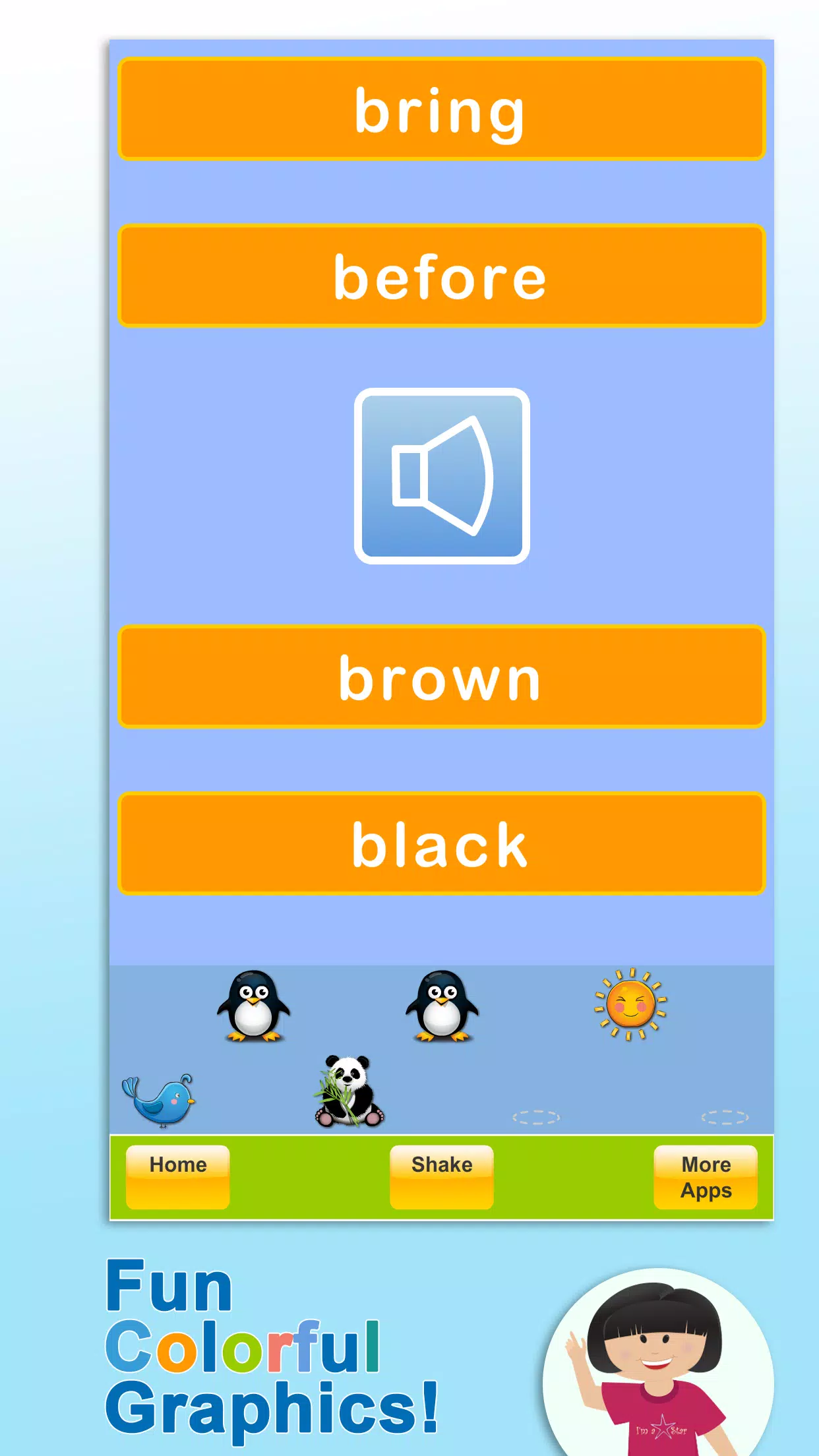
Sight Words Coach delivers a compact toolbox designed for fast, consistent progress. Exercises emphasize recognition and recall through picture-word pairing, timed flash drills, and spoken prompts. A built-in library of graded word lists supports incremental learning from pre-primer to more advanced levels. Games are intentionally brief so children remain motivated and can finish a session without losing focus.
How the adaptive practice works
The app monitors each learner's responses and adjusts difficulty based on accuracy and response time. When a child masters a word, that word appears less often; words that cause errors reappear more frequently with additional support cues. Sight Words Coach applies spaced repetition principles to schedule reviews at optimal intervals, helping transfer sight words from short-term recognition to automatic recall.
Tools for parents and educators
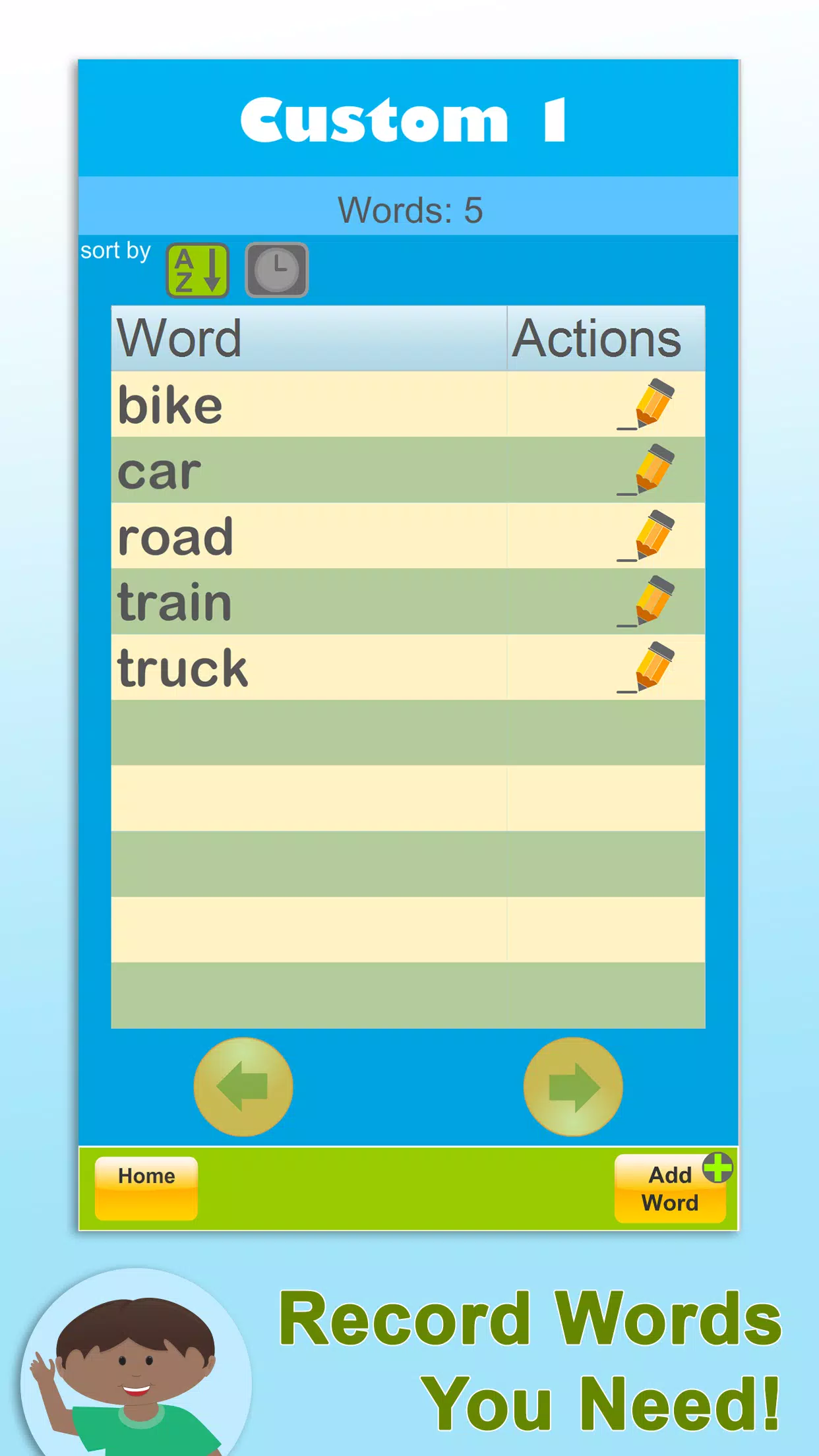
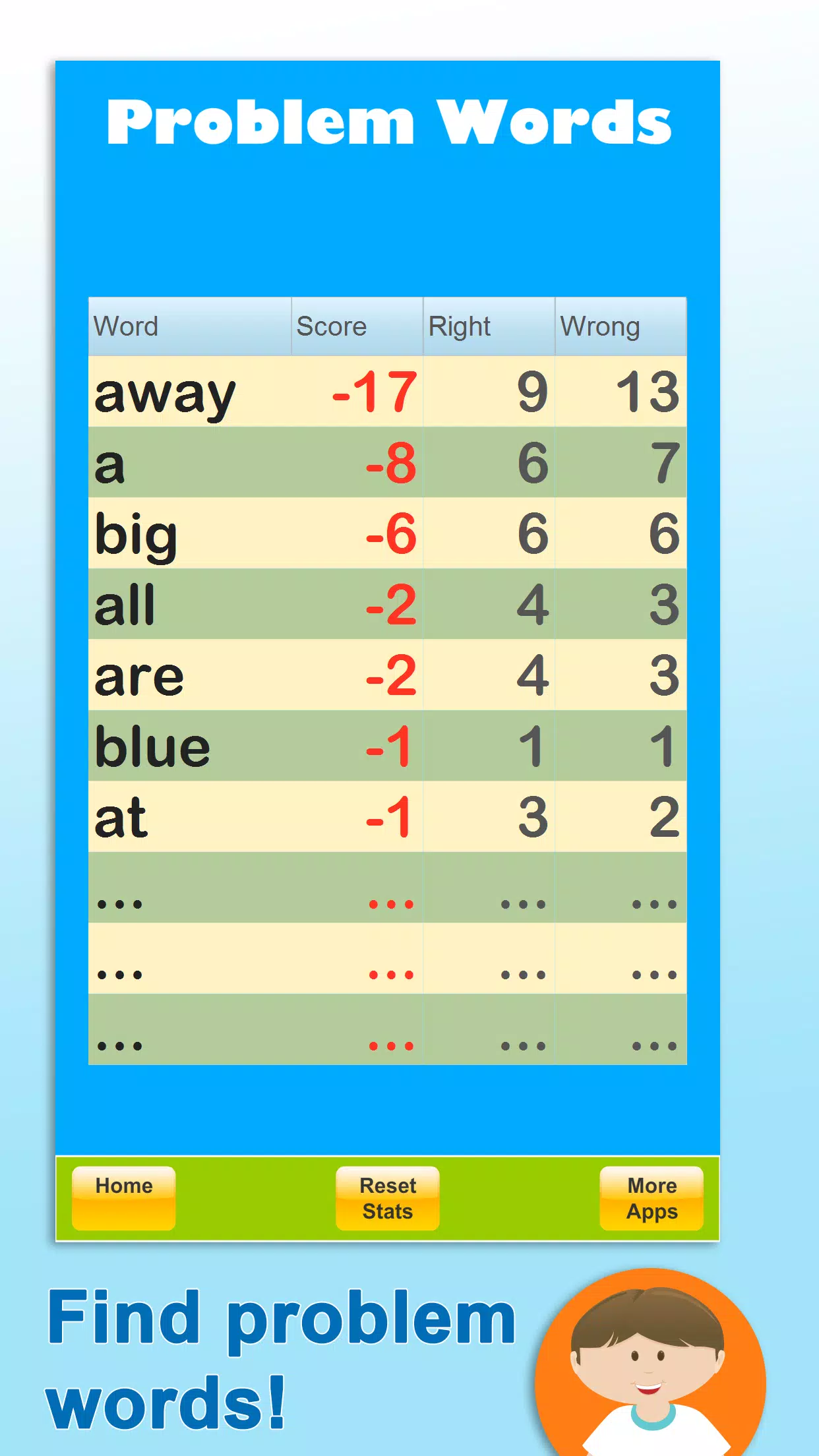
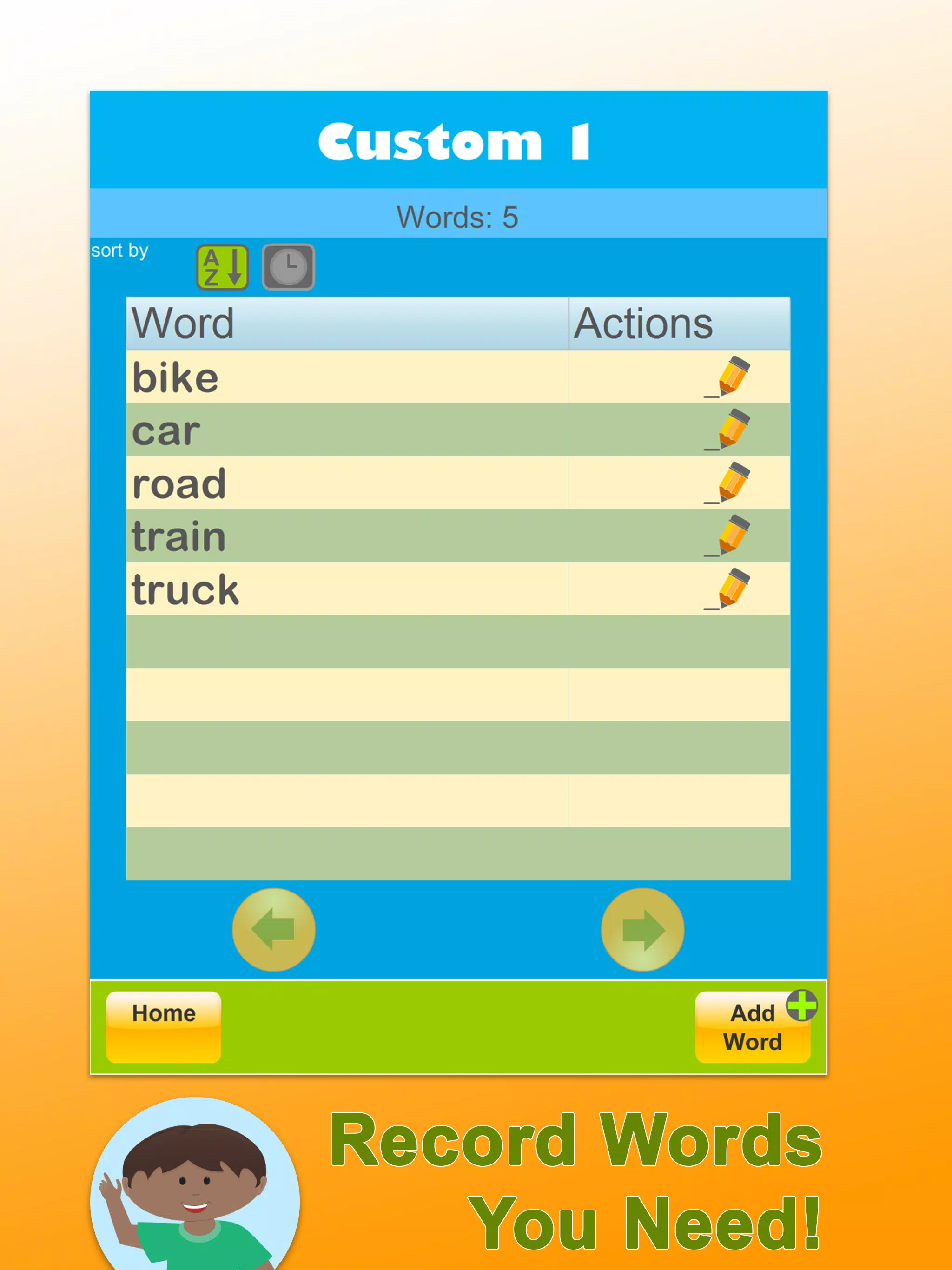
Administrators can create profiles, assign specific word lists, and set session length to match attention spans. Progress dashboards display mastery percentages, streaks, and common error patterns so adults can intervene with targeted practice. Exportable progress reports are available for parent-teacher meetings or individualized education program (IEP) notes.
Practice modes and content variety
Content is delivered through several engaging modes that keep practice varied and effective:
- Flash Drill: Rapid-fire word recognition with immediate feedback.
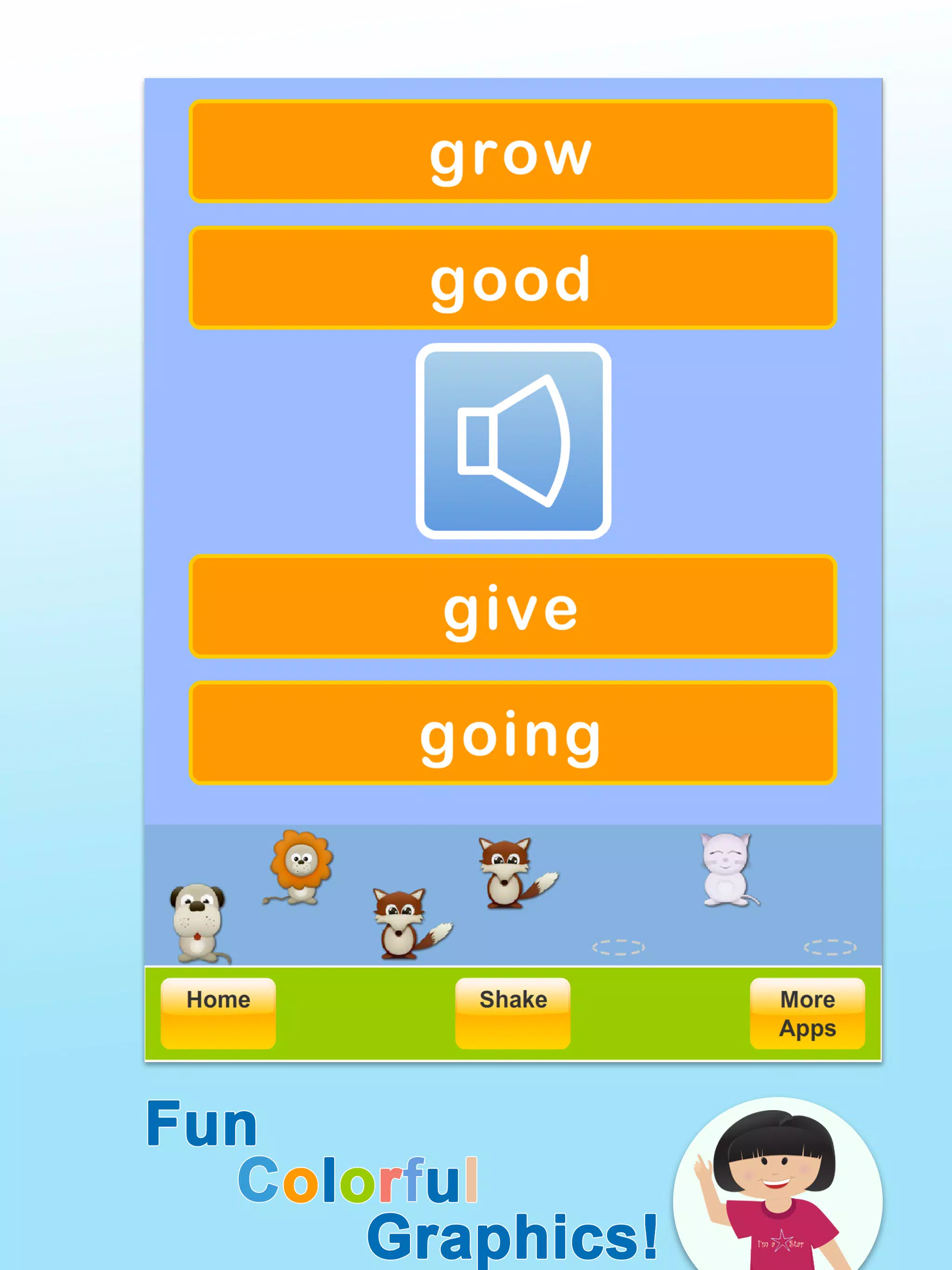
- Audio Match: Listen-and-point tasks that strengthen auditory processing.
- Timed Challenge: Short speed rounds to promote automaticity.
- Review Sessions: Focused practice on missed words using extra cues.
Classroom and home use cases
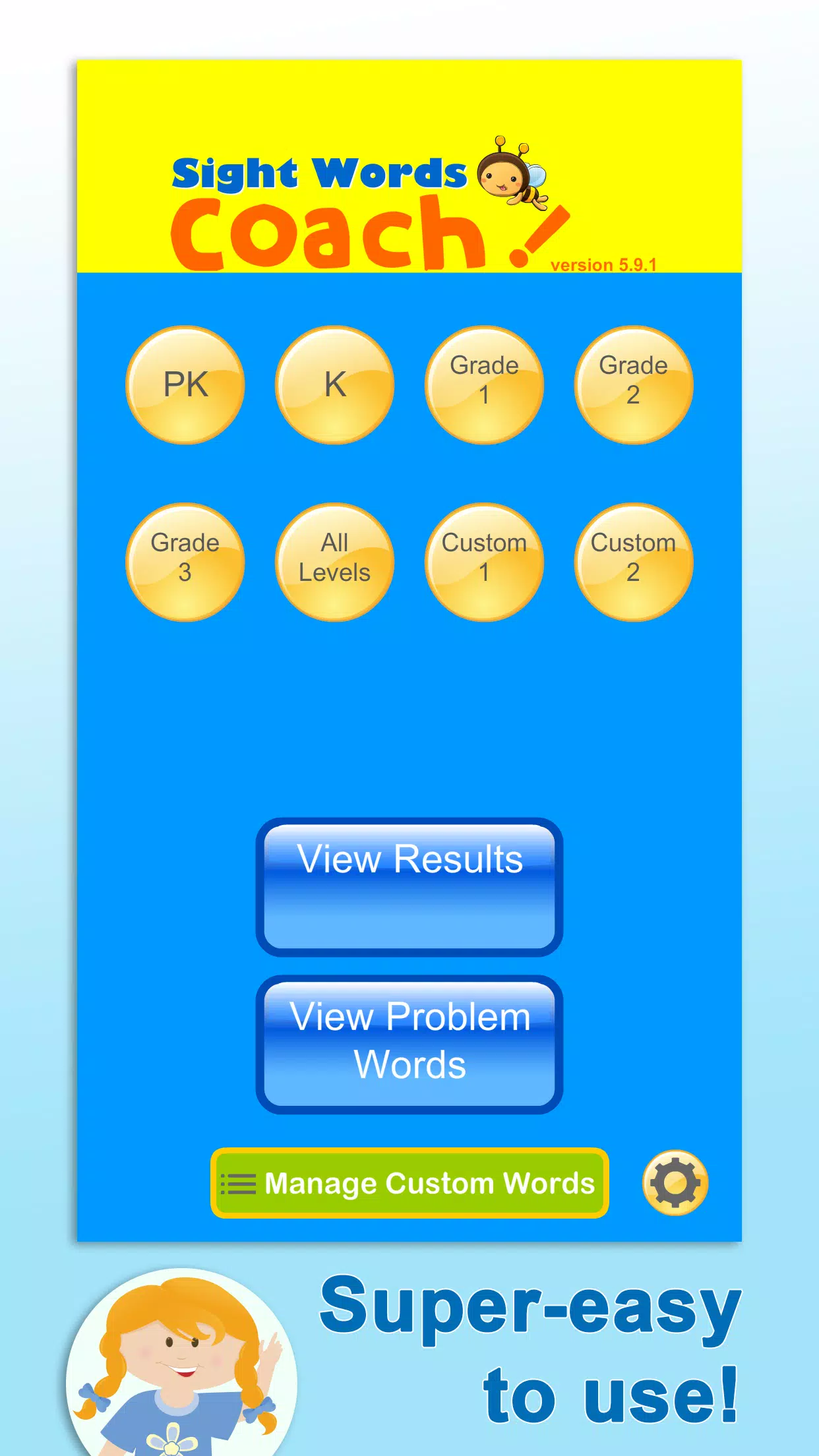
Sight Words Coach is flexible enough for individual drills, small group rotations, or station-based classroom setups. Teachers can project activities for shared practice or assign personalized lists for homework. At home, parents appreciate the guided structure and quick sessions that fit into busy routines. The app supports multiple child profiles to maintain separate learning paths for siblings.
Interface and accessibility
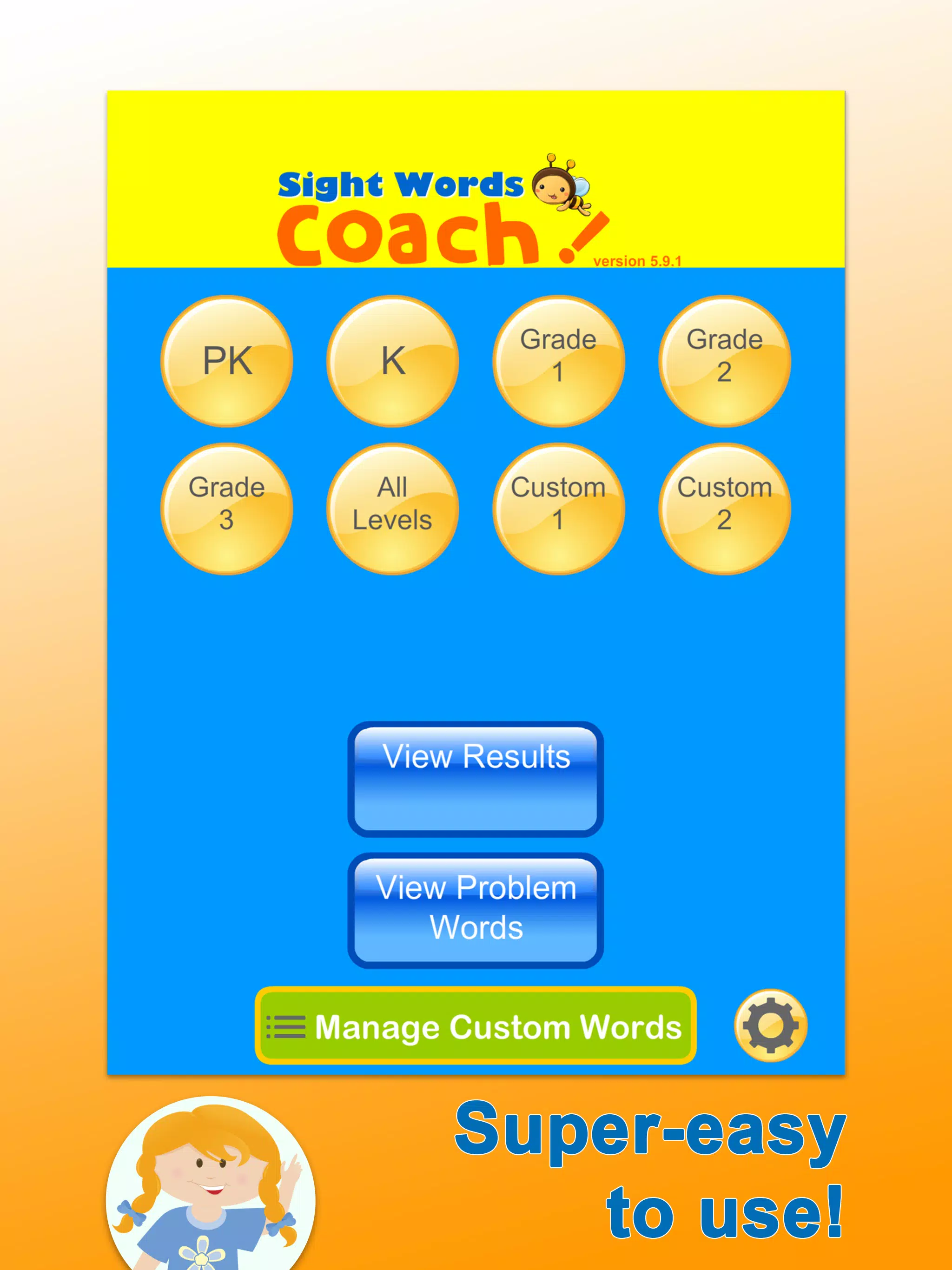
The interface prioritizes clarity: large text, high-contrast visuals, and simple navigation reduce distractions. Built-in audio uses clear, natural voice recordings to model pronunciation. Accessibility settings allow larger fonts, slower audio playback, and touch-friendly buttons so learners with differing needs can participate comfortably.
Performance and compatibility
Lightweight and responsive, the app runs smoothly on a wide range of devices without draining battery or requiring extensive storage. Offline support for pre-downloaded word lists means practice can continue where internet access is unreliable. Regular updates deliver new word packs and minor enhancements without disrupting saved progress.
Tracking progress and motivation
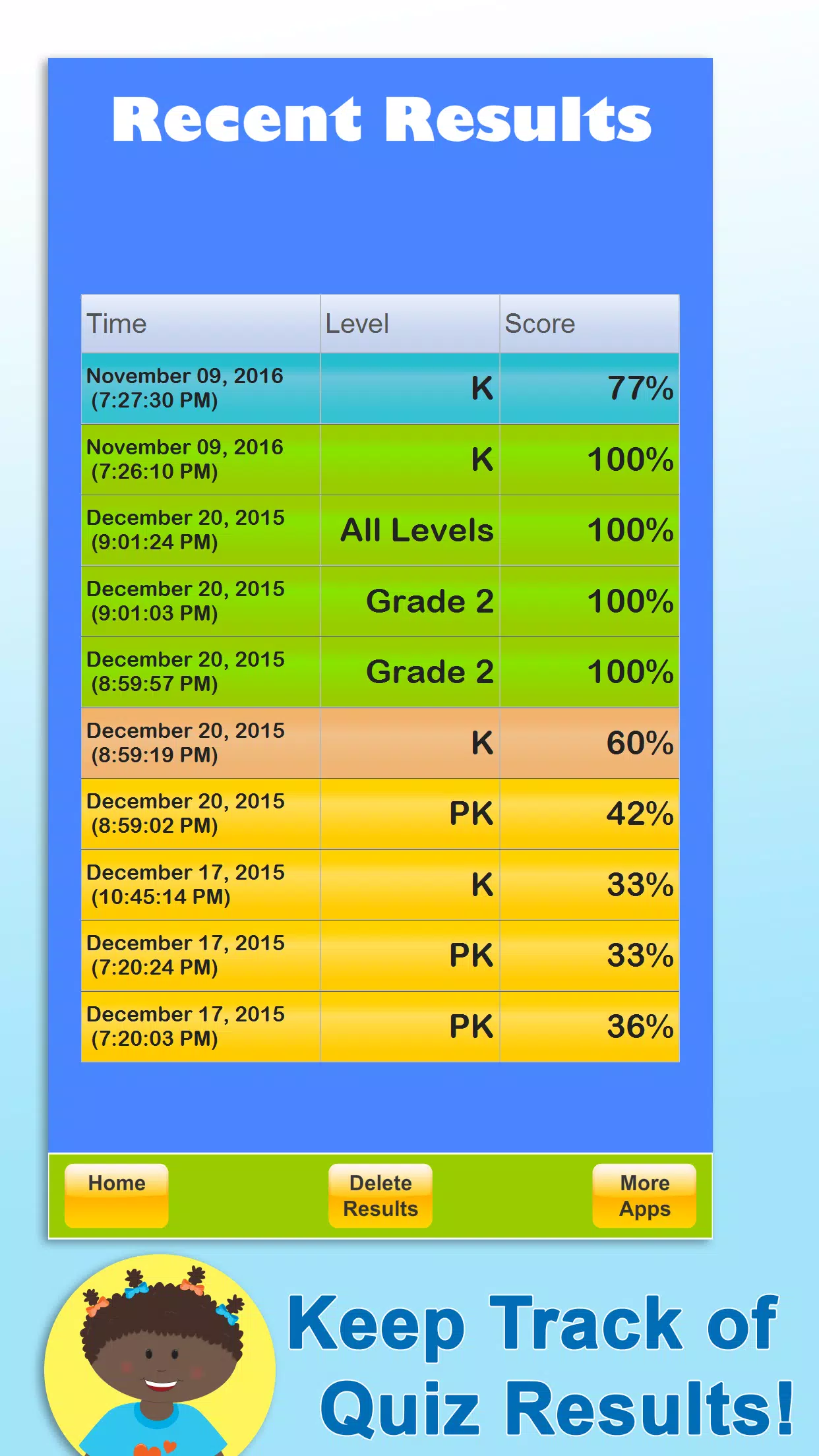
Progress tracking combines short-term metrics like session accuracy with longer-term indicators such as retention across weeks. Reward mechanics—stars, badges, and printable certificates—encourage continued effort without distracting from learning goals. Sight Words Coach highlights mastery milestones so adults can celebrate measurable gains and adjust instruction when plateaus occur.
Getting started tips
Begin by setting clear, achievable goals: five to ten minutes daily is more effective than irregular longer sessions. Choose a starting list aligned with classroom materials or your child’s reading level, and use the review mode to reinforce words that trigger mistakes. Periodically export reports to review trends and refine practice focus. With consistent, brief practice, many learners show noticeable improvement in word recognition within weeks using Sight Words Coach.
- No virus
- No advertising
- User protection
Information
- File size: 16.70 M
- Language: English
- Latest Version: 6.3.1
- Requirements: Android
- Votes: 126
- Package ID: air.SightWordsSuperQuiz
- Developer: Sierra Vista Software
Screenshots
















Explore More
Make your house a home with our suite of helpful home apps. Discover clever tools to organize closets, streamline chores, and simplify cooking. Take the stress out of cleaning and maintenance with handy checklists and schedules. Enhance security and control appliances and lighting with our smart home integrations. Design, visualize, and renovate like a pro using our 3D planning software.

Metro Micro

All Recovery - Photos & Videos

Tax Calculator India 2024-2025

ClassPass: Fitness, Spa, Salon

OnDjoss

Park4Me

Scary sound effects

Home Workouts - Lose Weight