Introduction
Sweet Home: Games for kids delivers a colorful collection of educational mini-games designed for toddlers and preschoolers. This app blends simple puzzles, memory tasks, and creative activities into an engaging home-themed environment that encourages early learning, motor skills, and imagination while maintaining safe, ad-friendly interactions for young users.
Core gameplay and activities
At its heart, Sweet Home: Games for kids organizes play into short, focused activities that are easy for small hands to navigate. Each mini-game targets a fundamental skill: shape recognition, matching, sequencing, color sorting, and basic counting. Sessions are intentionally brief so children remain motivated and experience repeated success, and reward animations provide immediate positive reinforcement after each level.
Progression and rewards
Progress is tracked through a simple, non-competitive system that emphasizes mastery rather than high scores. Players unlock new rooms, stickers, and decorative items by completing activity sets. The progression loop encourages repeated practice—completing puzzles earns tokens that can be used to customize rooms, creating a gentle incentive structure that motivates children to try new challenges without frustration.
Levels, characters, and environments
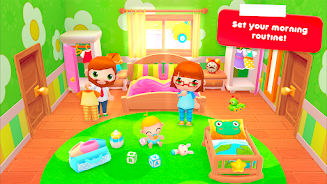
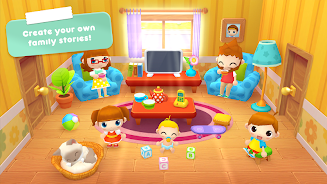
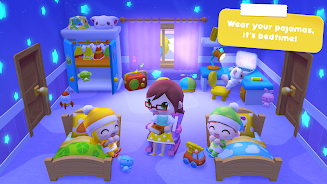
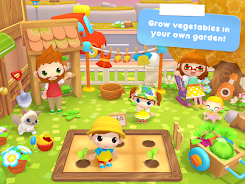
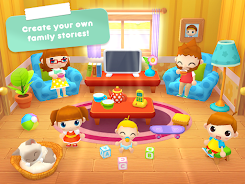
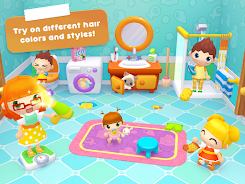
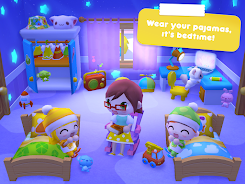
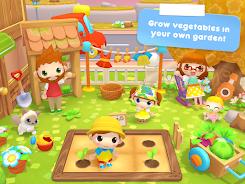
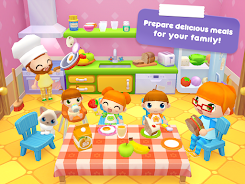
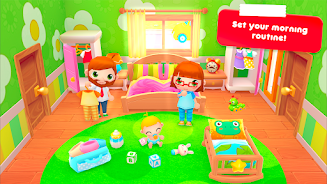
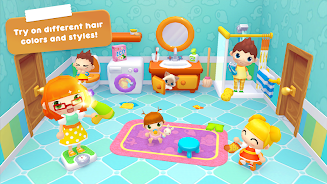
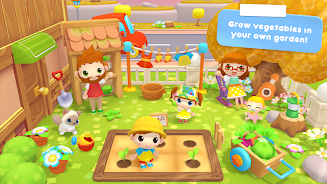
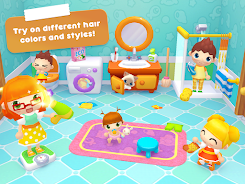
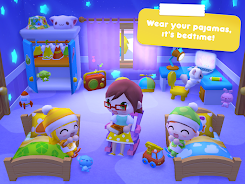
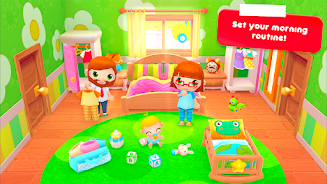
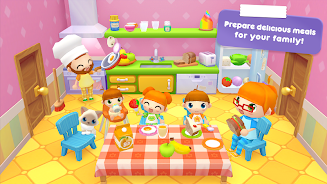
The game presents a variety of home-themed maps: kitchen, bedroom, garden, and playroom each contain tailored activities that match the environment. Friendly mascot characters guide kids through tasks with clear audio instructions and visual cues. Each character has a distinct personality and voice prompts that are easy to understand, helping non-readers follow along independently. Environments are bright and uncluttered to keep focus on the activity at hand.
Learning mechanics and strategy
Design choices in Sweet Home: Games for kids favor scaffolding and repetition. Early levels introduce single concepts with visual support; later stages combine elements—such as sorting by both color and shape—to encourage cognitive flexibility. Parents and educators can use the app strategically by repeating specific activities to reinforce weak areas or alternating tasks to promote generalization of skills across contexts.
Controls, visuals, and accessibility
The interface uses large touch targets and minimal text, allowing kids to navigate with taps and drags. Visual feedback—highlighting, gentle vibrations, and sound cues—helps children understand cause and effect. Graphics are simple but polished, with high-contrast icons and child-friendly animations that remain calm rather than overstimulating. Volume and language options improve accessibility for diverse households.
Performance and device compatibility
Sweet Home: Games for kids is optimized to run smoothly on a wide range of Android devices, including tablets commonly used by families. File size is kept reasonable and the app manages memory efficiently to reduce battery drain. Occasional in-app downloads for additional content are small and optional, enabling offline play once assets are installed.
Parental controls and safety
Privacy and parental oversight are built into the app. A secure parental gate protects settings and purchases, and advertising is limited or absent in core gameplay to ensure a safe environment. Activity reports and simple progress summaries help caregivers see what skills a child is practicing without exposing unnecessary data or external links.
How to begin
Getting started with Sweet Home: Games for kids is straightforward: install, choose a character, and pick a room. The first-time tutorial introduces basic gestures and the reward system. Sessions can be paused and resumed easily, making the app suitable for short play windows or supervised learning time. Regular use for a few minutes daily supports steady development.
Tips for parents and educators
- Set short goals: Aim for two or three quick activities per session to keep attention high.
- Use customization: Let children select stickers or decorations after tasks to reinforce motivation.
- Repeat deliberately: Return to activities that target lagging skills until the child shows consistent improvement.
- Combine play with real life: Reinforce counting and sorting concepts by involving household items during or after gameplay.
Sweet Home: Games for kids offers a structured yet playful way to introduce early learning concepts. With thoughtful design that prioritizes clarity, safety, and short, rewarding lessons, it creates a gentle space for young learners to explore basic cognitive and motor skills while enjoying familiar home-themed adventures.
- No virus
- No advertising
- User protection
Information
- File size: 33.90 M
- Language: English
- Latest Version: 1.2.71
- Requirements: Android
- Votes: 128
- Package ID: com.playtoddlers.sweethomestories.free
- Developer: PlayToddlers
Screenshots
















Explore More
Make your house a home with our selection of innovative apps. Discover programs to simplify cleaning, organize closets, and manage home maintenance. Take the hassle out of chores and keep your space running smoothly. Design, visualize, and renovate like a pro using our augmented reality and 3D modeling tools. Enhance security and monitor your property 24/7 with our connected home tech.

Scary sound effects

カウシェ

Baby songs free Nursery rhymes

Kaspersky Password Manager

Kidcare – Parental Control App

OTT Navigator IPTV

MTS Link

Origin Energy Gas Internet LPG