


Introduction
Perfect Viewer is a lightweight Android viewer designed for reading comics, manga, and image archives with speed and flexibility. It combines a clean, gesture-driven interface with extensive format support and reading modes, letting users customize page flow, zoom behaviors, and library organization for a tailored reading experience.
Key Features
Perfect Viewer delivers a balanced mix of performance and control. It handles large collections without slowing down, offers several page layout options, and includes gesture and hardware key mapping so you can read with one hand or set up shortcuts that match your habits.
- Fast rendering: Optimized decoding and caching for smooth page transitions.
- Multiple viewing modes: Single page, two-page spread, continuous scroll, and long-strip modes.
- Gesture customization: Pinch-to-zoom, double-tap, swipe regions and configurable sensitivity.
- Archive support: Reads CBZ, CBR, ZIP, RAR, 7Z, PDF and many image formats.
Interface and Controls
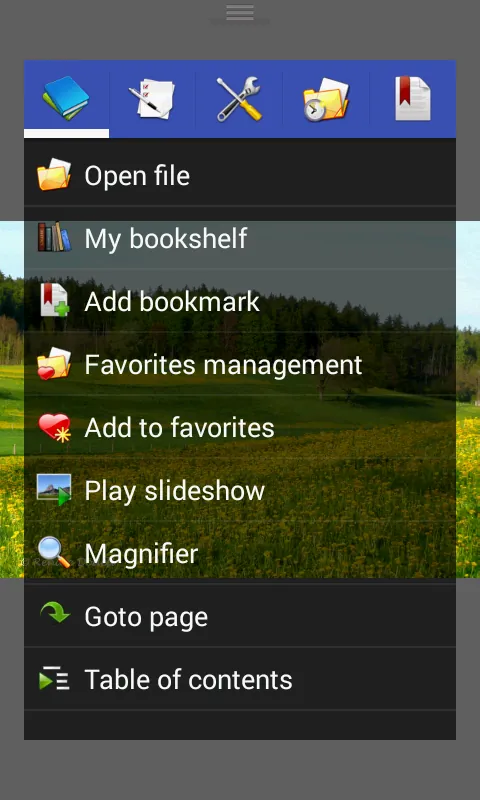
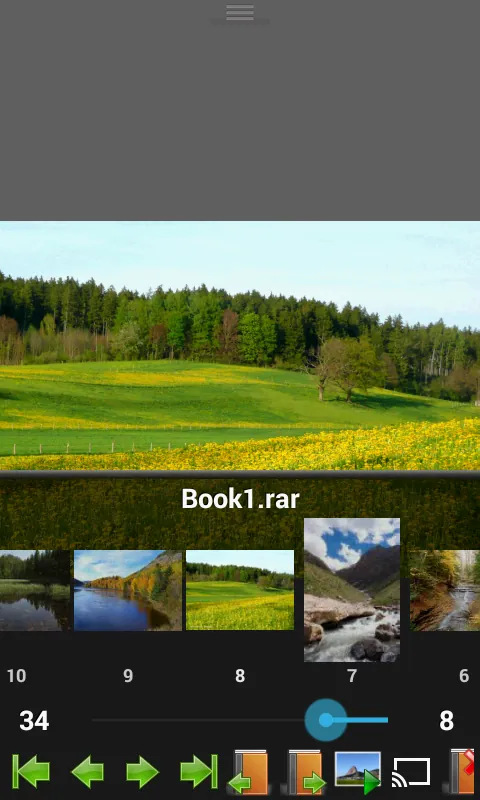
The interface prioritizes reading, with minimal chrome that fades away while you focus on content. Navigation is intuitive: tap edges to turn pages, drag to pan, or use the overlay control for thumbnails and bookmarks. The control scheme is flexible, allowing you to map hardware buttons to common actions like page turn, zoom, or menu access.
Supported Formats and Library Management
Perfect Viewer supports a wide range of archive and image formats, making it a versatile choice for diverse collections. The built-in library scanner groups files into series and folders automatically, while metadata options help keep titles and reading order consistent across devices.
- Archive formats: ZIP, RAR, CBZ, CBR, 7Z and more.
- Image formats: JPEG, PNG, GIF, BMP, WebP support.
- PDF and long images: Adjustable rendering for multi-page and tall images.
Performance and Compatibility
Designed to run on a broad spectrum of Android devices, the app uses efficient memory handling to reduce crashes and jank when flipping through dense or high-resolution files. Background decoding and a configurable cache size let you balance memory use against loading speed, and compatibility settings help resolve display quirks on older or less common devices.
Customization and Reading Modes
Customizable reading options are a core strength. You can switch between left-to-right and right-to-left reading for manga, enable auto-fit-width or auto-fit-height behaviors, and save layout presets for different file types. Themes and night mode protect your eyes during long sessions, and adjustable brightness or color filters are available from within the viewer.
- Reading direction: Left-to-right, right-to-left, vertical scroll.
- Auto-fit options: Fit width, fit height, or full-screen crop.
- Appearance: Day/Night modes, color filters, and smooth transition animations.
Organizing and Importing Content
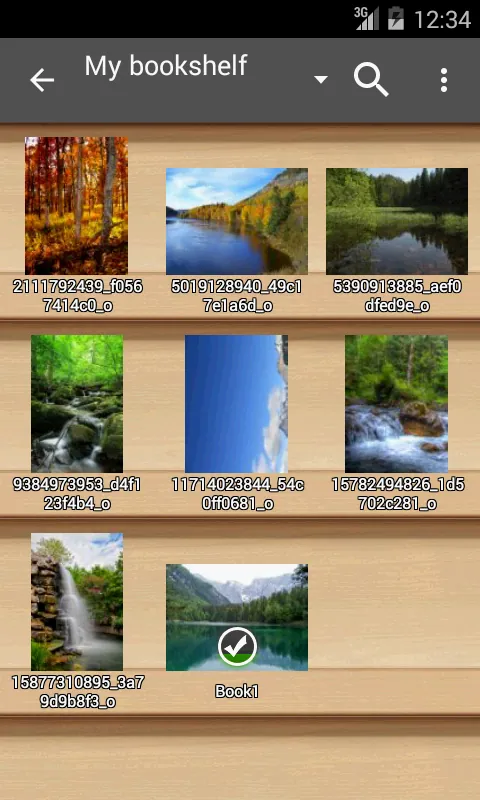
Importing a new collection is straightforward: point the scanner at internal or external storage, or add folders manually for more control. The tagging and series tools let you group related files, apply custom covers, and create reading lists. Automatic filename parsing can detect chapter numbers and sort pages in the correct order, saving time when assembling large libraries.
Privacy, Add-ons, and Extensions
Perfect Viewer keeps your library local by default and does not require cloud access to read files. It also supports extensions and plugins that add features like network browsing, enhanced metadata lookup, and alternative decoders. Permissions are limited to storage access unless you enable optional extras.
Getting Started
To begin, install the app, grant storage permission, and run an initial scan to populate your library. Create a few reading lists or set preferred gestures, and experiment with fit and flow settings for different content types. Perfect Viewer adapts quickly to personal preferences, so a short setup will yield a consistently smooth reading routine.
User Tips
For best results, adjust the cache size if you encounter lag on older devices, enable page preloading for long comics, and use the export/import settings feature to preserve custom bindings and themes. If you rely on external storage or microSD cards, keep the library paths consistent to avoid missing files after updates.
Final Notes
Stable, configurable, and built for serious readers, this viewer offers the essential tools for organizing and enjoying comic and image collections on Android. The combination of speed, format compatibility, and in-depth customization makes it a reliable choice for daily reading and archival use.
- No virus
- No advertising
- User protection
Information
- File size: 12.70 M
- Language: English
- Latest Version: 5.0.4.2
- Requirements: Android
- Votes: 264
- Package ID: com.rookiestudio.perfectviewer
- Developer: Rookie001
Screenshots
















Explore More
Enter imaginative worlds and escape into legendary stories with our comics apps. Discover new series, stay current with new issues, and revisit timeless classics. Take advantage of exclusive deals, previews, and bundles. Build and manage your dream collection across digital and print. Dive deeper through character bios, fan forums, and behind-the-scenes content. Learn to draw your favorite heroes through our step-by-step video tutorials.

Komikcast.web.id

菠萝包漫画

DMMブックス 人気マンガ・コミックが楽しめる電子書籍アプリ

Comic Jesus Messiah in English

Quadrinhos Jesus, O Messias

Downtown Comics

Rakuten Manga Beta (Unreleased)

Comic Yesu Onɛ An Mazaya La (K





























