Introduction
QR Code Reader Barcode Scanner is a compact utility that quickly decodes QR codes and barcodes using your phone camera. It prioritizes speed and simplicity, providing instant results, history tracking, and safe link previews so users can scan product codes, tickets, or website links without delay.
What this app does
This QR Code Reader Barcode Scanner serves as a straightforward tool for reading many common 1D and 2D formats. It recognizes QR codes, UPC/EAN barcodes, Data Matrix, and more. The goal is to turn a smartphone into a reliable scanner you can use at shops, events, or for everyday productivity tasks.
Key capabilities at a glance
- Fast scanning: Real-time decoding from the camera feed with minimal lag.
- History and export: Saved scan results you can review, copy, or share later.
- Safe link preview: Shows destination information before opening web links.
- Flash support: Illuminate low-light codes using the device torch.
- Manual input: Type in or paste codes when a camera scan isn’t possible.
How it works in everyday use
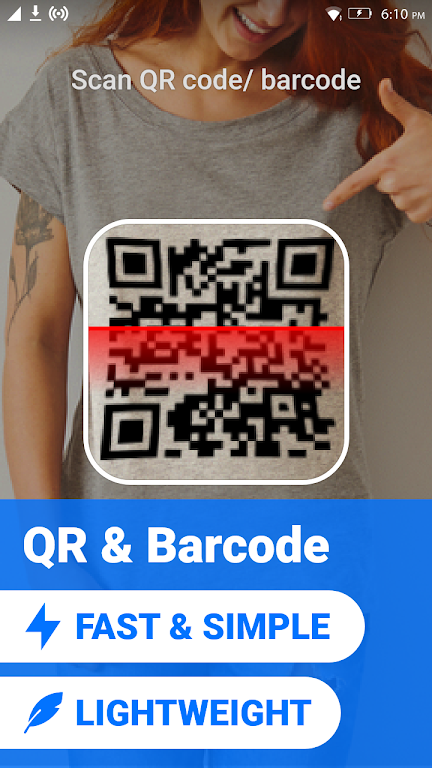
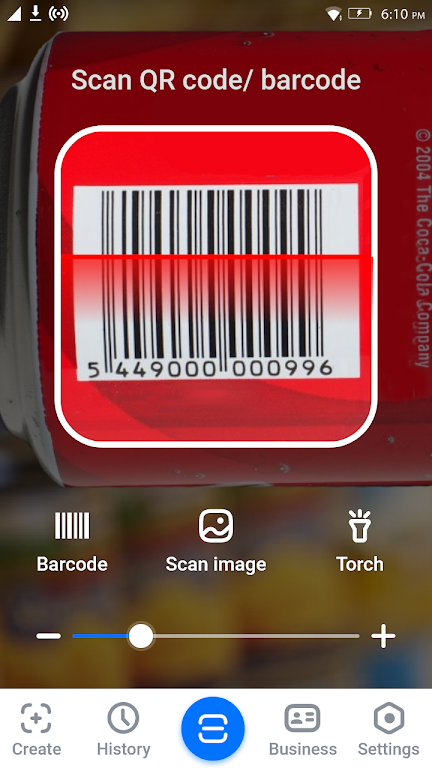
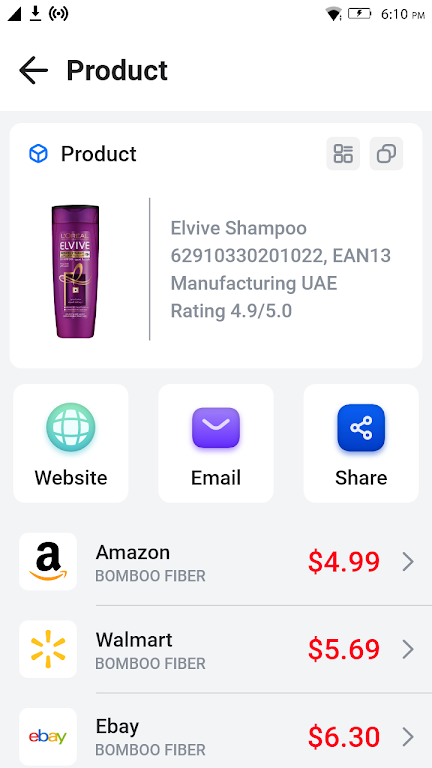
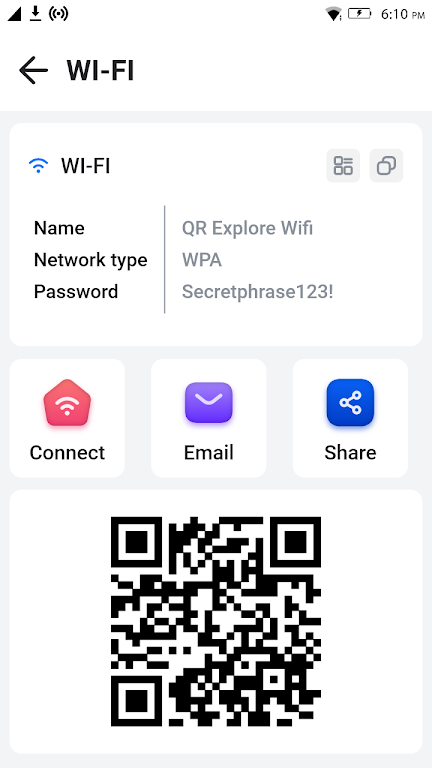
Point the camera at a printed or on-screen code and let the app autofocus. Visual feedback shows when the frame contains a recognizable target, and the decoded content appears instantly. For product barcodes the app can reveal the numeric code and let you copy it or run a web lookup. For QR codes it will display the contained text, contact card, or URL and offer context-specific actions like opening a website or saving information to your contacts.
Interface and performance
The interface keeps controls minimal and places the camera preview front and center. Most scans complete in under a second on modern phones. Background optimizations reduce battery drain during brief scanning sessions. You’ll also find options to toggle autofocus and sensitivity for unusual labels or reflective packaging.
Useful settings and customization
Although lightweight by design, the app includes several practical options. You can switch between continuous scanning and single-scan modes, enable vibration or sound feedback, and configure how the history list behaves. The flashlight can be set to automatic when ambient light is low, and a privacy option clears the scan log on exit for shared devices.
Security and privacy considerations
Scanned URLs are previewed before opening to reduce the risk of malicious links. The app does not require unnecessary permissions; camera access is requested only for scanning, while optional storage permission enables exporting saved results. If you prefer not to retain a record, clear or disable history within settings.
Practical tips for best results
- Hold steady and allow autofocus to settle before expecting a read.
- Avoid extreme glare by angling the device slightly when scanning glossy labels.
- Use the flashlight for codes printed on dark backgrounds or in dim environments.
- Increase contrast by moving the camera closer rather than zooming digitally.
For businesses that need quick inventory checks or individuals who scan tickets and coupons, the QR Code Reader Barcode Scanner simplifies routine tasks. It’s especially handy when you need a dependable scanner without extra subscription features or distracting extras.
Getting started
Install and grant camera permission to begin. Open the app and align a code within the targeting guide. After the first successful scan, review the history and experiment with feedback and torch settings to match your workflow. For occasional users the default configuration will usually be sufficient; power users can fine-tune sensitivity and export options.
Why people choose this tool
Users appreciate that the app balances speed, clarity, and respectful permission handling. It focuses on the essentials—accurate decoding and straightforward actions—so scanning becomes a frictionless part of daily routines. Whether you need to verify product numbers, follow a link, or save a contact, the QR Code Reader Barcode Scanner gets those jobs done quickly and reliably.
- No virus
- No advertising
- User protection
Information
- File size: 16.34 M
- Language: English
- Latest Version: 1.24
- Requirements: Android
- Votes: 415
- Package ID: qrscanner.barcodescanner.qrcodereader.barcodereade
- Developer: Triple App Studio
Screenshots
















Explore More
Discover and share the hottest events around with our intuitive apps. Find local concerts, festivals, shows, and more based on your unique interests. Create customizable calendars of upcoming events to coordinate schedules with friends. Purchase tickets seamlessly from our integrated platforms. Check real-time transit schedules to plan your trip. Access maps, directions, and parking information for any venue.

Board Game Stats

Bloomberg Connects

Metro Micro

TVSMILES

Tax Calculator India 2024-2025

OnDjoss

Park4Me

Scary sound effects