


Introduction
Lumin: View, Edit, Share PDF is the ultimate tool for editing, sharing, and collaborating on documents in the cloud. With seamless integration with your favorite storage platforms, versatile editing tools, and real-time collaboration features, Lumin empowers over 100 million users worldwide across various industries. Whether you need to mark up PDF drawings, manage client onboarding, or study for exams, Lumin has you covered. Stay organized, efficient, and productive with Lumin's auto-saving and syncing capabilities, pre-designed templates, eSignatures, and more. Experience the convenience and ease of document management with Lumin and join the millions who trust this app for their everyday needs.
Features of Lumin: View, Edit, Share PDF:
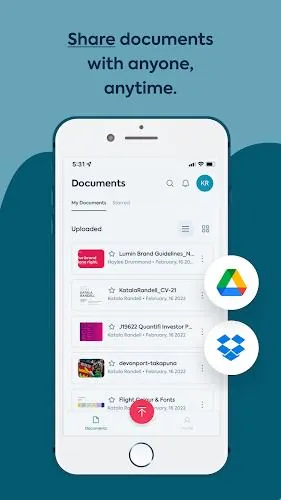
⭐ Seamless document management: Easily import, edit, and share PDFs from your favorite storage services like Dropbox, Google Drive, and OneDrive.
⭐ Cloud integration: Automatically save changes and sync them across all your devices for easy access.
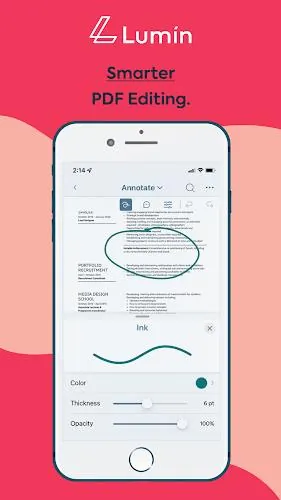
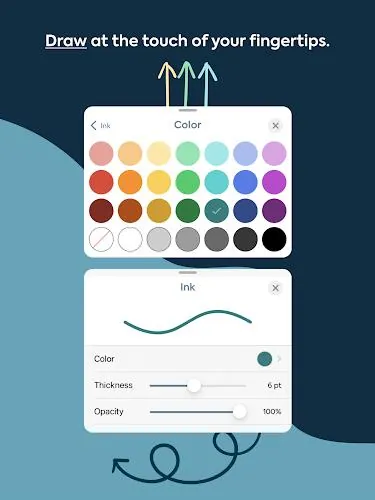
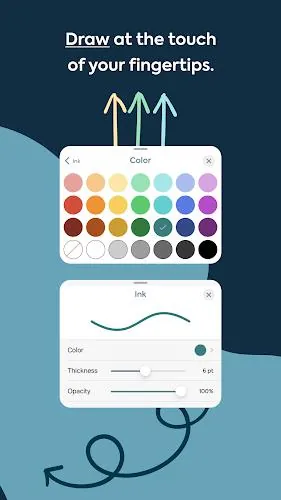
⭐ Versatile editing tools: Highlight, annotate, draw on PDFs, and more with a diverse set of tools.
⭐ Document organization: Organize, extract pages, merge files, and convert to/from PDFs effortlessly.
⭐ Pre-designed templates: Choose from a variety of templates for different purposes and industries, such as real estate, education, and job applications.
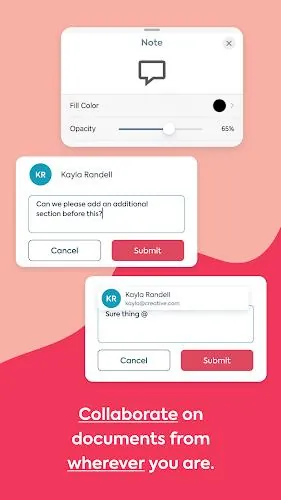
⭐ Collaboration: Easily share files and receive real-time notifications to work efficiently with colleagues.
Conclusion:
Lumin: View, Edit, Share PDF is a powerful app trusted by millions worldwide for its seamless document management, versatile editing tools, and convenient cloud integration. With features like document organization, pre-designed templates, and collaboration tools, Lumin makes editing, sharing, and collaborating on documents easy and efficient. Don't miss out on the opportunity to join over 100 million Lumin users and elevate your document editing experience. Download Lumin for Android now and revolutionize the way you work with documents!
- No virus
- No advertising
- User protection
Information
- File size: 26.82 M
- Language: English
- Latest Version: 3.9.1
- Requirements: Android
- Votes: 101
- Package ID: com.luminpdfapp
- Developer: Lumin PDF
Screenshots
















Explore More
Equip yourself with our all-in-one toolbox app for everyday tasks and projects. Instantly convert between units, calculate tips, scan documents, manage files, and more with handy productivity tools. Includes a level, compass, QR code reader, ruler, speedometer, decibel meter, and flashlight. Save frequently used tools to your customizable dashboard for one-tap access. Track billable hours, wages, budgets, and invoices. Annotate screenshots, magnify labels, and sign PDFs on the go.

MEXC Global: BTC, ETH, Gamefi

Text Art - Write Text On Photo

MERA PROXY PRO

Domino's Pizza Sri Lanka

Halloween Photo Editor -Makeup

Connecting - Friends Near Me

Cartola

HFonts - font & emoji manager
























You May Also Like





Comment
-
Garbage. They should pay me for the time and data wasted downloading this trash and attempting to use it. It's missing the most common sense features. No eraser. What kind of document filler overlooks providing an eraser. I'm almost certain this app was made by retarded monkeys.2024-12-24 00:50:33
-
I have to work with the PDF files document a lot and somtimes I feel so hard for open it. But this app is doing well, due to this one I don't need to do it anymore, just spend time relaxing and then get the text converted.2024-12-23 16:50:42
-
It is fast application and cutting-edge technology I know. The amazing thing about Lumin PDF is that when someone else is editing my document, I can see the changes as they make them.2024-12-23 09:29:13
-
My data was involved with a data breach of theirs. Haven't used the service in years and when I did it was probably once. Excellent reminder to be more mindful who we provide our information too. AVOID!2024-12-22 18:15:08
-
The app was promising which made me purchased the subscription, however it turned out to have a lor of bugs with very week technical support. They continue to respond they are invistagting with no resolution. It doesn't worth the money2024-12-22 17:05:01
-
I've tried this app twice and wasn't satisfied with it. Both times I cancelled before my free trial ended and both times I was charged $30 after the fact. Although I was refunded almost immediately, I'm disappointed that it happened in the first place, not once but twice. Why does this seem to be a recurring problem?2024-12-22 04:12:41
