Introduction
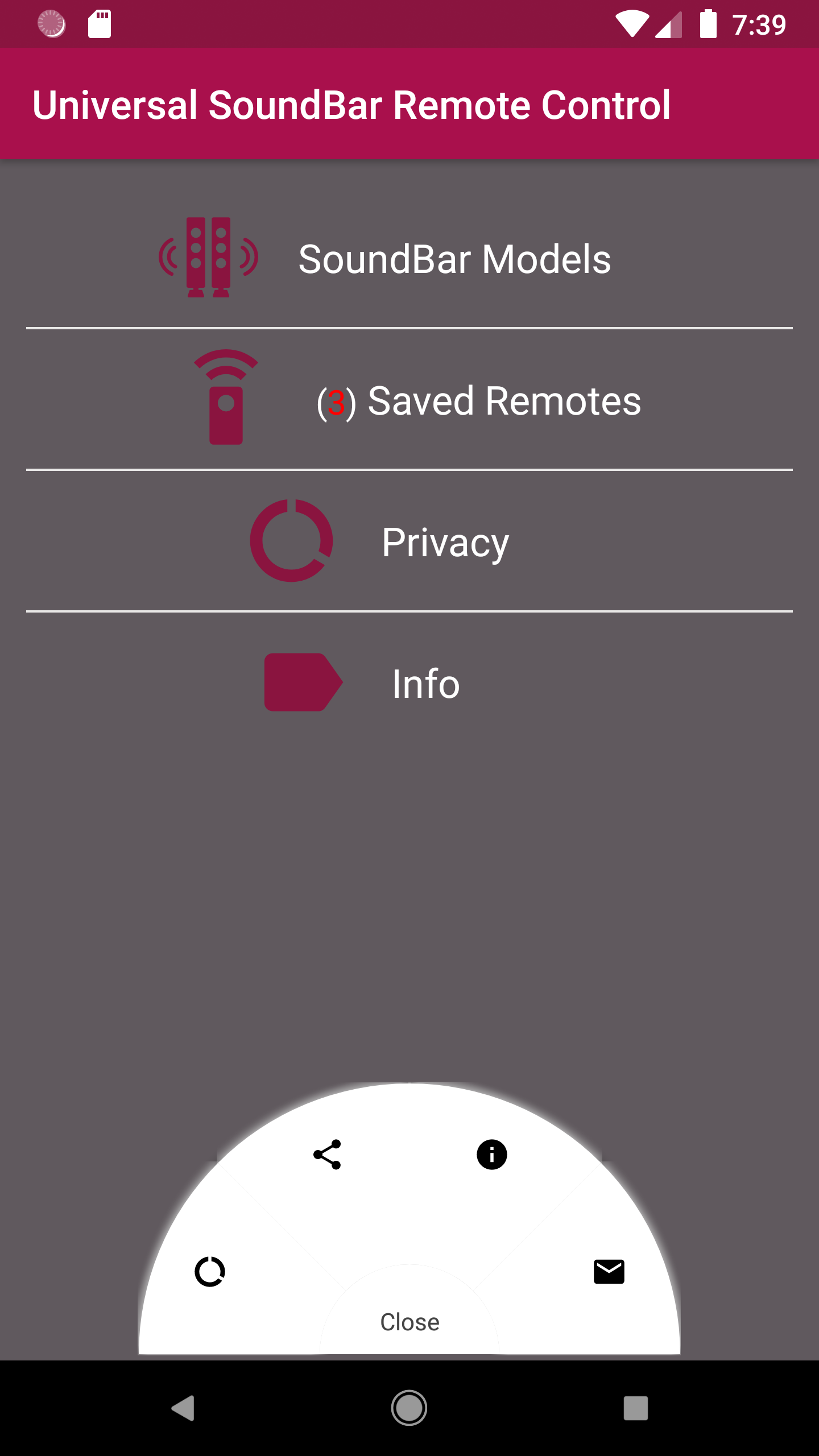
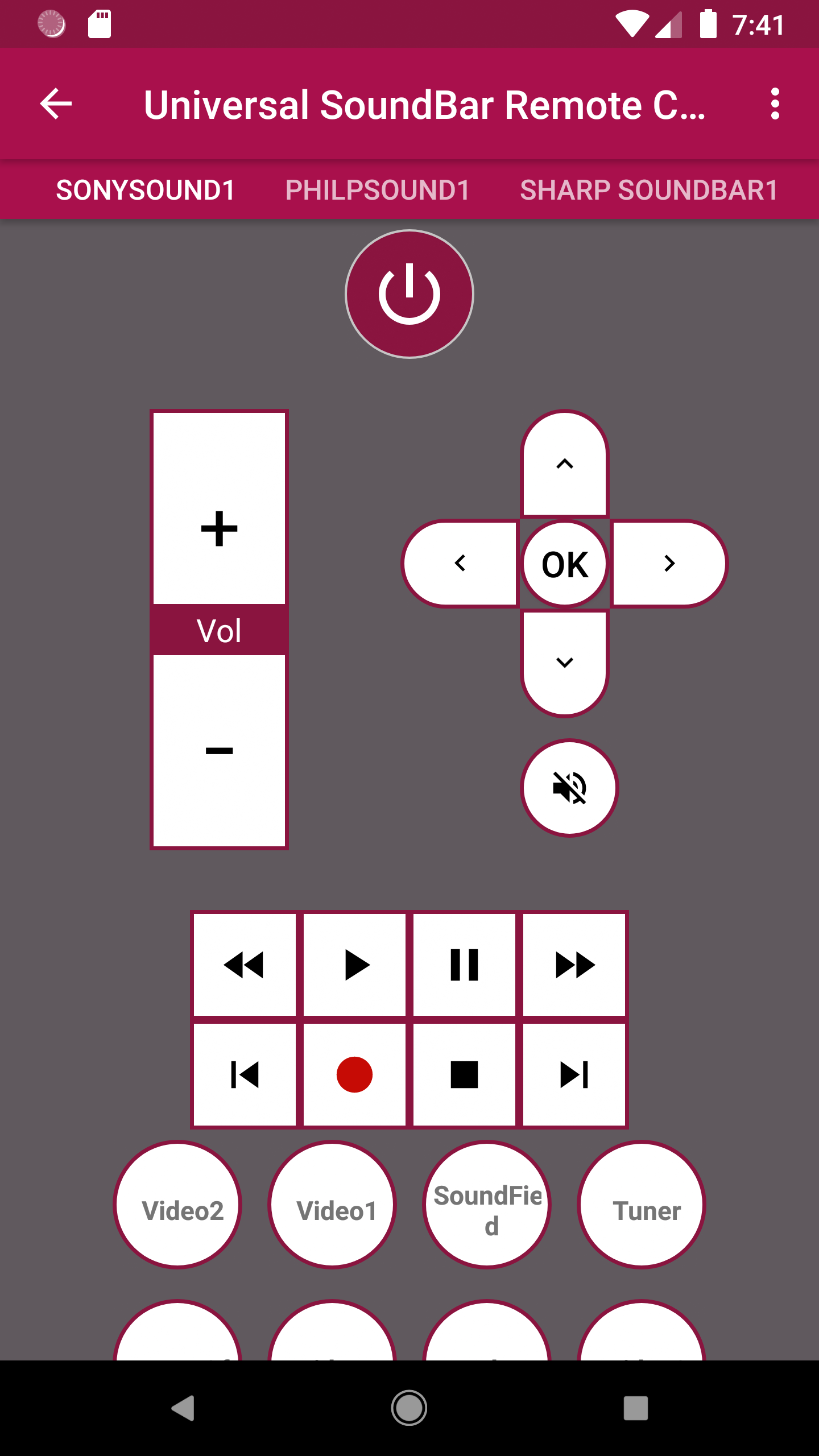
Universal SoundBar Remote Control is an easy-to-use app that transforms your smartphone or tablet into a versatile remote for controlling a variety of soundbars. Whether you have a popular brand or a lesser-known model, this app can help you adjust the volume, change settings, and switch between inputs without needing multiple remotes. The app supports a wide range of soundbars and provides an intuitive interface for seamless control. It’s designed for users who want a simple and efficient way to manage their soundbars, offering all the basic functions and more from the convenience of your mobile device.
Features of Universal SoundBar Remote Control:
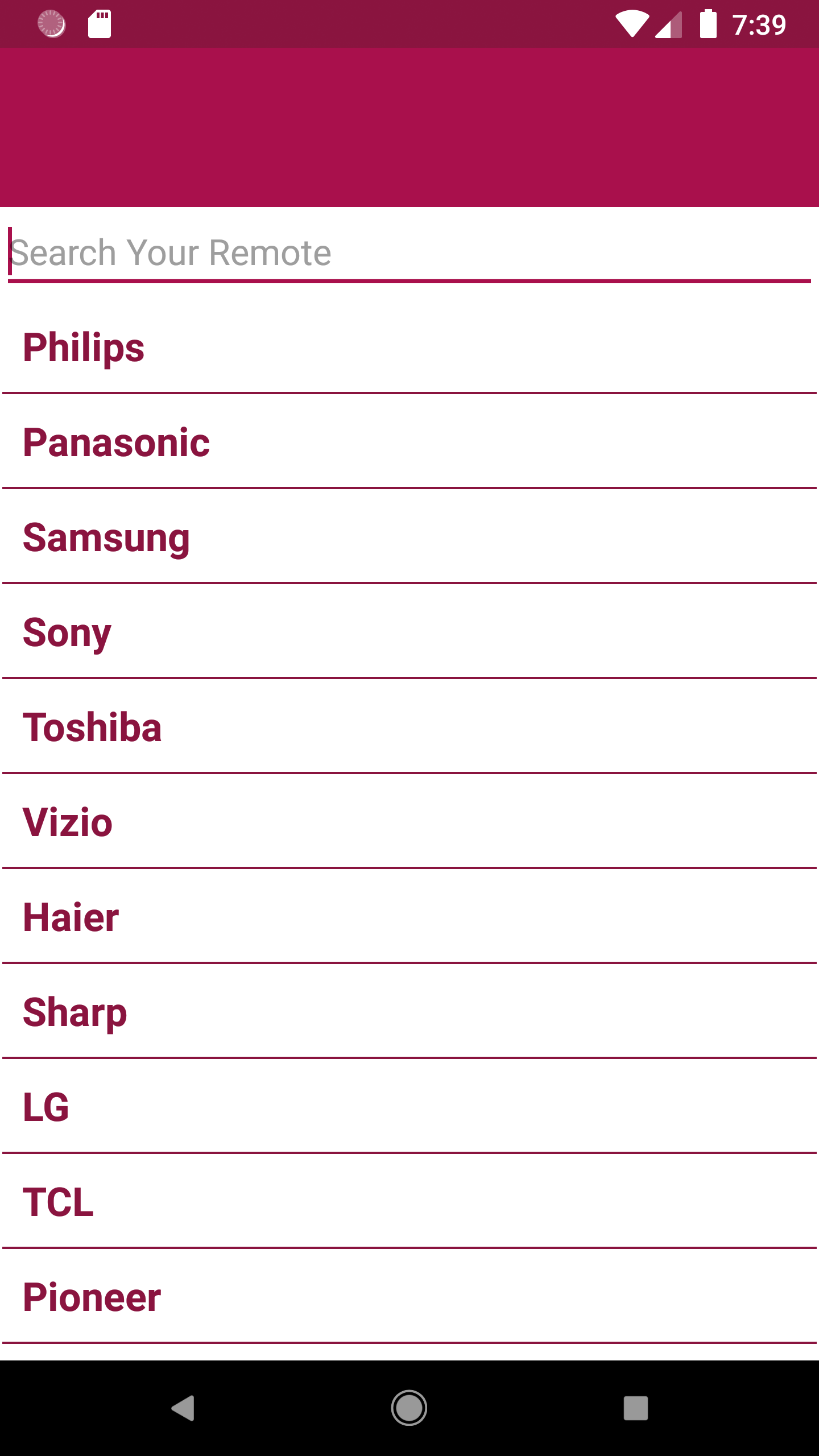
1. Universal Compatibility: Works with most soundbar brands, providing a universal solution for controlling your audio system.
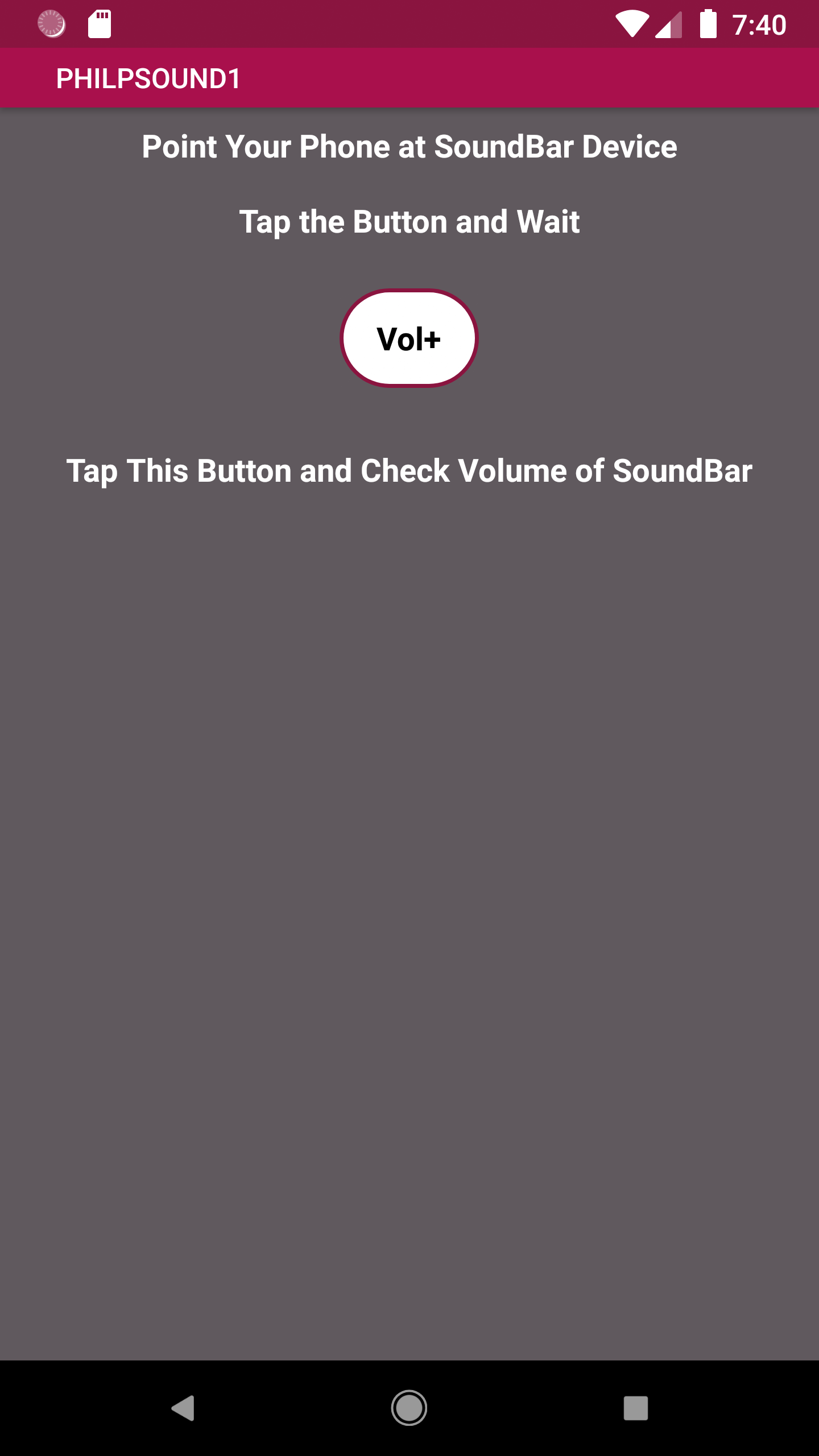
2. Volume and Mute Control: Easily adjust the volume or mute the soundbar with a simple touch of your screen.
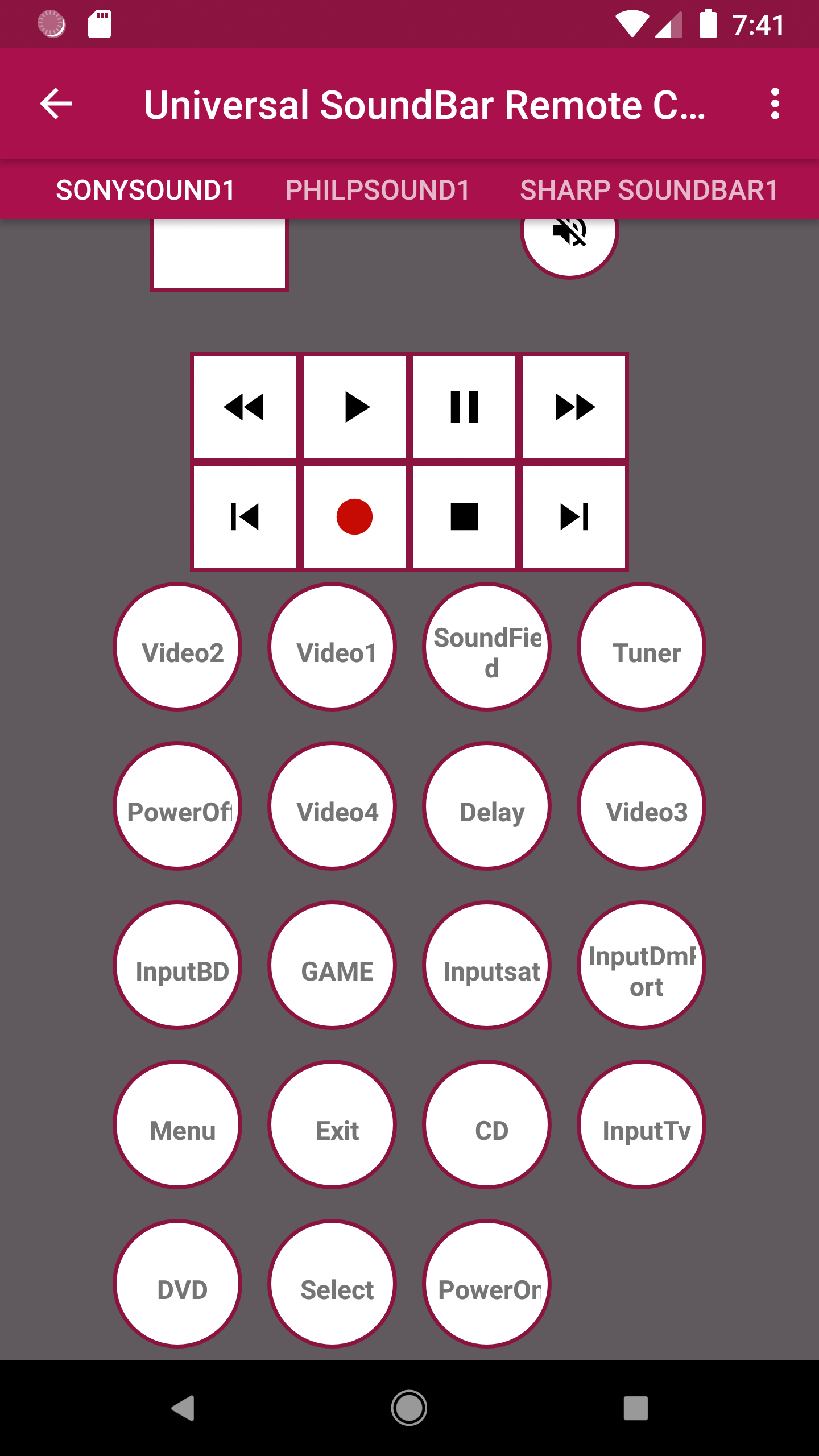
3. Input Switching: Switch between different input sources (HDMI, Bluetooth, Optical, etc.) to customize your listening experience.
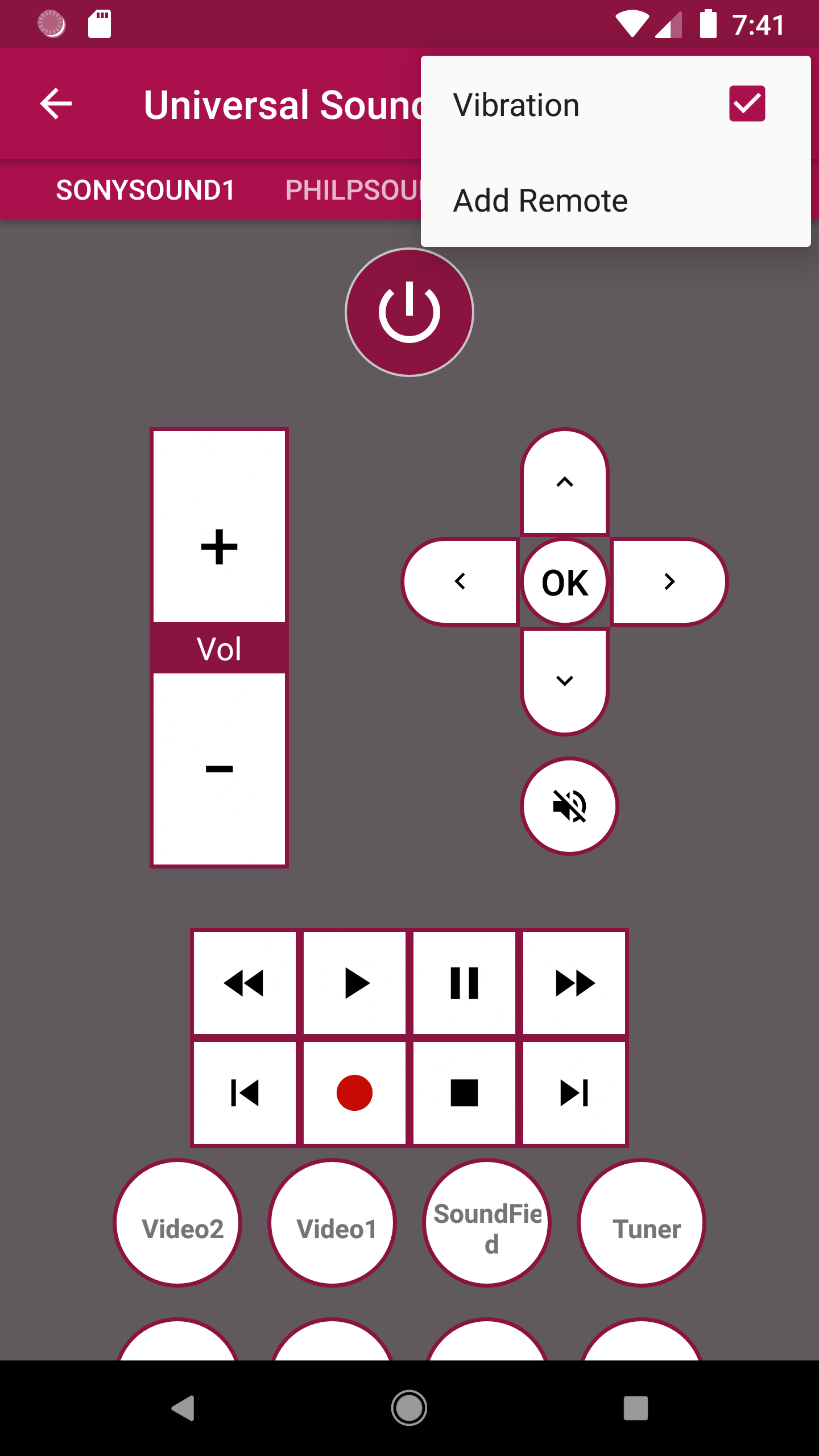
4. User-Friendly Interface: The app features an intuitive, easy-to-navigate design that makes controlling your soundbar effortless.
5. Customizable Settings: Access advanced settings to adjust bass, treble, and other sound properties for a more personalized audio experience.
6. No Additional Hardware: Control your soundbar without needing extra devices or complicated setups, making it a hassle-free solution.
Playing Tips for Universal SoundBar Remote Control:
1. Sync with Your Soundbar: Make sure the app is properly paired with your soundbar for full functionality; follow the app’s pairing instructions.
2. Customize Sound Settings: Take advantage of the sound adjustments (bass, treble) to optimize audio based on your preferences and room acoustics.
3. Keep Your Phone Close: Ensure your device has Bluetooth or infrared connectivity enabled for smoother communication with the soundbar.
4. Use Preset Modes: Some soundbars come with preset audio modes (e.g., Movie, Music, Game). Use the app to quickly switch between them based on what you're watching or listening to.
5. Ensure Battery Life: If you're using the app for long periods, keep your phone charged to prevent interruptions while adjusting your sound settings.
6. Check for Updates: Regularly update the app to ensure compatibility with the latest soundbar models and to get any performance improvements.
Conclusion:
Universal SoundBar Remote Control is an excellent app for simplifying your audio system management. With its wide compatibility, intuitive interface, and practical features like volume control and input switching, it offers everything you need to operate your soundbar from one device. Whether you're adjusting settings or switching between sources, the app provides an efficient, user-friendly solution for a more seamless audio experience. Say goodbye to the clutter of multiple remotes and enjoy hassle-free control with Universal SoundBar Remote Control.
- No virus
- No advertising
- User protection
Information
- File size: 4.10 M
- Language: English
- Latest Version: 1.1.7
- Requirements: Android
- Votes: 263
- Package ID: com.letscontrol.universalsoundbarremotecontrol
Screenshots
















Explore More
Connect deeper through meaningful conversations with our communication apps. Enjoy crystal-clear calls, video chats, messaging, and file sharing. Find the perfect emojis, GIFs, and stickers to express yourself. Keep the non-stop group banter organized in one place. Block unwanted interactions at the source. Meet new people worldwide through our global community features.
View more