
Introduction
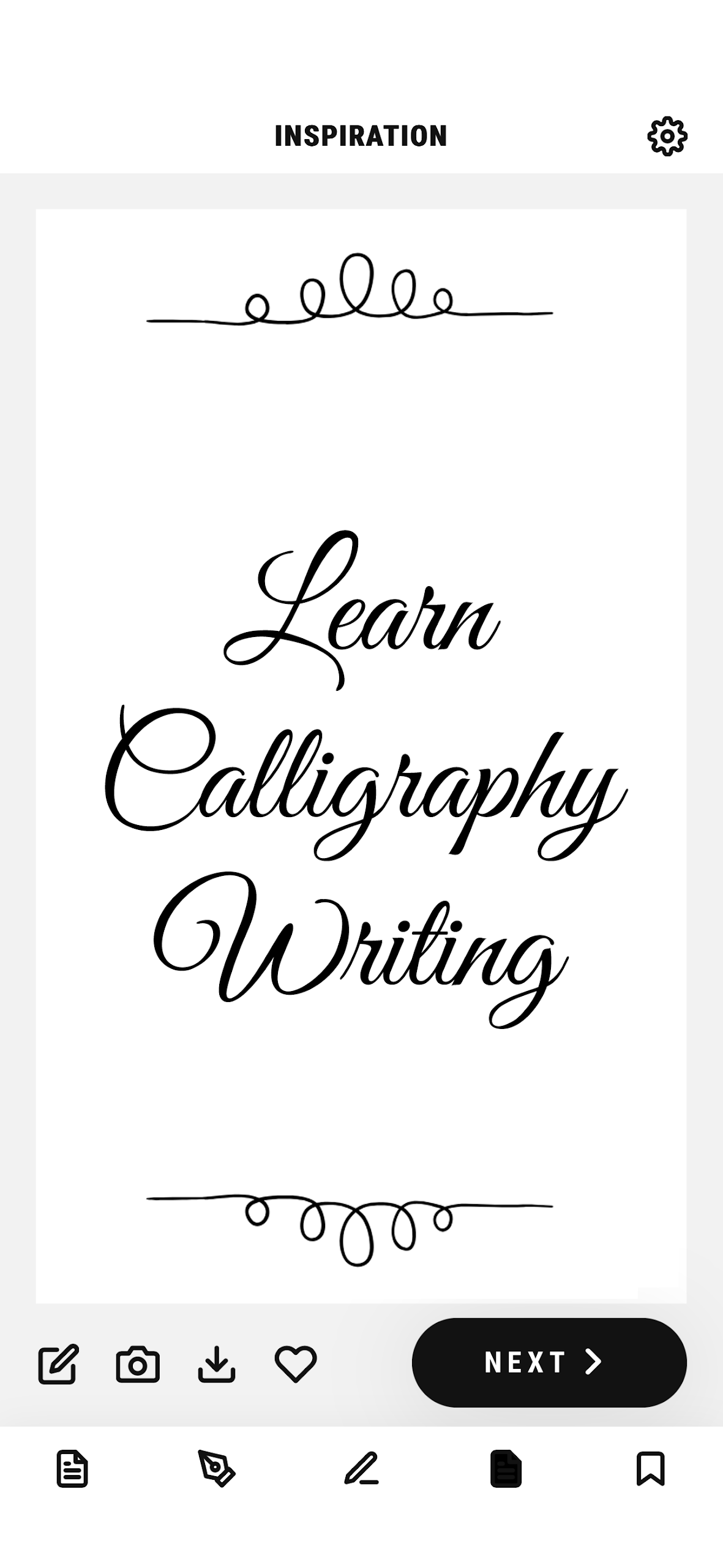
Calligraphy - Cursive Practice is a creative app designed for those who want to learn and practice the art of cursive handwriting. Whether you’re a beginner or looking to refine your skills, this app offers a range of exercises, tutorials, and practice sheets to help you master beautiful cursive writing. With its easy-to-follow lessons and real-time feedback, the app is ideal for anyone who enjoys learning new artistic skills or wants to improve their penmanship. Perfect for students, artists, or anyone interested in the elegant world of calligraphy, this app helps you develop the confidence and precision needed to write beautifully in cursive.
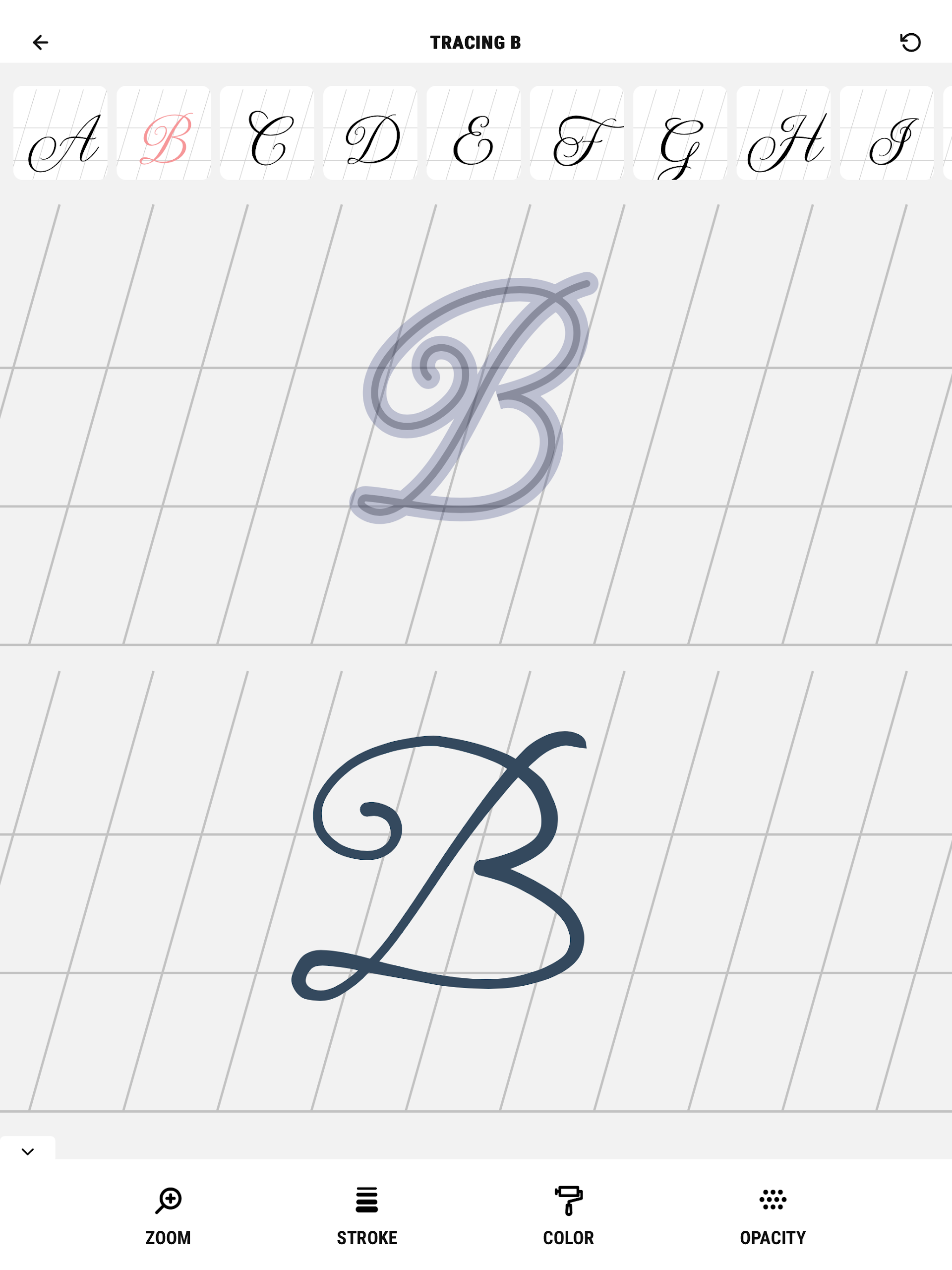
Features of Calligraphy - Cursive Practice:
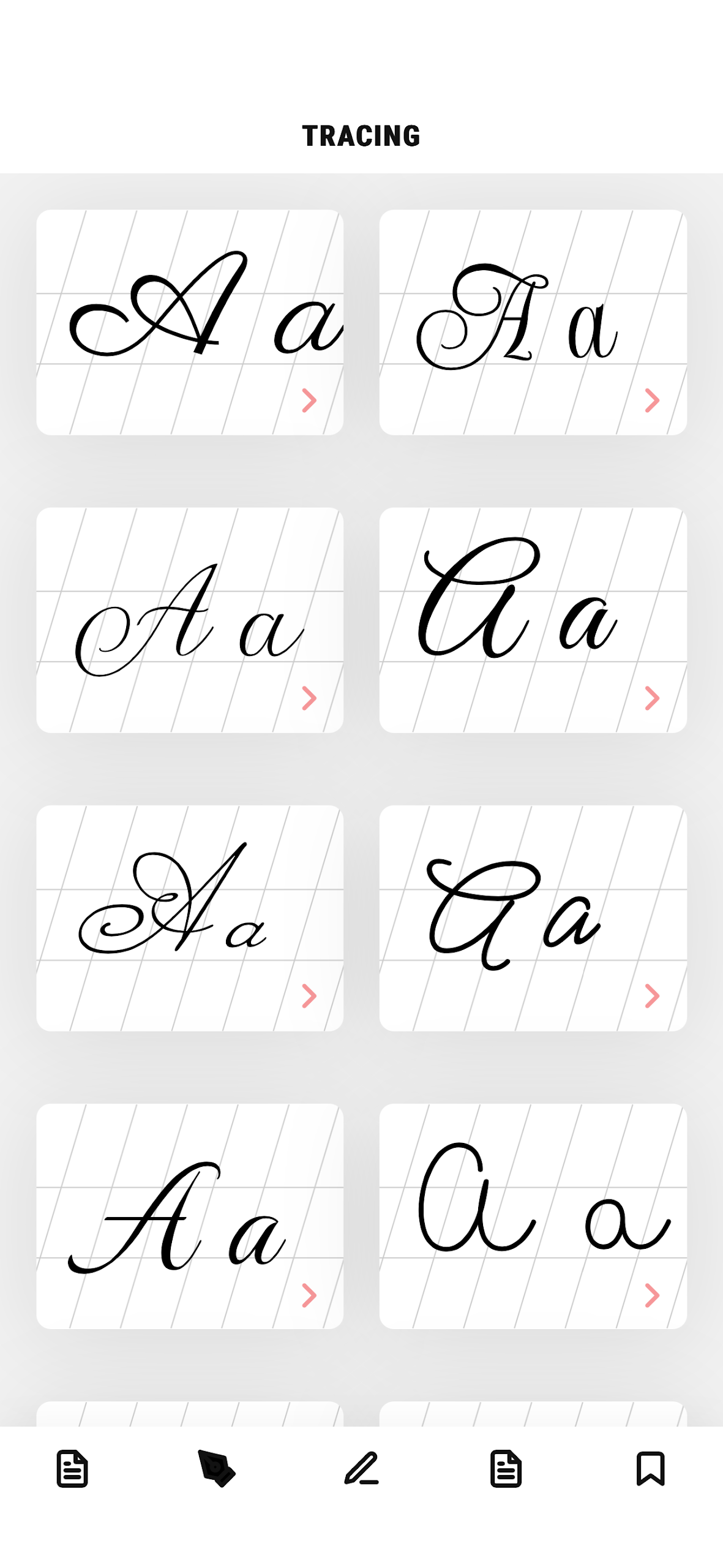
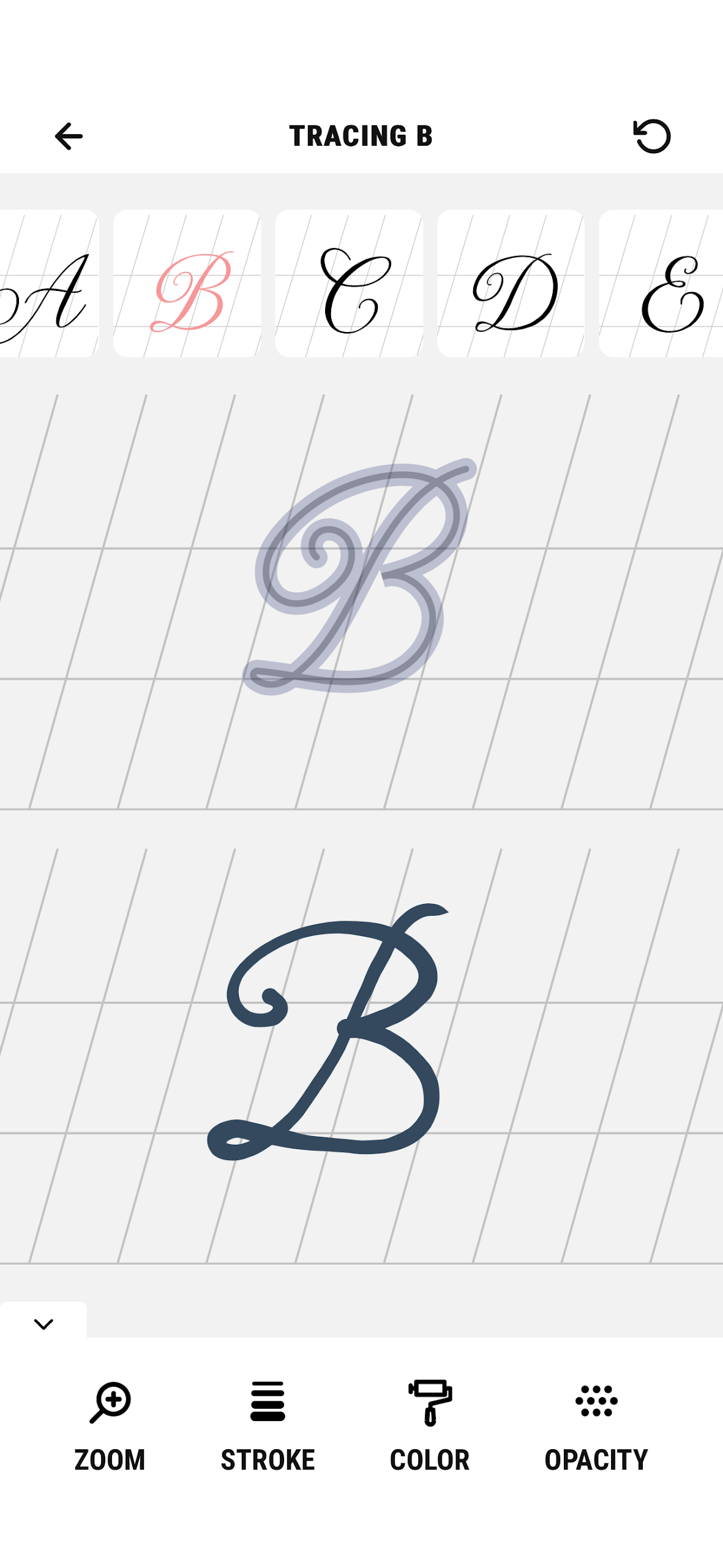
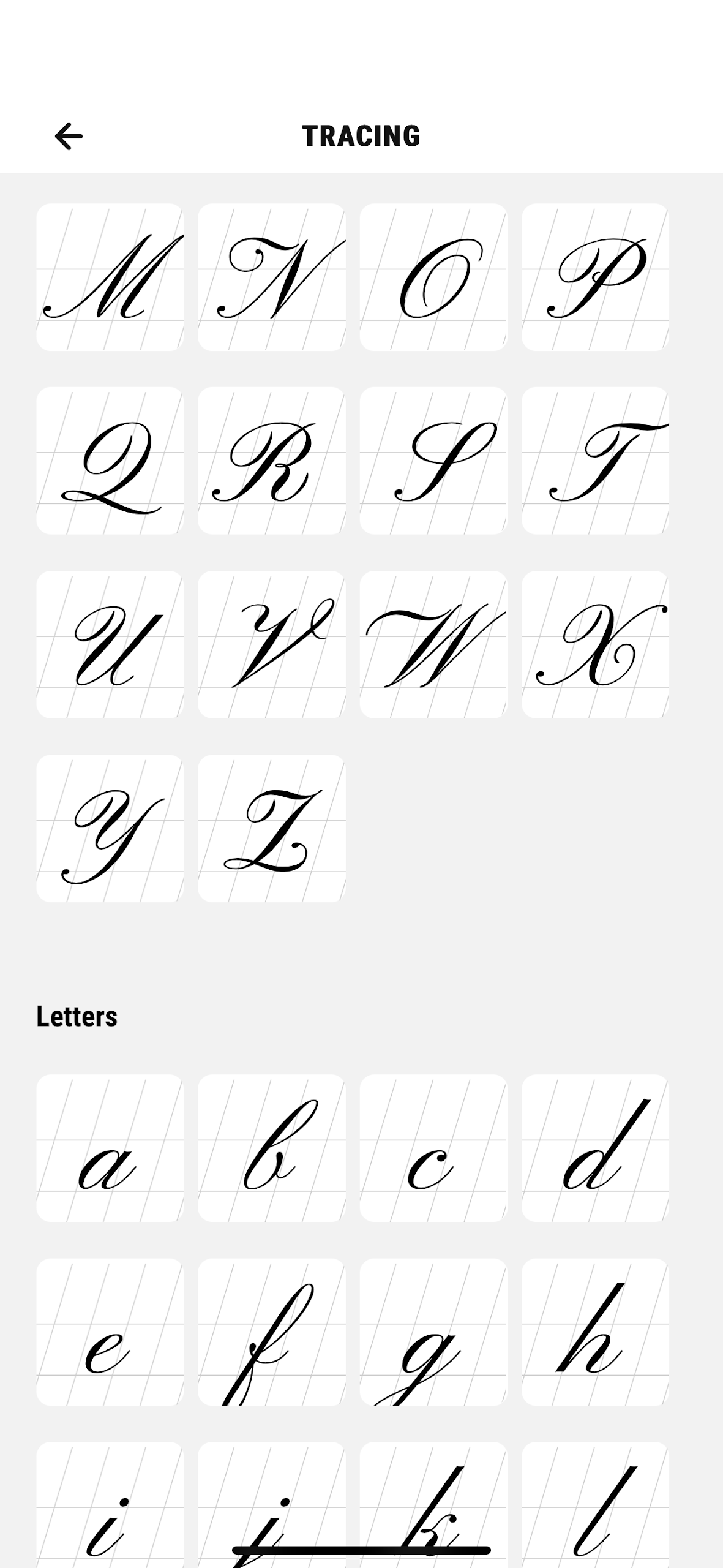
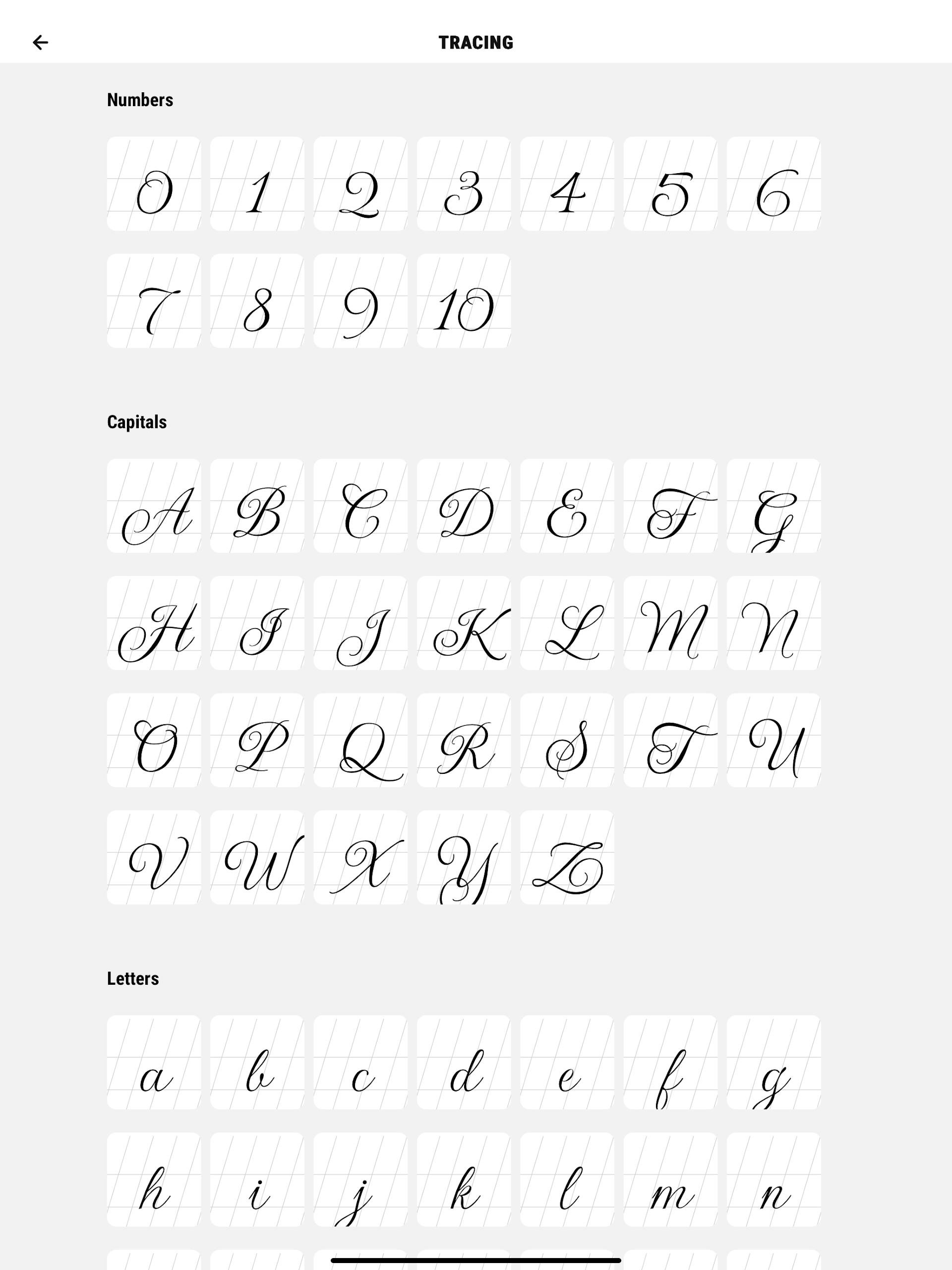
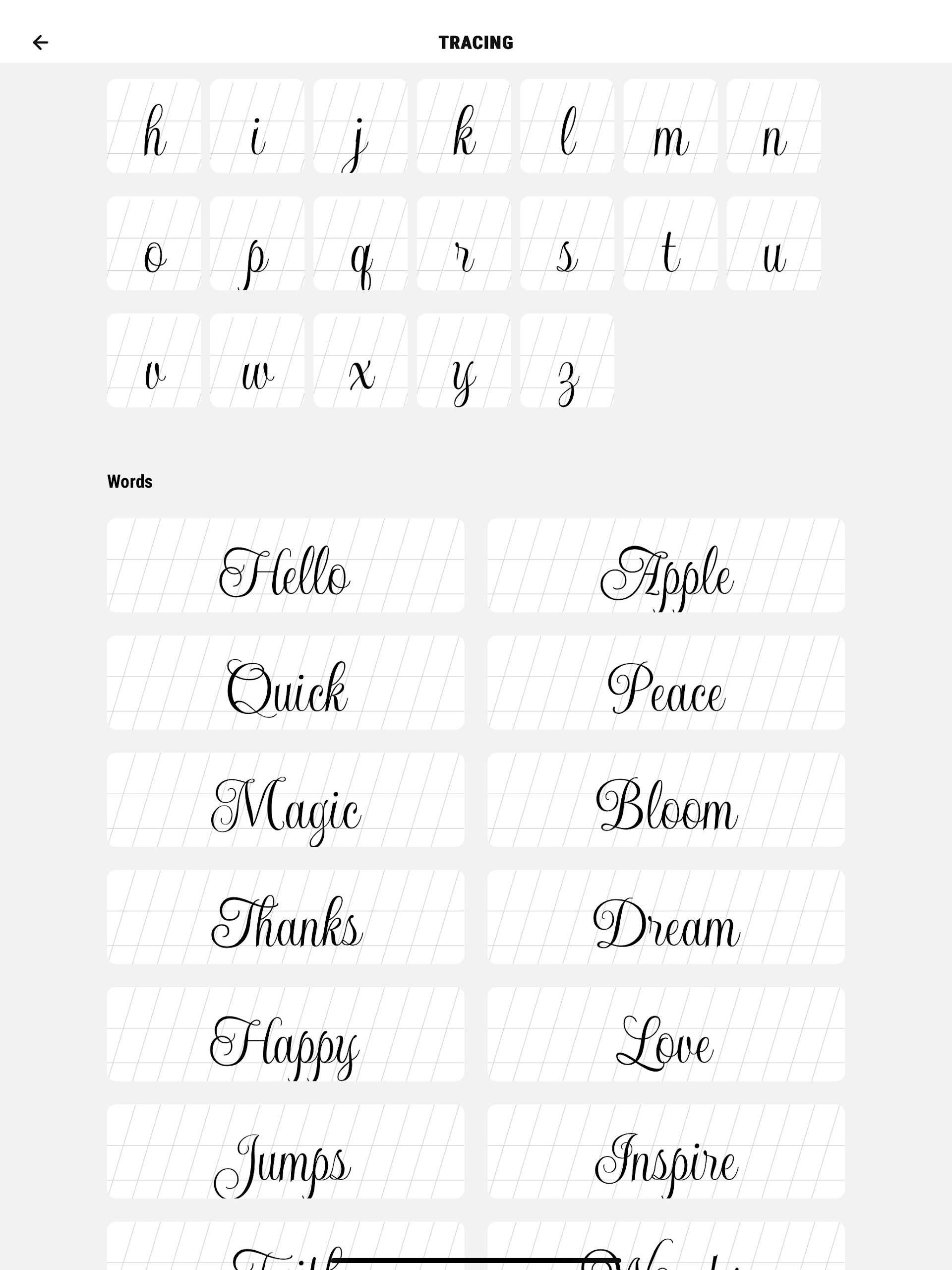
1. Step-by-Step Lessons: Follow guided tutorials that teach you the basics of cursive writing, from individual letters to complete sentences.
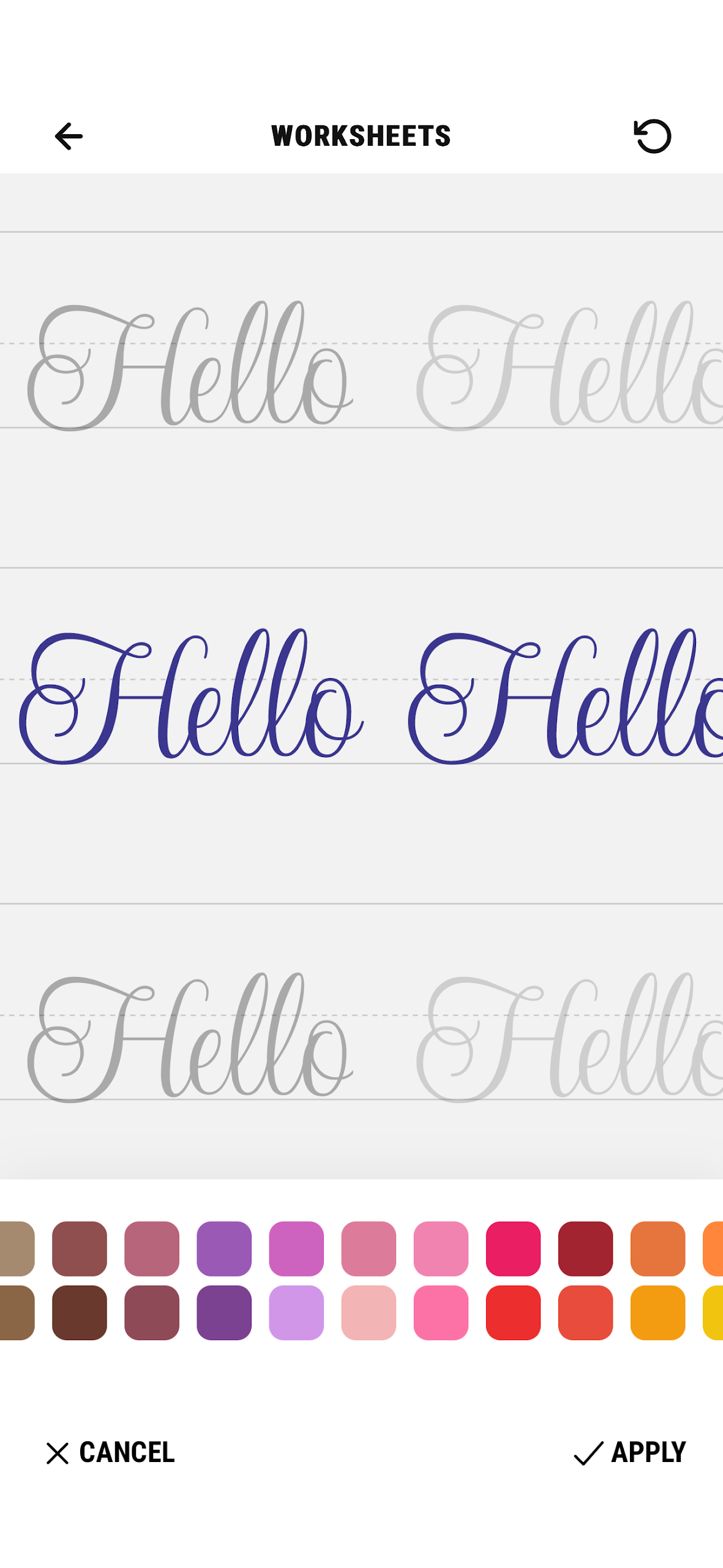
2. Practice Sheets: Access a variety of customizable practice sheets to reinforce your learning and develop muscle memory.
3. Real-Time Feedback: Get instant feedback on your writing to identify areas for improvement and refine your technique.
4. Personalized Progress Tracker: Track your progress as you move through different levels of difficulty and monitor your handwriting improvement.
5. Adjustable Difficulty: Customize your practice sessions to suit your skill level, from beginner exercises to advanced calligraphy techniques.
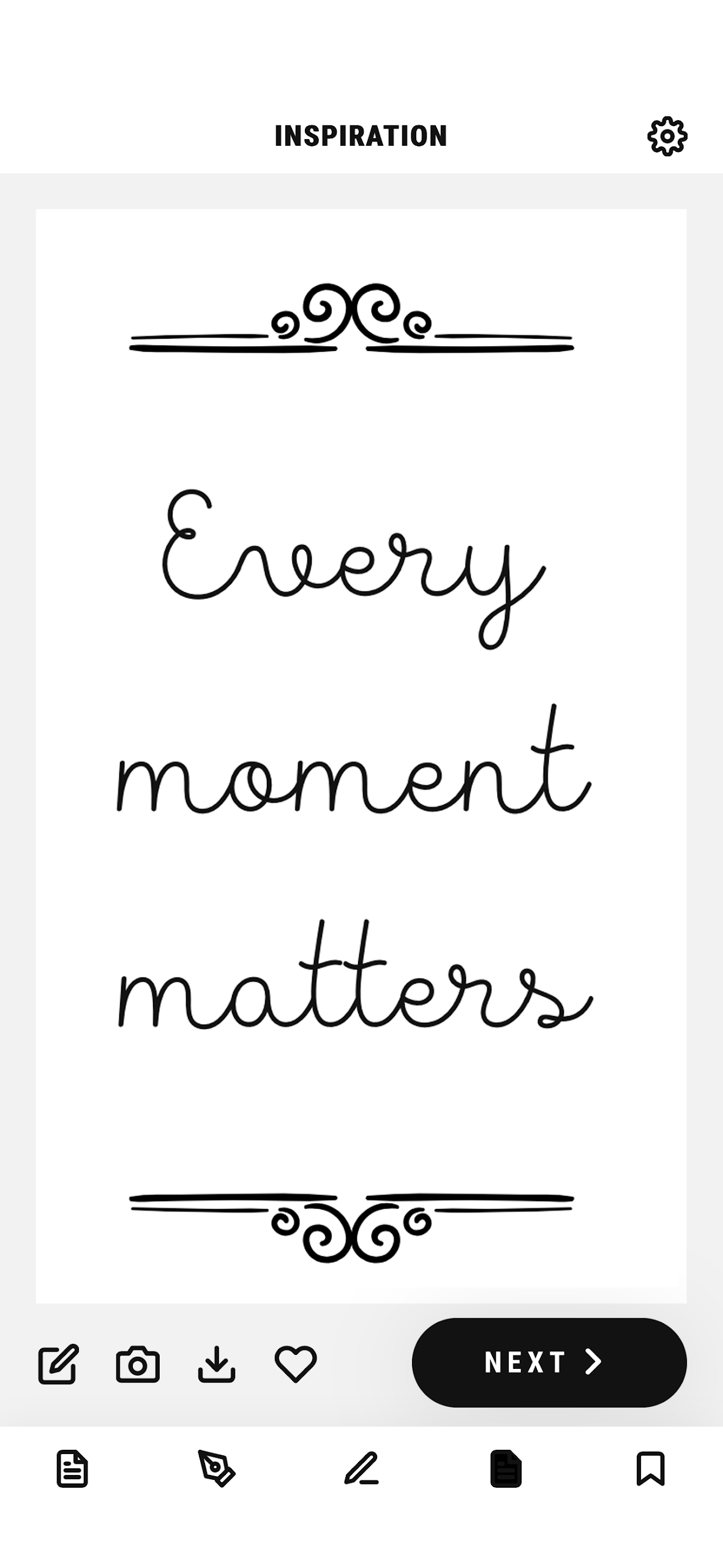
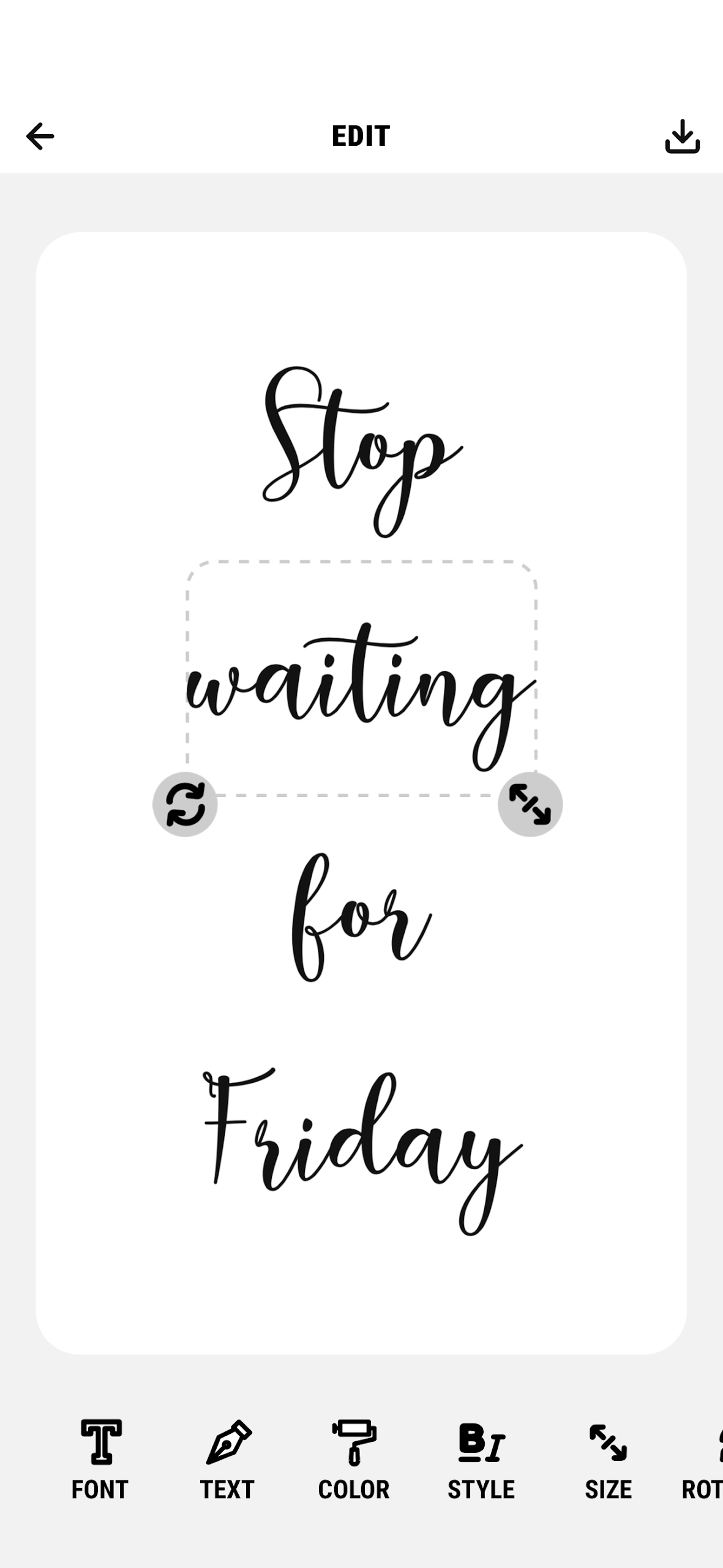
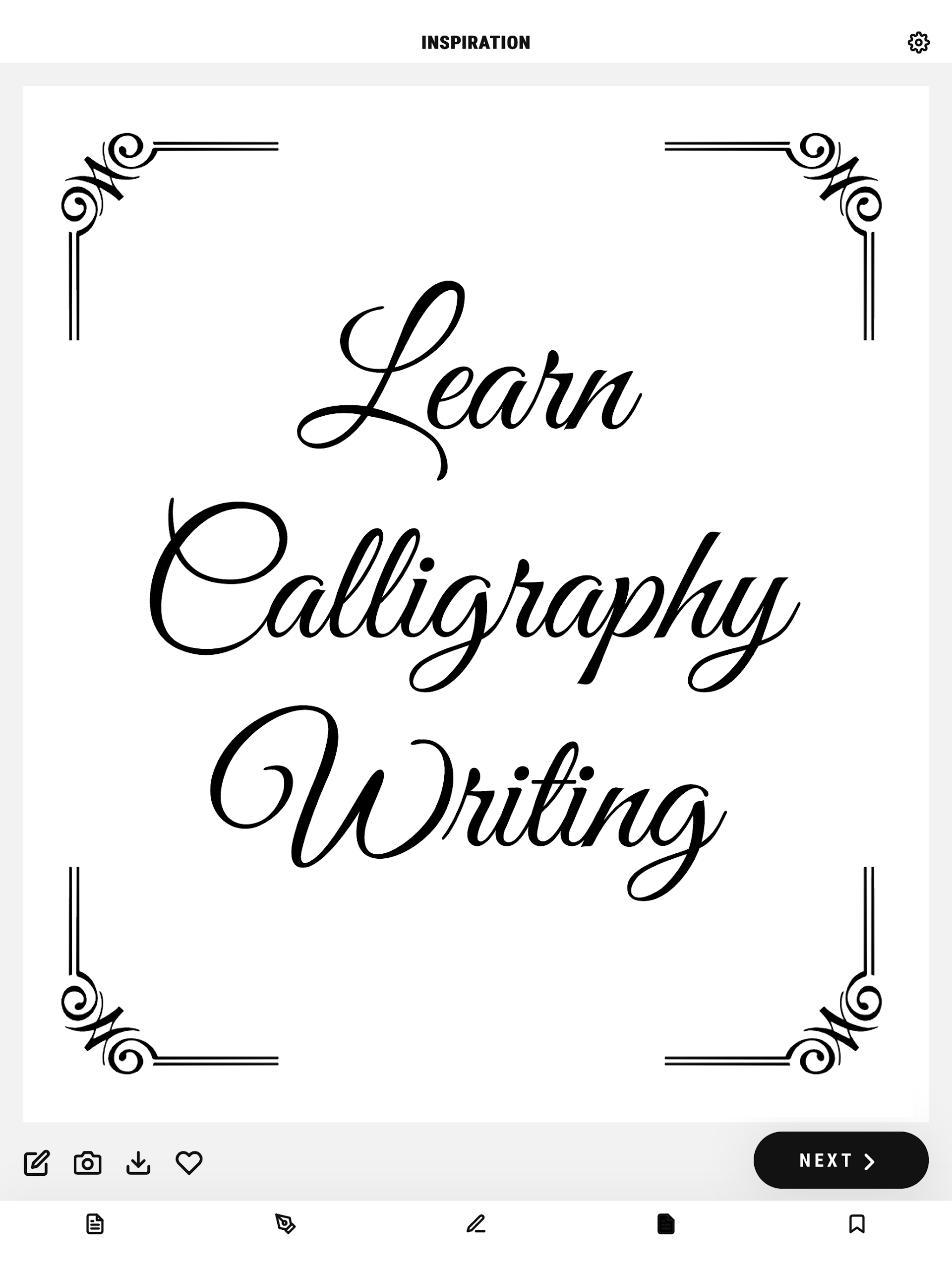
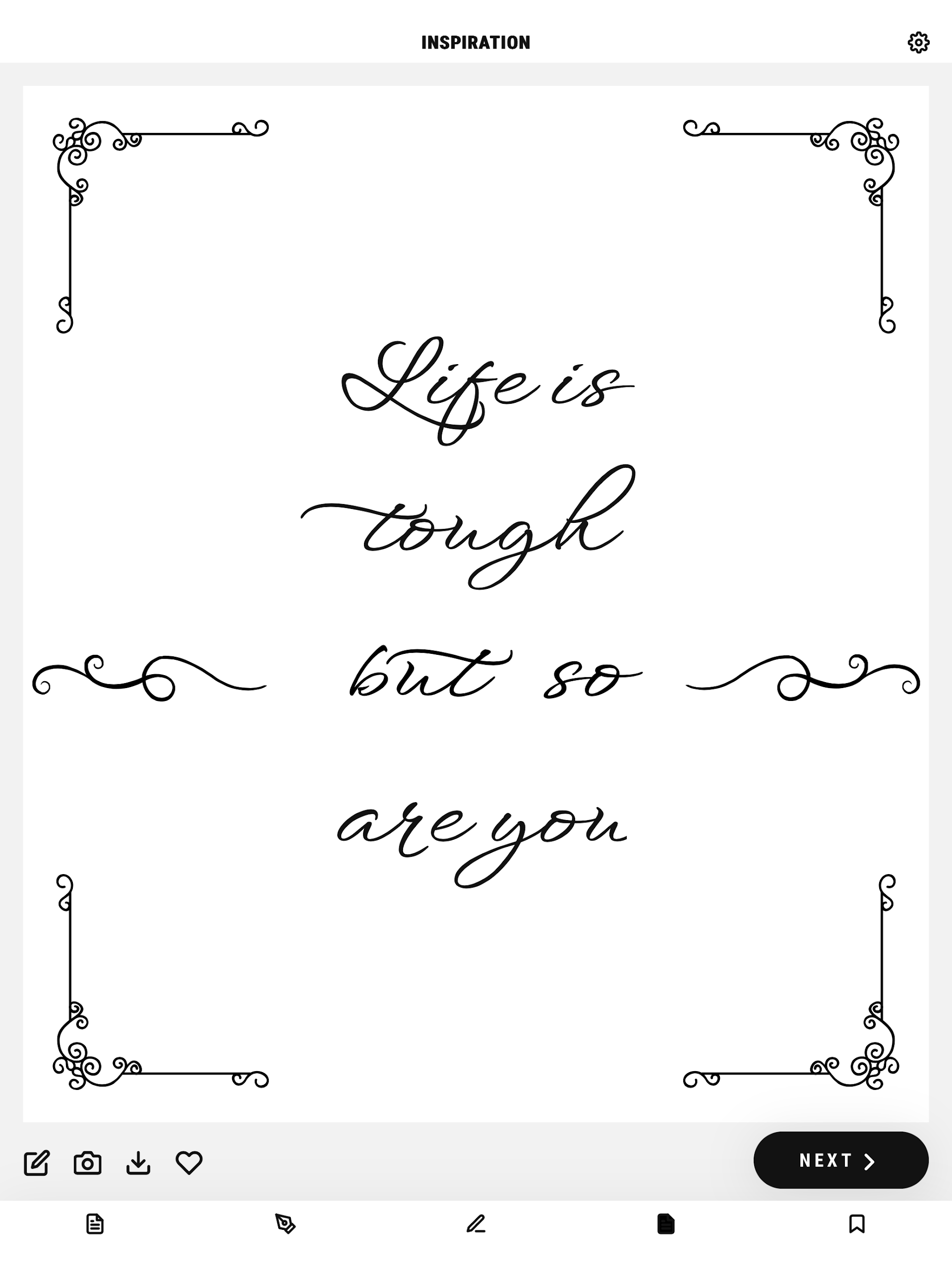
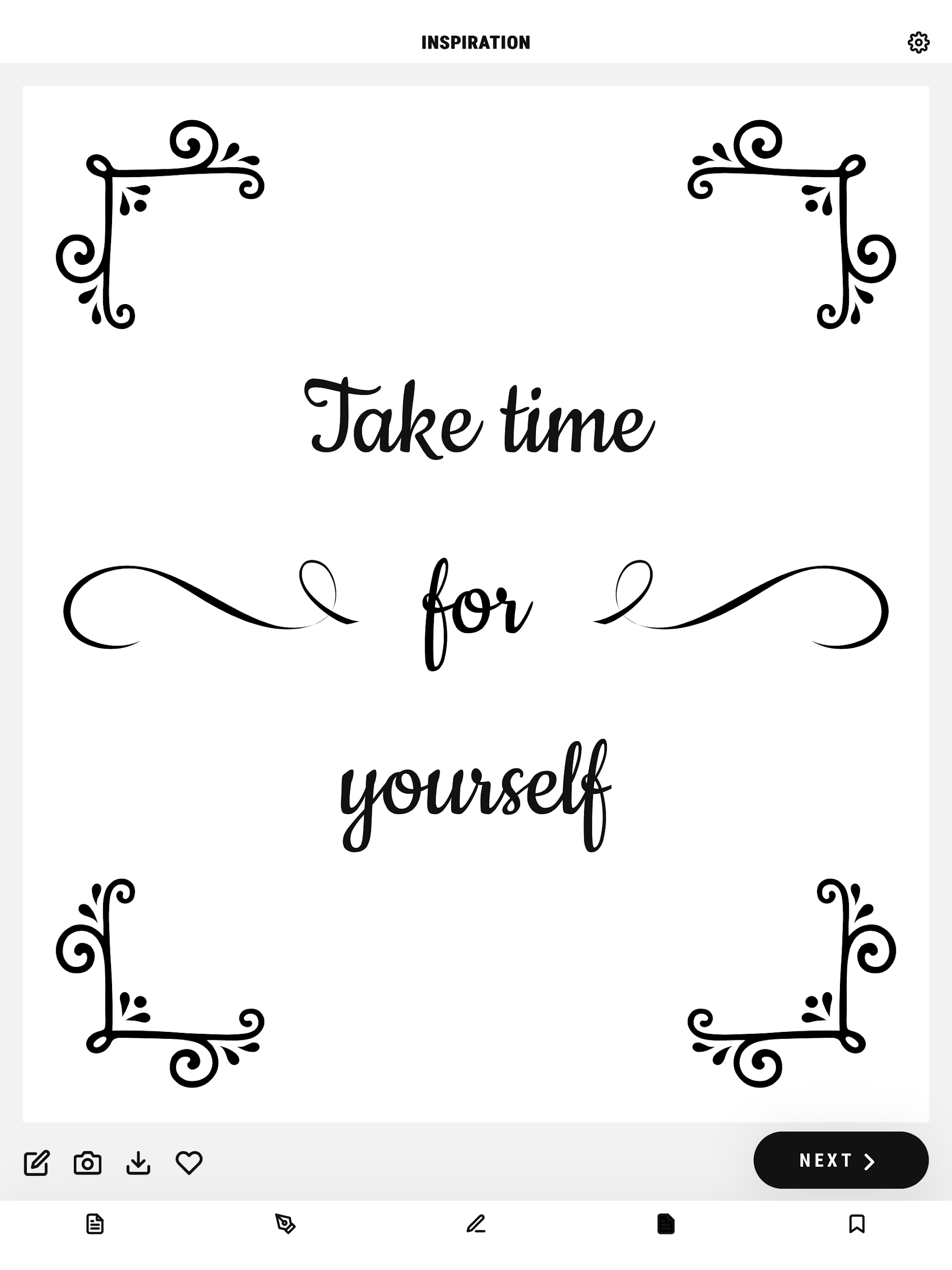
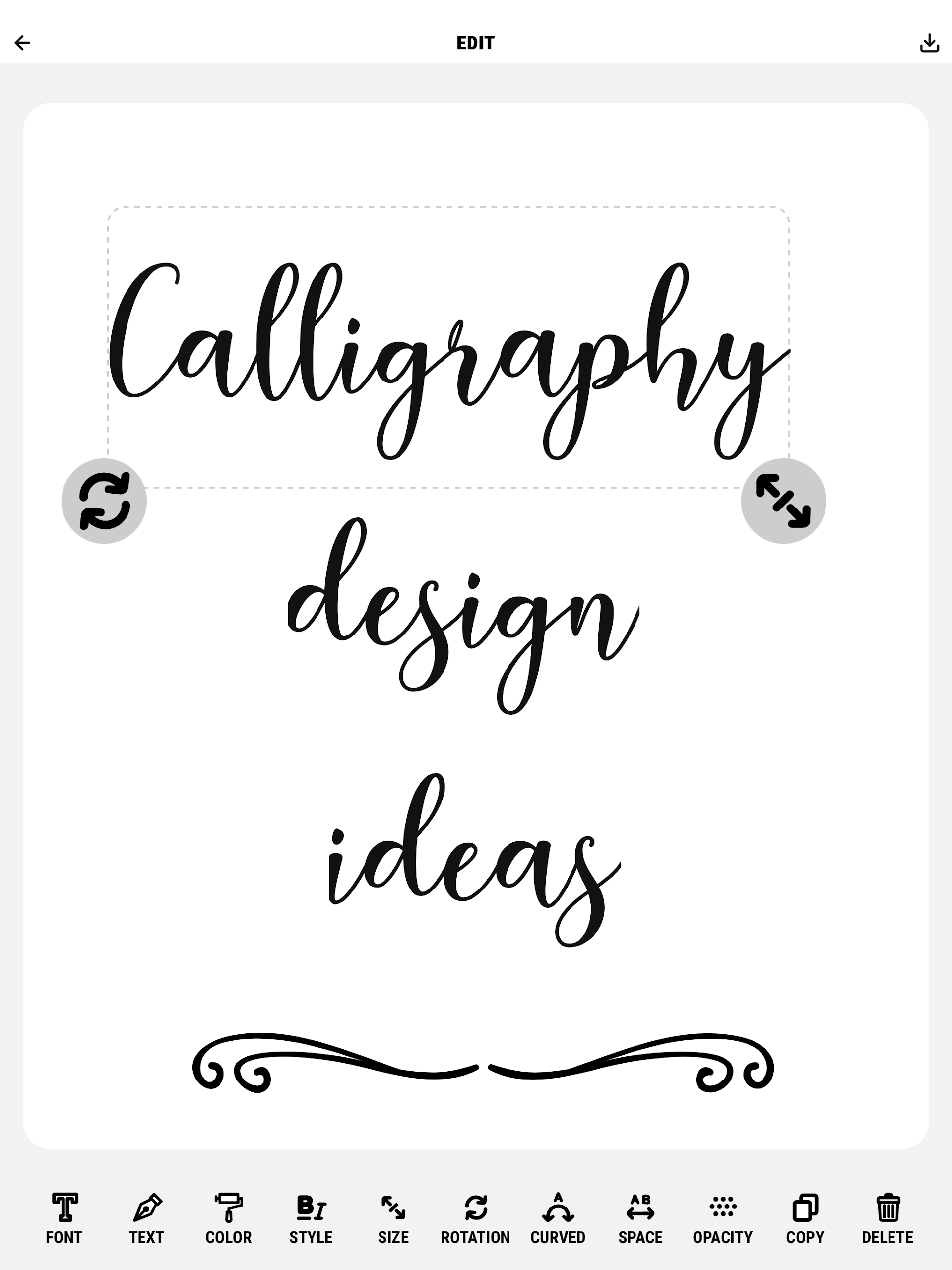
6. Elegant Templates: Use pre-designed templates and practice cursive styles that match classic calligraphy fonts or contemporary styles.
Playing Tips for Calligraphy - Cursive Practice:
1. Start Slow: Begin with simple letters and practice forming each one correctly before moving on to more complex strokes.
2. Consistent Practice: Regular practice is key to mastering cursive writing—set aside a few minutes every day to improve your skill.
3. Focus on Form: Pay close attention to the shape and fluidity of each letter as you write, ensuring smooth, consistent strokes.
4. Use a Stylus or Pen: For the best experience, use a stylus or pen for more authentic practice, as it mimics the real writing process.
5. Experiment with Styles: Try different cursive fonts and experiment with variations to find the style that suits you best.
6. Review Your Progress: Periodically review your earlier practice sheets to see how much you've improved and identify areas that still need work.
Conclusion:
Calligraphy - Cursive Practice is an excellent app for anyone looking to enhance their cursive writing skills in a fun and interactive way. Whether you're learning the basics or refining your technique, this app provides all the tools you need to master elegant handwriting. With personalized feedback, customizable practice sheets, and a variety of lessons, it’s perfect for beginners and advanced learners alike. Embrace the art of cursive writing and transform your handwriting into an elegant form of expression with Calligraphy - Cursive Practice.
- No virus
- No advertising
- User protection
Information
- File size: 38.60 M
- Language: English
- Latest Version: 6.2
- Requirements: Android
- Votes: 248
- Package ID: nl.wienelware.calligraphydesignideas.app
- Developer: Wienelware
Screenshots

















Explore More
Equip yourself with our all-in-one toolbox app for everyday tasks and projects. Instantly convert between units, calculate tips, scan documents, manage files, and more with handy productivity tools. Includes a level, compass, QR code reader, ruler, speedometer, decibel meter, and flashlight. Save frequently used tools to your customizable dashboard for one-tap access. Track billable hours, wages, budgets, and invoices. Annotate screenshots, magnify labels, and sign PDFs on the go.

MEXC Global: BTC, ETH, Gamefi

MERA PROXY PRO

Domino's Pizza Sri Lanka

Hatekhori Shongkha

Connecting - Friends Near Me

Cartola

Virink

RegenRadar