
Introduction
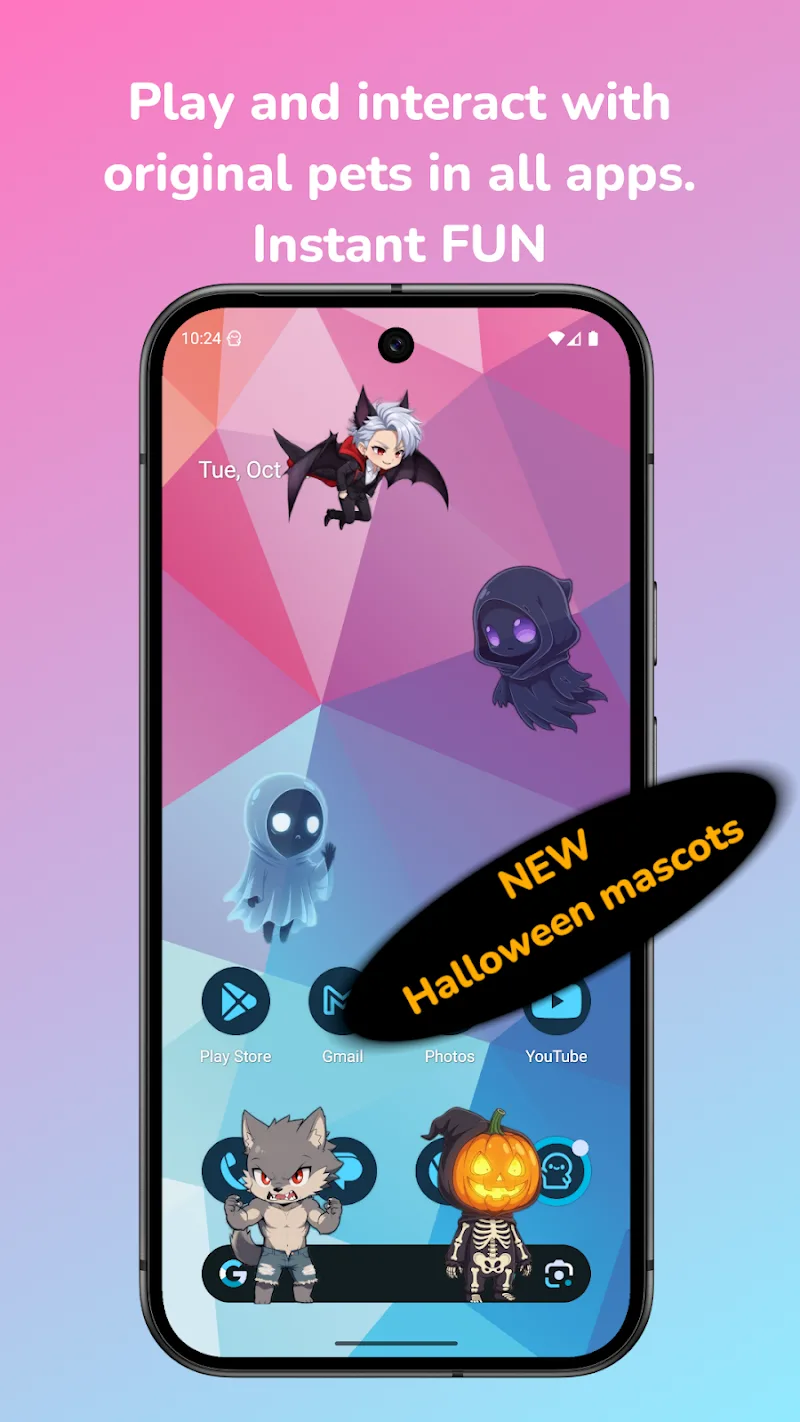
Shimeji: Screen Buddies is a fun and quirky app that brings animated characters to your Android device’s screen. With Shimeji, you can customize your device with cute, playful characters that move around and interact with your home screen, adding a touch of personality and fun to your smartphone. These animated "buddies" can walk, climb, and even react to your taps, making them a delightful addition to your phone’s interface. Whether you're a fan of adorable mascots or just looking to add something playful to your screen, Shimeji: Screen Buddies is a great way to brighten your day.
Features of Shimeji: Screen Buddies:
1. Interactive Characters: Choose from a variety of animated characters that move around your screen, adding dynamic and interactive elements to your device’s display.
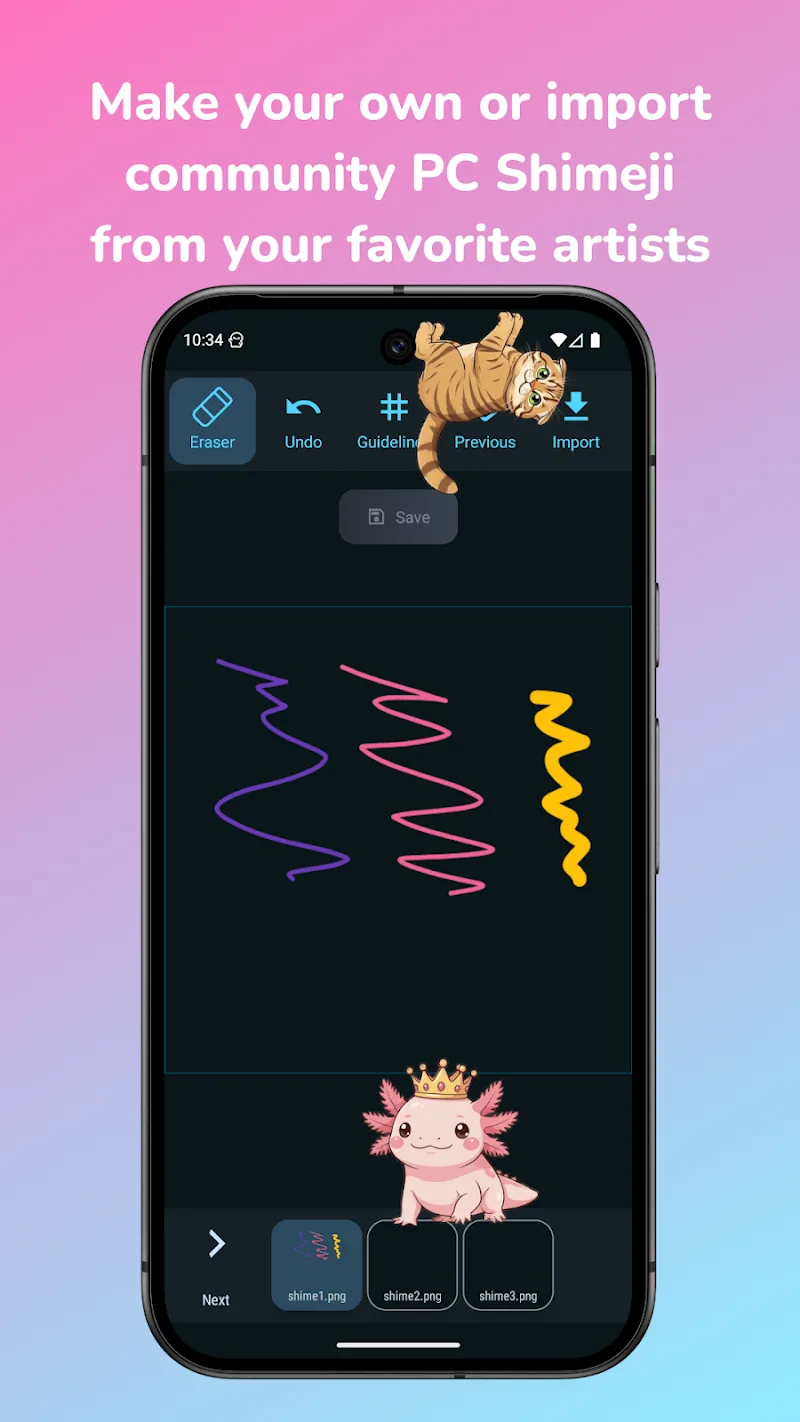
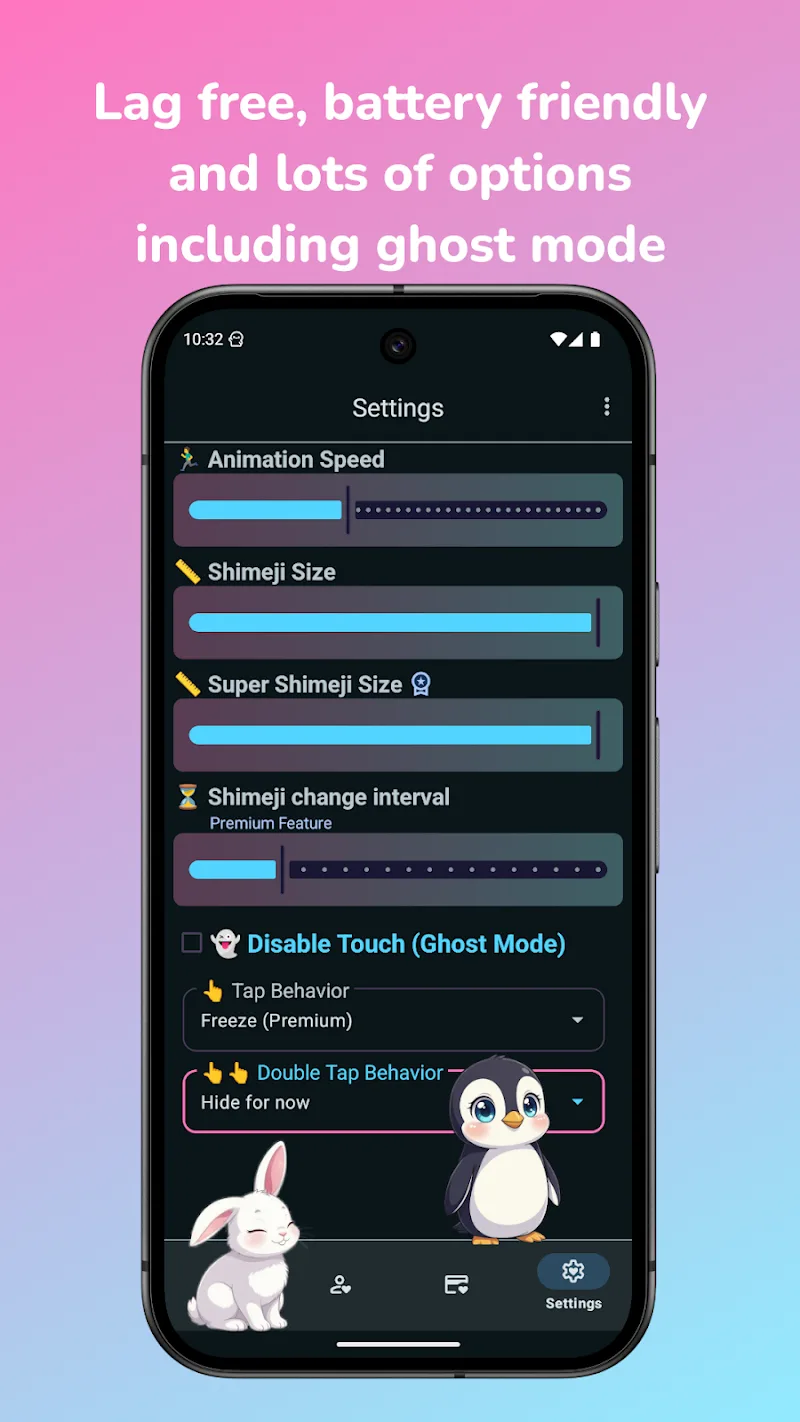
2. Customization Options: Personalize your characters by adjusting their appearance and behavior, including changing their size, speed, and movement style to match your preferences.
3. Multiple Characters: You can have several characters on the screen at once, creating a lively and playful environment on your device with multiple cute companions.
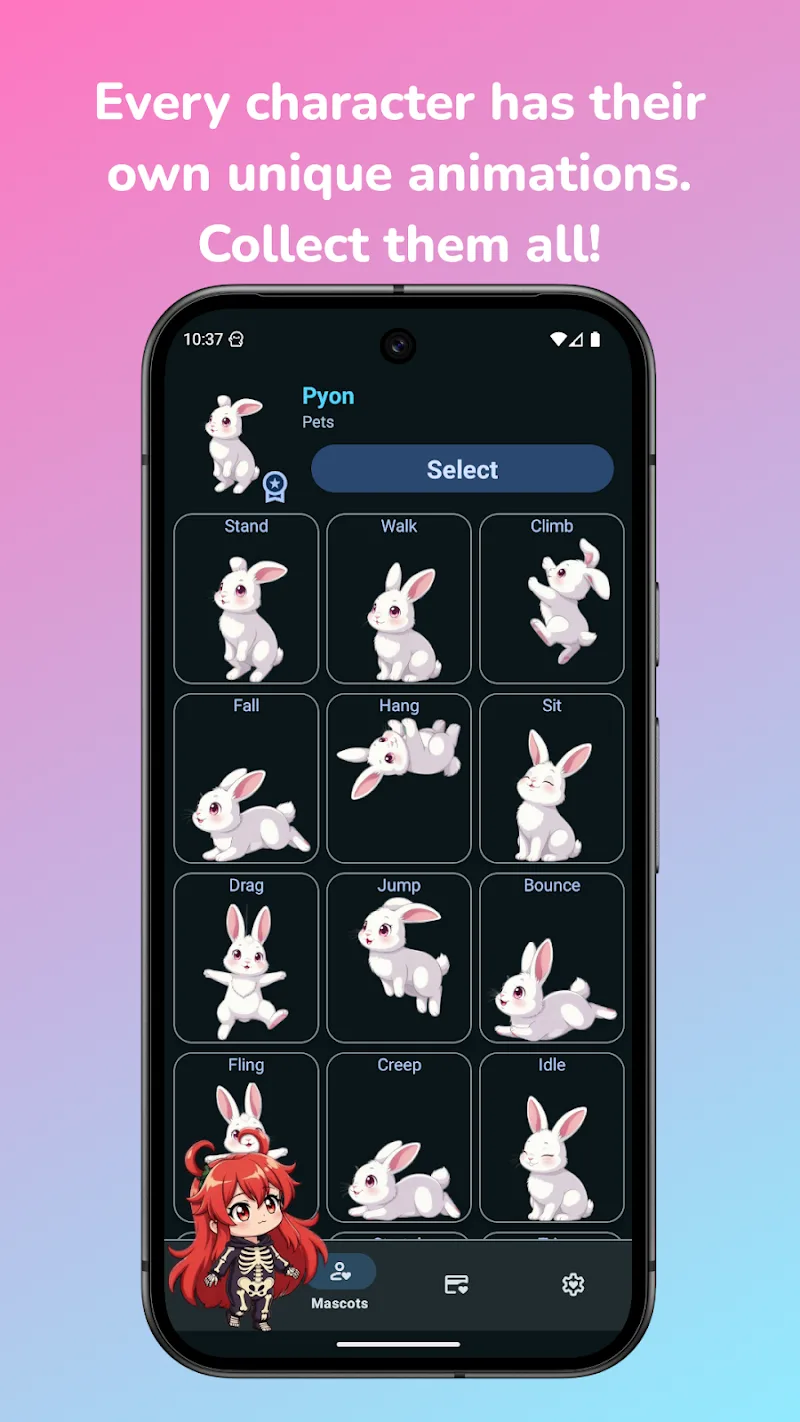
4. Real-time Reactions: Shimeji: Screen Buddies allows your characters to react to your actions, such as tapping them or dragging them across the screen, making the experience even more engaging.
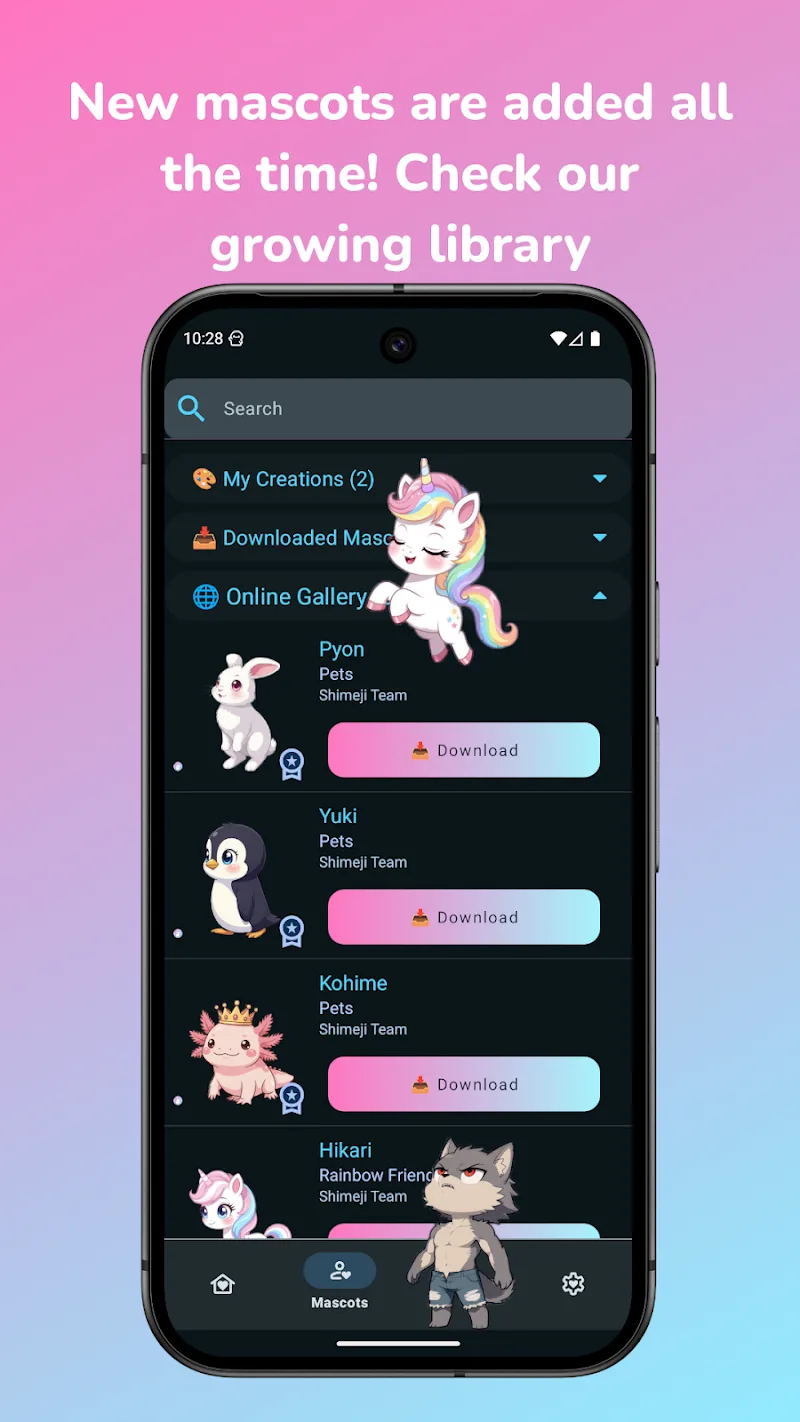
5. Wide Range of Characters: The app includes a variety of characters to choose from, including animals, chibi-style characters, and even characters from popular culture, ensuring there’s something for everyone.
Playing Tips for Shimeji: Screen Buddies:
1. Try Different Characters: Explore the wide range of characters available and pick the ones that best suit your personality or style, whether it's a cute animal or a quirky mascot.
2. Play with Character Interactions: Tap and drag your characters around the screen to see how they react. They may jump, climb, or even follow your touch, adding a fun level of interactivity.
3. Experiment with Customization: Adjust the movement speed and size of the characters to find the settings that work best for your screen layout and personal preferences.
4. Place Characters Strategically: Position your characters in different areas of your home screen or apps to see how they interact with the rest of your content, such as icons or widgets.
5. Use for Fun Screenshots: Take some fun screenshots of your characters interacting with apps or icons and share them with friends for a good laugh or a creative touch.
Conclusion:
Shimeji: Screen Buddies is a delightful app that brings a playful and personalized touch to your Android device. With interactive characters, customizations, and real-time reactions, this app turns your smartphone into a dynamic, fun-filled experience. Whether you’re looking for something to brighten up your home screen or just want a cute companion to follow you around, Shimeji: Screen Buddies offers a creative and entertaining solution. If you're a fan of quirky apps or want to add some life to your device, Shimeji: Screen Buddies is a perfect choice.
- No virus
- No advertising
- User protection
Information
- File size: 11.00 M
- Language: English
- Latest Version: 9.8
- Requirements: Android
- Votes: 435
- Package ID: com.digitalcosmos.shimeji
- Developer: Digital Cosmos
Screenshots
















Explore More
Make your house a home with our suite of helpful home apps. Discover clever tools to organize closets, streamline chores, and simplify cooking. Take the stress out of cleaning and maintenance with handy checklists and schedules. Enhance security and control appliances and lighting with our smart home integrations. Design, visualize, and renovate like a pro using our 3D planning software.

Metro Micro

All Recovery - Photos & Videos

Tax Calculator India 2024-2025

ClassPass: Fitness, Spa, Salon

OnDjoss

Park4Me

Scary sound effects

Home Workouts - Lose Weight