
Introduction
CMY Color Wheel is a compact color mixing and reference app for artists, designers, artisans, students, and anyone exploring pigment-based color theory. It visualizes how cyan, magenta and yellow pigments combine, offering a practical guide to mixing paints and creating predictable hues. The app maps color relationships and harmonies—complements, split complements, tetrads and analogous palettes—while showing contrasts such as tints, tones and shades. Users can switch between color schemes to compare options quickly, making the tool useful for learning, planning palettes, classroom demonstrations, or as a portable studio reference.
Key Features
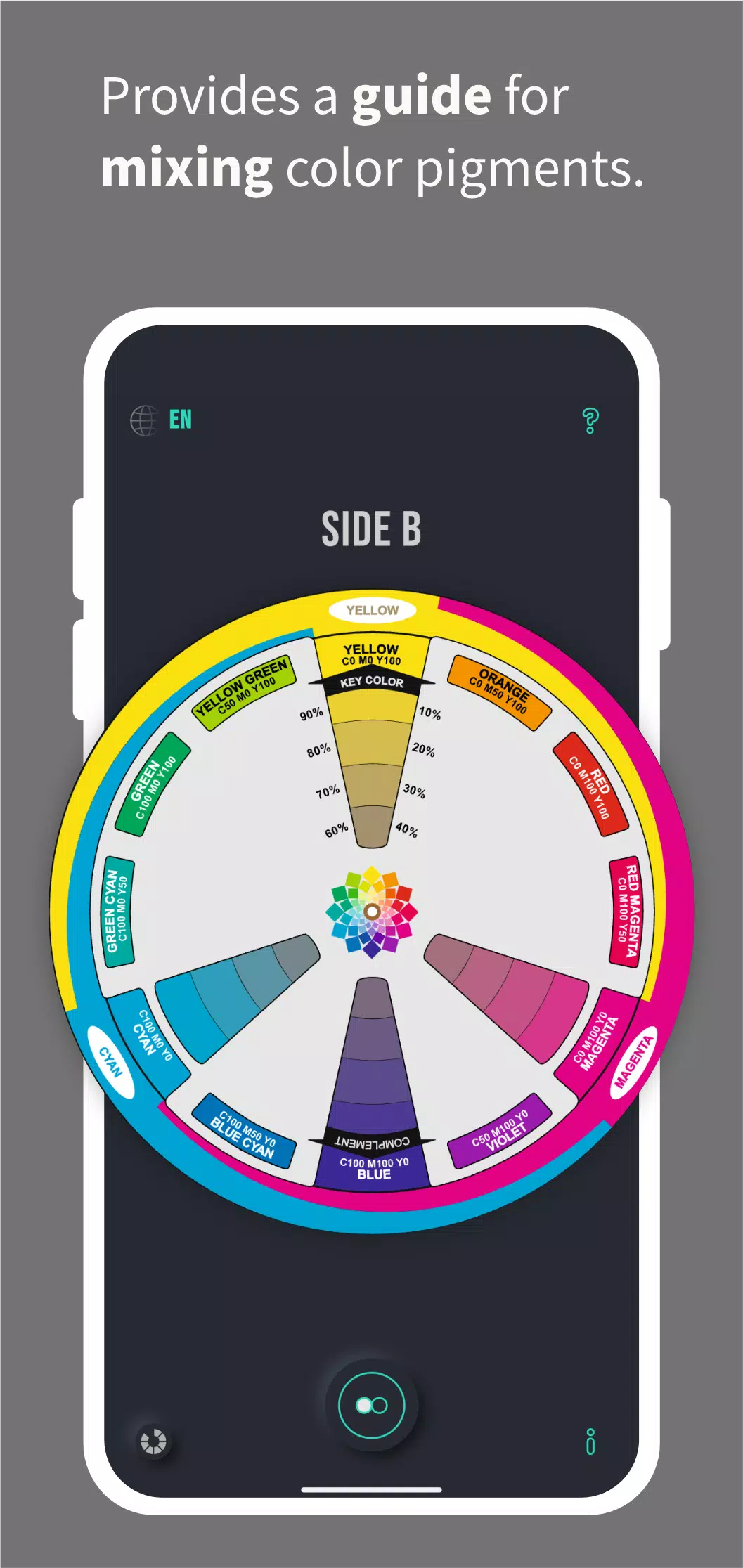
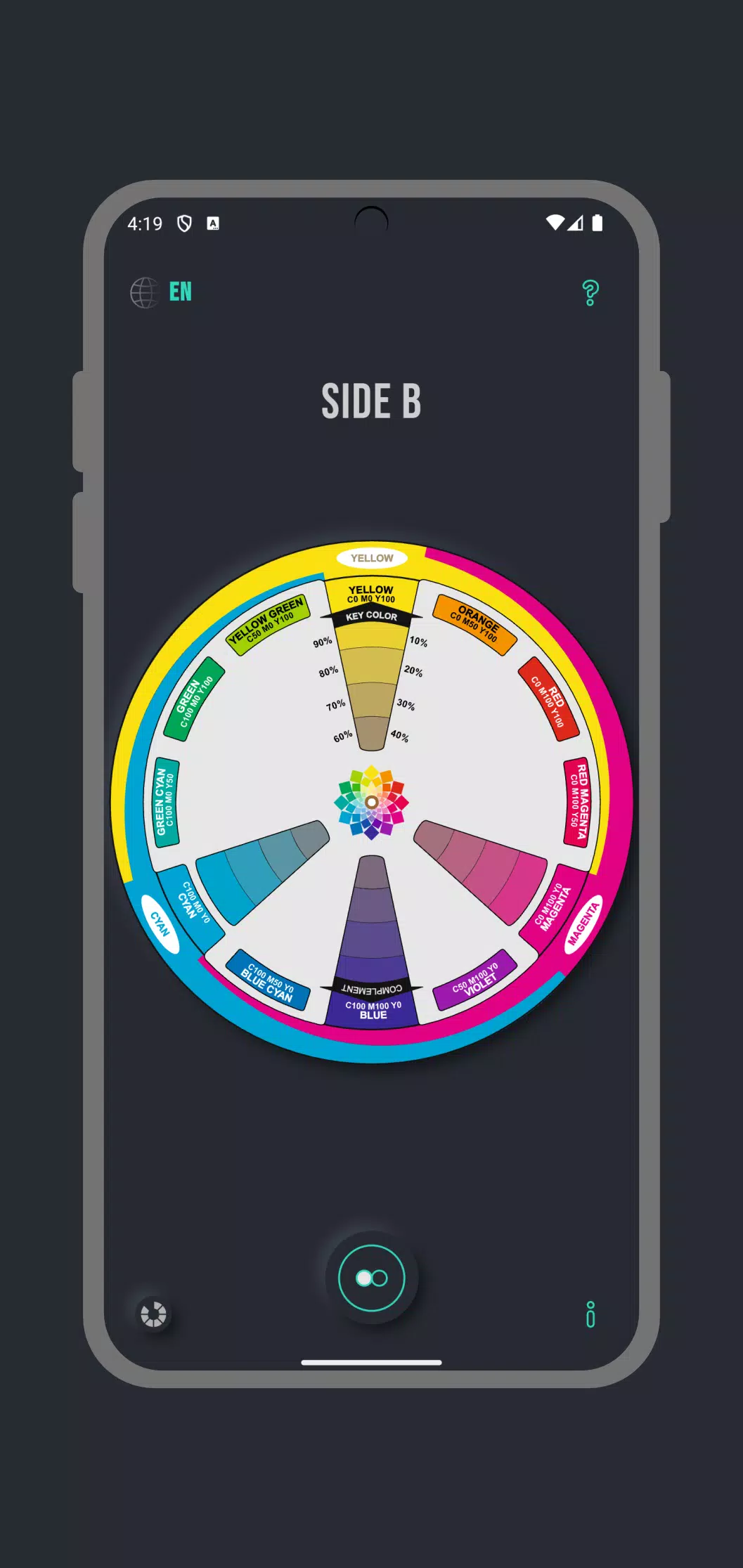
⭐ CMY Color Wheel provides a practical guide for mixing cyan, magenta and yellow pigments to produce a wide range of hues.
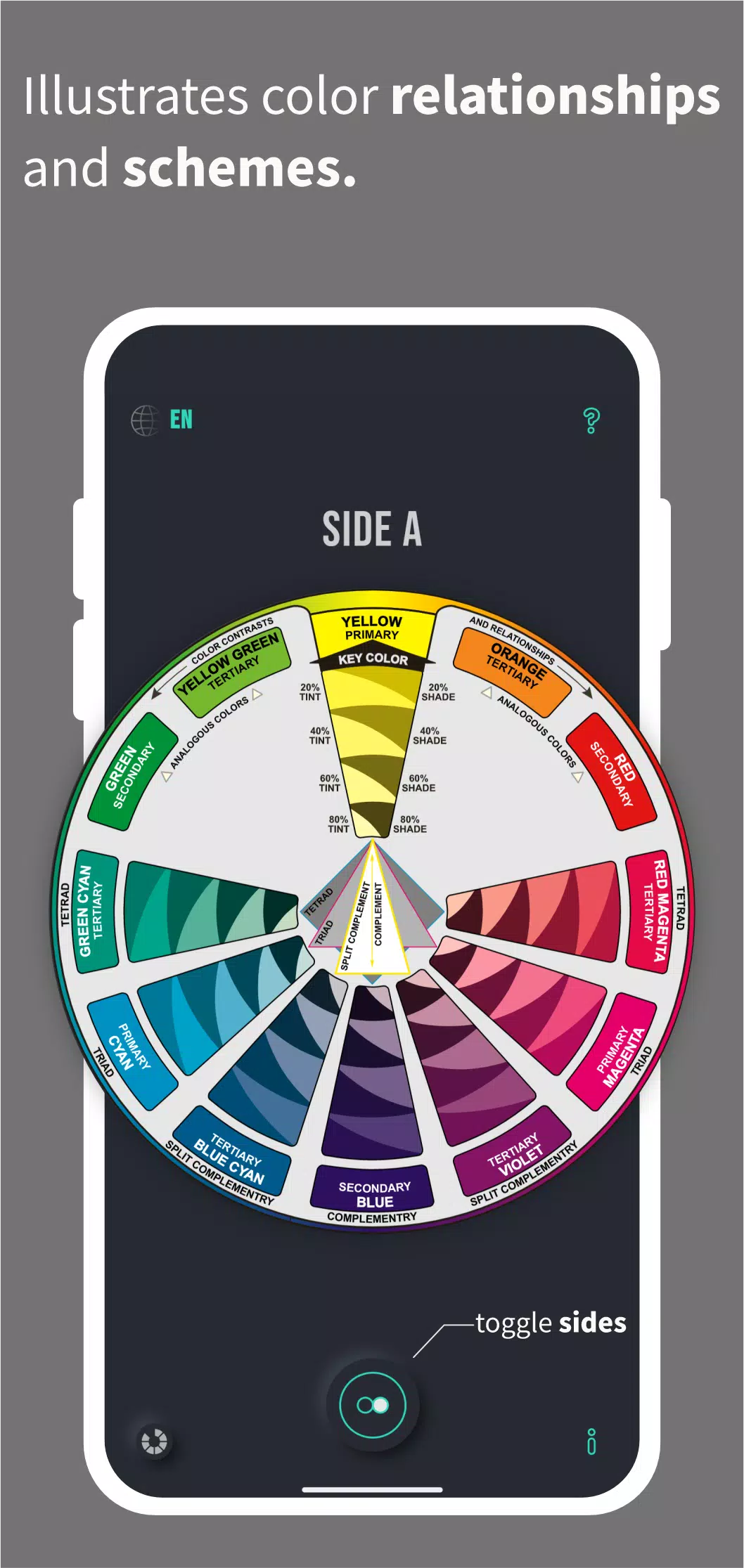
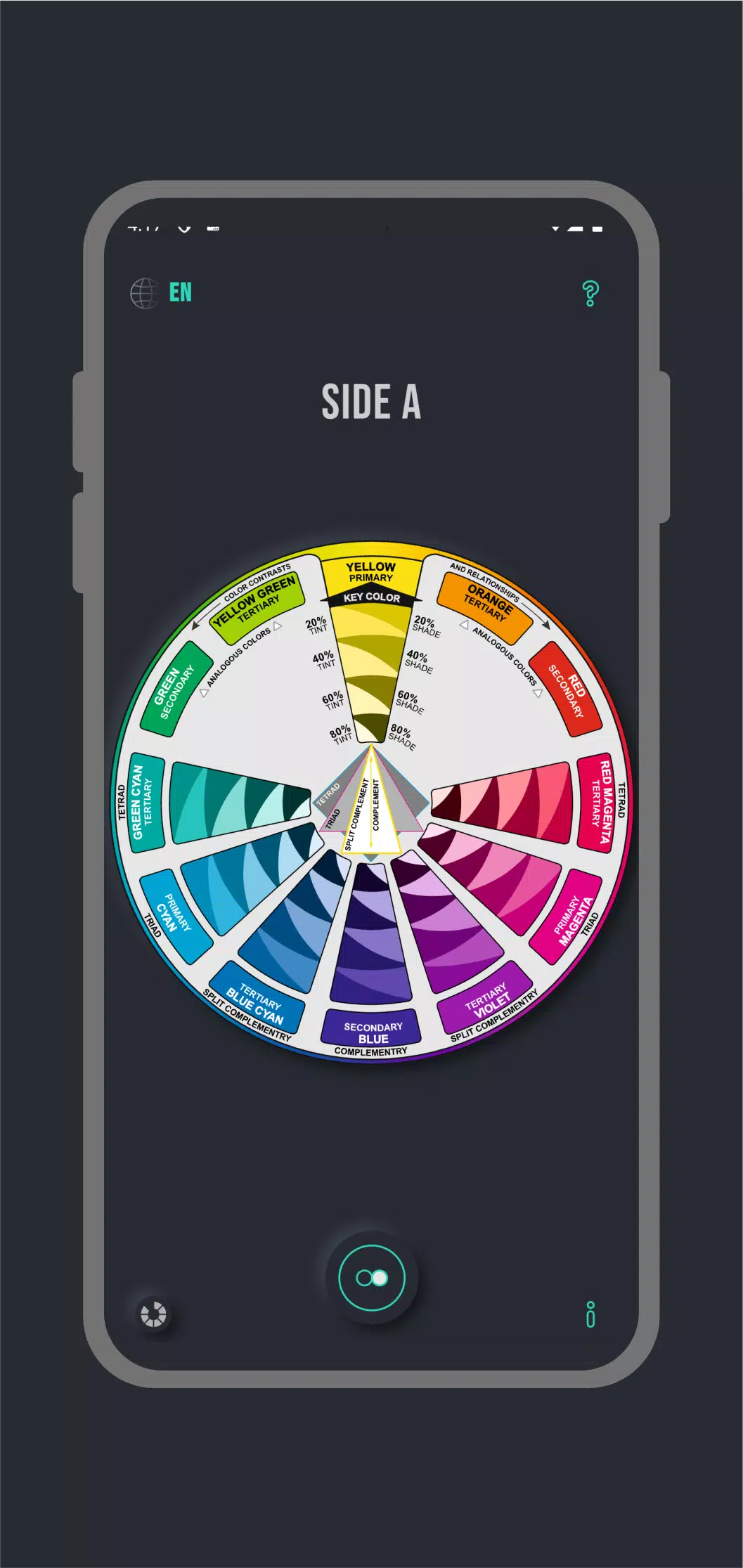
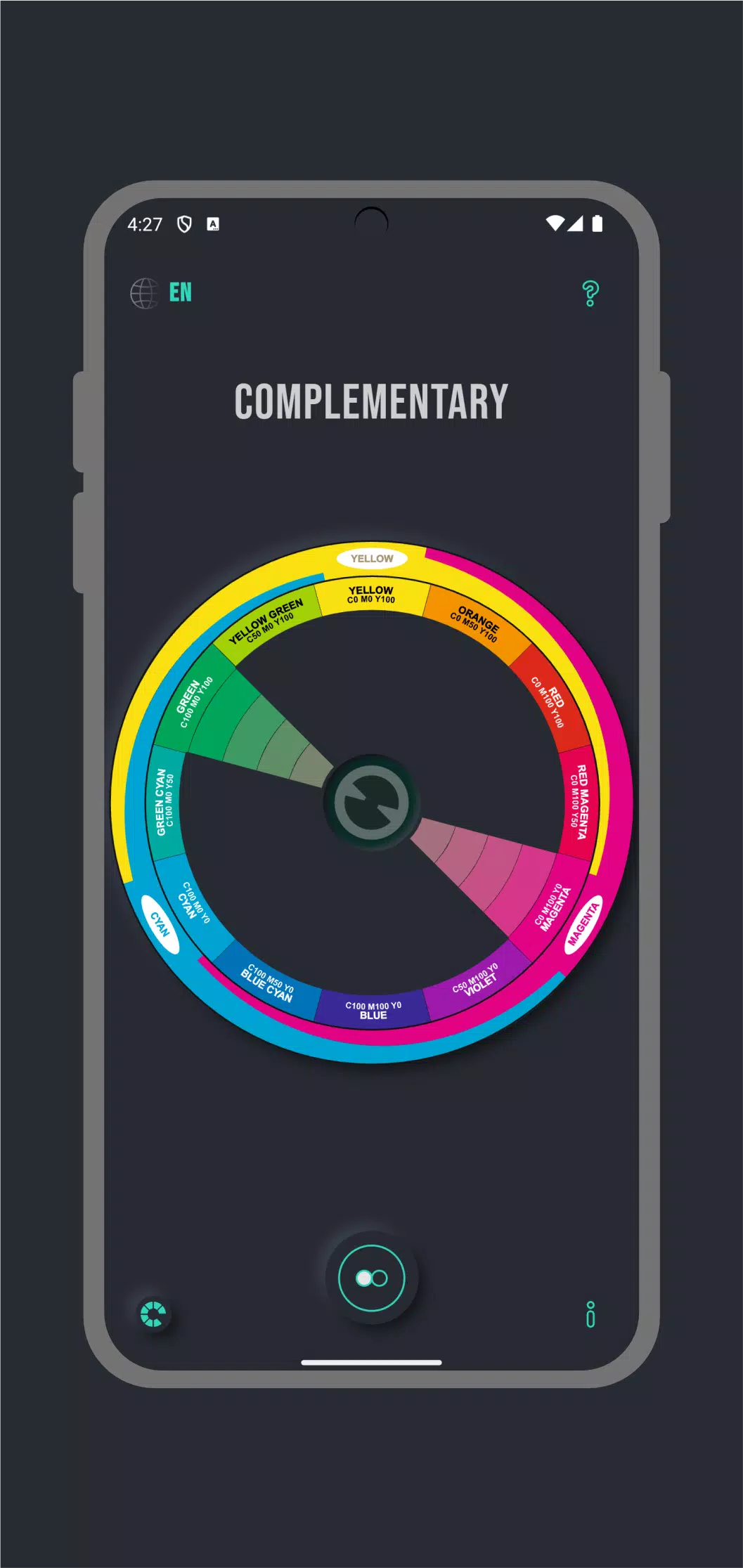
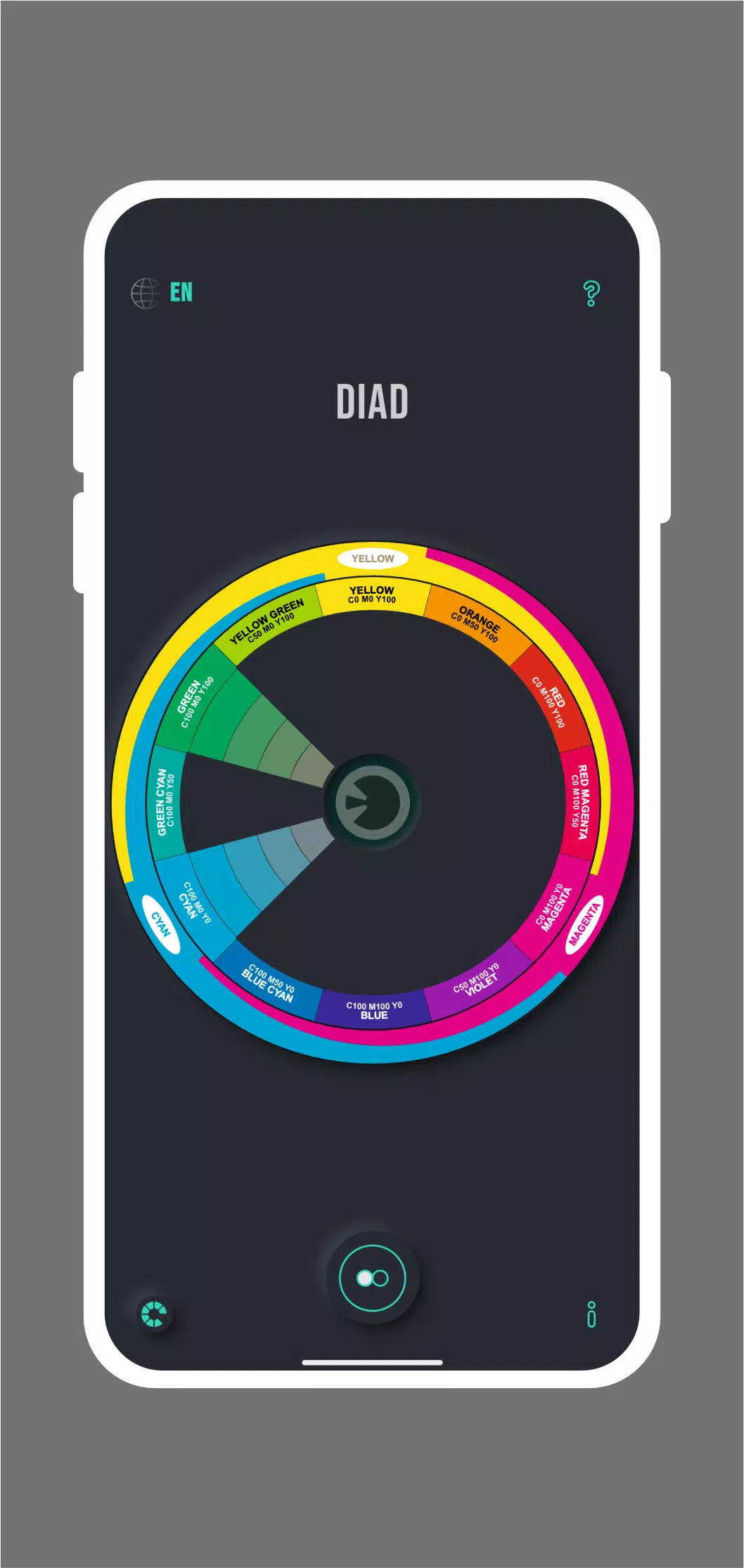
⭐ Visual diagrams that illustrate color relationships and schemes, including complements, split complements, tetrads and analogous colors.
⭐ Demonstrates color contrasts and gradations such as complementary colors, tints, tones and shades to support composition and palette decisions.
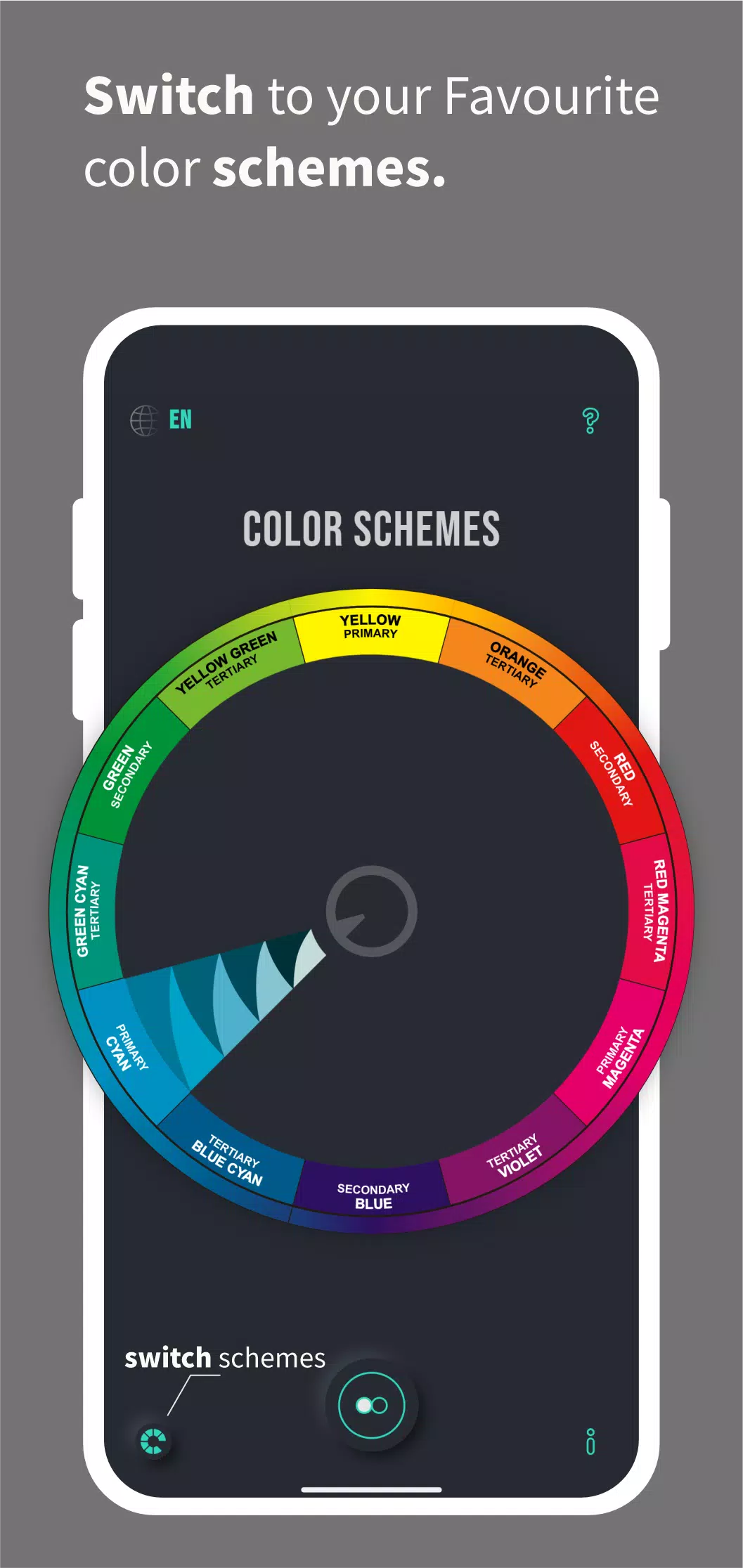
⭐ Quick switching between color schemes lets you compare harmonies and variations on the fly.
⭐ Multilingual support: English, Español, Français, Italiano, Deutsch, Português, Русский and Arabic.
Advantages
✅ CMY Color Wheel helps students and hobbyists build practical understanding of pigment mixing and color harmony.
✅ Serves as a handy reference for artists, designers and artisans when planning real-world paint mixes and palettes.
✅ Clear visualizations make it faster to test combinations and plan balanced color schemes.
✅ Language options increase accessibility for non-English users and international classrooms.
Disadvantages
❎ Focuses specifically on the CMY (Cyan, Magenta, Yellow) pigment model, so it does not address RGB or other digital color systems in depth.
❎ Presented as an educational and reference utility rather than a full professional color-management or print workflow solution.
- No virus
- No advertising
- User protection
Information
- File size: 6.10 M
- Language: English
- Latest Version: 2.11
- Requirements: Android
- Votes: 132
- Package ID: com.cmycolorwheel.cmy
- Developer: mochaseeds
Screenshots
















Explore More
Unlock your greatest potential with our innovative education apps. From early learning to college prep, we offer tools for students of all ages. Young learners can build skills through interactive games and stories. Older students can strengthen expertise in math, science, writing, and more with our targeted training. Test prep students can access thousands of practice questions and simulations. Manage assignments, take notes, and stay organized with our productivity tools.

Bloomberg Connects

Аудиосказки для детей

DailyBreath

Fintual
ANTON

Entergy

Old Egyptian Calendar

Human Anatomy Atlas 2024