

Introduction
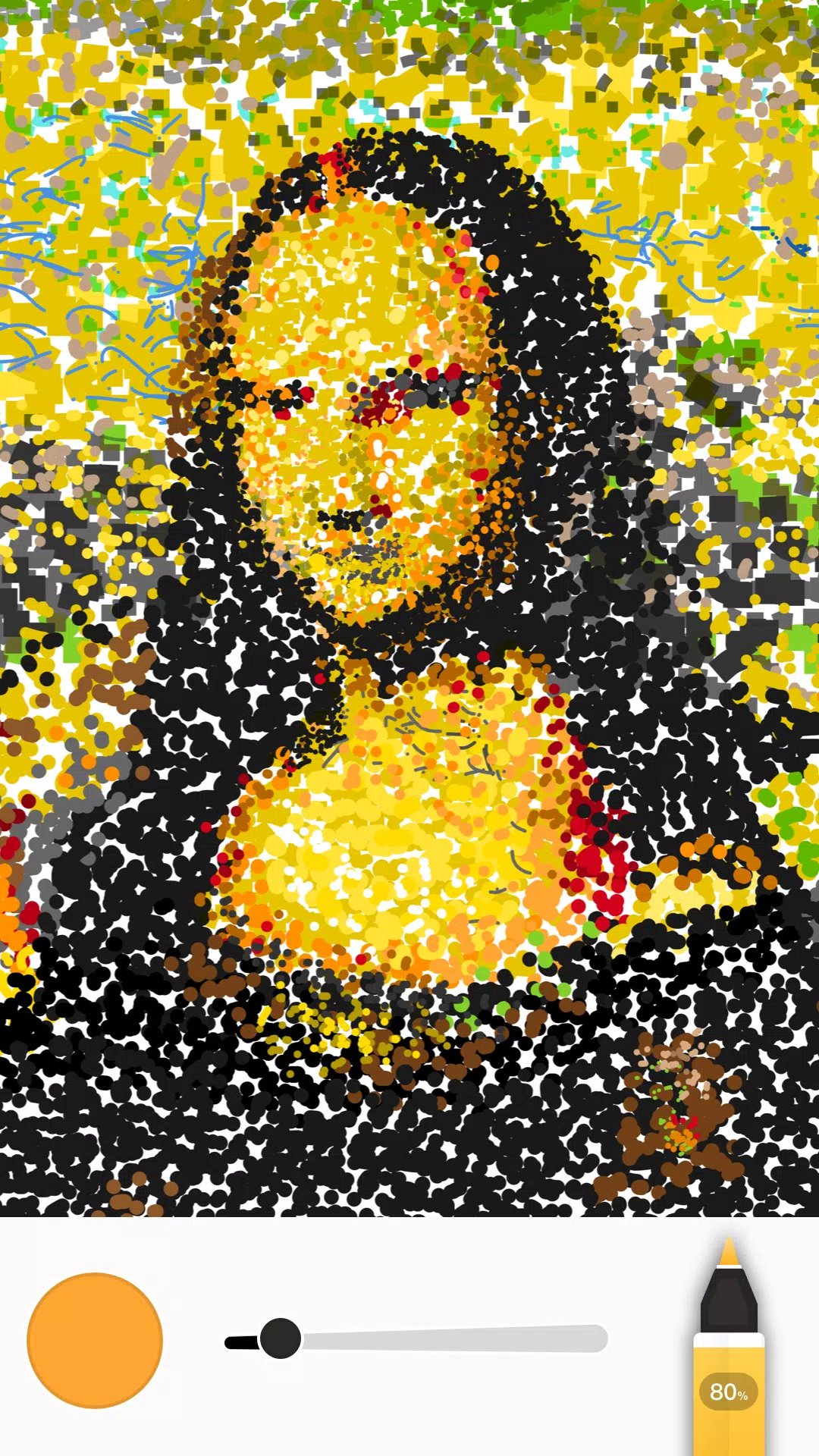
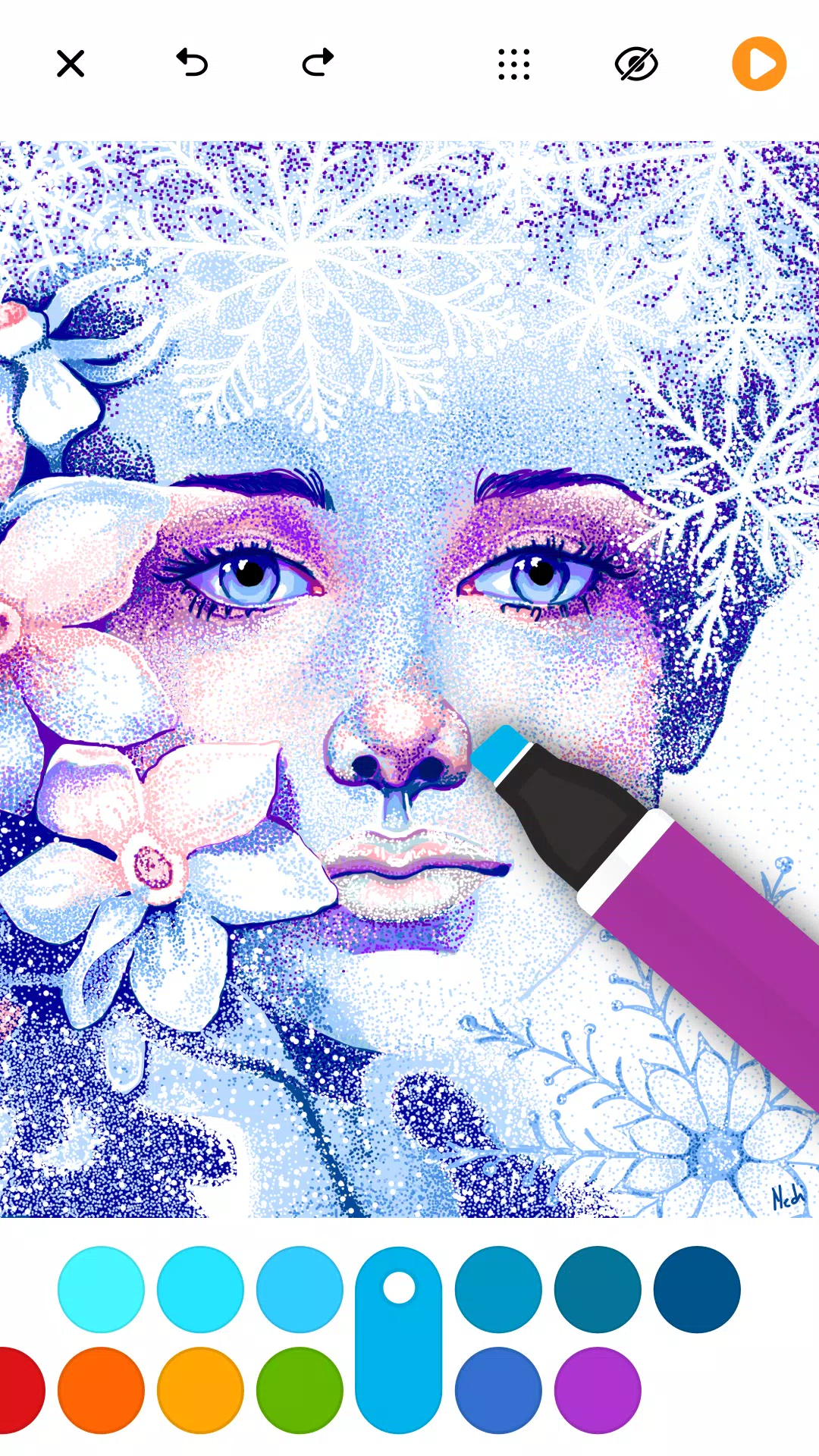
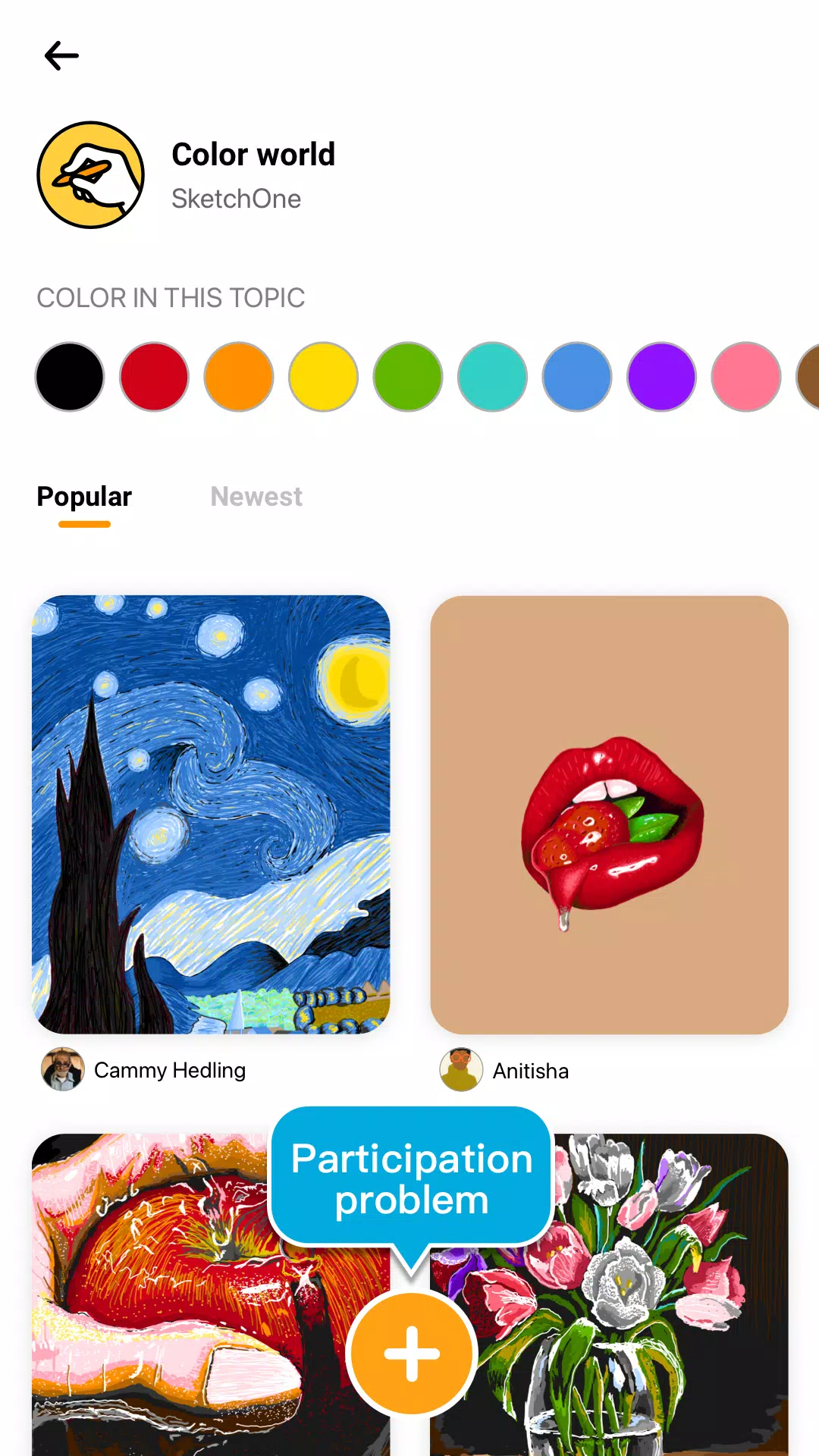
SketchOne is a compact sketching app for Android that offers a focused set of drawing tools for quick concepts and handwritten notes. The interface in SketchOne is designed for clarity, with customizable brushes, basic layer support, and common export options.
Key features
- Brushes and erasers with size and opacity controls
- Layer support for simple compositing and organization
- Pressure-sensitive input for compatible styluses
- Export to PNG and JPEG and share via standard Android intents
- Undo/redo, grid and ruler tools for precise work
Getting started
SketchOne opens to a clean canvas; create a new drawing, choose a brush, and use layers to separate elements. Save work to internal storage or export a flattened image. Basic gesture controls allow pan and zoom while drawing.
Support
If you encounter issues with SketchOne, check the in-app help and settings for import/export options and compatibility notes. Contact the developer through the app listing for bug reports or feedback.
- No virus
- No advertising
- User protection
Information
- File size: 21.30 M
- Language: English
- Latest Version: 0.9.23
- Requirements: Android
- Votes: 285
- Package ID: com.draw.paint.sketch.one
- Developer: DrawAPP
Screenshots

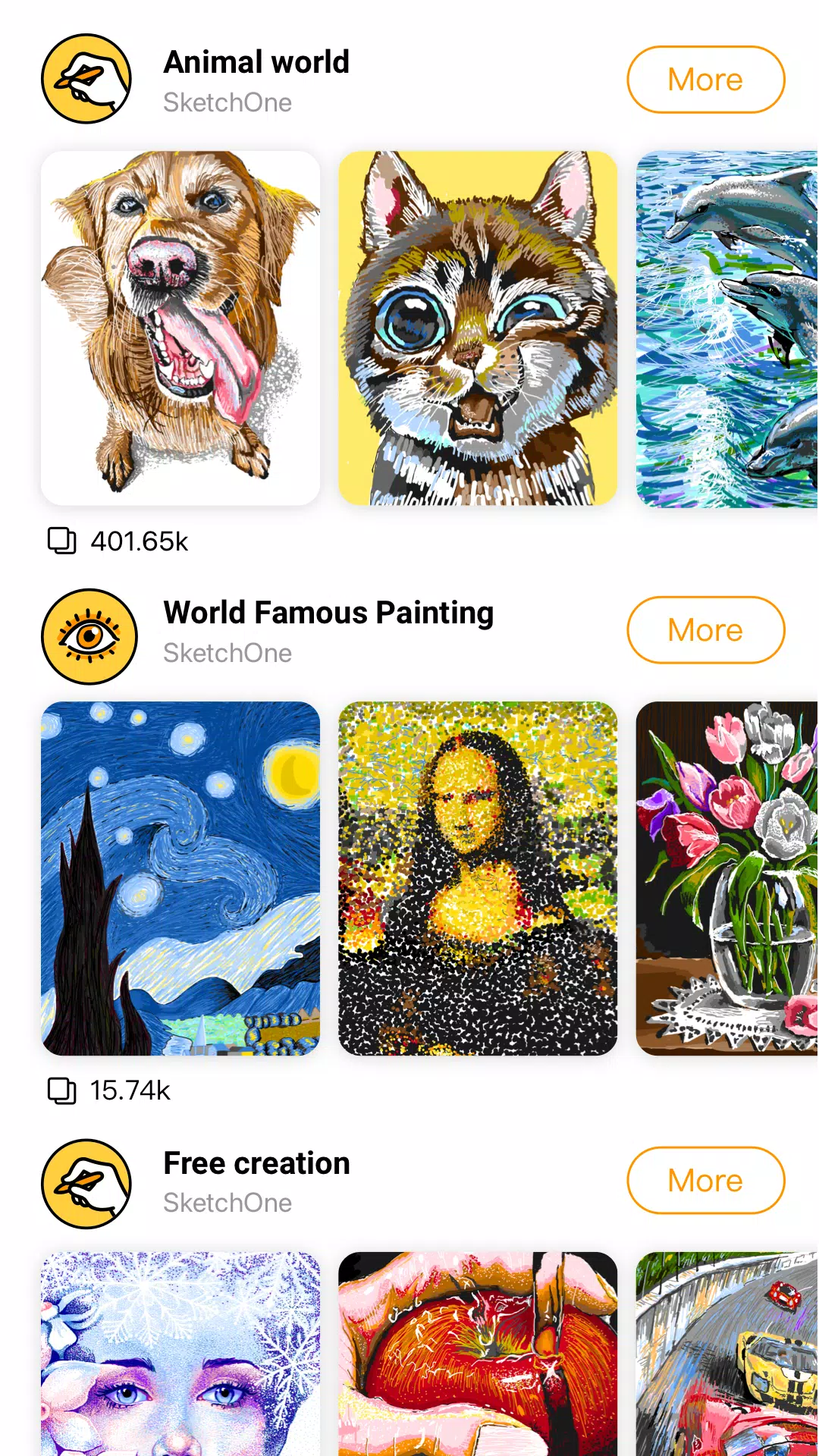
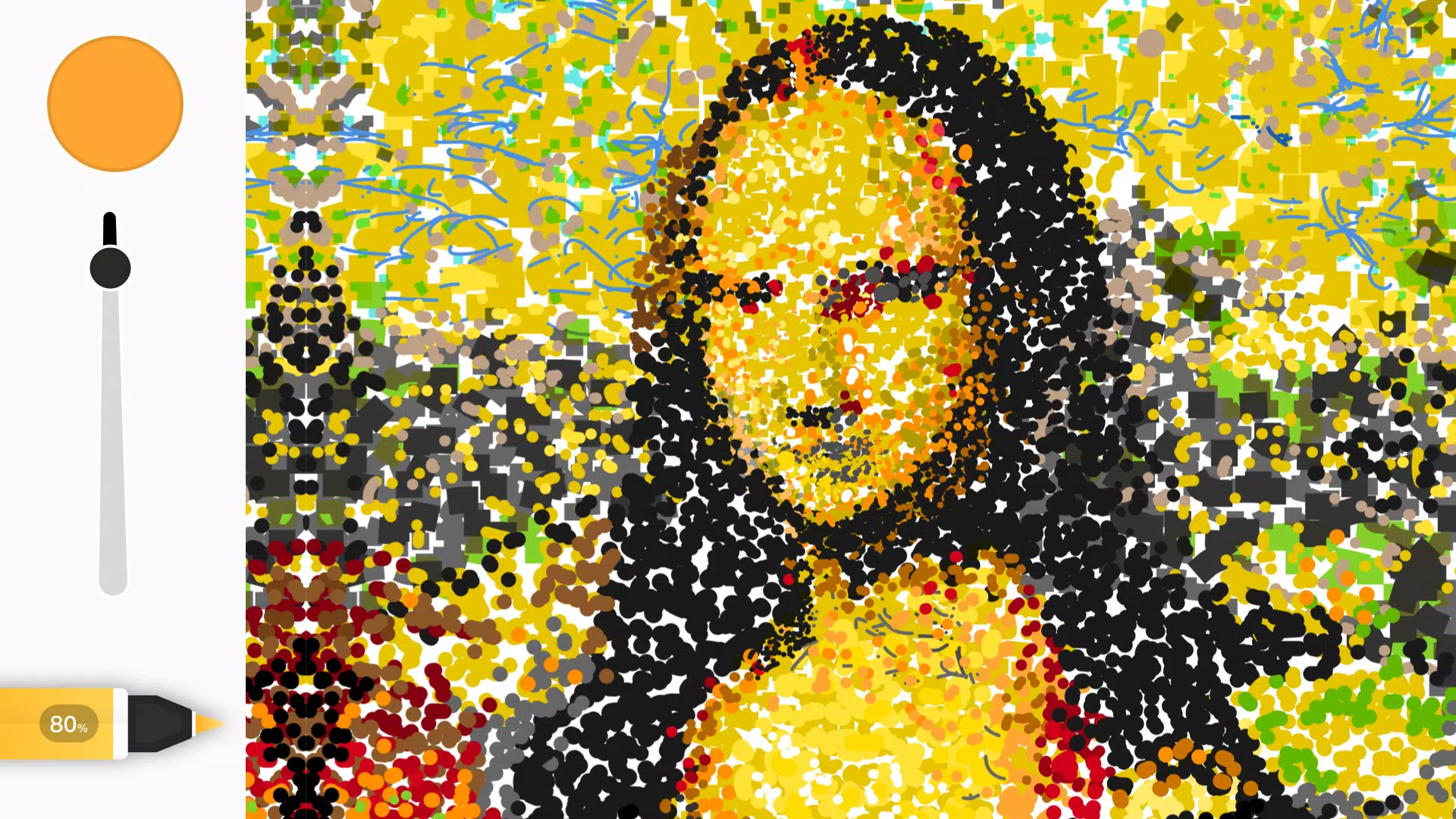
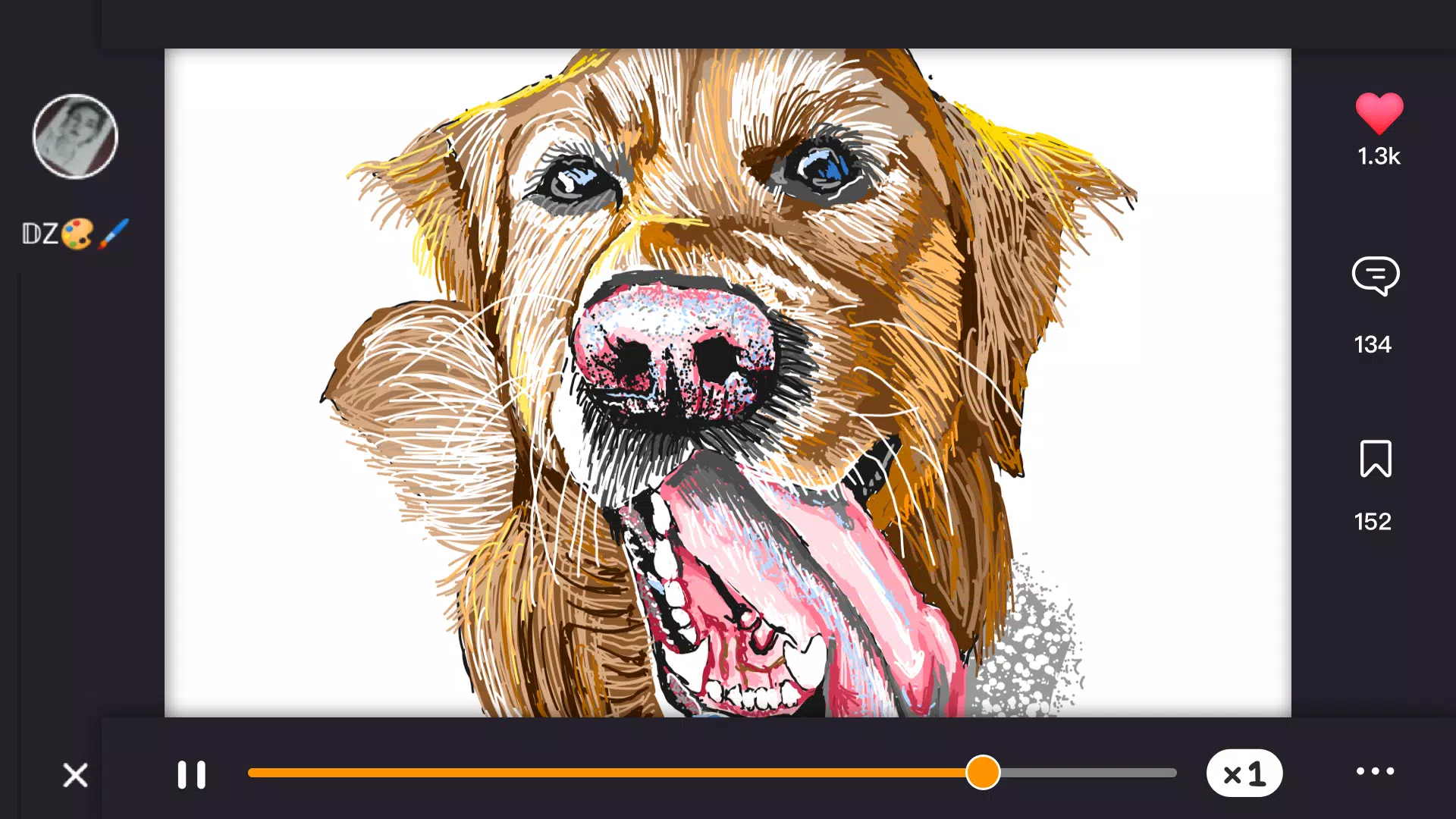
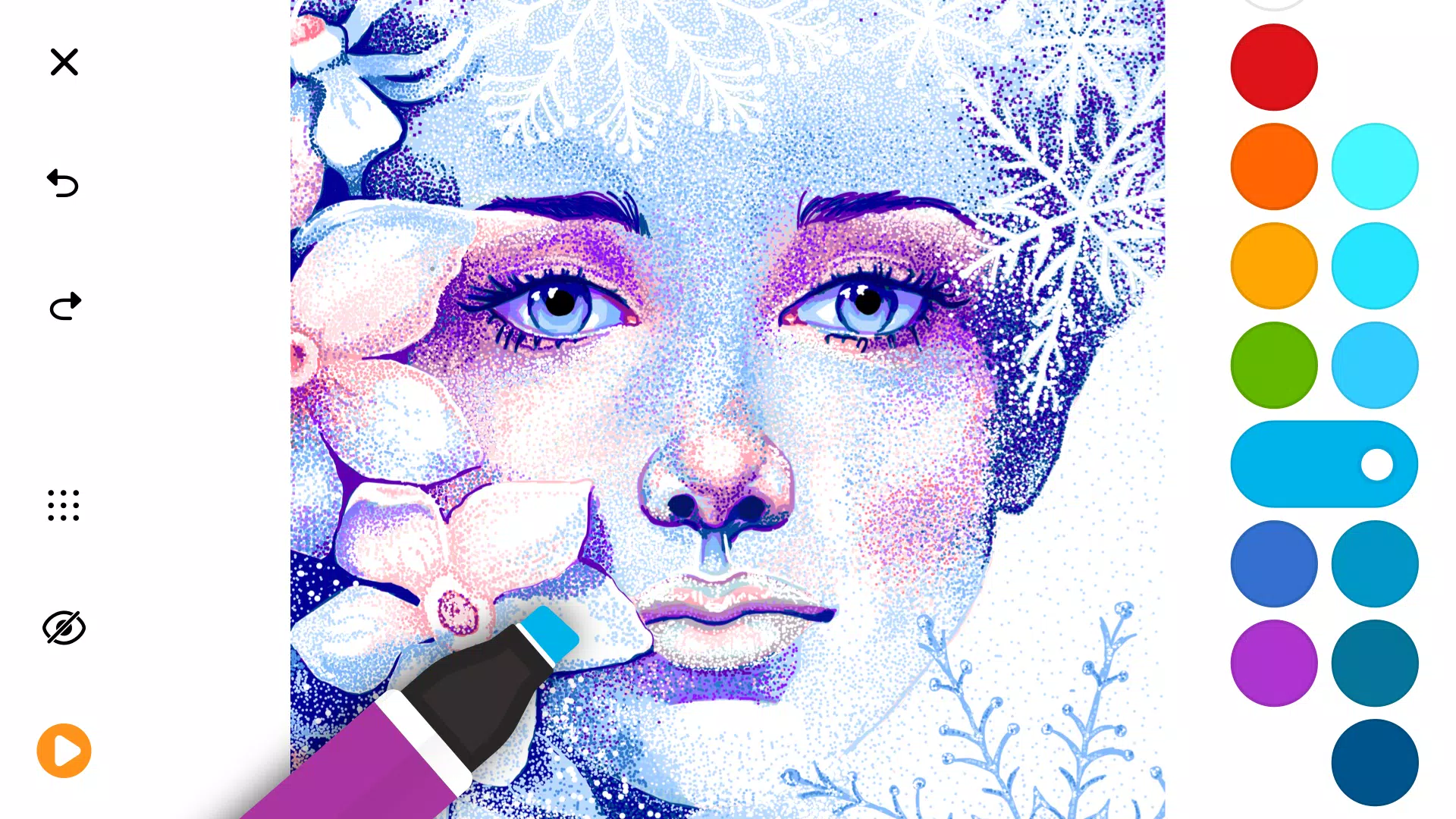
















Explore More
Equip yourself with our all-in-one toolbox app for everyday tasks and projects. Instantly convert between units, calculate tips, scan documents, manage files, and more with handy productivity tools. Includes a level, compass, QR code reader, ruler, speedometer, decibel meter, and flashlight. Save frequently used tools to your customizable dashboard for one-tap access. Track billable hours, wages, budgets, and invoices. Annotate screenshots, magnify labels, and sign PDFs on the go.

Text Art - Write Text On Photo

MERA PROXY PRO

Domino's Pizza Sri Lanka

Hatekhori Shongkha

Halloween Photo Editor -Makeup

Connecting - Friends Near Me

HFonts - font & emoji manager

Virink





















