Introduction
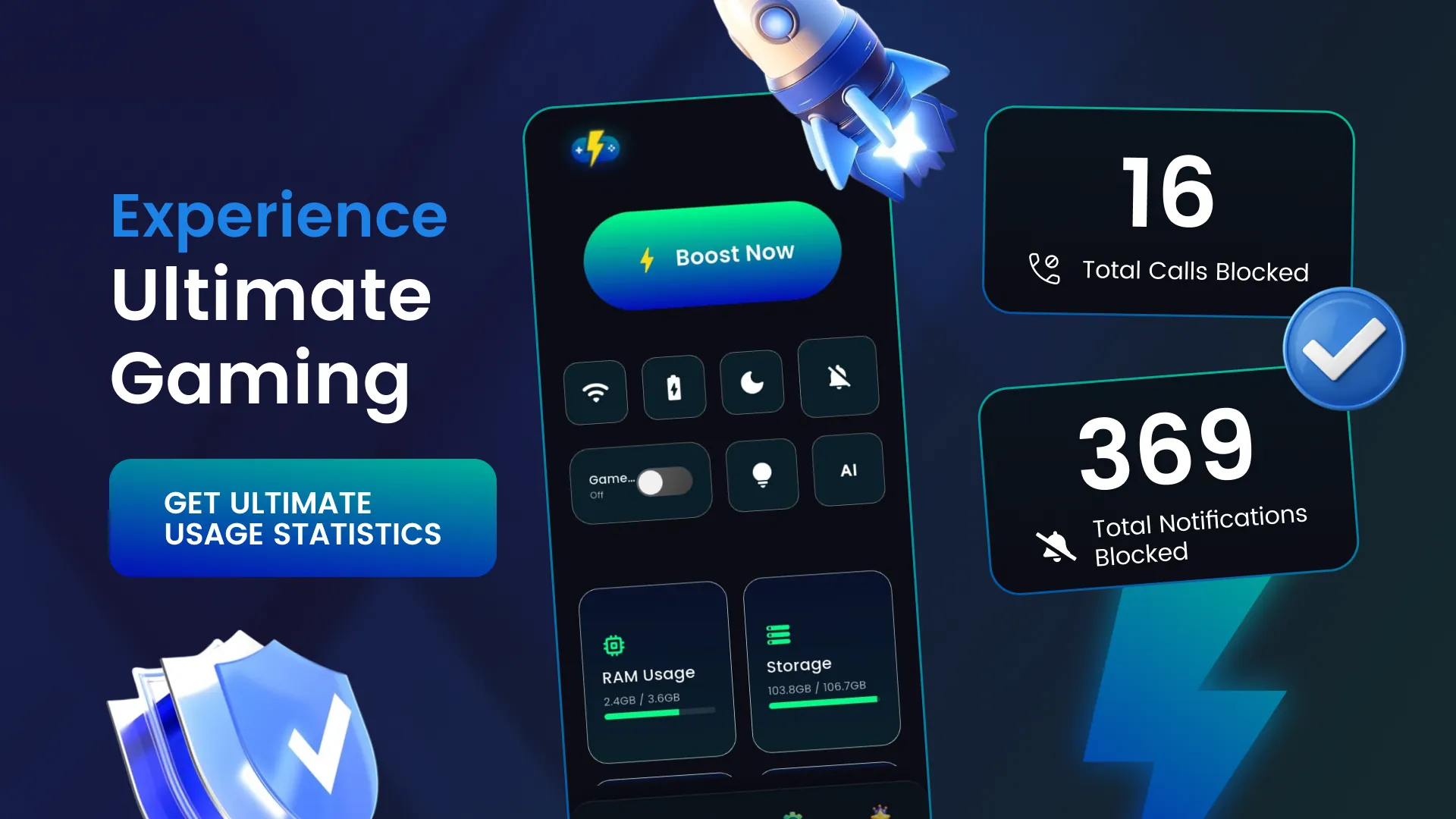
Game Booster Manager – Lag Fix helps optimize your Android device for smoother gaming sessions by reducing lag, freeing memory and guiding you through a smart boost flow before launch. The app combines a one-tap booster, a lightweight game launcher and a floating HUD to surface real-time FPS, RAM, temperature and network stats without changing system files. If you want fewer interruptions, cleaner performance monitoring and a quick way to prepare your device for multiplayer or single-player play, this tool offers straightforward controls, a dark interface and safe, permission-based optimizations that are easy to use.
Key Features
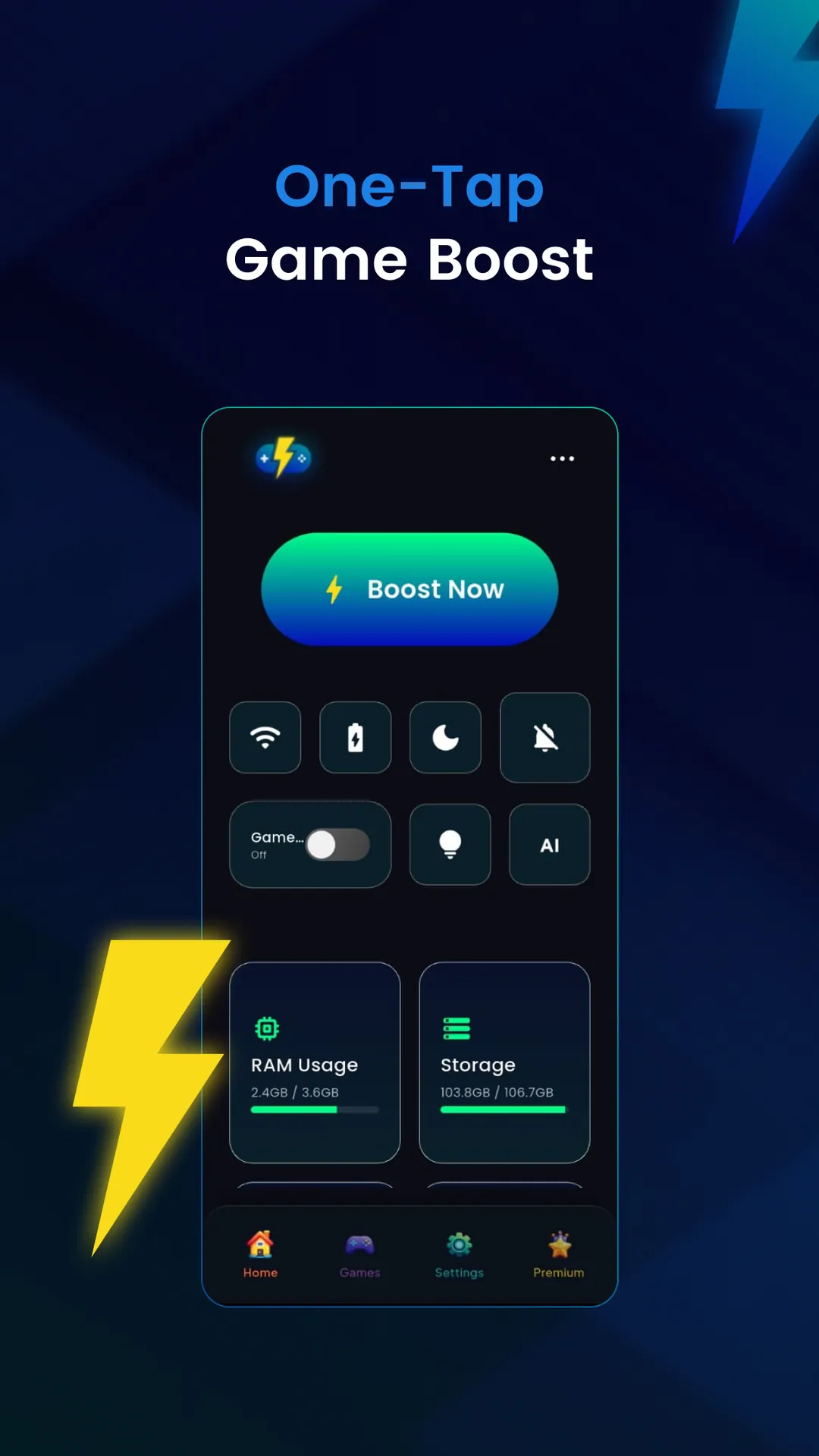
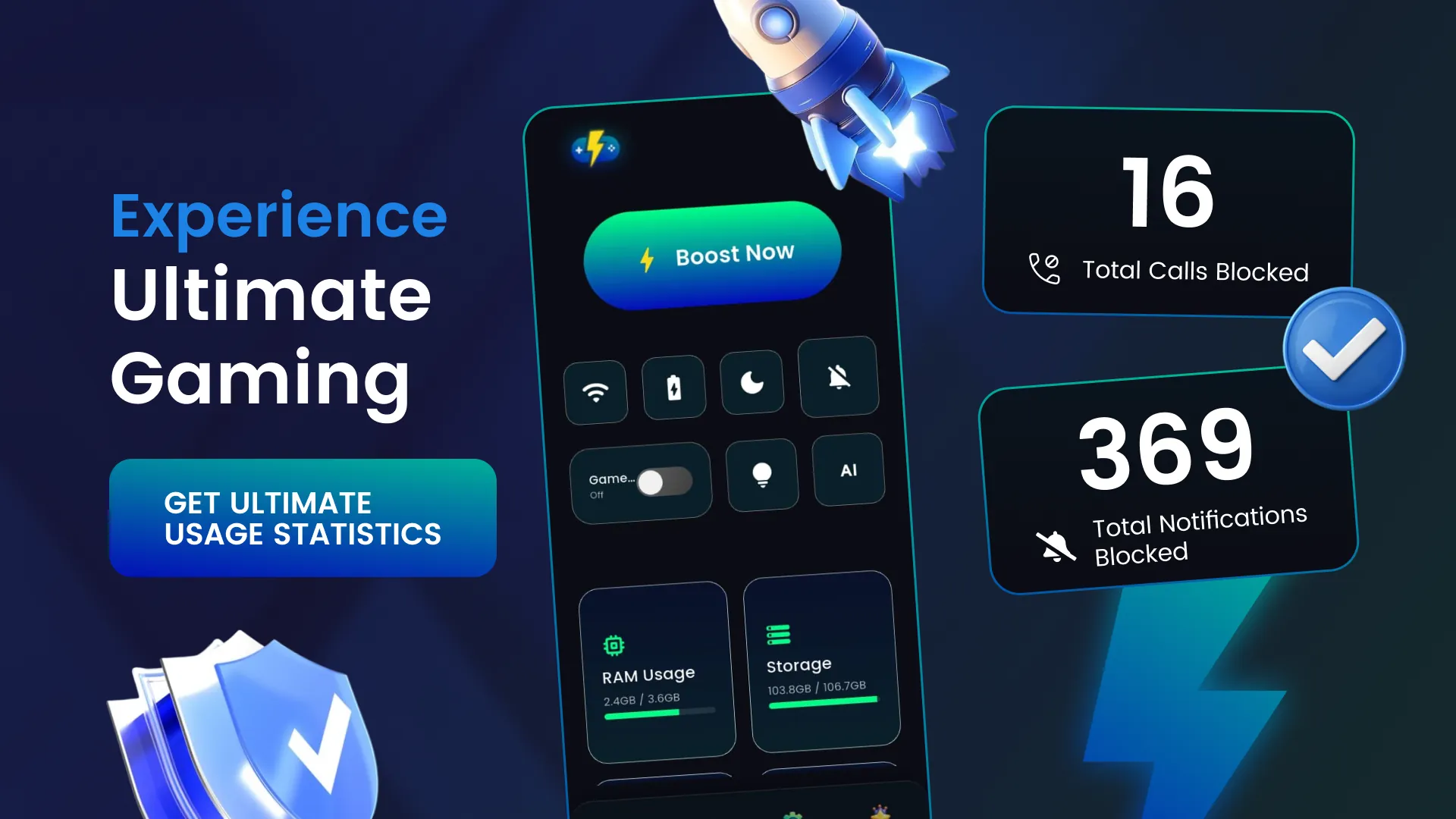
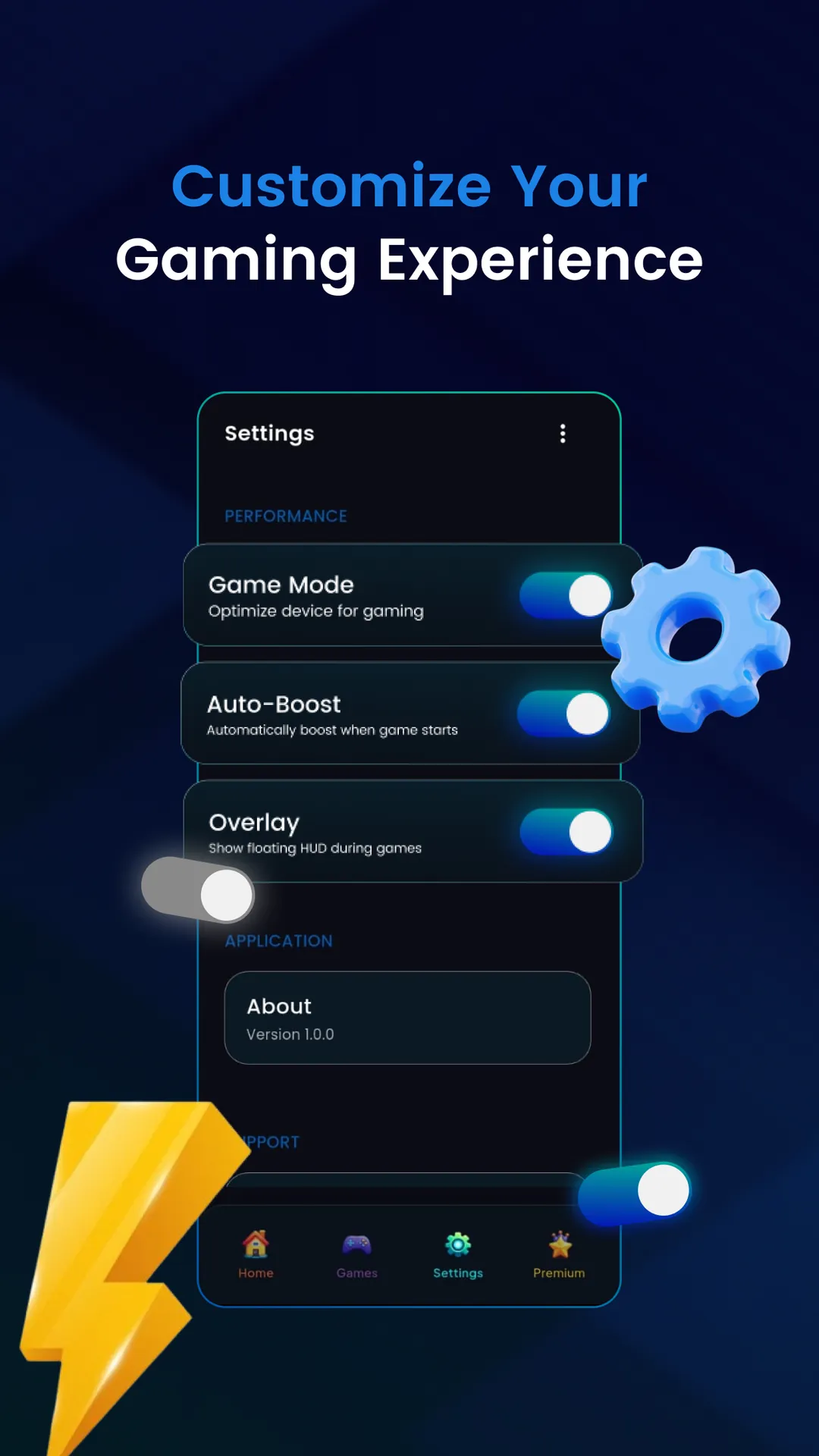
⭐ One-Tap Game Boost — Game Booster Manager – Lag Fix prepares your device: optimize available RAM, reduce background usage, improve system responsiveness and launch games through a guided boost flow.
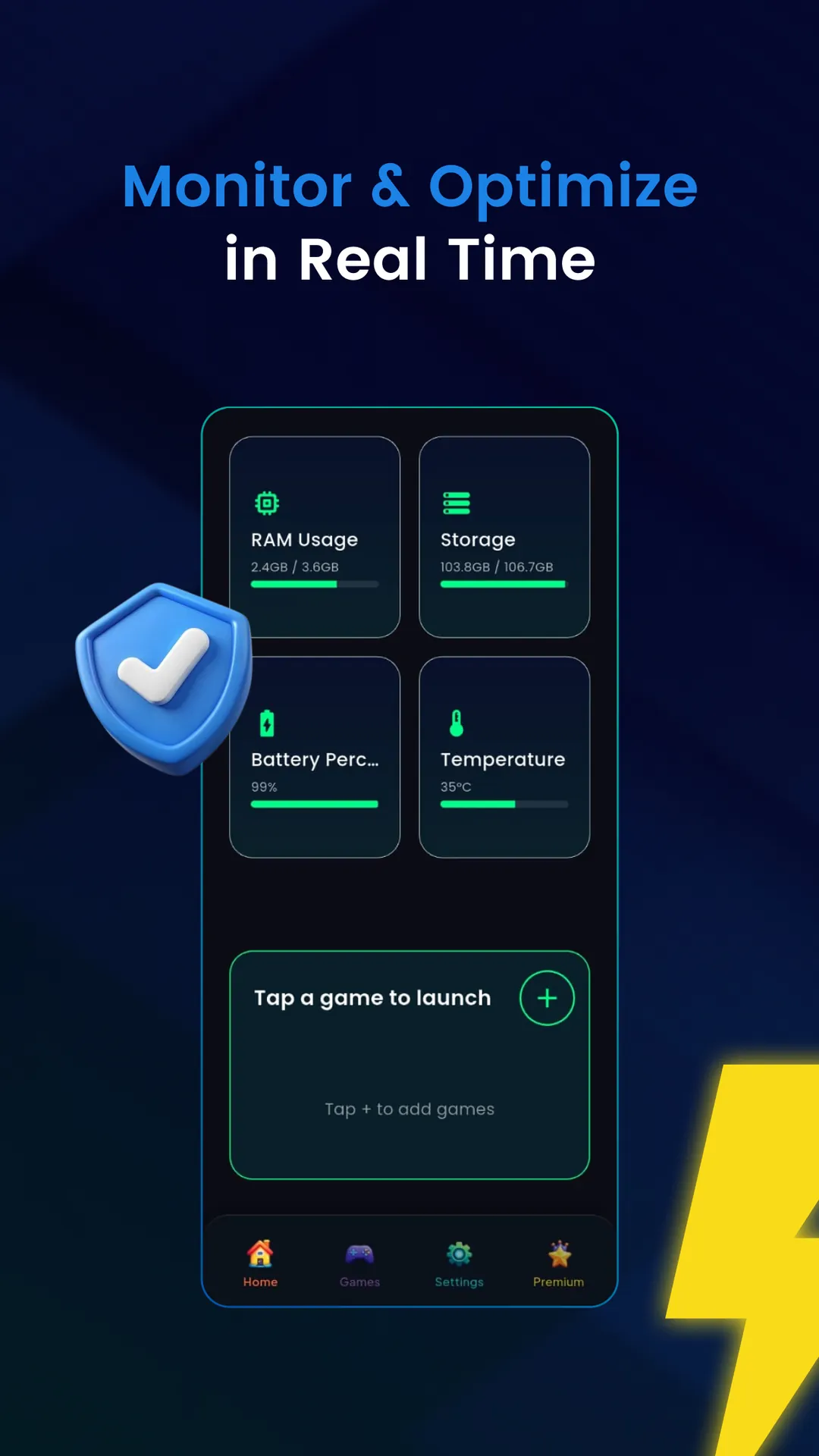
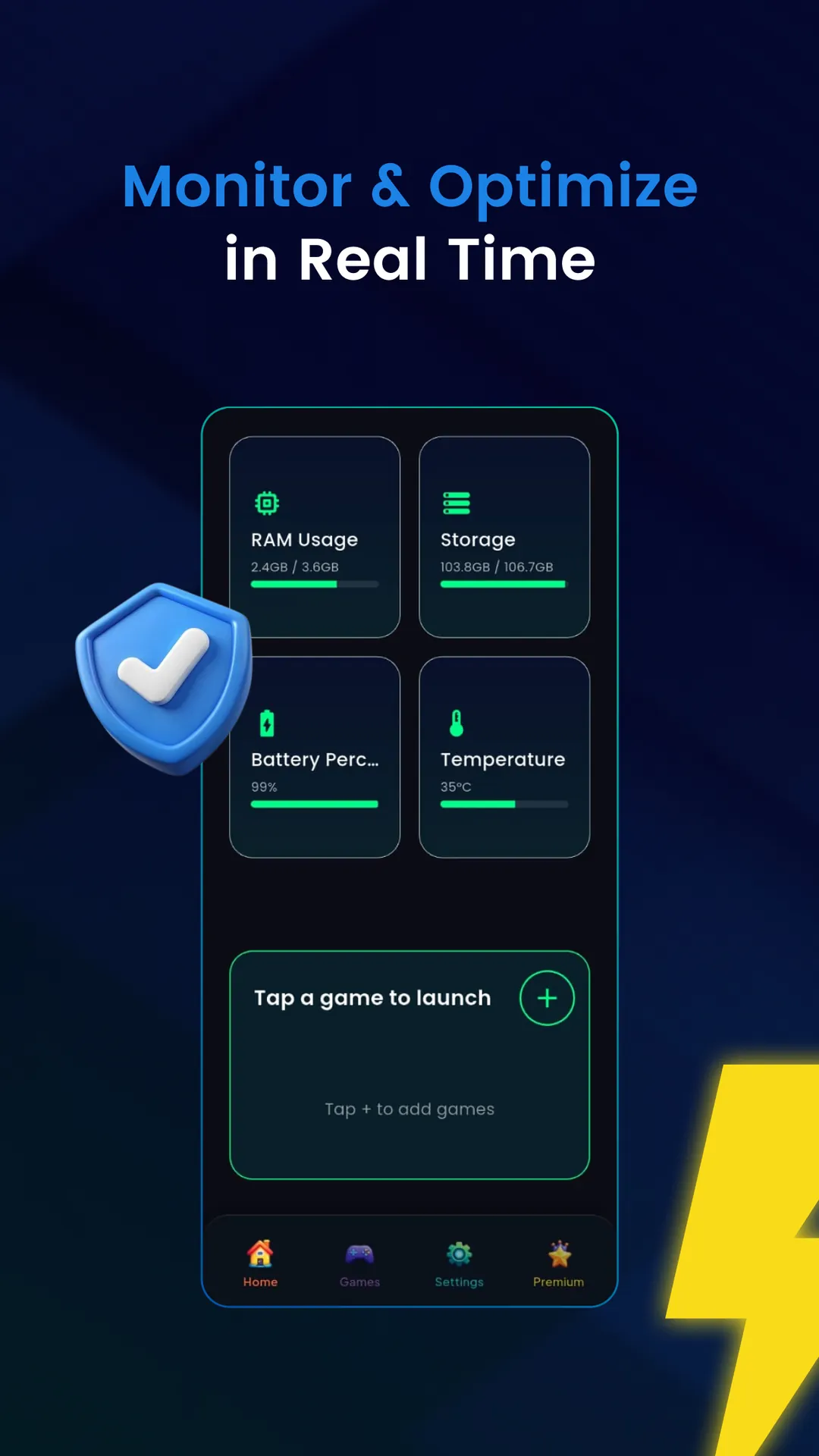
⭐ Real-Time HUD Overlay — floating display shows RAM usage, battery percentage, device temperature, FPS and network latency while you play.
⭐ WiFi & Network Check — quick ping and response time tests to help reduce lag spikes and stabilize online play.
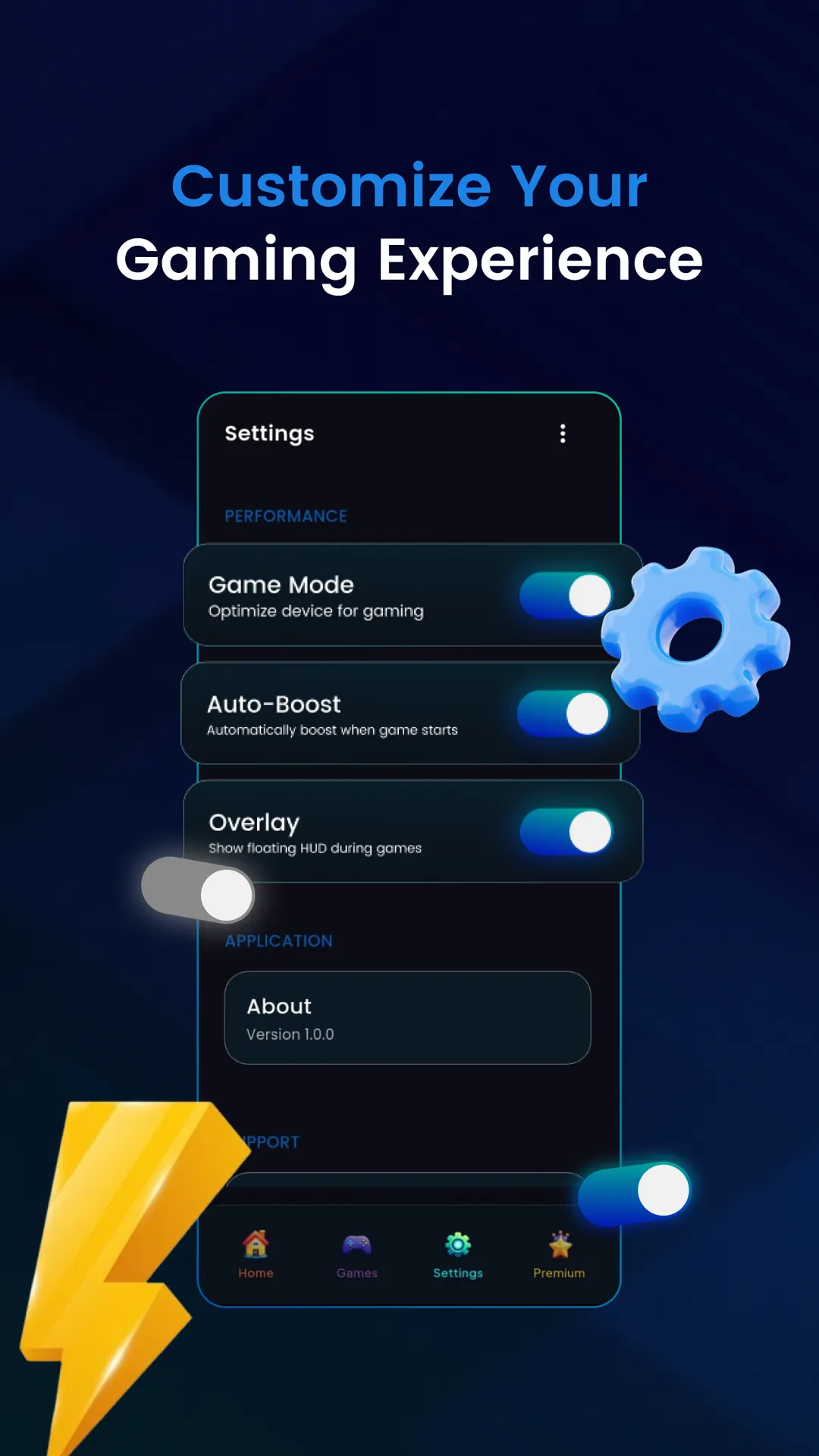
⭐ Smart Gaming Tools — enable Do Not Disturb, adjust brightness, toggle battery optimization, use dark mode and auto-boost when returning to a game.
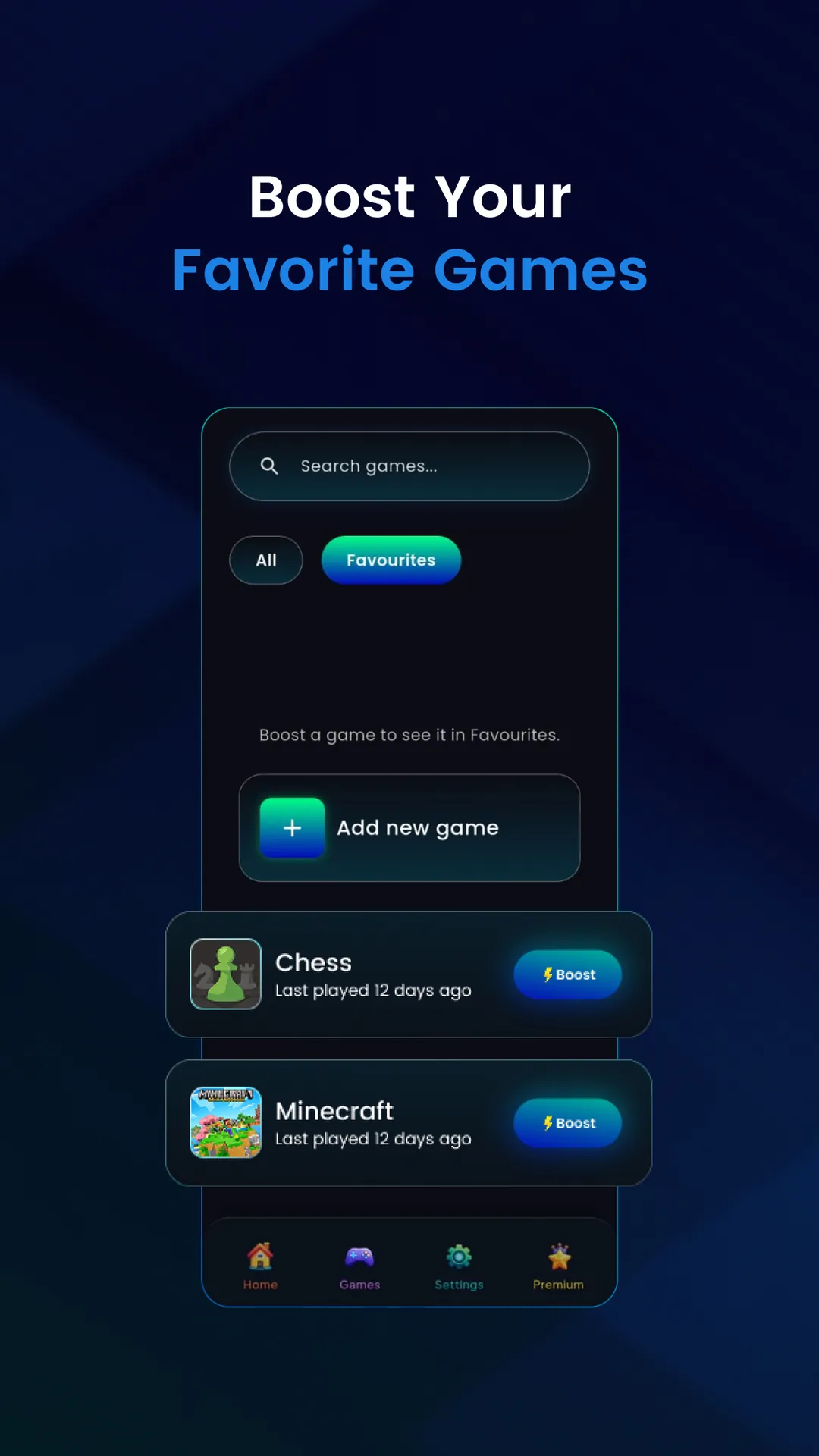
⭐ Built-In Game Launcher — detects installed titles, lets you add custom games, boosts before launch and tracks recently boosted apps.
⭐ Lightweight & Safe — uses standard Android optimization tools and permissions; does not overclock hardware or modify system files.
Advantages
✅ Game Booster Manager – Lag Fix is easy to use and presents a clean, dark interface tailored for gaming.
✅ Real-time performance stats keep you informed without leaving your game via a compact overlay.
✅ Lightweight, permission-based optimizations improve responsiveness without risky system changes.
✅ Built-in launcher and auto-boost features streamline game management and startup.
✅ Network checks and HUD metrics help maintain stability during competitive online sessions.
Disadvantages
❎ The free version displays ads and some features require a Premium upgrade to unlock or remove ads.
❎ Performance gains are limited to software-level optimizations; the app does not overclock hardware or modify system files.
❎ Several features require system permissions to operate and may be restricted by device settings or OS limits.
- No virus
- No advertising
- User protection
Information
- File size: 20.00 M
- Language: English
- Latest Version: 1.0.0
- Requirements: Android
- Votes: 271
- Package ID: com.binarystylelab.gameboostermanager
- Developer: Binary Style Labs
Screenshots
















Explore More
Equip yourself with our all-in-one toolbox app for everyday tasks and projects. Instantly convert between units, calculate tips, scan documents, manage files, and more with handy productivity tools. Includes a level, compass, QR code reader, ruler, speedometer, decibel meter, and flashlight. Save frequently used tools to your customizable dashboard for one-tap access. Track billable hours, wages, budgets, and invoices. Annotate screenshots, magnify labels, and sign PDFs on the go.
Note Nest

18: Test app06

Sumka Capitalvisor
TOK CAM - Analog Camera
Generator Treningów SW

Renovo

Jacob Andre

LitterTrace