

Introduction
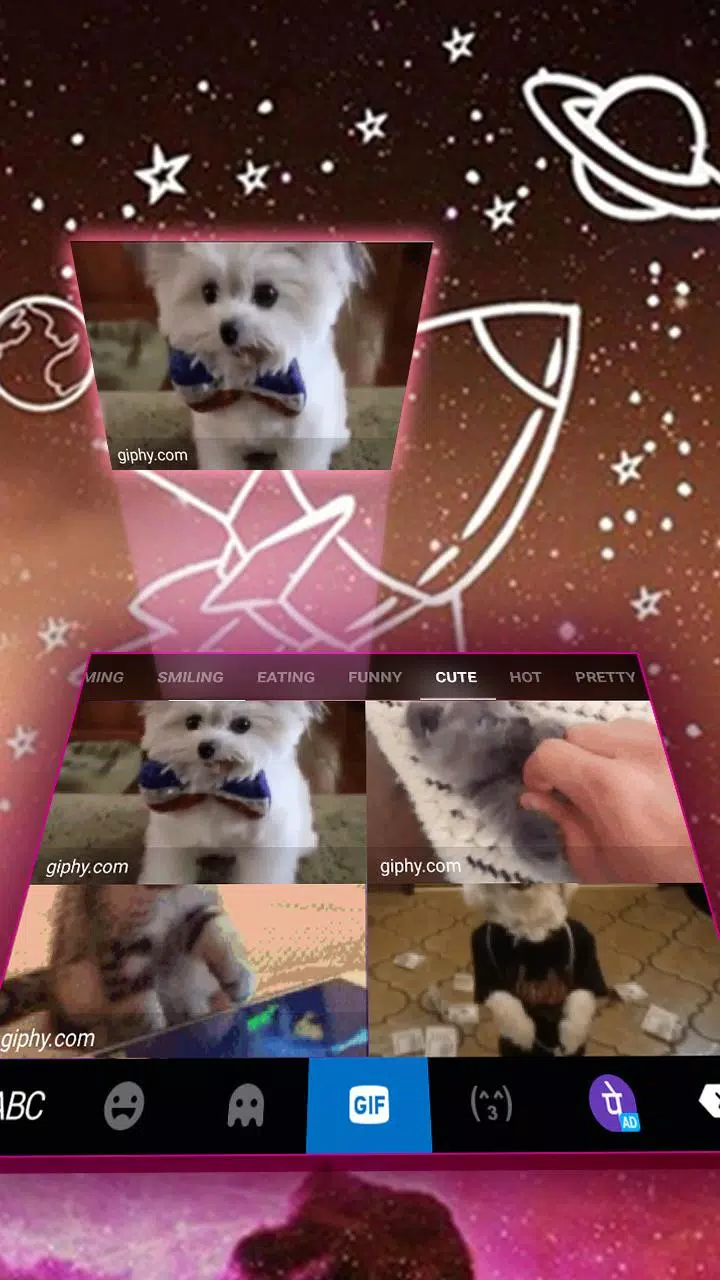
Galaxy Doodle is an innovative keyboard app that lets you personalize typing with themed layouts, custom fonts and expressive emoji options while keeping everyday input fast and reliable. From high-definition wallpapers and playful sticker suggestions to practical tools like gesture typing and voice input, Galaxy Doodle blends visual customization with core typing functionality so users who want a more stylish or efficient keyboard have everything in one place.
Key features and input controls
Galaxy Doodle supports gesture typing, traditional tap input and built-in voice dictation so you can choose the control style that fits each task. Predictive text and auto-correction run locally to offer next-word suggestions and reduce errors without relying on cloud processing, and the keyboard includes straightforward clipboard controls so you can copy, cut and paste from the emoji and sticker panel. Layout options include common keyboard arrangements and adaptable key sizes to match hand size and typing preference.
Customization and visual style
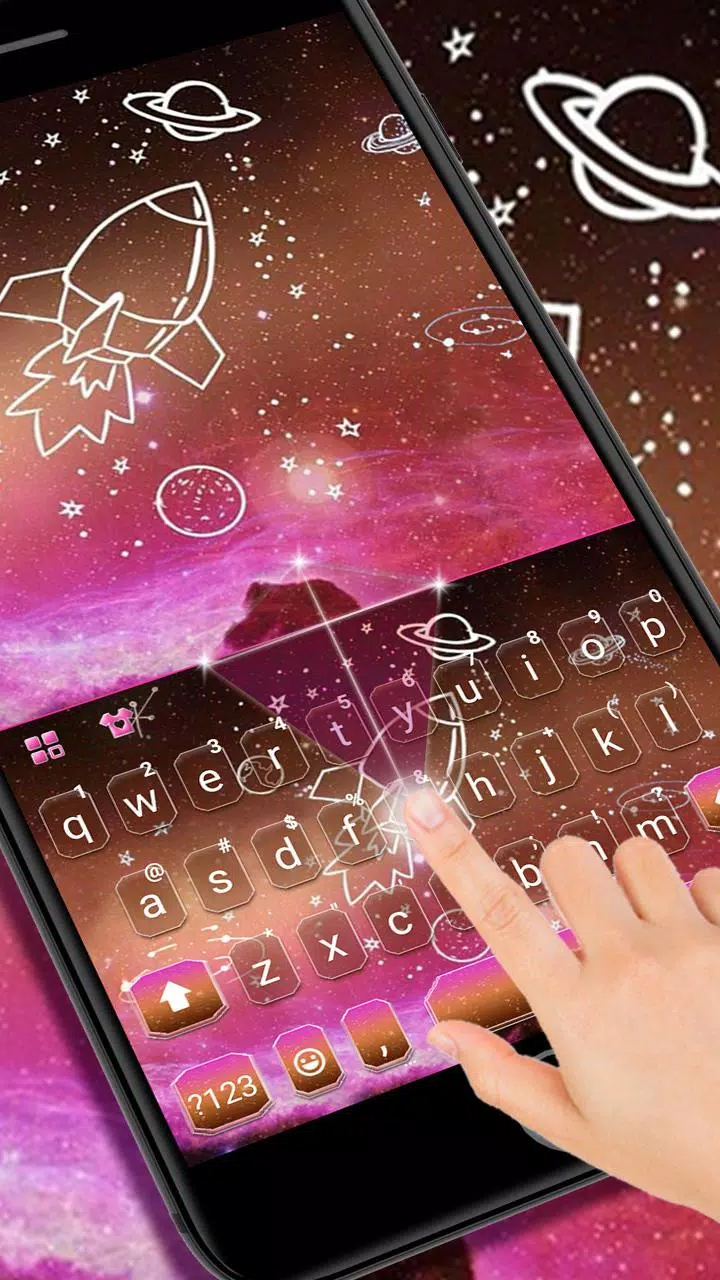
The app focuses heavily on appearance: you can apply HD wallpapers from curated packs—anime, cute, emoji-themed or futuristic—and upload your own photos to create a personal background. Fonts, key shapes and color accents are adjustable so you can create a minimal workspace for distraction-free typing or a colorful, sticker-rich look for casual chats. Theme previews let you test changes before applying them, and saved profiles make it easy to switch between looks for work, social or seasonal use.
Language support, accessibility and user experience
Galaxy Doodle supports more than 150 languages and includes language-specific predictive models to make multilingual typing more accurate. Accessibility settings cover larger key options, high-contrast themes and adjustable haptic or sound feedback to accommodate different needs. The layout adapts to device size and orientation so typing remains consistent on phones and tablets, and the keyboard aims for responsive keypress recognition even on lower-end hardware.
Privacy, offline capability and reliability
The app is built with local-first processing in mind: predictive suggestions and personalization are based on text typed on the device rather than being uploaded to remote servers, and the app does not access wallpaper photos for external use. Core typing, gesture input and voice-to-text functions are available offline for everyday use; network access is only required for optional content updates or to download additional theme packs. This design keeps basic functionality reliable when connectivity is limited.
Customization workflow and progression
Instead of a forced progression system, Galaxy Doodle relies on gradual personalization: users build their preferred setup over time by choosing layouts, saving theme profiles and adjusting predictive behavior. New users typically start with a default layout and then refine fonts, key sizes and background images across sessions until the keyboard matches their habits. Stored profiles act like lightweight “levels” of customization that you can switch between without rebuilding settings from scratch.
Practical benefits and day-to-day use
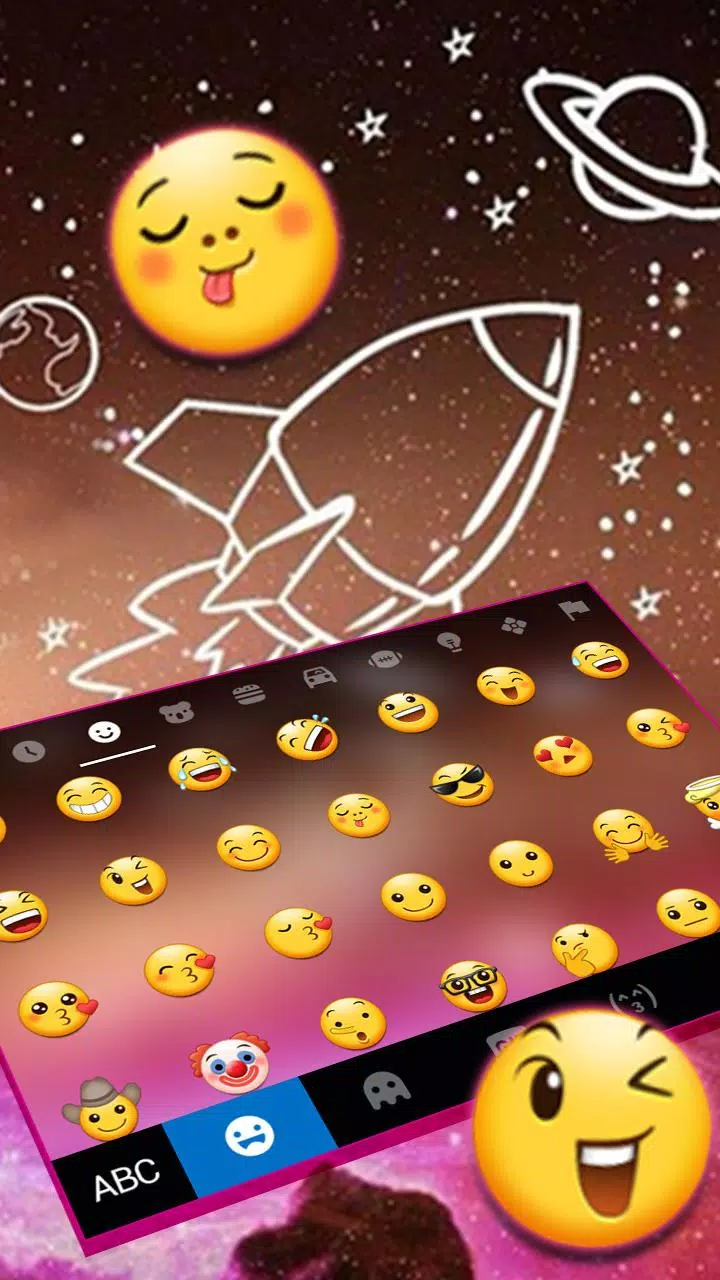
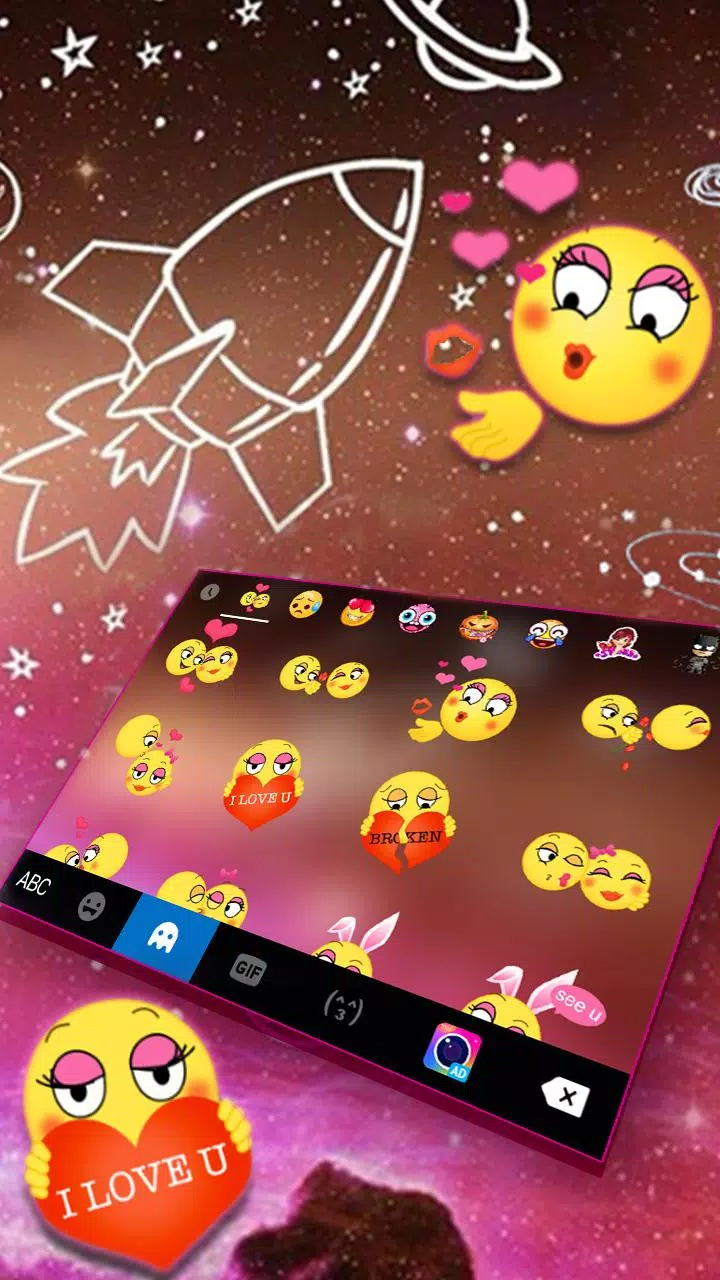
For everyday communication, Galaxy Doodle reduces typing friction through gesture input and helpful suggestions, and the visual themes make long typing sessions more pleasant. The sticker and emoji panels are integrated so expressive responses are quick to access, and voice input offers an efficient alternative when hands-free entry is needed. Settings are grouped logically so users can adjust privacy, language packs and appearance without digging through complex menus.
Compatibility, updates and support
Galaxy Doodle is compatible with a wide range of Android versions and devices; some features may vary depending on manufacturer keyboard permissions and system-level settings. Regular updates add new theme packs and language enhancements while keeping core prediction and input behavior stable. In-app help and a brief setup guide assist users with initial installation and permission configuration so the keyboard works correctly across different phones and tablets.
Adoption and community
Trusted by millions of users worldwide, Galaxy Doodle has grown because it balances expressive customization with reliable typing mechanics. For those who prioritize privacy, multilingual support and a keyboard that reflects personal style, the app offers a practical, visually engaging alternative to standard system keyboards without introducing unnecessary complexity.
- No virus
- No advertising
- User protection
Information
- File size: 3.50 M
- Language: English
- Latest Version: 1.0
- Requirements: Android
- Votes: 236
- Package ID: com.ikeyboard.theme.galaxy.doodle
- Developer: Fancy Keyboard for Android Apps
Screenshots
















Explore More
Connect deeper through meaningful conversations with our communication apps. Enjoy crystal-clear calls, video chats, messaging, and file sharing. Find the perfect emojis, GIFs, and stickers to express yourself. Keep the non-stop group banter organized in one place. Block unwanted interactions at the source. Meet new people worldwide through our global community features.

IZI: play, listen, watch, call

OnDjoss

Connecting - Friends Near Me

TryController

DATING SITES

TownSq Community

69ers

LR Store





























