

Introduction
Art Breeze is a lightweight creative utility designed to help users sketch, edit, and organize digital artwork quickly and without a steep learning curve. The app focuses on speed and simplicity, providing a compact set of tools for capturing visual ideas on the go, saving intermediate versions, and exporting finished images for sharing or further work in other apps. Art Breeze balances essential drawing features with modest system requirements so that it remains responsive on a wide range of devices and useful to hobbyists, students, and designers who need to move from concept to a presentable image fast.
Key Features
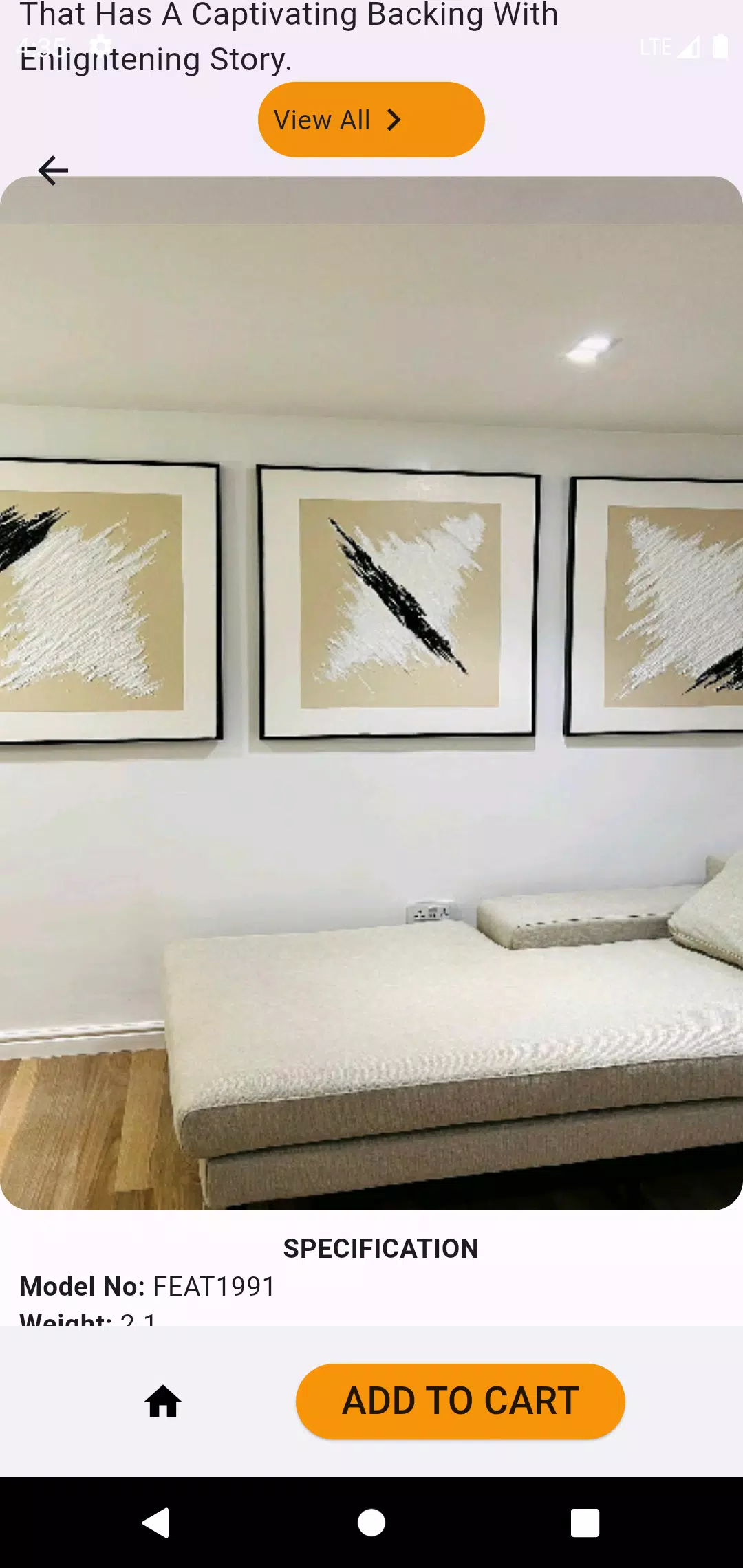
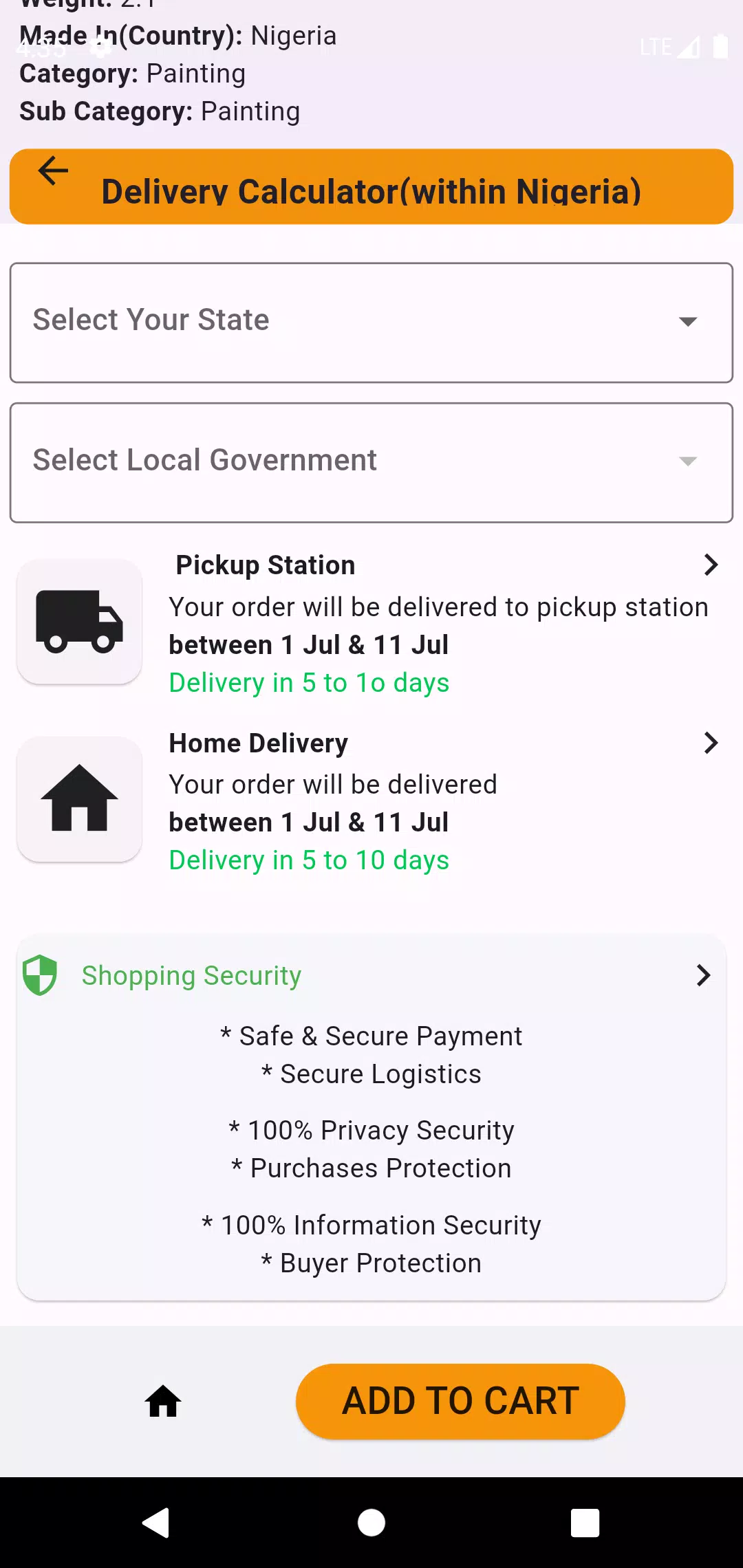
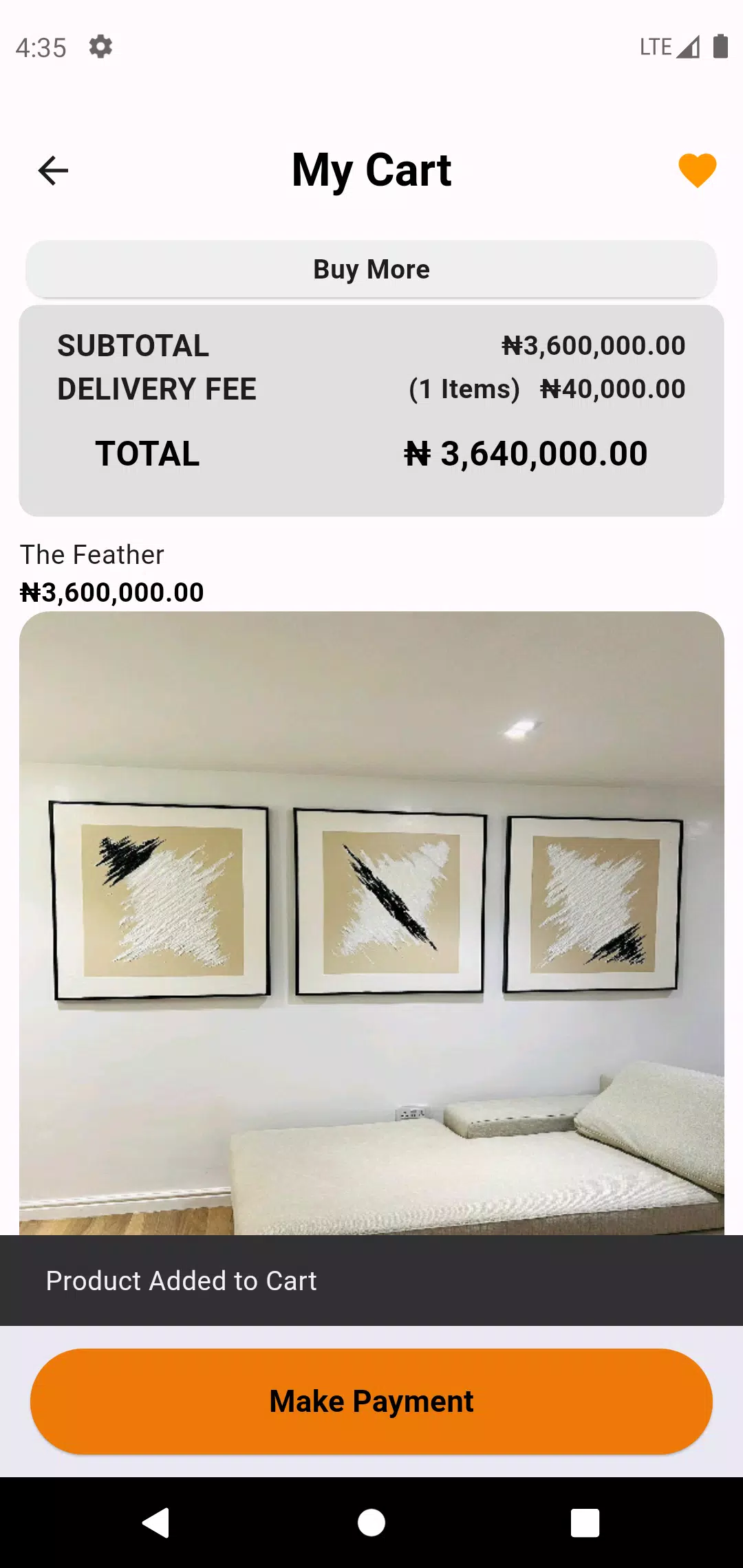
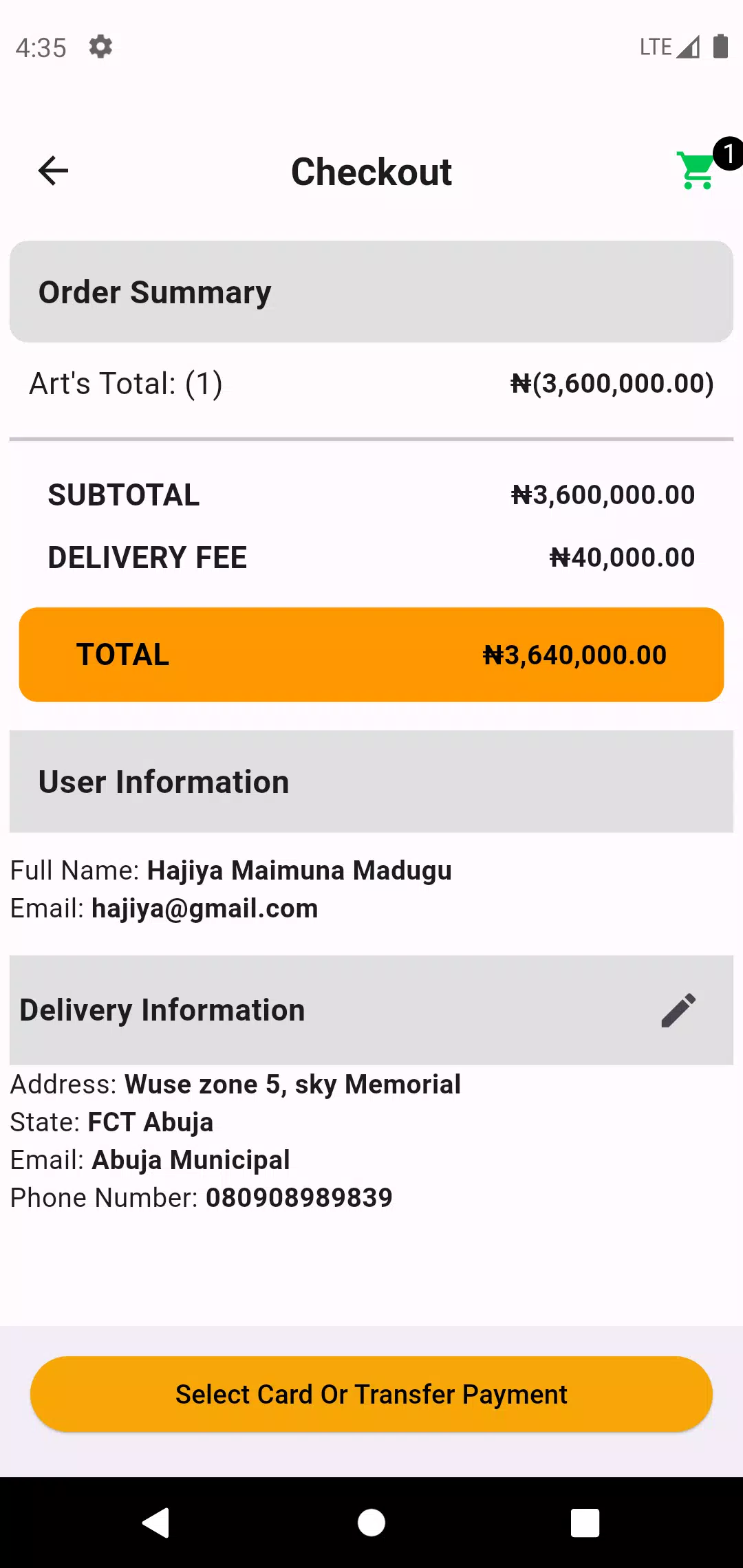
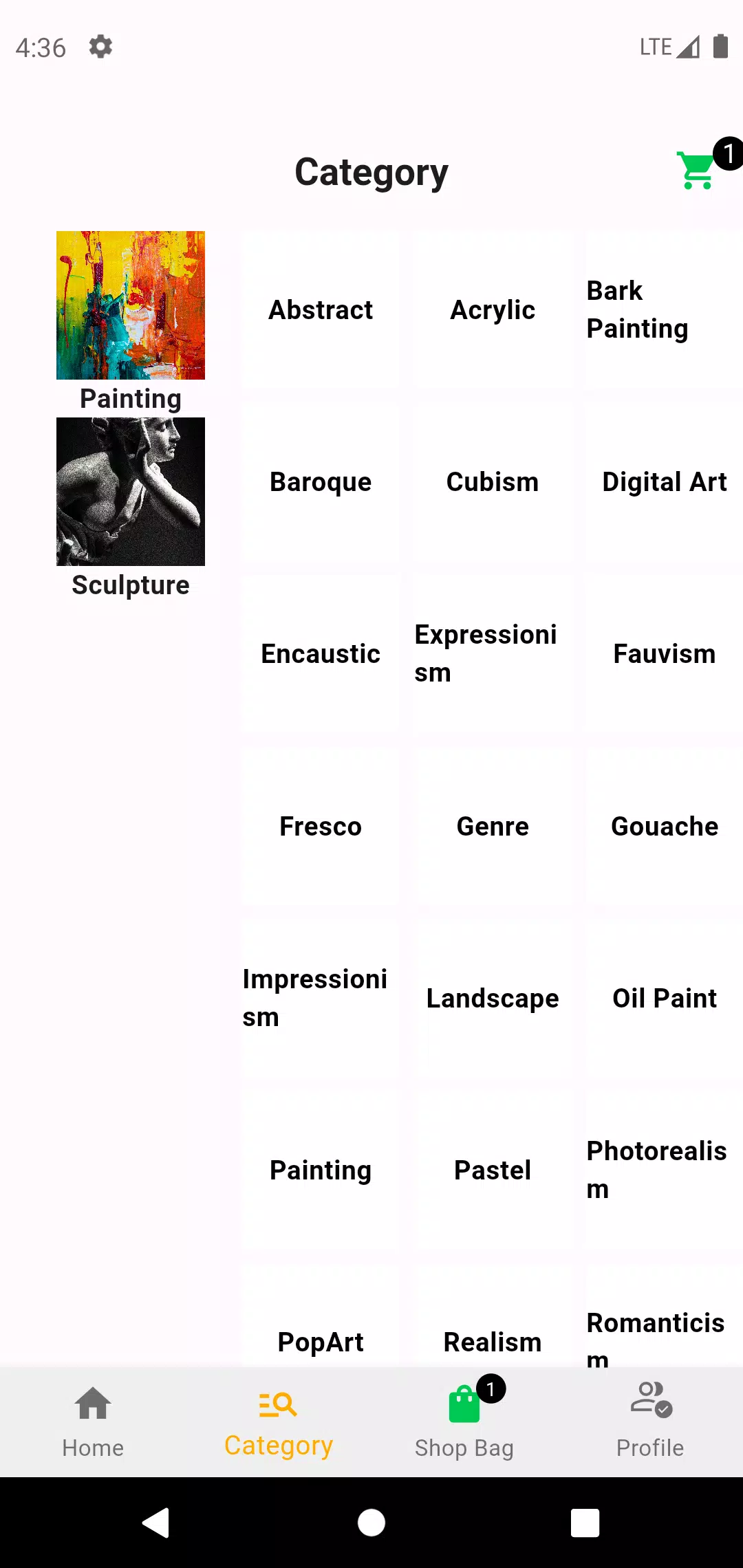
The feature set in Art Breeze centers on a few well-chosen tools that cover common tasks: a selection of basic brushes and pens with adjustable size and opacity, simple color controls for quick shifts in hue and saturation, trimming and crop tools for composition, and file export options including common image formats. The app supports canvas presets for different use cases — quick thumbnails, note-sized sketches, and larger canvases for more detailed work — and it includes a lightweight file manager that lets creators organize projects into folders and rename or duplicate files without leaving the app.
Controls and Interaction
Art Breeze emphasizes tactile and intuitive controls. Zoom and pan gestures are smooth and predictable so users can work on fine details, while brush size and opacity adjustments are accessible through on-screen sliders and touch gestures. The interface reduces menu depth: most operations are one or two taps away and context-sensitive controls appear when they are most useful. If you use a stylus, the app recognizes basic pressure input on supported devices and will respond with natural stroke variation where hardware allows, but it remains fully usable with finger input as well.
Workflow and Progression
Rather than offering a complex progression or achievement system, Art Breeze supports a creative progression model based on iterative projects and version management. Users begin with quick concept sketches, refine the most promising ideas with layered passes or color studies, and produce export-ready images. The app keeps recent project thumbnails visible and allows saving multiple versions of the same file so you can track visual progression without clutter. This straightforward project-based progression helps users improve through repetition and iteration rather than through gamified progression mechanics.
Visual Style and Level Structure
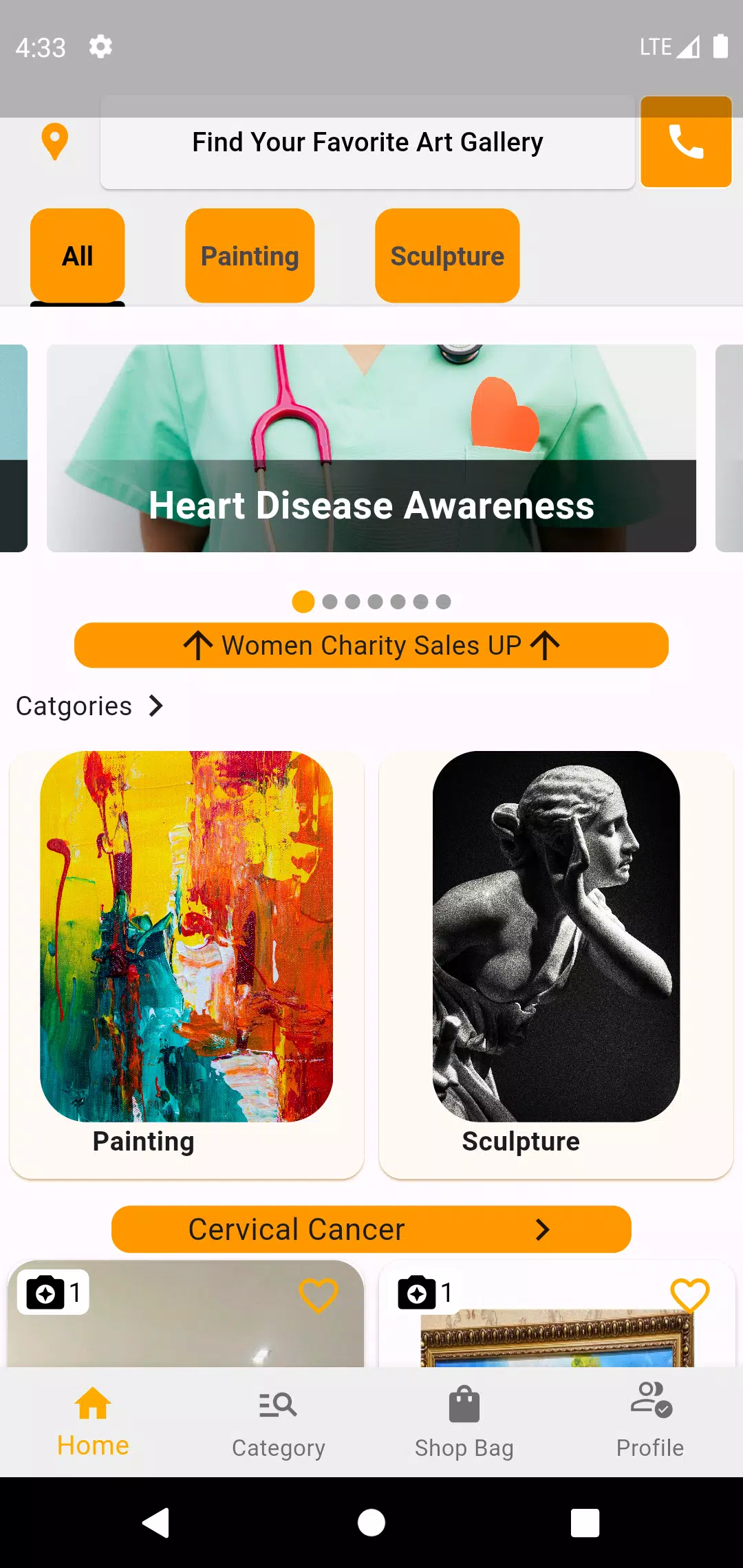
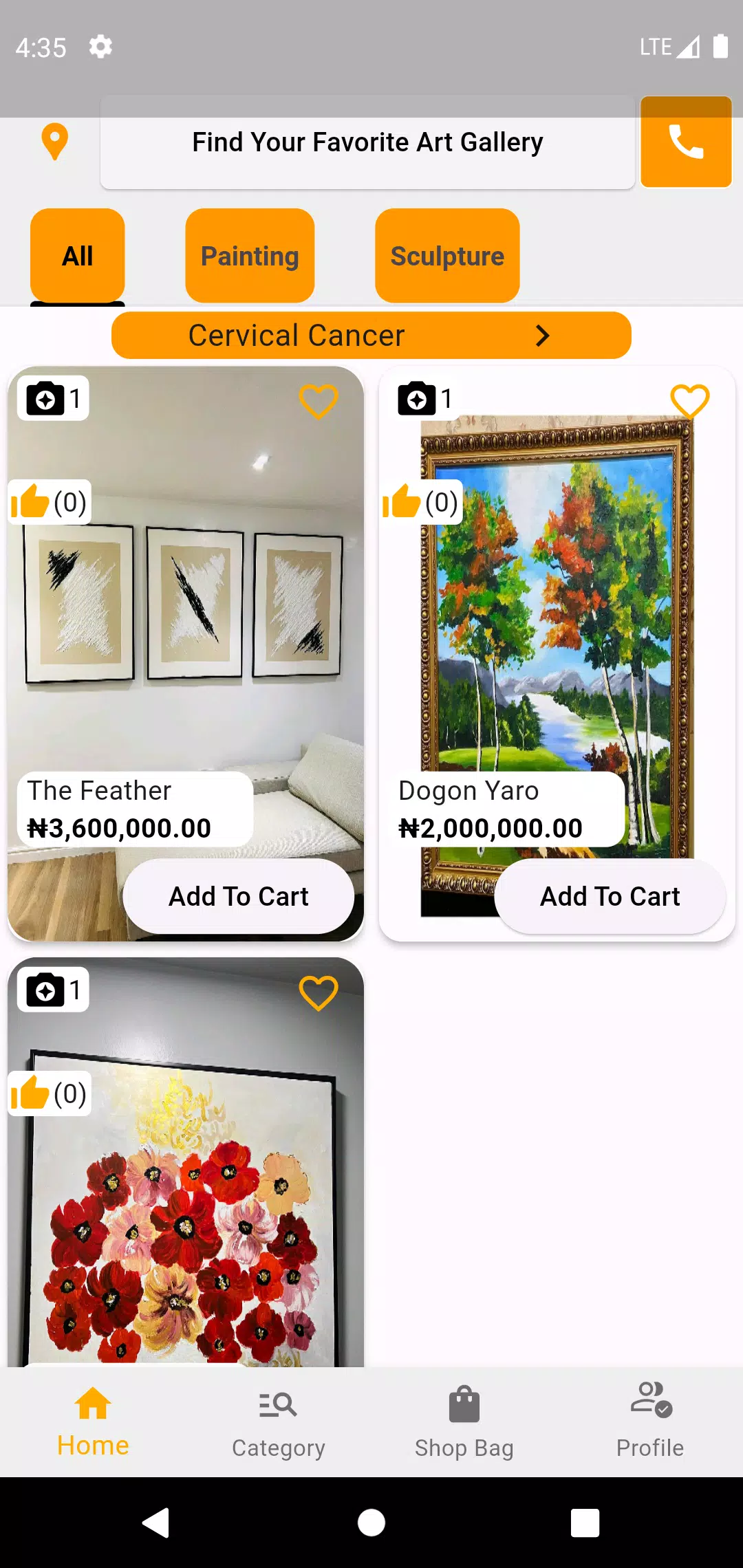
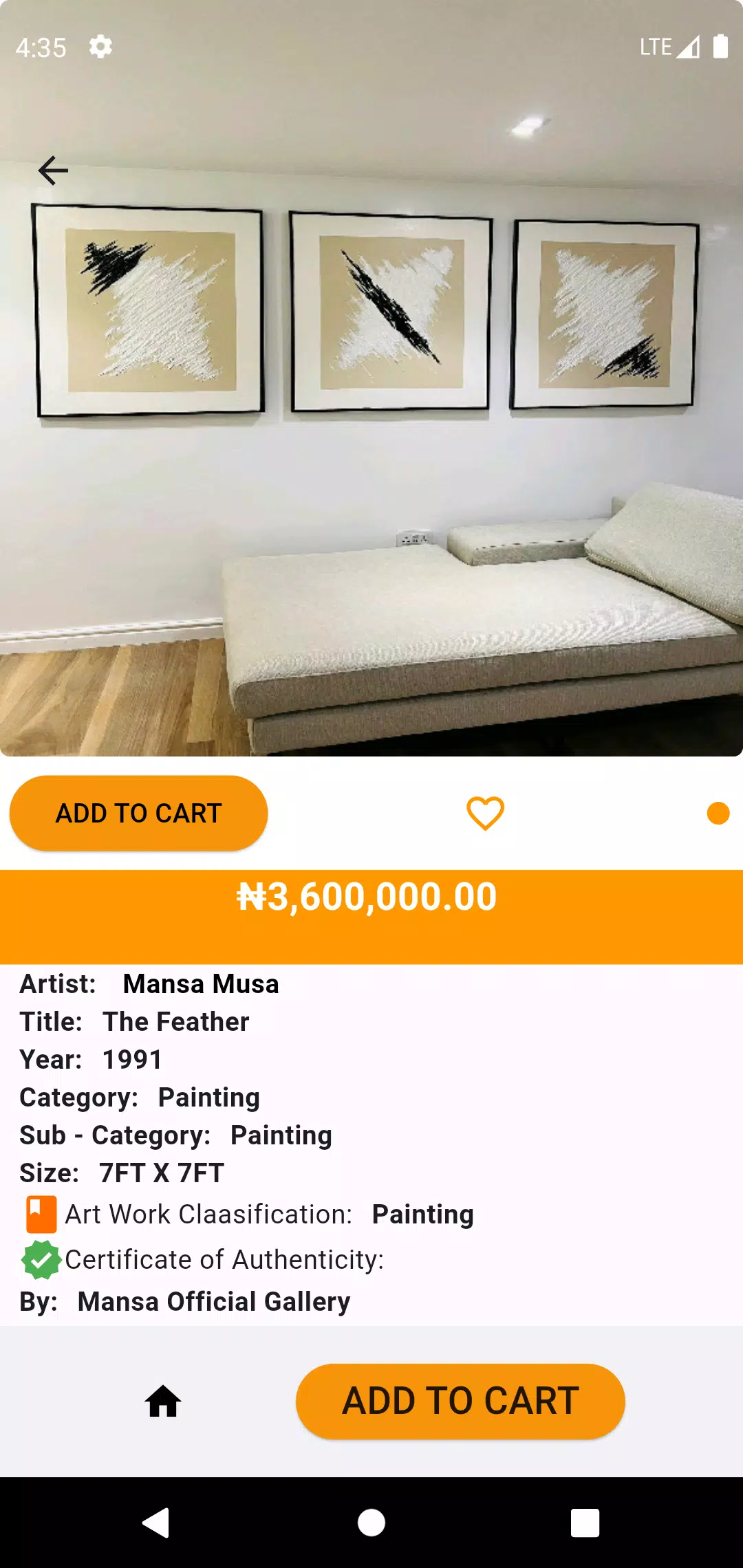
The interface of Art Breeze is intentionally minimal to put artwork front and center. Palette and tool icons are designed with high contrast and simple shapes for clarity under different lighting conditions. Canvas presets act like 'levels' in a studio workflow: each preset sets a specific resolution, aspect ratio, and grid option to help you start with appropriate constraints for a concept sketch, a web graphic, or a print mockup. These presets make it easier to plan compositions and maintain consistent output sizes across multiple projects.
Customization and Replay Value
While Art Breeze avoids an overwhelming number of options, it provides useful customization where it matters: saveable color palettes, a few brush presets, and the ability to set a default canvas size and file organization preferences. Replay value comes from returning to sketches and reworking them or using stored palettes and templates to explore variations quickly. Because the app is small and responsive, spontaneous sketching sessions are encouraged, and users often revisit ideas multiple times to refine a concept.
Accessibility and Offline Use
Accessibility has practical attention in Art Breeze with adjustable interface scaling for larger controls, straightforward iconography, and a clear contrast theme option for visibility. The app is designed to work fully offline so you can sketch or edit without a network connection and export or back up projects later when you have access to cloud storage or a computer. Offline operation also keeps the app fast and reliable for fieldwork, classroom use, or travel.
Limitations and Best Uses
Art Breeze intentionally avoids advanced compositing, complex layer blending modes, or high-end illustration features found in specialized professional tools. If you need intricate photo retouching or multi-pass rendering, a dedicated desktop application will be more suitable. For quick idea capture, visual note-taking, simple edits, and lightweight concept work, however, Art Breeze provides a focused toolbox that reduces friction and keeps the creative process moving.
Getting the Most from Art Breeze
To get the most out of Art Breeze, start with the canvas presets to match your project goals, create and save a few favorite palettes for consistent color studies, and use the save-as-versions approach to track visual development. Regular short sketching sessions make the app a productive part of a creative routine, and because it runs offline and has a small footprint, you can rely on Art Breeze for portable, distraction-free visual work whenever inspiration strikes.
- No virus
- No advertising
- User protection
Information
- File size: 74.20 M
- Language: English
- Latest Version: 1.0.0
- Requirements: Android
- Votes: 421
- Package ID: com.ng.myart
- Developer: Zype Software Tech Ltd
Screenshots
















Explore More
Make travel planning effortless with our all-in-one trip companion app! Get insider tips from locals on top attractions, hidden gems, restaurants, and accommodations at your destination. Book flights, rental cars, and hotels at the lowest prices. Access maps offline; track bookings, itineraries, and reservations; create shared group trips; and auto-translate menus, signs, and conversations abroad. Our clever algorithms surface personalized recommendations everywhere you go.

Photo Editor Background Change

ADO Boletos de Autobús

Guide Lego Ninjago Tournament

Clock

اخبار العرب

Fake Live Location | GPS

Temptation: True Romance Story

Spottly





























