


Introduction
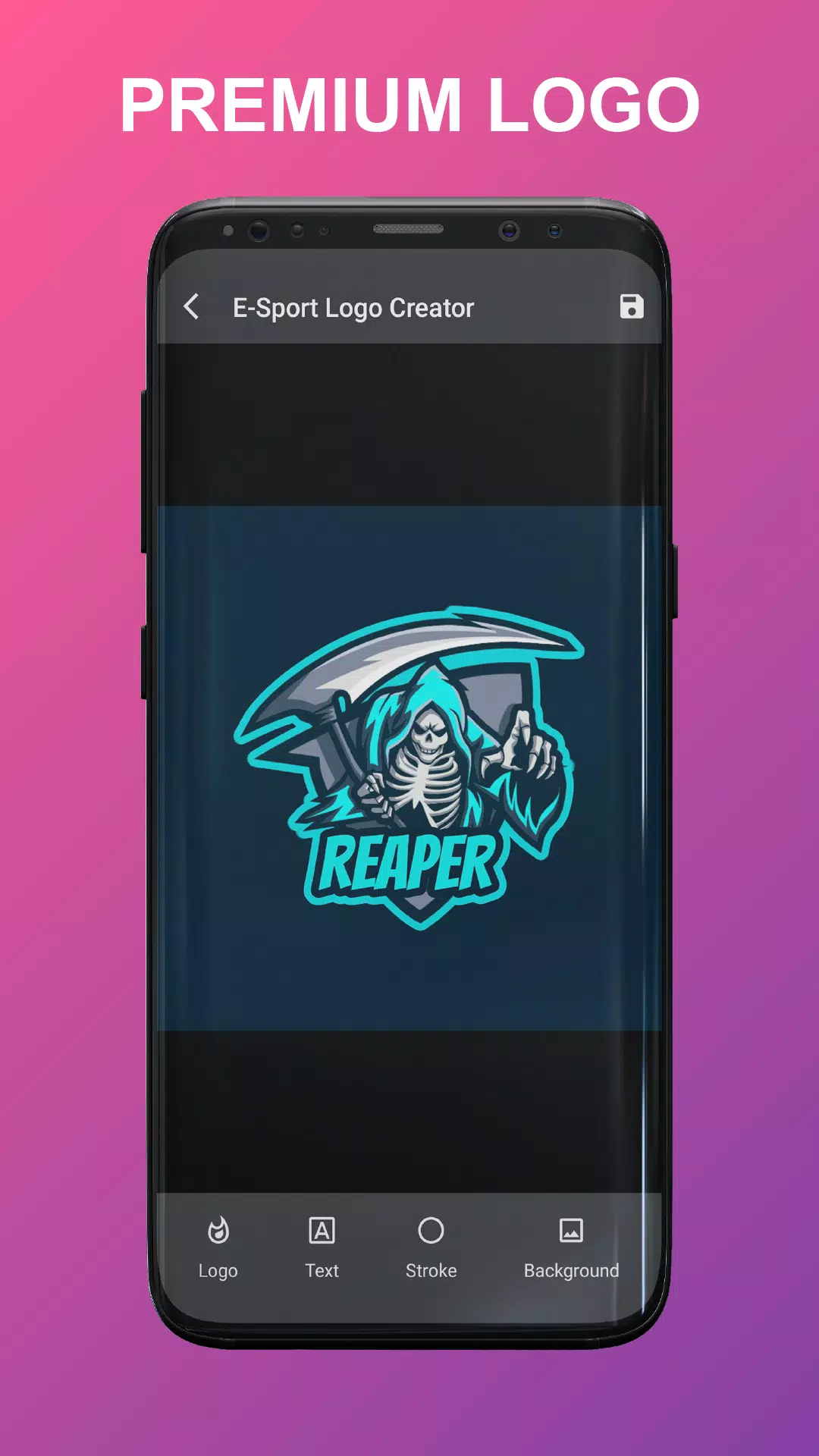
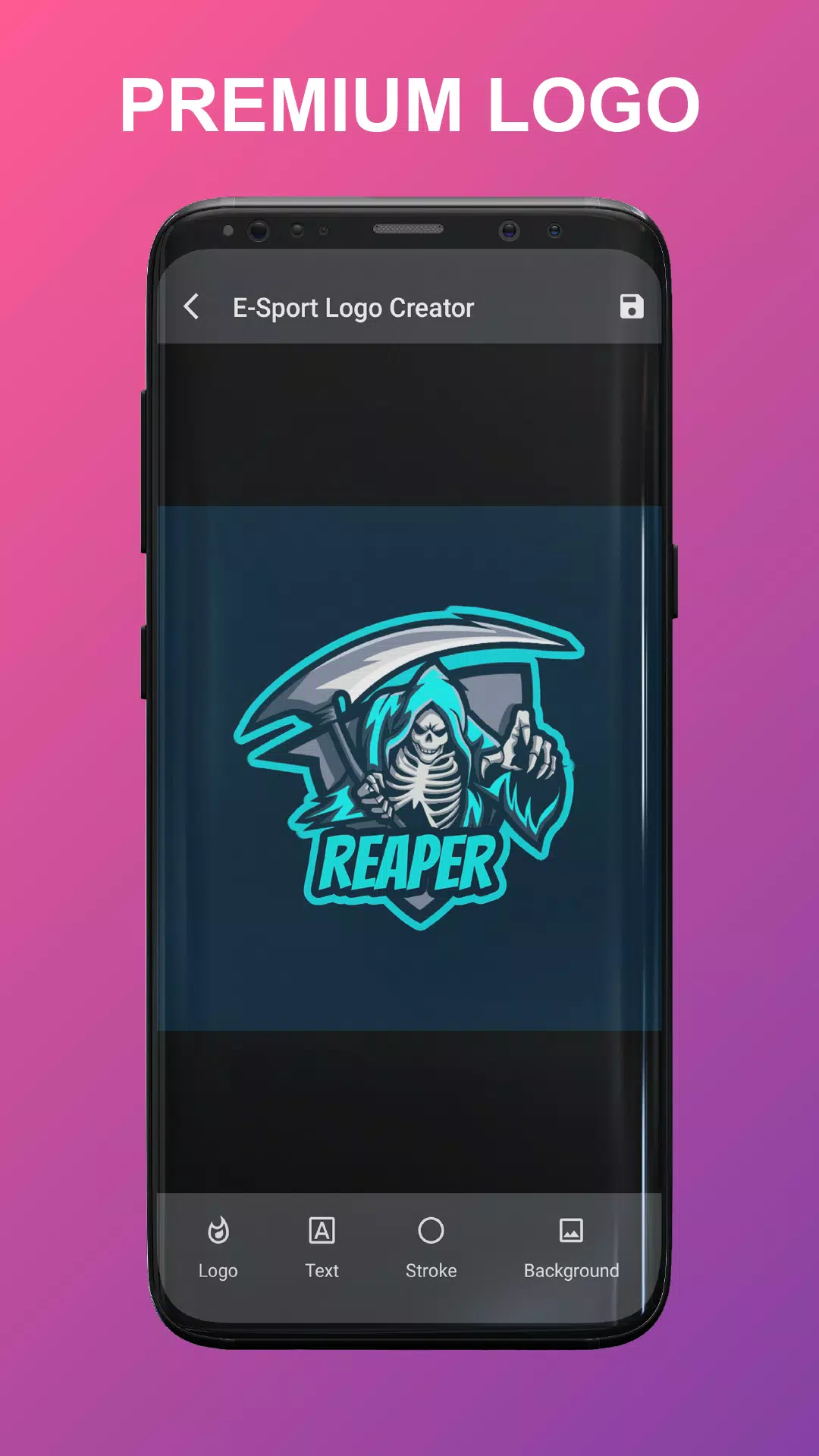
Esport Logo Maker Offline is a compact design tool that helps gamers and small teams create professional-looking esports logos without any design experience. The app bundles hundreds of premium templates, a selection of fonts, and a simple editor so you can customize colors, text, strokes and backgrounds quickly. Because it runs offline, you can work anywhere and save finished emblems to share or use in banners and social profiles. This makes Esport Logo Maker Offline a handy choice for clans, streamers, or casual creators who want polished branding with minimal effort.
Key Features
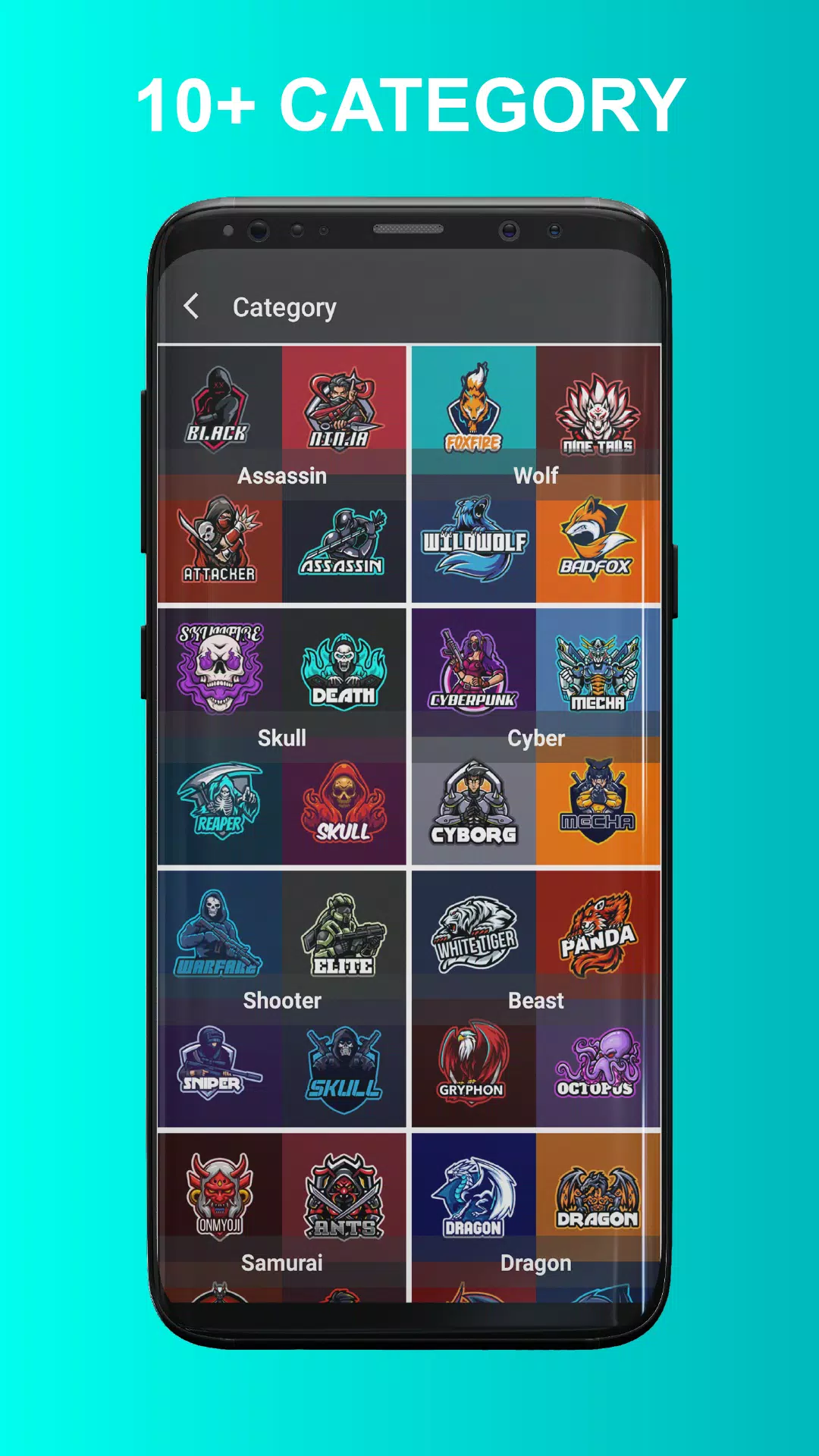
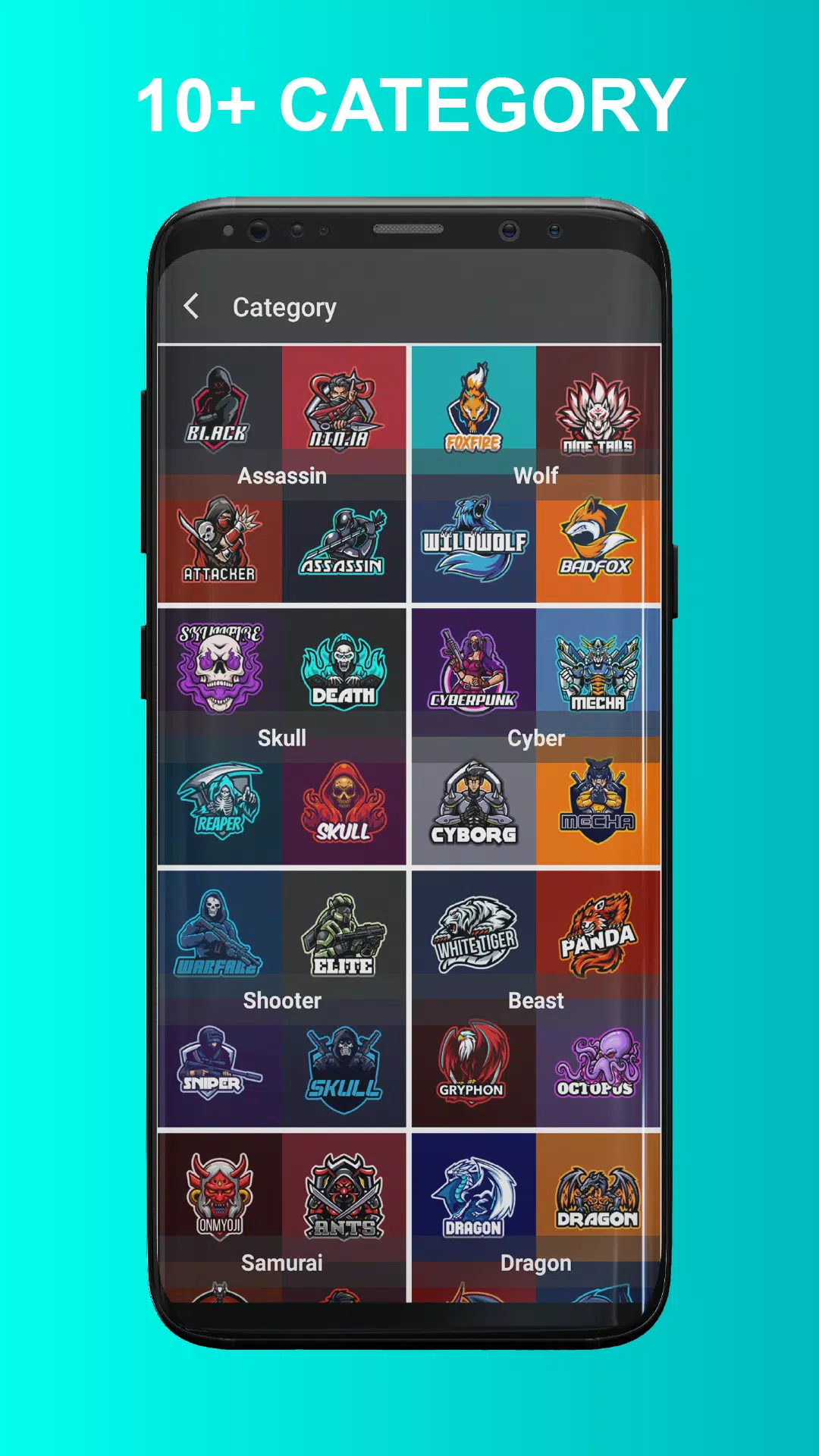
⭐ 16+ selected categories covering themes like wolf, dragon, samurai, shooter, skull and robot.
⭐ 160+ premium logo templates ready to customize for teams and stream identities.
⭐ 100+ selected fonts to match different styles and moods.
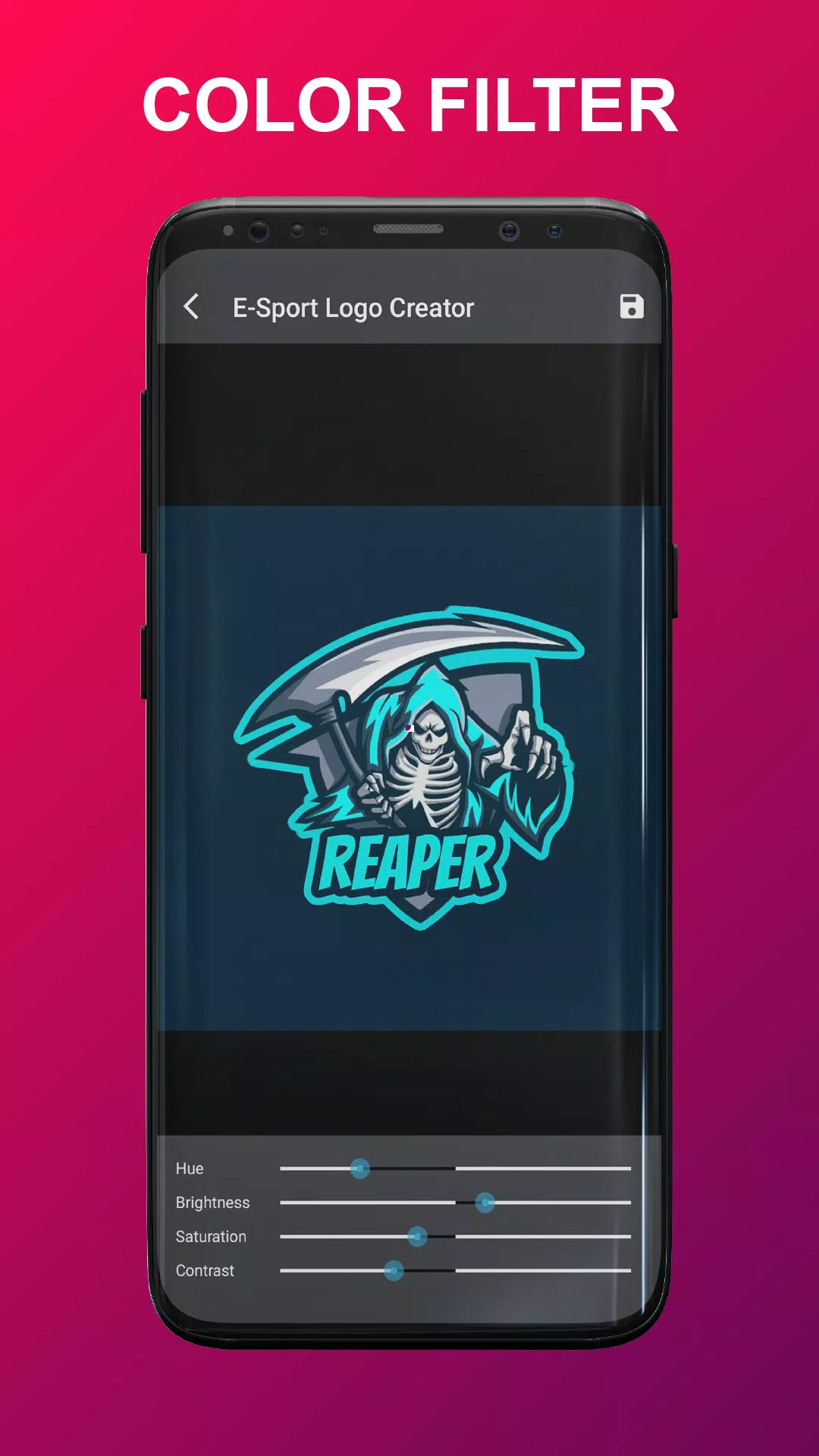
⭐ Color filter and palette tools to change hues and fine-tune visual impact.
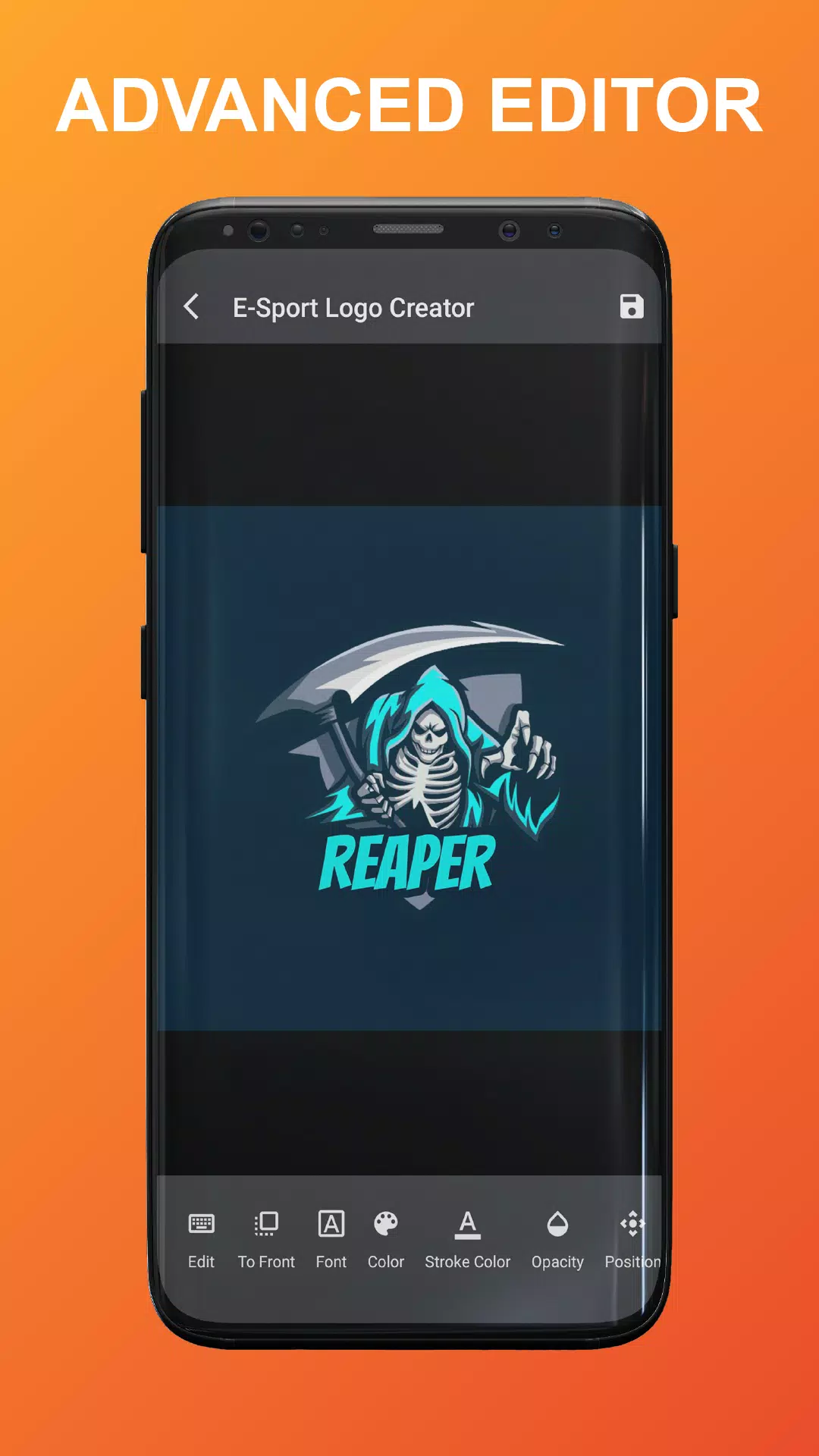
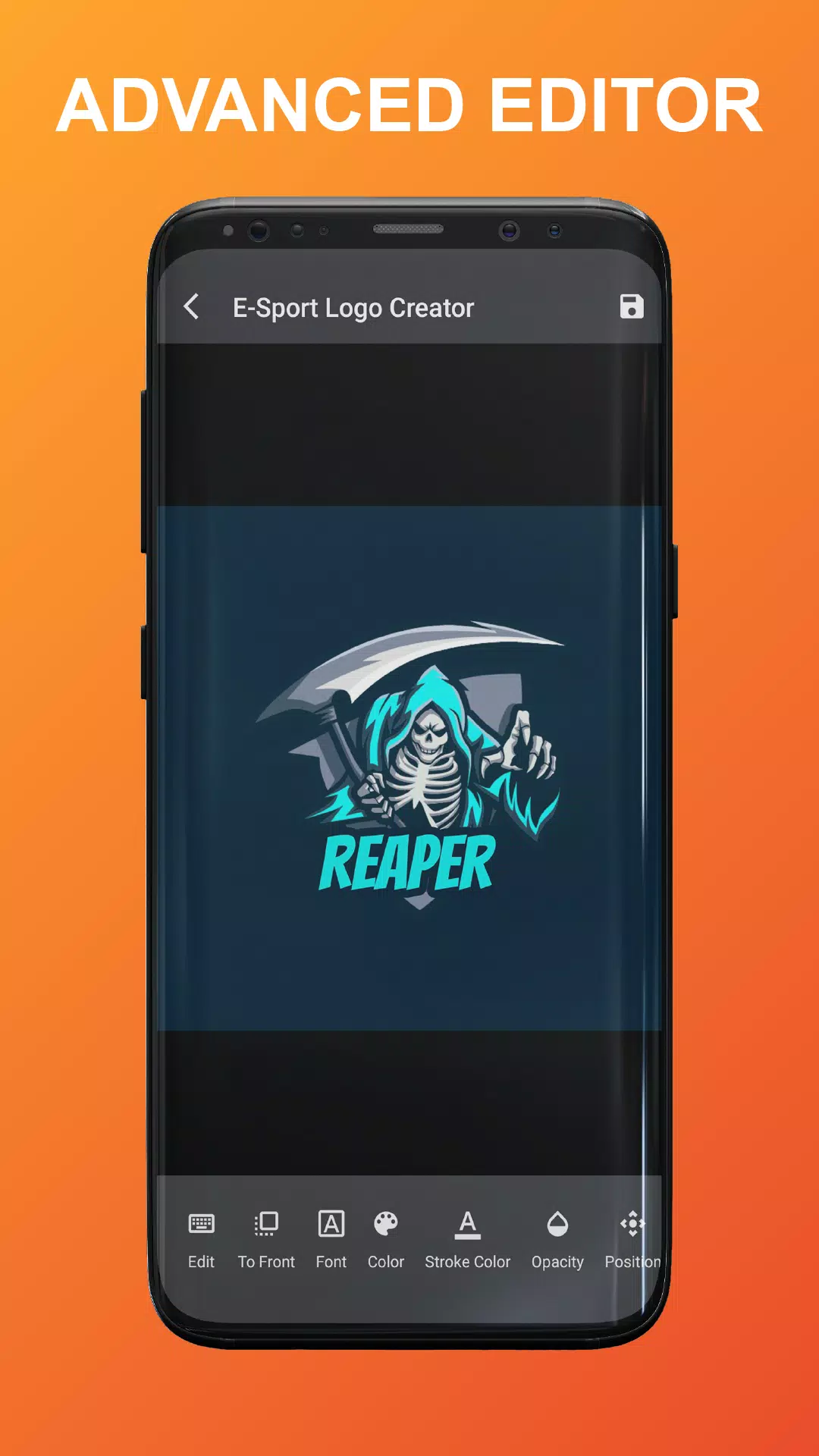
⭐ Advanced editor with resizing, scaling, spacing adjustments, flipping and stroke control.
⭐ Background options include solid colors or transparent backgrounds for flexible export.
Advantages
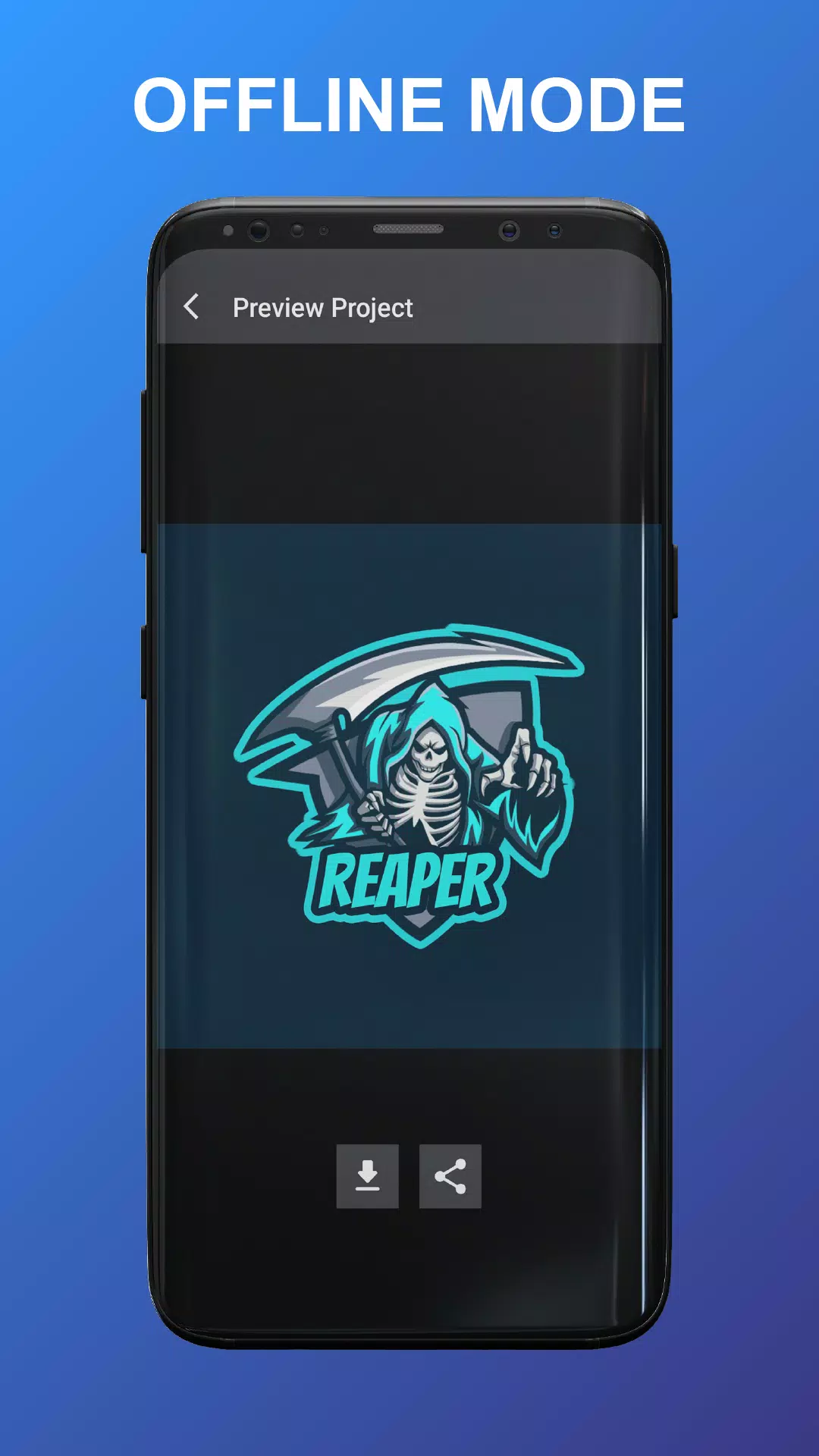
✅ Esport Logo Maker Offline lets you design without an internet connection, so work is fast and private.
✅ A large library of templates and fonts speeds up the creative process for teams and solo creators.
✅ The editor focuses on practical controls, making it easy to refine logos without steep learning curves.
✅ Save and share finished designs quickly for use on social profiles, overlays, merchandise and more.
Disadvantages
❎ Design options are template-based, so users seeking fully hand-drawn or highly custom vector illustration may find limits.
❎ The app emphasizes offline use and does not include cloud collaboration or automatic online syncing features.
Development Team
Esport Logo Maker Offline uses professionally crafted logo assets provided by Freepik and follows privacy practices outlined in its policy to keep user data and designs secure.
- No virus
- No advertising
- User protection
Information
- File size: 23.20 M
- Language: English
- Latest Version: 1.0,0.1763-24052021
- Requirements: Android
- Votes: 317
- Package ID: com.wedus.esportlogomakeroffline
- Developer: WEDUS
Screenshots
















Explore More
Equip yourself with our all-in-one toolbox app for everyday tasks and projects. Instantly convert between units, calculate tips, scan documents, manage files, and more with handy productivity tools. Includes a level, compass, QR code reader, ruler, speedometer, decibel meter, and flashlight. Save frequently used tools to your customizable dashboard for one-tap access. Track billable hours, wages, budgets, and invoices. Annotate screenshots, magnify labels, and sign PDFs on the go.

Board Game Stats

MEXC Global: BTC, ETH, Gamefi

MERA PROXY PRO

Domino's Pizza Sri Lanka

Hatekhori Shongkha

Connecting - Friends Near Me

Cartola

Virink





















