


Introduction
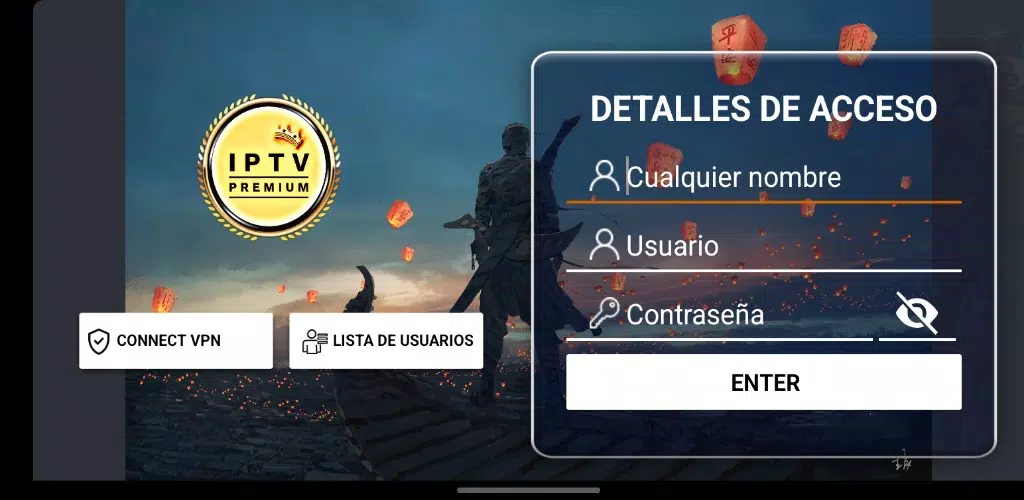
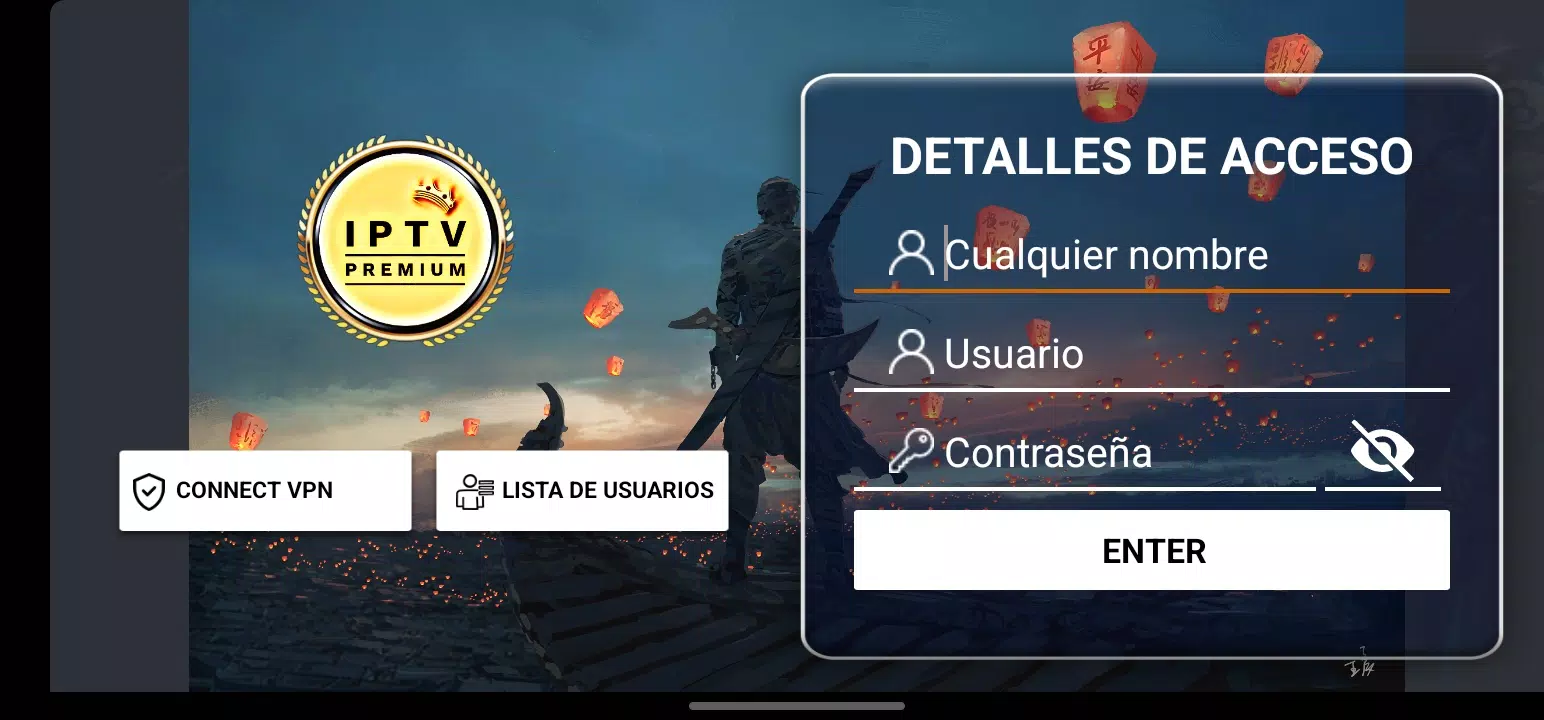
Iptv Premium is a streamlined streaming application that brings live television, on-demand programs and international channels into a single, easy-to-navigate interface for phones, tablets and Android TV devices. Iptv Premium focuses on dependable playback, rapid channel switching and flexible quality settings so viewers can adapt streams to their connection and screen size. The app supports multiple common video codecs and container formats, offers adaptive bitrate playback to reduce buffering, and includes tools for creating and organizing playlists, tagging favorite channels and reviewing viewing history for quick return to shows and events.
Key Features
The feature set centers on practical controls and file support rather than flashy extras: adaptive streaming and format compatibility aim to keep picture quality high while reacting to network changes, and an efficient channel list loader reduces wait time when switching from one stream to another. Playlist management allows manual grouping and reordering of channels, while a persistent favorites list provides one-tap access to frequently watched feeds. Multi-language menus and basic subtitle and audio-track selection extend accessibility across regions. Built-in privacy options let users clear history and manage what metadata is stored locally, and the app minimizes background data use when streams are paused or inactive.
User Experience and Controls
The interface design emphasizes clear navigation and minimal steps to reach content: on touch devices users swipe and tap to move between live categories and on-demand sections, while Android TV and remote-control layouts expose channels and playback controls with larger focus targets. Playback controls include standard play/pause/seek, soft rewind and fast-forward skipping, and an on-screen stream bitrate indicator for power users who want to monitor quality. Channel search supports text input and basic filtering by country, language or genre, and an in-app setup wizard helps link external playlists or M3U sources using a simple URL or file import flow.
Customization and Organization
Channel and playlist customization is central to how the app adapts to individual viewing habits: users can create named playlists for sports, news, regional channels or personal favorites and reorder entries with drag-and-drop gestures. Thumbnail and channel metadata display options can be toggled for compact lists or richer visual grids, and a history view helps reconstruct recently watched channels and VOD items. User profiles allow separate sets of favorites and watch history for different household members, and basic parental controls can restrict access to specific playlists or channels without requiring external services.
Accessibility and Device Support
Iptv Premium is designed to work across a broad set of Android hardware: phones, tablets, Android TV boxes and convertible devices are supported with responsive layouts that scale to screen size. Accessibility considerations include support for larger font sizes and high-contrast UI elements, subtitle rendering for supported streams, and keyboard/remote navigation for non-touch environments. The application also respects system-wide language settings and includes manual language overrides so menus and labels can be set independently of device locale.
Performance, Privacy and Limitations
Performance improvements focus on reduced memory usage and faster channel loading; adaptive buffering adjusts to varying network conditions to minimize playback interruptions while attempting to preserve picture quality. Privacy settings allow users to clear or disable local history and control whether diagnostic information is collected. It is important to note that stream availability, channel lineups and playback quality depend on the external sources and rights associated with each feed, and the app does not guarantee access to every channel in every region. Playback performance will also be influenced by the user's internet bandwidth and device capabilities.
Version Information
The current release of Iptv Premium introduces a redesigned navigation menu, faster channel switching logic and improved error handling for unstable streams, along with strengthened privacy controls and expanded subtitle support. These updates aim to simplify initial setup, reduce buffering incidents on common networks and provide clearer controls for organizing playlists and favorites. Regular maintenance updates address bug fixes and compatibility improvements for new Android builds to keep the app stable and responsive over time.
- No virus
- No advertising
- User protection
Information
- File size: 105.40 M
- Language: English
- Latest Version: 4.0.4
- Requirements: Android
- Votes: 379
- Package ID: com.jltv.jltvboxprem
- Developer: Servicejk
Screenshots

















Explore More
Equip yourself with our all-in-one toolbox app for everyday tasks and projects. Instantly convert between units, calculate tips, scan documents, manage files, and more with handy productivity tools. Includes a level, compass, QR code reader, ruler, speedometer, decibel meter, and flashlight. Save frequently used tools to your customizable dashboard for one-tap access. Track billable hours, wages, budgets, and invoices. Annotate screenshots, magnify labels, and sign PDFs on the go.

Text Art - Write Text On Photo

MERA PROXY PRO

Domino's Pizza Sri Lanka

Hatekhori Shongkha

Halloween Photo Editor -Makeup

Connecting - Friends Near Me

HFonts - font & emoji manager

Virink





























