Introduction
Sotaone FPV is a powerful, user-focused Android app that puts direct WiFi control of compatible 4-axis drones into the palm of your hand. With Sotaone FPV you can pilot aircraft, tune flight behavior and view a live first-person view (FPV) feed all from a single streamlined interface, making it useful for both newcomers learning to fly and experienced pilots who need quick access to camera and flight settings.
Key Features
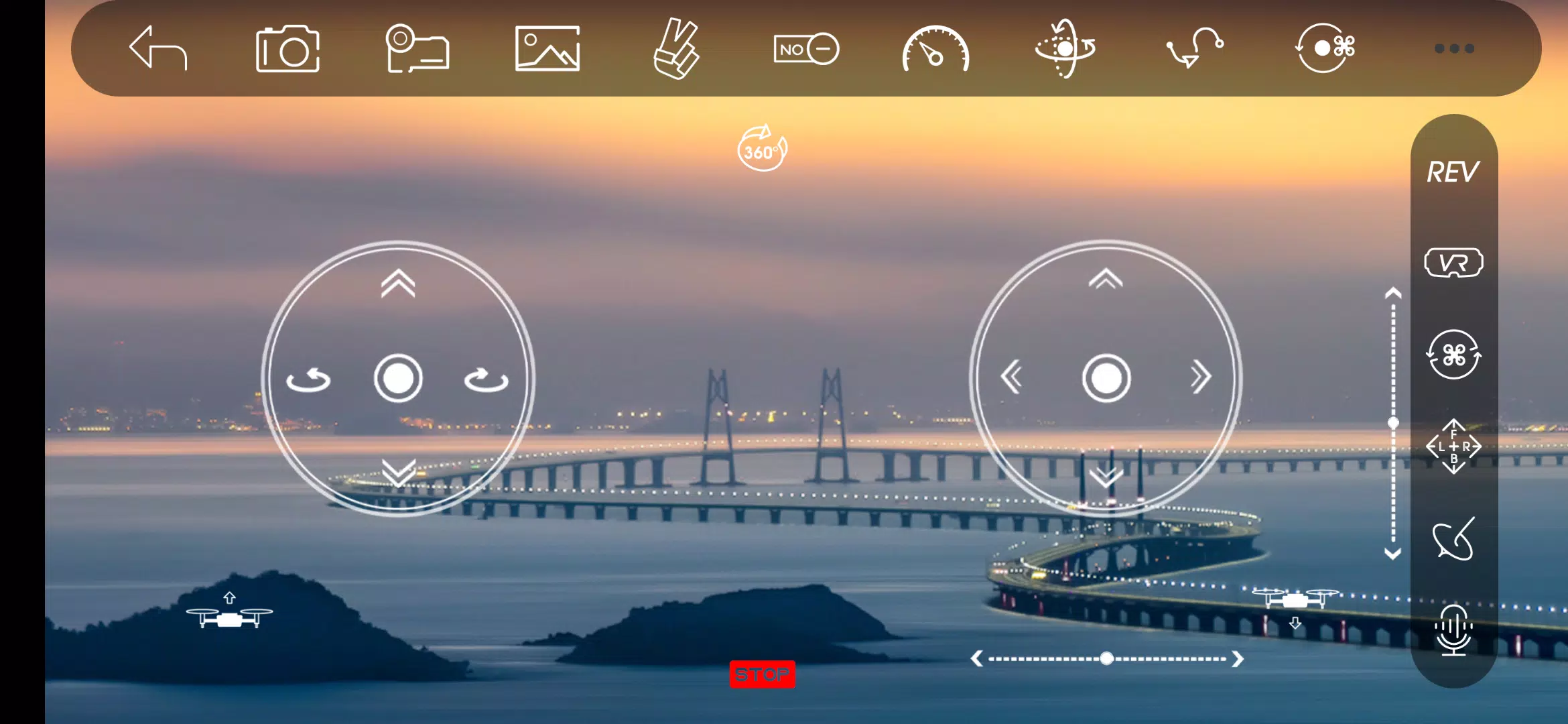
The core of Sotaone FPV centers on reliable WiFi control and real-time video streaming. The app provides responsive on-screen flight controls optimized for touchscreens, a configurable HUD that overlays telemetry and camera information, and a camera panel for capturing photos and recording HD video directly to your phone. Adjustable flight parameters let you change sensitivity, trim and stabilization settings so you can prioritize smooth footage or snappy responsiveness depending on the mission. All video and images are stored locally while connected to the drone, so you can review footage immediately after a flight without an internet connection.
Flight and Controls
Controls in Sotaone FPV are designed to be approachable: a beginner mode shortens stick travel and softens responsiveness to reduce the chance of abrupt movements, while an advanced mode opens up tighter sensitivity and finer tuning. Touch control layouts can be re-centered and scaled to suit different hand sizes, and the app includes visual calibration routines to help align the on-screen sticks with the drone's behavior. Feedback during flight includes a signal-strength indicator and simple performance metrics so pilots can decide when to return or adjust settings mid-flight.
Progression and Practice
Rather than a gamified leveling system, Sotaone FPV supports pilot progression through repeatable practice sessions and saved tuning profiles. Users can create multiple profiles for different aircraft or flying objectives — for example, a smooth-photo profile for aerial photography and a higher-responsiveness profile for practicing maneuvers. Session logs and recorded video allow pilots to analyze flights and refine settings over time, which encourages steady improvement without any online leaderboards or rankings.
Visual Style and Level Structure
The app user interface favors clarity: a contrast-conscious HUD displays essential flight data beside the live FPV video feed, and controls are arranged to keep camera and flight functions within thumb reach. Sotaone FPV supports typical flight scenarios by offering presets for open-area outdoor flights and tighter indoor or close-range flying, helping users choose appropriate sensitivity and safety margins before takeoff. The live video feed quality and latency depend on the drone camera and WiFi connection strength, and the app surfaces those limits so users understand trade-offs in different environments.
Customization and Replay Value
Customization centers on camera and control settings that directly affect your footage and flying comfort: exposure, resolution (as supported by the drone), shutter behavior, and frame rate can be adjusted when the connected hardware allows it. The ability to save and switch between profiles for different locations, payloads or pilot preferences increases replay value: rather than repeating identical flights, pilots can experiment with settings, compare results and iterate on aerial shots. Recorded clips can be reviewed immediately and used as reference for subsequent flights.
User Experience, Accessibility and Offline Use
Sotaone FPV is built to work as a local tool: it connects directly to your drone over WiFi so it does not require a persistent internet connection to stream video or record footage. This local-first approach improves privacy and reliability in the field. Accessibility features include simplified control layouts and scalable interface elements to help users who prefer larger touch targets or clearer visual contrast. Tooltips and short in-app prompts guide new pilots through basic setup and common adjustments without overwhelming them with technical jargon.
Challenges and Known Limitations
Performance depends on hardware and signal conditions: WiFi strength and the drone camera determine video quality and latency, and Sotaone FPV surfaces these constraints so users can make informed choices. The app was developed for 4-axis drones and may not support every configuration or accessory. Compatibility varies by Android device and drone model, so users should verify connections during a short test flight. When used thoughtfully, Sotaone FPV provides a compact, portable solution for aerial photography, casual flying and practical performance checks that keeps core flight and camera functions accessible on a phone.
- No virus
- No advertising
- User protection
Information
- File size: 60.80 M
- Language: English
- Latest Version: 1.0.8
- Requirements: Android
- Votes: 247
- Package ID: com.netopsun.sotaone_fpv
- Developer: helicute
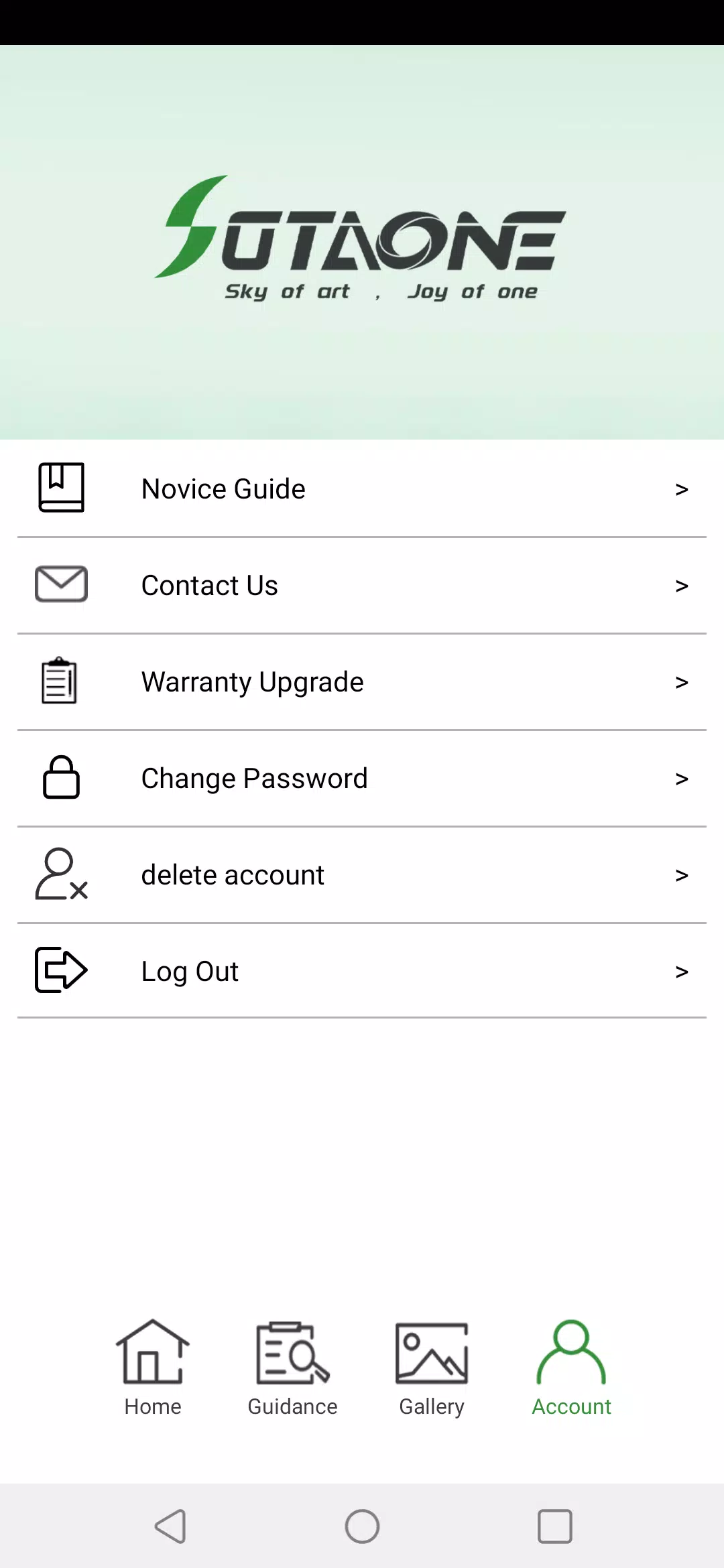
Screenshots
















Explore More
Make travel planning effortless with our all-in-one trip companion app! Get insider tips from locals on top attractions, hidden gems, restaurants, and accommodations at your destination. Book flights, rental cars, and hotels at the lowest prices. Access maps offline; track bookings, itineraries, and reservations; create shared group trips; and auto-translate menus, signs, and conversations abroad. Our clever algorithms surface personalized recommendations everywhere you go.

Photo Editor Background Change

ADO Boletos de Autobús

Guide Lego Ninjago Tournament

Clock

اخبار العرب

Fake Live Location | GPS

Temptation: True Romance Story

Spottly