


Introduction
NIGHTOWL is an event check-in app that streamlines ticket scanning and attendance management for events of any size. NIGHTOWL combines fast barcode and QR code scanning, automatic event recognition and a live guest counter so organizers can manage entrances, staffing and supplies in real time. Designed for staff who need a dependable door solution, NIGHTOWL reduces queues, prevents ticket errors and gives immediate feedback on ticket validity while keeping setup and training requirements to a minimum.
Key Features
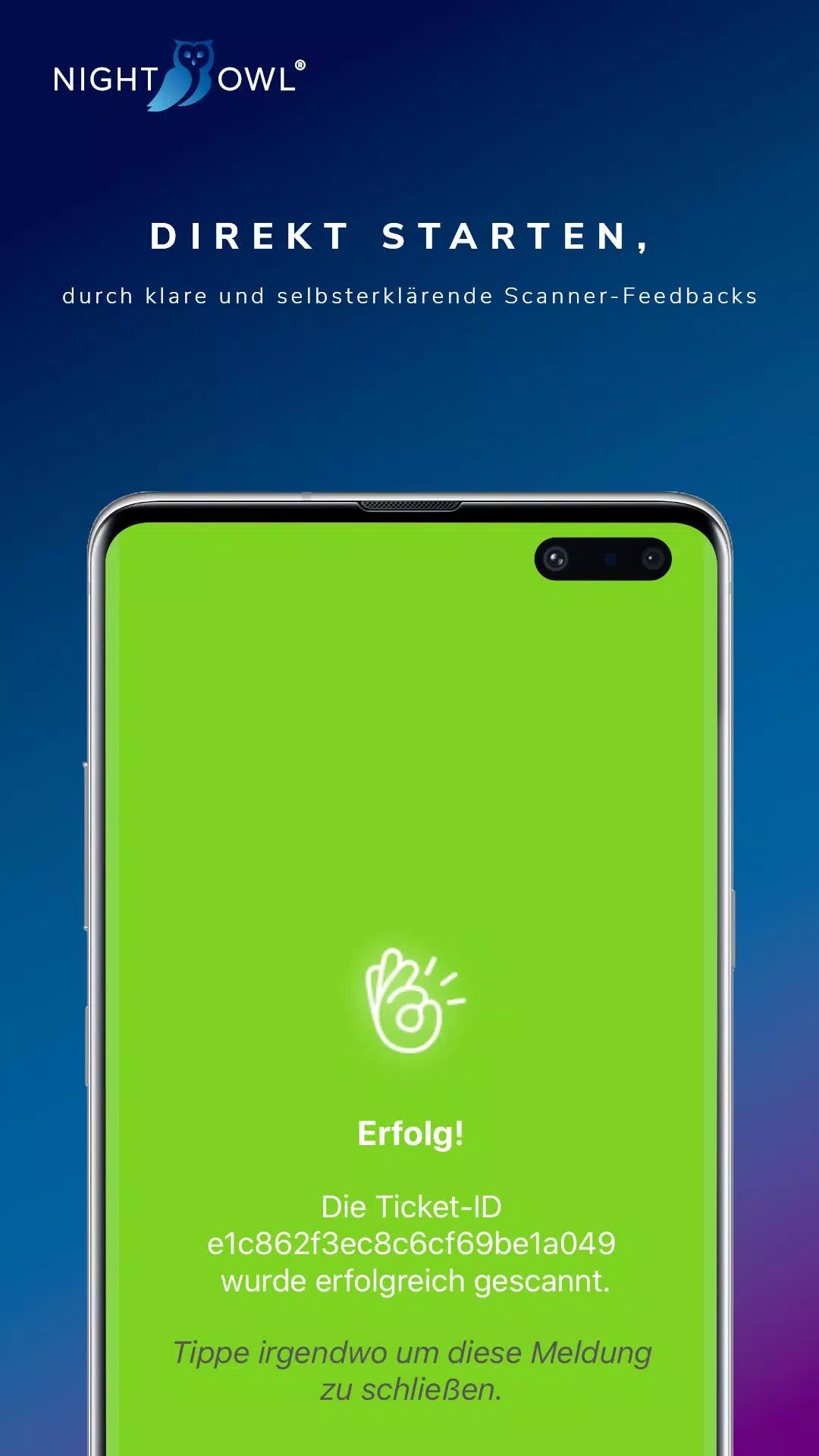
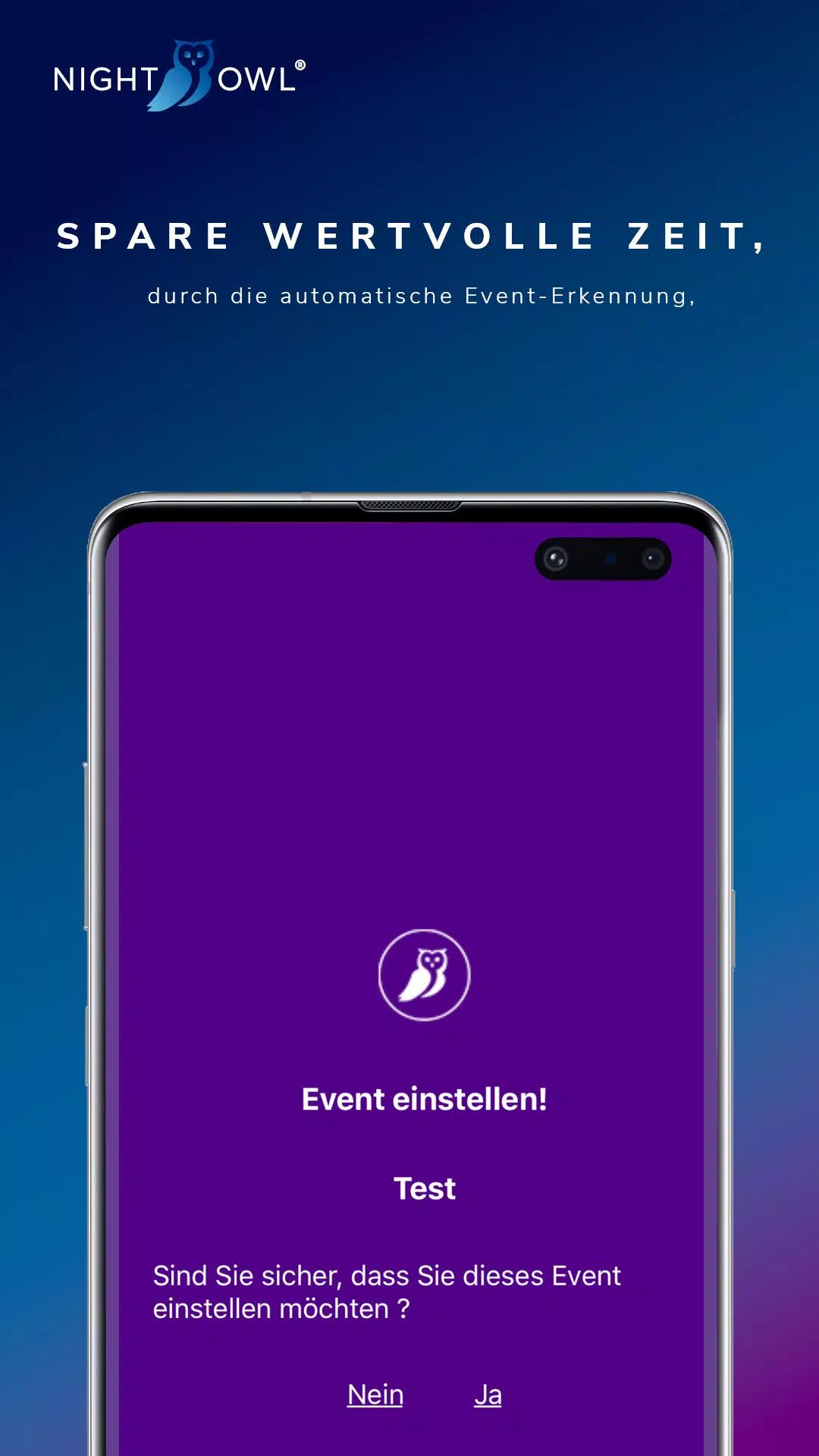
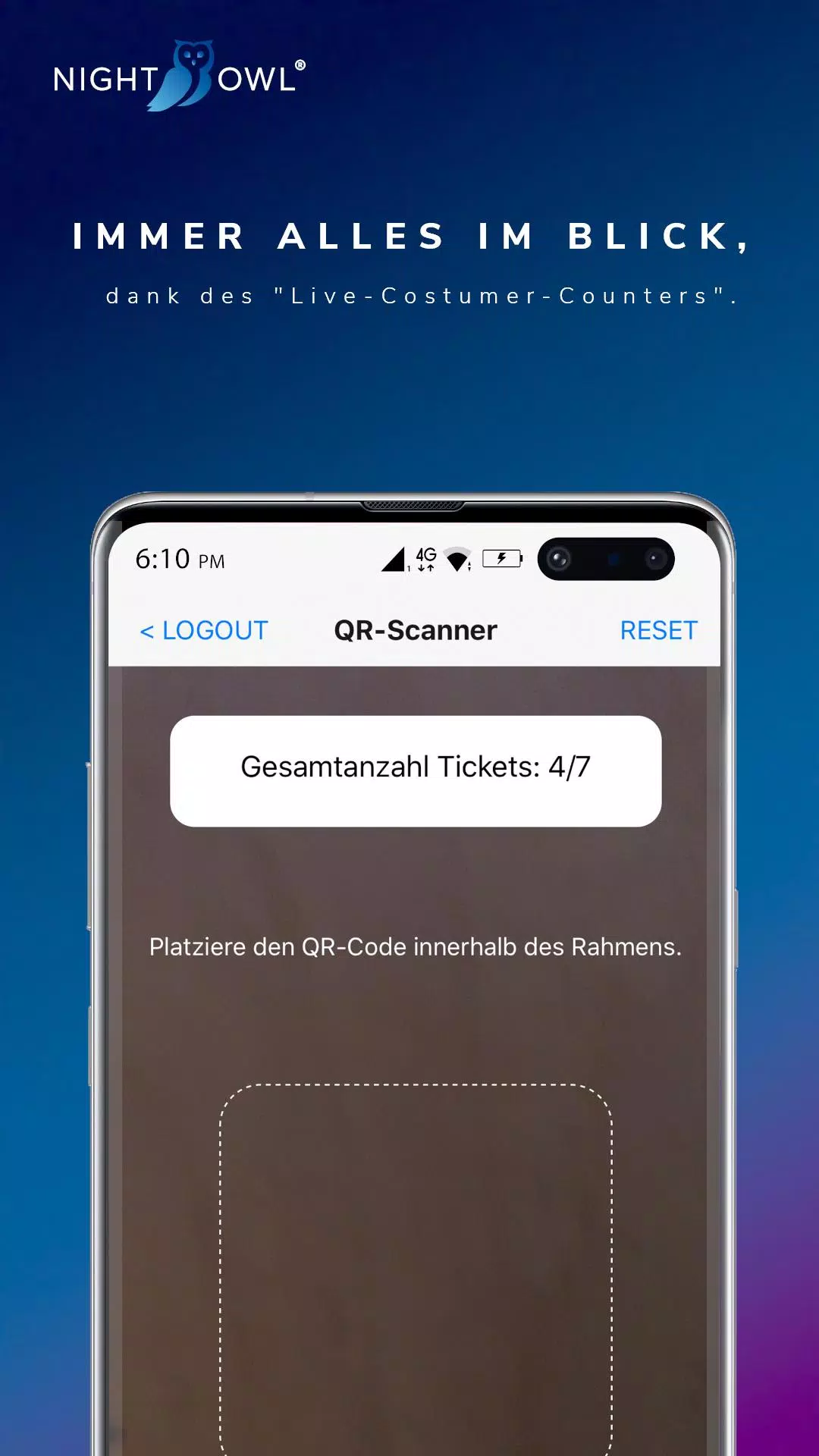
The core of the app is a responsive scanner that reads common 1D and 2D ticket formats using a device camera; scans complete in seconds on modern hardware and return clear status messages such as "Erfolgreich", "Ungültig", "Falsches Event" or "Bereits Gescannt" so staff can act quickly at the gate. An automated event checker uses the first scanned ticket to detect which event is being processed, helping to avoid mix-ups at multi-event sites. A live-customer-counter provides a continuously updated headcount of checked-in guests, useful for monitoring capacity and coordinating staffing or concessions across the event timeline. The interface supports multiple ticket types and simple search or manual-entry fallbacks when a barcode is damaged or unreadable.
Controls and Workflow
The app interface is oriented for fast, low-friction operation: a central scan view with on-screen feedback, a manual entry field for ticket codes, and quick-access camera controls such as autofocus and torch. Staff can toggle scan modes, confirm or undo a single check-in within the same session, and filter the view by ticket type or gate location. Common tasks are kept to a few taps so teams can get started quickly without an extended learning curve, and the visual feedback uses color and concise text to minimize misreads during busy entry periods.
Configuration and Progression
Event setup follows a simple progression that mirrors typical operational needs: add or select an event, define accepted ticket types, and assign a checkpoint or gate name. For recurring organizers, templates speed future setups by preserving ticket-type groups and gate preferences. During an event, real-time counts act as a running metric of progress toward capacity targets; organizers can monitor how close they are to expected attendance and make staffing adjustments accordingly. This lightweight configuration model is intended to support quick turnovers between small private functions and large festival days.
Visual Style and Accessibility
The app favors a clean, high-contrast visual style with large touch targets and legible typography to improve usability in crowded, low-light conditions. Status messages are deliberately short and color-coded so results can be scanned at a glance. Accessibility considerations include adjustable font sizing and clear on-screen prompts for manual input, helping accommodate a range of operators and reducing training time. Note that some status strings remain in German in the current build, which may require familiarization by international teams.
Offline Use and Data Handling
NIGHTOWL is designed to continue scanning even when network connectivity is intermittent: scans are recorded locally and can be reviewed on-device; when a connection is available the app can synchronize counts and scanned records with a central system or allow export for post-event reconciliation. Local storage reduces downtime at busy entrances and ensures data integrity when connectivity is unreliable. Administrators should plan synchronization points during the event if they need consolidated reporting across multiple devices.
Customization and Replay Value
While the app is specialized for entry management rather than attendee engagement mechanics, its value comes from repeatable workflows that save time across many events. Organizers can customize gate names, preserve ticket-type groupings and reuse event templates to shorten setup for recurring shows. Because the scanning workflow and live counts are relevant to any ticketed occasion, the app retains practical replay value for production teams, box offices and festival operators who manage events regularly.
Limitations and Considerations
NIGHTOWL focuses on ticketed check-ins and does not replace systems built specifically for unmanaged walk-in registration or complex access control integrations. Scan performance depends on device camera quality and barcode printing; damaged or unfamiliar ticket formats may require manual entry. Some interface strings are presented in German and could require staff training to interpret consistently. For organizers who need broader attendee management features beyond rapid door scanning, NIGHTOWL is best used as the reliable entry component within a larger event operations workflow.
- No virus
- No advertising
- User protection
Information
- File size: 26.20 M
- Language: English
- Latest Version: 1.0.13
- Requirements: Android
- Votes: 479
- Package ID: app.nightowlevents
- Developer: NIGHTOWL UG (Haftungsbeschränkt)
Screenshots
















Explore More
Discover and share the hottest events around with our intuitive apps. Find local concerts, festivals, shows, and more based on your unique interests. Create customizable calendars of upcoming events to coordinate schedules with friends. Purchase tickets seamlessly from our integrated platforms. Check real-time transit schedules to plan your trip. Access maps, directions, and parking information for any venue.

Bloomberg Connects

Metro Micro

TVSMILES

Tax Calculator India 2024-2025

OnDjoss

Park4Me

TryController

Home Workouts - Lose Weight





























