
Introduction
600 Funny Ringtones delivers a playful, curated collection of more than six hundred short audio clips designed to personalize calls, notifications and alarms with a lighthearted tone. The app is focused on quick discovery and immediate application: preview a sound with a tap, then assign it to an incoming call, message alert or alarm in just a couple of steps. This editor review explains what to expect from the library, how controls and small progression systems work, and how the design keeps the experience approachable for everyday use.
What the app offers
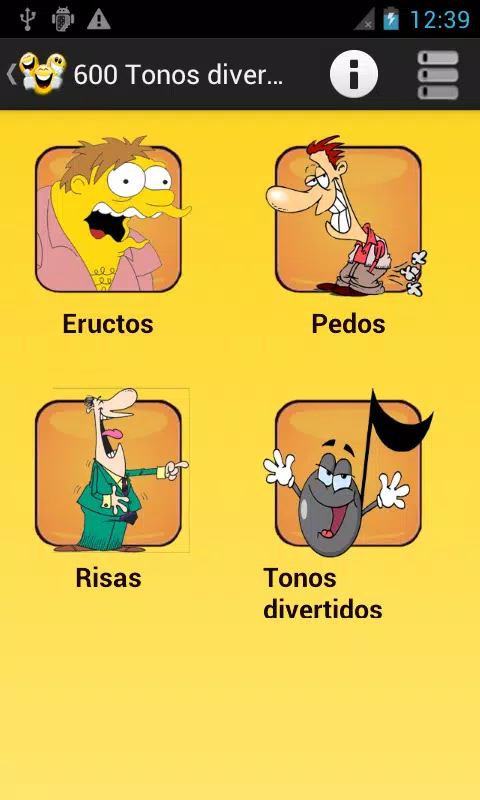
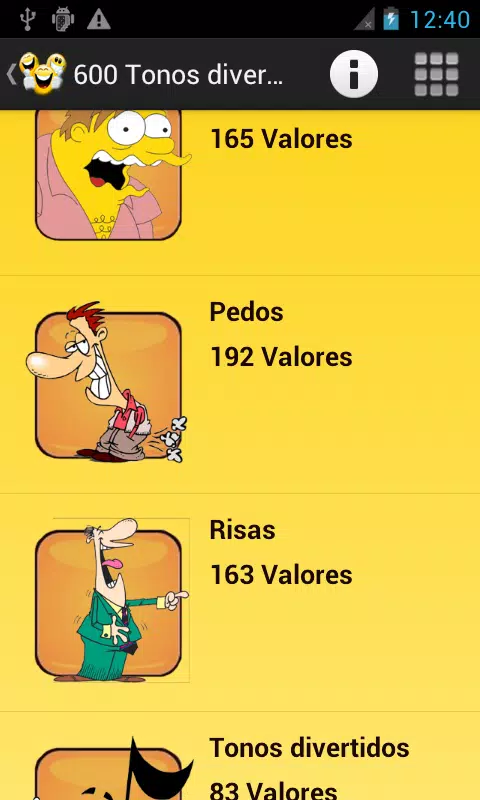
The 600 Funny Ringtones library centers on brief, humorous sounds that function well across system uses: silly laughs, comic blips, pratfall effects, character-style vocal snippets and short musical stings. Sounds are organized into intuitive categories and filtered views so you can narrow results by theme, mood or suitability for ringtones versus notifications and alarms. Each item shows contextual compatibility—where the clip can be applied—and an instant preview button streams the clip so you can evaluate it before downloading or setting it, which keeps the browsing lightweight.
Controls and user interaction
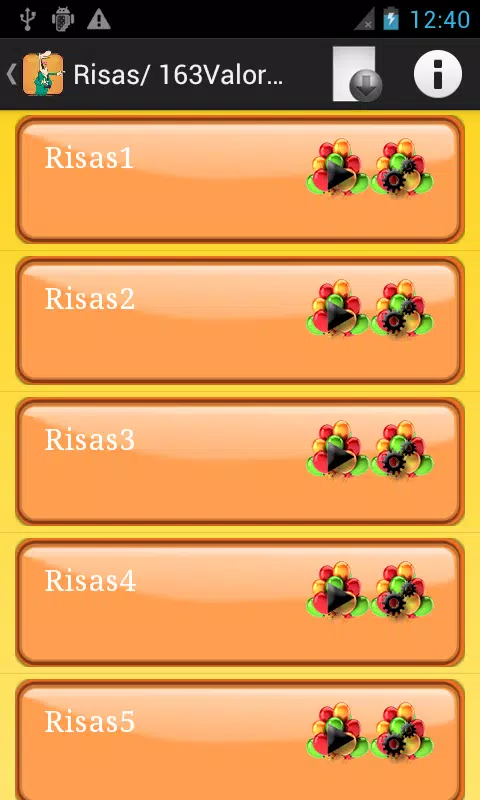
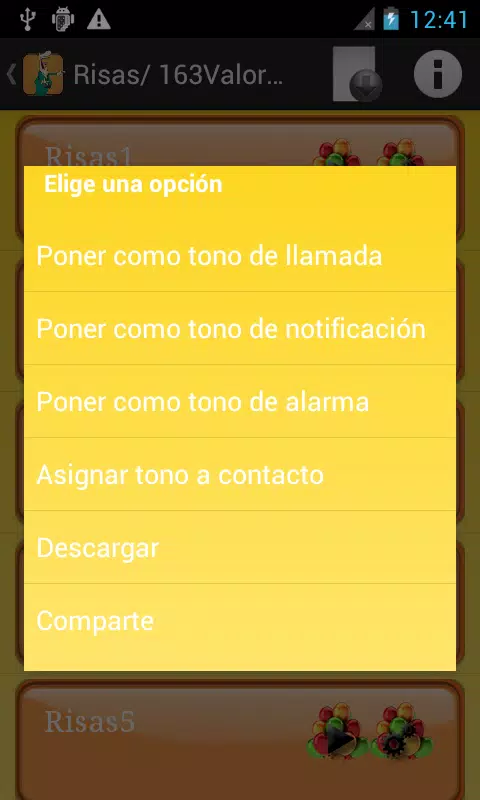
Interaction follows a consistent, tap-focused model. Tap a clip to hear a preview; tap again or open the clip menu to see apply, download or share options. Confirm a role switch to set a clip as your ringtone, notification sound or alarm tone. Long-press gestures are supported on many devices to reveal quick actions such as saving to favorites or starting a download for offline use. The interface minimizes nested menus and provides clear prompts during each step so the number of actions required to change a sound remains small and predictable.
Customization and progression
Within 600 Funny Ringtones the personalization path is driven by a favorites and organization system rather than levels. Users can mark clips to build a growing library of go-to tones, organize selections into sensible lists and return to recent previews. This gradual curation creates a lightweight progression: your collection adapts over time as you choose sounds for weekdays, special events or different contacts. Sorting by category, recency or user-saved lists helps reduce search time and makes the app feel more tailored with continued use.
Visual style and level structure
The app favors a clean, readable visual design that highlights audio content rather than flashy animations. Large thumbnails, legible labels and a restrained color palette help you scan clips quickly, and sections are arranged in a predictable sequence—featured picks, category grids, recently added—so discovery moves naturally from exploration to selection. This structured browsing behaves similarly to discrete levels: each section narrows focus and lowers cognitive load, and the layout adapts neatly across phone screens and small tablets.
Offline use and streaming
To conserve device storage, clips stream during browsing so you can preview without committing to downloads. When you want a clip to be available without internet access, an explicit download option saves it locally and makes it assignable as a system tone. This mixed approach balances convenience and storage control: casual users can audition dozens of clips without large downloads, while favorites can be kept offline for reliability during travel or in poor-network conditions.
Accessibility and replay value
Accessibility is considered through readable text, generous touch targets and straightforward navigation, helping users with different dexterity or vision levels complete common tasks like previewing and assigning tones. Replay value comes from the breadth of the collection and the ease of swapping sounds—changing a notification tone is a low-effort way to refresh the phone experience, and the favorites list encourages repeat visits as you refine your personal sound identity.
Sharing and social use
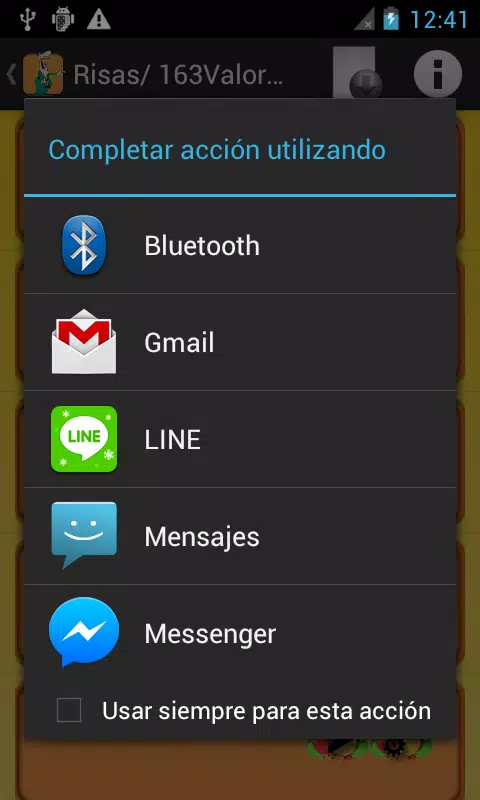
Built-in sharing tools let you send clips via messaging and social apps so friends can listen or apply a tone on their devices. Shared clips maintain original audio quality and the share flow is compact to avoid interrupting browsing. Social exchange often becomes a lightweight discovery method, as people trade recommendations and introduce new favorites to each other through direct messages or community chats.
Practical limitations and tips
No library fits every taste: the comedic focus may not suit users seeking subtle or fully professional tones, and streaming previews require connectivity until you download specific clips. To get the most from the app, preview categories you enjoy, mark several favorites to build an offline shortlist, and use the organizational filters to narrow searches. Expect the app to be best for casual personalization rather than replacing a curated set of professional ringtones.
User experience and minor challenges
The application is built for low friction: discover, preview and apply. Small usability challenges can arise when hunting for a very specific effect among hundreds of clips, but the combination of categories, recent previews and favorites reduces those friction points over time. The overall user experience is consistent and approachable, making it simple to refresh tones regularly without a steep learning curve.
- No virus
- No advertising
- User protection
Information
- File size: 3.10 M
- Language: English
- Latest Version: 1.1.3
- Requirements: Android
- Votes: 360
- Package ID: com.audio.tonosdivertidos
- Developer: Laurentzi
Screenshots

















Explore More
Discover and share the hottest events around with our intuitive apps. Find local concerts, festivals, shows, and more based on your unique interests. Create customizable calendars of upcoming events to coordinate schedules with friends. Purchase tickets seamlessly from our integrated platforms. Check real-time transit schedules to plan your trip. Access maps, directions, and parking information for any venue.

Bloomberg Connects

Metro Micro

TVSMILES

Tax Calculator India 2024-2025

OnDjoss

Park4Me

Scary sound effects

TryController