


Introduction
ILG Install streamlines APK installation and package management on Android devices, offering a compact interface for batch installs, permission oversight, and quick backups. Designed for power users and everyday consumers, ILG Install reduces installation friction while giving clear controls over app sources, versions, and storage location choices.
What ILG Install Does
ILG Install is a lightweight utility that focuses on installing, updating, and organizing Android packages. It centralizes common tasks—bulk APK deployment, signature checks, and quick uninstalls—so you don't jump between file managers and system settings. The app prioritizes transparency, listing metadata such as version codes, target SDKs, and requested permissions before any action.
Core feature overview
- Batch installation: Queue multiple APKs and run them in sequence to save time when setting up a device.
- Permission preview: Inspect app permission requests and compare permissions between versions before installing.
- Backup and restore: Create simple APK backups and restore points for critical apps.
- Storage targeting: Choose installation location when supported by the system (internal vs. adoptable SD).
How the Workflow Feels
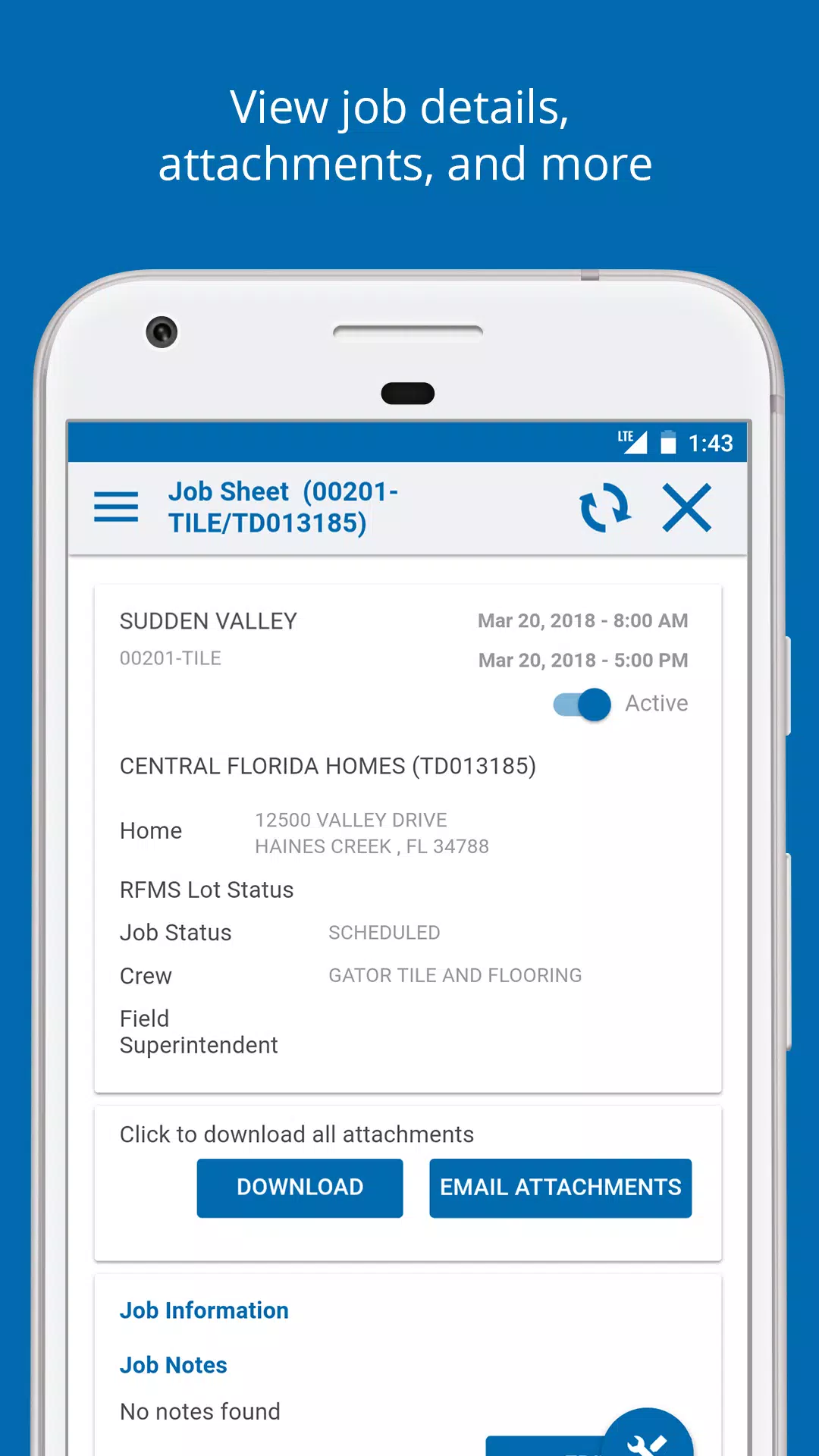
The workflow starts with selecting files from local storage or a connected cloud folder. ILG Install scans chosen packages and displays clear warnings for signature mismatches or potential conflicts. If a newer version is present, it highlights changes and offers an option to keep data or perform a clean install. The process minimizes taps and shows progress indicators for each package.
Practical tools included
- Signature comparison: Detects mismatched certificates that would block updates.
- Version history: Keeps a small log of installs and removals so you can trace recent changes.
- Silent mode: For devices with proper permissions, automated installs proceed without user interaction.
Interface and Performance
ILG Install keeps the interface uncluttered: a simple list view, concise action buttons, and inline details for each APK. Animations are minimal and purposeful, ensuring responsiveness even on mid-range devices. Memory usage is kept low by streaming package information rather than extracting everything at once. Users report short scan times and smooth navigation across large app lists.
Design principles
- Clarity: Labels and warnings use plain language to reduce confusion.
- Speed: Background scanning and multi-threaded installs reduce wait time.
- Compatibility: Works across a range of Android versions without heavy system modifications.
Who Benefits Most
ILG Install is especially useful for technicians, developers, and anyone who frequently sideloads APKs. It simplifies managing multiple builds or testing different versions during development. Casual users appreciate the permission clarity and backup options when trying apps from alternative stores or transferring apps between devices.
Tips for new users
- Enable Install from Unknown Sources: Follow system prompts to grant temporary permission for local installs.
- Backup before updates: Use the built-in backup tool before replacing an app to avoid data loss.
- Check signatures: Pay attention to certificate warnings to prevent accidental data overwrites.
Advanced Usage Notes
For users with developer access, ILG Install supports command-line invocation and simple automation through intent calls. It can be integrated into a testing workflow to deploy nightly builds quickly. The app logs can be exported for troubleshooting, and its modular architecture allows selective enabling of advanced features like silent installs where permitted.
Getting Started
To begin, install ILG Install and grant the minimal permissions required to manage packages. Import APKs using the file browser or share menu from any file manager. Review each package detail panel before confirming, and use the queue to organize multi-app sessions. Regularly clean the app’s cache to maintain peak performance.
Why users choose it
- Efficiency: Reduces repetitive steps for multi-app installs.
- Safety: Permission previews and signature checks add a layer of protection.
- Control: Users decide how apps are installed and where they are stored.
ILG Install presents a focused alternative to system installers by packaging utility, clarity, and speed into a compact tool. Whether you manage one device or dozens, it provides practical features that fit common Android workflows without unnecessary complexity.
- No virus
- No advertising
- User protection
Information
- File size: 36.90 M
- Language: English
- Latest Version: 1.1.4
- Requirements: Android
- Votes: 340
- Package ID: com.ILG.Install
- Developer: Interior Logic Group, Inc.
Screenshots
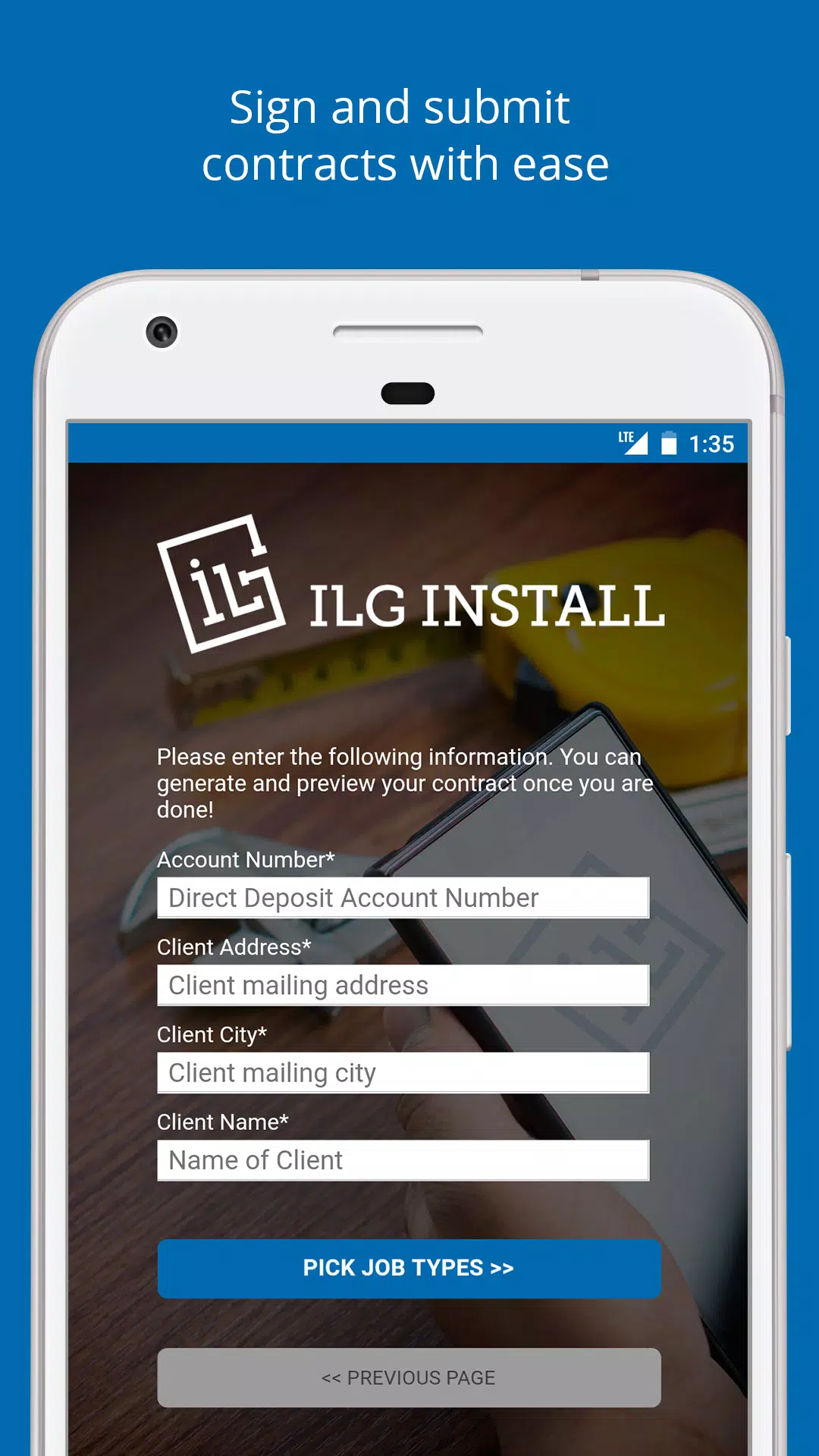
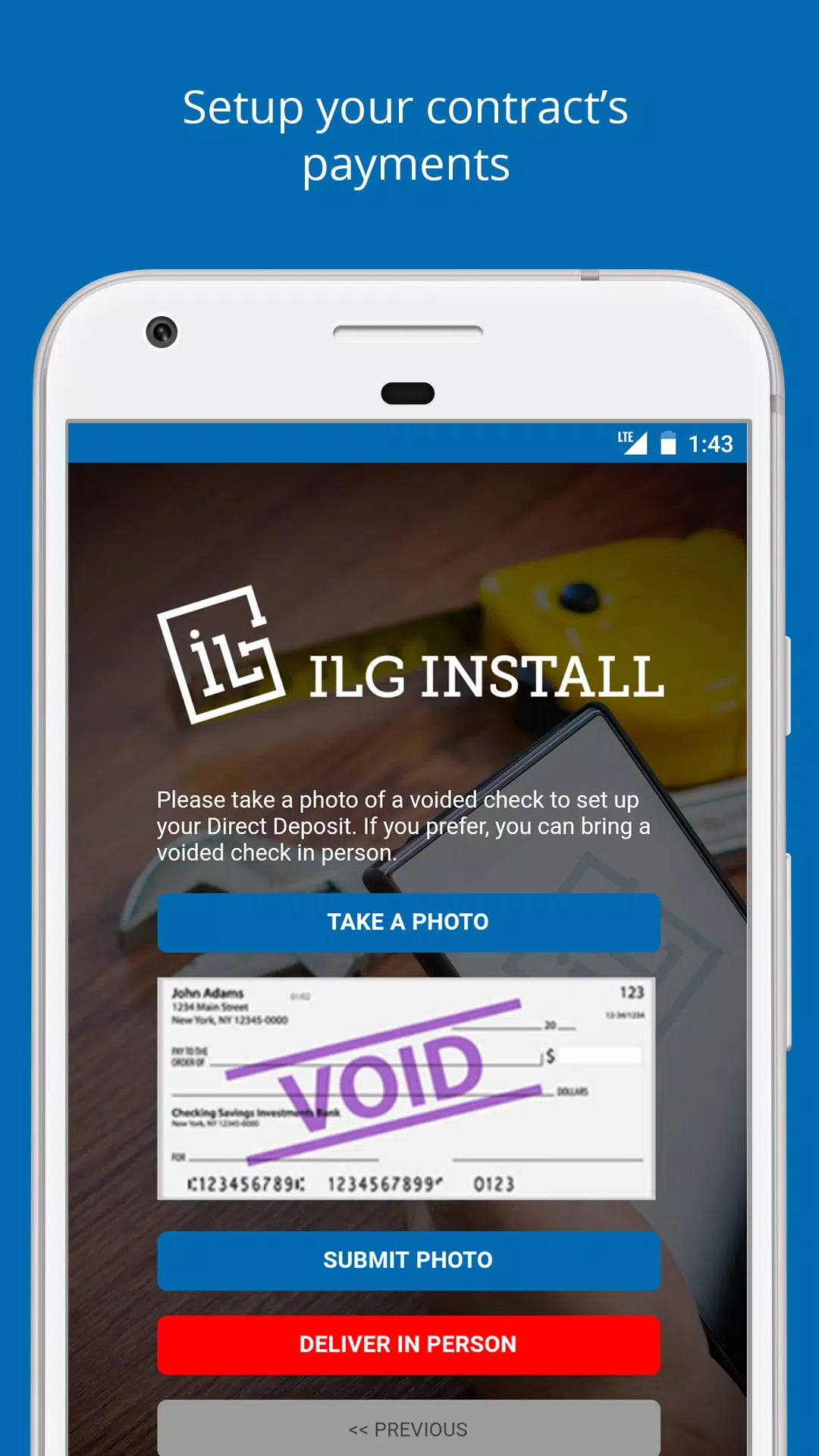
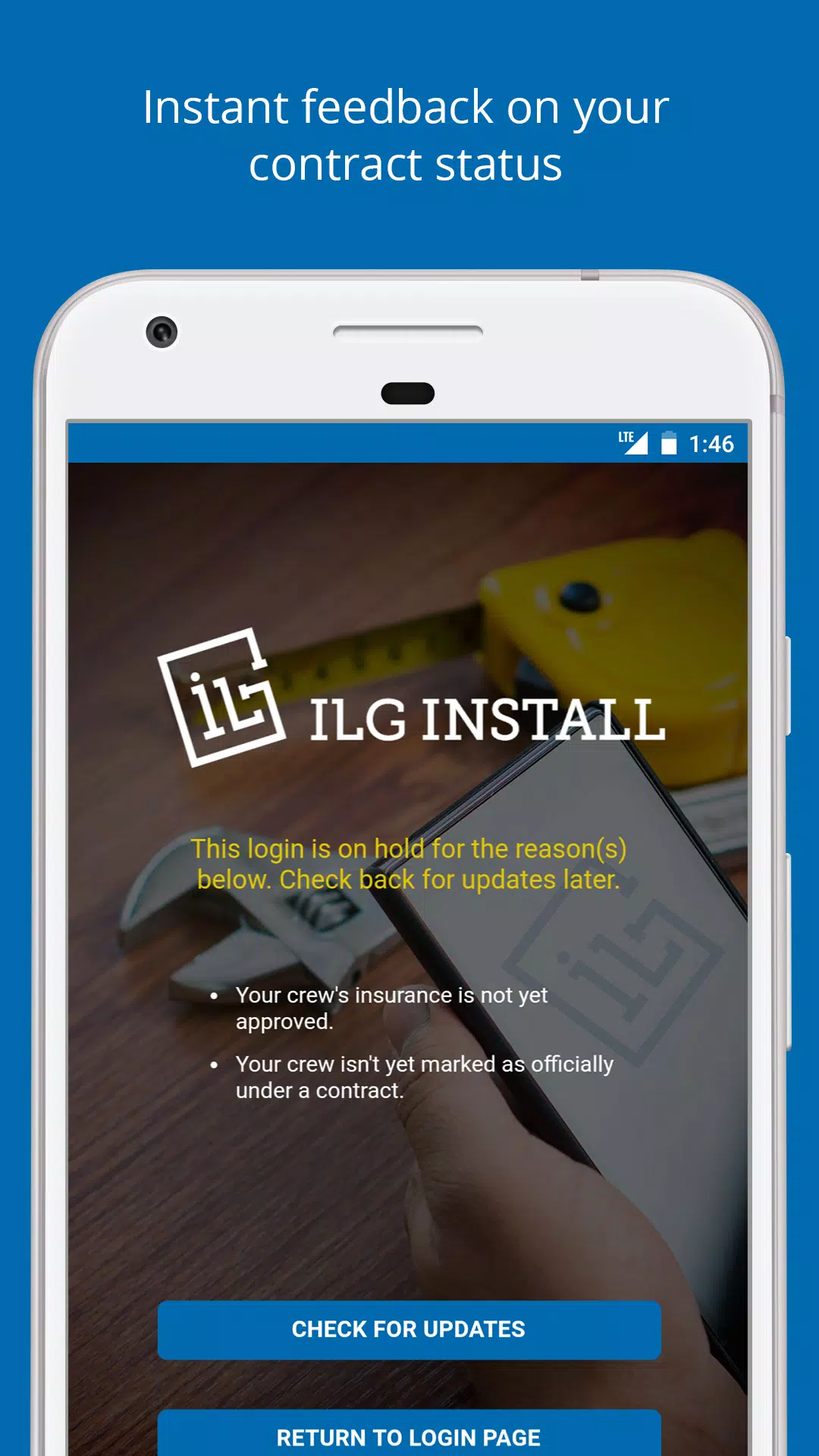
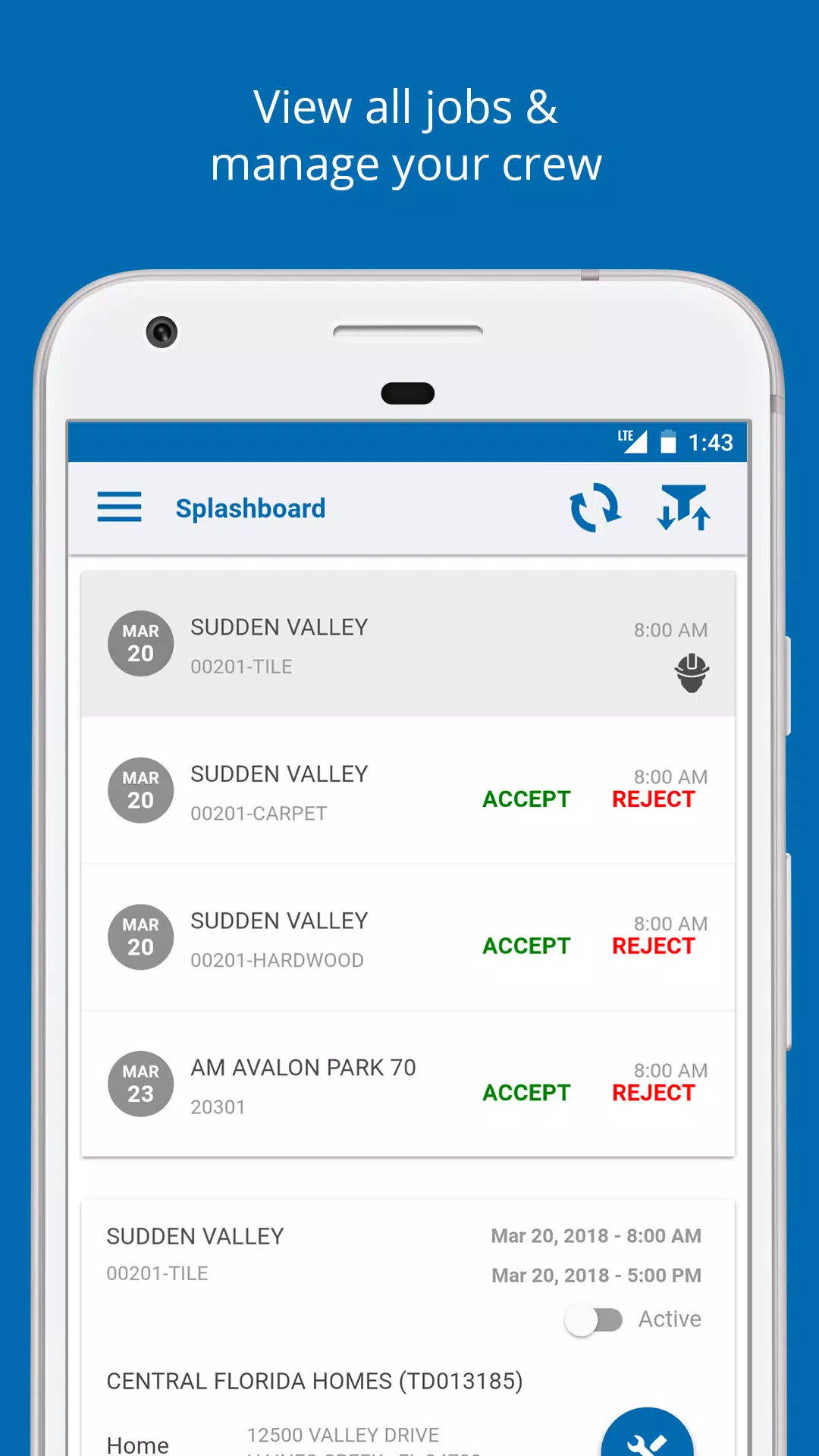

















Explore More
Discover meaningful connections with our personalized dating apps. Built with modern singles in mind, our software simplifies making authentic romantic matches. Get recommended profiles based on your preferences for streamlined browsing. Showcase your personality through engaging prompts and questions. Safely video chat to pre-screen potential partners. Meet up at curated events with other relationship-minded locals.

DATING SITES

Adoife - Free Teen dating site

Livestream TV - M3U Stream Player IPTV

Mein dm

Fake Live Location | GPS

Kaçamak Sevgili Bul, Flört Et

Bangla Newspaper

MX Player Codec (ARMv7 NEON)





























