


Introduction
All4you is a compact productivity hub that bundles essential tools—notes, file management, cloud sync, and quick utilities—into a single Android app. It streamlines daily tasks with customizable widgets, secure storage, and straightforward navigation, making it a practical choice for users who want many functions without switching between apps.
What All4you Does
At its core, All4you consolidates multiple small utilities into a single coherent package. Instead of juggling separate apps for scanning documents, managing passwords, or storing files, you get an integrated environment that shares settings, accounts, and shortcuts. The design favors speed: frequent tasks are accessible from the home screen and context menus, while heavier features live behind clear, labeled sections.
Key Capabilities
- Notes & Quick Memos: Lightweight rich-text notes with tagging, search, and pin-to-top options for immediate access.
- File Manager: Browse local and cloud storage, batch operations, previews for common formats, and a handy duplicate finder.
- Cloud Sync: Connect popular services to keep documents and settings synchronized across devices.
- Security Tools: Encrypted vault for sensitive items, biometric unlock, and optional passcode protection.
- Utilities: Built-in scanner, calculator, clipboard manager, and simple automation for recurring tasks.
How the Interface Feels
The interface in All4you is intentionally minimal. Primary functions are arranged in a bottom navigation bar and a collapsible left panel. Icons are consistent and legible, and the color palette stays muted to reduce visual noise. Performance is prioritized: transitions are snappy, and large lists load progressively to avoid freezes on older hardware.
Workflow Examples
For quick capture, you can scan a receipt, auto-save it to a cloud folder, tag the entry, and create a note that links to the scan — all within a few taps. For routine file cleanup, the batch selection and duplicate finder let you reclaim space without hunting through nested directories. All4you aims to reduce friction between intent and result.
Customization and Settings
Customization options in All4you are practical rather than cosmetic. You can rearrange the home widgets, define default save locations, set sync intervals, and choose which quick actions appear in the notification shade. Themes include a true dark mode and a high-contrast option for readability.
Security & Privacy Considerations
Security features are straightforward: localized encryption for vault items and optional biometric gating for critical actions. Sync uses encrypted channels to connected cloud providers, while privacy settings let you opt out of anonymous usage analytics. For users handling sensitive information, the app provides clear export and wipe controls to manage data lifecycle.
Performance and Compatibility
All4you runs well on mainstream Android devices and scales down to older phones by disabling animations and limiting background sync. Memory usage stays modest unless you open many large previews at once. Battery impact is low when background sync is set to manual or periodic; push-style updates increase energy use but keep data fresh.
Tips for New Users
- Start by linking one cloud account and experimenting with the scan-to-cloud flow to become familiar with automatic file naming.
- Create a folder structure for receipts and invoices before bulk importing to keep things organized from the outset.
- Enable biometric unlock only for the vault; keep general app access without additional friction if you use the phone frequently.
- Use widgets for the three actions you perform most to shave seconds off repetitive tasks.
Installing and Getting Started
Download and follow the initial setup wizard to create an account or use a guest profile. The first-run tour highlights the home screen, vault, and sync settings. Spend a few minutes adjusting save locations and notification preferences to align the app with your routine.
Why Choose It
All4you is tuned for users who want practical consolidation: it won’t replace a full-featured office suite, but it shines when daily micro-tasks need to be faster and less fragmented. It keeps common utilities close at hand, reduces app switching, and provides enough control for users who care about security and workflow efficiency.
- No virus
- No advertising
- User protection
Information
- File size: 22.20 M
- Language: English
- Latest Version: 3.0
- Requirements: Android
- Votes: 395
- Package ID: com.wezom.cleaningservice
- Developer: Pill Kanter
Screenshots
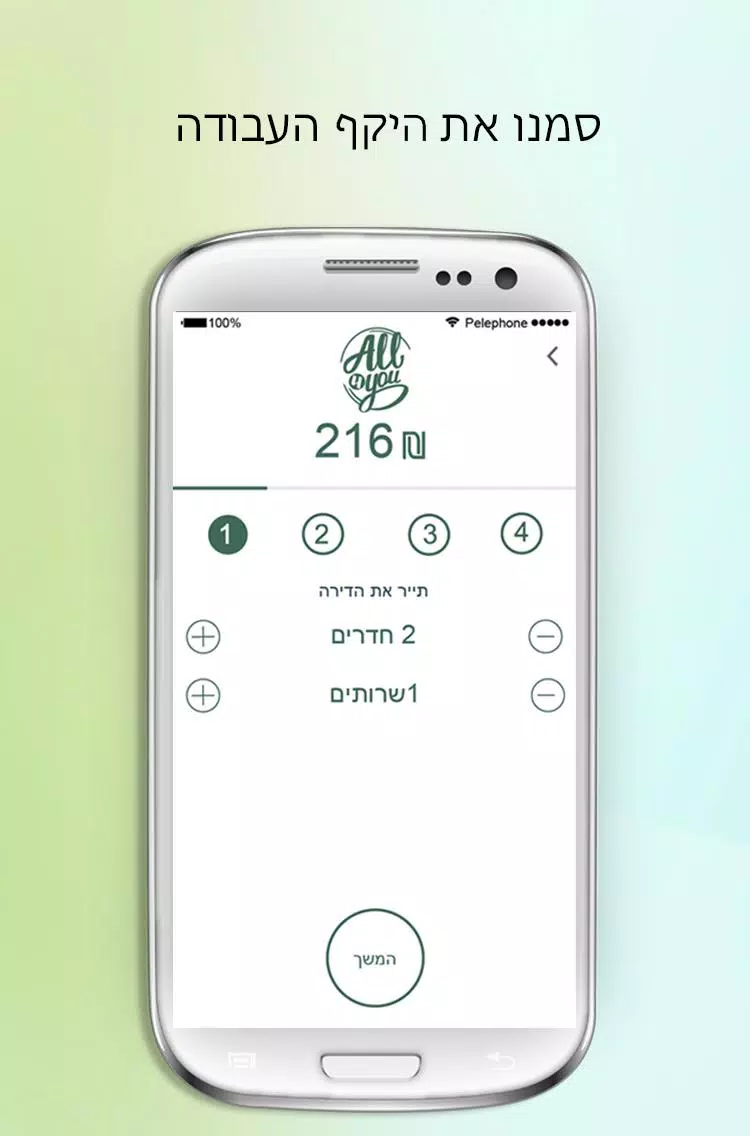
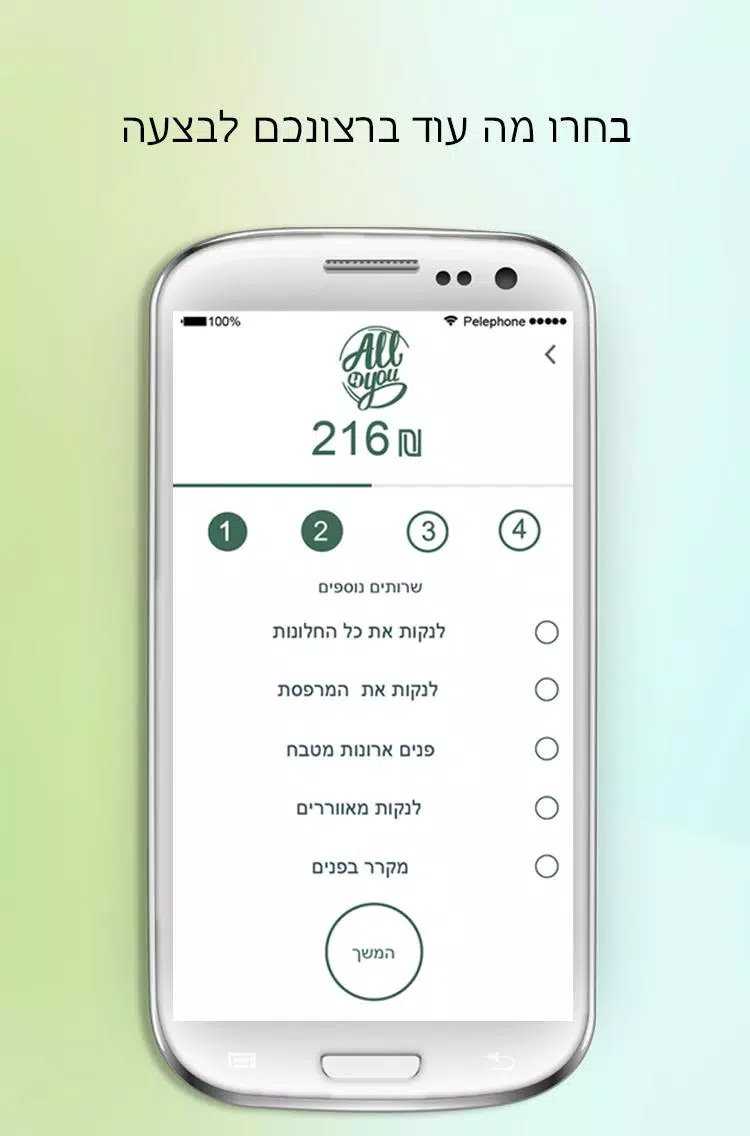
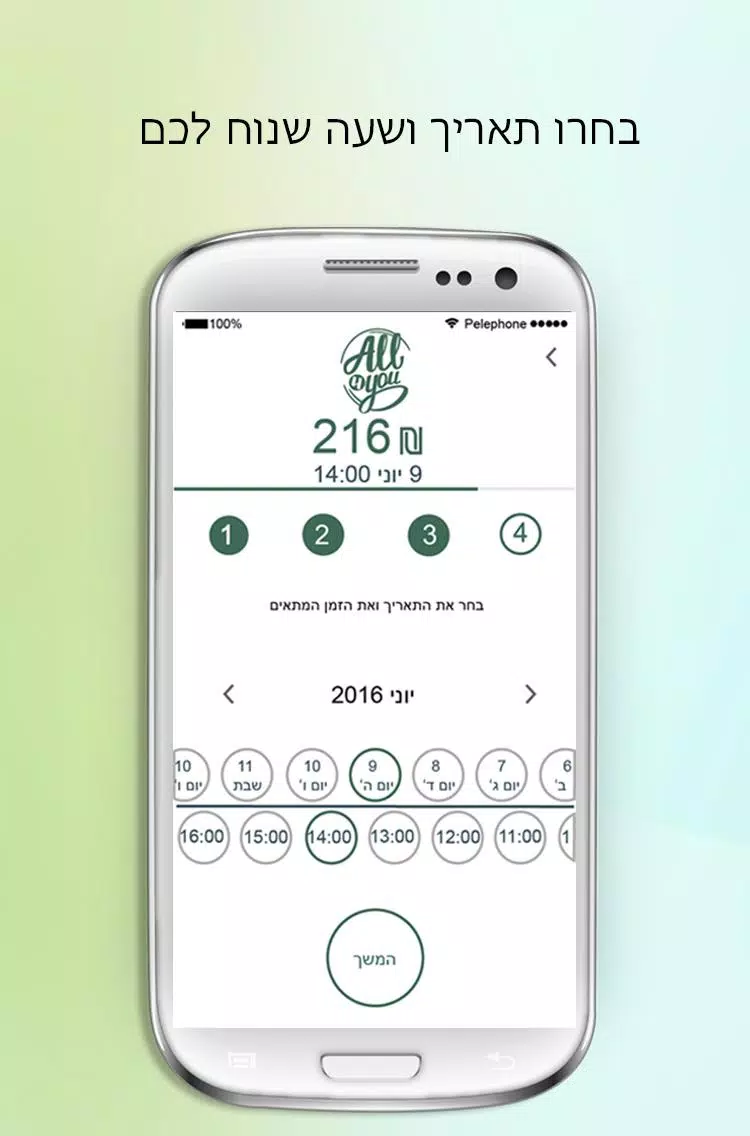
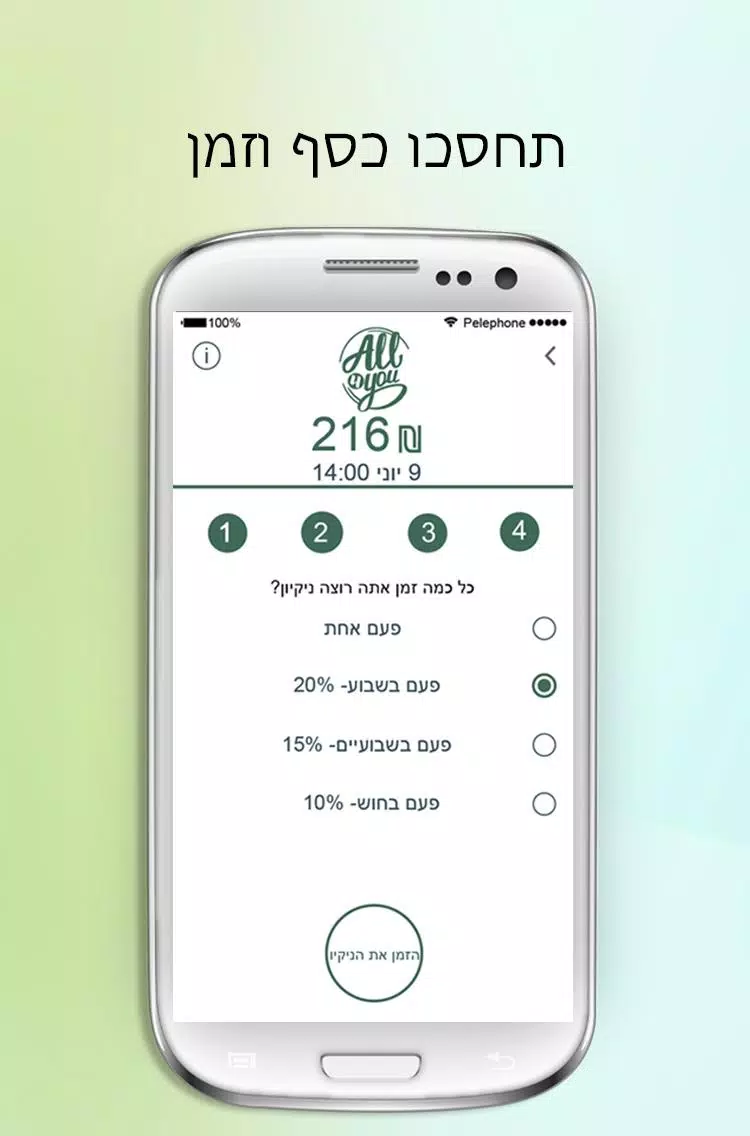
















Explore More
Make your house a home with our suite of helpful home apps. Discover clever tools to organize closets, streamline chores, and simplify cooking. Take the stress out of cleaning and maintenance with handy checklists and schedules. Enhance security and control appliances and lighting with our smart home integrations. Design, visualize, and renovate like a pro using our 3D planning software.

Metro Micro

All Recovery - Photos & Videos

ClassPass: Fitness, Spa, Salon

OnDjoss

Park4Me

Scary sound effects

Home Workouts - Lose Weight

Juice Recipes





























