


Introduction
Avatar creator gives Android users a powerful, intuitive way to design personalized avatars for social media, games, and messaging. With layered editing, diverse art styles, and one-tap exports, Avatar creator streamlines profile design for beginners and experienced creators everywhere.
What the app does
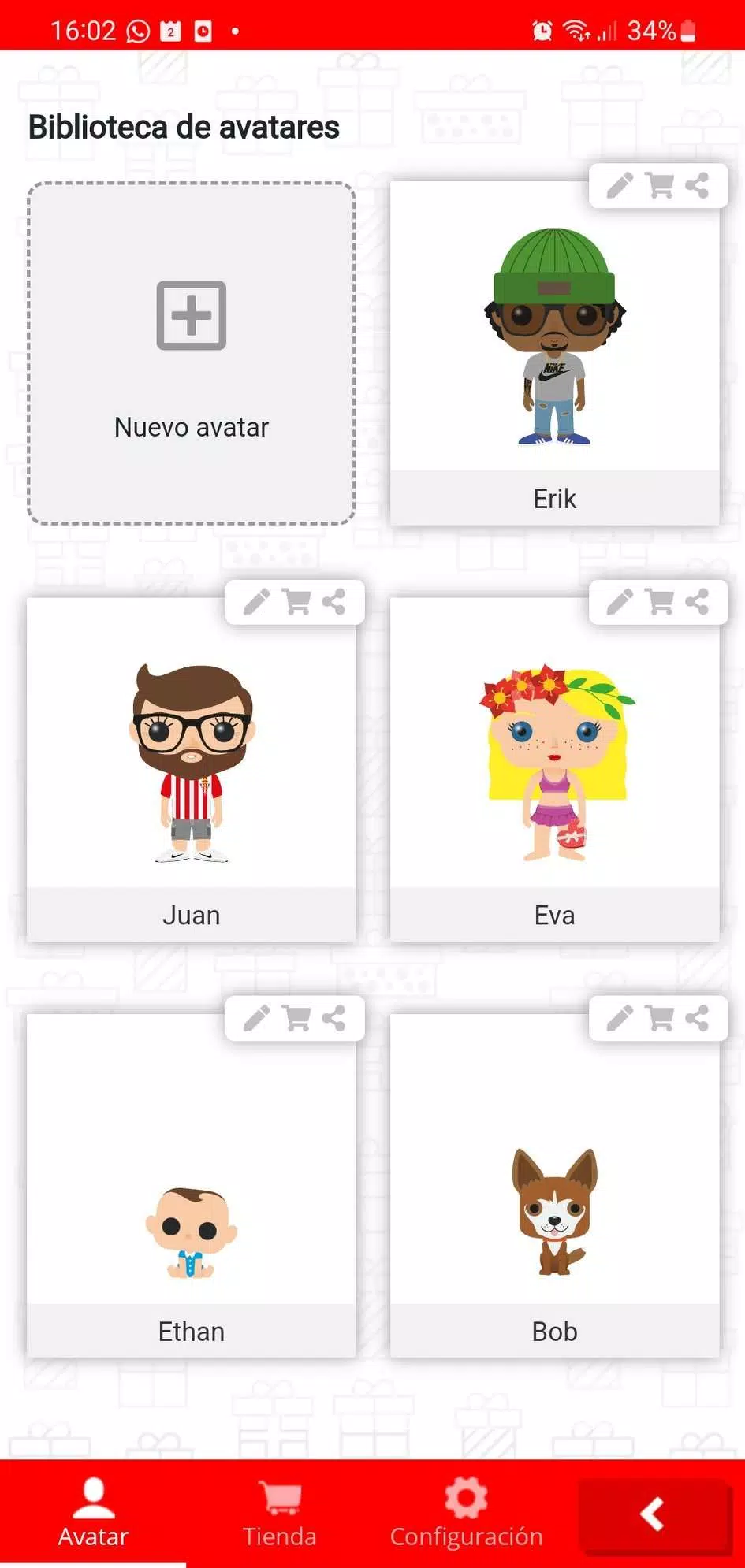
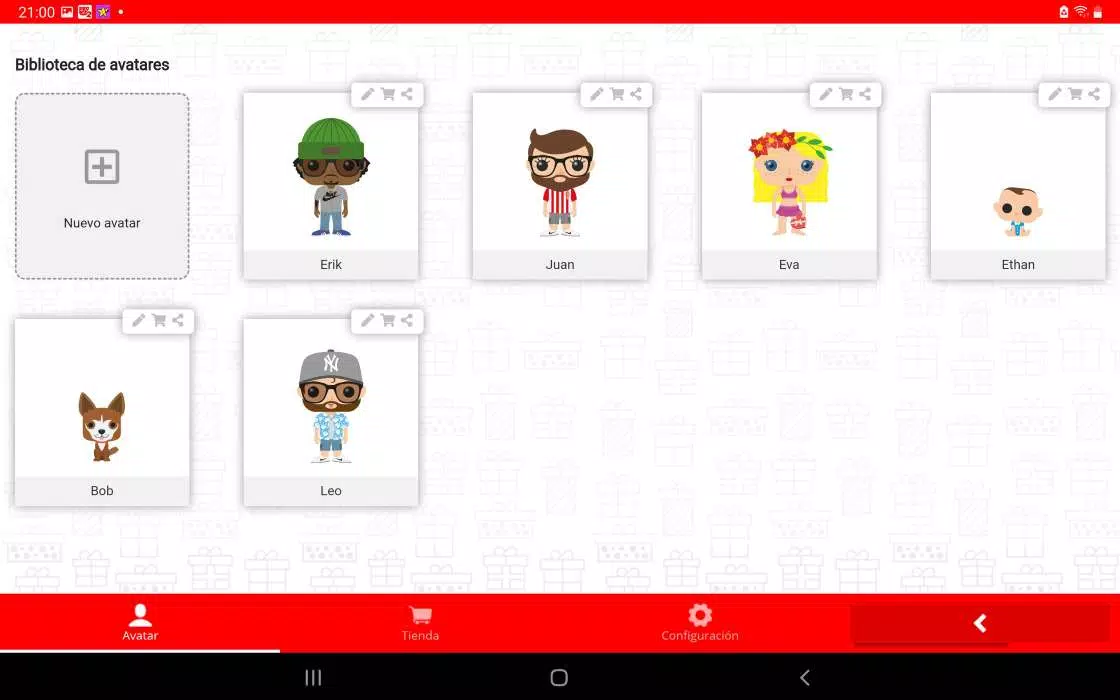
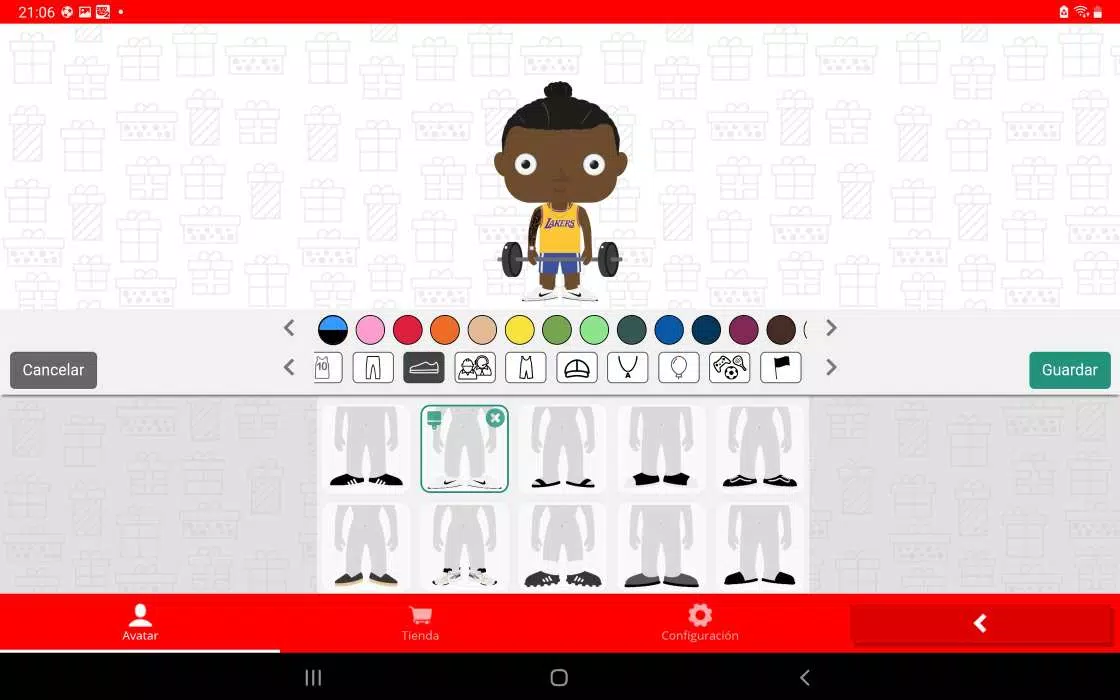
Avatar creator focuses on fast, creative avatar production. The app combines an easy-to-navigate interface with a broad asset library so you can change facial features, hairstyles, outfits, and accessories in seconds. Preset templates and manual controls let you switch between cartoon, semi-realistic, and chibi looks without losing detail.
Customization tools and assets
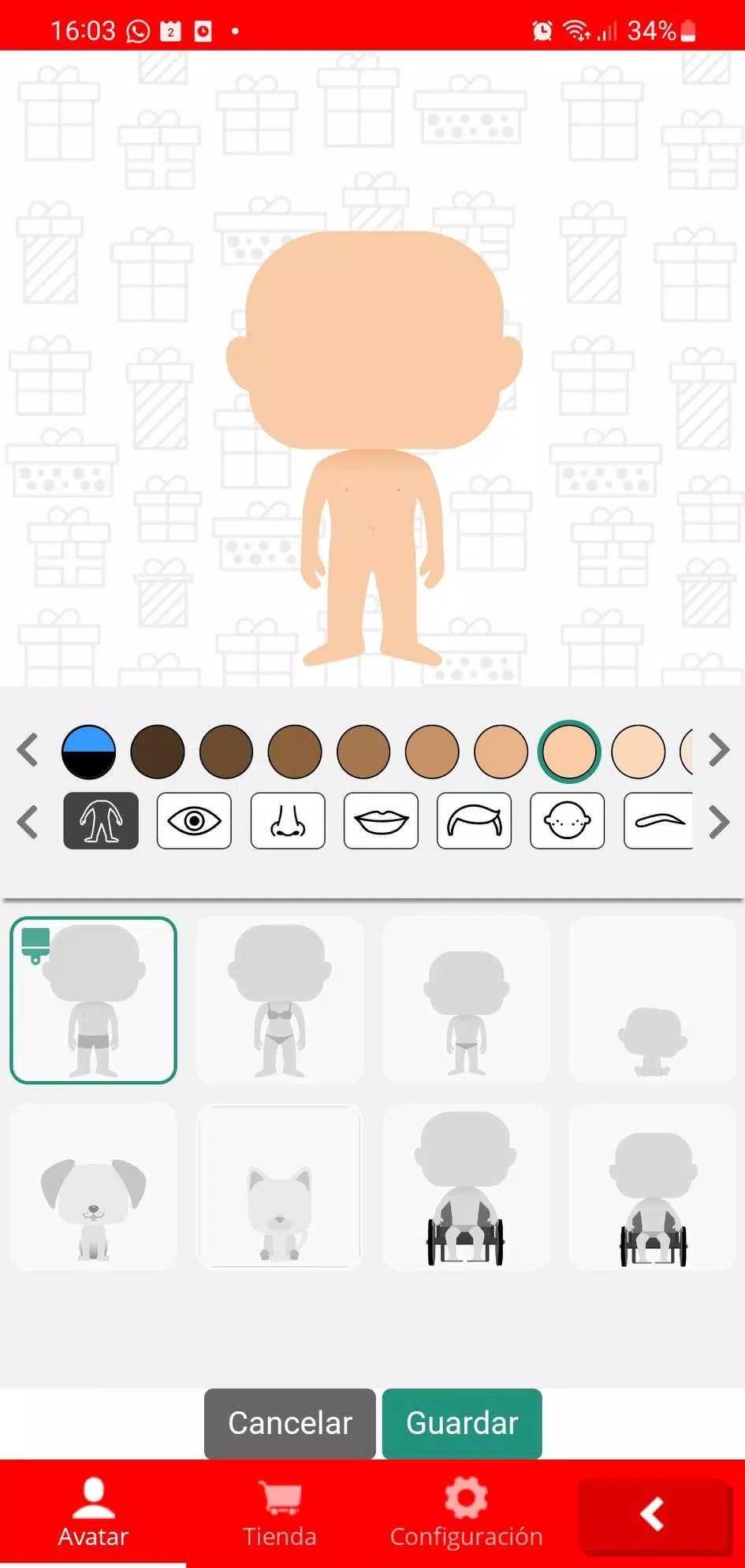
Inside Avatar creator you’ll find a layered editor that treats each element—hair, eyes, clothing, background—as an independent piece. Color pickers, gradients, and pattern fills allow precise color matching. The asset library includes dozens of skin tones, eye shapes, and accessory packs, plus seasonal and themed collections for holidays or game events.
User interface and workflow
The interface is organized into three clear tabs: Build, Style, and Export. Build contains body and facial structure tools; Style offers textures, filters, and pose adjustments; Export prepares files for profile photos and messaging stickers. Undo/redo history and a favorites panel speed up repetitive tasks so you can iterate quickly.
Exporting, sharing, and compatibility
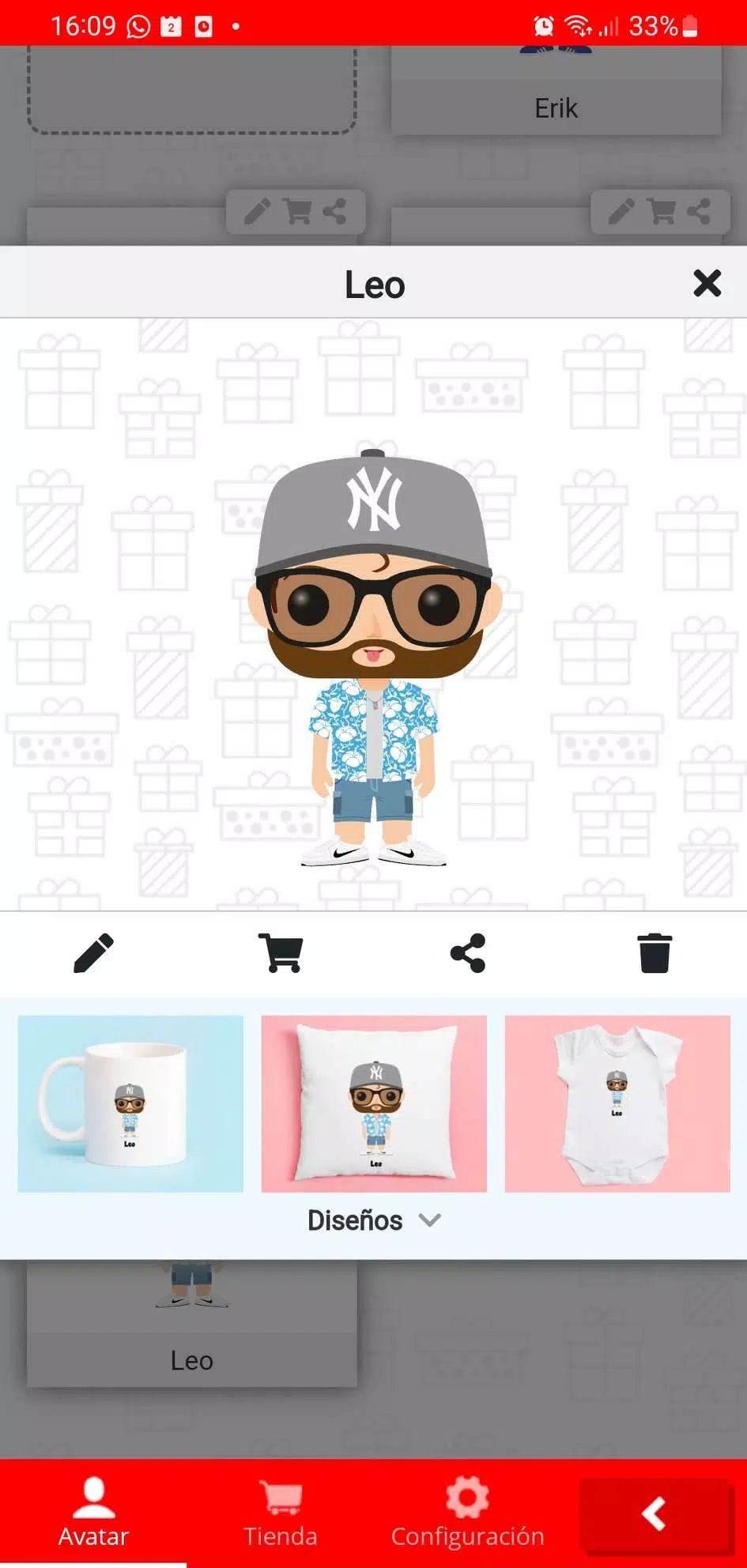
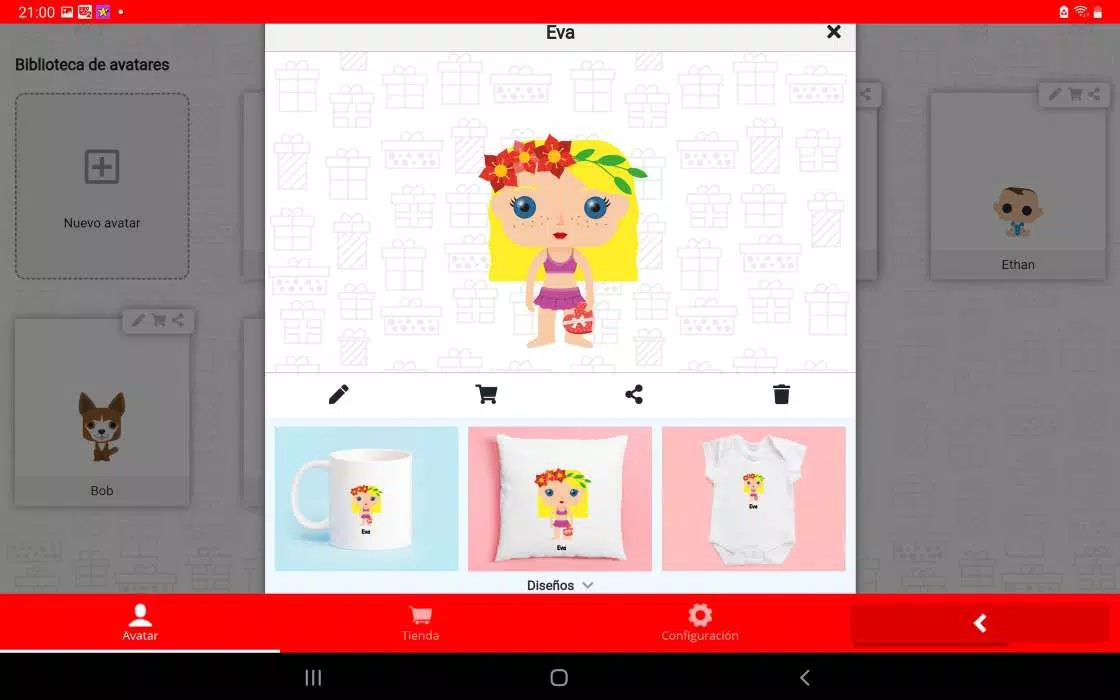
Export options are designed for modern sharing: square and circular profile crops, transparent PNGs for overlays, and animated GIF exports for short loops. Files are optimized for Android devices and common social networks. Avatar creator supports high-resolution output while keeping file sizes manageable for fast uploads.
Performance and device support
Developed with mobile performance in mind, Avatar creator runs smoothly on a wide range of Android handsets. Memory-efficient rendering and optional low-resolution preview settings help maintain responsiveness on older devices. Regular updates improve compatibility with the latest Android releases and add new content packs without bloating the app.
Creative workflows and integrations
Beyond one-off avatars, Avatar creator supports layered project files so users can save ongoing work and return later. Integration with the device gallery and clipboard makes it easy to pull in reference images or export avatars into other design tools. Built-in templates for messaging stickers and game profile icons streamline common use cases.
Privacy, safety, and in-app purchases
The app prioritizes on-device editing and gives clear controls for what is shared externally. Optional premium packs unlock additional outfits, effects, and export resolutions; these are well-labeled and can be previewed before purchase. No sensitive data is required to start creating, keeping the initial experience friction-free.
Tips for getting the most out of Avatar creator
- Start with a template: Choose a base and tweak proportions to save time.
- Use layers: Treat accessories and effects separately so you can experiment without losing work.
- Export multiple sizes: Save both profile-ready and high-resolution files for different platforms.
- Explore style packs: Seasonal sets speed up themed avatar creation for events and promotions.
Why users choose this tool
People pick Avatar creator for its balance of simplicity and depth. Casual users appreciate the quick presets and one-tap exports, while power users benefit from layered control and export flexibility. The app’s steady stream of new content keeps the experience fresh and relevant to changing trends.
Getting started
Download the app, pick a starter template, and spend a few minutes experimenting with facial proportions and outfit swaps. Save projects to come back to them, and export the versions that match your social profiles or game accounts. With regular updates and expanding asset libraries, Avatar creator remains a practical tool for anyone who wants a standout online presence.
- No virus
- No advertising
- User protection
Information
- File size: 37.60 M
- Language: English
- Latest Version: 1.0.12
- Requirements: Android
- Votes: 266
- Package ID: com.regalooriginal.appregalo
- Developer: MadeInGift.com / RegaloOriginal.com
Screenshots
















Explore More
Discover and share the hottest events around with our intuitive apps. Find local concerts, festivals, shows, and more based on your unique interests. Create customizable calendars of upcoming events to coordinate schedules with friends. Purchase tickets seamlessly from our integrated platforms. Check real-time transit schedules to plan your trip. Access maps, directions, and parking information for any venue.

Board Game Stats

Bloomberg Connects

Metro Micro

TVSMILES

Tax Calculator India 2024-2025

OnDjoss

Park4Me

TryController





























