

Introduction
Set Background is a lightweight Android utility that simplifies changing wallpapers and lock screen images with precision and speed. It provides intuitive cropping, batch operations, and format-aware adjustments so users can apply high-quality backgrounds across devices without digging through nested settings.
Core features at a glance
Set Background focuses on delivering essential tools for wallpaper management without bloated extras. It supports single taps to apply an image, batch selection for multiple screens, and smart cropping that preserves aspect ratios. The app includes a small image gallery, a preview mode for home and lock screens, and an undo option to revert recent changes.
User interface and workflow
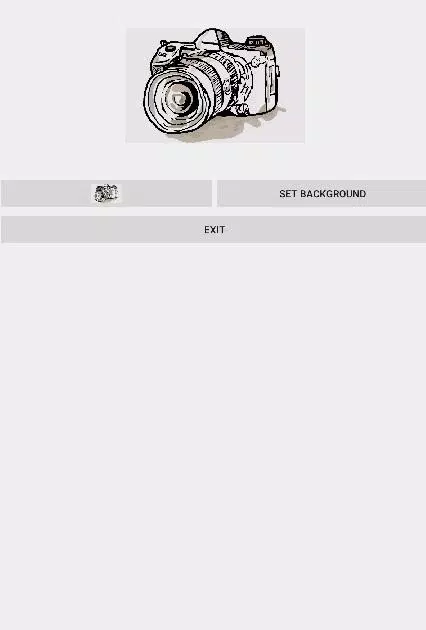
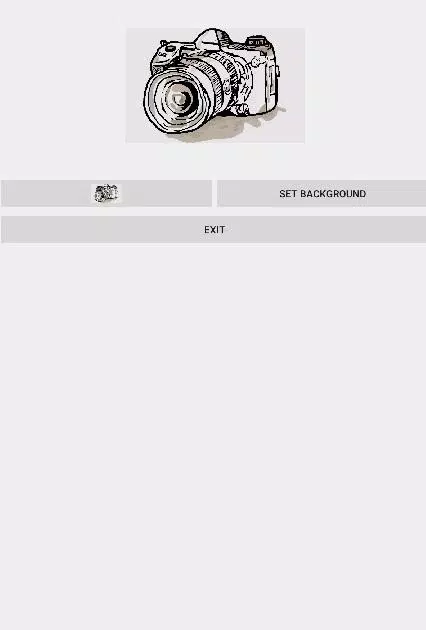
The interface prioritizes clarity: large thumbnails, a consistent action bar, and touch gestures for quick edits. From the main screen you can browse device folders or cloud-synced albums, select one or more images, and immediately see how the image will look on different display orientations. The workflow is designed so that a complete change can be finished in under a minute, including basic edits.
Customization and editor tools
Set Background keeps its editor compact but practical. You get precise crop handles, freeform and preset aspect ratios, and simple rotation controls. A brightness and contrast slider helps tune images to different home screen widgets and icon layouts. For users who prefer minimal hands-on editing, the app offers an auto-fit option that intelligently scales images to avoid distortion or unintended cropping.
Batch operations and profiles
One standout capability is batch application: choose multiple photos and assign them to a sequence or separate screens. This is useful for creating a slideshow-style wallpaper or preparing different backgrounds for multiple users on the same device. Additionally, the app supports lightweight profiles that remember crop settings and fit preferences so you can quickly reapply a look without repeating adjustments.
Performance and compatibility
Set Background is optimized for responsiveness on a wide range of Android devices. Memory usage is kept low during preview and editing stages, and image decoding prioritizes speed while retaining visual quality. The app works with common image formats including JPEG, PNG, and WebP, and handles large-resolution photos without stalling on modern mid-range phones. Compatibility extends across Android versions, with fallbacks for older APIs so essential features remain available on legacy devices.
Privacy and storage behavior
Privacy is straightforward: Set Background performs all edits locally and does not upload images to external servers. Temporary files are cleaned up automatically to avoid cluttering internal storage, and the app requests only the permissions necessary to access media and set wallpapers. For users concerned about image handling, a clear permission prompt explains why access is required and how it is used.
Installation and first run
After installing Set Background, the first run launches a short guided tour that highlights the gallery, editor, and one-tap apply action. New users can enable an optional home-screen widget for faster access. The guided setup also points out the profile feature and batch operation mode so newcomers can start organizing multiple backgrounds immediately.
Tips for better results
- Choose high-resolution images: Photos with higher pixel counts retain clarity when scaled to device screens.
- Use auto-fit for panoramas: The auto-fit option helps keep wide images from cropping key content.
- Create profiles: Save crop settings for recurring themes like seasonal wallpapers or work/home modes.
- Preview on both screens: Always check lock screen and home screen previews to ensure icons and widgets aren’t obstructing focal points.
Who benefits most
Set Background is well suited to users who want fast, dependable wallpaper management without complex photo editing suites. It appeals to people who swap wallpapers frequently, manage multiple user profiles, or simply prefer a tidy, no-nonsense tool for personalizing devices. Power users will appreciate the batch and profile features, while casual users benefit from the app’s minimal learning curve.
Updates and support
Regular updates focus on improving compatibility, expanding format support, and refining performance on newer Android builds. The support section inside the app provides a searchable FAQ and an option to send feedback directly to the development team. Because the app handles media locally and uses few permissions, troubleshooting is generally limited to device-specific storage access or permission settings.
Set Background offers a focused, efficient way to manage device wallpapers that blends practical editing controls with fast application and modest system demands. Whether you change themes daily or keep a steady look, it makes the process faster and less fiddly.
- No virus
- No advertising
- User protection
Information
- File size: 1.70 M
- Language: English
- Latest Version: 1.0
- Requirements: Android
- Votes: 445
- Package ID: hatim.dhuliawala.setbackgrounddirectly
- Developer: Hatim Dhuliawala
Screenshots
















Explore More
Make your house a home with our suite of helpful home apps. Discover clever tools to organize closets, streamline chores, and simplify cooking. Take the stress out of cleaning and maintenance with handy checklists and schedules. Enhance security and control appliances and lighting with our smart home integrations. Design, visualize, and renovate like a pro using our 3D planning software.

Metro Micro

All Recovery - Photos & Videos

Tax Calculator India 2024-2025

ClassPass: Fitness, Spa, Salon

OnDjoss

Park4Me

Home Workouts - Lose Weight

Juice Recipes





























