
Introduction
Queen Pizza KKC brings your next meal within a few taps, combining a full restaurant menu with quick ordering for pickup or delivery. The Queen Pizza KKC app is designed to get food from the kitchen to your hands faster while giving you clear control over every item you add to your order. From browsing categories and viewing photos to customizing toppings and scheduling pickup times, the app focuses on a straightforward ordering flow that works on busy phones and in noisy environments.
How it works
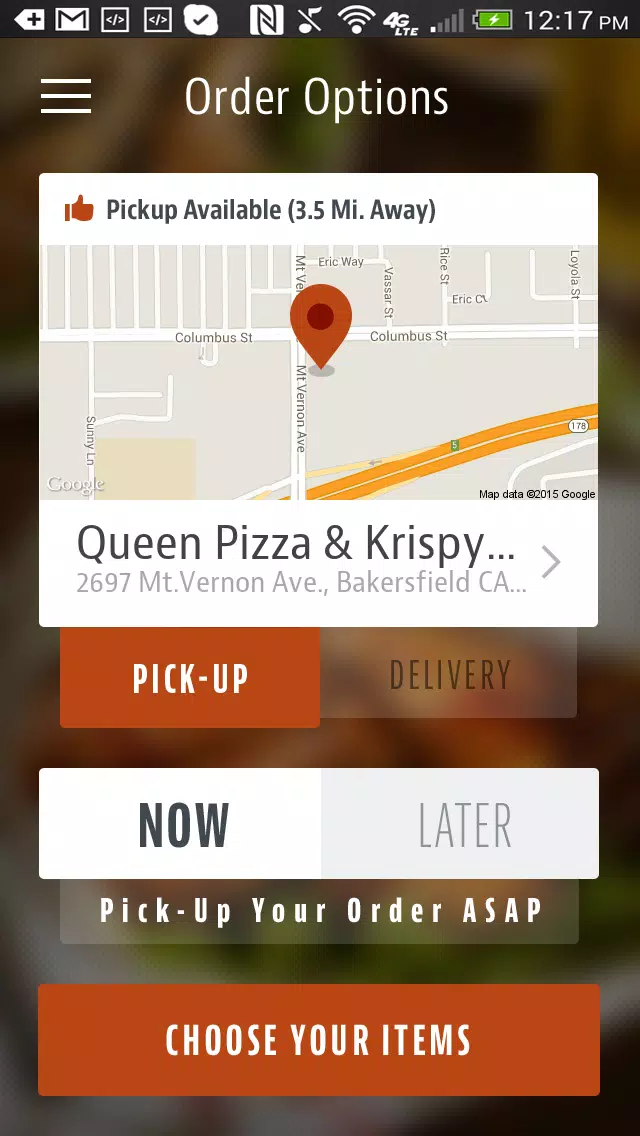
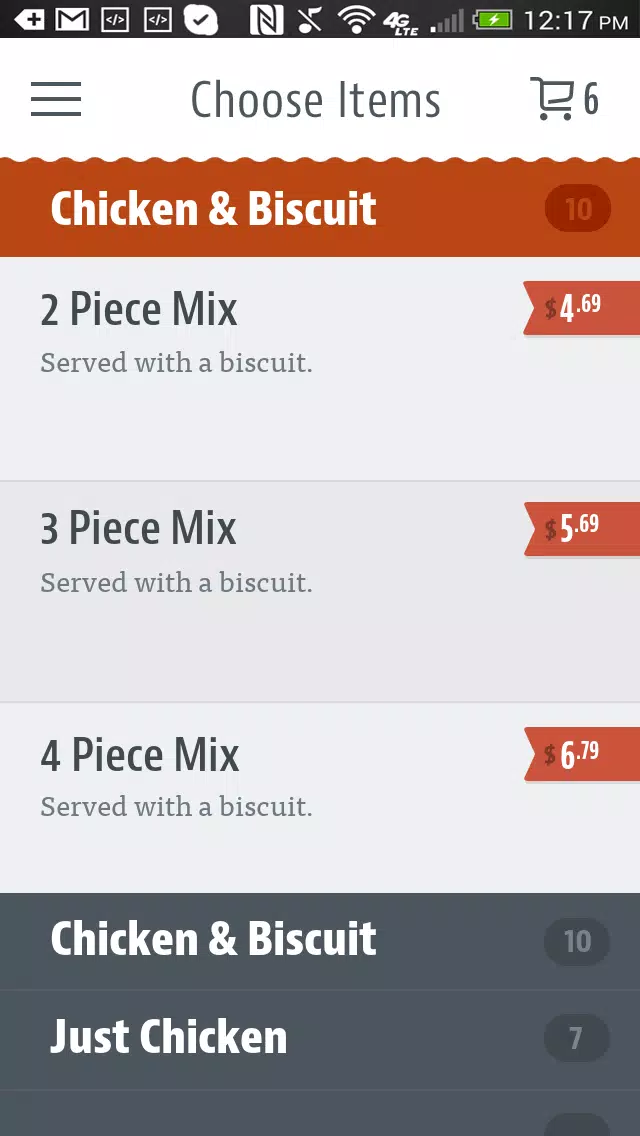
Navigation centers on a simple category toolbar and a searchable menu so you can locate pizzas, sides, and meal bundles quickly. Tap into a category to see item cards with short descriptions, estimated prep times, and thumbnail images; select an item to open customization options and special-instruction fields. The app uses standard tap controls and a persistent cart: add items, adjust quantities, review your cart and then confirm pickup or delivery. Clear visual cues guide you through each step so a first-time user can complete an order without guessing where to go next.
Customization and scheduling
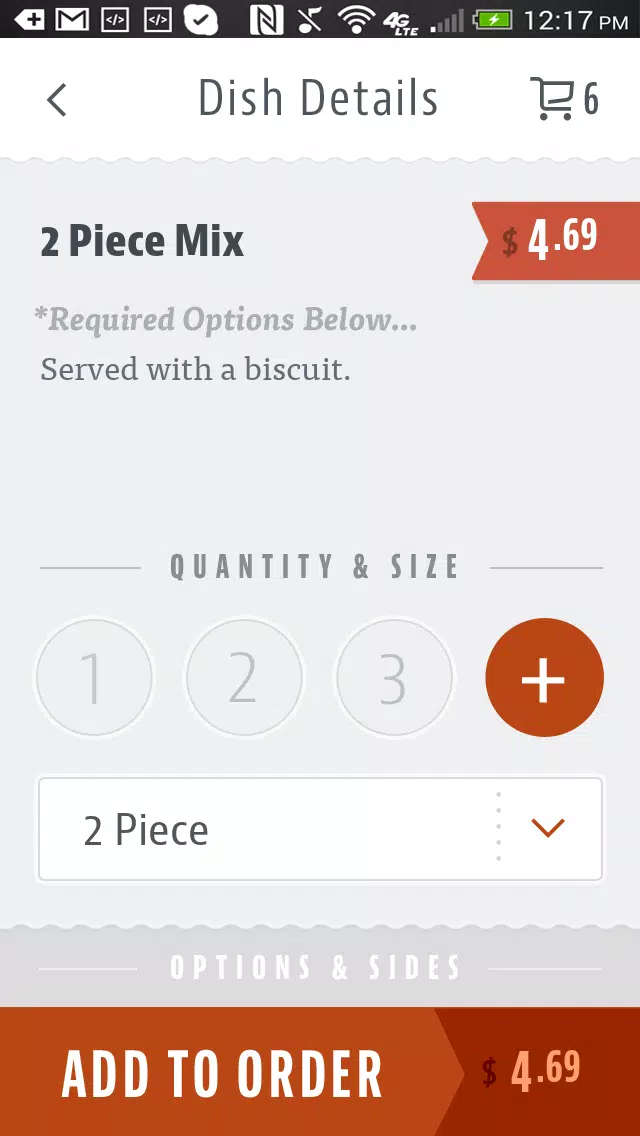
Customization includes common modifiers such as crust type, sauce amount, extra cheese, or ingredient removals, plus a free-text field for special instructions to the kitchen. If you want your meal ready later, the app supports scheduling during checkout so you can choose a future pickup window. Pickup and delivery options are explicitly displayed with expected readiness or arrival times, and you can edit instructions after adding items so last-minute changes remain easy.
Checkout, payments and security
Checkout is streamlined to minimize steps: enter or confirm delivery details, choose a tip amount if desired, then select a stored payment method or a supported mobile wallet. Queen Pizza KKC stores account payment and address details securely to speed future orders; card information is protected and handled through encrypted channels rather than stored in plain text. Digital receipts and simple order confirmations help you track what you ordered and when it will be ready.
Account features and repeat ordering
Creating an account lets the app remember past orders, save favorite meals and frequently used delivery addresses for one-tap reorders, and prefill checkout fields to save time. Order history provides a quick way to repeat a combination you liked, while favorites make it simple to assemble a go-to meal without rebuilding the cart each time. These conveniences are designed to reduce friction for regular customers without requiring repeated entry of the same information.
Visual design and accessibility
The interface emphasizes legible typography, high-contrast buttons and a minimal visual hierarchy so key actions such as Add to Cart and Checkout are obvious on every screen. Item photos are optimized to load quickly on cellular connections and scale smoothly on different screen sizes. Accessibility considerations include readable labels for controls and clear focus states for screen reader compatibility; larger text sizes are supported through system settings so the app adapts to users who need bigger fonts.
Performance, offline behavior and limits
The app is optimized for speed, but it requires an active internet connection to load current menus, submit orders and process payments. Cached images and previously saved addresses may appear when connectivity is intermittent, but placing or scheduling orders is not possible while offline. Menu items, prices, availability, and delivery options can vary by location and restaurant hours, so displayed options reflect the local store’s current offerings rather than a global catalog.
Practical considerations for users
Notifications and order confirmations help you know when to pick up a meal, and the app’s layout reduces the number of taps needed to finish an order. Because Queen Pizza KKC keeps commonly used details on file, repeat visits are faster and handheld checkout is less error-prone. The app aims to reduce time spent on calls or waiting in line while still giving you fine-grained control over customization, scheduling and payment choices.
Get started
If you frequently order pizza or want a faster way to customize meals from a local restaurant, install Queen Pizza KKC to streamline the process. The app focuses on clear navigation, reliable checkout and smart defaults so ordering your preferred meal becomes a repeatable, low-effort routine that fits into a busy day.
- No virus
- No advertising
- User protection
Information
- File size: 12.00 M
- Language: English
- Latest Version: 2.6.003
- Requirements: Android
- Votes: 285
- Package ID: com.chownow.queenpizza
- Developer: ChowNow
Screenshots

















Explore More
Finding your way has never been easier with our cutting-edge navigation apps. Save time and reduce stress during daily commutes or long road trips. Our software offers real-time traffic updates, accurate ETAs, and optimal routing to avoid delays. Customize routes to find the most scenic drives. Discover interesting stops along the way with points of interest. Arrive relaxed and informed every time.

AppLock Theme Tulip

Star Sports -IPL live Cricket Streaming IPL Tips

Nova Launcher

Athol CU Mobile Banking

BYKKO Serv

7 Bussid Private Bus Mod

CZUR

اذكار الصباح والمساء-أذكارمسلم