Introduction
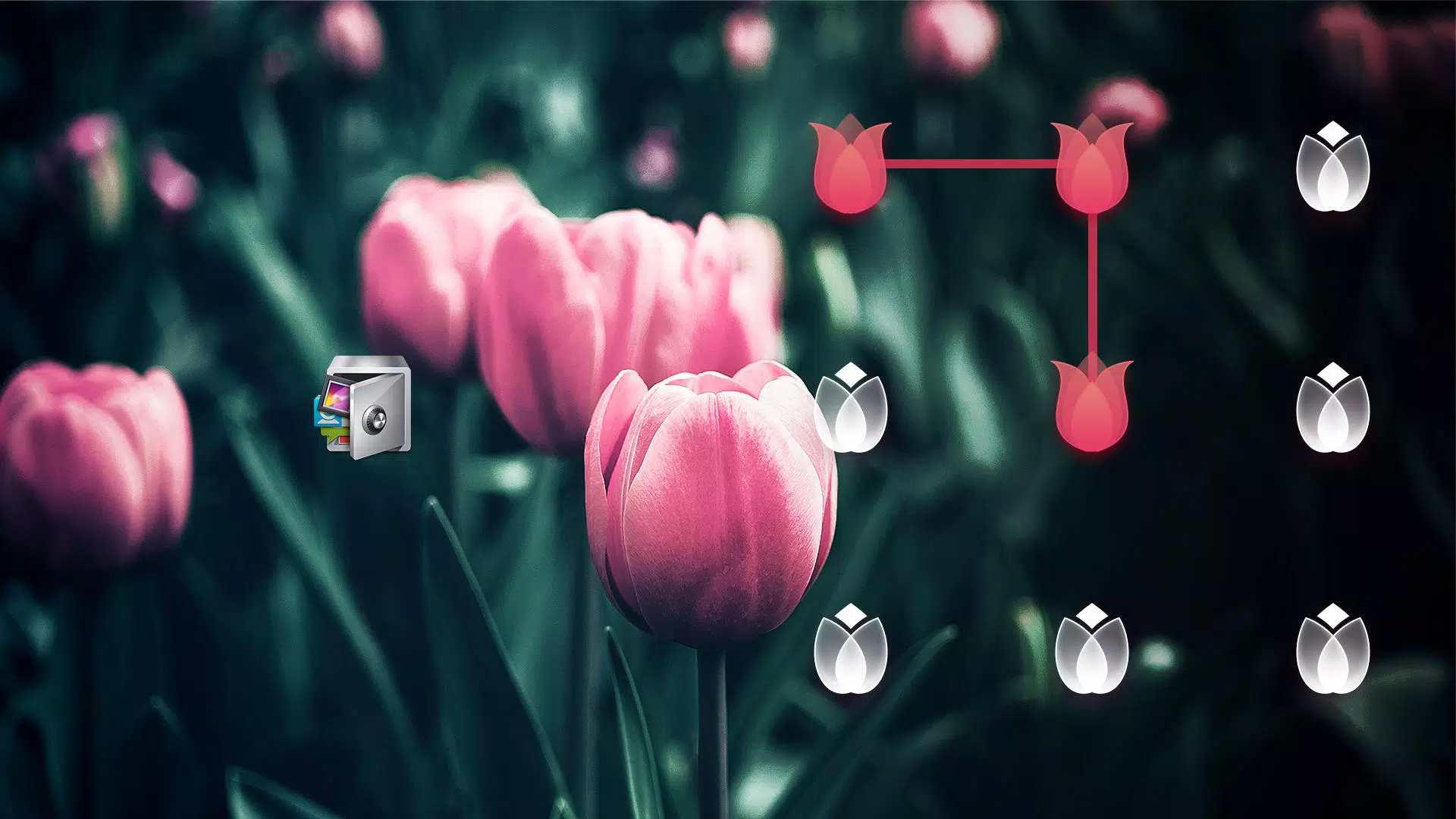
AppLock Theme Tulip brings a floral, elegant skin pack for AppLock, transforming lock screens and privacy controls with soft gradients, custom icons, and animated effects. Designed for users who want a refined appearance, AppLock Theme Tulip maintains compatibility while offering easy application and quick previews.
What the Theme Offers
AppLock Theme Tulip focuses on visual polish without altering the underlying security mechanisms. The package replaces iconography, wallpaper elements, and lock widgets with a consistent tulip-inspired style. Subtle animations and coordinated color schemes make frequently used screens feel fresh while keeping navigation predictable.
Key Visual Features
- Color Palettes: A curated set of pastel and warm tones designed to reduce glare and improve legibility.
- Custom Icons: Rounded, floral-accented icons that align with the main launcher and app drawer aesthetics.
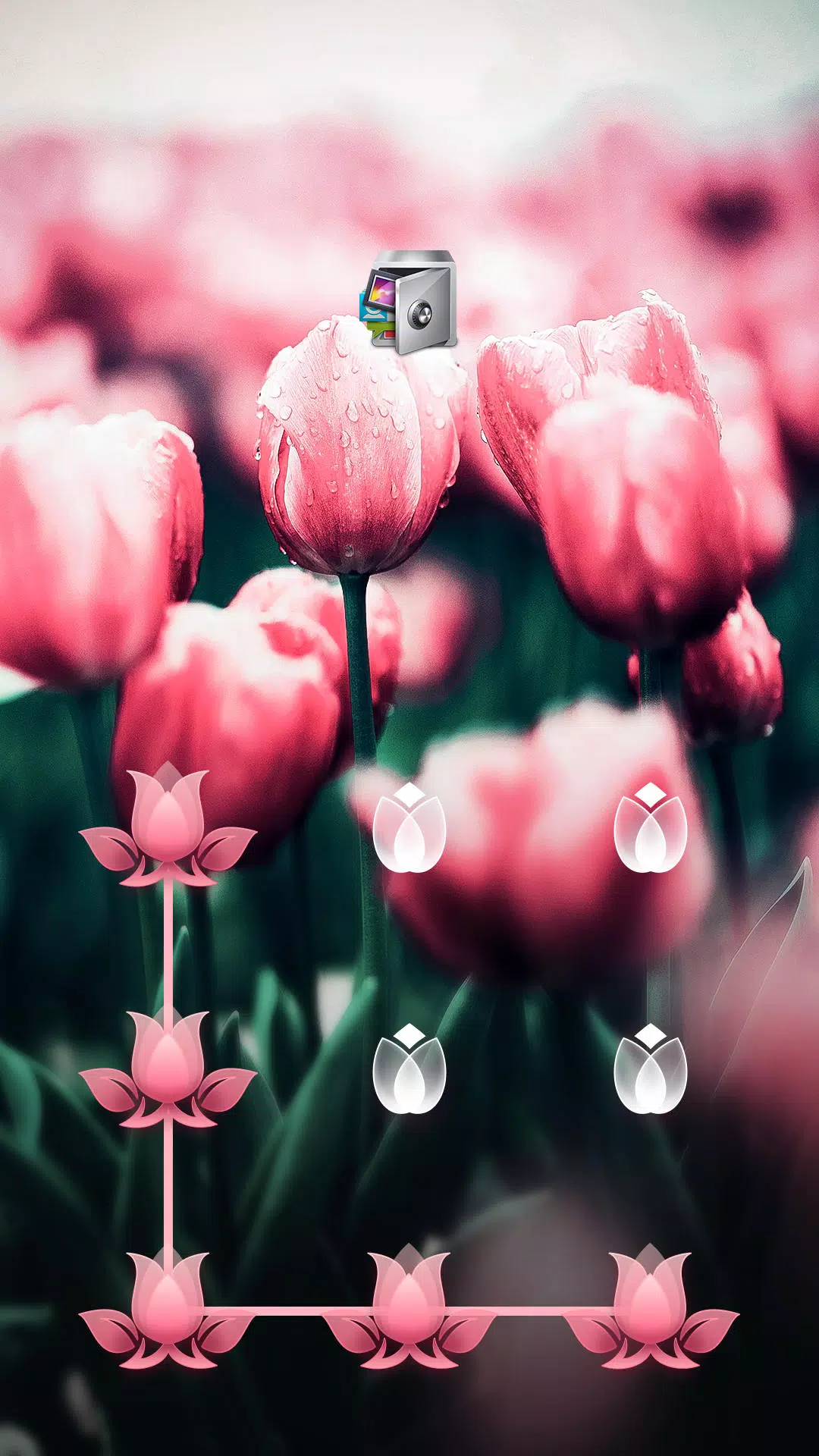
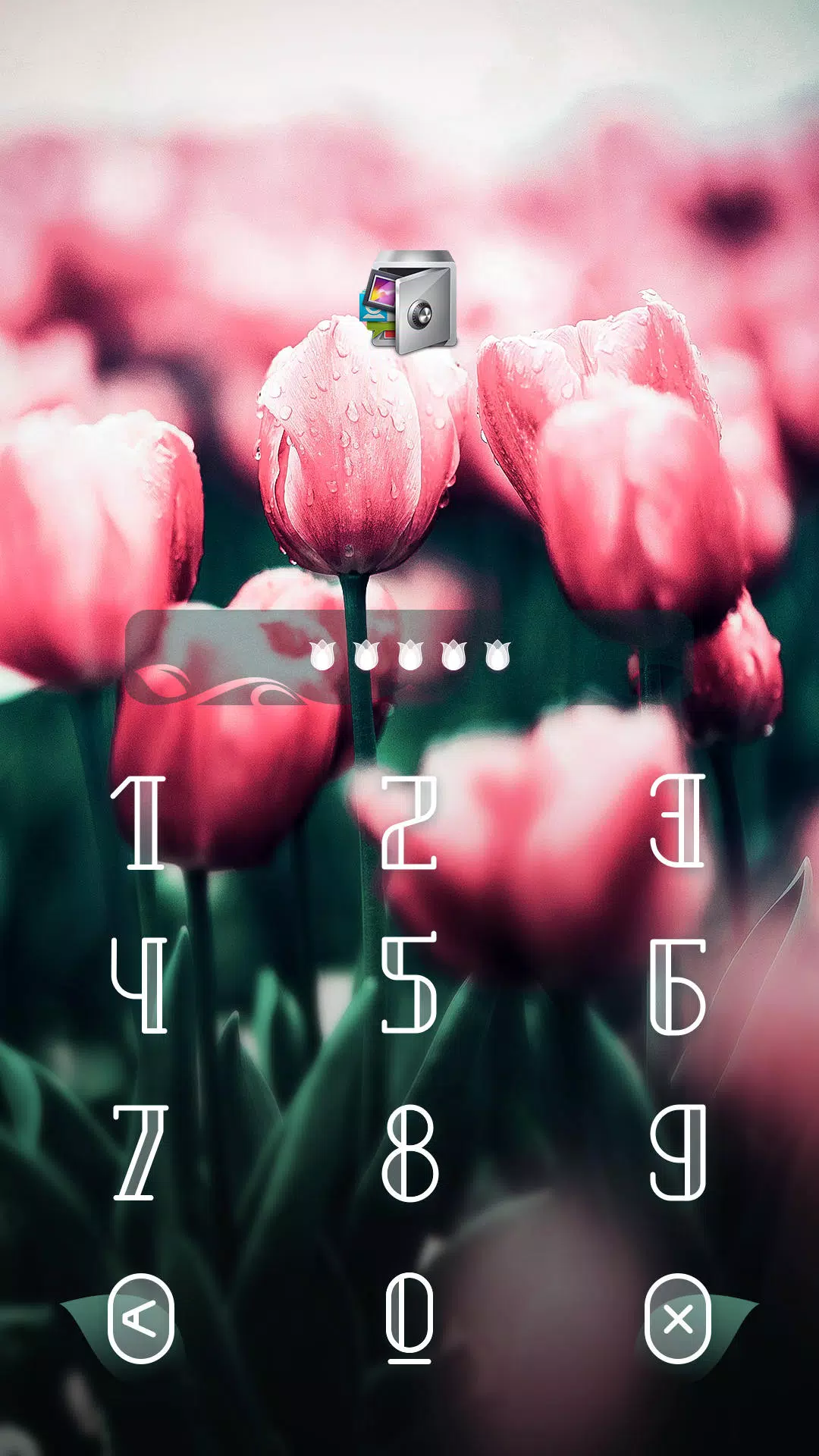
- Lock Screen Widgets: Decorative ring and pattern designs that overlay the standard PIN and pattern input without affecting security.
- Animated Transitions: Lightweight micro-animations for opening and closing the lock interface to create a smoother feel.
- Preview Mode: Instant theme preview before applying, so you can test colors and layouts at a glance.
Interface and Workflow
The theme integrates into the AppLock settings screen as a selectable skin. Choosing AppLock Theme Tulip is a straightforward two-step flow: select the theme, then confirm to apply. The preview shows how the lock screen, app icons, and control buttons will appear. Changes apply immediately, and you can revert to the default theme with one tap.
Applying and Managing the Theme
To install, download the theme package and open it from your AppLock manager. When you open AppLock Theme Tulip it will request permission to modify the appearance of the lock interface; no additional access to personal data is required. The theme supports backups so you can save your current setup and restore it later without reconfiguring each lock.
Compatibility and Performance
AppLock Theme Tulip is engineered to be lightweight: assets are optimized to avoid increasing app startup time or battery use. It supports a wide range of Android versions and display densities, scaling icons and backgrounds appropriately. The theme respects accessibility settings like high-contrast text and increased font size to maintain usability for diverse users.
Practical Tips for Best Results
- Preview before applying: Use the preview to ensure contrast is sufficient for your screen under different lighting.
- Keep backups: Save your current lock configuration before switching themes in case you want to revert.
- Combine thoughtfully: If you use a custom launcher or additional icon packs, test how the tulip icons interact to avoid visual clashes.
- Check permissions: AppLock Theme Tulip only needs appearance permissions; if you see unexpected permission prompts, review them carefully.
Maintenance and Updates
Regular updates ensure the theme remains compatible with the latest AppLock releases and Android system changes. Updates may include new wallpapers, additional icon variants, or performance optimizations. AppLock Theme Tulip follows modern packaging practices so updates install smoothly without disturbing your saved lock settings.
Why Choose This Theme?
For users who value a cohesive, calming aesthetic on their lock screen, AppLock Theme Tulip provides a tasteful option that emphasizes readability and visual harmony. It customizes appearance while preserving the security and responsiveness of the underlying AppLock tool, delivering a balance between style and practicality.
- No virus
- No advertising
- User protection
Information
- File size: 2.00 M
- Language: English
- Latest Version: 1.2
- Requirements: Android
- Votes: 326
- Package ID: com.domobile.aut.ctulip
- Developer: AppLock@DoMobile
Screenshots
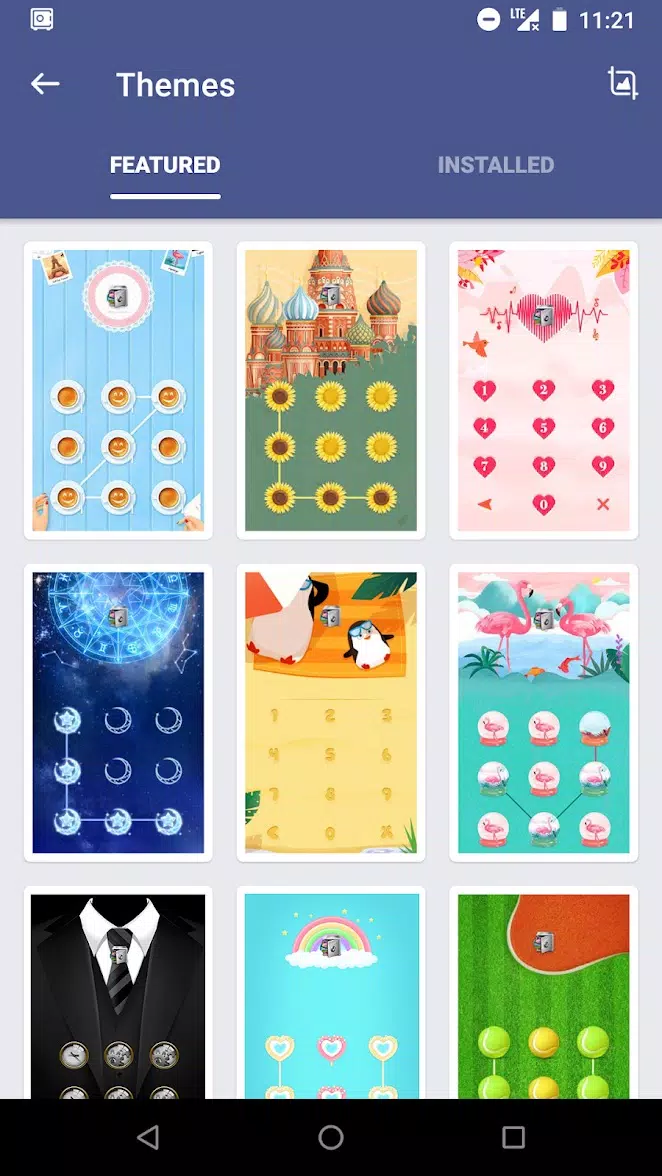
















Explore More
Explore an immersive world of entertainment with our media software. Watch, listen, and engage with your favorite shows, music, movies, and more. Access exclusive content, personalized recommendations, and innovative formats. Enhance your experience with our suite of cutting-edge applications. Discover hidden gems tailored to your unique tastes. Create, share, and connect over personalized playlists, reviews, and forums.

MEXC Global: BTC, ETH, Gamefi

Talking Cat Vs. Mouse

OLX Portugal

ScratchJr

Background Remove & Replace

Physics Lab

Netflix Premium
TV control - tv remote app