


Introduction
写真で整理!おたよりクリップ is a practical mobile utility that helps parents and teachers turn paper notices into searchable, organized digital records. By capturing photos of handouts, school letters, and flyers, it streamlines storage, retrieval, and sharing so you never lose important information again.
What the app does
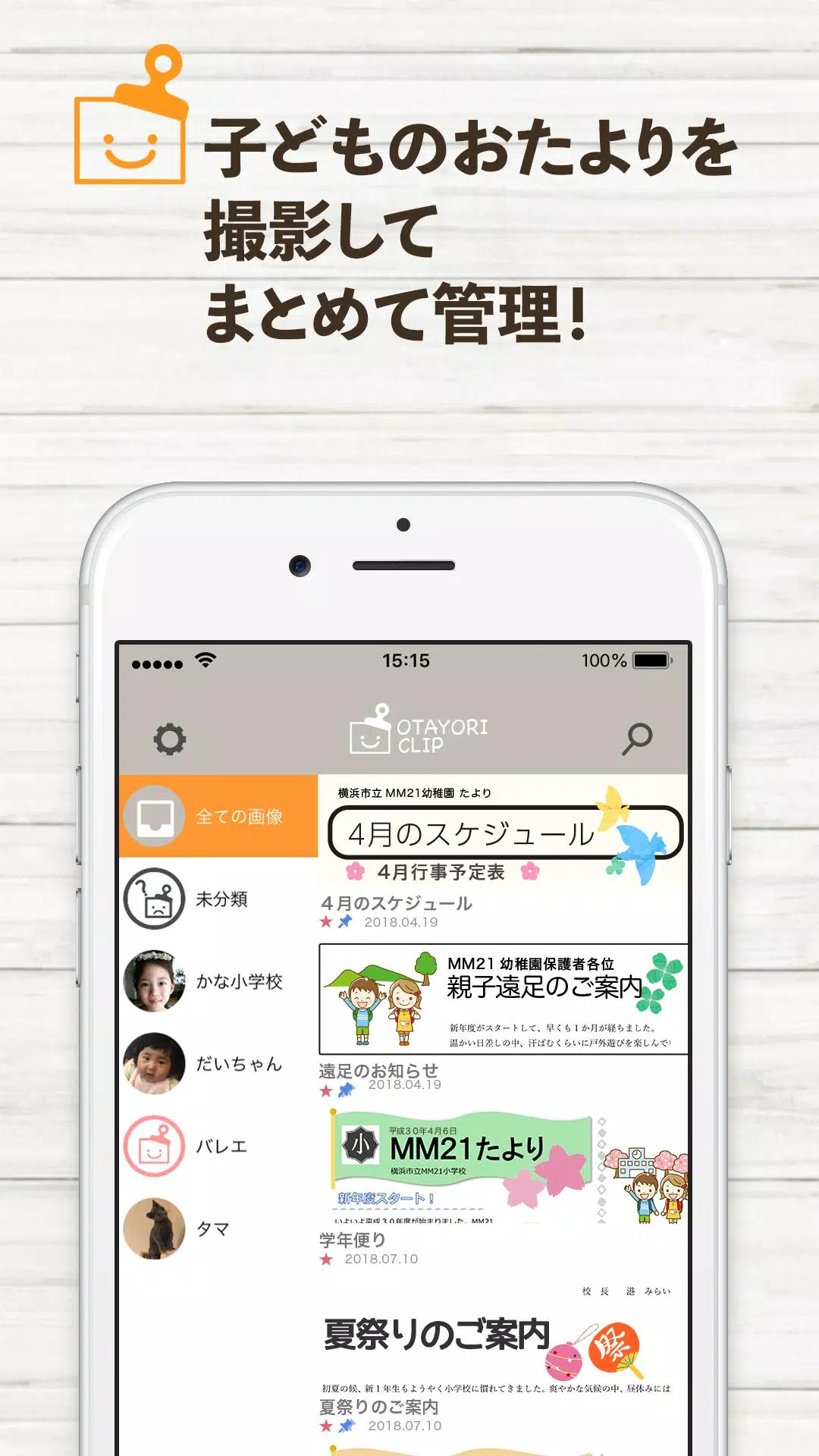
At its core, 写真で整理!おたよりクリップ focuses on eliminating clutter. The app transforms printed documents into neat digital items with minimal effort. Users can photograph notices, trim edges, tag items by child or class, and store them in a tidy timeline. The emphasis is on speed and clarity rather than complex editing tools.
Key tools and workflow
The workflow is straightforward: capture, categorize, and access. Key features include automatic edge detection when taking pictures, batch capture for multiple pages, and simple tagging. A built-in gallery lets you preview items, while a compact editor corrects rotation and exposure. There’s no steep learning curve — the interface guides you through every step.
Organizing and searching
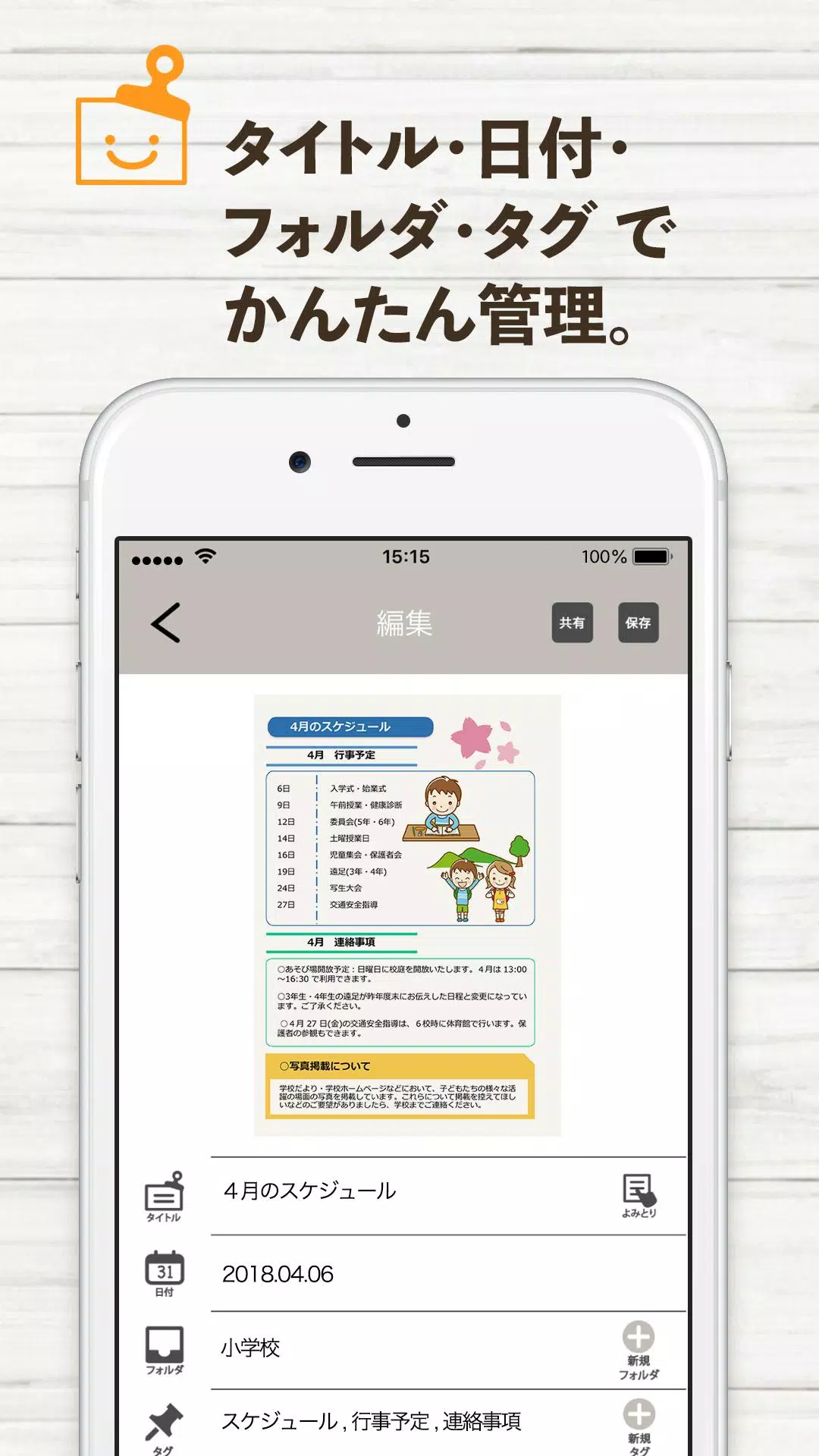
Effective search transforms stacks of paper into a usable archive. 写真で整理!おたよりクリップ provides keyword search across titles and manual tags, plus filters for date, child name, and document type. Creating folders or collections is fast, and tags make cross-referencing simple when a notice relates to multiple children or events.
Sharing and collaboration
Sharing is designed for classroom workflows. You can export single files or entire folders as PDFs, send items via email or messaging apps, or create shareable links for parents and guardians. The app supports easy exporting so teachers can distribute handouts digitally and parents can forward details to relatives or caregivers.
Interface and performance
The interface balances simplicity with functionality. Buttons and menus are labeled clearly, and common tasks require just a few taps. Image processing is optimized for mobile CPUs, so cropping and enhancement feel quick on recent devices. Memory use stays modest by compressing images intelligently while preserving legibility.
Privacy and backup
Recognizing the sensitive nature of school documents, 写真で整理!おたよりクリップ offers local storage by default with optional cloud backup. Users can choose whether to sync across devices and enable password or biometric protection for the app. Export options include encrypted archives for safe sharing.
Customization and settings
The app includes practical customization: default tags, auto-folder rules, and filename templates. You can create templates for each child to auto-assign captured items, set preferred export formats, and adjust image enhancement defaults. These small options speed up repetitive tasks and keep your archive consistent.
Tips for new users
- Batch your captures: Take all related notices in one session to save time on tagging and organizing.
- Use clear tags: Create short, consistent tags like "Grade2" or a child’s initials for fast filtering.
- Leverage auto-crop: Let the app detect edges; it usually trims better than freehand cropping.
Real-world scenarios
Parents find 写真で整理!おたよりクリップ useful for keeping permission slips, event schedules, and meal plans accessible on their phones. Teachers can prepare digital packs for remote students and reduce paper handouts. Administrators use the app to archive circulars and policy updates without filling cabinets.
Installation and getting started
Installation is standard from the app store and takes a minute on most devices. After granting camera and storage permissions, a quick walkthrough demonstrates capture and tagging. Most users are productive within five to ten minutes.
Final thoughts on usability
For anyone juggling school-related paperwork, 写真で整理!おたよりクリップ cuts friction from daily routines. The app focuses on practical features that matter: fast capture, organized storage, secure sharing, and simple customization. It’s a solid digital assistant for managing the paper trail that comes with family and school life.
- No virus
- No advertising
- User protection
Information
- File size: 35.20 M
- Language: English
- Latest Version: 1.0.8
- Requirements: Android
- Votes: 107
- Package ID: jp.co.isp21.letterclip
- Developer: Information System Products Co.,Ltd.
Screenshots

















Explore More
Discover and share the hottest events around with our intuitive apps. Find local concerts, festivals, shows, and more based on your unique interests. Create customizable calendars of upcoming events to coordinate schedules with friends. Purchase tickets seamlessly from our integrated platforms. Check real-time transit schedules to plan your trip. Access maps, directions, and parking information for any venue.

Bloomberg Connects

Tax Calculator India 2024-2025

OnDjoss

Park4Me

Scary sound effects

TryController

Home Workouts - Lose Weight

Mocha Telnet Lite





























