


Introduction
SDS (ต้นสังกัด) is a streamlined management app designed for small labels and creative teams to organize artists, schedules, and resources from a single mobile interface. It combines roster management, task coordination, and performance tracking so teams can focus on creative decisions while staying coordinated across projects and events.
What SDS (ต้นสังกัด) Does
SDS (ต้นสังกัด) centralizes everyday operational tasks for agencies and creative managers. The app groups artists into rosters, tracks bookings, and keeps a searchable record of contacts, contracts, and availability. Notifications and calendar syncing help prevent conflicts while a built-in checklist system keeps milestones visible to everyone involved.
Core Features
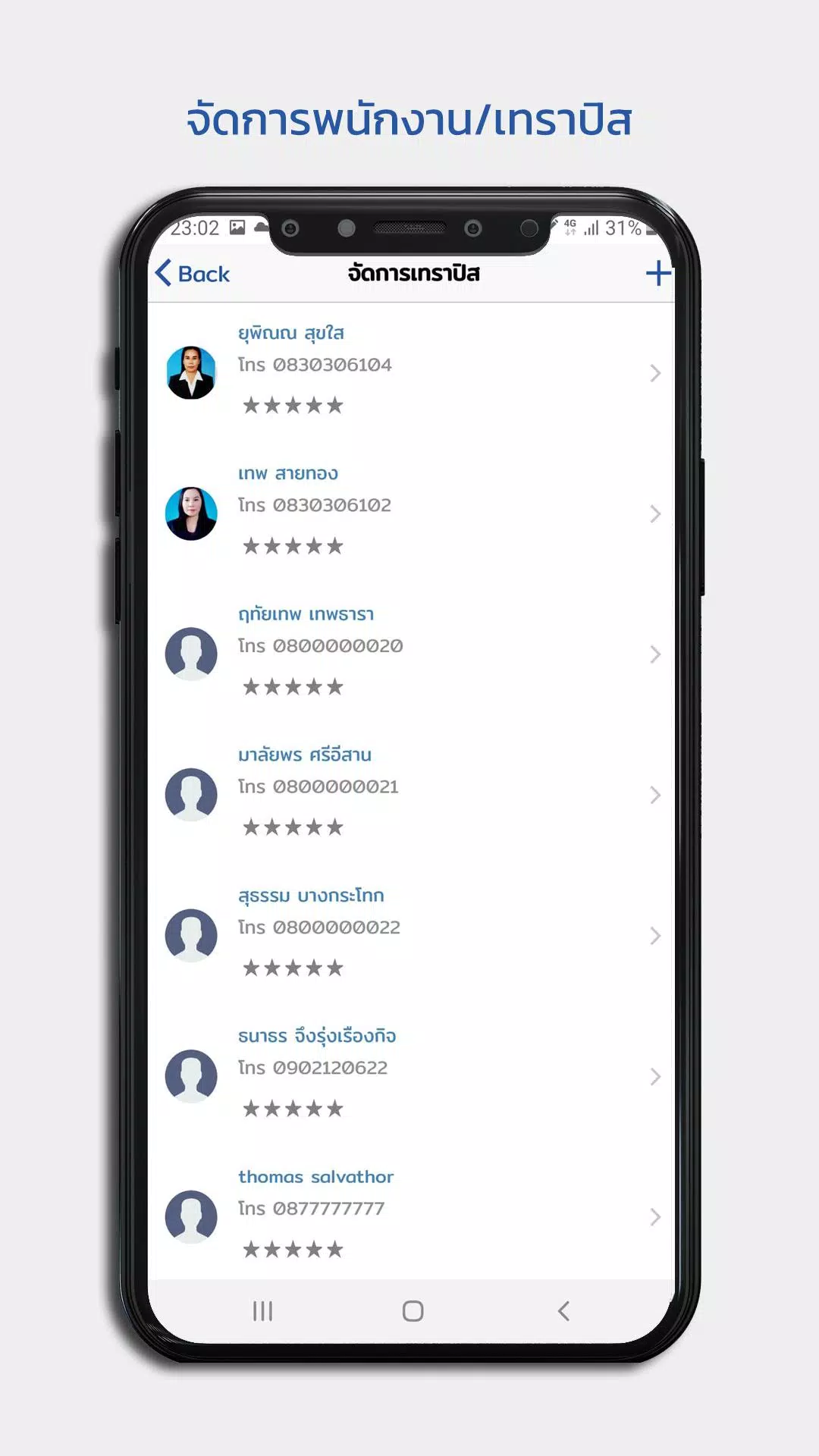
- Roster and Profile Management: Create detailed profiles for artists, including skills, media assets, past projects, and contact history. Profiles are quickly searchable and support custom fields to reflect your agency’s workflow.
- Scheduling and Calendar Integration: Sync events with device calendars, share rehearsal times and booking windows, and set reminders for key deadlines to reduce missed commitments.
- Task and Workflow Tracking: Assign tasks to team members, set priorities and due dates, and monitor progress with clear status labels. The app supports recurring tasks for routine operations.
- Document Storage and Contracts: Store contracts, rider documents, and media files within each artist profile. Version history helps track changes and ensures the latest documents are always available.
- Notifications and Alerts: Customizable push notifications keep teams informed about schedule changes, approvals required, and upcoming deadlines.
Interface and Daily Workflow
The interface of SDS (ต้นสังกัด) emphasizes minimal taps and clear information hierarchy. A dashboard surfaces upcoming events and outstanding tasks, while contextual menus provide quick access to messaging, file attachments, and contact details. The design supports both portrait and landscape orientations to suit tablets and phones in office or on-location use.
Collaboration and Team Coordination
Collaboration tools let managers and artists communicate without leaving the app. Shared notes, comment threads attached to tasks, and time-stamped activity logs keep conversations tied to the right project or booking. Role-based permissions let administrators restrict sensitive content while allowing external collaborators limited access for approvals or file uploads.
Customization and Third-Party Integrations
SDS (ต้นสังกัด) offers configurable fields and templates so agencies can reflect how they actually work. Templates for tour itineraries, press kits, and demo schedules reduce repetitive setup. Integrations with common calendar apps, cloud storage services, and email make it easy to pull existing assets into your workflow without manual duplication.
Performance and Device Compatibility
Lightweight on device storage, SDS (ต้นสังกัด) is optimized for both modern and older Android devices. Caching and offline access ensure teams can view schedules and files even in low-connectivity environments. Background sync minimizes battery drain while keeping data current when connectivity returns.
Security and Data Management
Data security is a priority: role-based access, encrypted file storage, and optional cloud backups protect confidential artist information. Admin controls allow selective export of reports and audit logs for accounting or legal review. Regular backups and secure authentication reduce the risk of data loss or unauthorized access.
Getting Started with Your First Roster
Onboarding in SDS (ต้นสังกัด) is straightforward. Start by importing contacts or creating artist profiles, then populate a calendar with upcoming events and assign initial tasks. Built-in tutorials and sample templates help new users set up standard processes quickly. Support documentation guides administrators through permission models and integration steps.
Who Benefits Most
SDS (ต้นสังกัด) is particularly useful for small to mid-sized labels, talent managers, and independent production teams that need a compact yet capable toolset. It reduces administrative overhead and keeps creative teams aligned by giving everyone a single source of truth for schedules, assets, and responsibilities.
Final Notes on Usability
With an approachable interface and focused feature set, SDS (ต้นสังกัด) helps agencies streamline operations without sacrificing control. The app balances practical management tools with collaboration features to support the unique demands of artist-centered workflows and event planning.
- No virus
- No advertising
- User protection
Information
- File size: 13.40 M
- Language: English
- Latest Version: 1.5.7
- Requirements: Android
- Votes: 135
- Package ID: com.mindth.smile.agency
- Developer: SMILEBRIDGE INTERMEDIA CO.,LTD
Screenshots
















Explore More
Discover and share the hottest events around with our intuitive apps. Find local concerts, festivals, shows, and more based on your unique interests. Create customizable calendars of upcoming events to coordinate schedules with friends. Purchase tickets seamlessly from our integrated platforms. Check real-time transit schedules to plan your trip. Access maps, directions, and parking information for any venue.

Bloomberg Connects

Tax Calculator India 2024-2025

OnDjoss

Park4Me

Scary sound effects

TryController

Home Workouts - Lose Weight

Mocha Telnet Lite





























