


Introduction
CircularProgressView sample is a compact demo app that showcases a customizable circular progress indicator for Android developers. It demonstrates how the CircularProgressView component behaves, how to configure colors, sizes, and animation speed, and when a circular progress display is appropriate for loading states or task completion. Developers download this sample to experiment interactively with different settings and to see immediate visual feedback while integrating a circular progress bar into their own projects. The app is lightweight, focused on examples, and designed to make it straightforward to learn custom view usage and animation behavior in Android.
Key Features
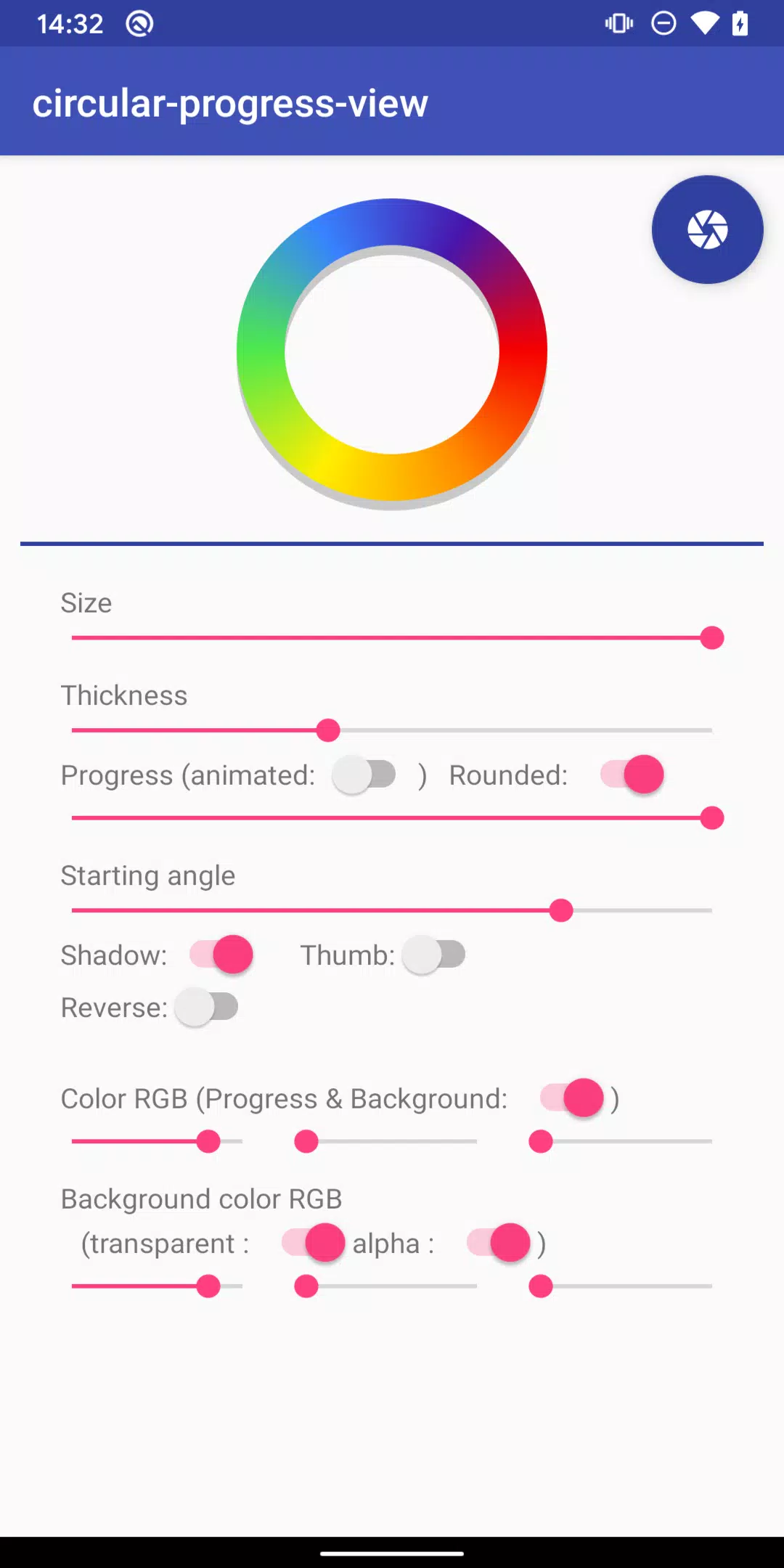
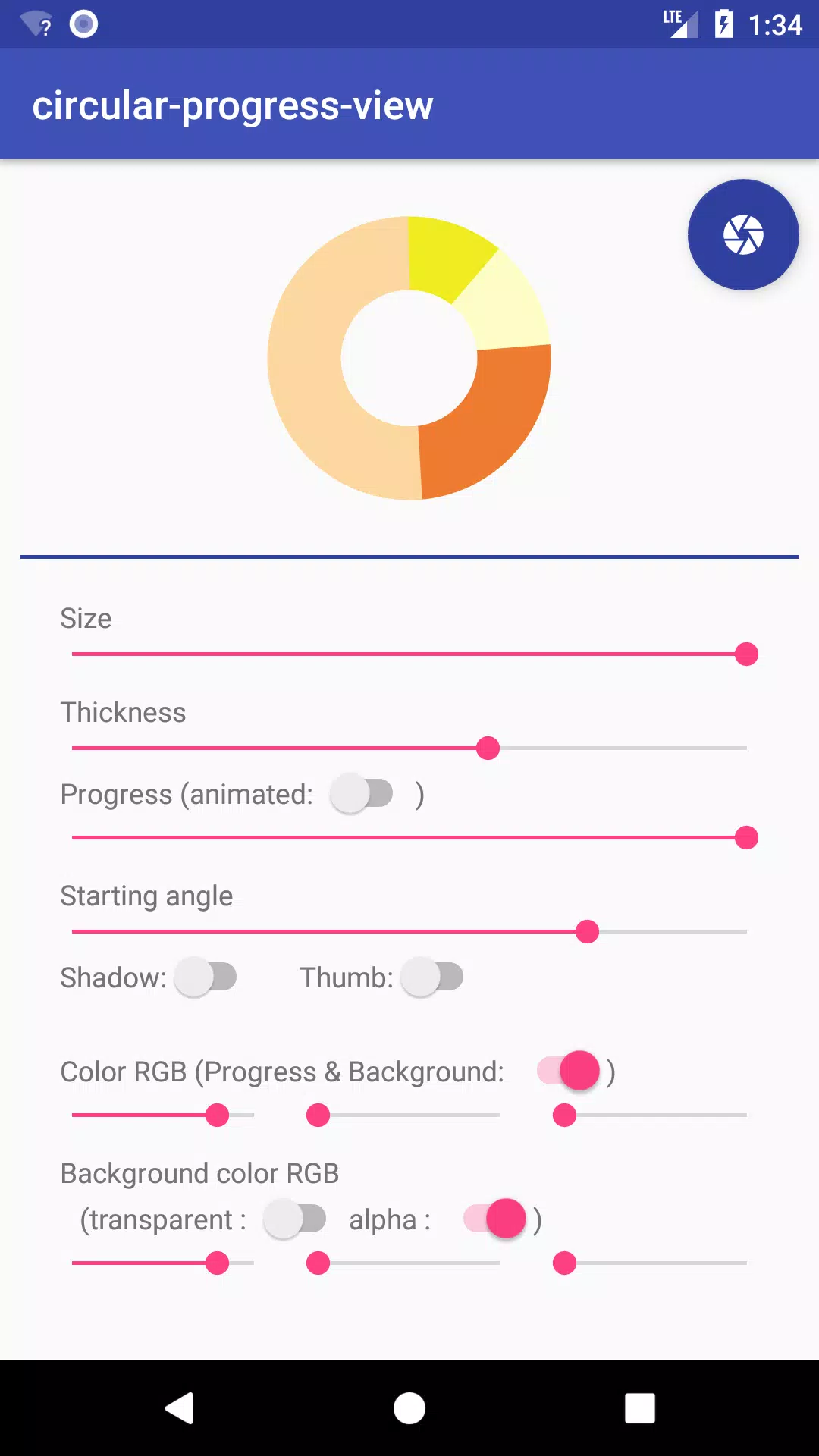
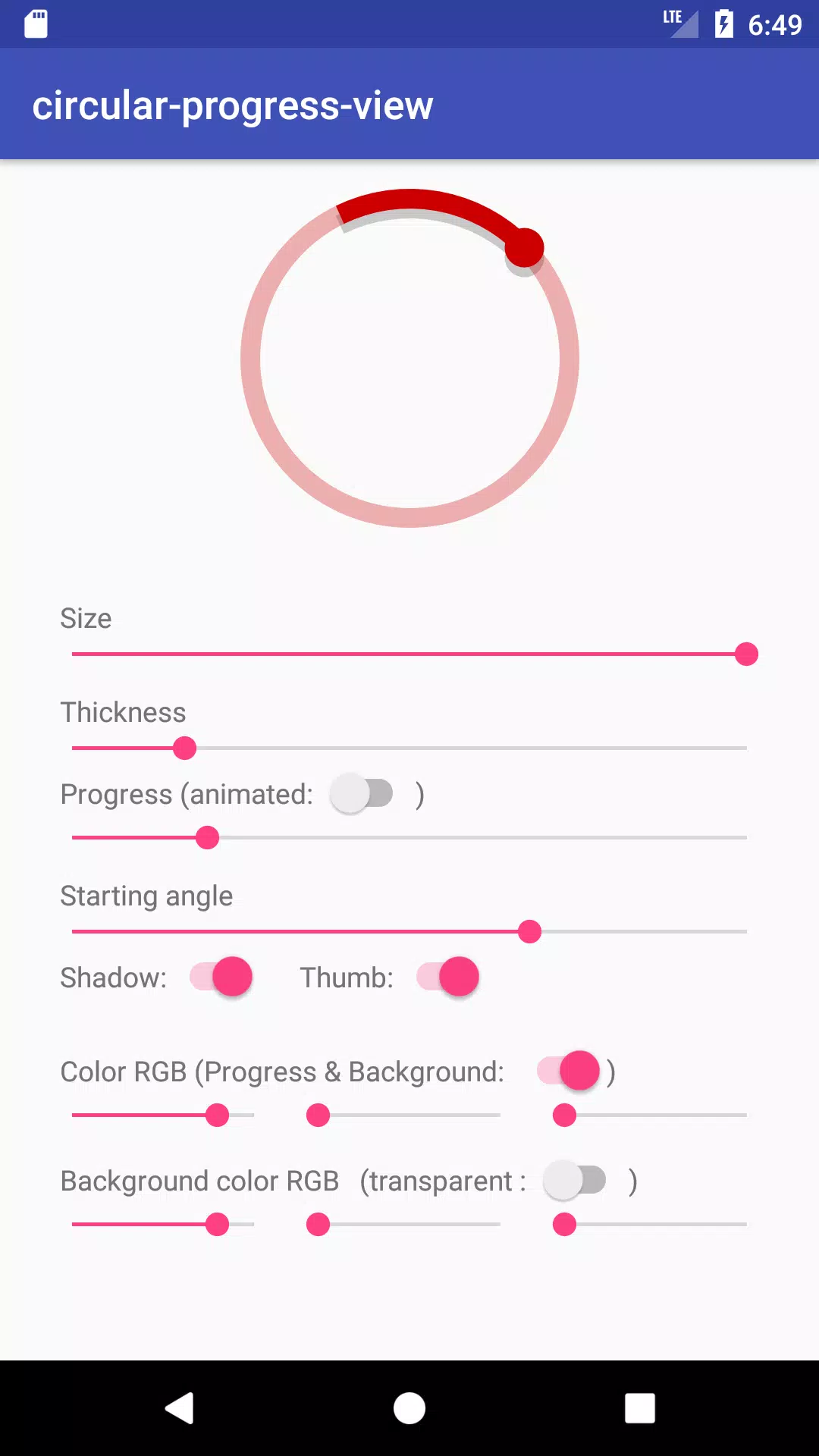
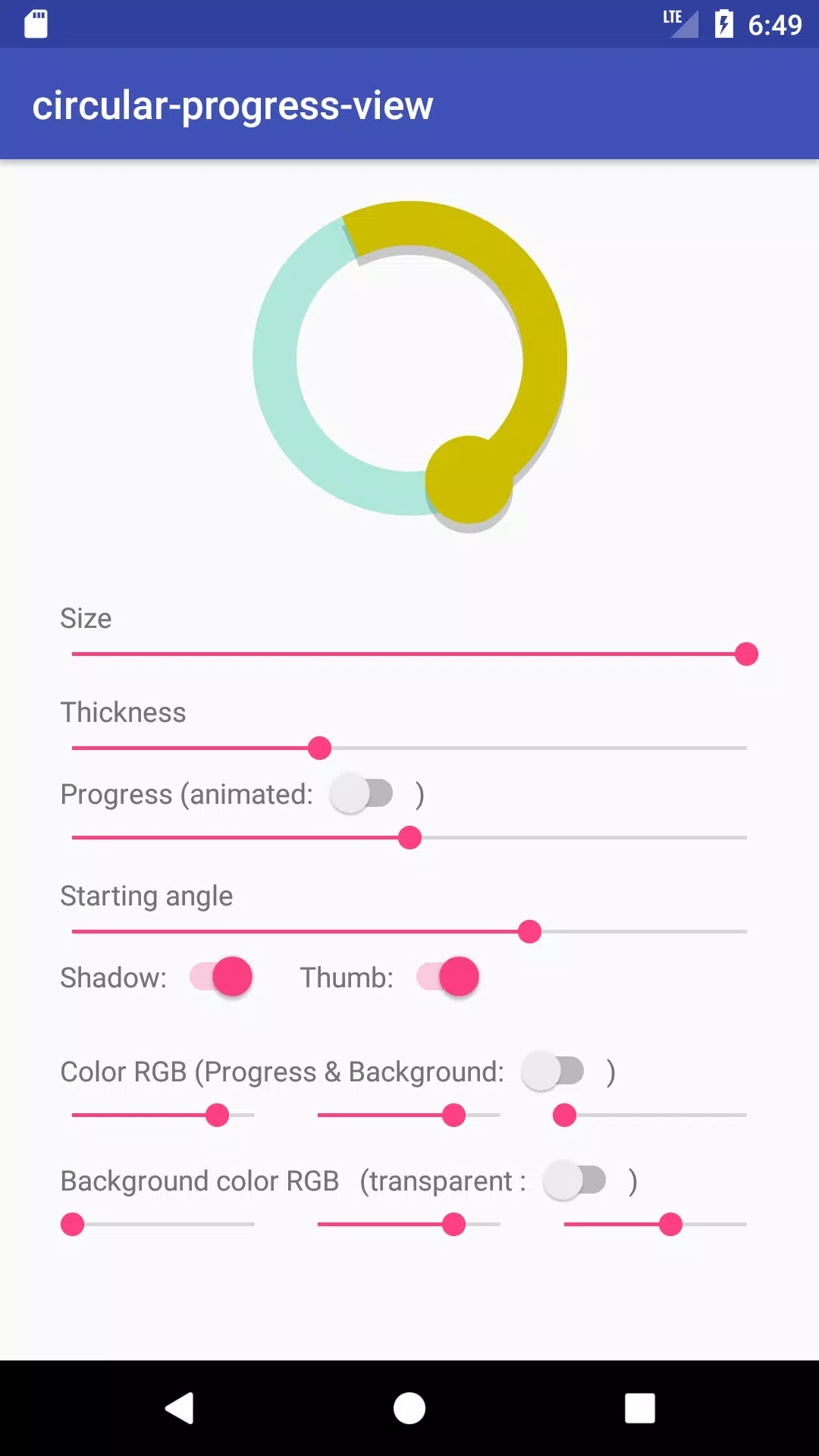
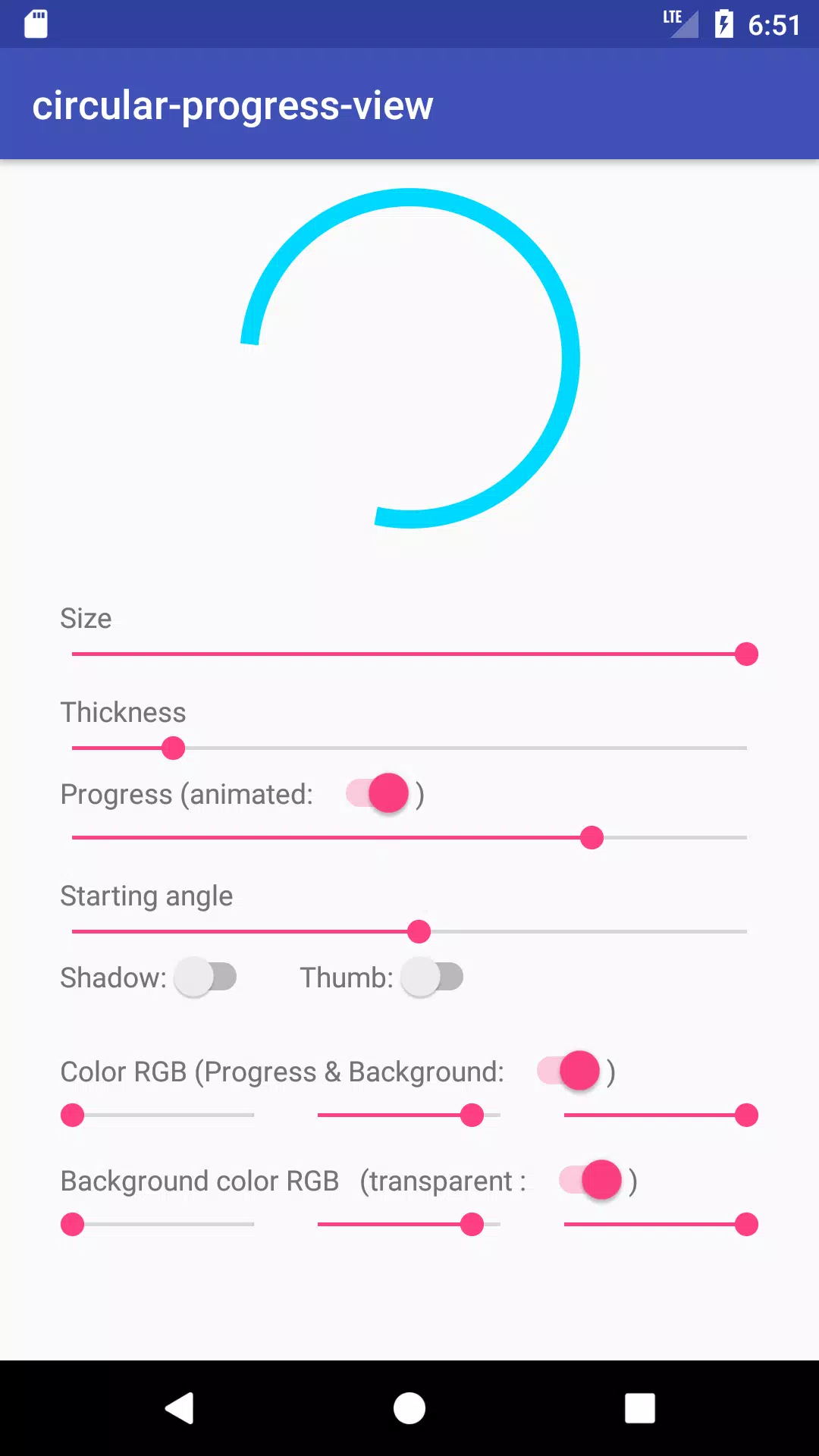
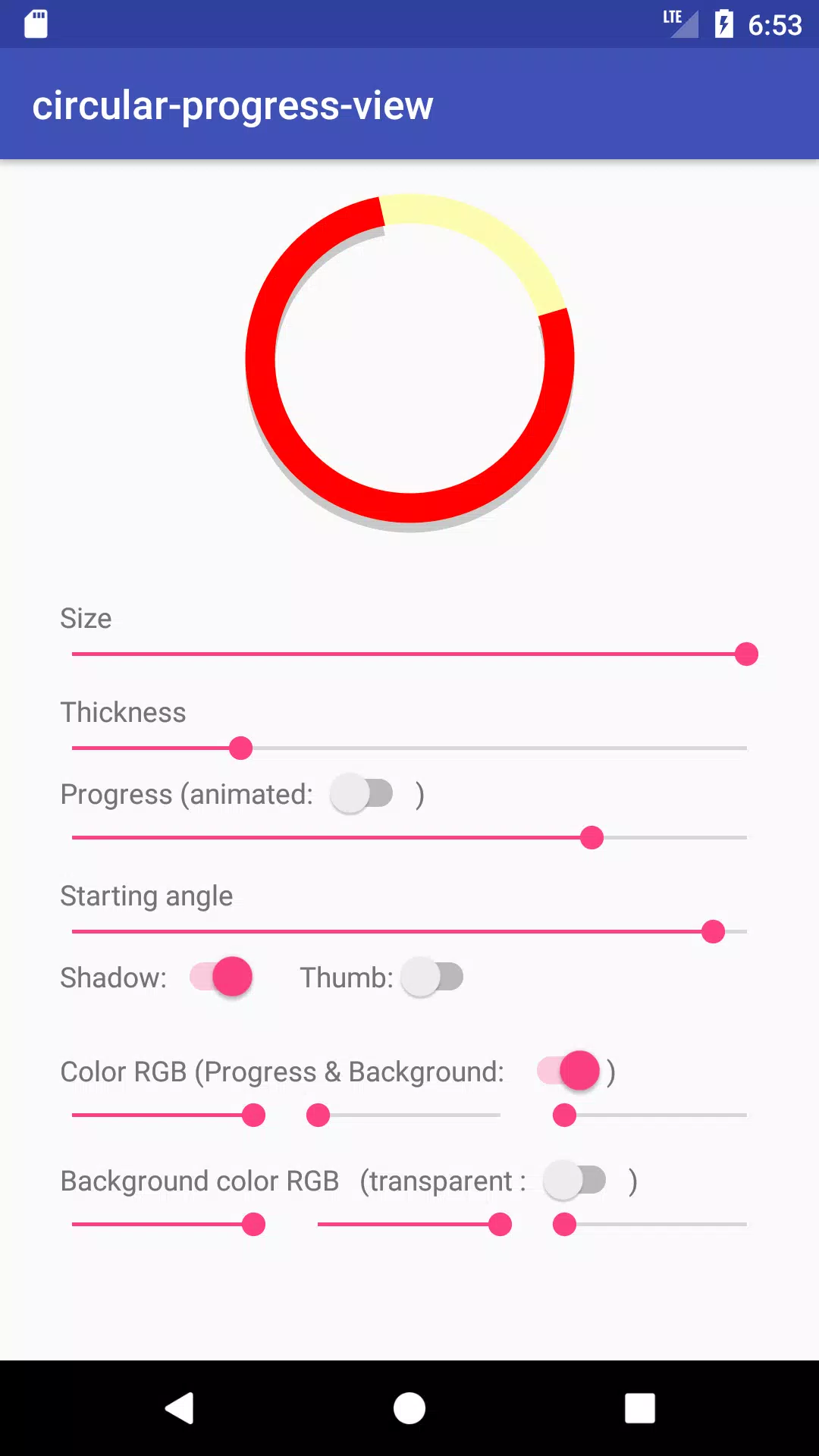
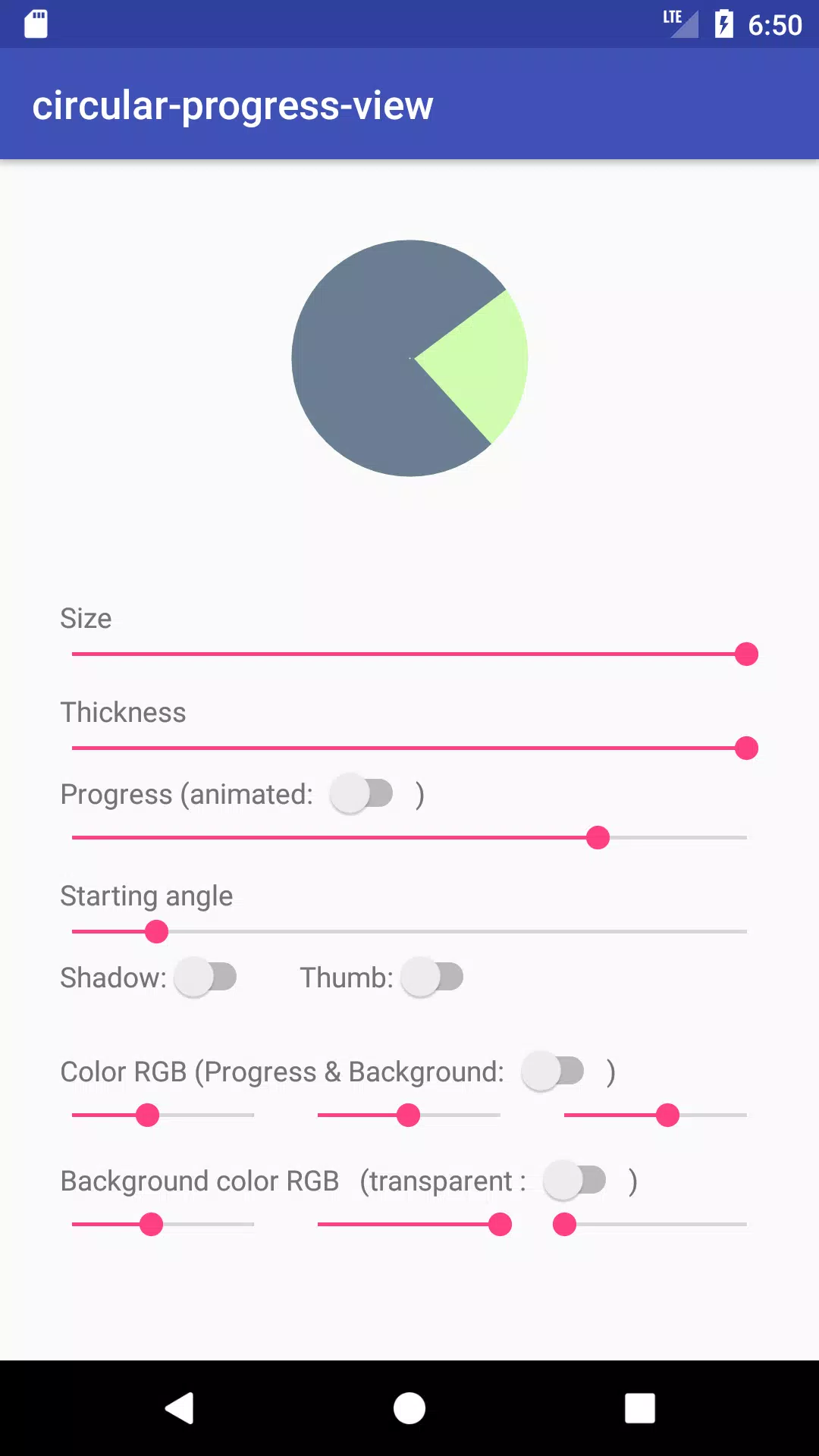
⭐ Interactive preview of a circular progress indicator with adjustable colors, stroke widths, and animation speed.
⭐ Several ready-made configurations that illustrate common use cases such as loading spinners and completion rings.
⭐ Live property controls let you tweak parameters and see changes in real time — ideal for experimenting with the CircularProgressView sample.
⭐ Minimal, readable sample code showing how to embed the custom view and trigger animations.
⭐ Suitable for both newcomers learning custom views and experienced developers testing UI components.
Advantages
✅ Quick, hands-on way to evaluate circular progress behavior without building a full app around it.
✅ Small footprint and focused examples make it easy to find the specific pattern you need.
✅ Comes with example code snippets that illustrate typical integration patterns in the CircularProgressView sample.
✅ Useful learning resource for understanding animation and custom view configuration in Android.
Disadvantages
❎ It is a demonstration app, not a full-featured production library, so additional work is required for real-world integration.
❎ Limited to showcasing the circular progress component and does not include broader UI templates or complex use cases.
❎ Customization options shown are illustrative and may need refinement to match specific app design systems.
- No virus
- No advertising
- User protection
Information
- File size: 2.50 M
- Language: English
- Latest Version: 2.0.0
- Requirements: Android
- Votes: 236
- Package ID: com.github.guilhe.cicularprogressview.sample
- Developer: Guilherme Delgado
Screenshots
















Explore More
Explore an immersive world of entertainment with our media software. Watch, listen, and engage with your favorite shows, music, movies, and more. Access exclusive content, personalized recommendations, and innovative formats. Enhance your experience with our suite of cutting-edge applications. Discover hidden gems tailored to your unique tastes. Create, share, and connect over personalized playlists, reviews, and forums.

MEXC Global: BTC, ETH, Gamefi

Talking Cat Vs. Mouse

OLX Portugal

ScratchJr

Background Remove & Replace

AppLock Theme Tulip

Physics Lab

Netflix Premium













