Introduction
Background Remove & Replace is a compact, easy-to-use photo utility that removes and swaps backgrounds quickly using on-device AI, so you can produce clean cutouts for social posts, product images, and presentations without a steep learning curve. The app balances automatic one-tap background removal with manual precision tools and keeps processing local to your device for speed and privacy. Whether you are preparing product photos or trimming portraits, Background Remove & Replace helps you reach a polished result without needing complex desktop software.
Key Features
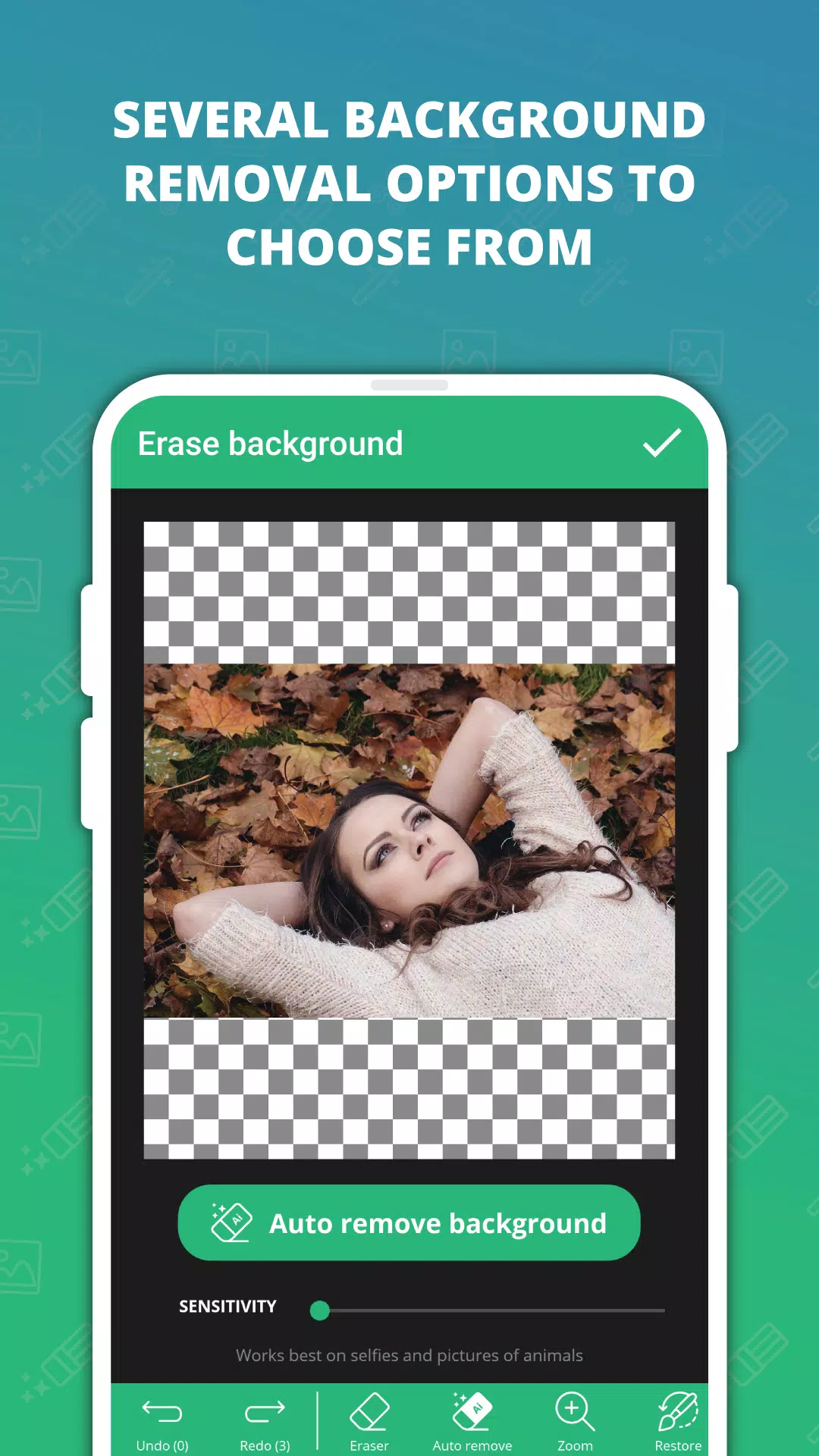
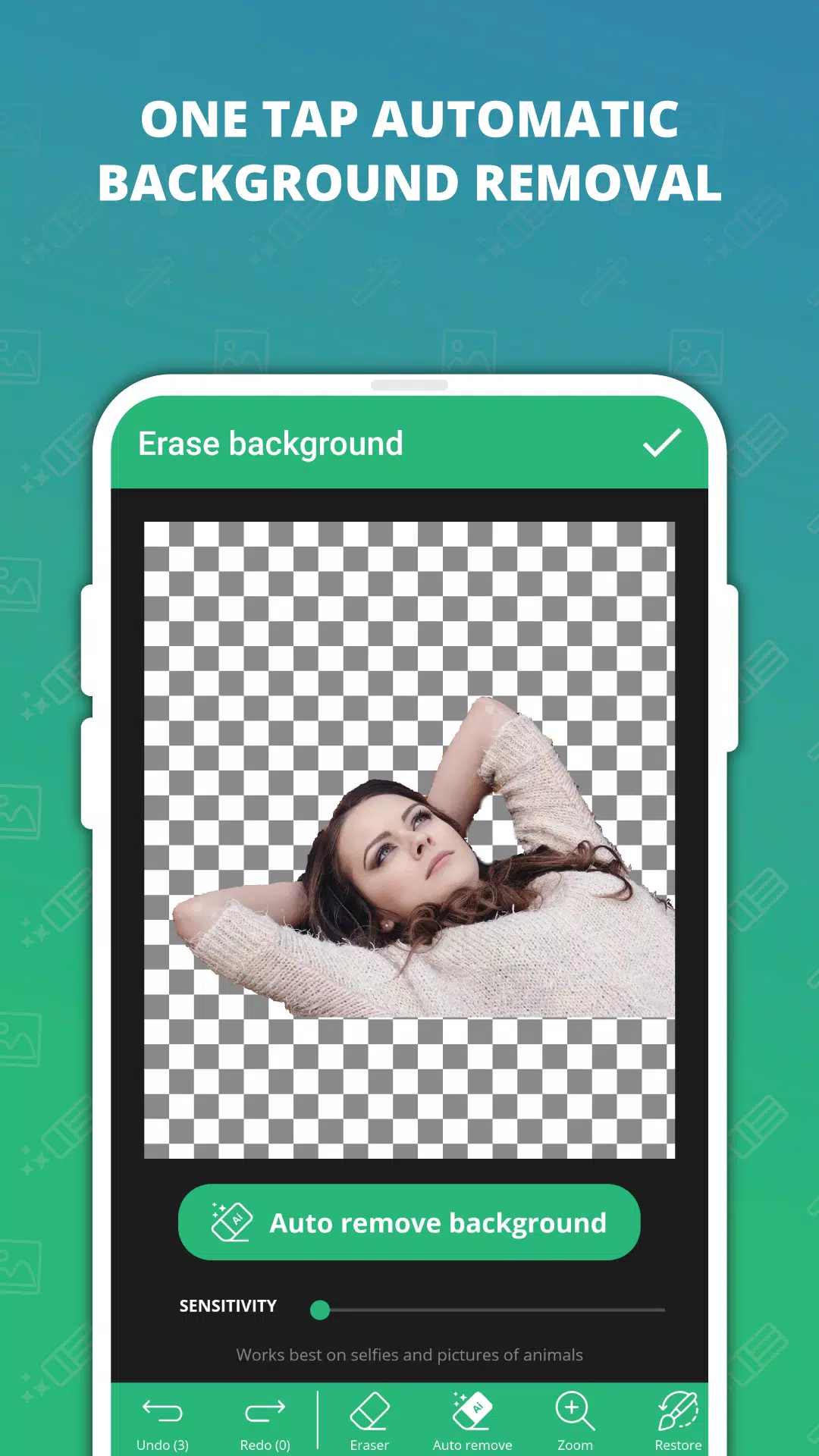
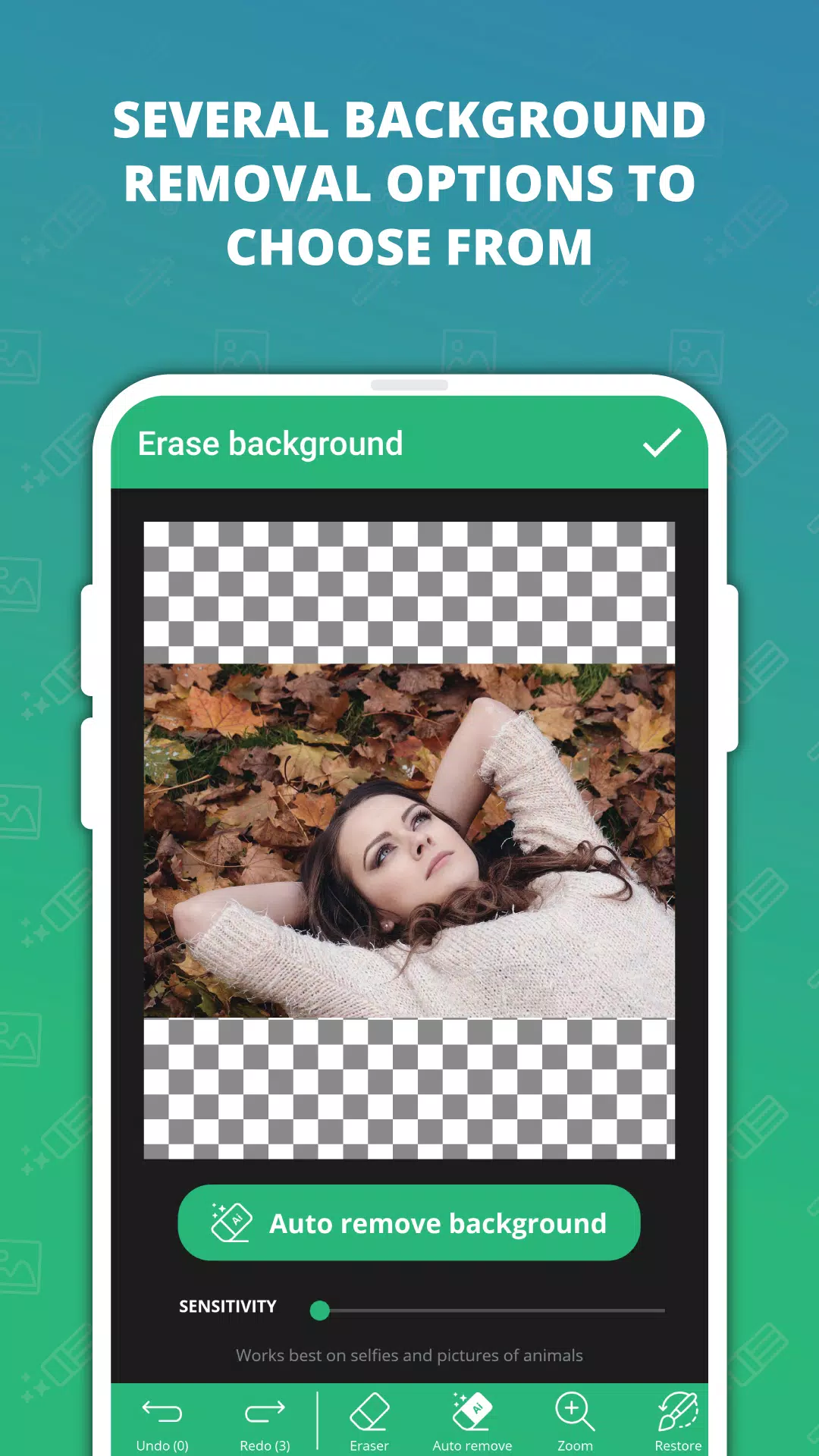
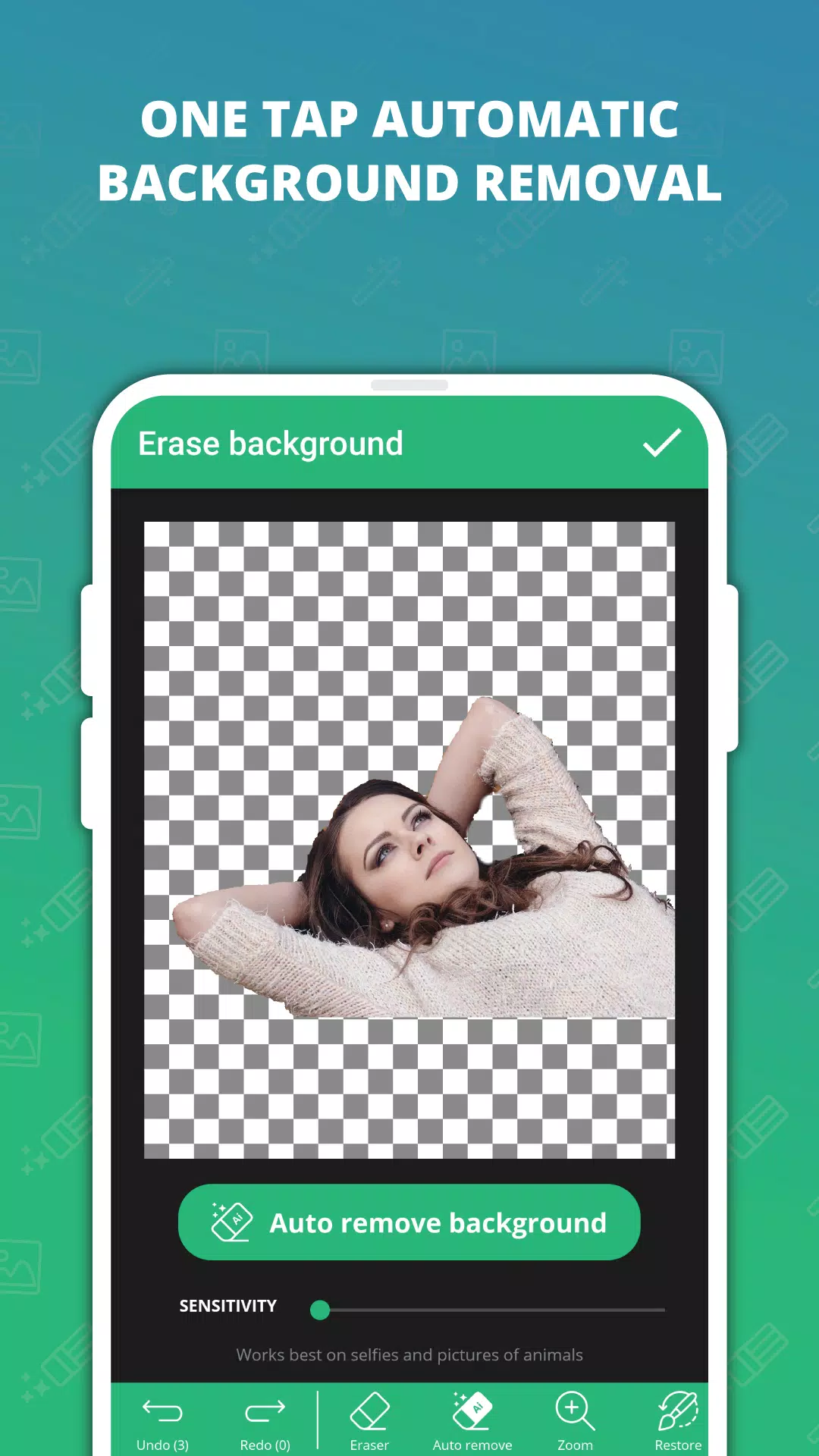
The core automatic tool detects foreground subjects and separates them from background areas in a single tap, delivering an editable mask that preserves edge detail. Background Remove & Replace also provides a precision eraser and brush controls so you can refine the selection around hair, clothing, and fine edges where automatic masks may be imperfect. A magic wand selection is available for removing large regions with similar colors quickly, while a zoomed editing view helps with pixel-level touch-ups.
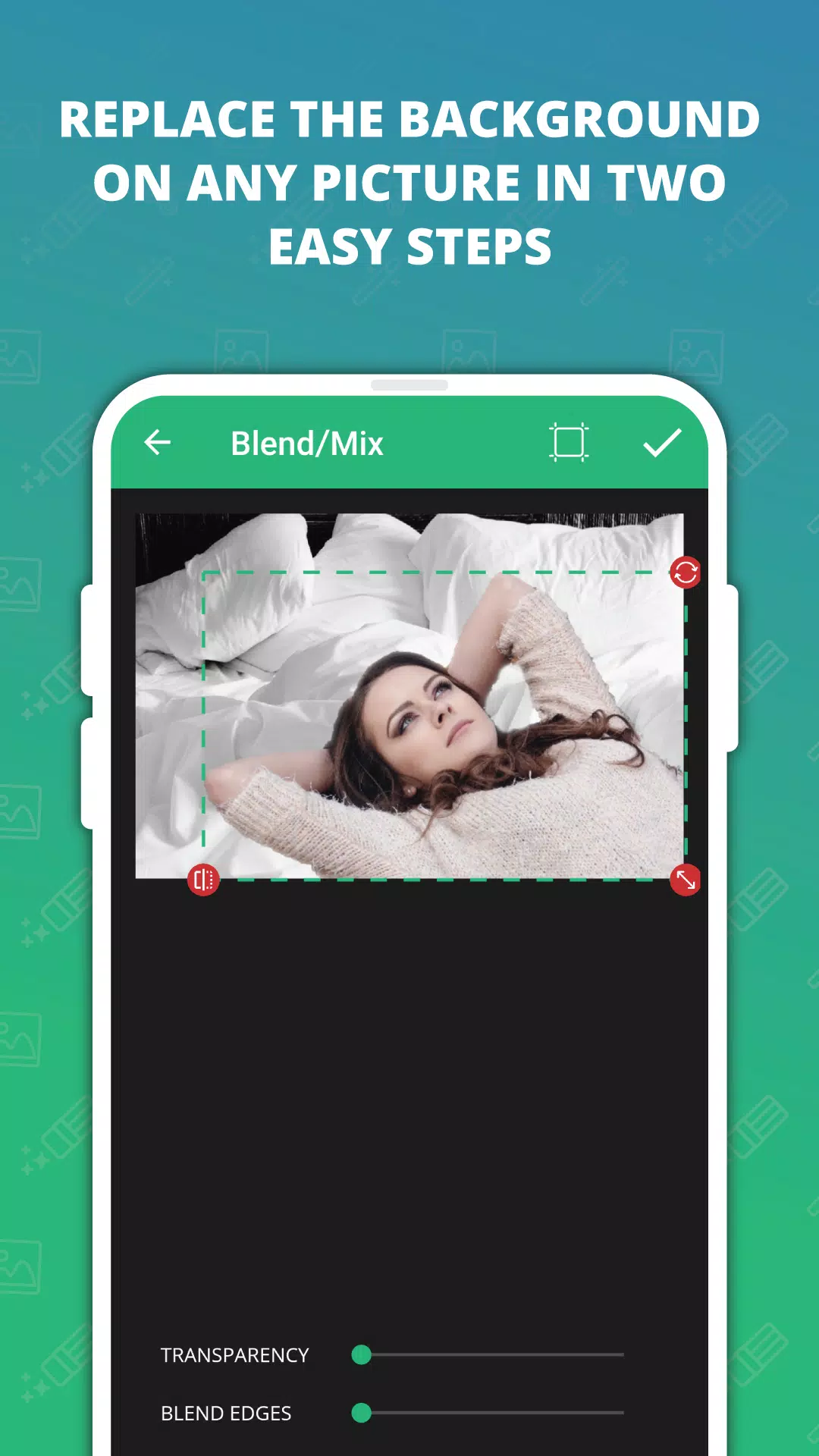
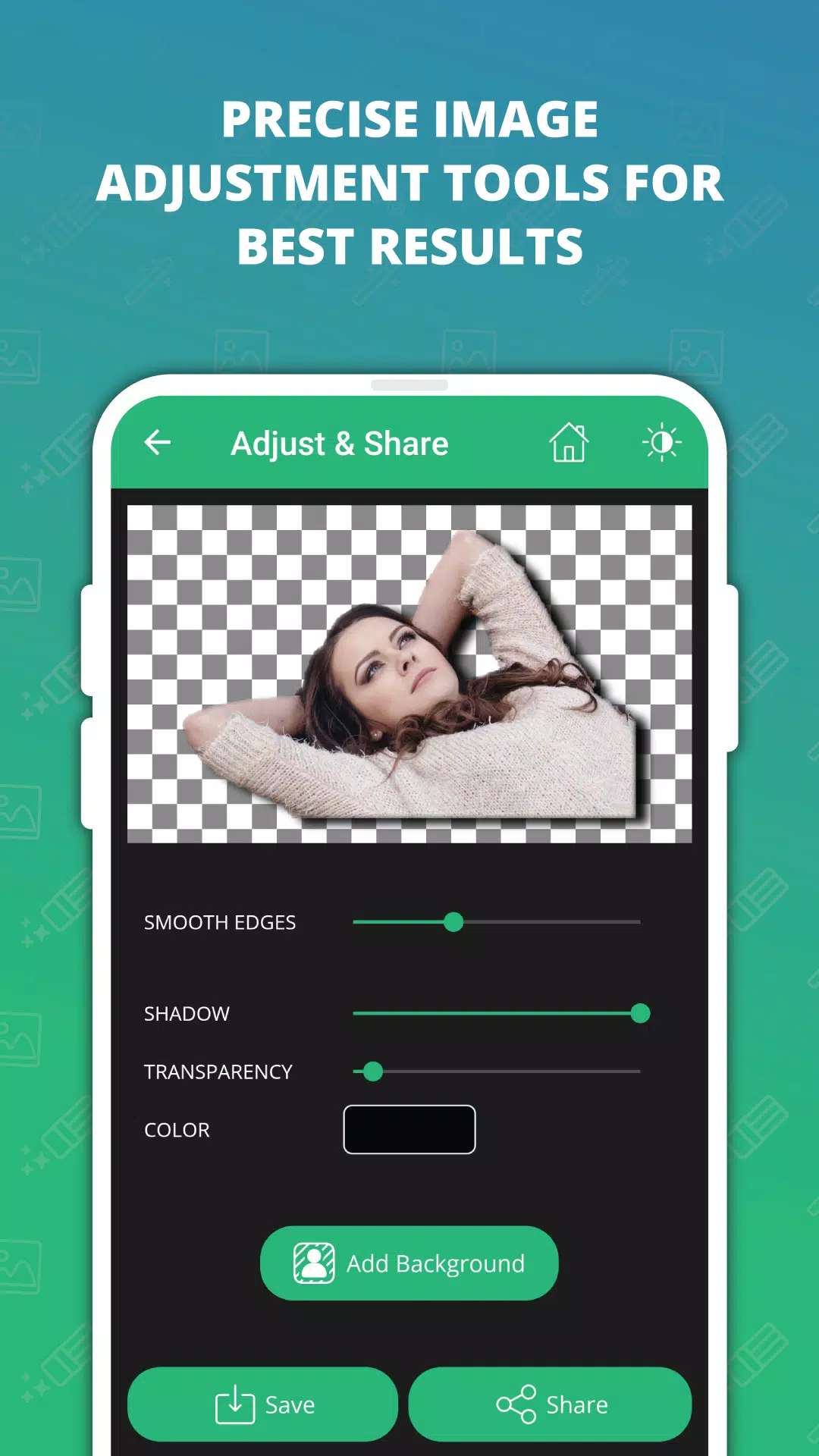
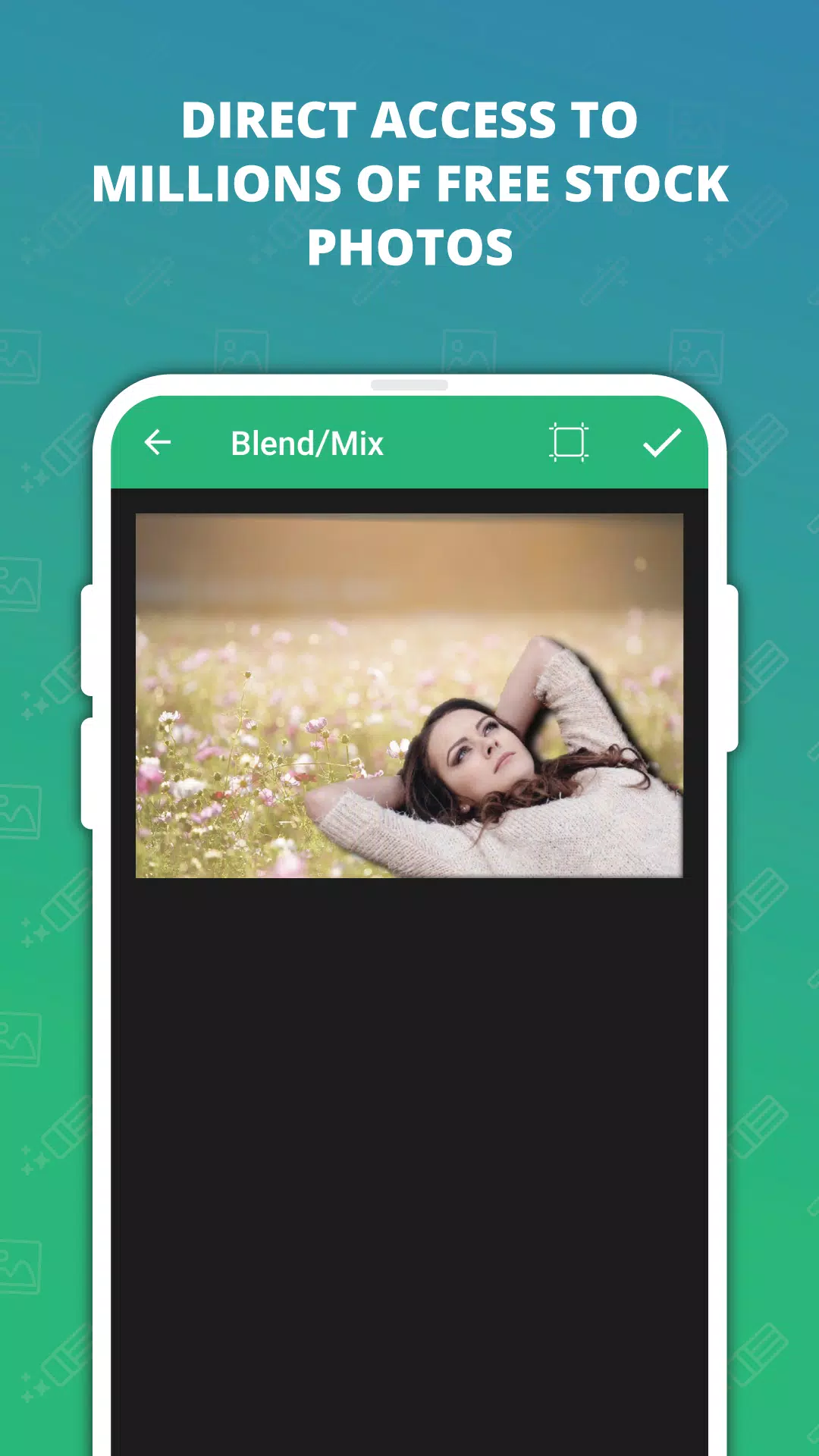
In addition to removal, the app includes a built-in library of royalty-free stock photos to use as replacement backgrounds and a set of adjustment controls for blending: exposure, contrast, color temperature, and edge feathering help new backgrounds feel natural under the subject. Exports include high-quality transparent PNGs alongside standard image formats so you can use results across apps, on websites, and in print.
How it Works and Controls
Controls are designed for touch: tap to run the automatic cutout, drag to move masks or background layers, pinch to zoom for detailed work, and use the eraser or restore brush to correct areas quickly. Adjustable brush sizes and opacity let you work from broad changes to delicate refinements. The app also provides undo/redo history so you can experiment without losing progress.
Editing Workflow and Progression
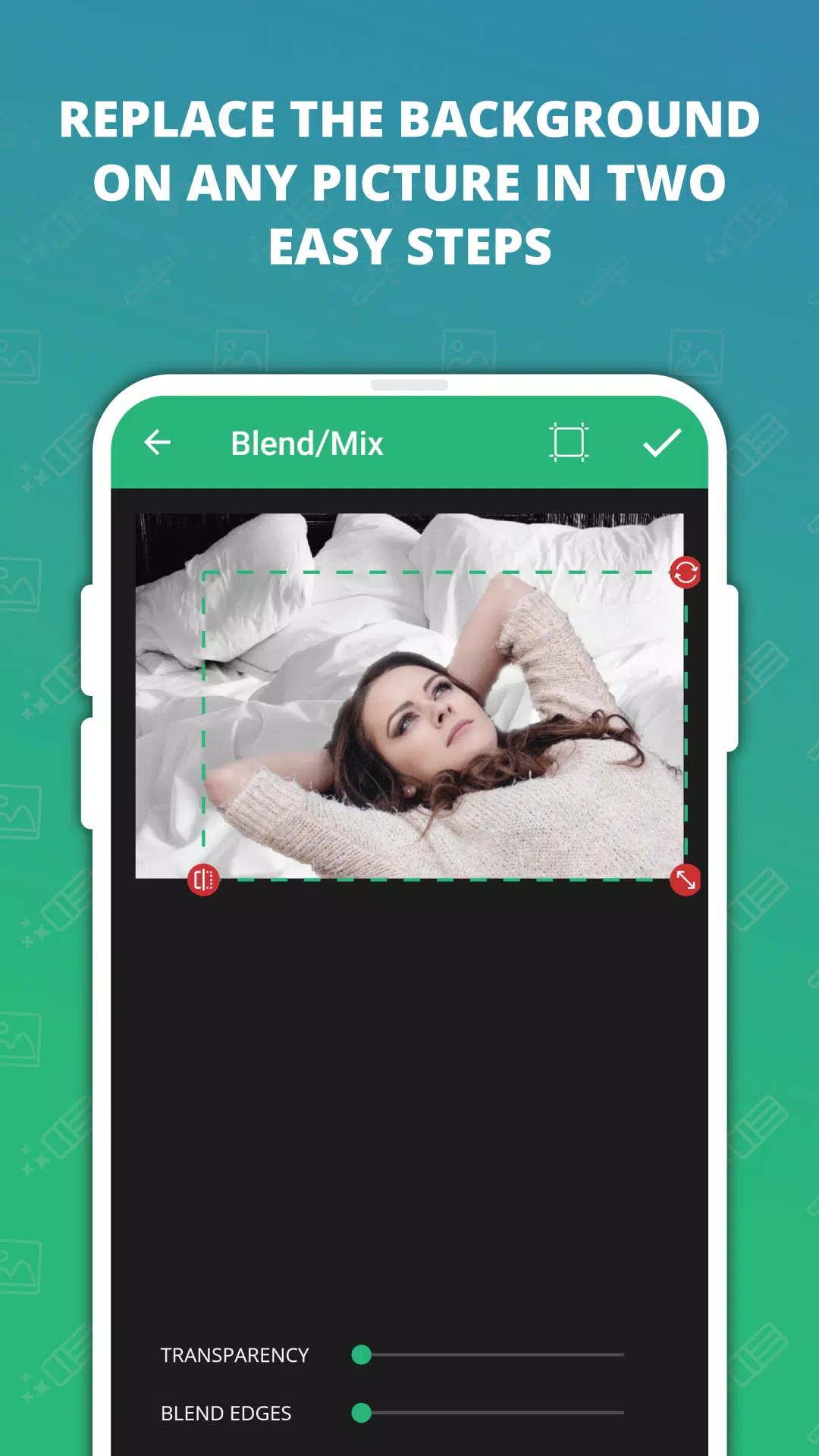
A typical project follows a straightforward progression: import or capture an image, run the one-tap background removal, refine the mask with manual tools, choose or import a replacement background, then apply blending and color adjustments before export. Background Remove & Replace supports saving intermediate projects so you can return to earlier stages and iterate on different background choices or adjustment settings. Preset blends and manual settings speed up repeated tasks and help maintain a consistent look across multiple images.
Customization and Visual Style
The interface emphasizes clarity and quick access: large icons, a simple toolbar, and a live preview let you see composite results while editing. Customization options include feather amount, edge smoothing, shadow strength, and background blur to create depth and realism. You can save custom adjustment presets for recurring styles, and color-matching guides help align foreground and background lighting for a cohesive final image.
User Experience, Accessibility and Offline Use
User experience focuses on reducing friction: an uncluttered layout keeps primary tools a single tap away and contextual help explains controls as you work. Accessibility features include scalable interface elements and high-contrast labels to make touch targets easier to tap. Because the core AI runs on-device, Background Remove & Replace works without an internet connection, enabling fast edits while protecting your photos and metadata from cloud services.
Limitations, Challenges and Practical Tips
Complex scenes with very fine hair, motion blur, or low contrast between subject and background can require patient manual refining; the precision brush and zoom view are most useful in these cases. Final quality depends on source image resolution, so working from high-resolution photos yields the sharpest exports. For best results, use even lighting, avoid heavy motion blur, and try incremental refinements rather than aggressive, large edits.
Background Remove & Replace is intended as a practical, lightweight tool for creators who need quick, high-quality background swaps and exports on a mobile device. The app’s blend of automatic AI and hands-on controls gives both speed for casual edits and the granularity needed for professional-looking composites.
- No virus
- No advertising
- User protection
Information
- File size: 75.60 M
- Language: English
- Latest Version: 1.0070
- Requirements: Android
- Votes: 459
- Package ID: com.zombodroid.backremove
- Developer: ZomboDroid
Screenshots
















Explore More
Equip yourself with our all-in-one toolbox app for everyday tasks and projects. Instantly convert between units, calculate tips, scan documents, manage files, and more with handy productivity tools. Includes a level, compass, QR code reader, ruler, speedometer, decibel meter, and flashlight. Save frequently used tools to your customizable dashboard for one-tap access. Track billable hours, wages, budgets, and invoices. Annotate screenshots, magnify labels, and sign PDFs on the go.

Board Game Stats

MEXC Global: BTC, ETH, Gamefi

Text Art - Write Text On Photo

MERA PROXY PRO

Domino's Pizza Sri Lanka

Hatekhori Shongkha

Halloween Photo Editor -Makeup

Connecting - Friends Near Me