

Introduction
Tattoo On Photo, Create Tattoo is a mobile editor that lets you preview ink designs on your body in seconds. This app combines a large sticker library, precise placement controls, and photo-editing tools so you can visualize tattoos before committing. It suits both casual users and creative professionals exploring concepts.
Overview
Tattoo On Photo, Create Tattoo aims to be an accessible studio for testing tattoo ideas. Instead of relying on sketches or consultations alone, the app lets you place realistic tattoo designs onto any photo. It supports multiple layers, opacity adjustments, and quick export options so you can share results with friends or a tattoo artist.
Key tools and formats
The app provides a varied toolkit tailored to image-based mockups. Users find these features particularly helpful:
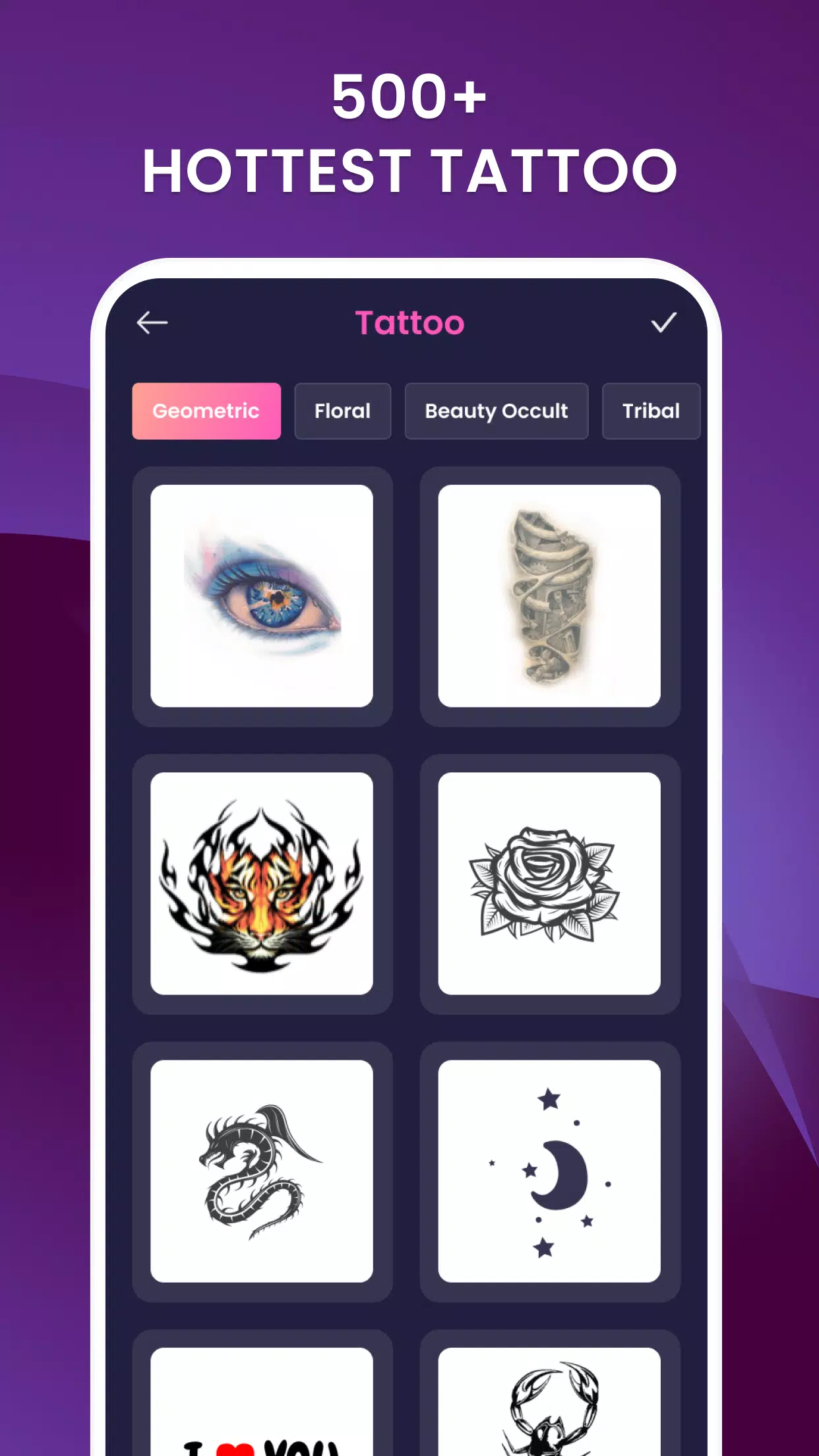
- Sticker library: Hundreds of premade designs across styles like tribal, watercolor, script, and illustrative motifs.
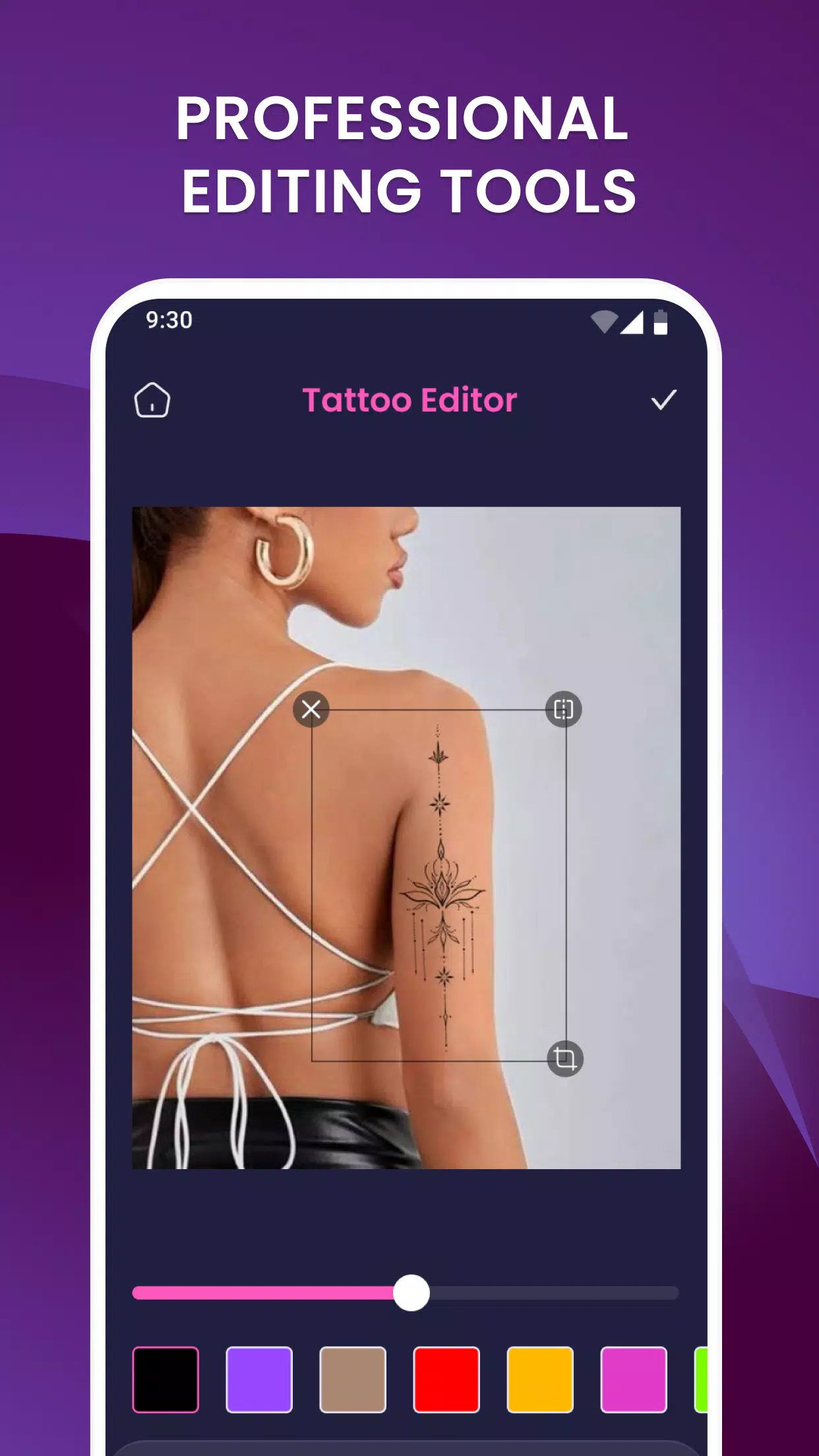
- Layer controls: Move, rotate, scale, and flip tattoos with on-screen gestures for precise alignment.
- Blending and opacity: Adjust transparency and blend modes to simulate ink under skin tones.
- Color adjustment: Fine-tune hue, saturation, and brightness to match pigment types.
How it works
Working in Tattoo On Photo, Create Tattoo is straightforward. Start by importing a photo from your gallery or taking a new one with the camera feature. Browse the design library or upload a custom PNG. Drag the design onto the target area, then use pinch and rotate gestures to position it. Layer and opacity options let you soften edges and create a more natural look.
Placement and realism techniques
To improve realism, the app offers shadow and perspective adjustments. Use the perspective warp controls to follow arm or torso curves. Edge softening removes harsh lines and brings the tattoo into the skin plane. These small refinements make mockups far more persuasive during consultations.
Customization options
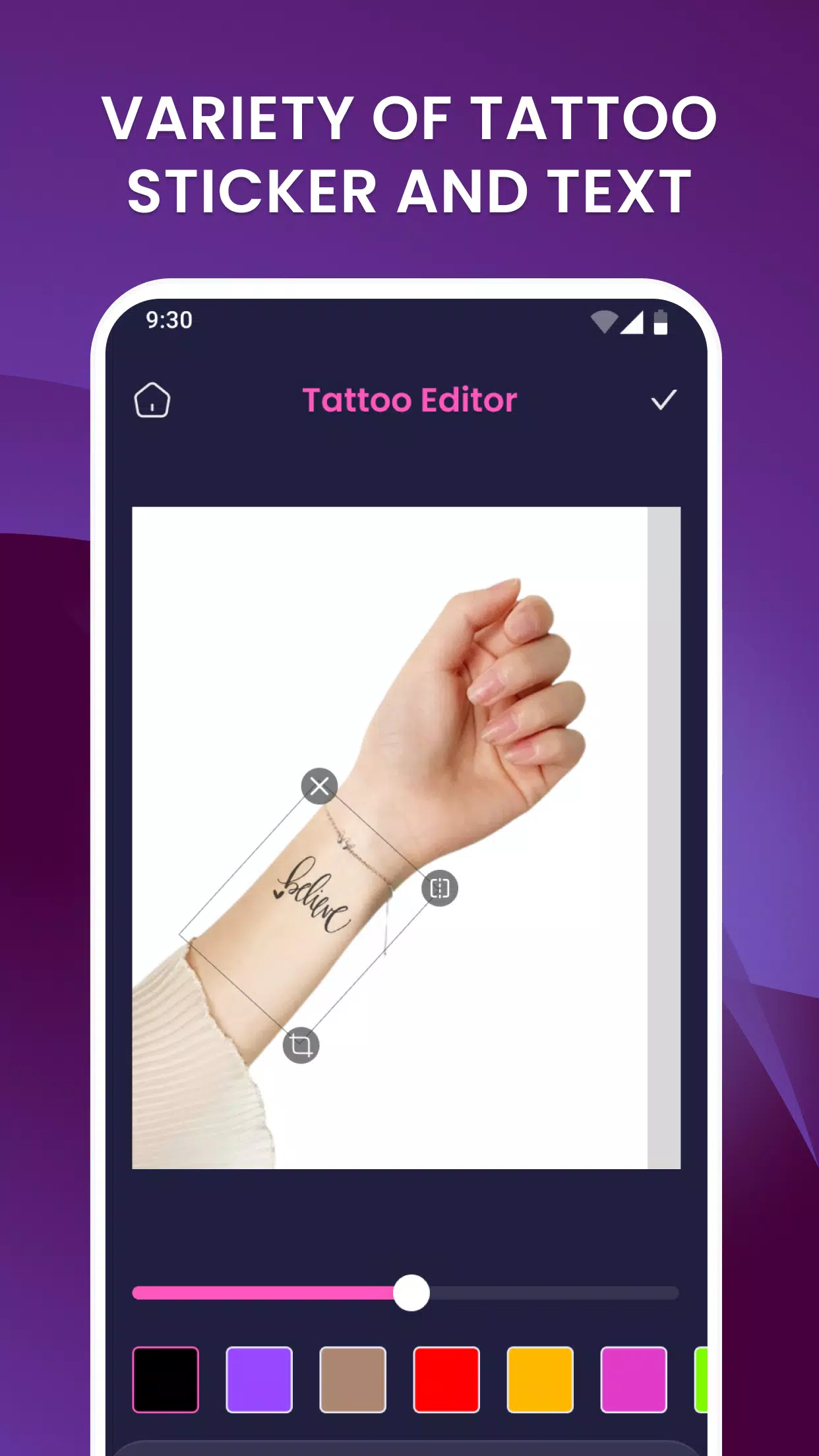
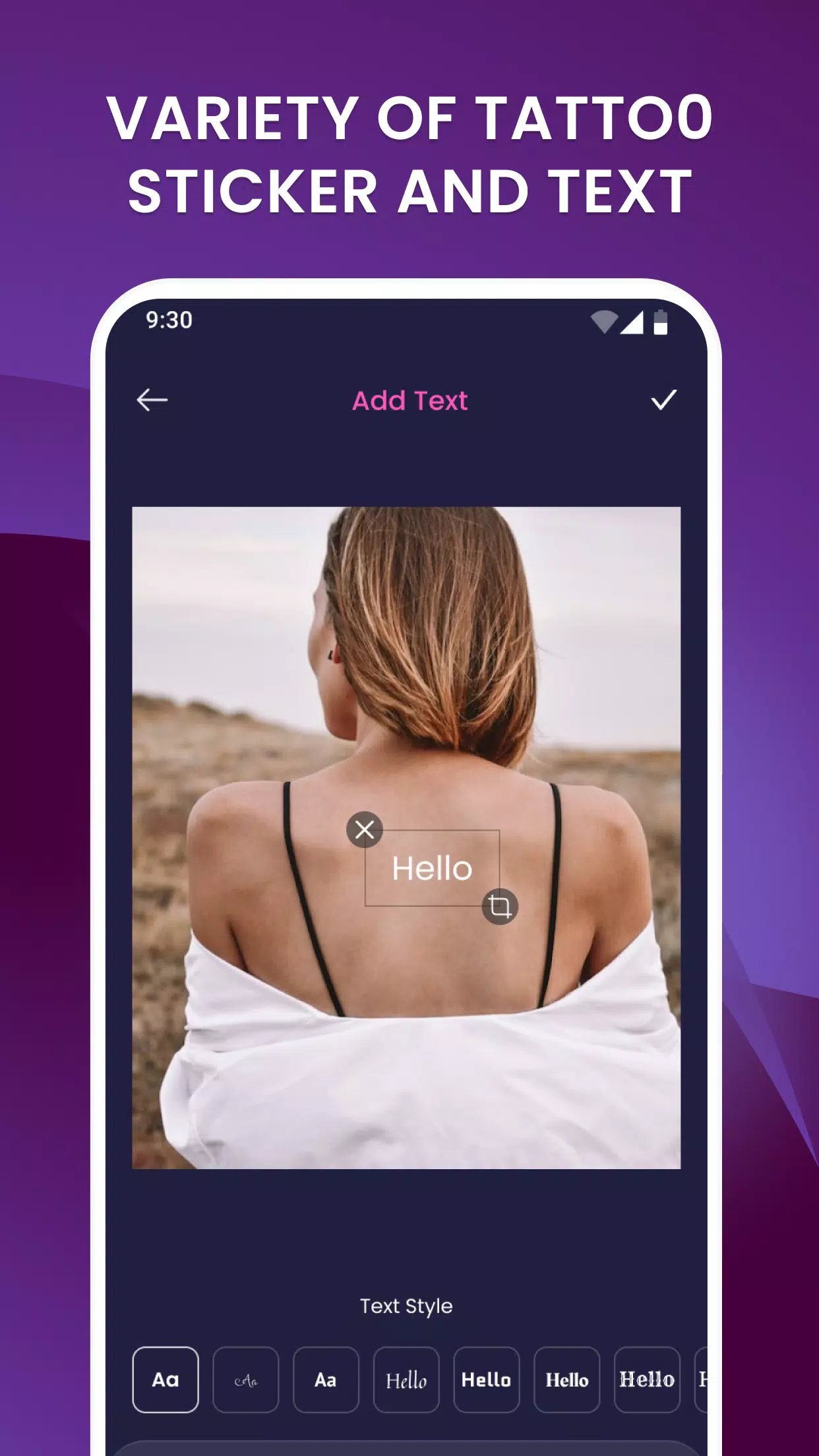
Customization is a core strength. You can recolor elements, break designs into parts, and combine multiple stickers into one composition. Text tools allow you to add names, dates, or quotes in various fonts and styles. A simple undo history and duplicate layer feature speed up iterative exploration.
User interface and performance
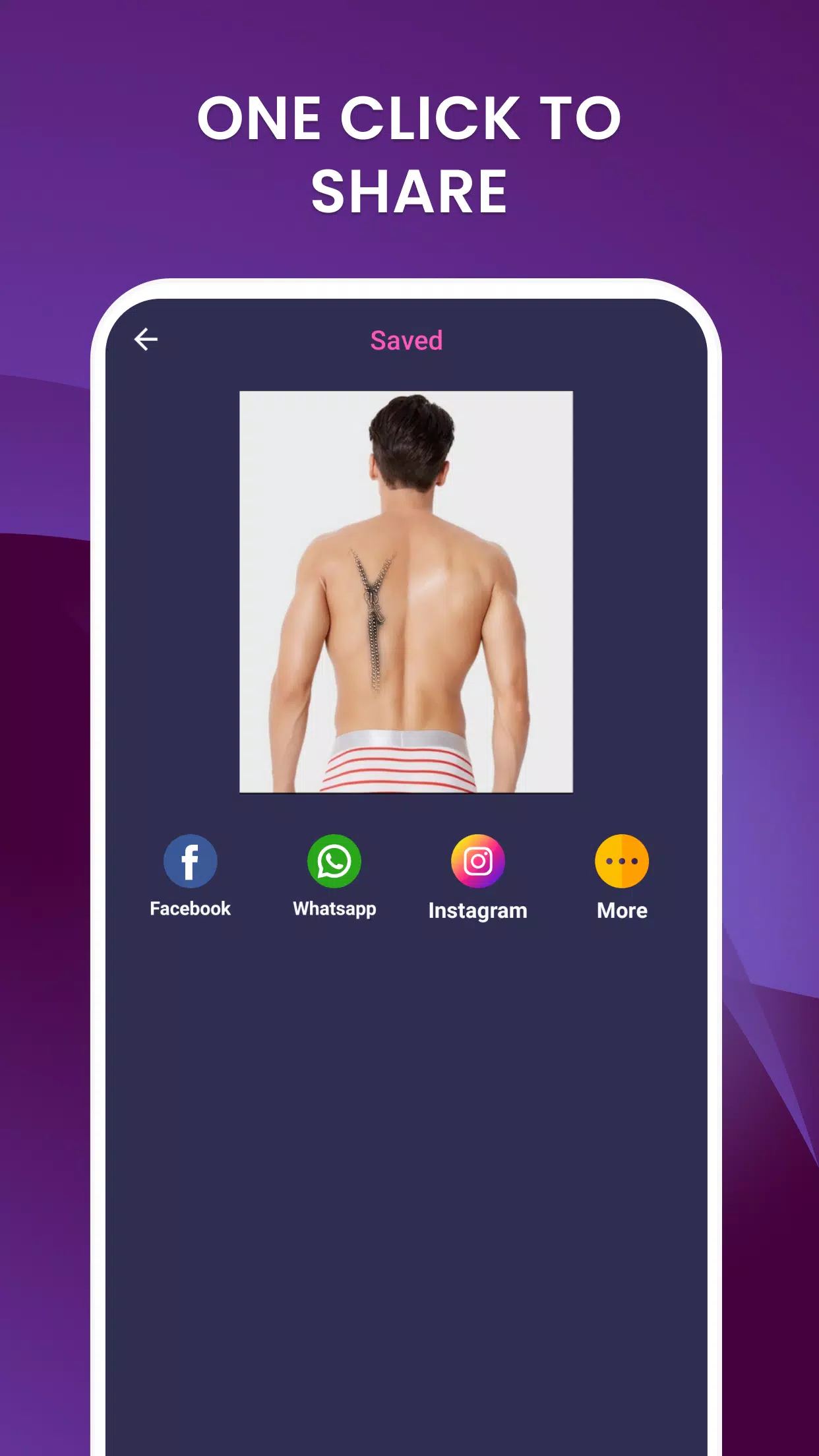
The interface places emphasis on touch-friendly controls. Most interactions are gesture-based, so designers can quickly resize or rotate without menu diving. Performance remains smooth on modern devices; rendering is optimized to apply blending and shadow effects in real time. Exporting high-resolution images is available for printing or sharing with a studio.
Workflow tips
Veteran users recommend these practical steps: start with a neutral, well-lit photo; set opacity low to find the right placement, then increase detail; use multiple layers for shading; and export both full-size and cropped previews. These habits reduce back-and-forth during actual tattoo planning.
Who benefits most
Tattoo On Photo, Create Tattoo works well for individuals deciding on a first piece, artists prepping client mockups, and graphic creators building portfolios. Its quick mockup capability helps highlight scale, orientation, and style before any needles or stencils are involved.
Getting started
Installation is simple: download from your device’s app store, grant camera and storage permissions, and explore the starter templates. Many users appreciate the in-app tutorials that demonstrate placement, perspective correction, and color blending. Regular updates add designs and refine performance.
Overall, Tattoo On Photo, Create Tattoo is a practical, design-focused photo editor that lowers the uncertainty around new tattoos. With intuitive tools and a flexible library, it streamlines the decision process so users can refine ideas and communicate vision clearly to artists.
- No virus
- No advertising
- User protection
Information
- File size: 22.80 M
- Language: English
- Latest Version: 1.2.6
- Requirements: Android
- Votes: 392
- Package ID: com.ezp.tattoo
- Developer: EZProducts
Screenshots
















Explore More
Equip yourself with our all-in-one toolbox app for everyday tasks and projects. Instantly convert between units, calculate tips, scan documents, manage files, and more with handy productivity tools. Includes a level, compass, QR code reader, ruler, speedometer, decibel meter, and flashlight. Save frequently used tools to your customizable dashboard for one-tap access. Track billable hours, wages, budgets, and invoices. Annotate screenshots, magnify labels, and sign PDFs on the go.

Board Game Stats

MEXC Global: BTC, ETH, Gamefi

MERA PROXY PRO

Domino's Pizza Sri Lanka

Hatekhori Shongkha

Connecting - Friends Near Me

Cartola

Virink





















