
Introduction
Radyo Delisi delivers a streamlined mobile radio experience, bringing thousands of live stations and curated playlists into a single app. It prioritizes fast streaming, simple navigation, and personalized favorites so you can discover local and international broadcasts with minimal setup and reliable playback on Android devices.
What the app offers
Radyo Delisi focuses on ease of use and access. At its core the app provides live tuning to FM and internet radio stations, categorized directories, genre filters, and featured channels. Users can browse by country, language, or music style, and quickly jump between talk shows, news, sports, and music streams without long buffering times.
Key features and tools
- Massive station library: Thousands of stations from around the world sorted by genre and location.
- Favorites and playlists: Save stations for one-tap access and build custom lists for different moods or commutes.
- Background playback: Continue listening while using other apps or with the screen off to save battery.
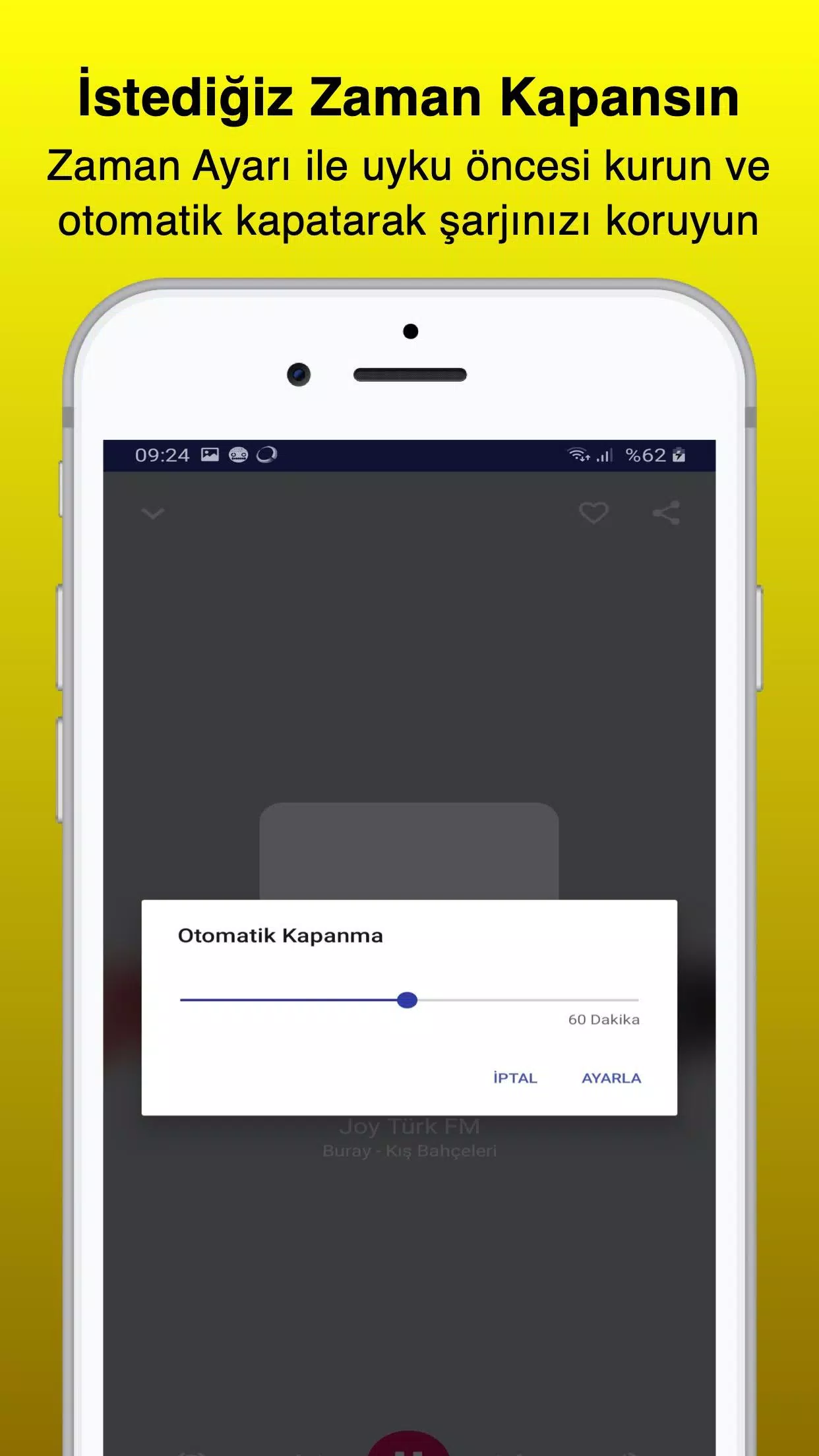
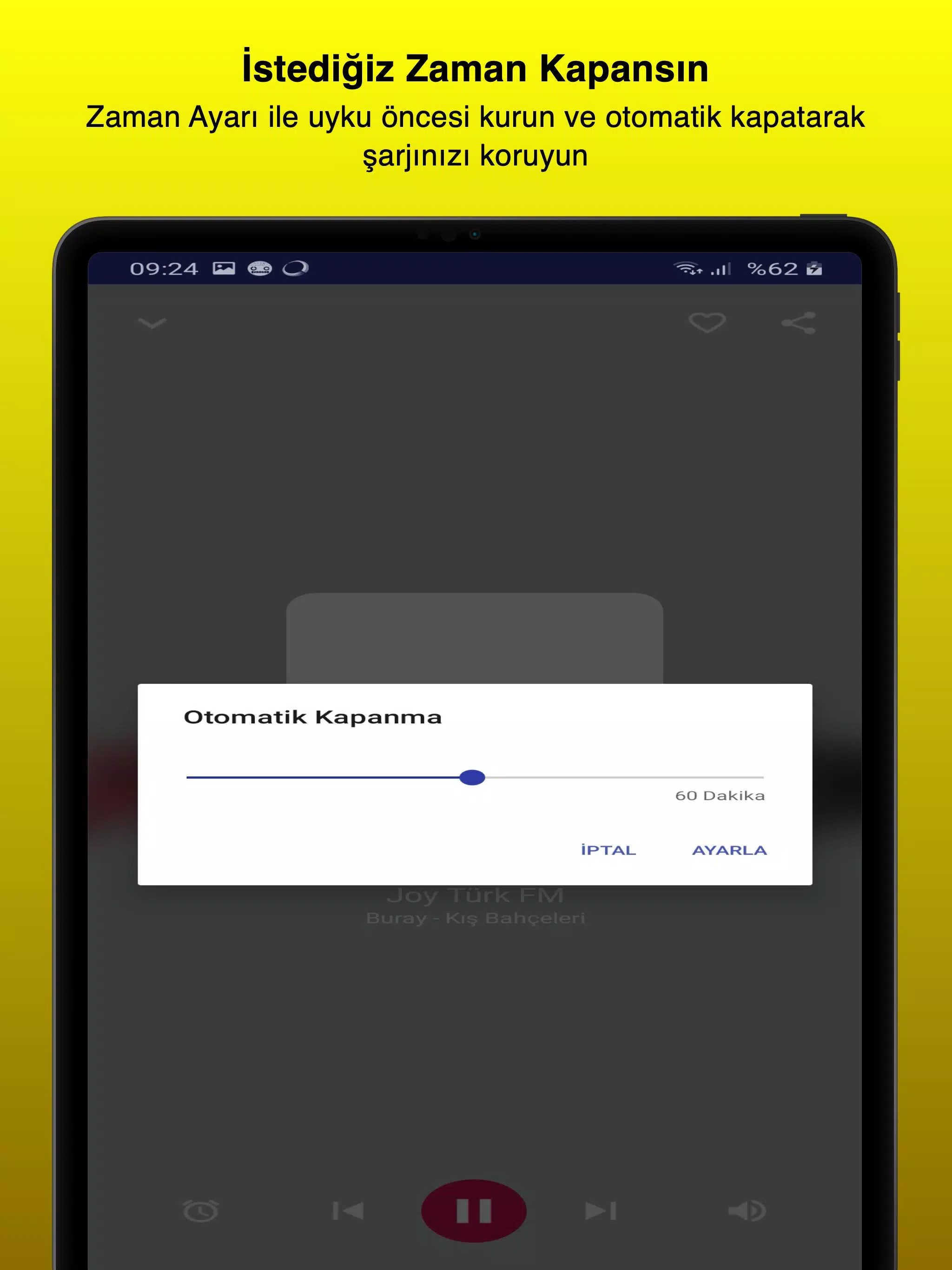
- Sleep timer and alarm: Set the app to stop after a set time or wake you gently with a chosen station.
- Recording and sharing: Capture short segments or shows and share clips with friends.
How Radyo Delisi organizes stations
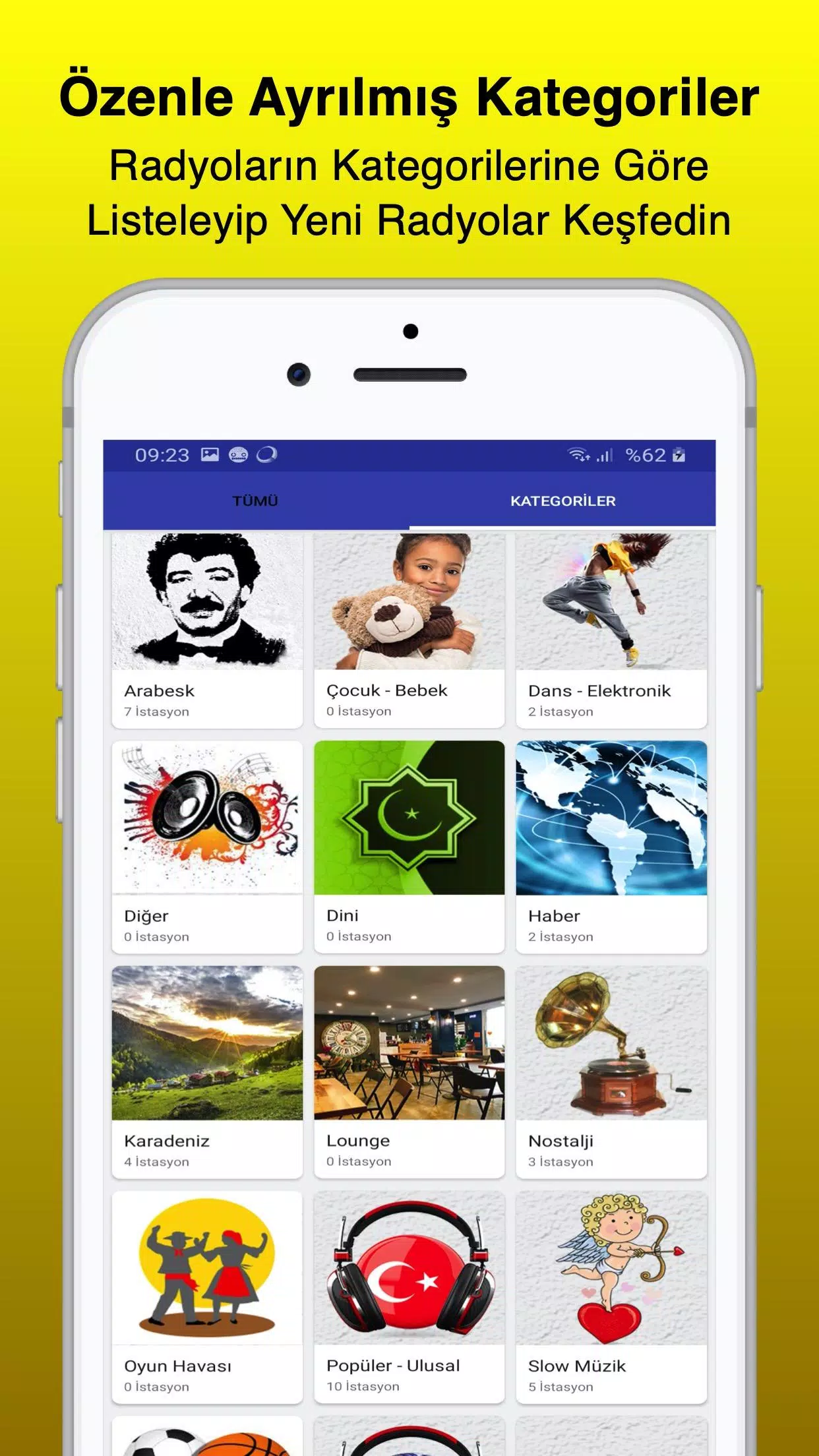
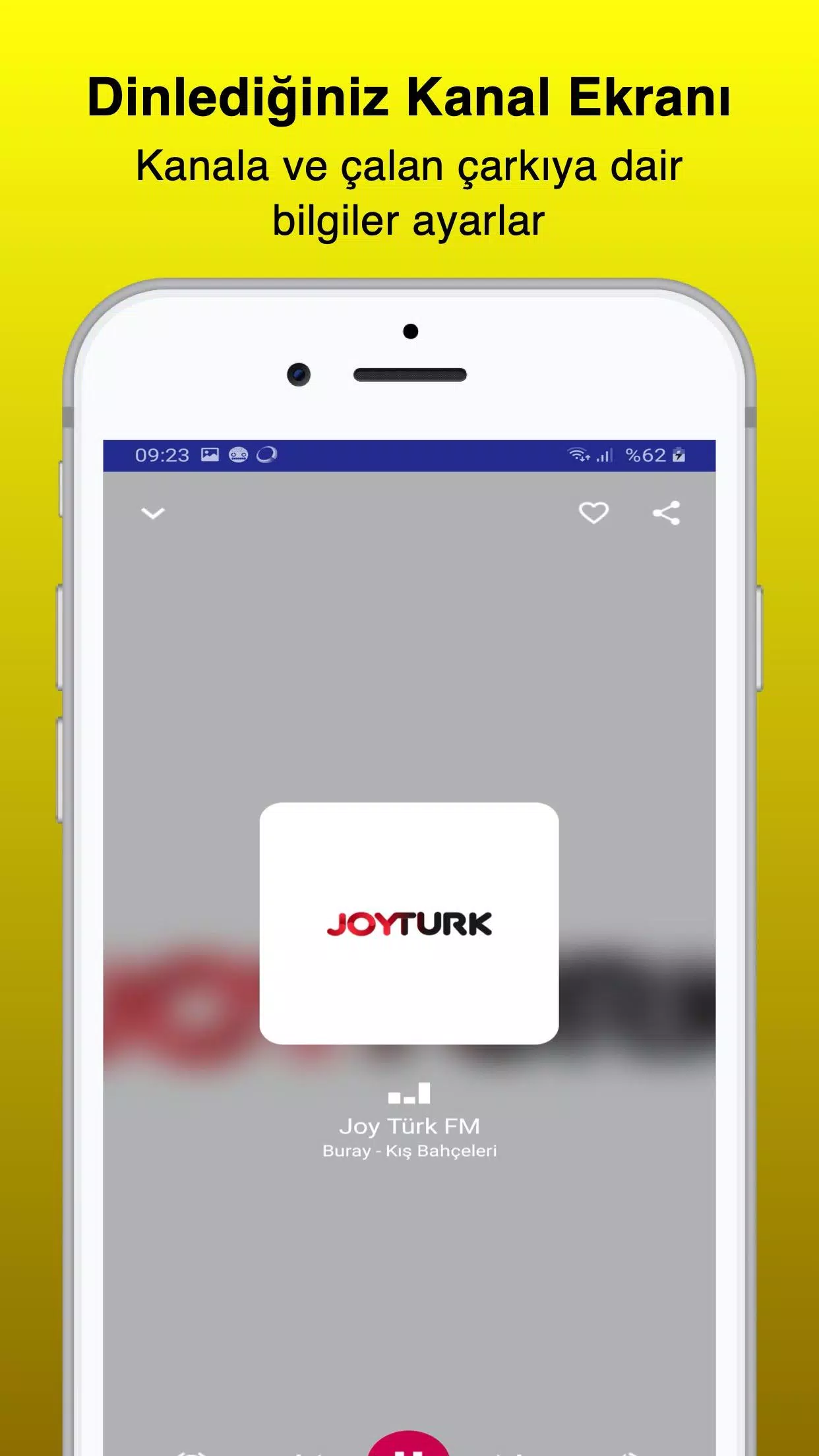
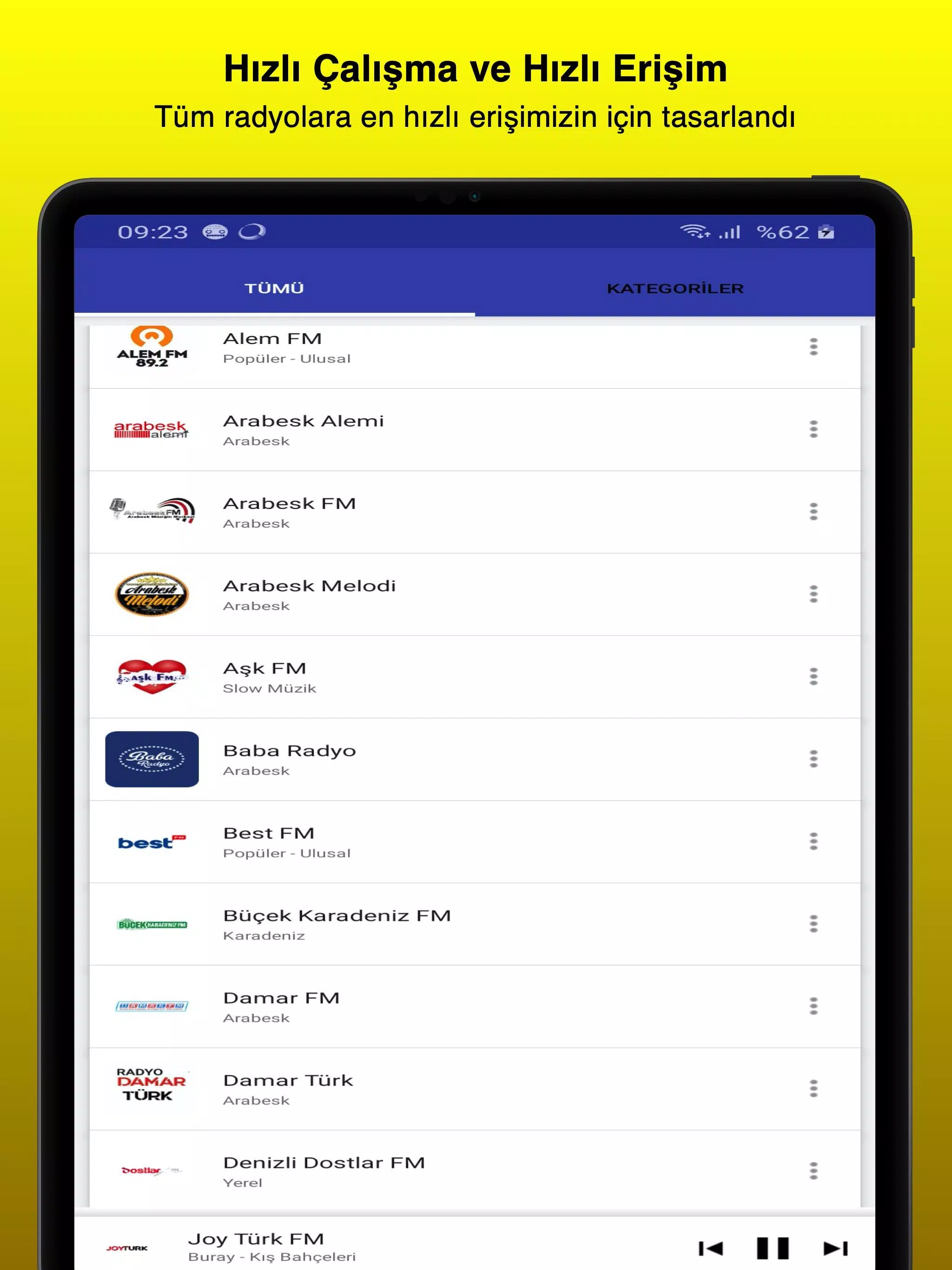
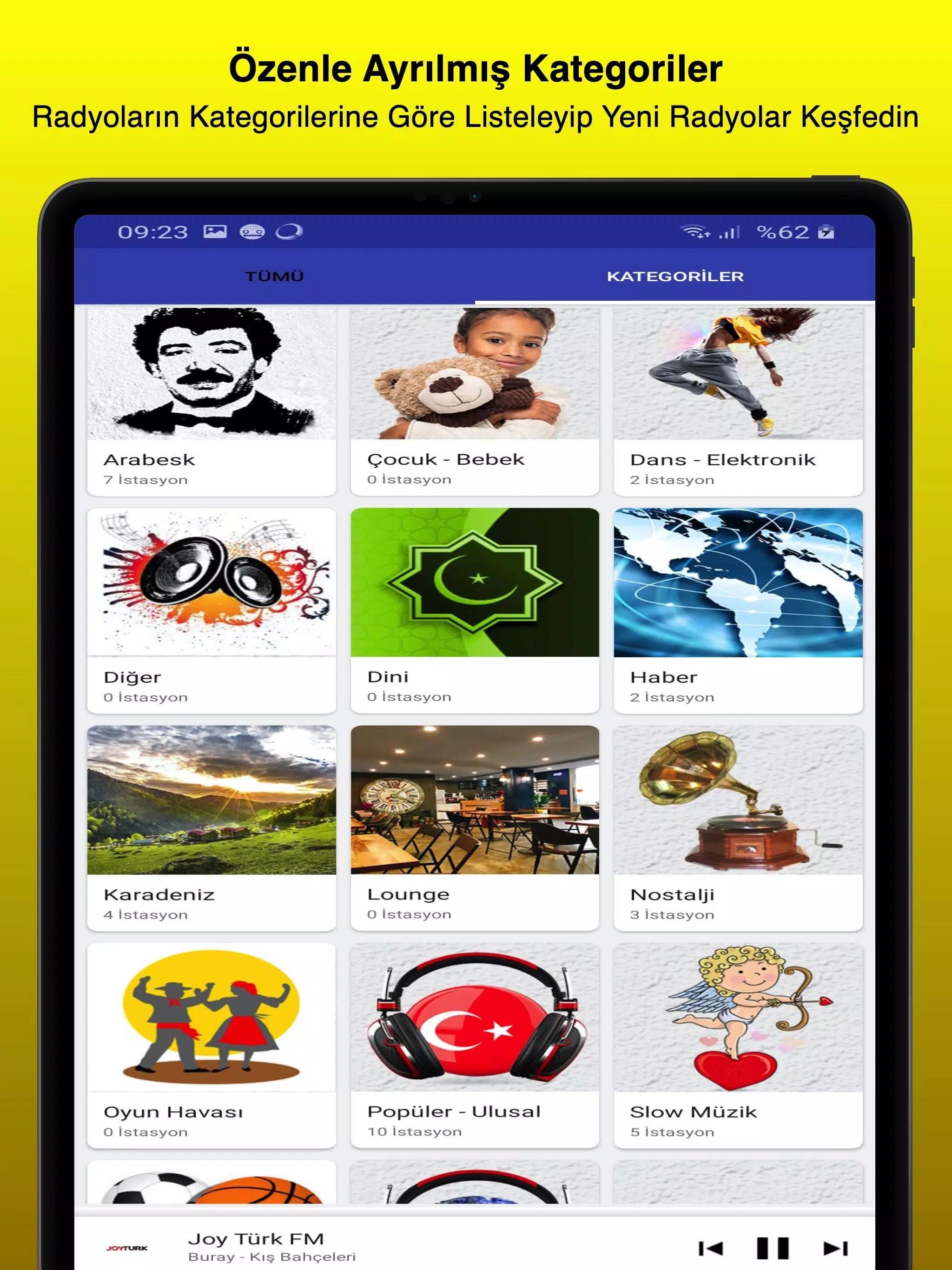
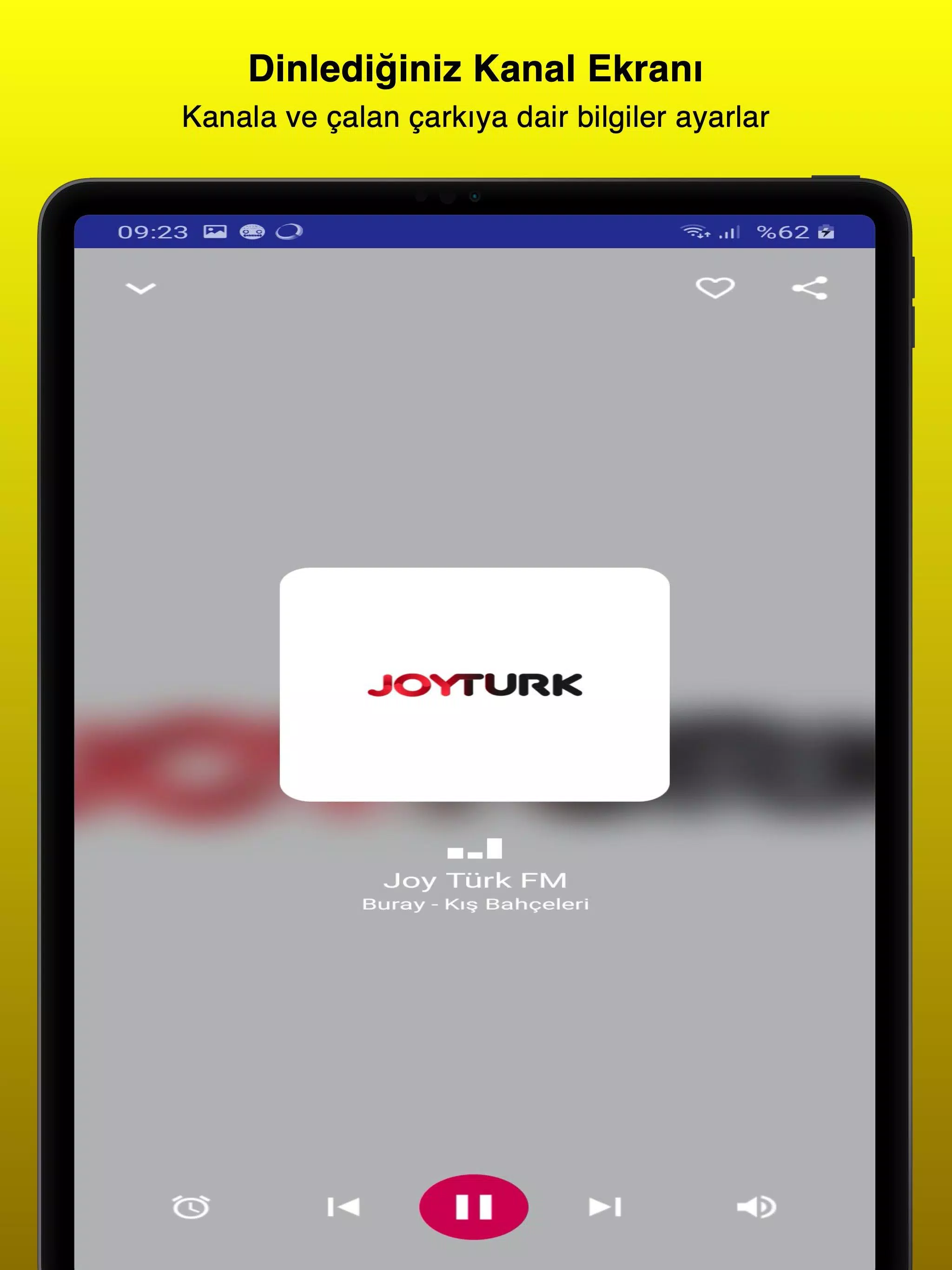
The interface keeps navigation simple: a searchable index, filter panels, and a home screen that highlights trending and local broadcasts. Station pages display bitrate, language, and a short description so you know what to expect before tuning in. The search function supports partial matches and smart suggestions to speed up discovery.
Customization and personalization
Personalization is central to the experience. You can reorder favorites, create themed groups, and let the app recommend stations based on listening history. Tone controls and a basic equalizer let you tweak bass, mids, and treble, improving playback depending on headphones or car speakers. Notifications can alert you when a favorite host goes live or when special events are broadcast.
Performance and compatibility
Designed for efficient streaming, the app adapts quality based on network conditions to reduce interruptions. It supports modern Android versions and works over both Wi-Fi and mobile data. Caching strategies reduce repeated buffering, and an option to limit high-bitrate streams on cellular networks helps control data use. Battery optimizations keep background playback light on resources.
Practical workflow for daily use
Getting into a routine with the app is straightforward: add a morning news station to favorites, schedule a sleep timer for late-night listening, and use the alarm feature to start your day with music. For commuters, a single favorites panel holds preferred stations for quick access while driving. The recording tool is handy for saving important interviews or snippets to listen to later.
Accessibility and language support
The app includes multi-language labels and large touch targets for easy control on smaller screens. Clear station metadata and visual icons indicate live programming, archived shows, and stream quality. Because international stations are a focus, the directory helps you find both niche community broadcasts and major networks.
Installation tips and troubleshooting
Install the app and grant the minimal permissions it requests for audio playback and storage (for recordings). If a stream fails, try switching between public and low-latency modes in settings or verify network access. Clearing the app cache can help resolve occasional playback glitches, and the built-in feedback option makes reporting issues fast.
Why users choose this app
Listeners appreciate Radyo Delisi for its broad station selection, intuitive organization, and practical tools like recording and sleep timers. Whether you want to explore regional music scenes, stay informed with live news, or curate a personalized listening flow, the app gives flexible controls without overwhelming menus.
- No virus
- No advertising
- User protection
Information
- File size: 19.70 M
- Language: English
- Latest Version: 5.7.1
- Requirements: Android
- Votes: 466
- Package ID: com.atalaysapps.radyodelisi
- Developer: Atalays Apps
Screenshots

















Explore More
Make your house a home with our suite of helpful home apps. Discover clever tools to organize closets, streamline chores, and simplify cooking. Take the stress out of cleaning and maintenance with handy checklists and schedules. Enhance security and control appliances and lighting with our smart home integrations. Design, visualize, and renovate like a pro using our 3D planning software.

Metro Micro

All Recovery - Photos & Videos

Tax Calculator India 2024-2025

ClassPass: Fitness, Spa, Salon

OnDjoss

Park4Me

Scary sound effects

Home Workouts - Lose Weight