
Introduction
WeatherLink is a mobile application that connects you to precise local weather data, delivering real‑time conditions, forecasts and historical logs in a clear interface. It aggregates sensor readings, radar imagery and trend charts so users can monitor weather patterns, plan activities and receive timely alerts from their personal or community stations.
Core Features and Data Sources
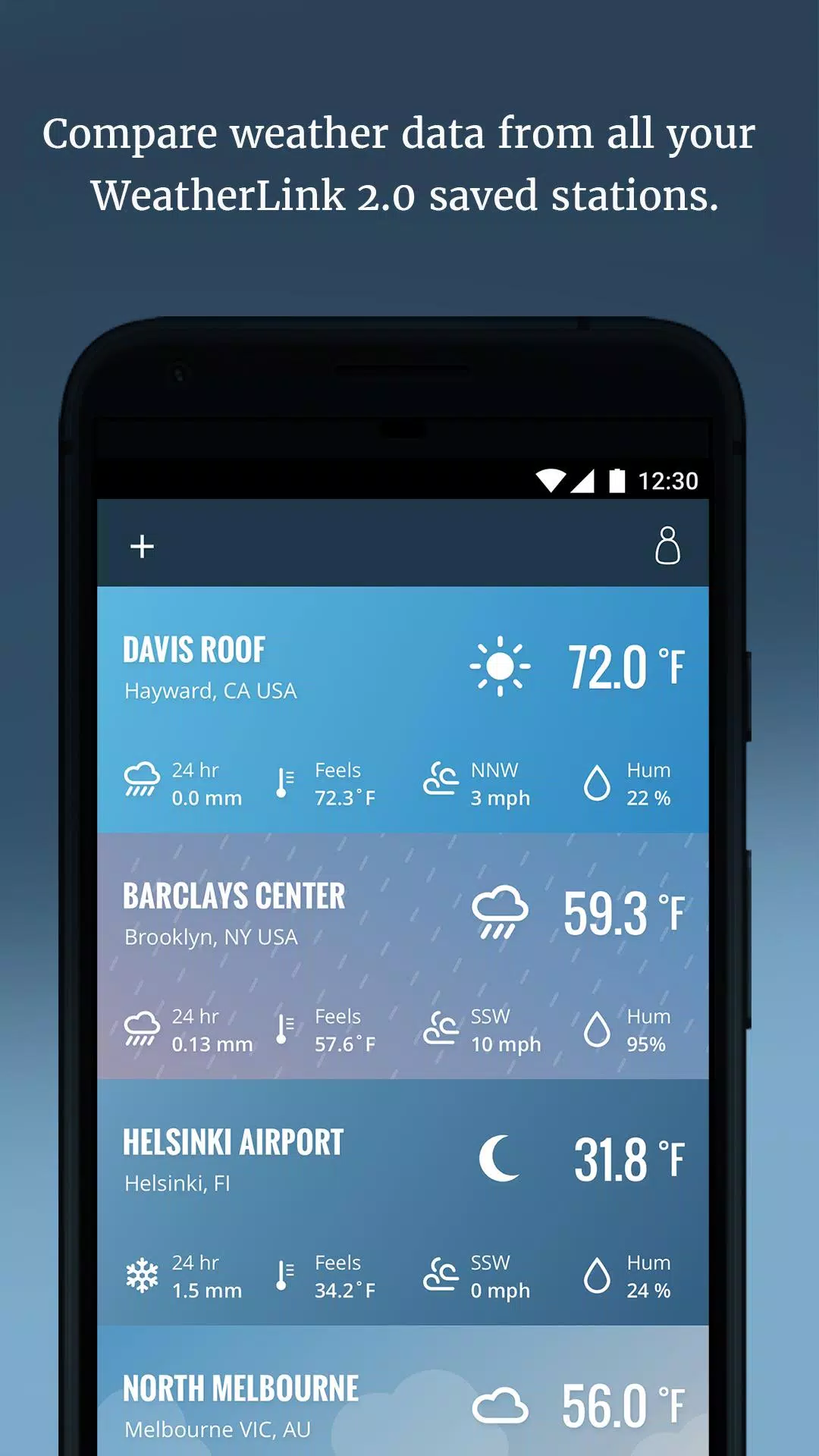
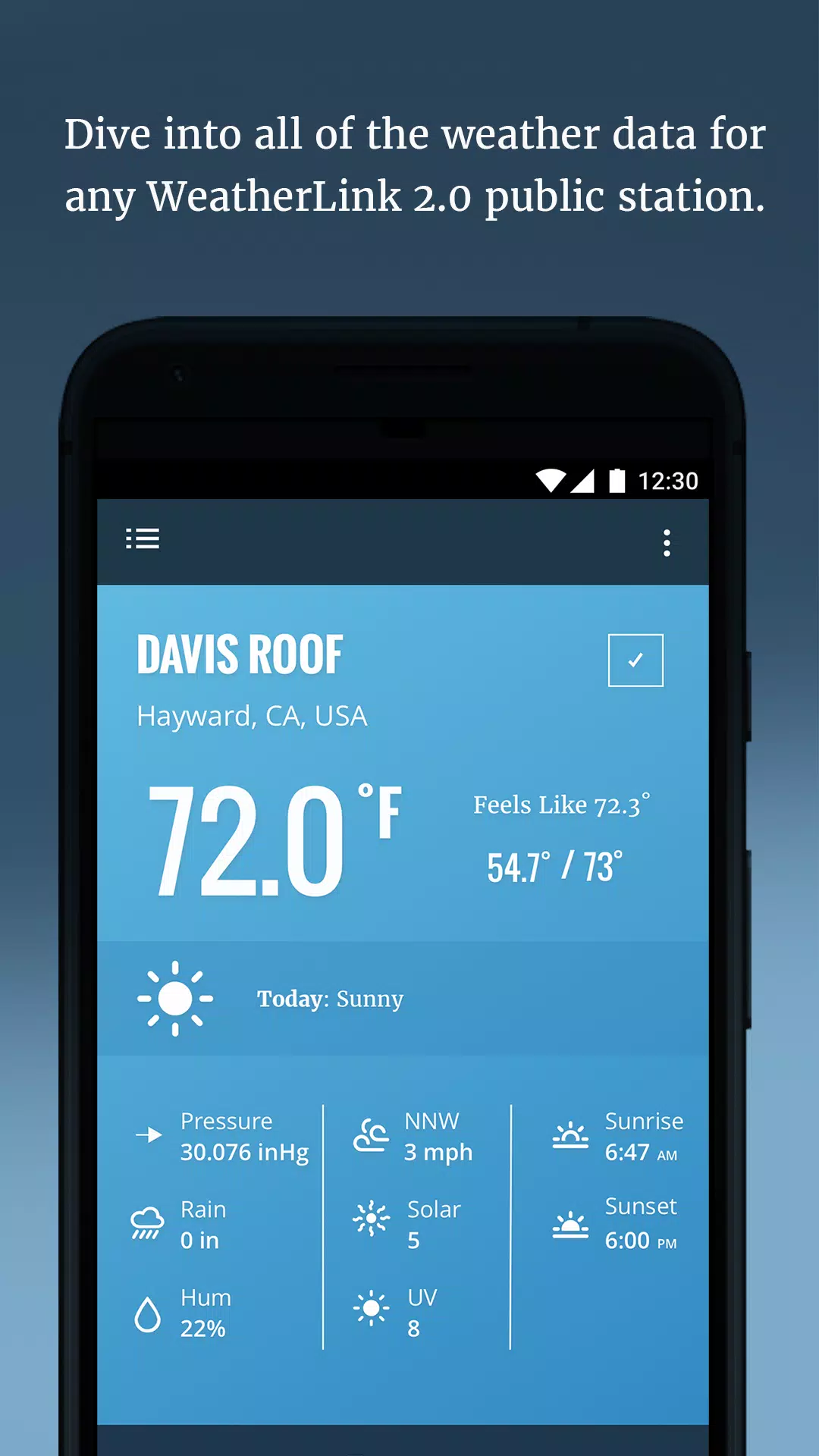
At its heart, WeatherLink gathers information from a variety of sensors and public feeds to give a comprehensive picture of the atmosphere. You can view live temperature, humidity, wind speed and direction, barometric pressure, rainfall totals and solar radiation. The app also supports radar overlays and satellite imagery, helping you visualize approaching storms and precipitation across different time scales.
Design and User Interface
WeatherLink presents complex data in a concise layout optimized for quick scanning. The main dashboard prioritizes the most relevant metrics and highlights recent changes with color cues. Interactive charts allow pinch‑zooming across hours, days and months, and widgets provide at‑a‑glance updates without opening the app. Menus are grouped by function so users can access detailed logs, settings and station management swiftly.
How Data Is Organized
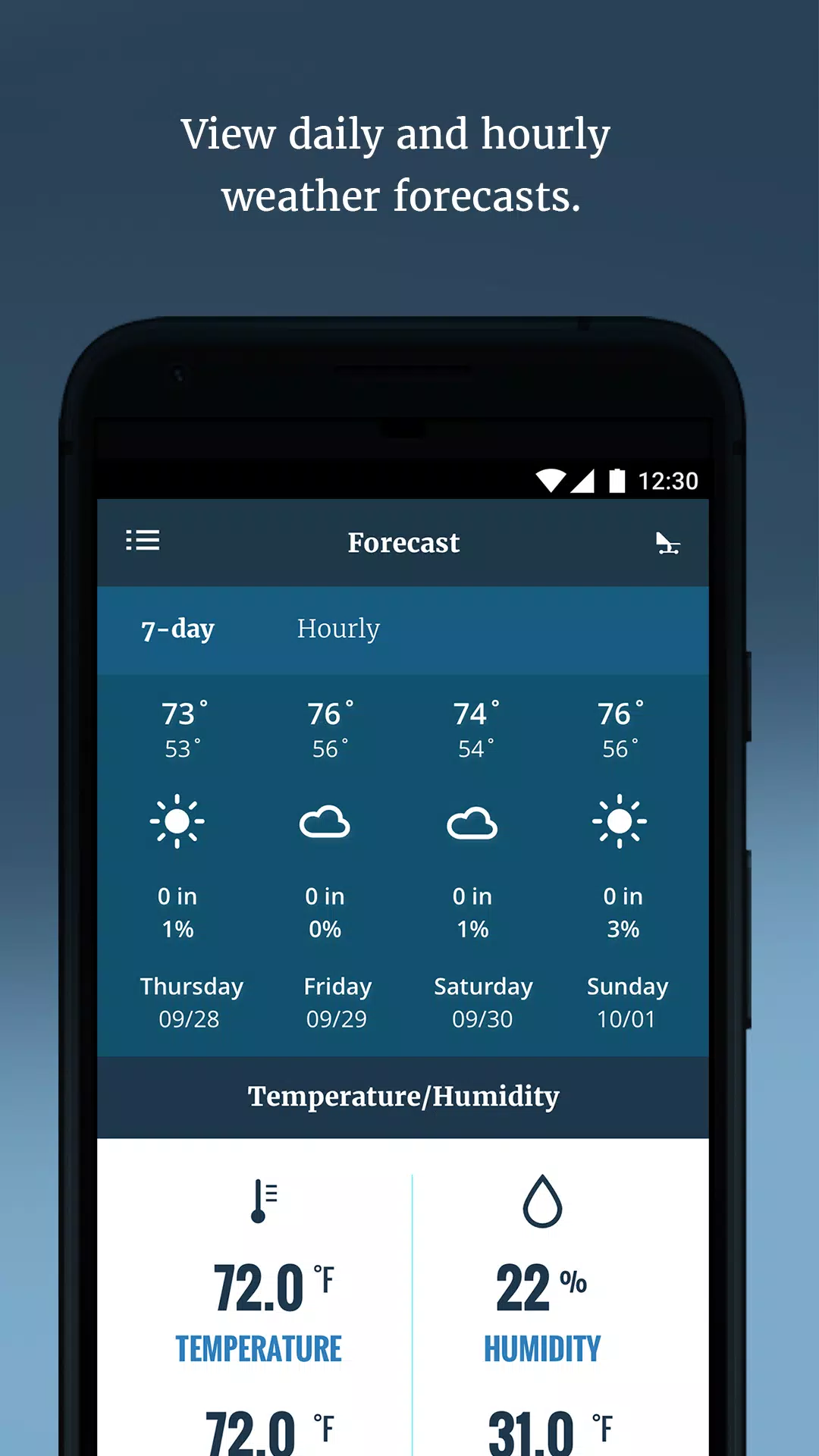
The app separates information into live readings, forecast models and historical records, making it easy to switch between immediate conditions and longer‑term trends. Live tiles refresh automatically, while forecast sections show multiple model outputs for comparison. Historical graphs can be filtered by date and parameter, enabling quick analysis of rainfall events or temperature swings over custom ranges.
Customization and Alerts
Personalization is a strong focus in WeatherLink. You can configure which metrics appear on the dashboard, set preferred units for temperature, wind and precipitation, and create custom notification thresholds. Alerts can be push notifications, emails or in‑app banners for events such as high wind gusts, rapid pressure drops or heavy rainfall. Users managing multiple stations can assign unique alert profiles per location.
Practical Uses and Workflow
Professionals and hobbyists alike will find the workflow efficient. Farmers can track soil and rainfall data to plan irrigation. Outdoor event planners use short‑term forecasts and radar playback to decide whether to proceed or postpone. Homeowners monitor freeze alerts and wind warnings to protect property. The interface supports quick toggling between sites, so managing several locations is straightforward.
Performance and Compatibility
WeatherLink is designed for reliable performance on modern Android devices. Background synchronization is optimized to minimize battery drain while keeping data fresh. The app supports offline viewing of most recently downloaded charts and logs, which is useful in low‑connectivity situations. Compatibility with third‑party weather stations and various sensor protocols extends its usefulness for users who operate their own hardware.
Privacy and Data Management
Data privacy is treated with care. Users can choose what to share publicly and what remains private, and there are options to export historical logs in common formats for deeper analysis. Account settings include backup controls and selective sharing to community maps or networks, enabling contributors to collaborate without exposing sensitive information.
Getting Started
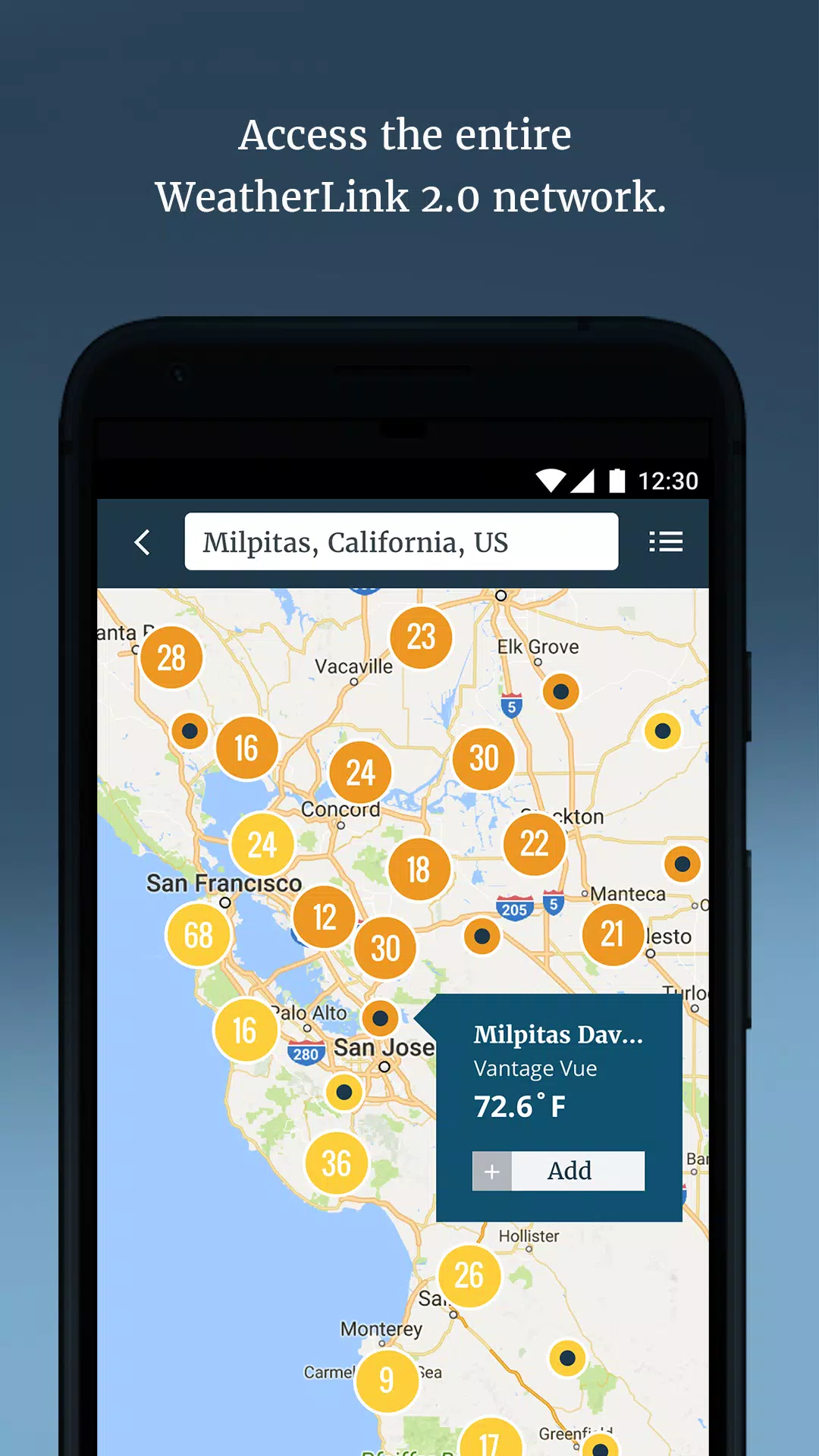
Setting up WeatherLink is straightforward: create an account, pair your station or choose nearby public feeds, and tailor the dashboard to surface the metrics you rely on most. Built‑in tutorials guide new users through sensor calibration and alert configuration. For more advanced needs, the app supports multi‑station management and integration with external services via APIs.
Why You Might Choose WeatherLink
If you need accurate, customizable weather monitoring that scales from a single backyard station to a network of sites, WeatherLink offers a balanced combination of live telemetry, visualization tools and alerting options. Its focus on clarity, performance and flexible notifications makes it a practical choice for anyone who depends on timely, trustworthy weather information.
- No virus
- No advertising
- User protection
Information
- File size: 15.00 M
- Language: English
- Latest Version: 2.3.12
- Requirements: Android
- Votes: 80
- Package ID: com.davisinstruments.weatherlink
- Developer: Davis Instruments
Screenshots
















Explore More
Make your house a home with our suite of helpful home apps. Discover clever tools to organize closets, streamline chores, and simplify cooking. Take the stress out of cleaning and maintenance with handy checklists and schedules. Enhance security and control appliances and lighting with our smart home integrations. Design, visualize, and renovate like a pro using our 3D planning software.

All Recovery - Photos & Videos

Tax Calculator India 2024-2025

OnDjoss

Park4Me

Scary sound effects

Home Workouts - Lose Weight

Juice Recipes

HFonts - font & emoji manager