

Introduction
File Commander Manager & Vault is a powerful Android file organizer that combines a traditional file explorer with secure storage and cloud integration. It helps you browse, sort, and protect documents, media, and archives while offering fast searches, batch operations, and a privacy vault for sensitive files.
What the app does
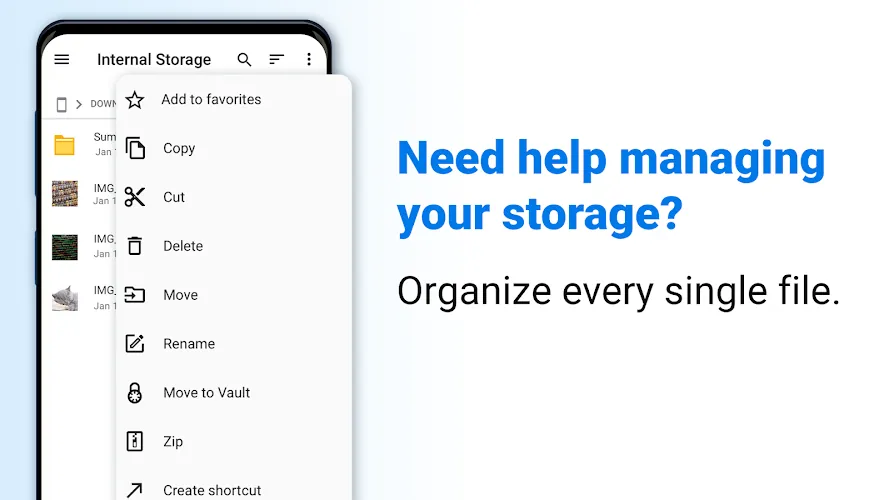
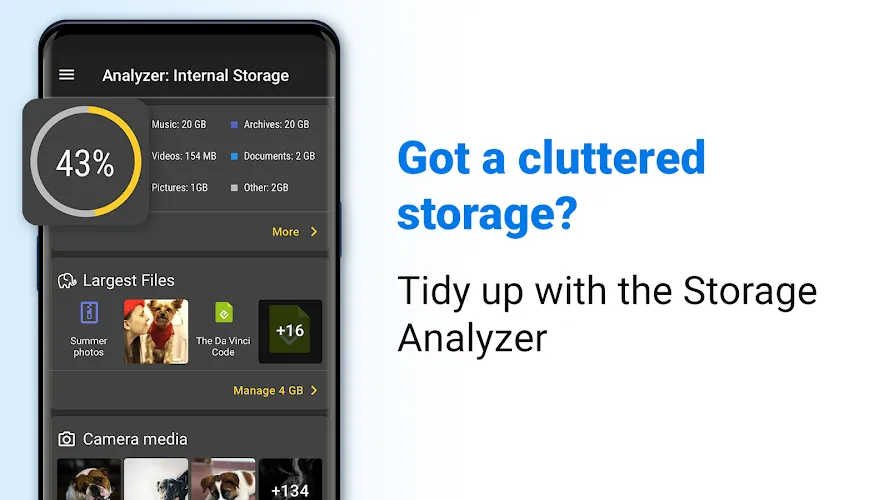
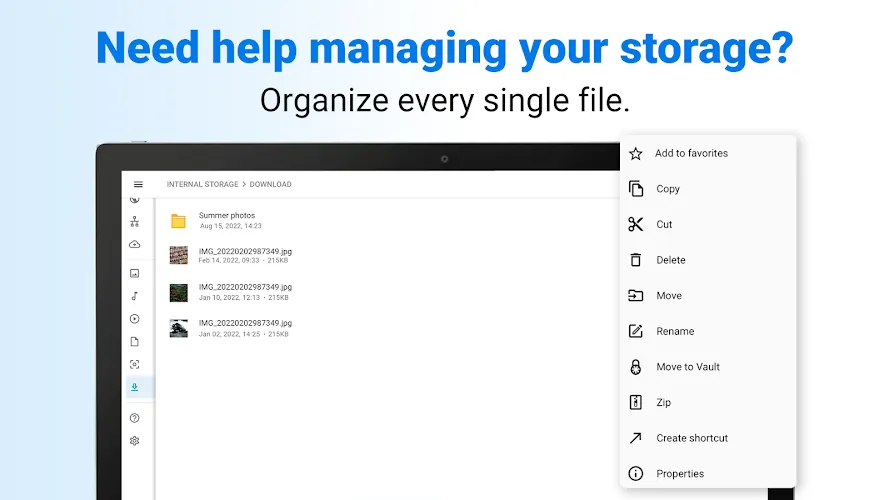
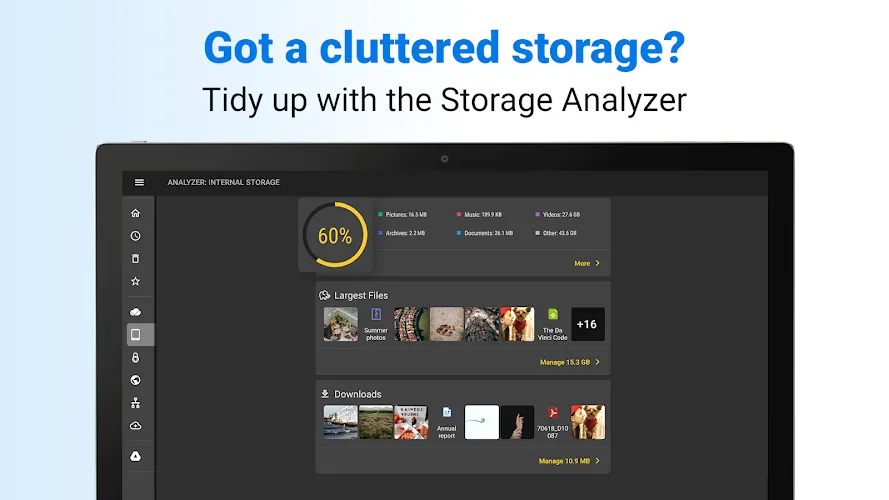
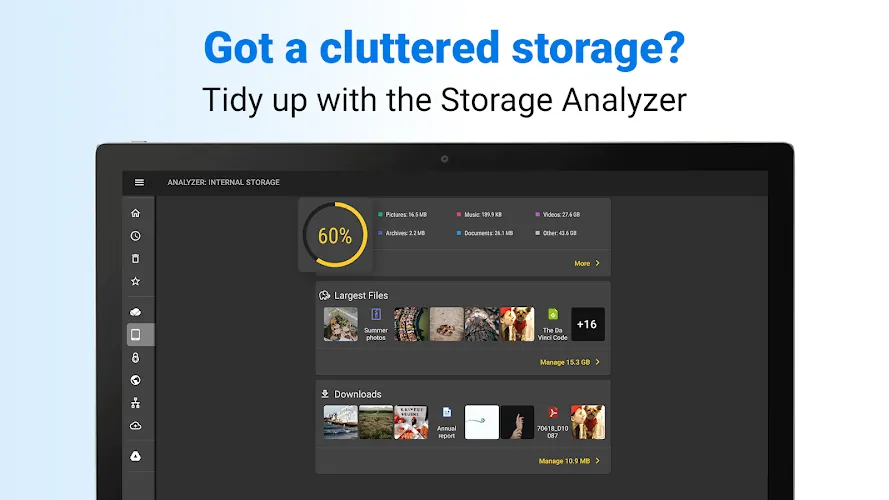
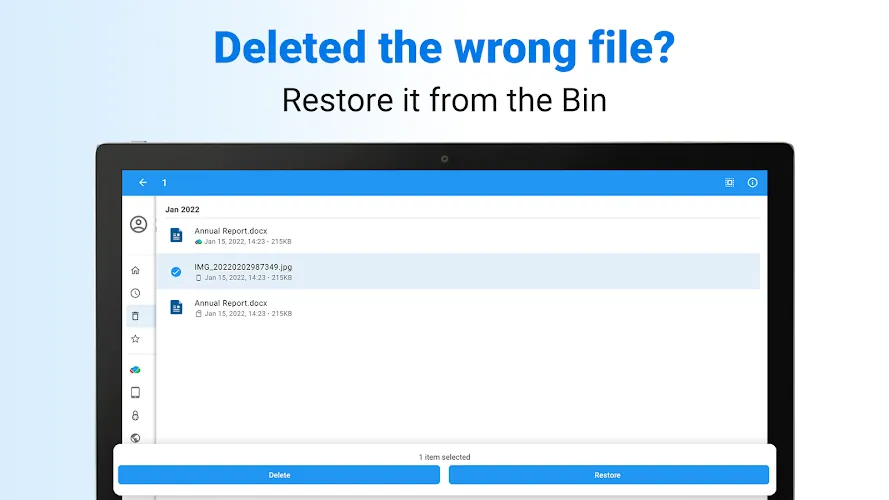
Designed for users who need speed and security, File Commander Manager & Vault merges core file management tools with privacy controls. The app handles everyday tasks—copying, moving, renaming, and deleting—while adding encrypted storage, selective sharing, and automated cleanup routines that reduce manual maintenance.
Core features you’ll use every day
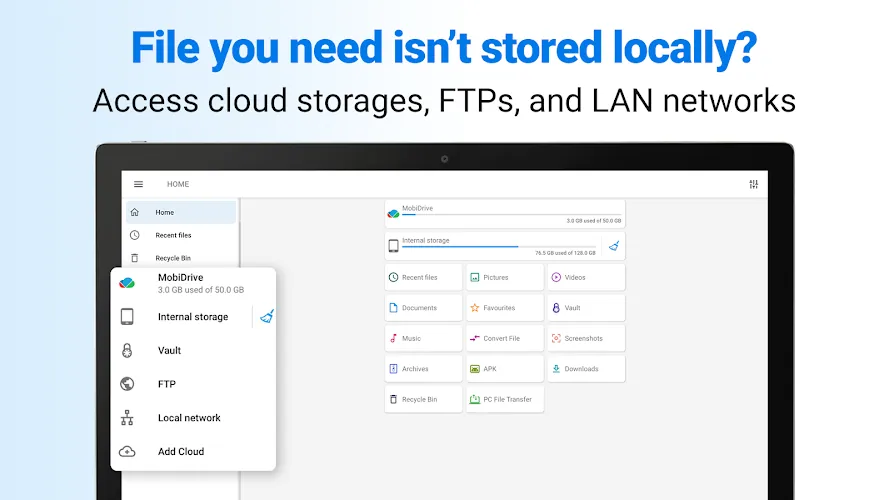
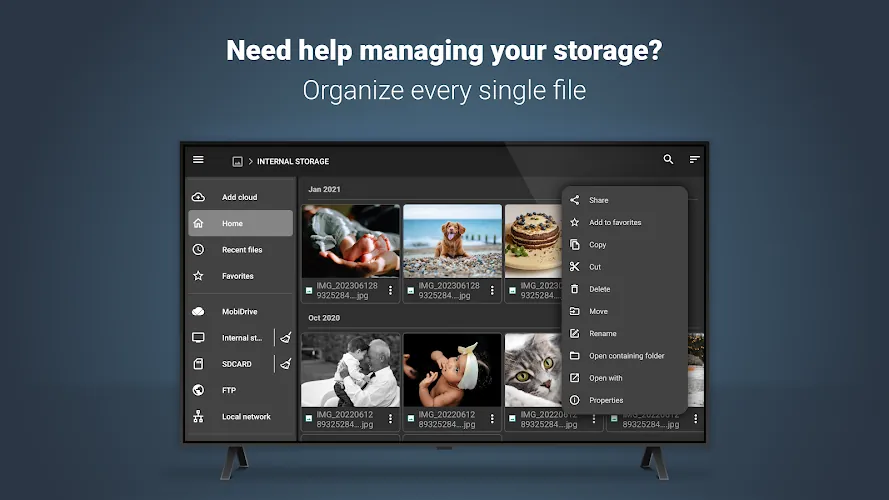
- File browsing: Navigate internal storage and SD cards with a familiar folder tree and thumbnail previews for images and videos.
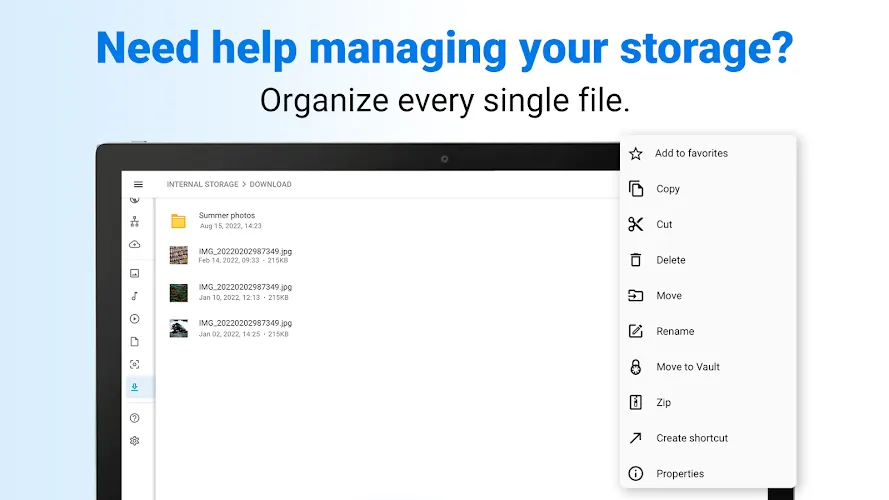
- Batch operations: Select multiple files to move, compress, or delete in one action, saving time on repetitive chores.
- Fast search: Locate items by name, extension, size, or date with incremental search that begins while you type.
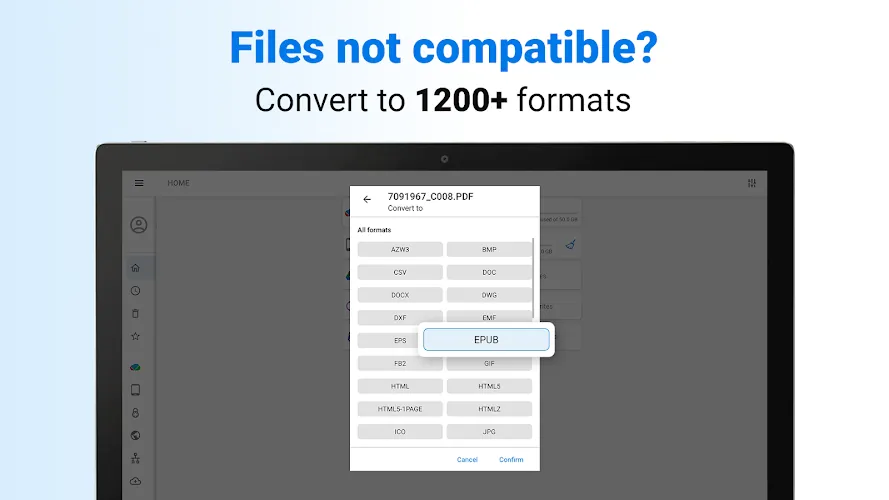
- Archive handling: Open and create ZIP and RAR files without leaving the app; extract content directly to chosen folders.
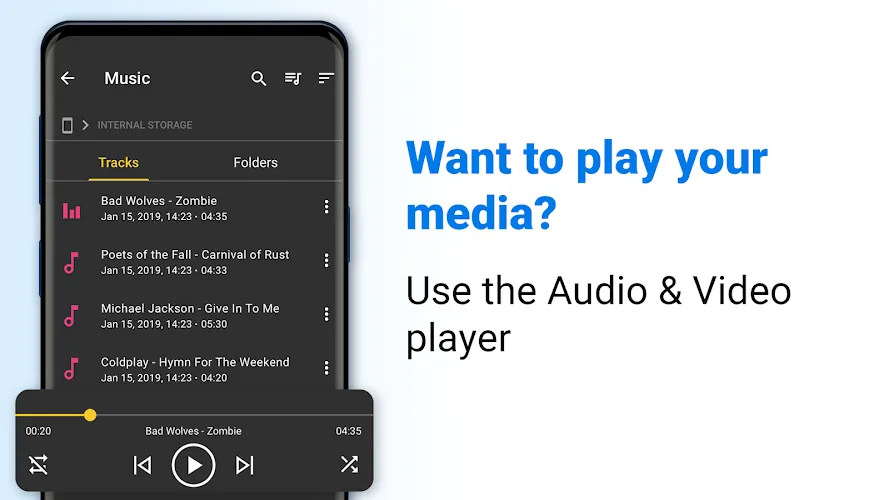
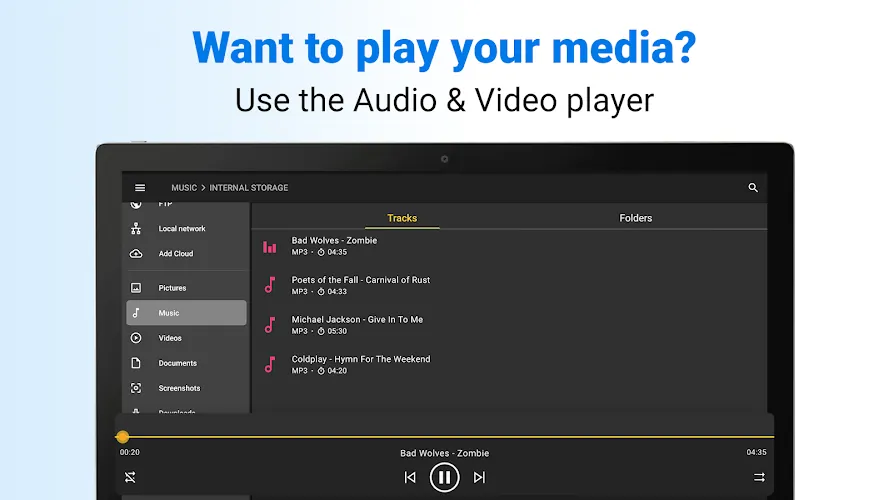
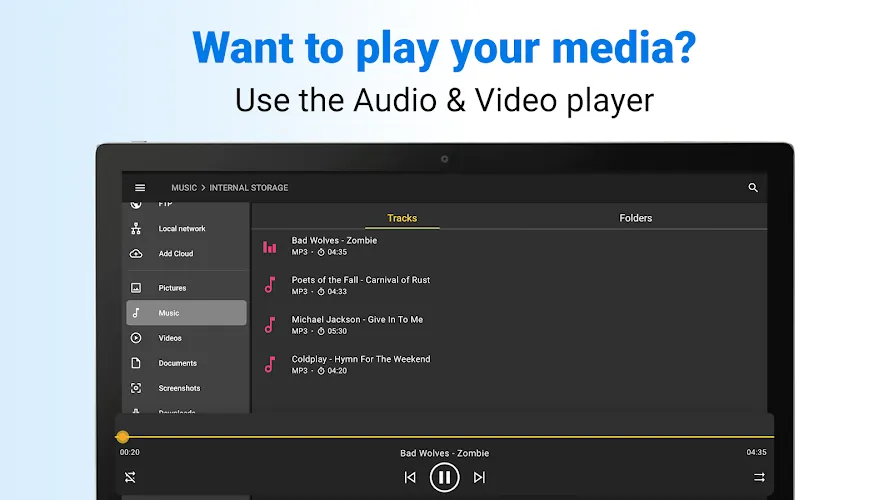
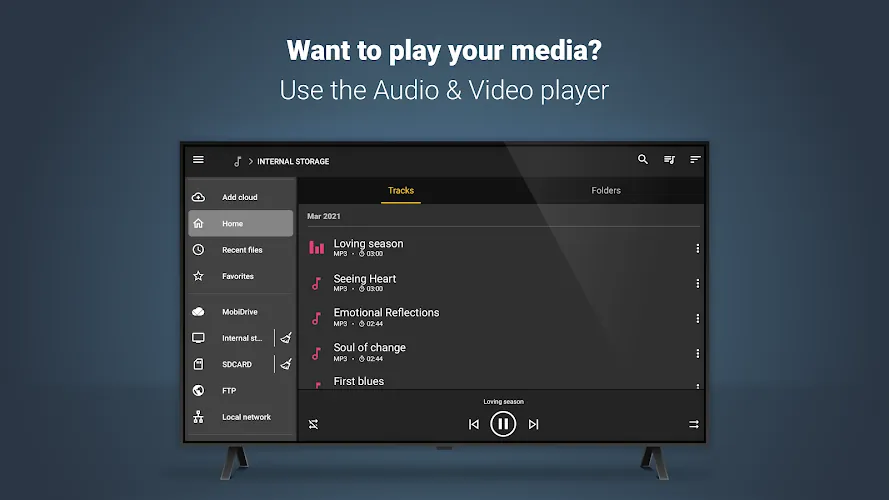
- Integrated text and media viewers: Preview documents, images, and audio files without launching external programs.
Security and the vault
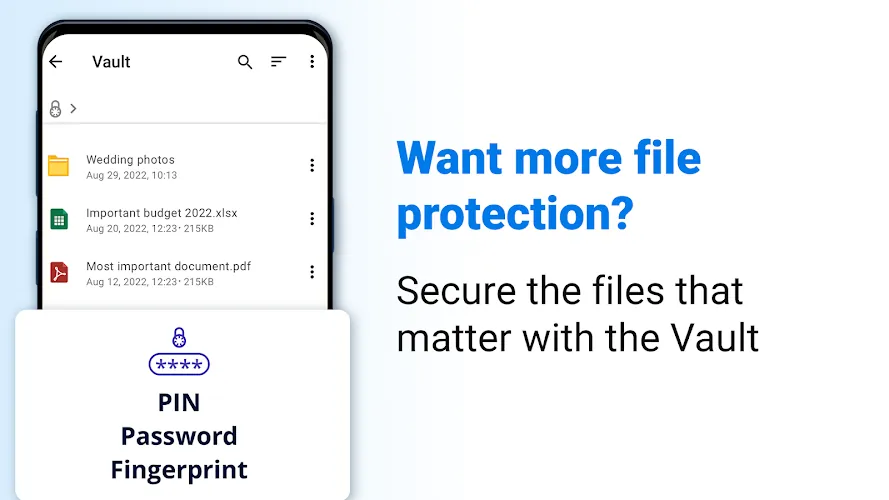
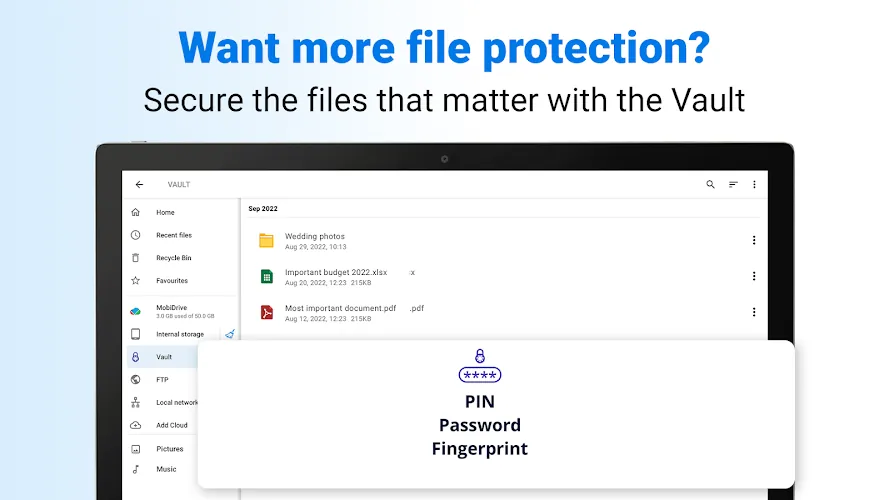
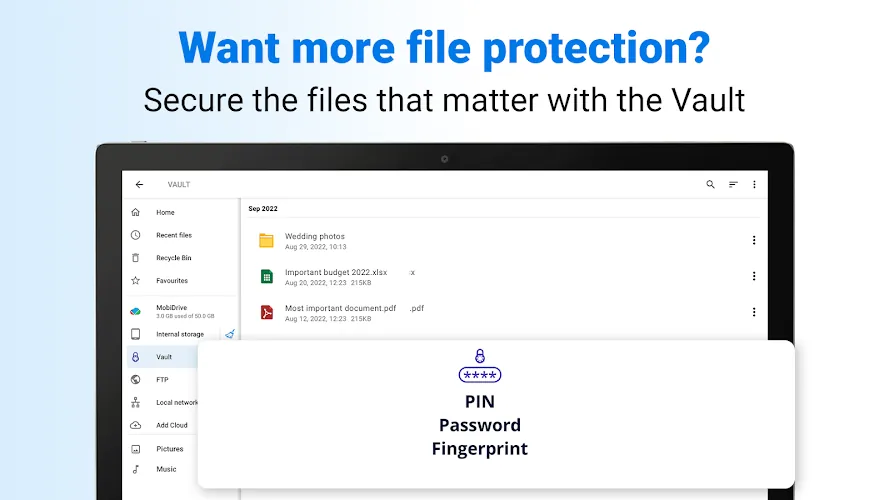
Security is central to the app’s appeal. The vault component uses local encryption to store photos, videos, and documents behind a PIN, pattern, or biometric lock. Vault items are hidden from other apps and the system gallery, and you can configure automatic re-locking after inactivity. File Commander Manager & Vault adds an extra layer by offering secure file shredding to remove traces of deleted content.
Cloud and network access
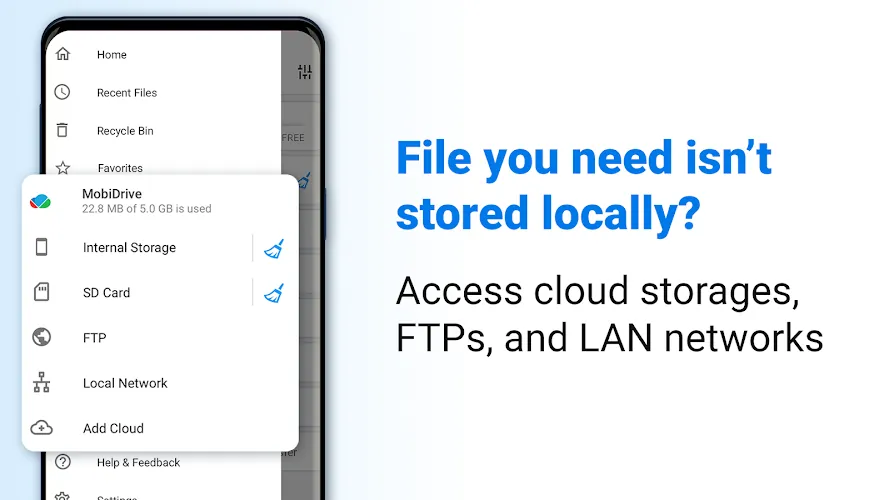
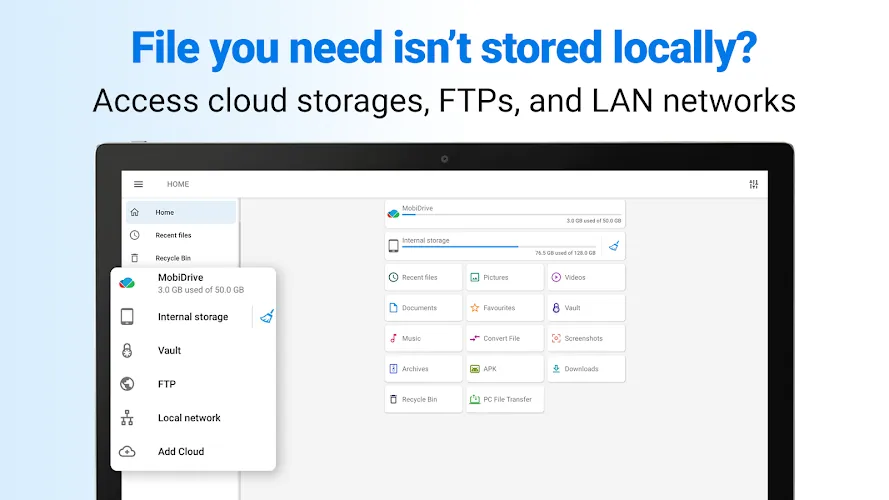
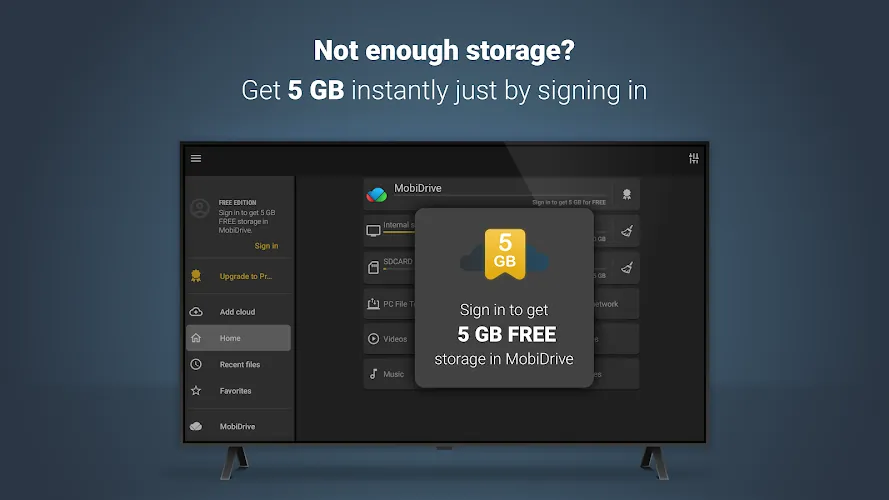
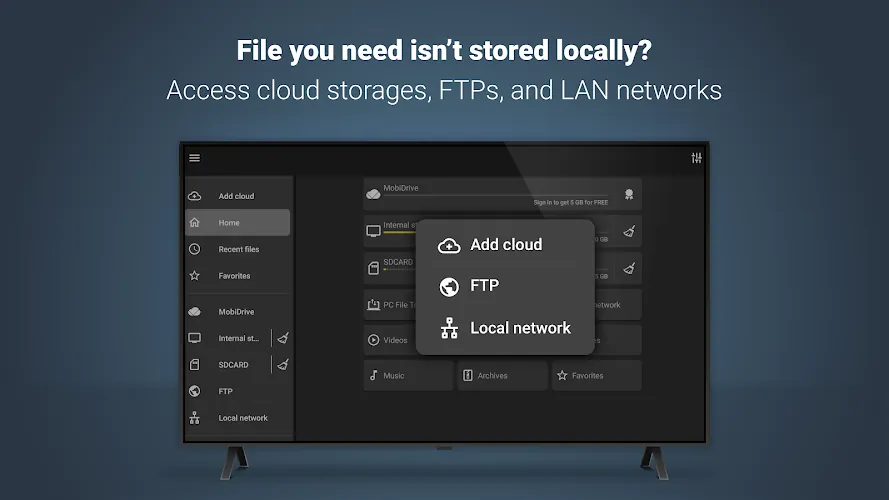
Beyond the device, the app supports major cloud providers and remote protocols. Connect to Google Drive, Dropbox, OneDrive, and FTP/SFTP servers to transfer files without switching tools. Sync folders between cloud and local storage on a schedule, or use manual transfers when you need control. Network-aware features make it simple to move large media libraries to a home NAS or a cloud backup.
Interface and performance
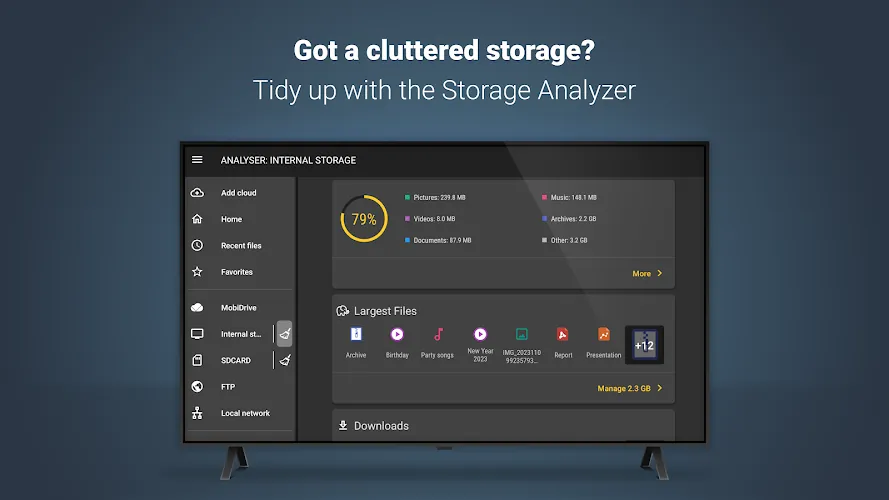
The user interface favors clarity and speed. A customizable toolbar places your most used actions within reach, while gesture controls enable quick selection and navigation. The built-in media indexer speeds up thumbnail generation for galleries. Performance remains steady even with large directories thanks to background threading and optimized file I/O.
Customization and workflow
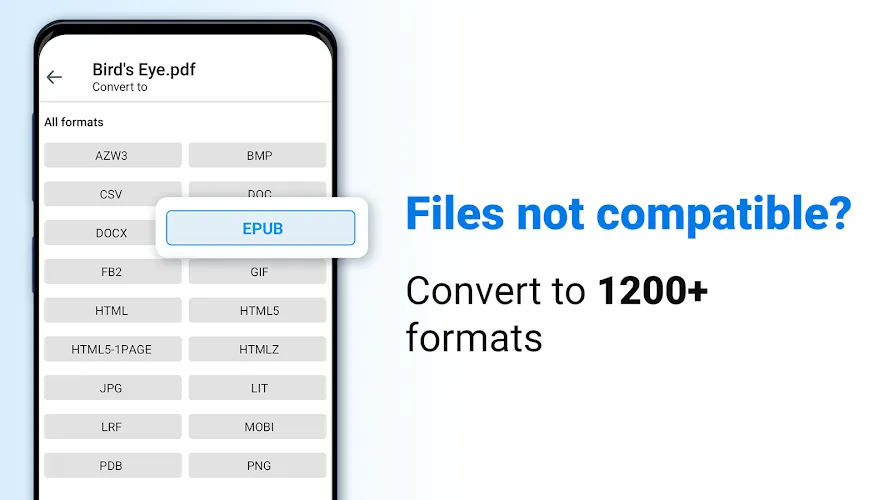
File Commander Manager & Vault adapts to different workflows. Switch between list and grid views, set default folder locations, and create shortcuts to frequently used directories. Power users will appreciate the ability to create custom file filters, set default archive formats, and launch tasks with Android intents for integration with other tools.
How to get started
Installation is straightforward from the Play Store or an APK source you trust. On first launch, grant storage permissions and configure the vault lock method. Spend a few minutes linking cloud accounts and setting your preferred home folder; these steps make routine tasks faster. If you manage lots of media, enable background indexing during an overnight period to avoid battery impact.
Practical tips for new users
- Set a vault recovery option: Add an email or fallback PIN to avoid losing access.
- Use batch rename: Rename camera photos or downloaded files in one pass to keep folders tidy.
- Schedule syncs: Automate backups to cloud storage during off-peak hours to conserve data.
- Test archive restores: Verify ZIP and RAR extraction for critical backups before deleting originals.
Why it stands out
Many file managers focus solely on browsing or cloud sync. File Commander Manager & Vault strikes a balance between utility and privacy. It gives everyday users simple tools for organization while providing advanced controls for those who need encryption, network access, and workflow automation. The combination of a responsive interface and practical security features makes it a reliable choice for managing mobile storage.
- No virus
- No advertising
- User protection
Information
- File size: 64.10 M
- Language: English
- Latest Version: 9.6.50965
- Requirements: Android
- Votes: 134
- Package ID: com.mobisystems.fileman
- Developer: MobiSystems
Screenshots
















Explore More
Make your house a home with our suite of helpful home apps. Discover clever tools to organize closets, streamline chores, and simplify cooking. Take the stress out of cleaning and maintenance with handy checklists and schedules. Enhance security and control appliances and lighting with our smart home integrations. Design, visualize, and renovate like a pro using our 3D planning software.

Metro Micro

All Recovery - Photos & Videos

Tax Calculator India 2024-2025

ClassPass: Fitness, Spa, Salon

OnDjoss

Park4Me

Scary sound effects

Home Workouts - Lose Weight





























